Compact Frame Vision Project | tutorial video made with ngram

About the video
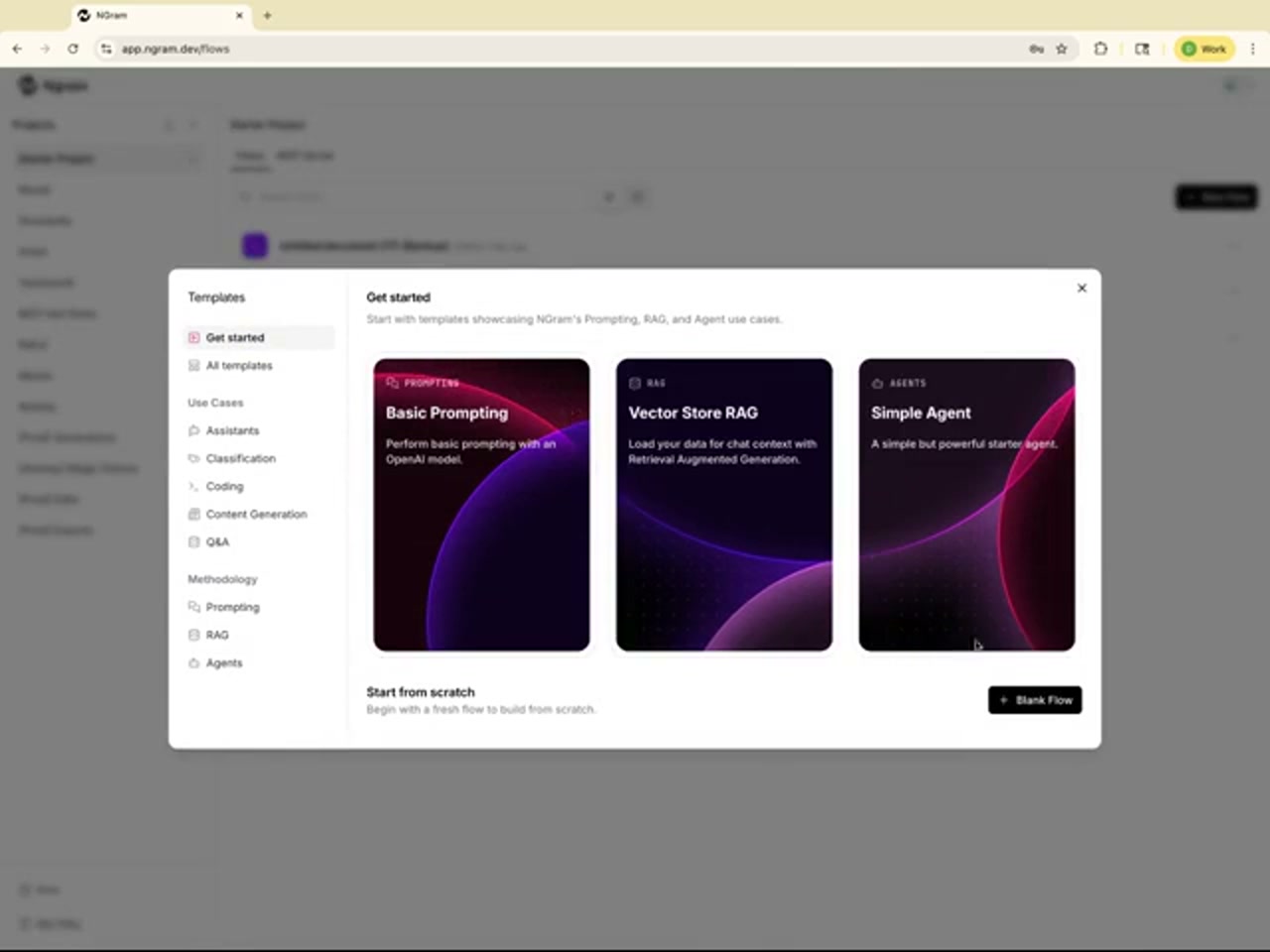
This tutorial video was made with ngram to walk through the NGram platform's flow-building interface. It opens on the sign-in screen at app.ngram.dev, where a user logs in with a username and password. The next screen shows a template gallery titled "Get started," presenting starter options such as Basic Prompting, Vector Store RAG, and Simple Agent, alongside use-case categories like Assistants, Classification, Coding, Content Generation, and Q&A, plus an option to begin from a blank flow. The final screen shows the flow canvas itself, where a "Video Input" component has been placed on the board. This component is labeled as a way to get video inputs from a URL on the Playground, with fields for a Video URL and a Video File output. The left sidebar lists available components, while the top toolbar offers options to Run Flow, open the Playground, or share the project. Together the frames illustrate the early steps of setting up a flow in NGram's builder: signing in, choosing a starting template or use case, and configuring an input node for video data before connecting it to further components in the pipeline.
- NGram
- Login Screen
- Flow Builder
- Templates
- Video Input
- Rag
- AI Agents
- Prompting