How to send money with Wise — a guide overview | made with ngram

About the video
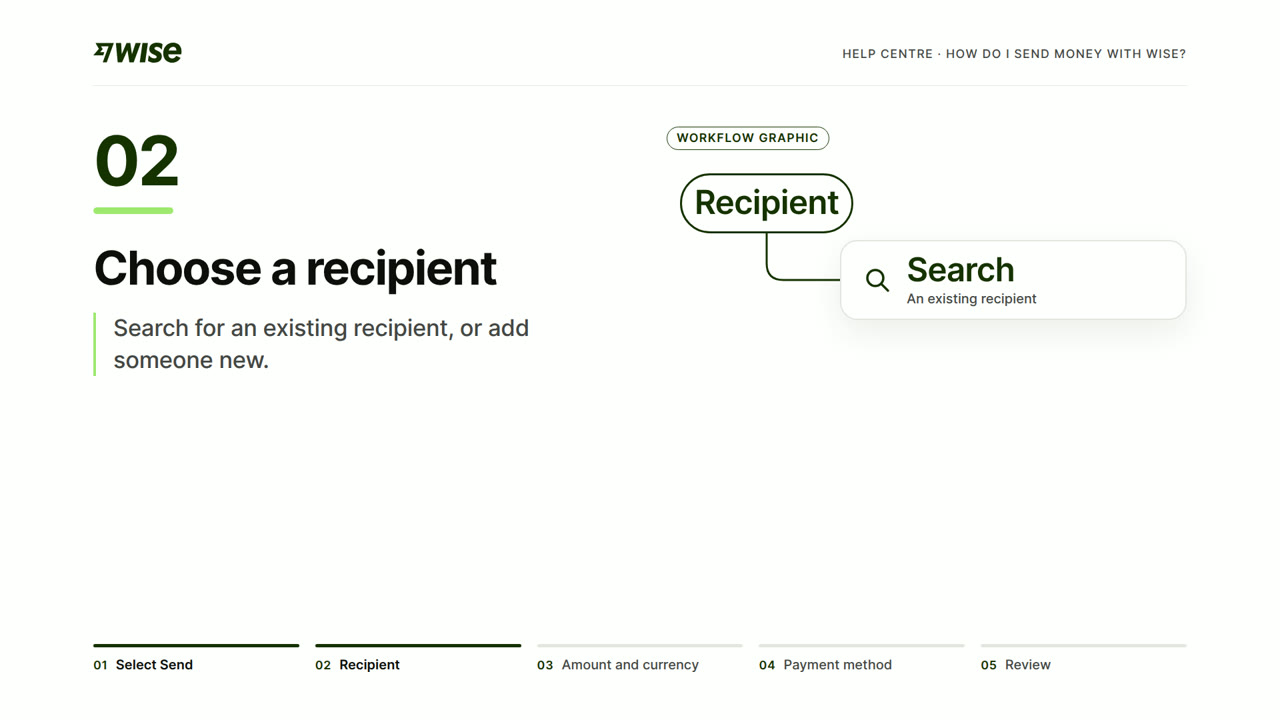
This video was created by ngram to walk verified Wise account holders through the steps of sending an international money transfer. Using HTML/CSS motion graphics, the video moves through a clear sequence of scenes: an opening context screen establishing that the viewer already has a verified account, followed by step-by-step scenes covering how to select Send from the Home screen, choose an existing or new recipient, enter the amount and choose a currency, select a payment method, and review the fees and delivery estimate for that method before confirming details are correct. The script emphasizes checking every detail before sending and directs viewers to the full guide at wise.com for further reference. The concrete takeaway for viewers is a repeatable five-step mental model for completing a transfer confidently: select, choose recipient, set amount and currency, pick payment method, and review fees and timing. ngram built the video by translating this narrated script into matching on-screen motion graphic scenes, each titled to mirror the step being described, in a 16:9 format suited for web or in-app playback. The overall tone is instructional and concise, designed to orient a first-time or occasional sender rather than cover edge cases or account verification itself.
- #wise
- #money transfer
- #fintech tutorial
- #payment walkthrough
- #currency exchange
- #guide overview
- #motion graphics