AI E-Learning Video Maker by ngram
AI E-Learning Video Maker for scalable training modules

Drop a PDF or PPTX deck
Course slides, lesson decks, training modules, workshop material, or facilitator notes
What it does
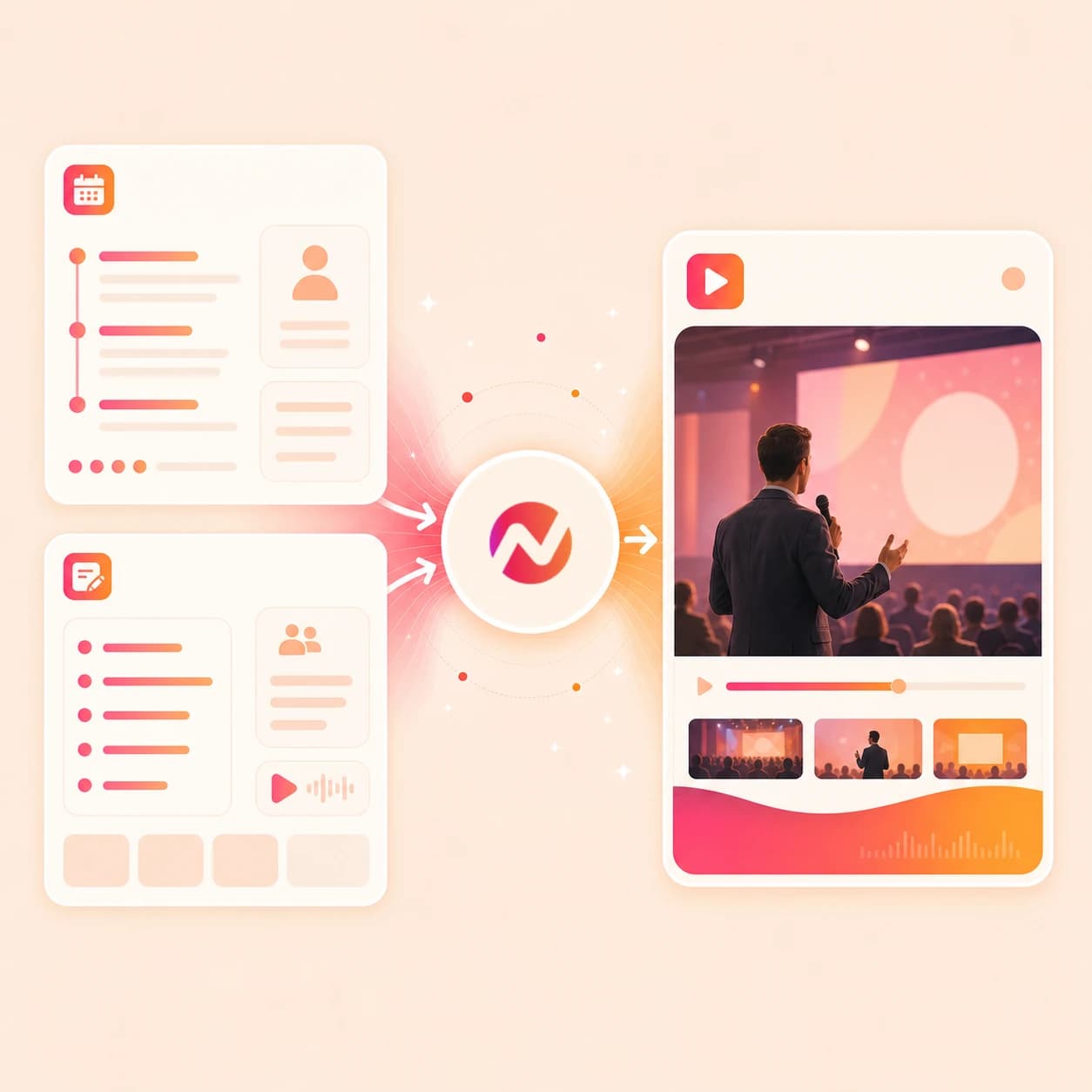
Turn existing learning material into narrated modules with captions and consistent brand treatment. Keep each lesson editable when policies, products, or training requirements change.
Trusted by teams at












How it works
From learning source to editable video module.
Start with the source your team already uses. ngram turns it into a reviewable plan before generating the video draft.
Add the learning source
Upload a PDF or PPTX deck, paste module notes, or add a public source URL. ngram reads headings, examples, slide order, objectives, and supporting context.
Source ready
Review the script and storyboard
The source becomes a scene plan with narration, timing, visual direction, recap moments, and callouts for steps or examples that need emphasis.
Plan reviewed
Generate the module draft
ngram builds the video with AI voiceover, captions, slide animation, motion graphics, branded intro and outro cards, and scene transitions tied to the approved script.
Draft generated
Edit and export versions
Rewrite a section, regenerate one scene, update captions, localize the script, or download the finished MP4. Prepare any alternate framing separately in the editor.
Ready to export
What it can do
What the AI e-learning video maker can build.
Use ngram when course, lesson, or training material needs to become a clear video module without losing source context or edit control.
Turn decks into module scenes
Convert a PowerPoint or PDF training deck into paced module scenes with narration, captions, and transitions tied to the visible slide content.
Convert PPT to VideoWrite scripts from notes and URLs
Lesson objectives, module outlines, scripts, storyboards, and public source URLs become a spoken explanation you can review before the video renders.
Learn more about script generationGenerate voiceover per scene
Pair the approved script with AI voiceover. Adjust pacing, set pronunciation guidance for terms, and regenerate narration after a module section changes.
Learn more about AI voiceoverCaption every lesson draft
Burn captions into each video by default, then edit the script and captions together when a definition, example, or product term needs clearer wording.
Learn more about captionsKeep module libraries on brand
Apply logo, colors, fonts, motion style, voice and tone, approved phrases, blocked phrases, intro cards, outro cards, and CTA treatment from Brand Kit.
Learn more about brand kitBuilt for online course lessons, training modules, and reusable learning assets
When it matters
Learning video workflows this tool supports.
These existing use cases match the lesson, course, tutorial, and training assets this page is built to turn into video.
Educator Course Content Video
Build course modules from lesson decks, PDFs, or outlines. The AI e-learning video maker keeps the script, storyboard, voiceover, captions, and exports editable for each module.
Open AI video use caseEducator Tutorial Video
Turn procedure notes, examples, and slide references into step-by-step teaching videos with narration, captions, and a draft you can revise when the lesson changes.
Open AI video use caseEducator Explainer Video
Use notes, diagrams, or source pages to explain a hard concept with motion graphics, voiceover, and recap scenes instead of sending another static handout.
Open AI video use caseEducator Lecture Recap Video
Convert lecture material into shorter recap videos for review. Decks and notes provide the structure while captions and voiceover make the recap easier to revisit.
Open AI video use caseCreator Course Content Video
Convert course outlines and module notes into branded video lessons for creator-led programs, with the same voiceover and export controls used for team training.
Open AI video use caseCreator Tutorial Video
Turn a how-to outline, script, or source URL into a polished tutorial video that can sit inside a paid course, member library, or public education channel.
Open AI video use caseTraining Video
Turn process docs, decks, and training notes into reusable learning modules with reviewed scripts, captions, voiceover, brand styling, and export-ready files.
Open AI video use caseCS Training Video
Create customer-facing training modules from feature notes, help docs, and walkthrough material so success teams can share the same explanation at scale.
Open AI video use caseHR Training Video
Build employee learning videos from handbook sections, policy notes, facilitator decks, or SOP text while keeping the final asset editable for future updates.
Open AI video use caseProduct stack
The product stack around e-learning video creation.
These features carry a learning source through planning, narration, captions, brand rules, draft editing, localization, and export.
Script Generation for lessons
Turns objectives, notes, URLs, and deck context into a reviewable script and storyboard before the e-learning video renders.
Learn more about script generationAI Voiceover for narration
Generates narration from the approved module script, with voice selection and pronunciation guidance for product terms or course vocabulary.
Learn more about AI voiceoverCaptions for every module
Adds burned-in captions that stay tied to script edits, useful for silent playback and learners who review a lesson line by line.
Learn more about captionsBrand Kit for learning libraries
Applies logo, colors, fonts, motion style, voice, tone, approved phrases, and blocked phrases across every lesson draft.
Learn more about brand kitVideo Editing after the draft
Lets teams rewrite script lines, adjust scenes, update captions, regenerate individual scenes, or use the timeline for direct edits.
Learn more about video editingTranslation & Localization
Translates scripts, captions, and on-screen text, then regenerates voiceover for localized lesson variants from the same source project.
Learn more about translationMore tools
Related tools for e-learning video workflows.
Use these existing tools when the learning asset starts as a deck, text, URL, recording, or finished video that needs captions or localization.
Course and lesson cluster
Turn e-learning source material into adjacent course, education, training, and deck-to-video workflows.
AI Course Video Maker
Use the course workflow when e-learning material needs a structured lesson sequence from decks, notes, PDFs, or URLs.
Open toolAI Educational Video Maker
Create a broader educational video from approved source material when the lesson is not tied to a formal course.
Open toolAI Training Video Maker
Turn the same e-learning source into a workplace training video with narration, captions, and reviewable edits.
Open toolPPT to Video
Convert an existing lesson deck or PDF into a narrated video draft before adding course-specific polish.
Open toolPolish and localize modules
Finish a generated lesson with captions, subtitles, voices, or translated versions.
Video Caption Generator for lesson clips
Add styled captions to e-learning videos so the module remains useful when learners watch without sound.
Open toolAdd Subtitles to Video
Burn subtitle lines into an existing lesson video, then edit the wording and style before exporting the final file.
Open toolVideo Translator for learning variants
Translate captions, script, on-screen text, and voiceover when the same module needs localized versions.
Open toolVoice Dubber for module narration
Replace the spoken voice in an existing lesson video with a different narrator or localized voice while keeping the project editable.
Open toolCreate adjacent teaching formats
Use a different starting point when the lesson needs a presenter, tutorial, or screen capture.
Tutorial AI Video Maker
Build step-by-step teaching videos from PDFs, URLs, screenshots, scripts, and storyboards.
Open toolPresenter AI Video Maker
Turn an approved lesson script into a presenter-led module with avatar, voiceover, captions, and brand treatment.
Open toolScreen Recorder
Record a walkthrough, then turn the raw capture into a captioned lesson with zooms, callouts, and brand styling.
Open toolText to Video
Paste a lesson outline, framework, or script and generate a video draft when there is no deck yet.
Open toolConvert
Convert learning sources into video.
These converter pages cover the source formats most likely to feed an e-learning video module.
Course to Video
Turn course outlines and module notes into a branded lesson video storyboard before building the full e-learning draft.
Open converterLesson to Video
Convert lesson plans, examples, objectives, or a PDF source into a narrated video lesson with captions and brand styling.
Open converterTraining Material to Video
Turn training docs, PDFs, decks, and text into a storyboarded video module that stays editable after the first draft.
Open converterWho it is for
Teams that use e-learning video modules.
These existing solution pages cover the teams most likely to turn decks, docs, and URLs into learning videos.
Educators and trainers
Turn lesson decks, outlines, and teaching notes into repeatable modules with captions, voiceover, and brand-consistent structure.
See educator workflowsContent creators
Build course lessons and tutorial modules from scripts or outlines while keeping narration, captions, and exports in one project.
See creator workflowsHR and internal comms
Convert onboarding notes, policy updates, and training decks into employee learning videos that can be updated later.
See HR workflowsCustomer success teams
Turn product education docs and customer training material into videos customers can rewatch without waiting for another live call.
See CS workflowsEnterprise teams
Use team workspaces, brand kits, content guardrails, and approved source material to keep module production consistent across departments.
See enterprise workflowsRemote teams
Turn async notes, wiki pages, and internal docs into watchable learning updates for teams spread across time zones.
See remote team workflowsSupport teams
Convert help docs and repeated how-to answers into short learning videos that make support knowledge easier to follow.
See support workflowsIntegrations
Connect e-learning video creation to your workflow.
Use live ngram integrations to start module drafts from approved sources or move finished learning videos into distribution workflows.
Zapier module intake
AutomationWhenA course brief, form response, or project-board item is approved for a new learning video
ThenStart an ngram draft with the source notes, audience, and requested format already included
MCP agent workflow
AgentsWhenAn AI agent plans a lesson update from a deck, doc, or source URL
ThenCall ngram to create or retrieve the matching e-learning video job as part of the same agent run
Chrome source capture
BrowserWhenYou are reviewing a public lesson page, help article, or product education page in Chrome
ThenSend the page to ngram as source context for an editable video module draft
n8n training pipeline
Self-hostedWhenA self-hosted content workflow receives approved training notes or a lesson outline
ThenSend the source into ngram, watch for completion, and store the render status in your workflow
YouTube
BetaWhenThe e-learning module video has cleared review for YouTube.
ThenCompose the YouTube post, then schedule the next e-learning module video in the series.
Why ngram
How ngram handles e-learning video creation.
The right workflow depends on whether you need a video-first module, a course shell, a manual edit, or a recorded explanation.
| Compare | ngram | Course authoring tools | Template video editors | Screen recording workflows |
|---|---|---|---|---|
| Workflow fit | Starts from PDF, PPTX, notes, scripts, storyboards, and public URLs, then turns the source into a script and storyboard. | Useful for arranging lessons, quizzes, pages, and navigation inside a course product. | Good for hand-designing a short lesson from prebuilt scenes, stock layouts, and manual text edits. | Record a teacher, trainer, or expert explaining the material in one take. |
| How ngram fits | Keeps voiceover, captions, brand kit, editing, localization, and MP4 export in the same project. | Often treat video as embedded media, so the actual video draft still has to be produced in another tool. | Require more manual work to carry over deck notes, narration, captions, and updates across a module library. | Quality depends on microphone, pacing, slide clicks, screen clarity, and the time available for post-production. |
| Best use | Best when e-learning modules need source context, review before render, and later revisions from the same draft. | Best when the main job is course structure, with video production handled as a separate step. | Best for one-off creative cuts, less suited to repeat e-learning videos owned by a team. | Best when the live explanation matters more than a reusable source-backed script and storyboard. |
FAQ
AI E-Learning Video Maker questions.
Answers for course, lesson, and training module workflows.
AI E-Learning Video Maker turns learning sources into video
Bring the deck, notes, PDF, or source URL. ngram builds the script and storyboard first, then generates an editable learning video with voiceover, captions, brand kit, and export controls.
Start with the source you already trust.
Use your own deck, notes, or URL.