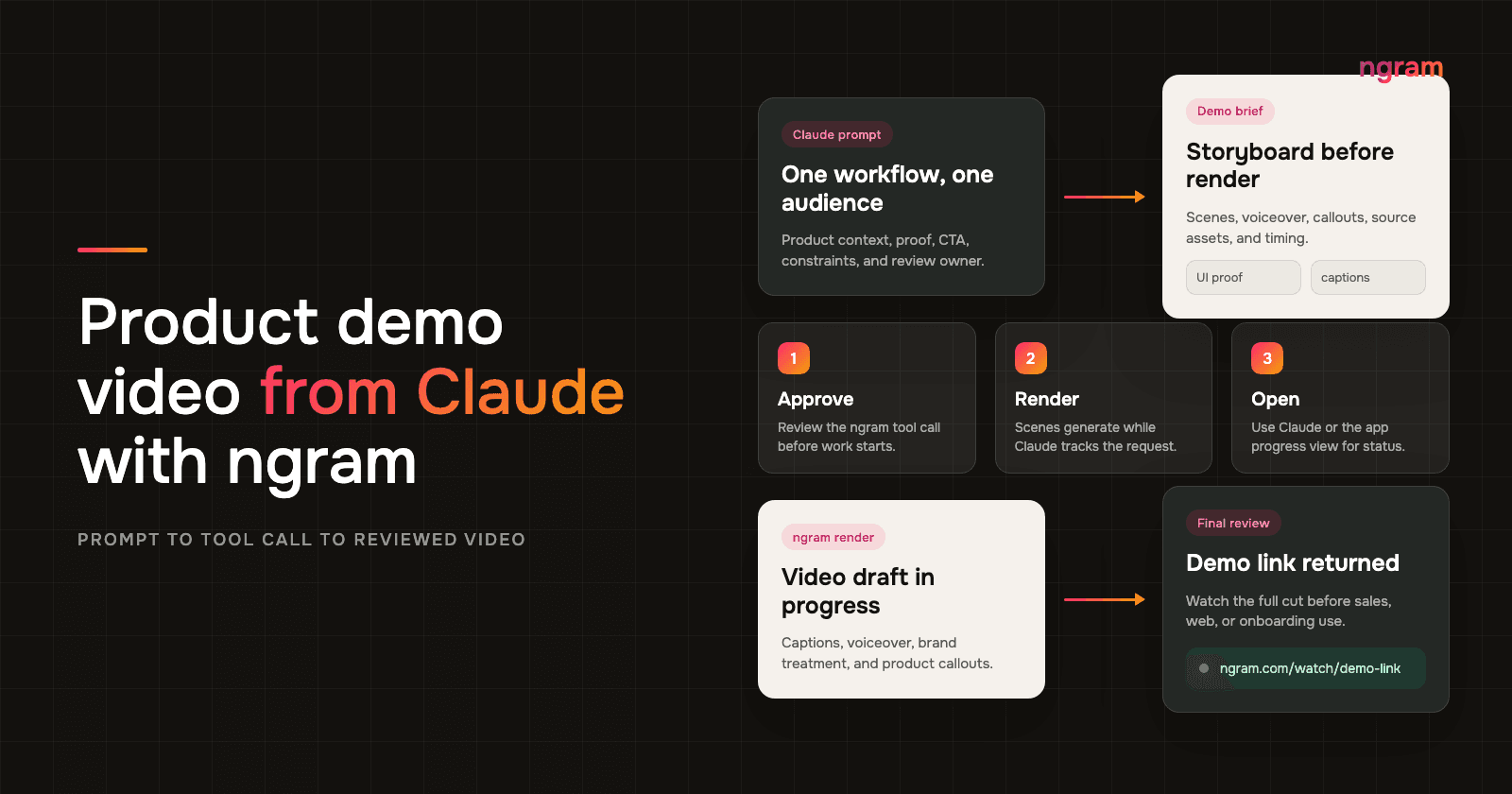

Codex video generation is useful when the product context already lives inside Codex and the ngram MCP server is available: specs, release notes, docs, screenshots, or a rough product walkthrough. The assistant thread has the details that usually get lost when someone asks marketing to make a demo from a Slack thread.
This is not a normal ChatGPT web prompt. Use Codex app/web or Codex CLI after the ngram MCP server is connected, then let Codex call ngram from that tool-enabled environment.
The hard part is not asking for "a product demo video." The hard part is turning technical context into buyer-facing proof without making vague feature claims. A good demo shows the workflow, the product behavior, the before state, the useful outcome, and the review points that keep the video honest.
OpenAI describes OpenAI's Codex MCP docs as a coding agent that can work in local and configured Codex environments. This guide keeps the workflow practical: Codex plans and checks the product context, while the ngram MCP tool creates the reviewed demo video output.
Why Codex video generation needs product proof
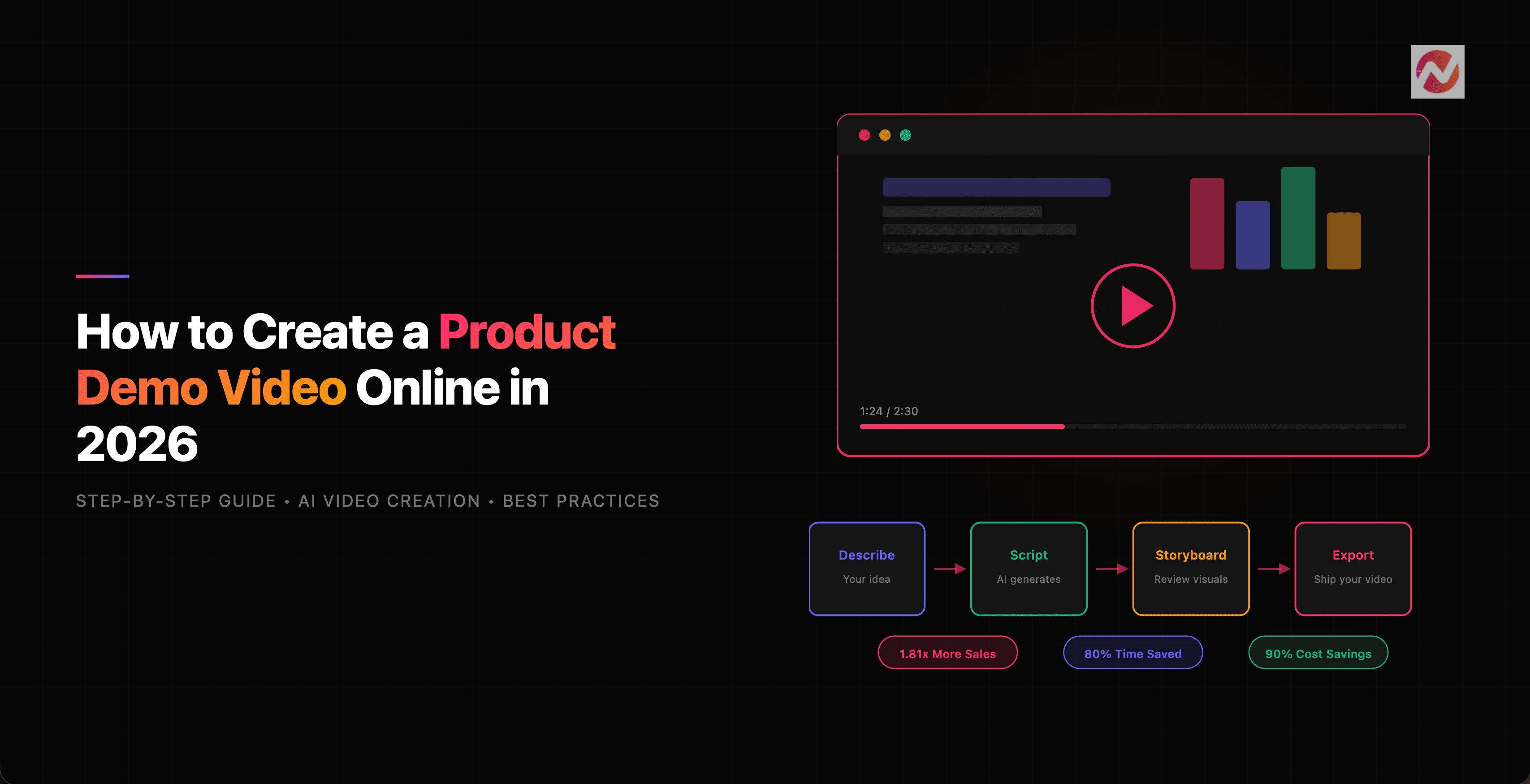
Product demo videos are common because teams need proof that a feature does what the release note says. Wyzowl's 2026 video marketing survey found that 91% of businesses use video as a marketing tool, 39% of video marketers have created product demos, and 17% have created app demo videos. That puts a product demo video in the normal GTM toolkit, not in the nice-to-have pile.
The buyer-side data is sharper. Wyzowl reports that 96% of people have watched an explainer video to learn about a product or service, 85% have been convinced to buy after watching video, 80% have bought or downloaded an app after watching an app demo video, 89% say video quality affects brand trust, and 63% prefer a short video when learning about a product or service.
The same pattern shows up in B2B content and engineering workflows. Content Marketing Institute's 2025 B2B research says videos were rated the most effective B2B content type at 58%. Demand Gen Report's 2024 buyer research found that 67% of buyers valued short-form content, while 51% said content was too generic or irrelevant. For technical teams, Stack Overflow's 2025 Developer Survey found that 84% of respondents use or plan to use AI tools in development. In other words, the Codex context is where the work happens, and the demo video is how the work gets understood outside the engineering thread.
Sales teams also need video proof because buyers ask for more evidence before they decide. Salesforce's 2026 State of Sales report says 69% of sales professionals see measurable ROI as more important to customers than last year, 67% say customers require extensive education, and 57% say customers take longer to decide. A reviewed demo video gives those buyers something concrete to inspect.
Prerequisites
Before you ask Codex to create the demo, gather the inputs that keep the video specific. The best source material is the material your team already trusts.
- A product spec, PRD, release note, changelog, ticket, diff summary, or doc that names what changed.
- Screenshots, a screen recording, a product URL, or a short description of the workflow the video must show.
- The audience, channel, target length, CTA, claims to avoid, and person who must review the final demo.
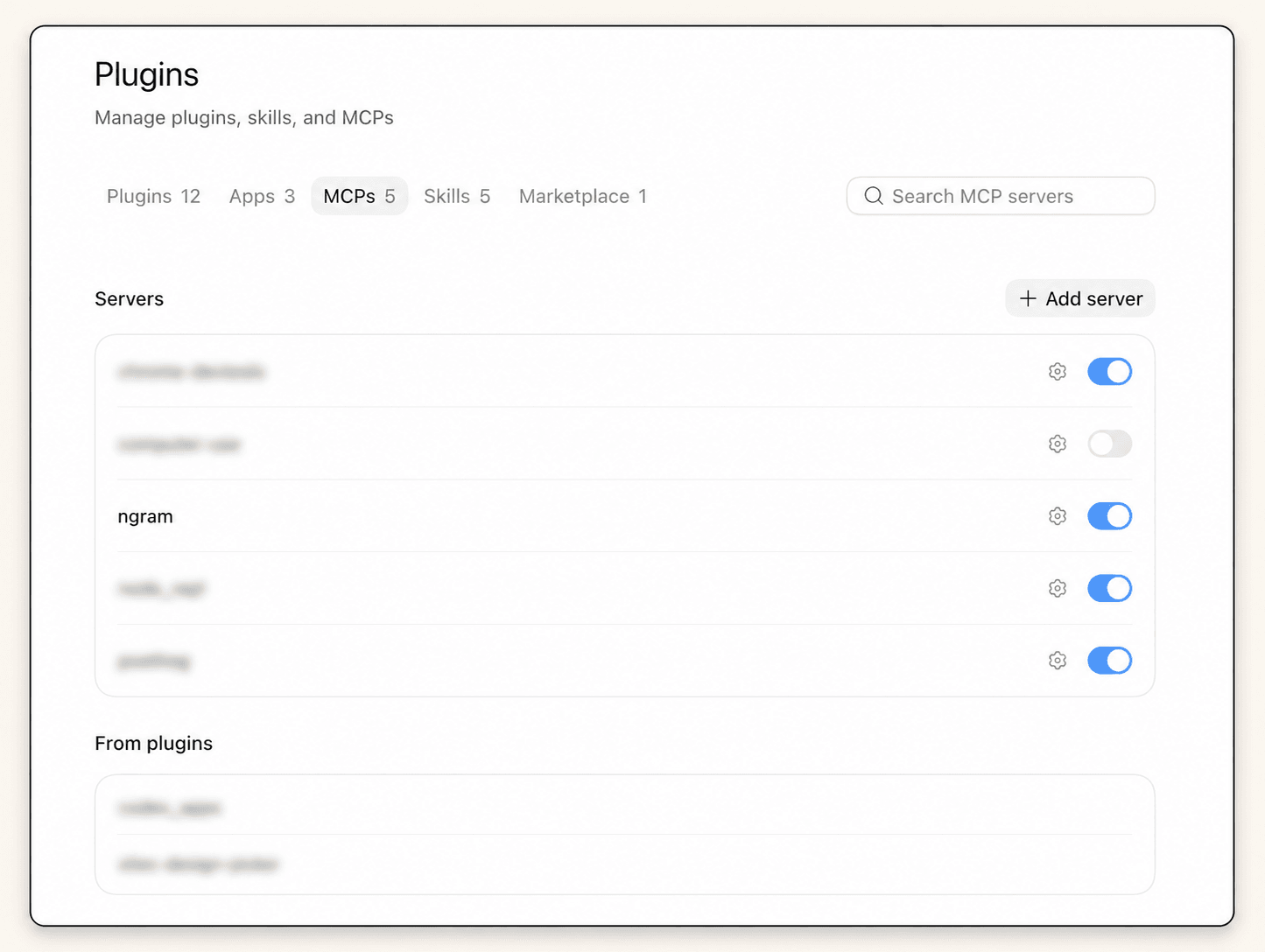
- An ngram account and a Codex app/web or CLI environment where the ngram MCP server is configured, authenticated, and enabled.
The Codex to ngram handoff pattern
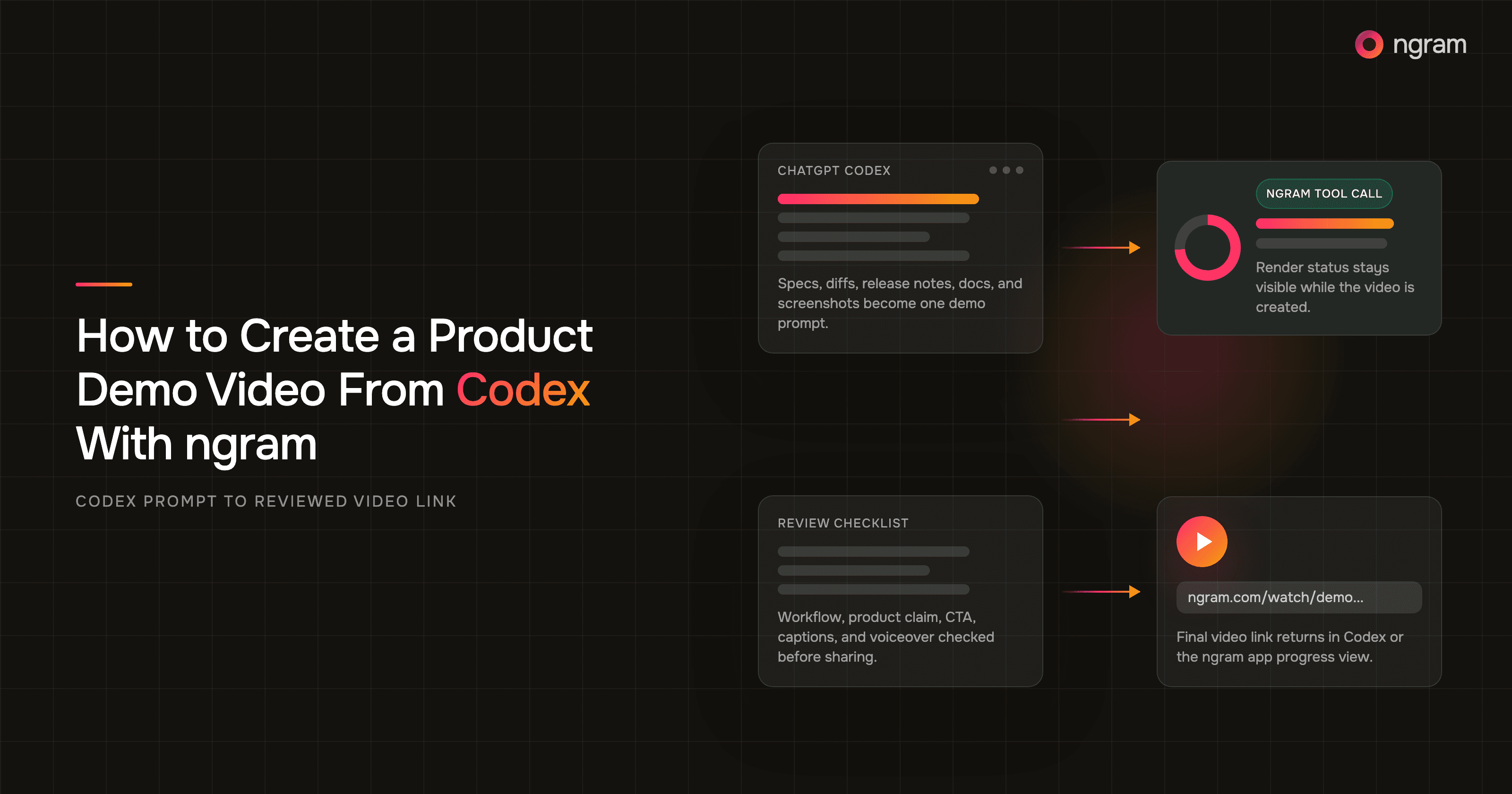
The surface mechanics are simple: prompt Codex with product context, confirm ngram MCP tools are available, let Codex make the tool call, watch the status or result, wait for rendering, then use the final ngram link returned in Codex or the app progress view. Rendering can take around 15 to 20 minutes, so do not promise a same-minute result to a stakeholder.
Setup note: this is an MCP connection workflow. Normal ChatGPT web is not the place to add a custom ngram MCP server. Use a supported Codex surface or managed hosted setup where ngram is available. The ngram MCP connection for Codex and other supported clients is the background plumbing. The public demo prompt does not need to teach the reader protocol details.
How to create a product demo video from Codex with ngram MCP
Step 1: Collect the product proof
Start with the product behavior, not the script. Ask Codex to summarize the actual workflow from the spec, diff, release note, or doc. Then ask it to list what the viewer should see on screen and what claims need proof.
Step 2: Write the demo prompt in Codex
The prompt should carry enough product context for a useful first cut. Include the user problem, the product path, the proof point, the CTA, and the review rule. If the prompt reads like a feature list, ask Codex to rewrite it as a workflow.
Create a 60 to 90 second product demo video with ngram.

Audience: technical founders, DevRel, PMs, and product engineers.
Source context: use the spec, release notes, diff summary, and attached screenshots in this Codex thread.
Workflow to show: [name the product path and the before to after state].
Proof to include: [what must be visible on screen].
Tone: practical, specific, not hype.
Avoid: unsupported claims, fake UI details, automatic publishing, and any claim not visible in the product context.
CTA: [one next step].
Review rule: return the ngram status and final link, then remind me to review the video before sharing.
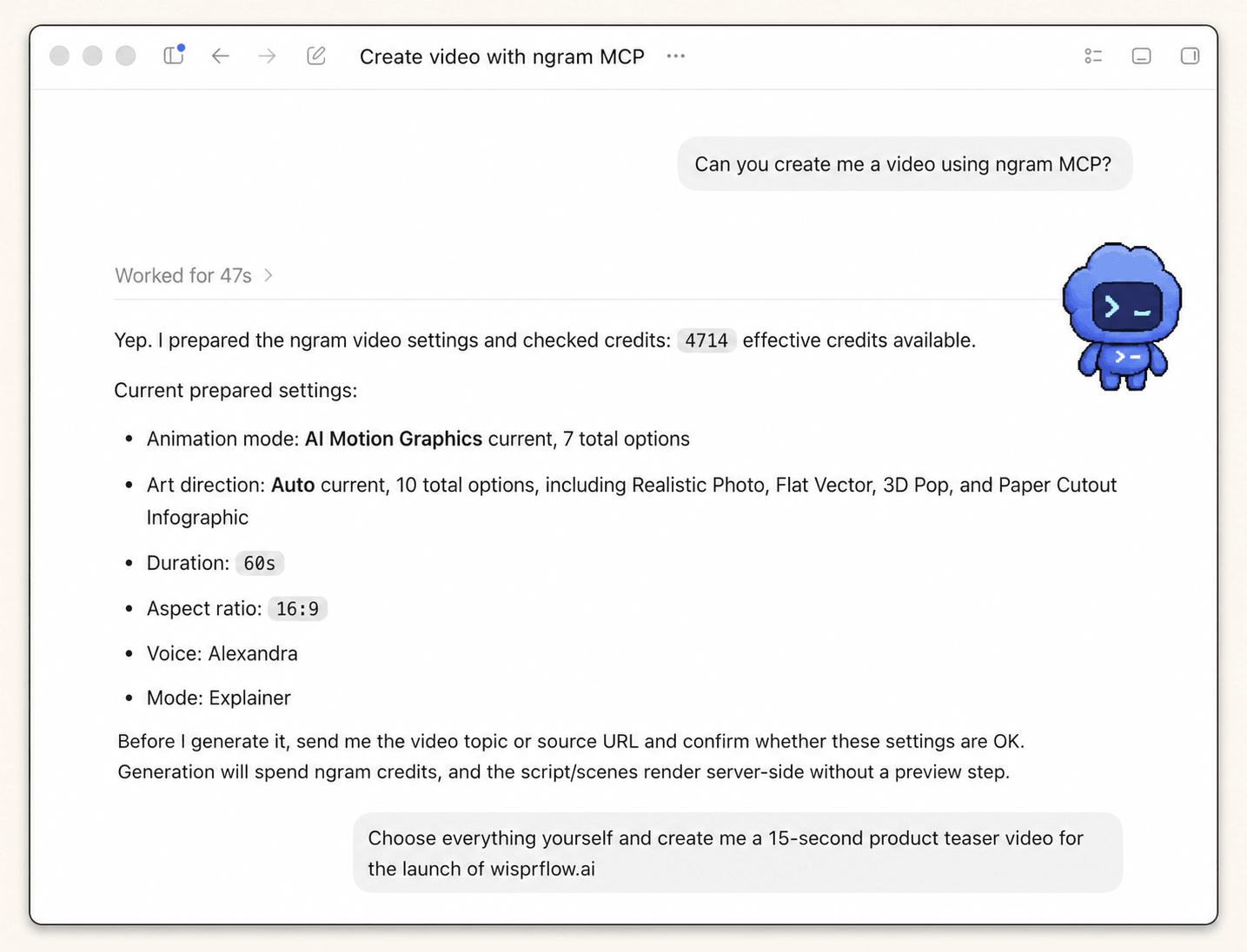
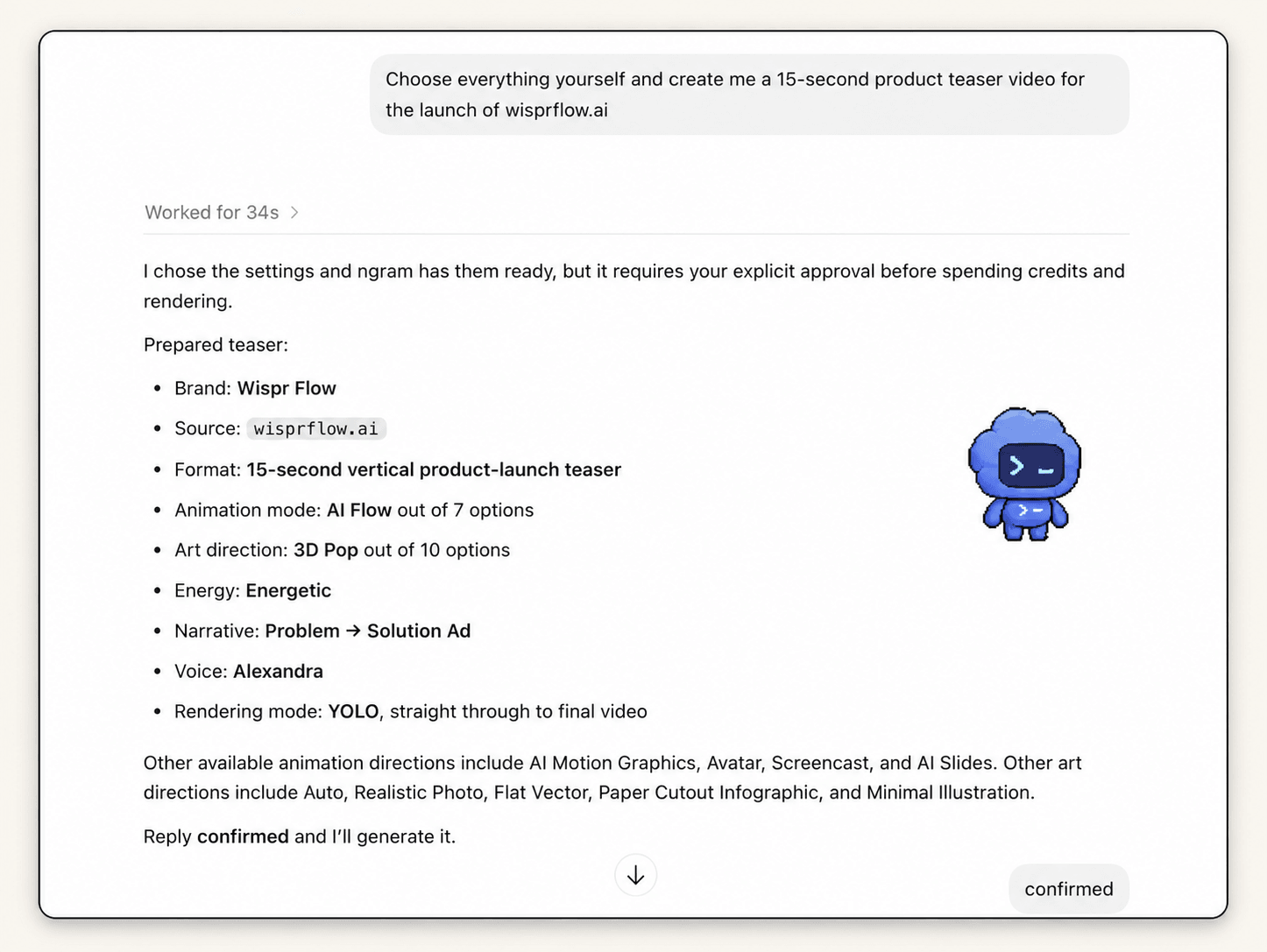
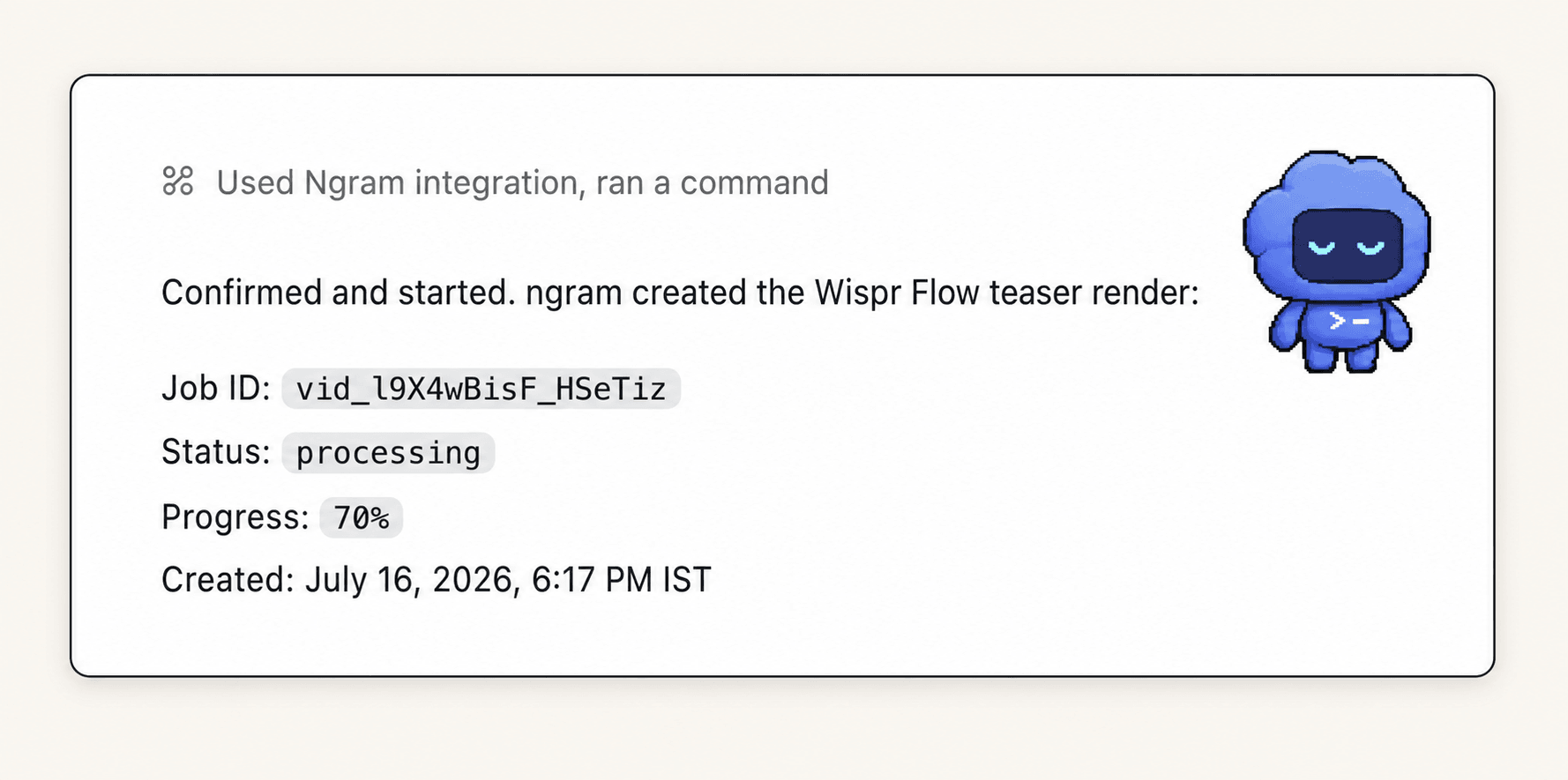
The next three screenshots reuse one approved product-launch run to demonstrate the shared Codex-to-ngram settings, approval, execution, and progress flow. They do not show a demo-specific prompt or output; the demo-specific brief is the prompt above.
Step 3: Ask Codex to check the available ngram MCP tools
Before starting the render, ask Codex to confirm that the ngram MCP server is connected and that the relevant tools are available for the current task. If the tool list is missing, stop and fix the connection instead of rewriting the prompt. ngram MCP tools can be used from supported MCP-capable tool and agent environments, but the exact UI depends on the workspace setup.
Step 4: Start Codex video generation with ngram
Once the prompt is reviewed, let Codex call the ngram MCP tool. The tool call should include the demo brief, source context, audience, target length, and output goal. The ngram integrations surface exists so this handoff can happen from the workflow your team already uses.
Step 5: Wait for the render
Treat rendering as an async step. Codex can show the MCP tool status or result, and the ngram app can be opened to track progress if you want a visual progress view. Plan for around 15 to 20 minutes before the final link is ready.
Step 6: Review the final video link
When the final link returns, review the video before sending it to a prospect, customer, launch channel, or help center owner. ngram can create the video draft and return the link, but the product team should still check the workflow, UI state, claims, timing, voiceover, captions, and CTA.
If you are starting from scratch rather than from a Codex thread, the ngram AI video generator gives the same product-video workflow a direct entry point.
A stronger demo prompt example
Use ngram MCP to create a product demo video from this Codex context.

Goal: show how our new [feature/workflow] solves [specific user problem].
Audience: [technical founder, DevRel, PM, product engineer, buyer persona].
Source material: [release notes, PR diff summary, product spec, screenshot list, screen recording, docs URL].
Opening: name the problem in one sentence.
Middle: show the workflow in the product, with visible UI proof for each claim.
Ending: summarize the outcome and use this CTA: [CTA].
Constraints: keep it 60 to 90 seconds, avoid unsupported claims, do not invent screens, and keep the language specific.
After the tool call: report status, render progress if available, and the final ngram video link when ready.
The useful part of this prompt is the review rule. It tells Codex that the job is not done when a script exists. The job is done when ngram returns a link and the owner can review a real demo video.
QA checklist before sharing the video
- Workflow accuracy: the product path appears in the right order and matches the current product.
- Proof quality: every product claim is visible, cited by the source material, or removed.
- Audience fit: a founder, DevRel lead, PM, or product engineer can understand the value without reading the original spec.
- Brand and polish: captions, voiceover, pacing, callouts, and CTA feel intentional.
- Distribution readiness: the final link is reviewed before it appears in a launch post, sales follow-up, docs page, or customer email.
Common mistakes to avoid
- Starting with a generic marketing prompt instead of the product workflow.
- Asking Codex to invent UI details that are not in the spec, screenshots, docs, or recording.
- Treating the returned video link as approved before product, marketing, or DevRel reviews it.
- Trying to cover every feature in one demo instead of one workflow for one audience.
- Forgetting to open the app progress view when a stakeholder wants to know where the render is.
FAQ
Can Codex create a product demo video with ngram?
Yes, when the ngram MCP server is connected in a supported Codex environment. Codex can use the product context in the thread, call the ngram MCP tool, show status or result details, and return the final video link when rendering is done.
How long does Codex video generation take with ngram?
Plan for around 15 to 20 minutes for the render. The exact wait depends on the requested video, source material, and queue state, so use Codex MCP status or the ngram app progress view instead of guessing.
What source material should I give Codex?
Give Codex product context that can be checked: release notes, specs, diffs, docs, product URLs, screenshots, or a screen recording. The more concrete the source material, the less room there is for a vague feature claim.
Should I publish the final video automatically?
No. Route the final ngram link to a reviewer first. Product demo videos show real product behavior, so a product, marketing, DevRel, or sales owner should check the workflow and claims before the video is used.
Can product engineers use this for release notes and diffs?
Yes. Release notes and diffs are useful because they explain what changed, but the prompt still needs audience, workflow, proof, and CTA. Codex should translate the technical context into a viewer-facing story before ngram renders the video.
What should I do if the ngram tool call returns an error?
Read the status or error in Codex, then check whether the MCP connection, account access, source material, or prompt fields are missing. If the render started but is not finished, open the app progress view before retrying.