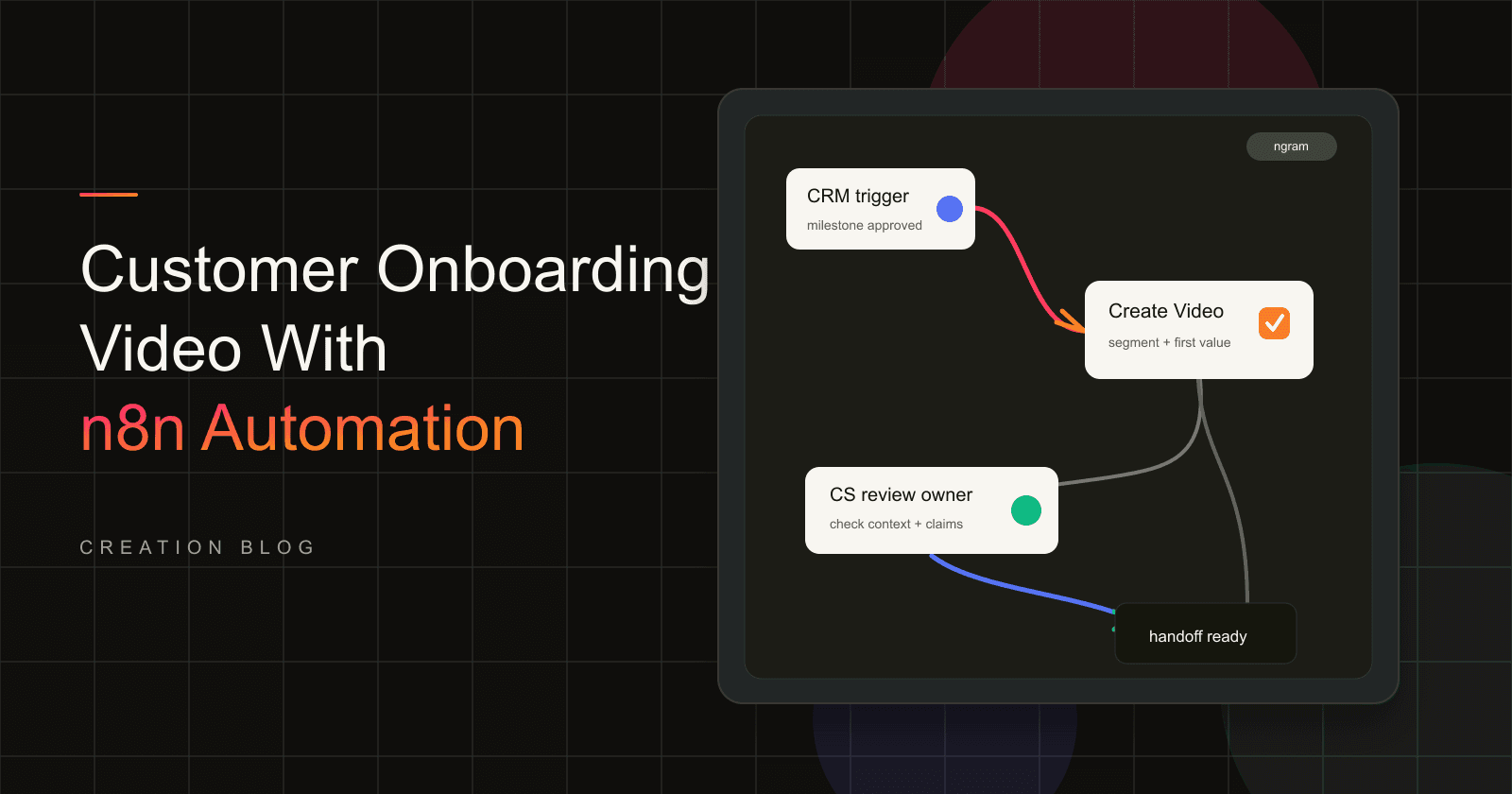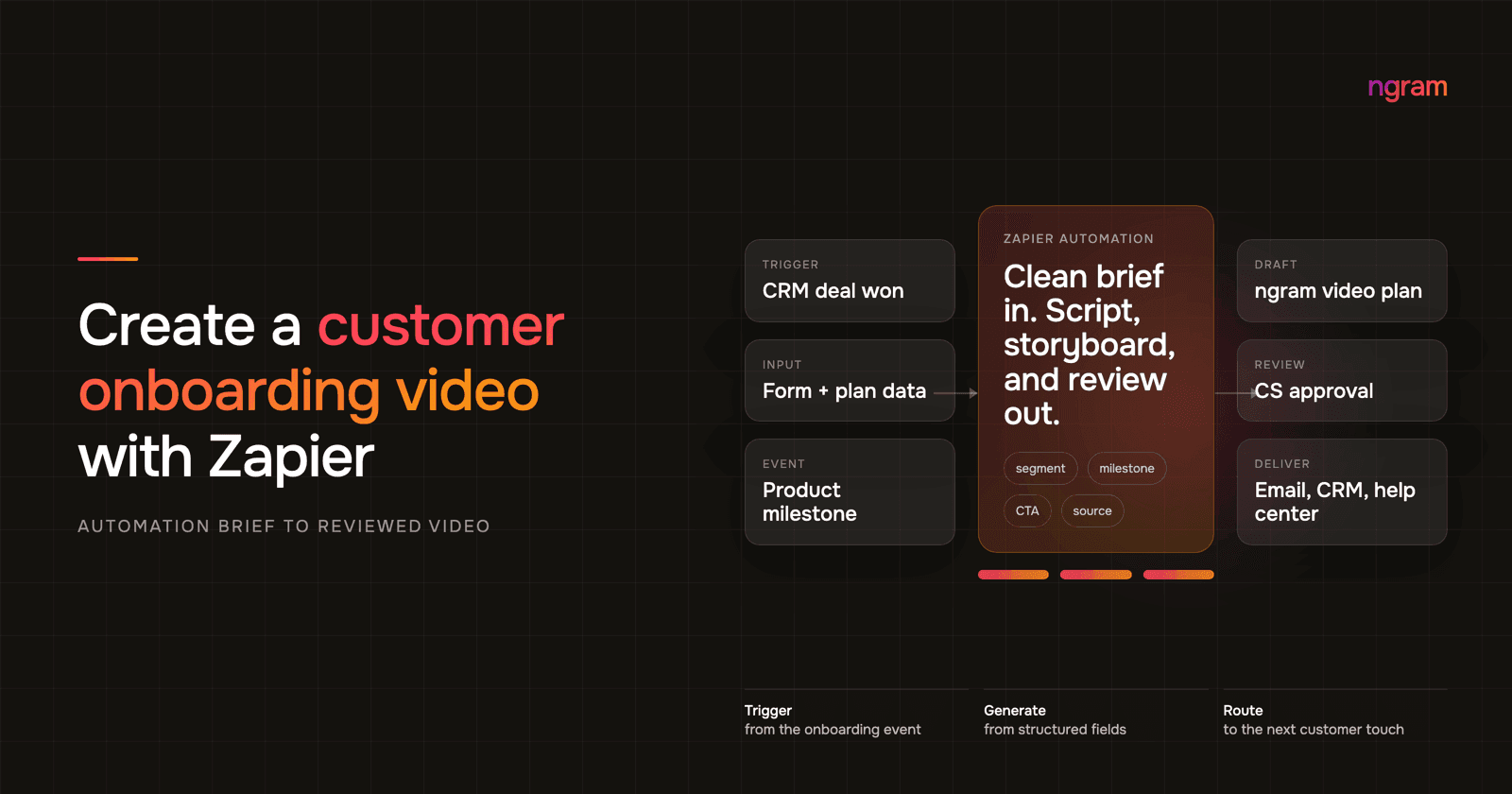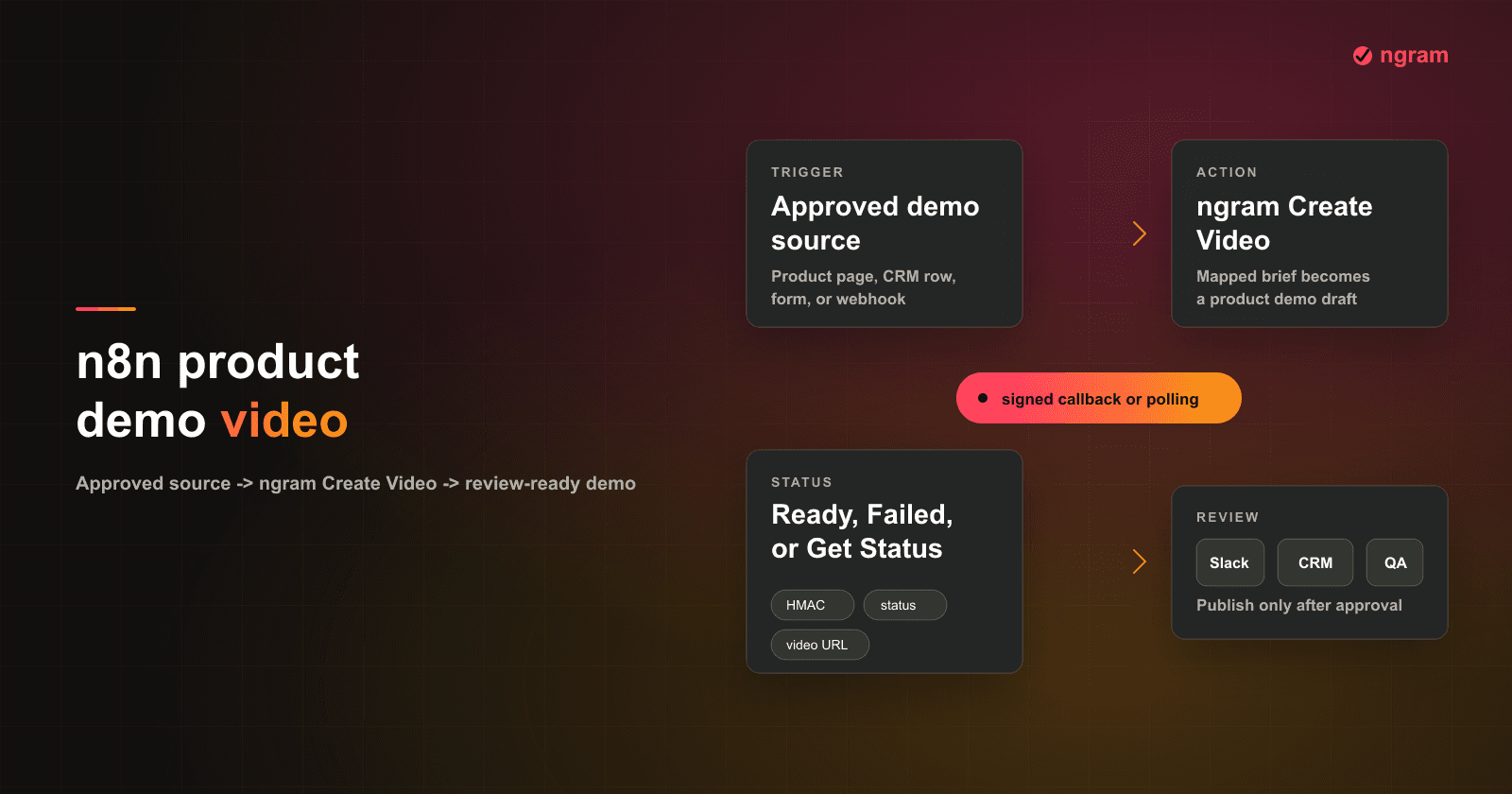

A product demo video gets painful when every request becomes a new recording session. One rep needs a prospect-specific walkthrough. Marketing needs a website version. Onboarding needs the same flow with a different CTA. Product ops has the source material, but nobody wants to rerecord and edit the same demo every time a brief changes.
That is where n8n workflow automation fits. If your approved demo inputs already live in a CRM stage, CMS item, database row, or form submission, self-hosted n8n can pass those fields into ngram and create a product demo video draft for review.
This guide uses the ngram n8n integration for n8n video generation. The goal is not to publish unattended videos. The goal is a governed workflow that turns approved product proof into an editable ngram draft, then routes the link to the right owner.
Why product demo videos matter
Product demo videos matter because they carry proof. A static feature page can describe what changed, but a demo shows the workflow, the UI, the order of steps, the before state, and the outcome. That makes the message easier for buyers, reps, onboarding teams, and internal stakeholders to reuse.
The data backs up the pain. Wyzowl's 2026 video marketing report says 91% of businesses use video as a marketing tool, 39% of video marketers have created product demos, 37% have created sales videos, and 17% have created app demo videos. The same report says 59% create video in house, while 10% use outside vendors exclusively and 32% use a mix. That is exactly the operating gap n8n can close: repeatable intake and routing around the work your team already approves.
| 2026 data point | What it means for GTM ops | Source |
|---|---|---|
| 91% of businesses use video as a marketing tool | Video is already a normal GTM asset, not an experimental format. | Wyzowl 2026 |
| 39% of video marketers have created product demos | Demo videos are common enough to standardize, but specific enough to need good source fields. | Wyzowl 2026 |
| 63% of video marketers use AI video tools | AI is already inside video production, so the workflow question is governance. | Wyzowl 2026 |
| 92% plan to spend the same or more on video marketing in 2026 | Teams need repeatable production capacity instead of one-off editing favors. | Wyzowl 2026 |
| 38% say video costs are increasing | Manual recording and editing should be reserved for moments that need it. | Wyzowl 2026 |
| 82% say video marketing gives good ROI | There is a business case for making the draft process more dependable. | Wyzowl 2026 |
| 71% say videos between 30 seconds and 2 minutes work best | The workflow should pass a target length instead of leaving every draft open-ended. | Wyzowl 2026 |
| Top ROI content formats are short-form video at 49%, long-form video at 29%, and live video at 25% | HubSpot's 2026 marketing data puts video formats at the top of the ROI list. | HubSpot 2026 |
The buyer-side numbers are the stronger argument. Wyzowl reports that 96% of people have watched an explainer video to learn about a product or service, 85% have been convinced to buy after watching a video, 80% have bought or downloaded an app after watching an app demo video, 84% want more videos from brands, 89% say video quality affects brand trust, and 63% prefer a short video when learning about a product or service.
That is why this workflow should optimize for consistency, not volume. A good product demo video proves one product job for one audience. It does not recite every feature or ship every draft straight to customers.
What counts as an approved demo brief
An approved demo brief is the smallest set of fields your team trusts enough to turn into a video draft. It is not a raw product note, an unreviewed sales request, or a feature idea still moving through product review.
For this update, we audited the workflow as a 12-point gate. Methodology note: this is an ngram editorial workflow audit from July 2026, based on the assigned n8n proof media, the live ngram n8n integration facts, and the current product-state notes for self-service bearer credentials. It is a practical control checklist, not product analytics.
| Gate | Approved means | Do not run when |
|---|---|---|
| Source URL | The page, doc, help article, or source record is final enough for drafting. | The URL points to a draft, private scratch doc, or stale product page. |
| Product area | The workflow names the feature, product line, or UI area to show. | The request says only "make a demo" with no product scope. |
| Audience | The brief names the viewer, such as buyer, admin, champion, new customer, or internal rep. | The audience is missing or too broad to shape the script. |
| Use case | The demo has one job to show. | The brief asks for an all-feature product tour. |
| Proof | The claim, screenshot note, customer context, metric, or recording note is approved. | The proof is speculative or marked internal-only. |
| CTA | The next step is explicit. | The CTA is blank or conflicts with the destination. |
| Destination | The channel is known: website, sales follow-up, onboarding, help center, or internal enablement. | The same draft is expected to work everywhere. |
| Length | The brief gives a target range, often 30 seconds to 2 minutes for first-pass demos. | The length is open-ended. |
| Brand rules | The brand kit or style guidance is named. | The video needs customer-facing polish but has no style source. |
| Reviewer | A person, Slack channel, CRM owner, or task queue owns review. | The workflow has no human recipient. |
| Failure owner | A failed draft has an owner and retry path. | Failures disappear into workflow history. |
| Publish rule | The workflow creates a draft link for review. | The workflow publishes publicly before the pattern is proven. |
Prerequisites for n8n video generation
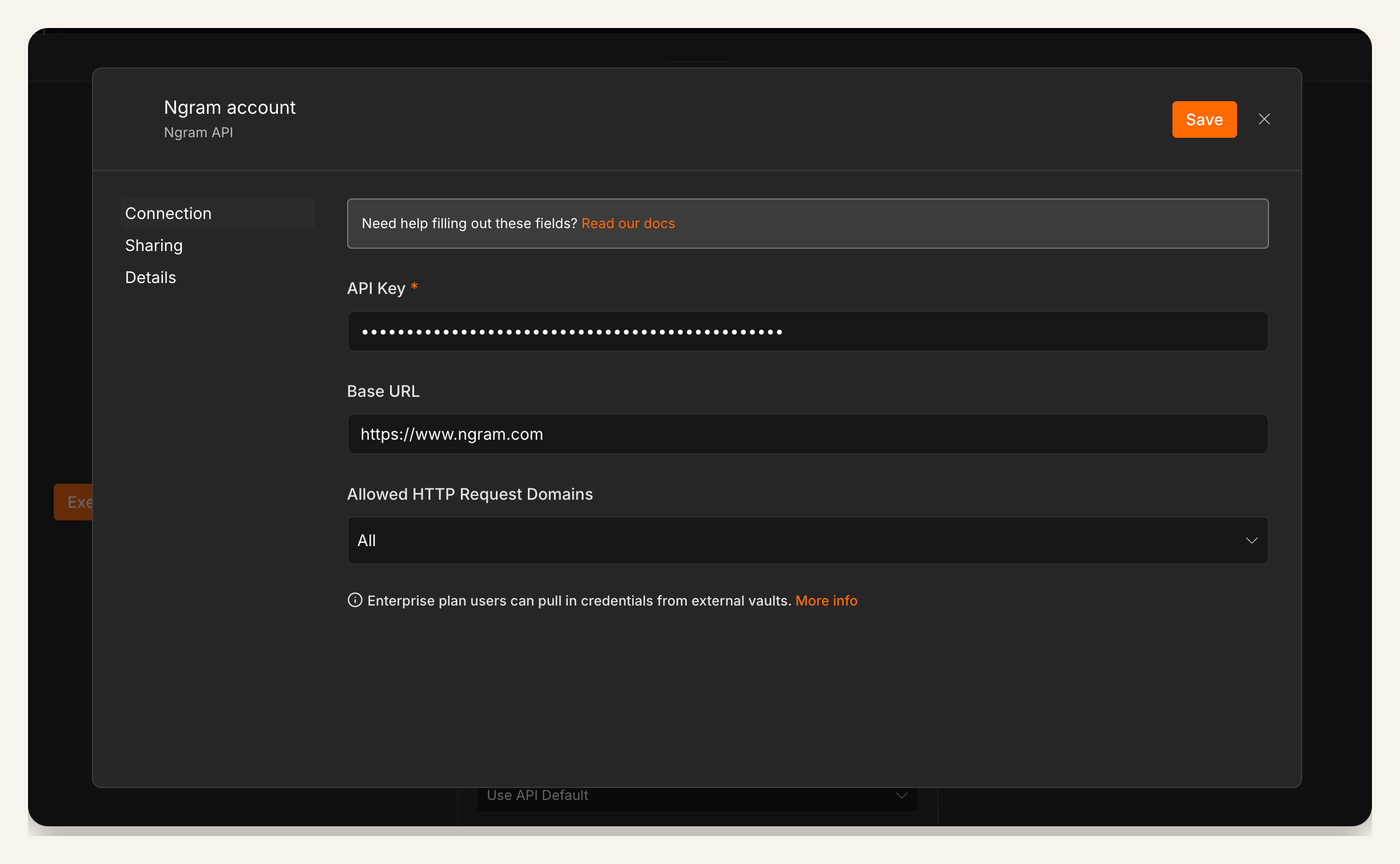
Use this workflow only when the platform and ownership pieces are ready. Plan it for self-hosted n8n or n8n Cloud. Use the verified ngram community node with a bearer API key created in Account & Settings → API Keys.
- A self-hosted n8n instance where your admin can install community nodes. n8n documents manual community-node installation for self-hosted instances.
- The verified ngram community node installed in that instance, with Create Video, video.completed, video.failed, and Get Status available.
- A bearer ngram API key created in Account & Settings → API Keys and saved in n8n Credentials, with a separate test credential if your team needs a sandbox.
- One approved source system: CRM, CMS, form tool, database, release tracker, help center, or product ops table.
- A reviewer destination: Slack channel, CRM note, Asana task, Linear issue, CMS field, onboarding queue, or shared spreadsheet.
Step 1: install the ngram community node in self-hosted n8n
Install the verified ngram community node in your self-hosted n8n instance or n8n Cloud, then save the bearer API key created in Account & Settings → API Keys in n8n Credentials. For Cloud, confirm the node appears and is enabled; for self-hosted n8n, the instance owner or admin manages installation.
cd /home/node/.n8n/nodes
npm install --ignore-scripts n8n-nodes-ngram@beta
After installation, confirm the node appears on the n8n canvas and test the credential with a non-public draft workflow. Keep production and test credentials separate if your review process needs clear audit trails.
Step 2: trigger only from an approved product demo source
Pick a trigger that means the brief is approved. For sales, that could be a deal stage such as demo-needed. For marketing, it could be a CMS item marked approved. For onboarding, it could be a form entry with role, plan, product area, and customer goal filled in.
If the source system can send data into n8n, the n8n Webhook node is a practical trigger because n8n says it can receive data from apps and services and start a workflow. n8n also distinguishes test and production URLs, so finish your test pass before activating the production path.
- Good trigger: CMS status changes to Approved for demo.
- Good trigger: CRM opportunity enters a stage that needs a persona-specific walkthrough.
- Good trigger: onboarding request includes role, plan, product area, proof point, and reviewer.
- Bad trigger: any product record changes, regardless of approval state.
Step 3: map product demo video fields into Create Video
The Create Video node should receive a compact brief, not a dump of every CRM property. If the source is a page, use product page to video as the mental model: ngram reads a trusted source, plans the story, and turns product context into a watchable draft.
Map these fields first. Rename them to match your source system, but keep the meaning stable.
- Source URL: product page, help article, release note, CMS preview, or approved demo source.
- Product area: the exact feature, workflow, screen, or product line to show.
- Audience: buyer, admin, champion, new customer, internal rep, partner, or another clear viewer.
- Use case: the job the demo should prove, not a feature list.
- Proof: screenshot note, screen recording note, customer quote, metric, or approved product claim.
- CTA: book a call, try the workflow, complete onboarding, read the guide, or share with the buyer committee.
- Reviewer: the person or queue that must approve the ngram draft.
Keep the prompt structured so it is easy to test and debug.
Create a product demo video for [product_name].
Product area: [feature_or_workflow].
Audience: [viewer_or_persona].
Use case: [job_to_show].
Source URL: [approved_source].
Proof: [approved_claim_or_asset_note].
Length: [target_range].
Destination: [website, sales, onboarding, help center, or internal review].
CTA: [next_step].
Reviewer: [owner_or_queue].
If the source fields are messy, review the script before rendering. ngram's script generation should open with the viewer's problem, show one product moment, and close with one action.
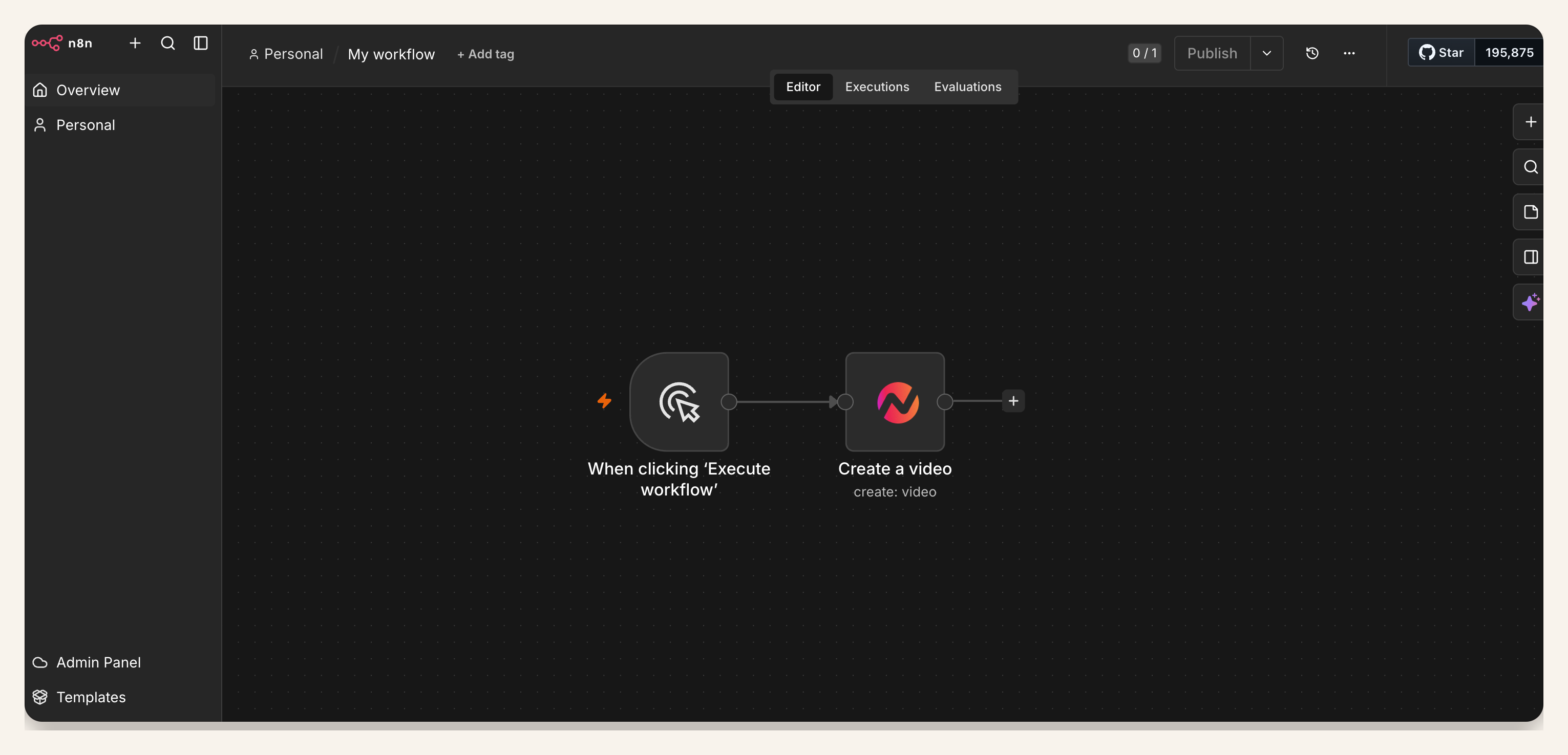
Step 4: test the workflow before production events
Run the workflow with one real approved record before activation. Use a source that looks like production data: real product area, real audience, real CTA, and a real reviewer. The test should prove that n8n sends the brief cleanly, ngram creates a draft, and the review destination receives a usable link.
Do not treat a successful start event as a finished video. Use video.completed when your workflow can receive the finished draft, video.failed when the owner needs a failure path, and Get Status when a scheduled status check is safer for your environment.
Step 5: review the ngram draft
The first ngram draft is the review artifact, not the final publishing decision. The reviewer should watch the opening frame, script, product claim, UI state, captions, voiceover, CTA, and format. If the demo is for sales, they should confirm the persona and account context. If it is for onboarding, they should confirm the steps match the current product.
This is where the workflow saves time without removing judgment. n8n handles the routing. ngram creates the video draft. The owner decides whether the demo is ready for customers.
Step 6: route the product demo video link to the owner
Write the finished draft link back to the source record and notify the owner where they already work. Sales can receive a CRM note or Slack message. Marketing can receive a CMS field or project task. Onboarding can receive a customer workspace note or queue item.
Once the pattern is proven, you can route low-risk internal enablement demos more aggressively. Keep public destinations gated until the brief fields, brand rules, review policy, and owner handoff are stable.
QA checklist before activating the n8n workflow
- The trigger fires only for approved demo briefs.
- The source URL, product area, audience, use case, proof, CTA, and reviewer fields are required.
- The workflow owner created an ngram bearer API key in Account & Settings → API Keys and saved it in n8n Credentials.
- The workflow has separate paths for finished drafts and failed drafts.
- A real reviewer receives the draft link before any public channel is touched.
- The first test uses a real approved record, not placeholder copy.
- The source record stores the draft link, status, and owner so another teammate can audit the run.
- The workflow stops cleanly when the approved brief is missing a required field.
Common mistakes
The first mistake is treating n8n as the creative brief. n8n moves data. It does not know the buyer pain, product moment, proof point, or CTA unless you map those fields.
The second mistake is starting from raw notes. Internal product notes often include private implementation details, unresolved messaging, and edge cases. Convert them into an approved viewer-facing brief before Create Video runs.
The third mistake is skipping the failure path. Product demo requests often come from customer-facing teams. If a draft fails, the owner needs a useful next step, not a silent workflow history entry.
The fourth mistake is publishing automatically before the pattern is mature. A product demo video affects trust. Keep review in the loop until the workflow has proven it can produce clean drafts from the exact input sources you plan to use.
FAQ
Can n8n create a product demo video automatically?
n8n can trigger the workflow, pass the approved brief into ngram, and route the finished draft link. ngram creates the product demo video draft from the source context. Keep a human review step before public publishing.
What should trigger the n8n product demo workflow?
Use a trigger that means the demo is ready to draft: an approved product page, a CRM stage change, an onboarding form, a CMS status, or a product ops table row with required fields complete. Avoid triggers that fire on every draft edit.
Does the ngram n8n node work on n8n Cloud?
Yes. The verified ngram community node supports self-hosted n8n and n8n Cloud. Confirm it appears and is enabled in your instance before relying on it for a live workflow.
Do I need a developer credential I create myself?
Yes. Create a bearer API key in Account & Settings → API Keys, then store it in n8n Credentials. Keep ownership and rotation with the workflow owner or team.
What should happen if the draft fails?
Route the failed draft to the workflow owner with the source record, n8n run link, and the next action. The owner should know whether to fix the brief, retry the node, or send the request to a manual editor.
Should the workflow publish the demo video automatically?
Usually, no. Let n8n send the finished draft to a reviewer, update the source record, or create a publishing task. Automatic publishing makes sense only after the source fields, destination, brand rules, and review policy are stable.
Can this workflow support sales, marketing, and onboarding?
Yes, if the brief carries the destination and reviewer. Sales might need persona and account context, marketing might need a website or launch CTA, and onboarding might need customer role and product step accuracy. Keep those differences in fields instead of branching into separate manual workflows too early.