Luminous Chronicle Den Project | devrel integration guide video made with ngram

About the video
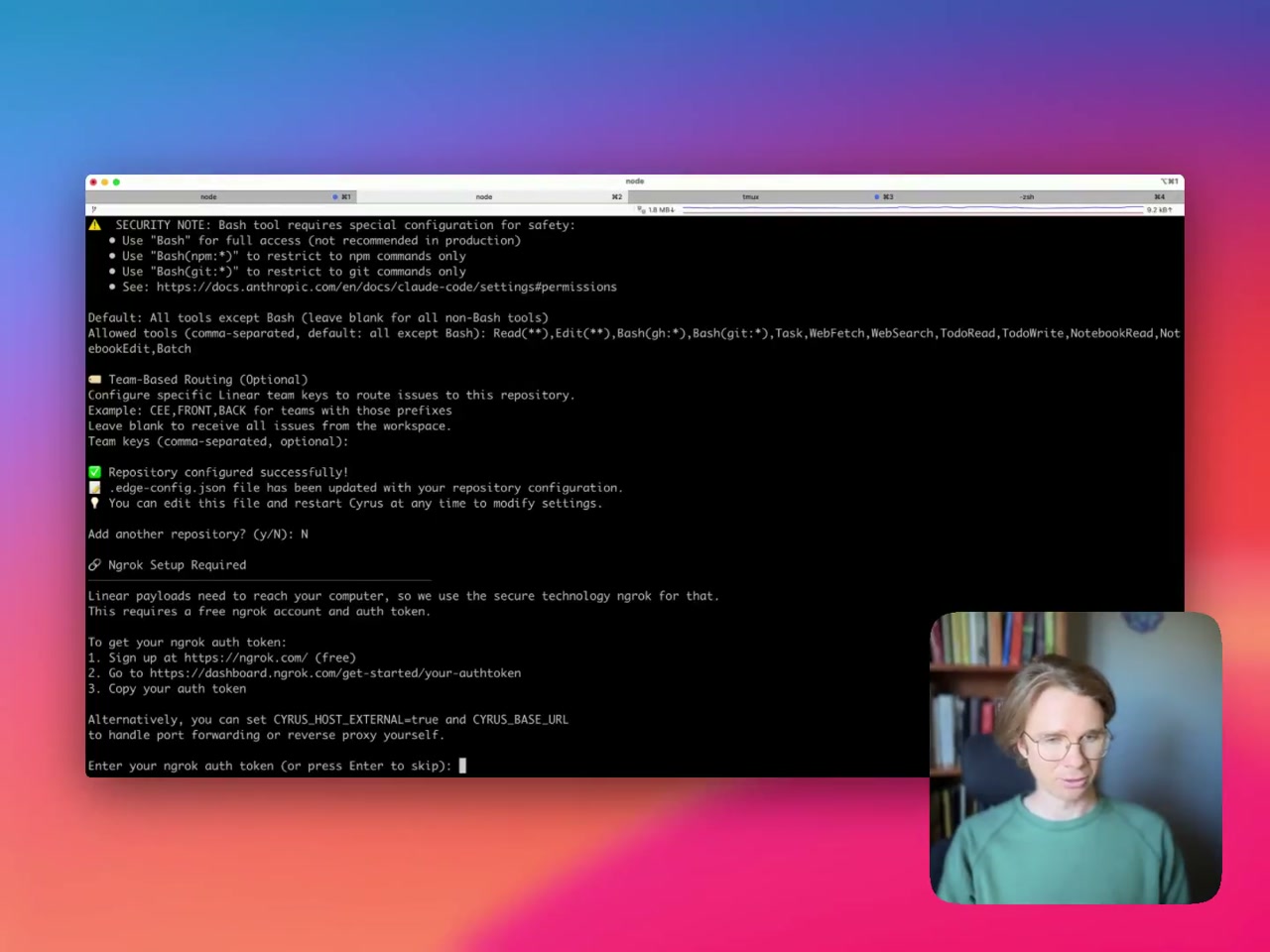
This devrel integration guide video was made with ngram to walk through a terminal-based setup process for a command-line tool called Cyrus. A presenter appears in a webcam overlay while a terminal window takes up most of the screen. The sequence begins with an empty terminal prompt, then shows the command npm install -g cyrus-ai being run, installing 123 packages. After installation, the Cyrus Edge Worker launches and guides the user through connecting to Linear, a shared application server listens on localhost, and the browser opens to authorize with Linear, resulting in a successful connection message. The next step covers configuring a repository, including setting the repository path and confirming repository configuration was successful, with a note that settings are saved to an edge-config.json file that can be edited later. A security note explains options for restricting the Bash tool to specific command types, such as npm or git commands only, with a reference to Anthropic's documentation on permissions. The walkthrough also covers optional team-based routing using Linear team keys, and finishes with ngrok setup instructions, explaining that Linear payloads need to reach the local computer via ngrok, and prompting for an ngrok auth token obtained from the ngrok dashboard. Throughout, the presenter narrates from a bookshelf-backed home office setting.
- Terminal
- Command Line
- Cyrus AI
- Linear Integration
- Ngrok
- Software Installation
- Developer Tools