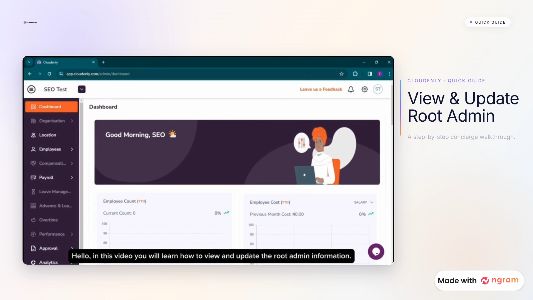
Cloudenly Root Admin Management Guide | tutorial video made with ngram

About the video
This tutorial video was made with ngram to walk hr administrators and business owners through viewing and updating the root admin profile in cloudenly. the tutorial explains the root admin role as the sole account owner with unlimited data access and notes that admin rights can be transferred when needed. it then follows the settings panel step by step, moving from the dashboard to the profile section where the root admin tab appears by default, clicking the edit icon to unlock changes, updating the profile picture from device storage, and modifying profile fields before saving. the walkthrough is paced so viewers can follow each screen transition, making it useful for teams onboarding to cloudenly or maintaining accurate account records for their organization's most privileged access level.
- Cloudenly
- Root Admin
- Account Settings
- Admin Management
- Platform Tutorial