How-to videos video style
Minute Caps
Minute Caps is for high-speed how-to videos that need to teach three ideas without feeling chaotic. It keeps the base bright, the copy short, and the motion decisive so every tip lands as a usable product action.
Related video styles
Compare a few directions before you start your draft.
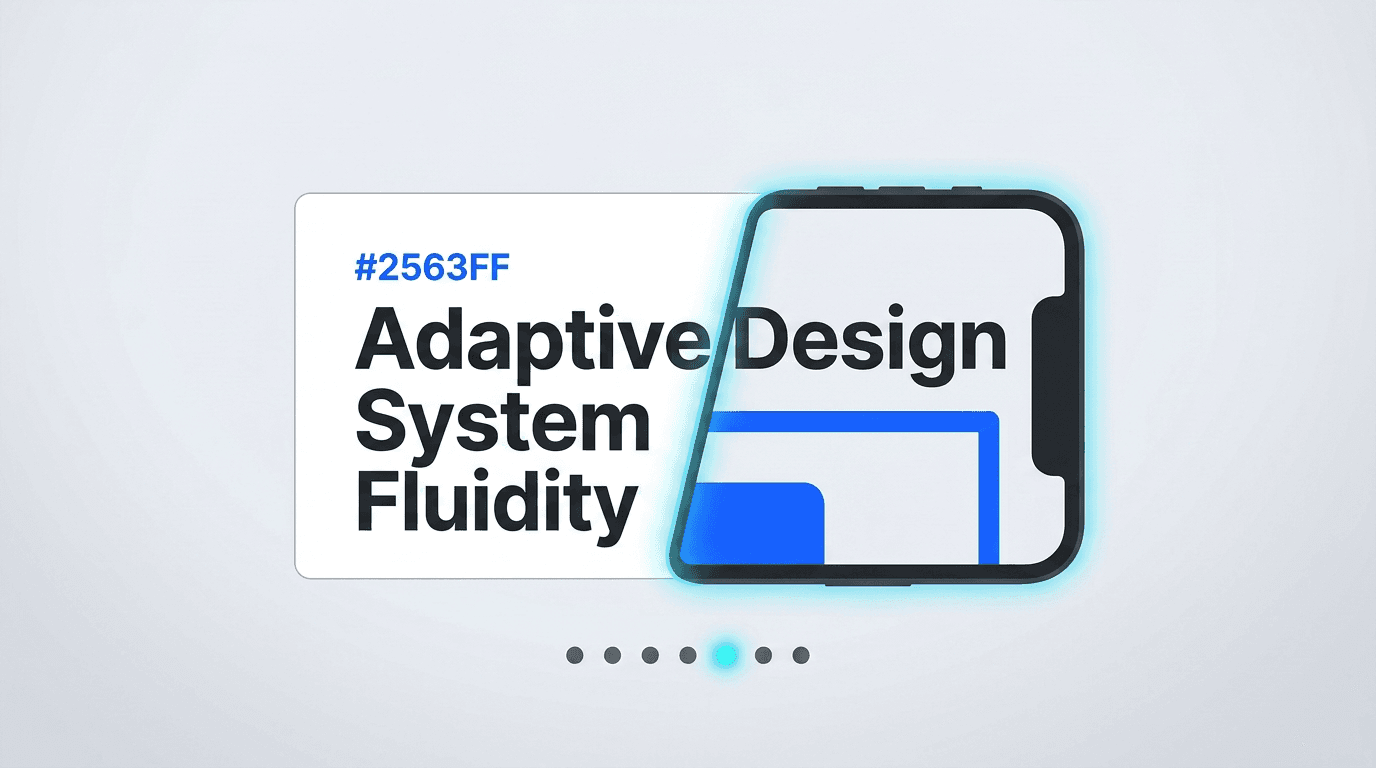
How-to videos
Chrome Cursor
A cursor-led interface ballet: glowing text reveals, pressed buttons with ripples, 3D card tilts, cards morphing into devices, and whip-pan velocity.
Preview style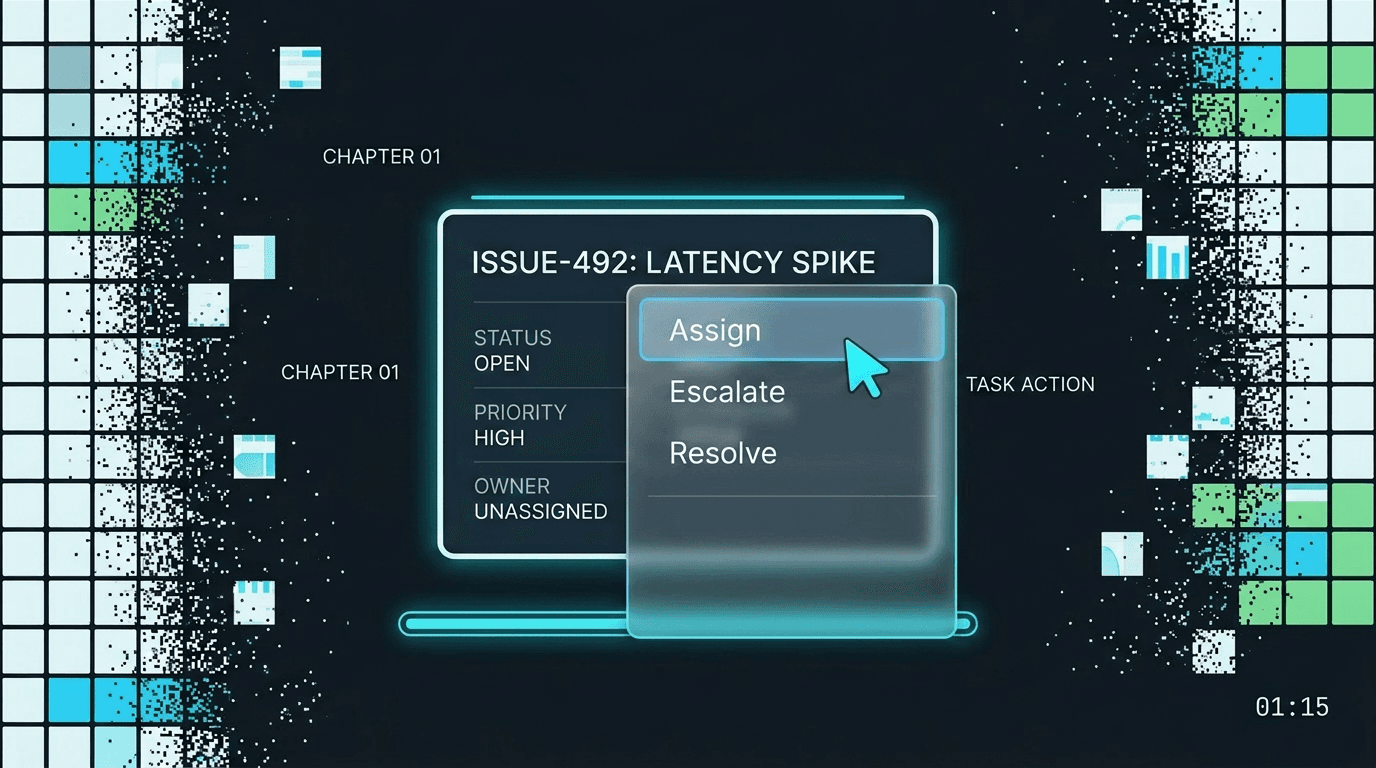
How-to videos
Rounds Radar
A chaptered operations walkthrough with graphite dashboard cards, masked numerals, right-click menu proof, chart evidence, and a cyan progress rail.
Preview style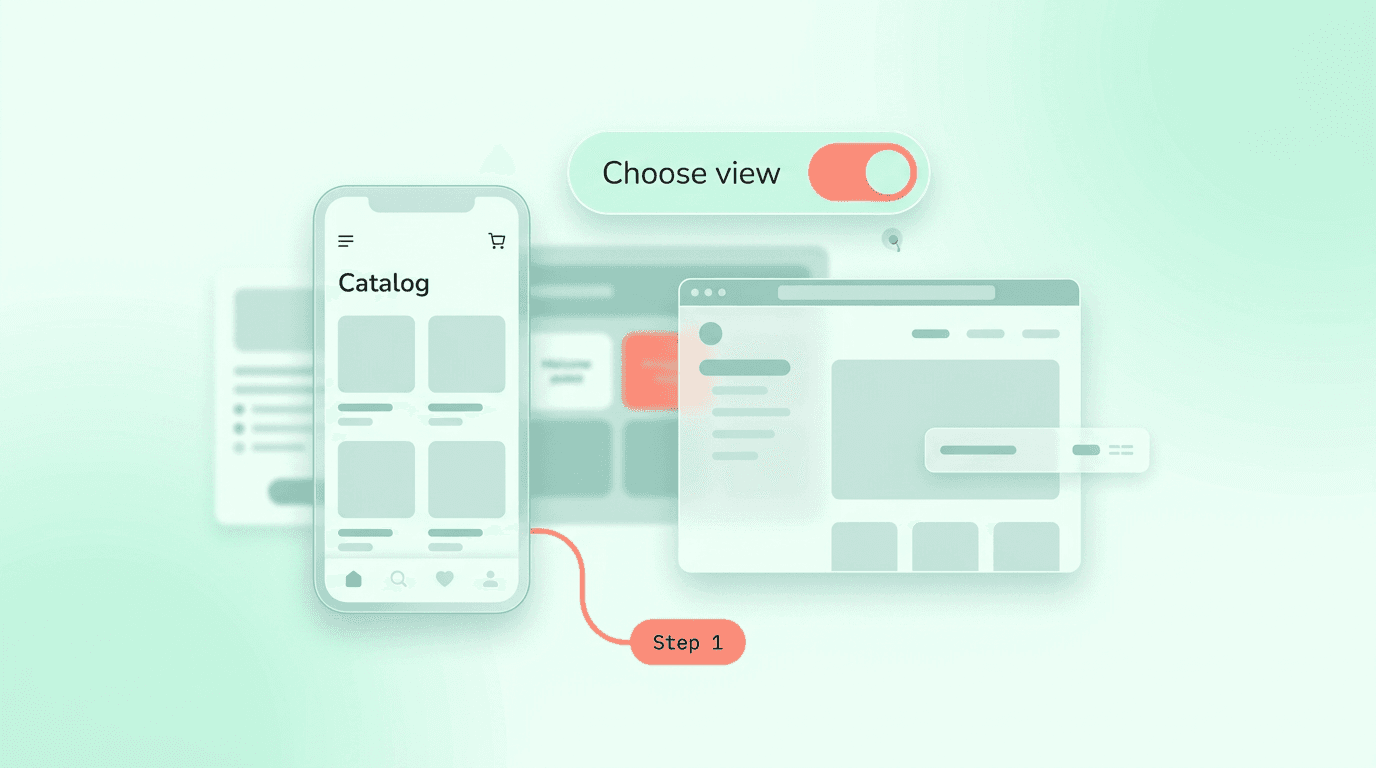
How-to videos
Soft Steps
A gentle numbered app tutorial with mint canvas space, rounded step typography, floating device panes, and calm word-by-word confirmations.
Preview styleStyle template questions
Will my selected style survive sign-in?
Yes. After sign-in, Studio opens with this style already selected. The composer stays empty so you can describe the video you want to make.
Can I change the style in Studio?
Yes. The selected style is a starting point. You can choose another active style or adjust the video before generation.
Does the template copy the preview video?
No. ngram uses the style's creative direction while generating new scenes from your prompt, source material, and settings.