How-to videos video style
Chrome Cursor
A high-energy guided product tour where the cursor is the protagonist. It drags a glow across the headline, presses oversized buttons, tilts UI cards in perspective, and morphs a feature card into a live phone screen. Motion blur and whip pans give it velocity; a strict fog-gray studio with one electric blue keeps it precise instead of chaotic. Built for feature tours, onboarding recaps, dev tools, and interface-led launches.
Related video styles
Compare a few directions before you start your draft.
How-to videos
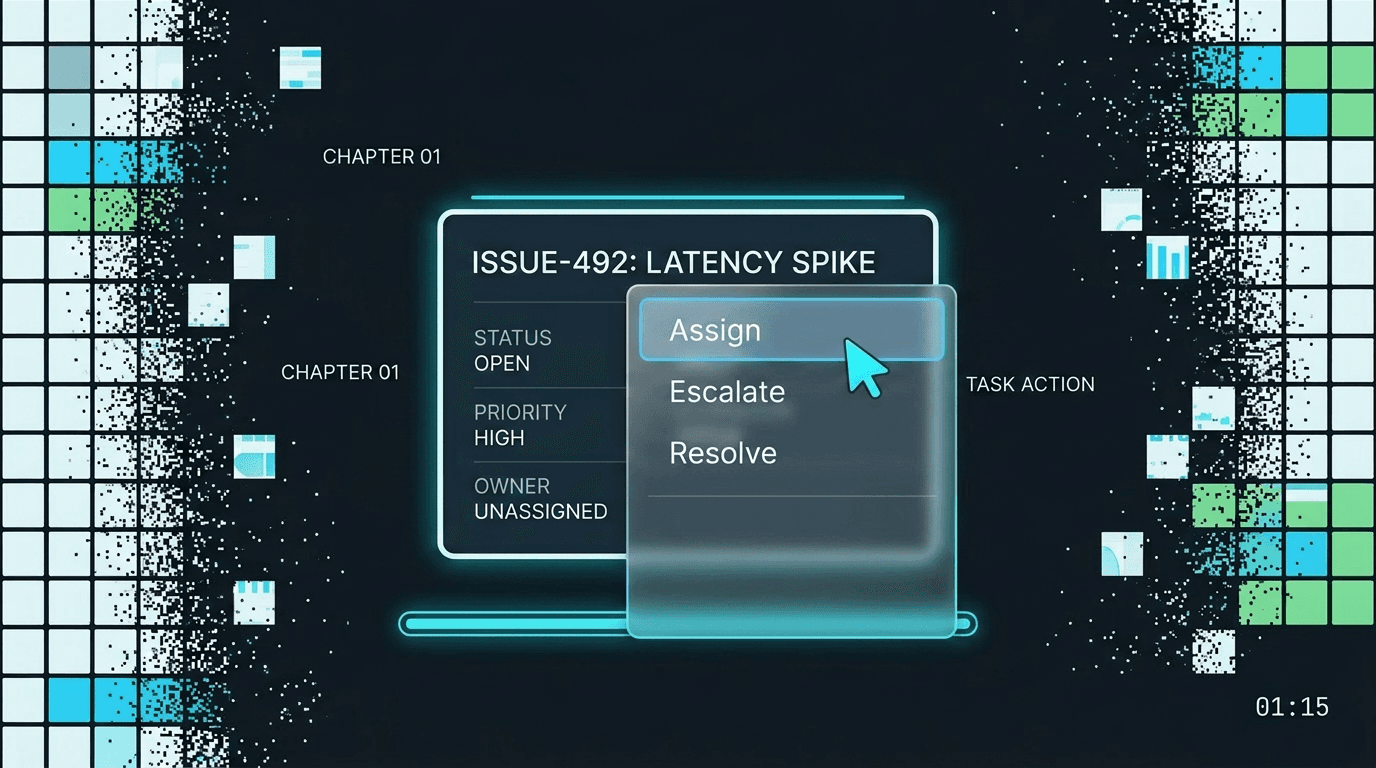
Rounds Radar
A chaptered operations walkthrough with graphite dashboard cards, masked numerals, right-click menu proof, chart evidence, and a cyan progress rail.
Preview style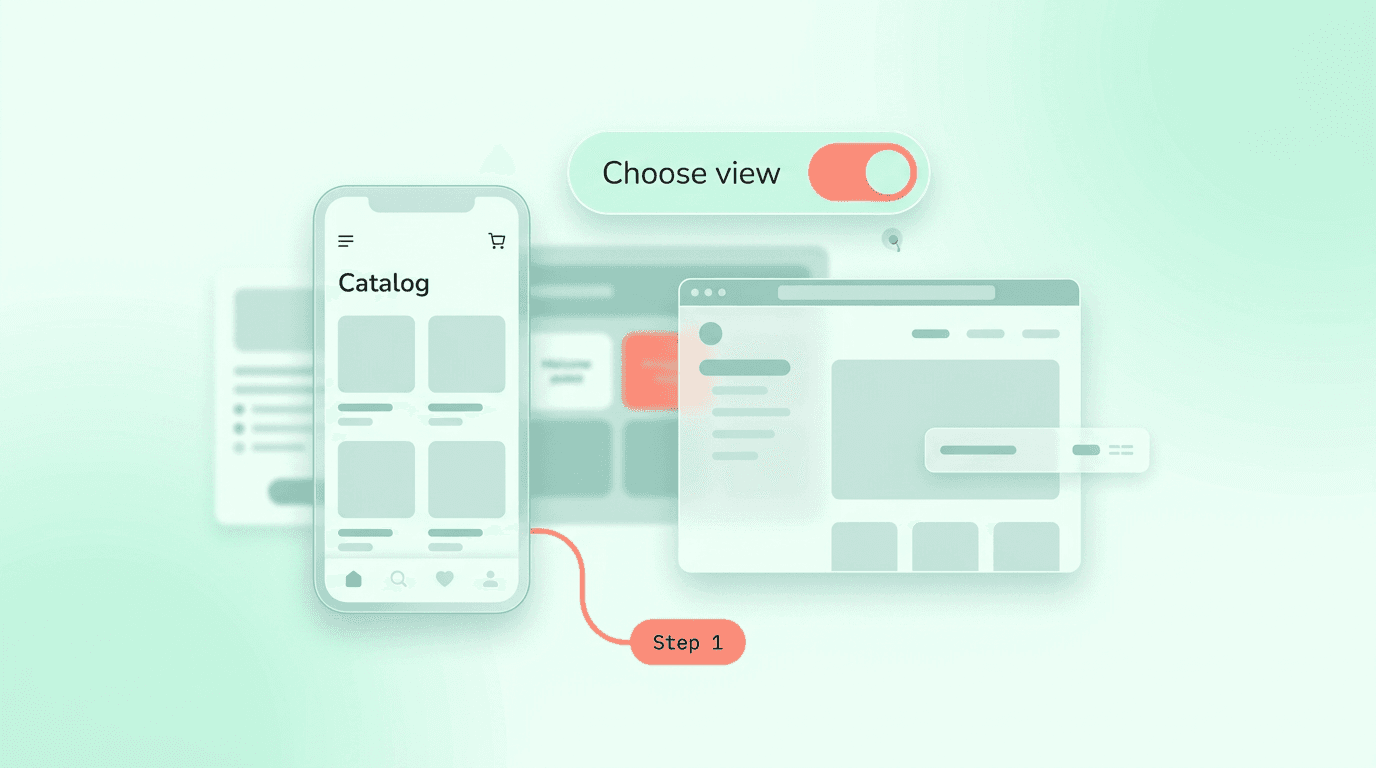
How-to videos
Soft Steps
A gentle numbered app tutorial with mint canvas space, rounded step typography, floating device panes, and calm word-by-word confirmations.
Preview style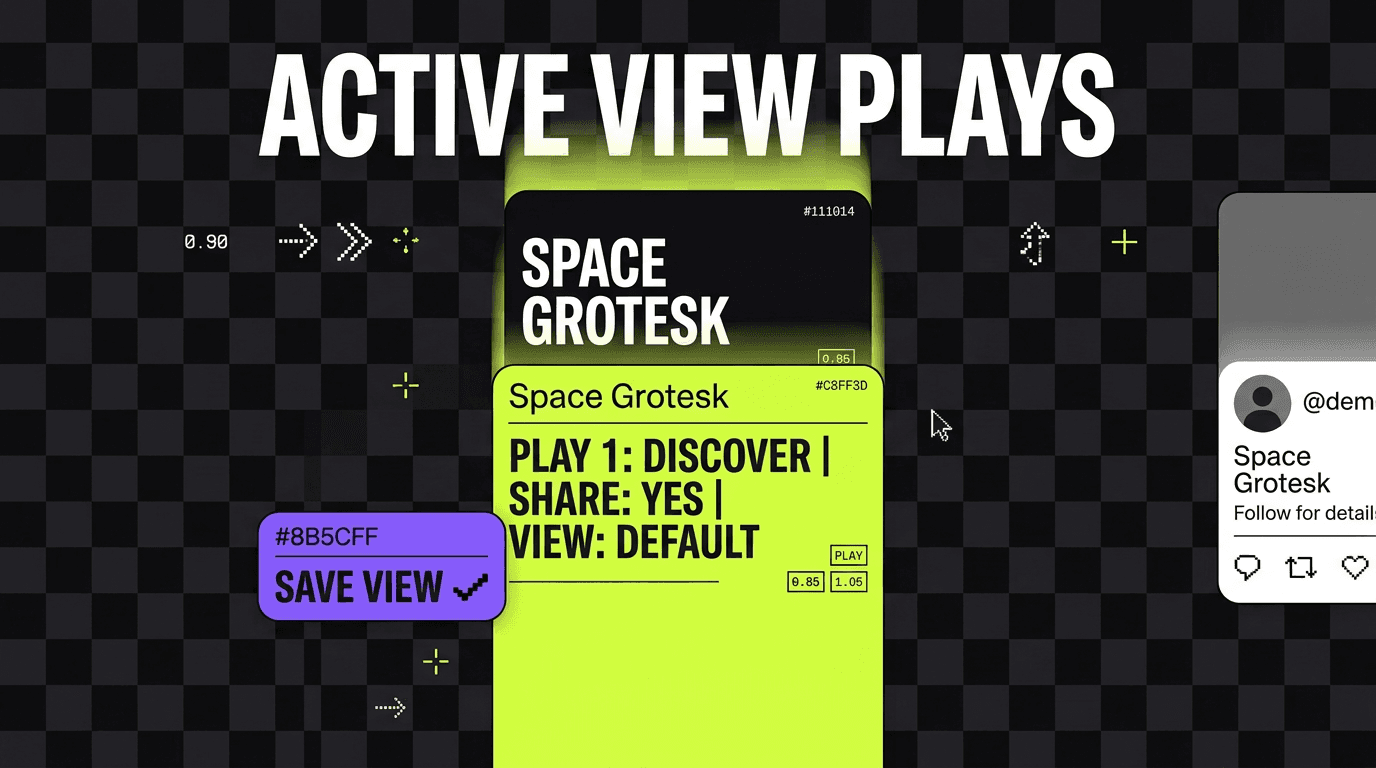
How-to videos
Pocket Plays
A mobile-first quick-tips playbook with vertical checkerboard staging, lime-violet cards, social proof panels, motion blur swipes, and pixel wipes.
Preview styleStyle template questions
Will my selected style survive sign-in?
Yes. After sign-in, Studio opens with this style already selected. The composer stays empty so you can describe the video you want to make.
Can I change the style in Studio?
Yes. The selected style is a starting point. You can choose another active style or adjust the video before generation.
Does the template copy the preview video?
No. ngram uses the style's creative direction while generating new scenes from your prompt, source material, and settings.