How-to videos video style
Rounds Radar
Rounds Radar turns a workflow into a crisp operational briefing. It is best for products that need to show multiple connected screens, a decision point, and proof that the work moved from queue to insight to action.
Related video styles
Compare a few directions before you start your draft.
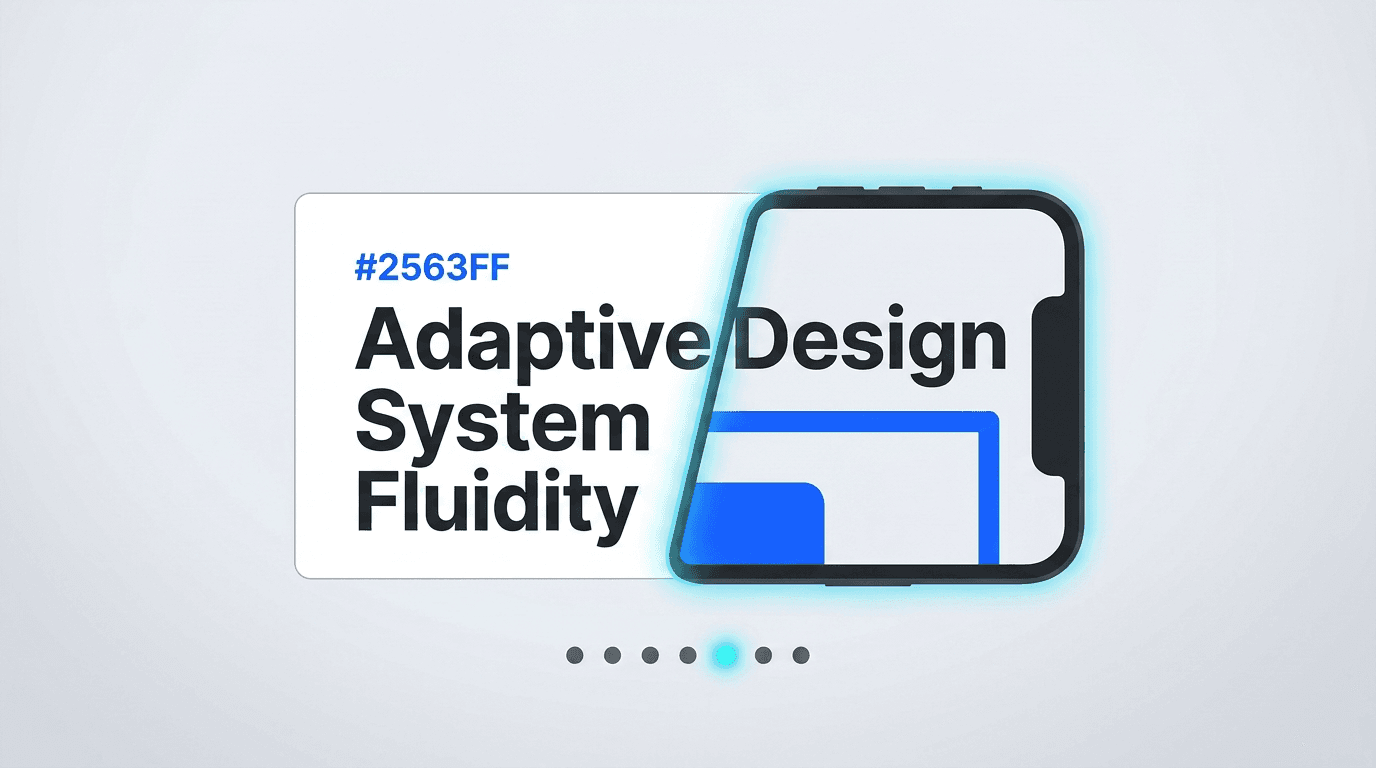
How-to videos
Chrome Cursor
A cursor-led interface ballet: glowing text reveals, pressed buttons with ripples, 3D card tilts, cards morphing into devices, and whip-pan velocity.
Preview style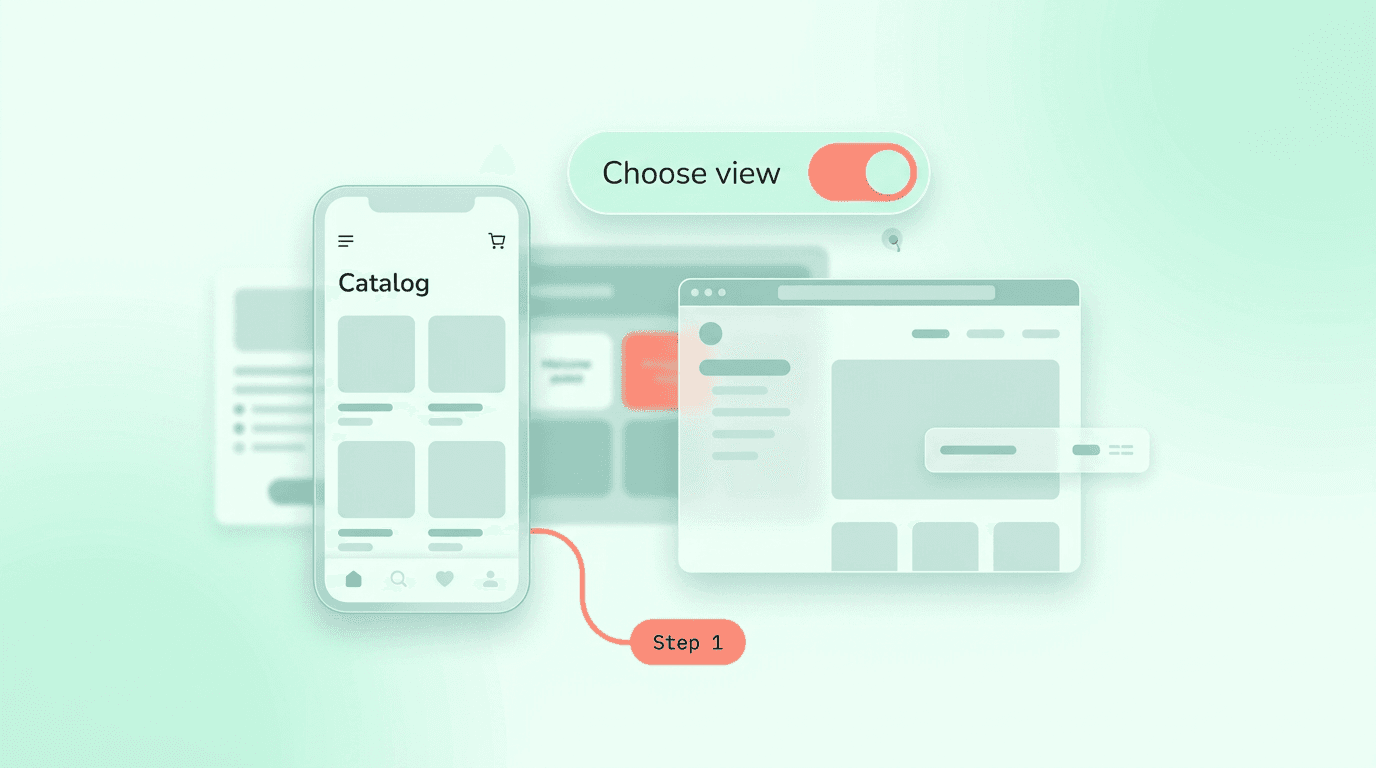
How-to videos
Soft Steps
A gentle numbered app tutorial with mint canvas space, rounded step typography, floating device panes, and calm word-by-word confirmations.
Preview style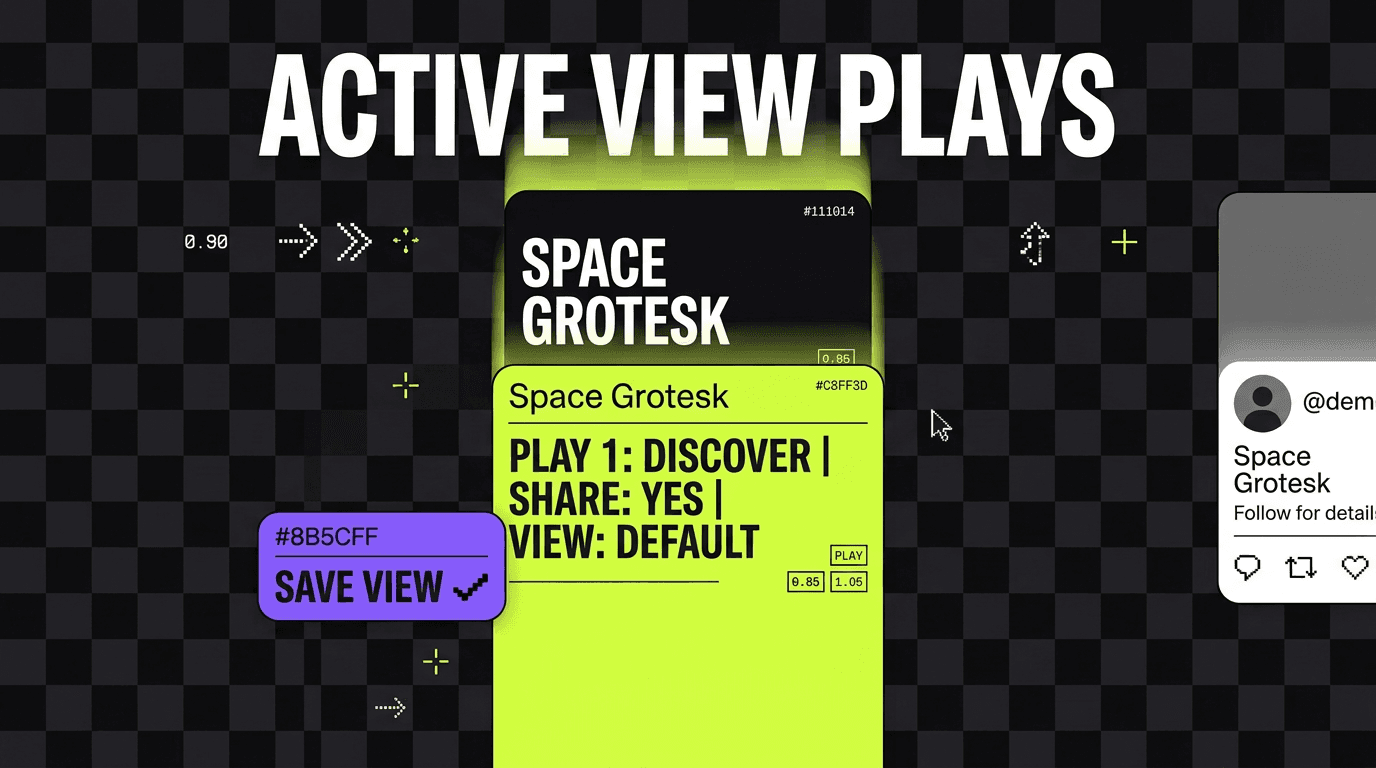
How-to videos
Pocket Plays
A mobile-first quick-tips playbook with vertical checkerboard staging, lime-violet cards, social proof panels, motion blur swipes, and pixel wipes.
Preview styleStyle template questions
Will my selected style survive sign-in?
Yes. After sign-in, Studio opens with this style already selected. The composer stays empty so you can describe the video you want to make.
Can I change the style in Studio?
Yes. The selected style is a starting point. You can choose another active style or adjust the video before generation.
Does the template copy the preview video?
No. ngram uses the style's creative direction while generating new scenes from your prompt, source material, and settings.