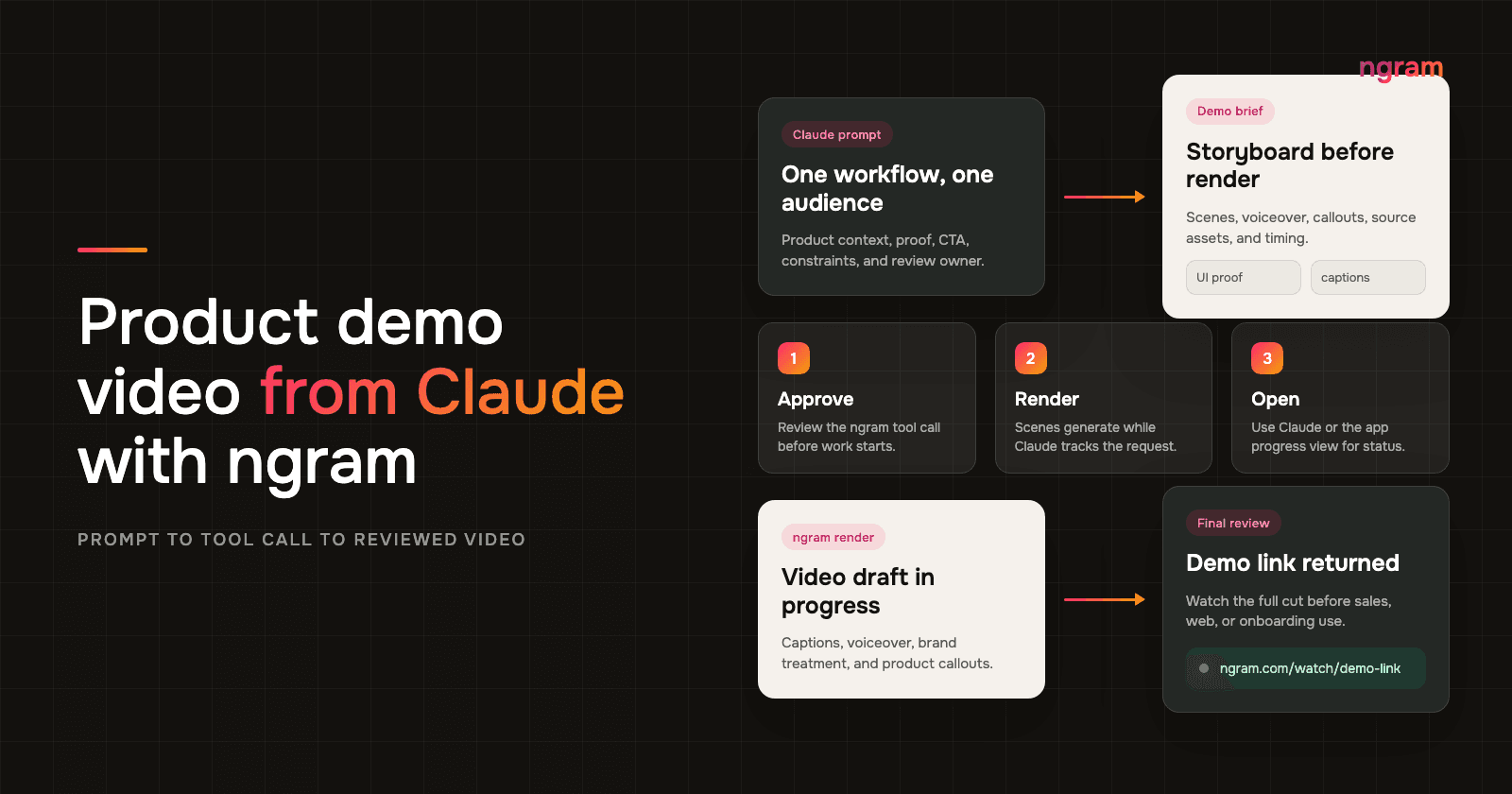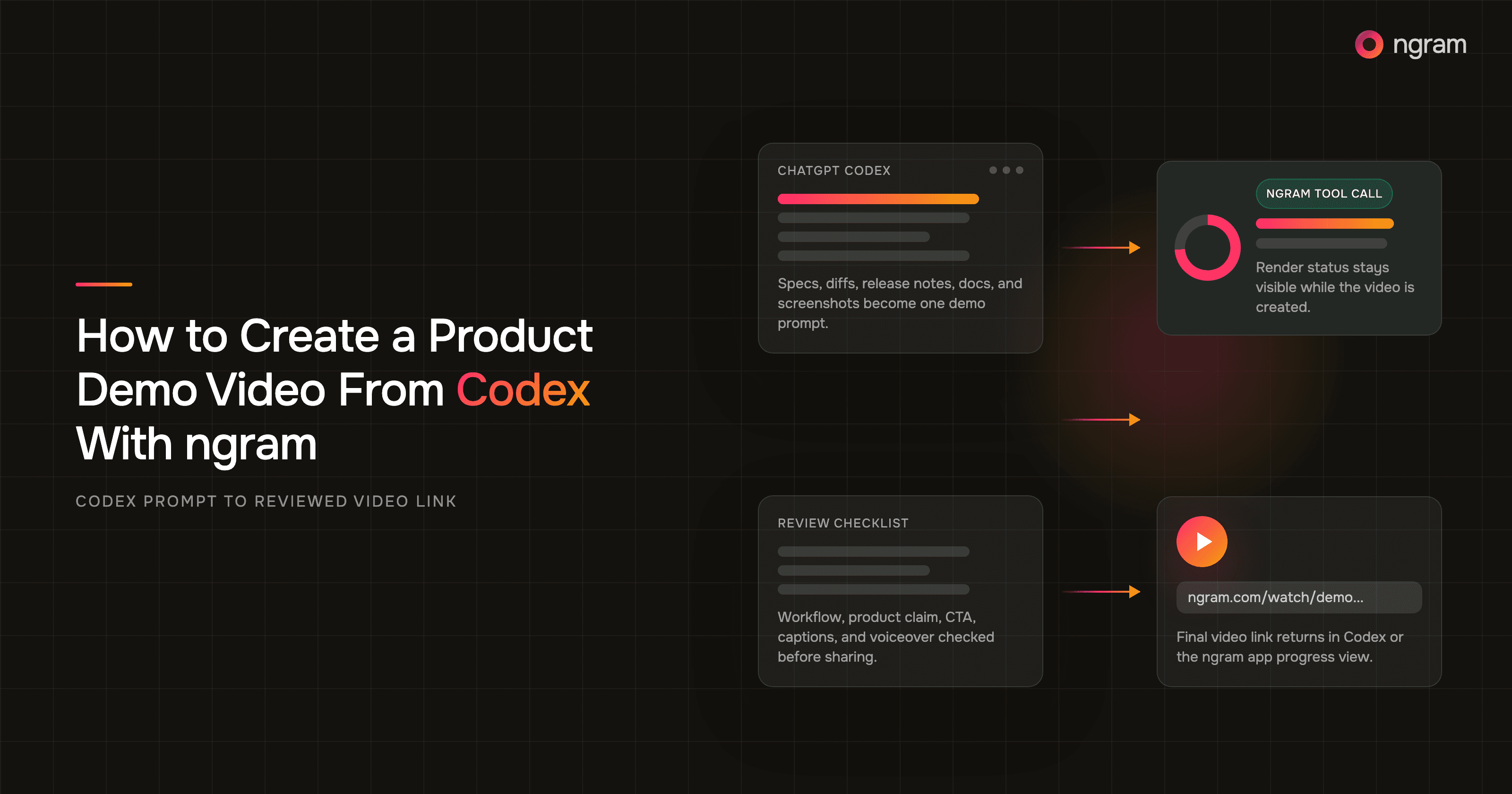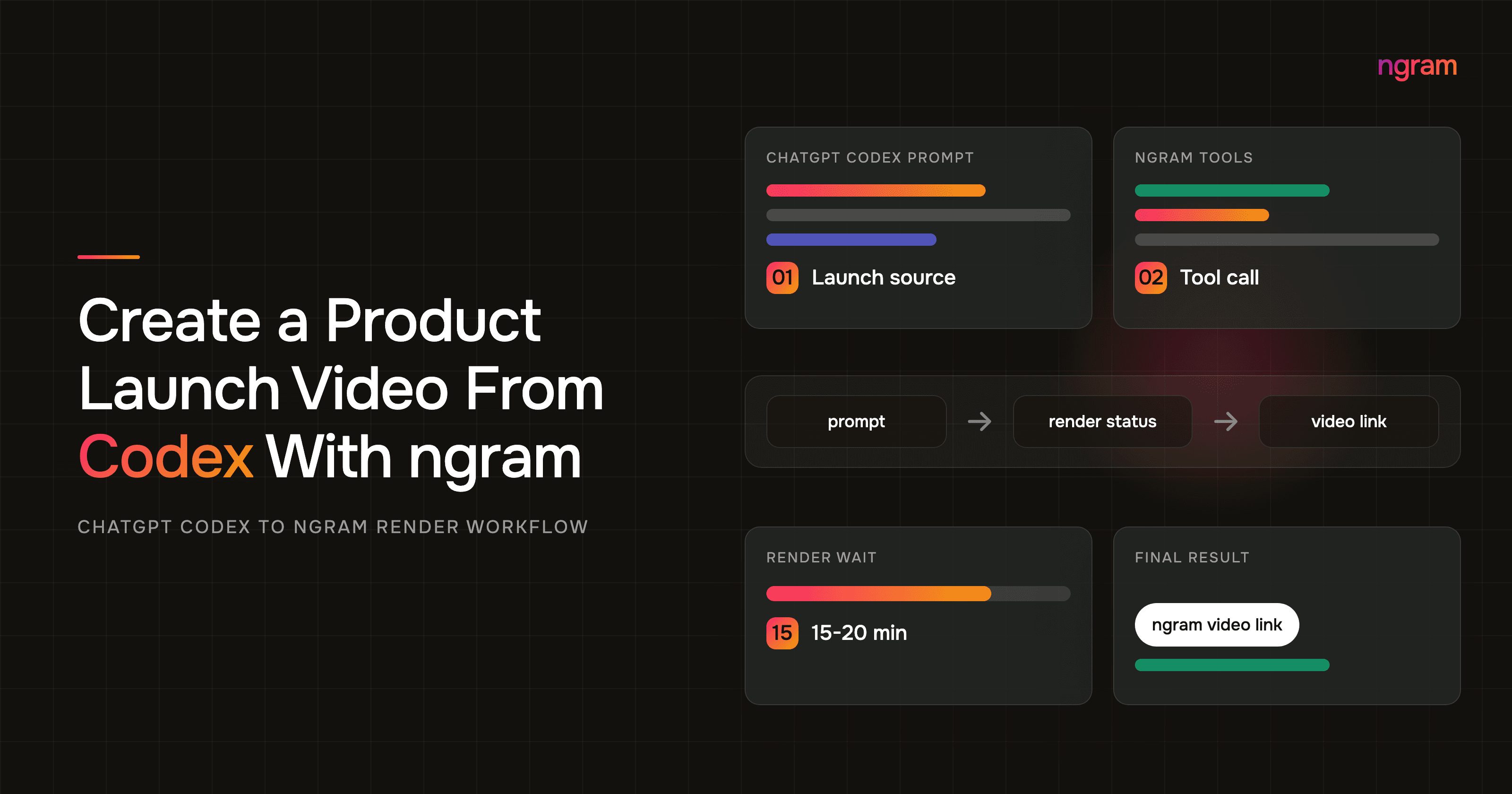

Codex video generation works best when Codex is connected to ngram through MCP. Codex can hold the release notes, product context, launch docs, and review criteria in one thread. The ngram MCP tool can take that context and render the actual product launch video.
This is not the normal ChatGPT web flow. OpenAI's Codex MCP docs distinguish between MCP servers configured for Codex clients and hosted plugin tools available in ChatGPT web. Use the Codex surface where your ngram MCP connection is actually available.
That split matters on launch day. A founder, PM, DevRel lead, or technical marketer usually has the facts scattered across a pull request, changelog, launch page draft, product screenshots, and a few Slack decisions. If the prompt ignores any of those, the video may look polished while saying the wrong thing.
The workflow below keeps the source of truth close to Codex and sends only the finished launch brief through the ngram MCP tool. The goal is a review-ready launch video with one clear promise, visible proof, the right audience, and a CTA the launch team can stand behind.
Why a product launch video needs source fidelity
Launch videos carry more than brand polish. They explain what changed, why it matters now, and what the viewer should do next. Nielsen Norman Group found that users often leave pages in 10-20 seconds, and a page needs to communicate its value proposition within about 10 seconds to hold attention.
Wyzowl's 2026 video marketing report says 91% of businesses use video as a marketing tool, 93% of video marketers see video as important to strategy, and 63% of video marketers have used AI tools to create or edit marketing videos. The same report says 96% of people have watched an explainer video to learn about a product or service, 85% have been convinced to buy by watching video, and 89% say video quality affects their trust in a brand.
Content Marketing Institute's 2025 B2B benchmark found that videos were rated the most effective B2B content type at 58%. It also found that 45% of B2B marketers lacked a scalable content creation model, and 61% expected to increase video investment in 2025.
Gartner reported in March 2026 that 67% of B2B buyers prefer a rep-free experience. For launch teams, that means the video has to carry the product proof without relying on a seller, founder, or PM to explain the missing context later.
The practical takeaway is blunt: do not ask Codex for a generic launch video. Ask Codex to preserve the approved source, then call ngram through MCP when the launch brief is specific enough to render.
Prerequisites before you prompt Codex
Before you open Codex app/web or Codex CLI, collect the launch inputs that should constrain the video. This is the difference between a useful assistant-driven video workflow and a nice-looking asset that drifts away from the product.
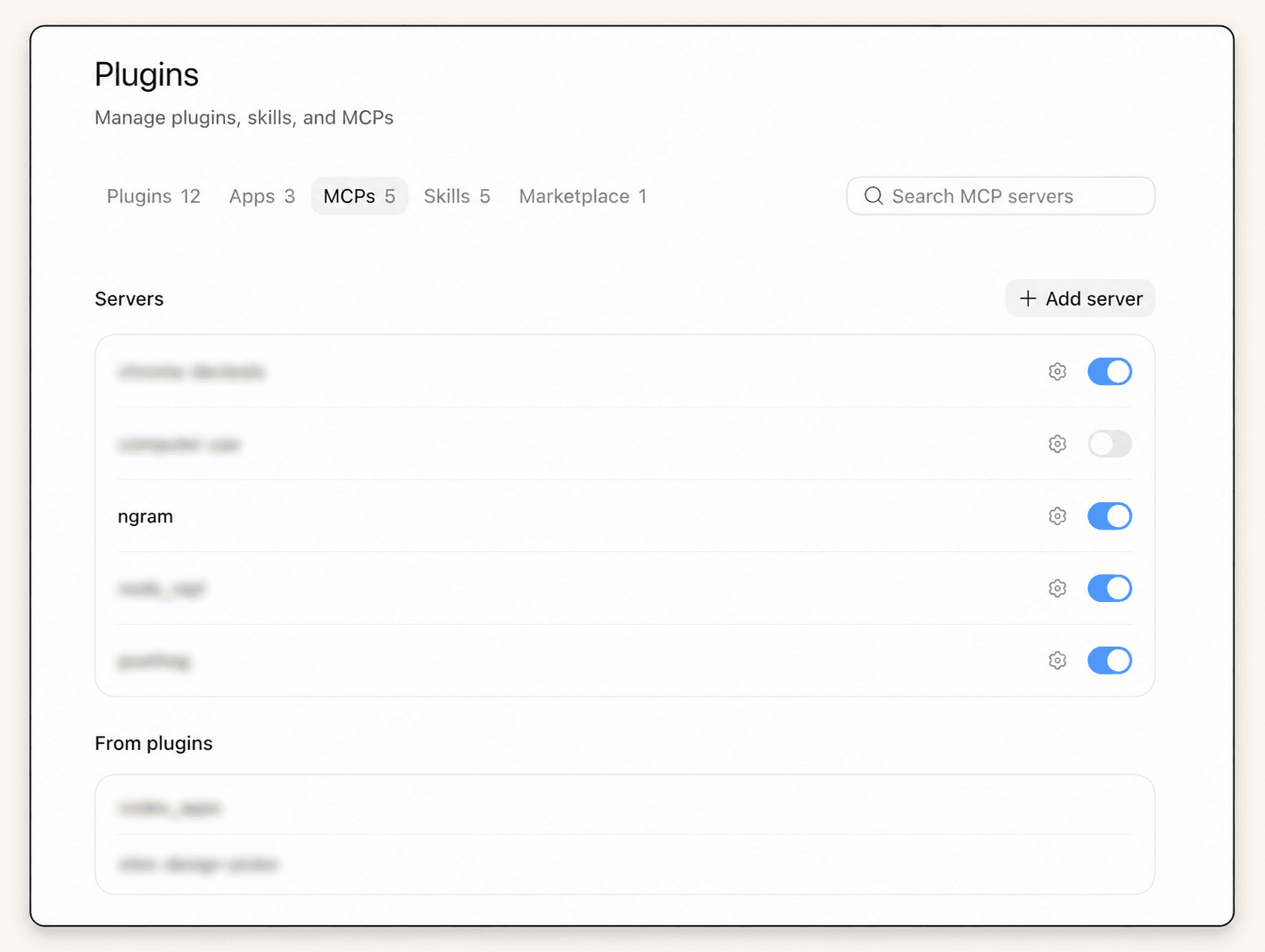
- A Codex app/web or CLI environment where the ngram MCP server is configured, authenticated, and enabled. For setup teams, the ngram tool connection guide covers the ngram MCP connection.
- Approved launch source material: release notes, a PRD, a product page draft, a changelog, a screen recording, screenshots, or a launch brief.
- Audience and channel: existing customers, prospects, DevRel followers, Product Hunt visitors, sales reps, launch-page visitors, LinkedIn, email, or website hero placement.
- One launch promise: the single sentence the viewer should remember after the video.
- Proof: the product screenshot, screen recording moment, metric, UI state, or customer quote the video must show or mention.
- CTA and owner: the link, waitlist, signup, docs page, sales motion, reviewer, and final handoff owner.
If your launch source is a public product page, use the same fields you would use for a product page to video workflow. If the audience is product marketing, map the video to the PMM product launch use case before you render.
Step-by-step Codex video generation workflow
- Paste the approved launch context into Codex. Include source URLs, release notes, screenshots, product context, reviewer notes, and claims that are off-limits.
- Ask Codex to extract the launch brief before any render call: audience, promise, proof, CTA, channel, tone, duration, and required assets.
- Review the brief in the thread. Tighten vague phrases, remove claims that are not in the source, and ask Codex to turn the brief into a script and storyboard. ngram's script generation workflow works better when the source material is already clean.
- Confirm the ngram MCP server and tools are available in the current Codex session. Do not assume a previous workspace setup applies to the active session.
- Ask Codex to call the ngram MCP tool with the final brief. The tool call should contain the video goal, source material, audience, launch promise, proof requirements, channel, aspect ratio, tone, CTA, and reviewer notes.
- Watch the ngram MCP tool call status or result in Codex. Rendering can take around 15-20 minutes, so avoid starting duplicate renders unless the tool call fails.
- Open the final video link when Codex returns it, or open the ngram app progress view to track the render and review the result.
Use ngram's AI video generator when the launch brief is ready and you need the video rendered rather than another planning pass.
Launch prompt example for Codex
This prompt is intentionally specific. Replace the bracketed fields with your launch source, then ask Codex to inspect the brief before it calls ngram.
Create a product launch video with ngram.

Source material:
- Launch page or release notes: [URL or pasted notes]
- Product context: [what changed and why now]
- Proof assets: [screenshots, screen recording, demo moments, metrics]

Audience: [founders, PMs, DevRel, existing users, buyers, sales team]
Channel: [launch page, LinkedIn, Product Hunt, email, sales enablement]
Target length: [30, 45, 60, or 90 seconds]
Aspect ratio: [16:9, 9:16, or 1:1]

Launch promise: [one clear sentence]
Proof to show: [specific UI state or outcome]
Tone: [technical, direct, founder-led, polished, practical]
CTA: [one next step]
Claims to avoid: [anything not yet shipped, unsupported metrics, roadmap language]
Reviewer: [owner or queue]

Before calling ngram, summarize the launch brief and flag any missing inputs. Then call the ngram MCP tool to render the video and return the tool status, progress, and final video link when available.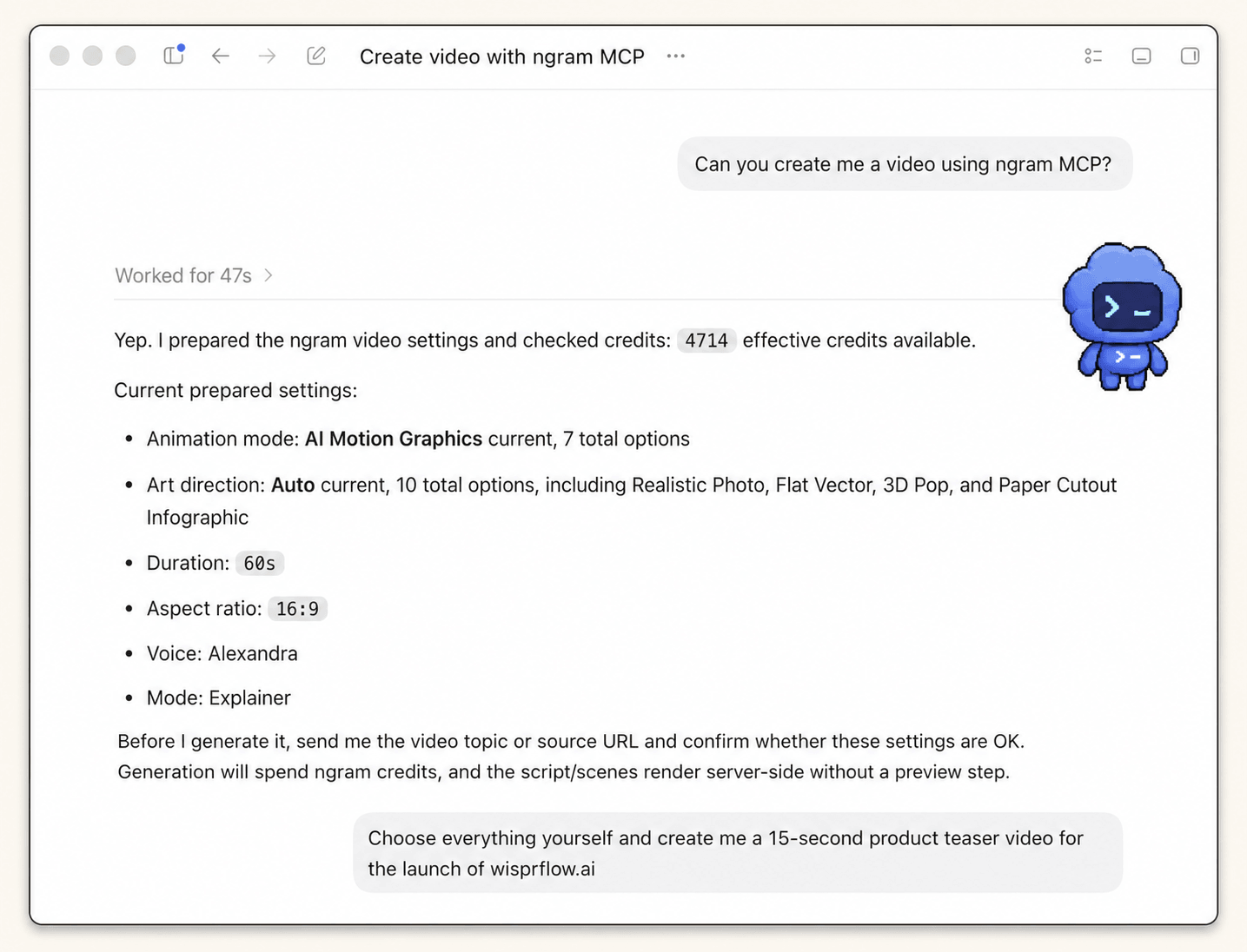
For Codex, the most important instruction is the preflight line: "summarize the launch brief and flag any missing inputs." It forces the thread to expose gaps before ngram starts rendering.
What the ngram tool call should show
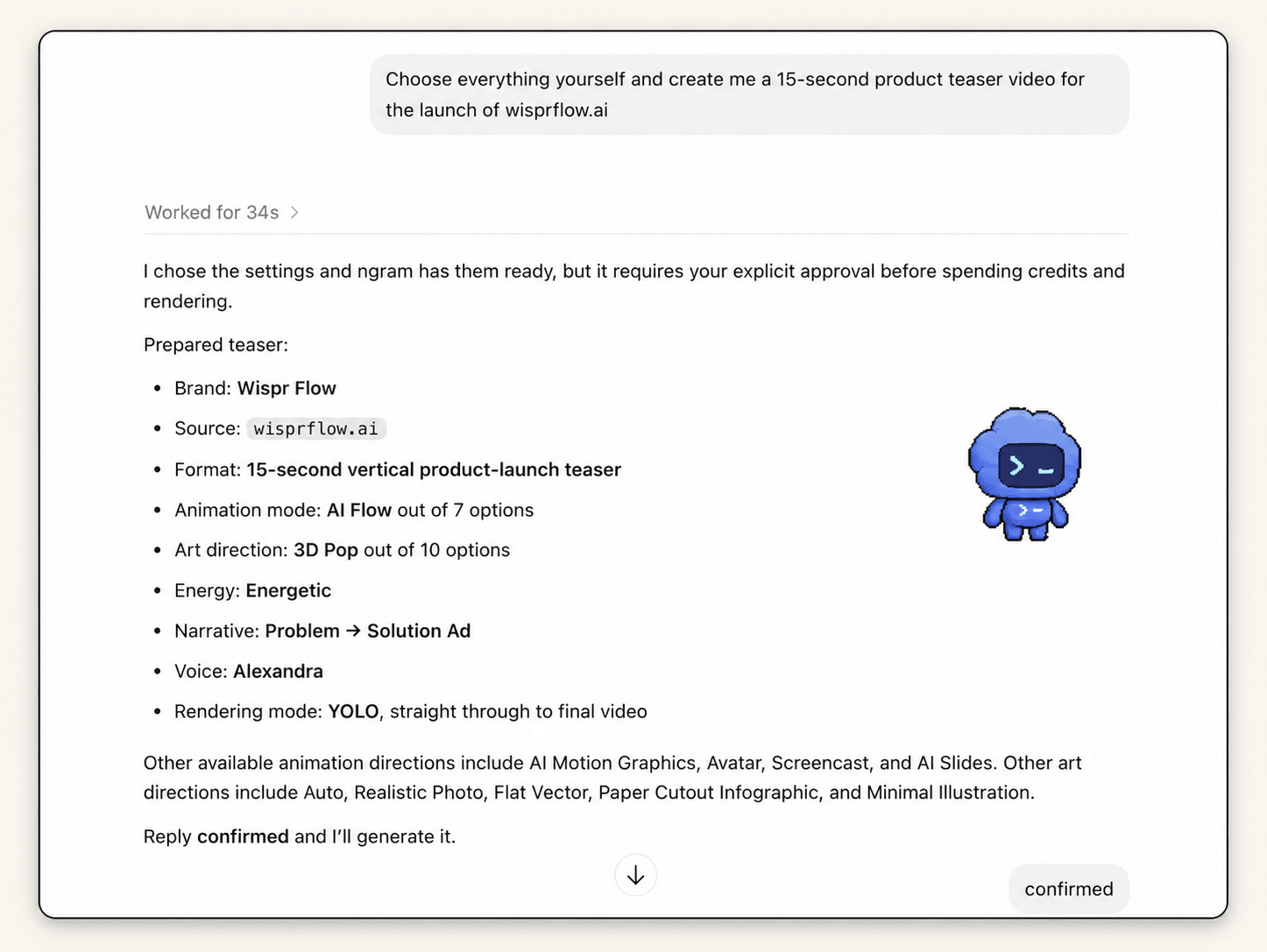
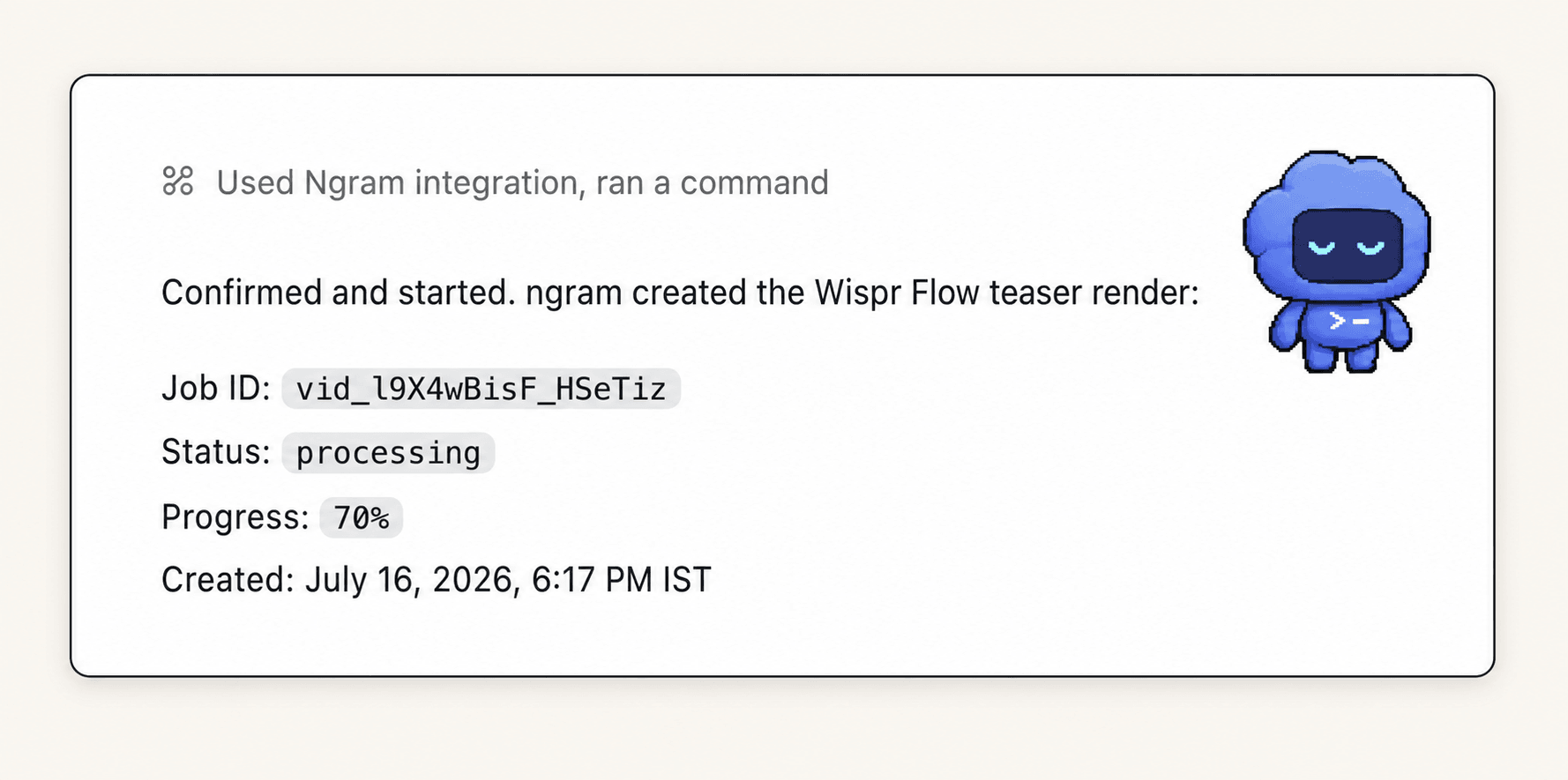
After the prompt, Codex should move from planning to a visible ngram MCP tool call. Keep the tool output readable enough for a reviewer to see what was submitted and whether the render is still running, failed, or complete.
- Request payload or summary: the source material, audience, launch promise, proof, channel, tone, and CTA.
- Status: queued, rendering, complete, or failed. If Codex exposes a status check, use it instead of re-running the render.
- Result: a final ngram video link, or a progress view in the ngram app if the render is not done yet.
- Reviewer note: who needs to approve the video before it goes into the launch page, social post, docs page, or sales asset.
Codex video generation QA checklist
Do this review before the launch owner uses the final video. Codex can help inspect the result, but a human should still sign off on product accuracy and timing.
- First frame: does it identify the audience or problem fast enough for someone scanning the launch page?
- Launch promise: can the viewer repeat the core promise in one sentence after watching?
- Proof: does the video show the shipped product, a real UI state, or a source-backed outcome instead of generic motion?
- Source fidelity: does every claim match the release notes, product docs, or launch brief?
- Voiceover and captions: are product names, technical terms, and CTAs pronounced and spelled correctly?
- Channel fit: does the aspect ratio, length, pacing, and CTA match the launch page, social feed, or internal enablement use?
- Handoff: has the final link been returned in Codex or opened in the ngram app progress view for review?
Frequently asked questions
Can Codex create the launch video by itself?
Use Codex for context, planning, and tool orchestration. Use the ngram MCP tool for the video render. That keeps Codex focused on source fidelity while ngram handles scenes, voiceover, captions, motion, and the final video link.
What should I paste into Codex?
Paste the launch page draft, release notes, product screenshots, demo moments, audience, promise, proof, CTA, channel, and claims to avoid. If the source is long, ask Codex to summarize the launch truth and list open questions before calling ngram.
How long does ngram rendering take from Codex?
Plan for roughly 15-20 minutes for a launch video render. The exact time depends on the video request and render queue. Use the ngram MCP tool status or app progress view instead of starting a second render too quickly.
Can I track progress outside Codex?
Yes. If Codex returns a progress state instead of a final link, open the ngram app progress view and review the result there. Keep the Codex thread as the launch context record.
Why use Codex instead of a generic prompt?
Use Codex when the launch context, notes, and review decisions already live in the conversation. Keep the workflow language concrete: ngram MCP server, tool call, status, render progress, and final video link.
What makes a good product launch video prompt?
A good prompt names the audience, the launch promise, the proof to show, the CTA, the channel, the length, and the claims to avoid. It also tells Codex to summarize missing inputs before it calls ngram.
Can I use this workflow for launch page videos and demos?
Yes. The same Codex MCP workflow works for a launch page hero video, a social launch clip, a DevRel demo, or a sales enablement cut. Keep the source fields explicit so each version starts from the same approved launch truth.