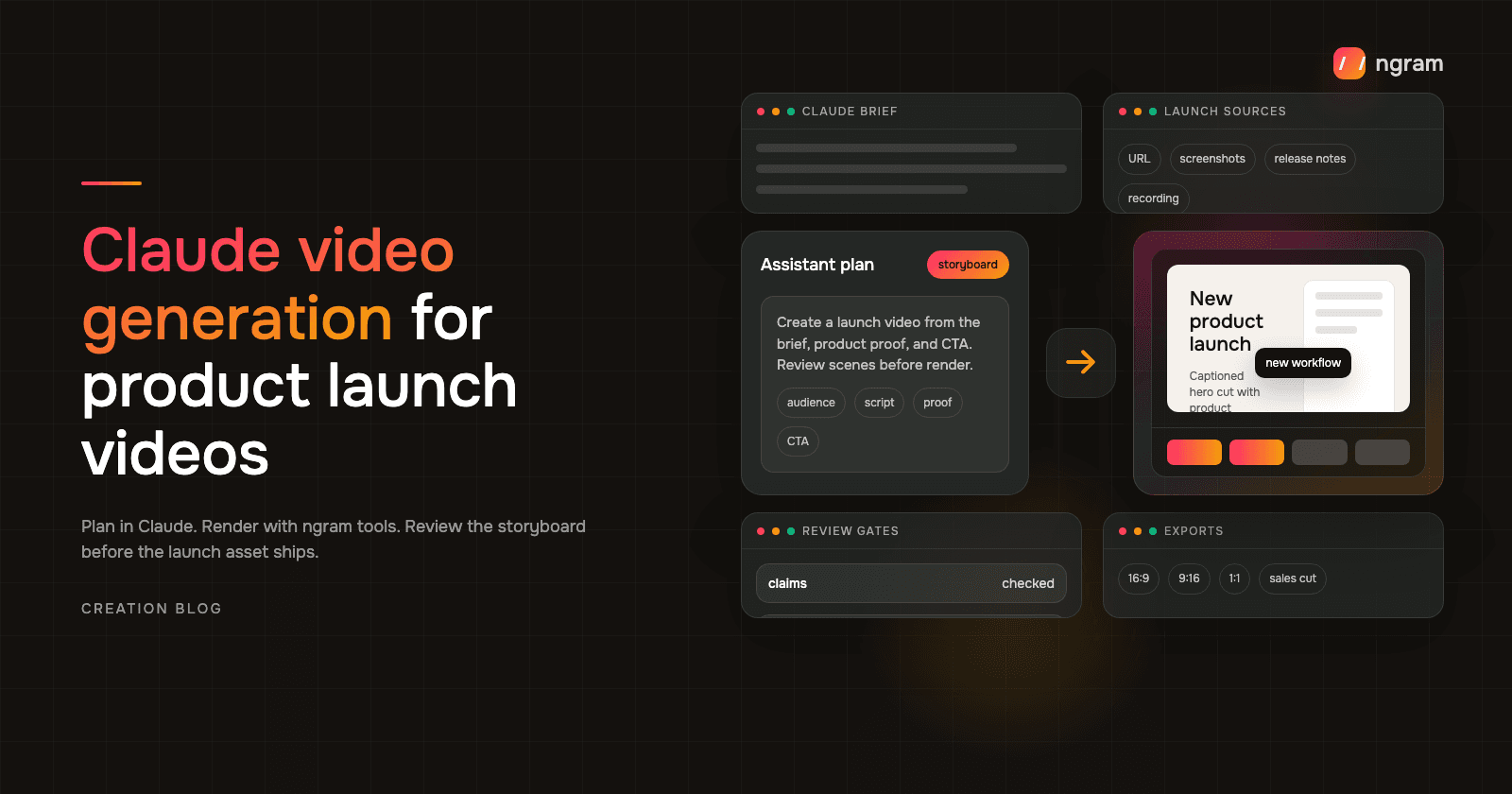

Claude video generation is useful when launch context is already sitting in the conversation. A founder, PMM, or GTM operator can paste the launch brief, product page, screenshots, release notes, target audience, CTA, and channel constraints, then ask Claude to turn that material into a video brief before ngram tools render the asset.
That matters because launch attention is short. A product launch video has to explain what shipped, show product proof quickly, match the launch promise, and give the viewer one next step. Claude should plan the story and review points. ngram tools should handle the video work: scenes, captions, voiceover, product callouts, brand styling, separately prepared channel cuts, and the final video link that comes back in Claude.
Why product launch video proof matters
The data is blunt: buyers and marketers expect short, visual proof, but launch teams still need to keep the asset specific and reviewable.
- Nielsen Norman Group found that users often leave pages in 10 to 20 seconds, and a page needs to communicate its value proposition within about 10 seconds to hold attention.
- Wyzowl's 2026 survey says 91% of businesses use video as a marketing tool, 93% of video marketers see video as important to strategy, and 63% of video marketers have used AI video tools to create or edit marketing videos.
- The same Wyzowl report says 96% of people have watched an explainer video to learn about a product or service, 85% have been convinced to buy by watching video, and 89% say video quality affects their trust in a brand.
- Content Marketing Institute's 2025 B2B research found that 58% of B2B marketers rated videos as the most effective content type, ahead of case studies, e-books, research reports, and short articles.
- Demand Gen Report's 2024 Content Preferences Benchmark Survey found that 67% of B2B buyers valued short-form content, 72% shared content with team members, and 51% said content was too generic or irrelevant to their needs.
- HubSpot's 2026 marketing statistics report says the top three ROI-driving content formats reported by marketers are all video formats: short-form video at 49%, long-form video at 29%, and live streaming video at 25%.
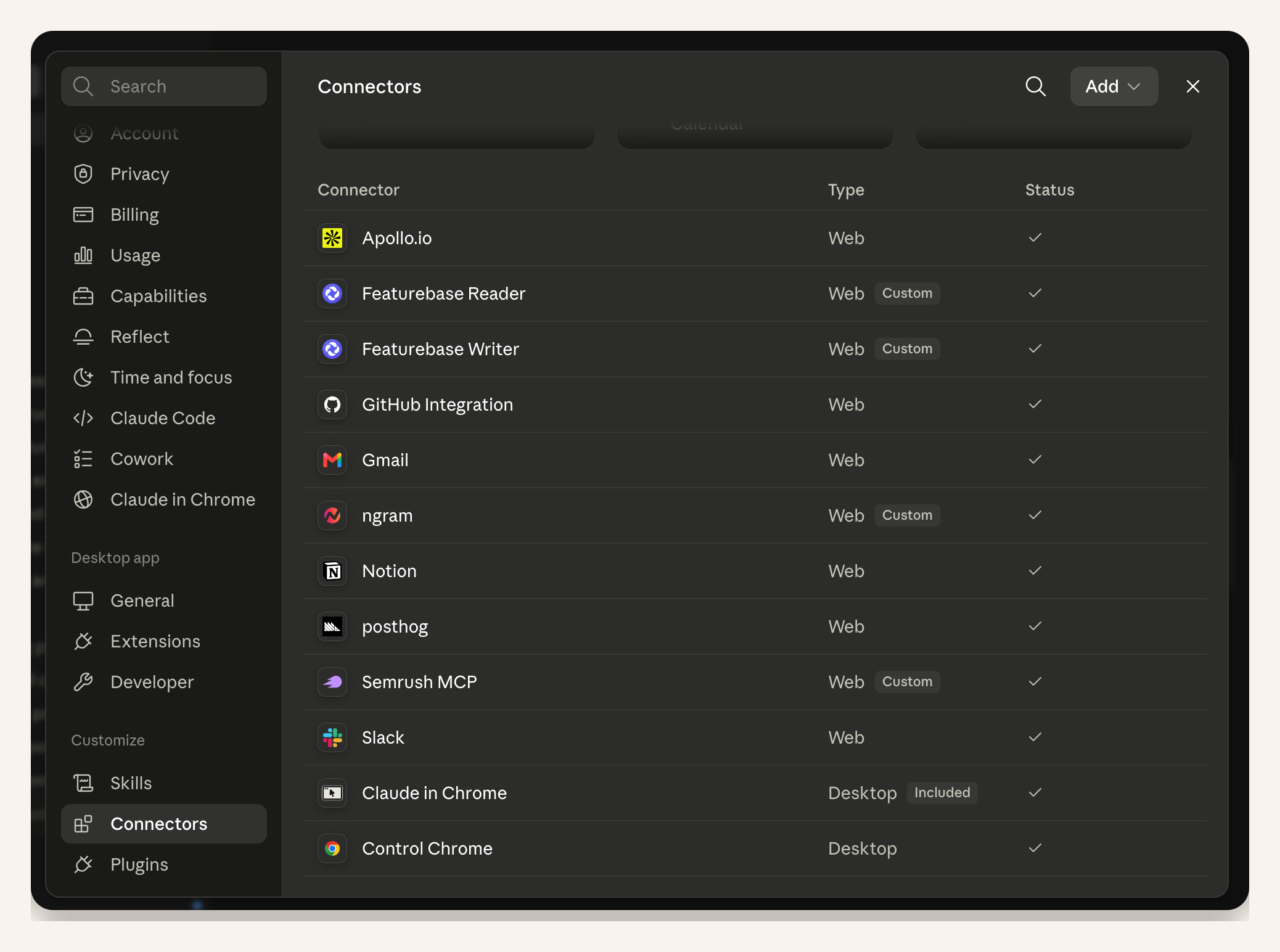
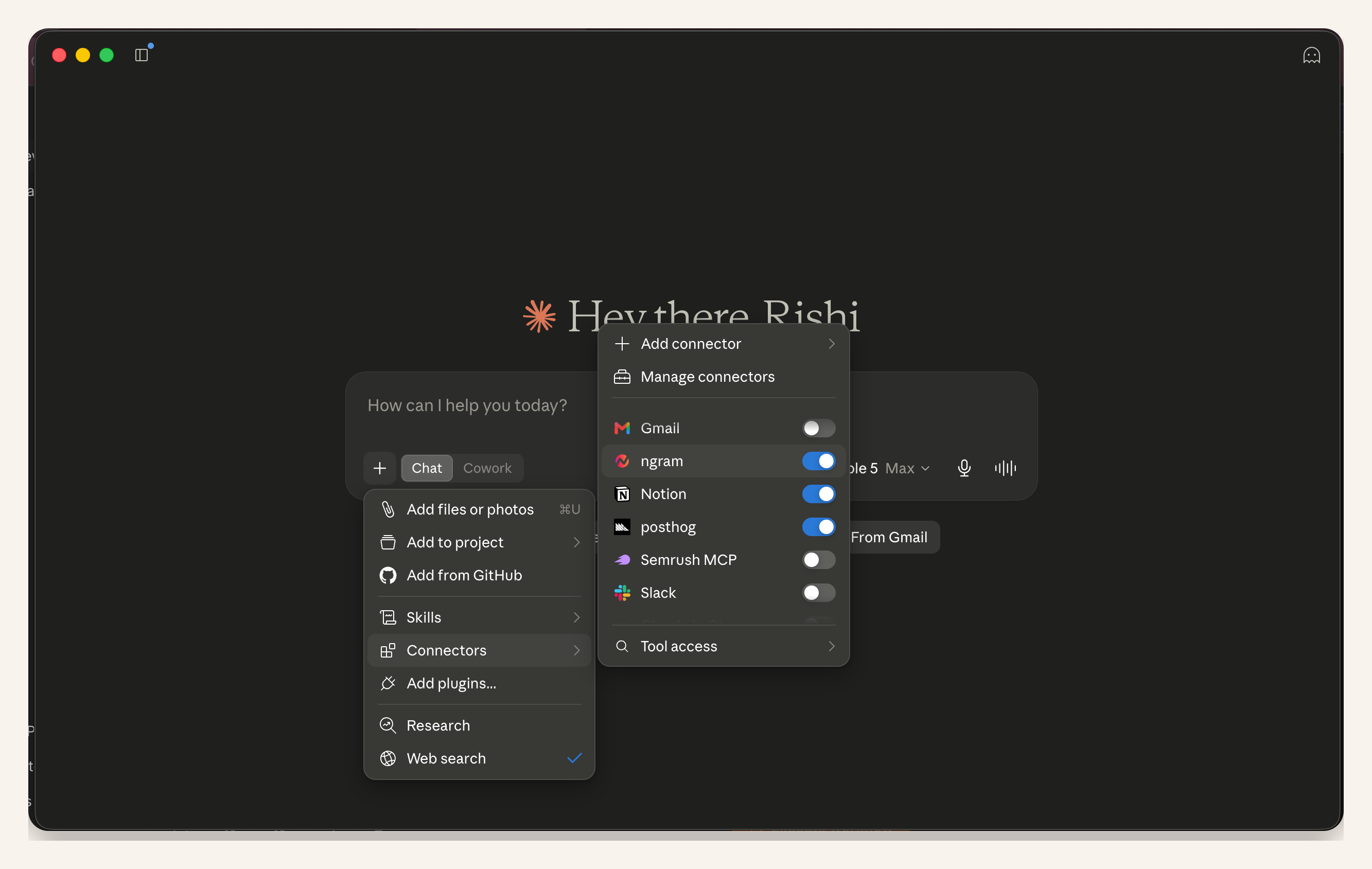
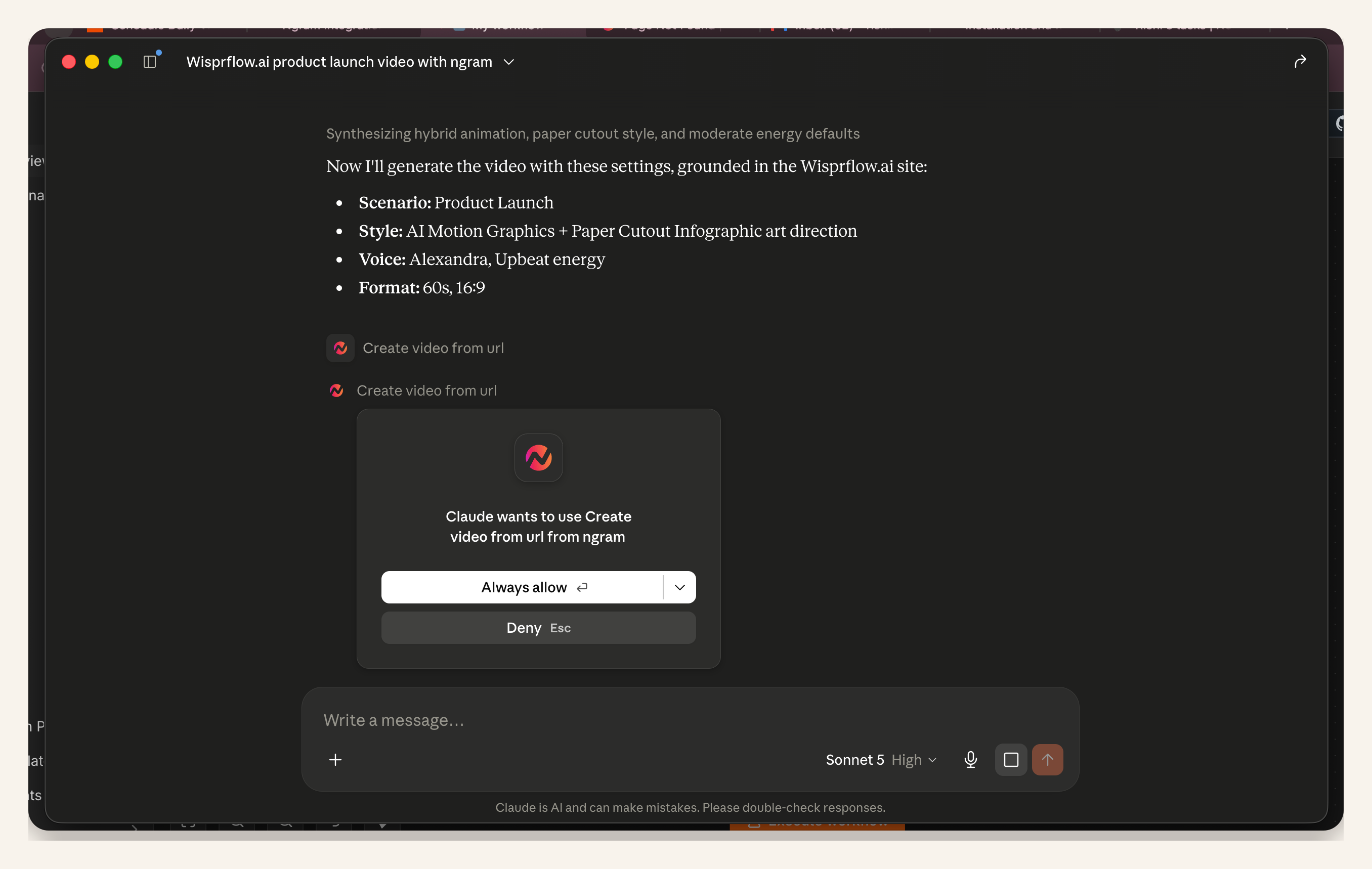
The practical takeaway is simple: do not ask Claude for a generic launch video. Give Claude the context that makes the launch specific, then use ngram tools for the media pipeline. The first screenshots show the Claude setup before render starts: ngram is connected in the tool list, then enabled in the current chat.
Prerequisites before you ask Claude for a launch video
Most weak launch videos fail before the first scene is generated. The prompt asks for "a product launch video" but never tells Claude who it is for, what changed, why the viewer should care, or where the video will run. Claude can clean up a messy launch brief, but it still needs concrete inputs.
- Source URL or source material: the launch page, product page, release notes, screenshots, screen recording, deck, PDF, or rough script Claude should treat as truth.
- Audience: the buyer, user, existing customer, sales team, investor, or partner who needs this launch explained.
- Launch promise: one outcome the viewer should understand quickly, not a list of every feature.
- Product proof: the exact screenshot, workflow moment, metric, source quote, or product screen that needs to appear.
- CTA, channel, and constraints: where the video will run, what action it should drive, what claims to avoid, which brand kit to use, and who reviews it.
If the launch is owned by product marketing, start from the same questions we use in the PMM product launch workflow: what changed, who needs to understand it, what proof should be visible, and what asset needs to ship on day one.
Step 1: Give Claude a launch brief it can reason from
Do not start with a vague creative request. Start with a brief that gives Claude enough context to make choices. The goal is to get a structured video request that ngram tools can turn into a first cut after you approve the plan.
You are helping me create a 45-second product launch video with ngram tools.

Product: ngram Chrome extension
Source URL: https://www.ngram.com/integrations/chrome-extension
Audience: SaaS founders and PMMs launching on Product Hunt or AppSumo
Launch promise: turn the active product page into a launch video without leaving the browser
Product proof to show: the browser extension opening on a Product Hunt page, the selected launch video option, and the ngram render progress screen from my screenshots
Primary channel: LinkedIn launch post and website announcement
CTA: create your first launch video
Tone: direct, practical, founder-friendly
Constraints: do not claim automatic campaign publishing, do not invent customer logos, keep captions readable on mobile, and keep the final cut under 45 seconds

First, turn this into a concise video brief. Then propose a 6-scene storyboard with voiceover, on-screen text, source asset, product proof, and timing for each scene. Ask for my approval before calling ngram tools.
The important line is the last one. Ask for a brief and storyboard before render. That keeps the human review point early, when it is cheap to change the launch message.
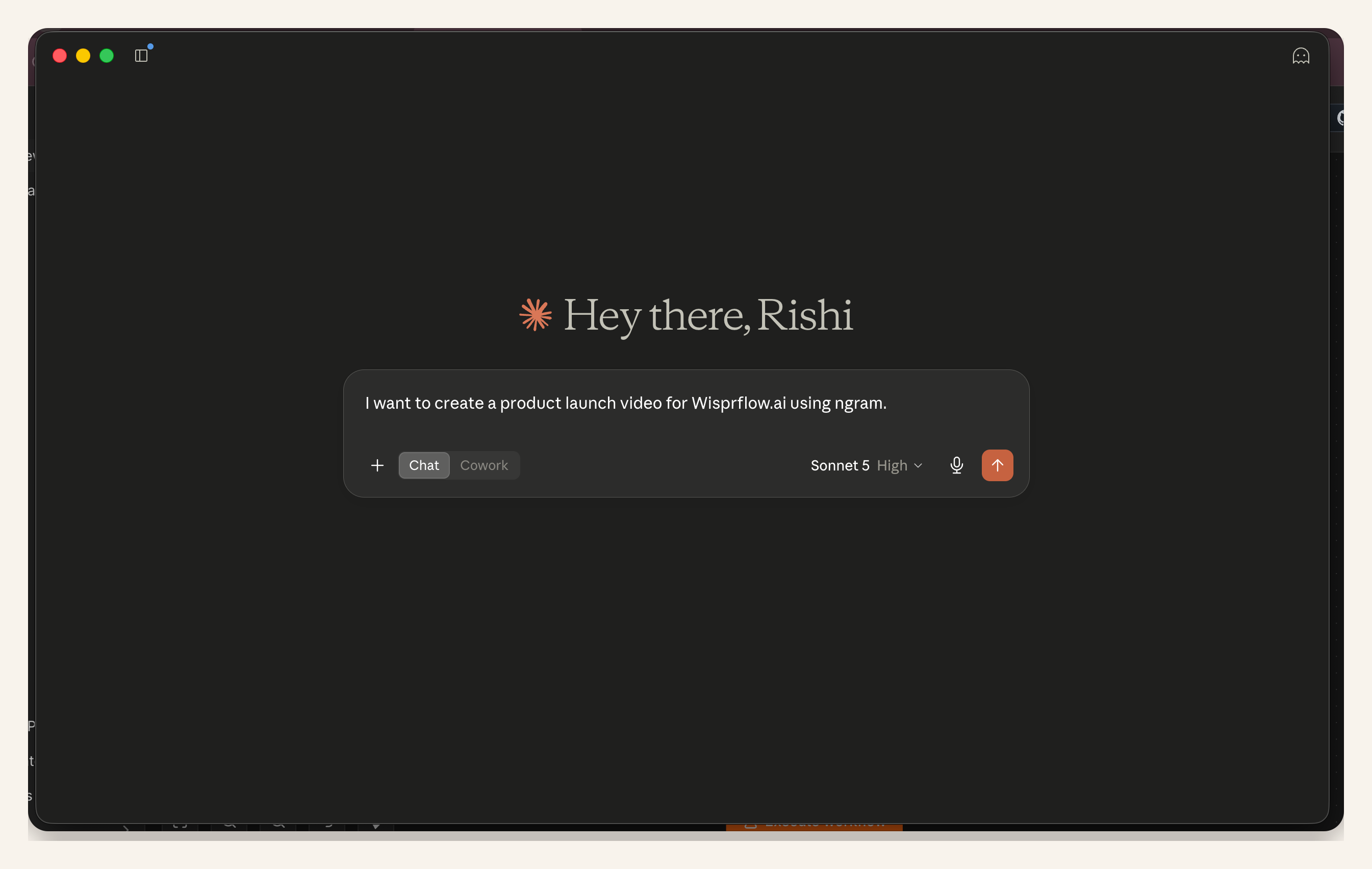
Step 2: Ask Claude to package the ngram tool request
Once Claude has the brief, ask it to prepare the actual request for ngram. This is where Claude video generation becomes practical: Claude stops brainstorming and starts handing a clear job to ngram tools. If your team has not connected ngram inside Claude yet, use the ngram tools for Claude setup so the request can run inside the same Claude conversation.
Package the approved launch brief for ngram tools.

Return:
1. Video goal
2. Audience
3. Scene-by-scene storyboard
4. Voiceover direction
5. On-screen text and callouts
6. Required source assets
7. Brand and tone rules
8. Output aspect ratios
9. Human review checklist

Then call ngram tools only after I approve the storyboard.
Keep source assets explicit. If the launch depends on a dashboard screen, a pricing table, or a checkout flow, name it. Product proof should not be guessed from a brand claim.
Step 3: Review the script and storyboard before render
The first review should happen before pixels are generated. Look for a clean hook, one launch promise, proof in the middle, and a concrete CTA. If the script tries to explain every feature, send Claude back to tighten the scope.
ngram's script generation flow is built around this plan-first step: script, storyboard, scene plan, visual direction, and CTA before final render. That is useful because most launch mistakes are message mistakes, not editing mistakes.
Step 4: Keep proof and brand rules in the prompt
A product launch video needs proof. Give Claude the screenshots, product URL, release notes, screen recording, or deck that contains the truth. Then tell it what not to claim. If a feature is still beta, invite-only, or not visible in the product yet, keep that out of the public script.
Brand rules matter too. ngram can apply logos, colors, fonts, tone preferences, approved phrases, blocked phrases, intros, outros, captions, and CTA styling through a brand kit. Put those constraints in the prompt instead of fixing them after the video is rendered.
Before rendering, check the storyboard against these rules:
- Every product claim appears in the supplied launch materials.
- The video shows at least one real product screen or approved visual.
- The CTA matches the launch page.
- Captions are included.
- The brand kit is applied.
- The output includes a website version and a social version.
Step 5: Render the launch video and request separately prepared channel cuts
After the storyboard is approved, ask Claude to call ngram tools for the render. This is where the output becomes a real launch asset instead of a script in a chat thread.
For a dedicated starting point, use the AI product launch video maker. It is designed for prompts, release notes, product pages, screenshots, PDFs, decks, docs, and URLs, then keeps the script, visuals, voiceover, captions, brand, callouts, and exports editable in ngram.
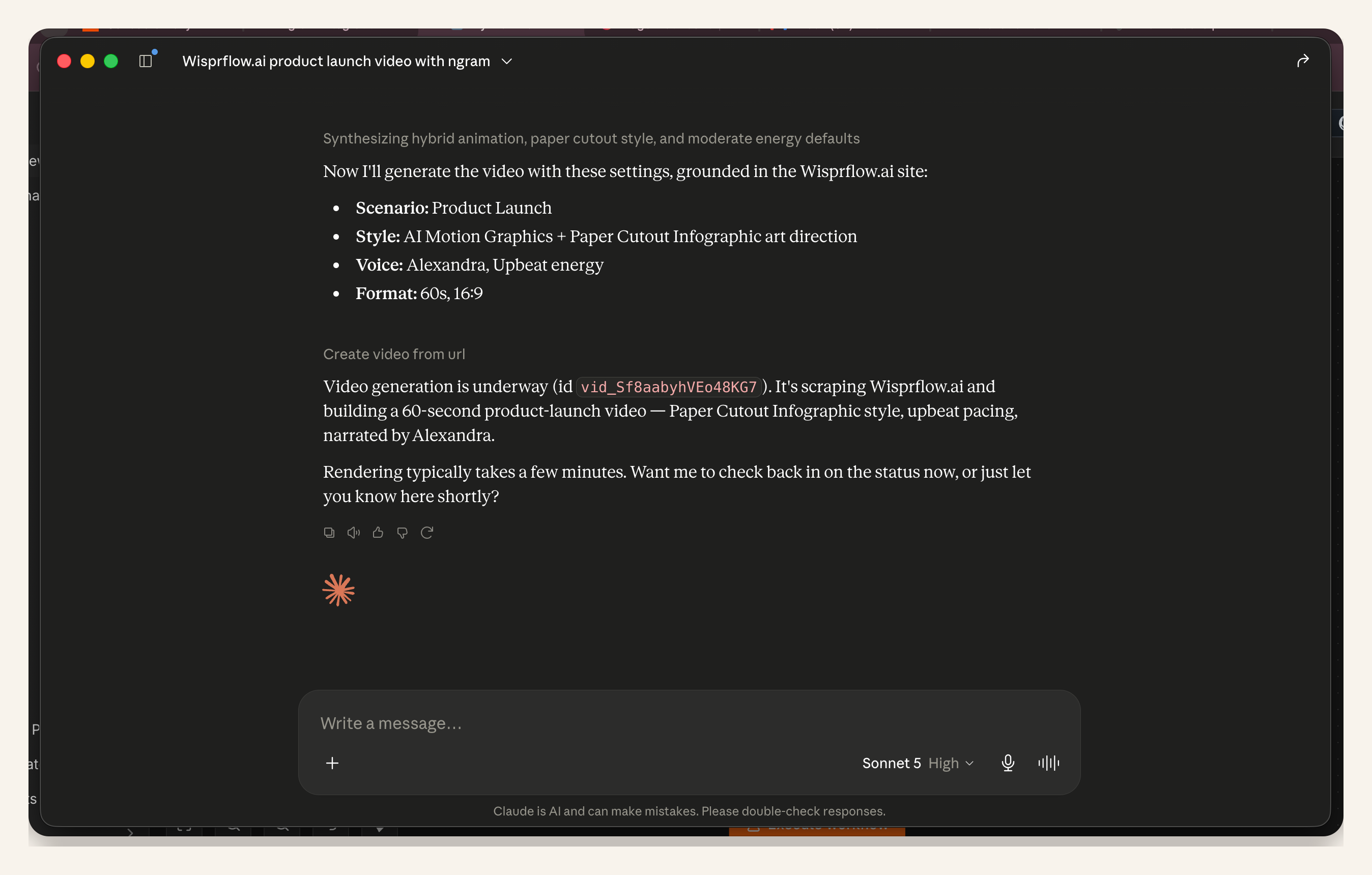
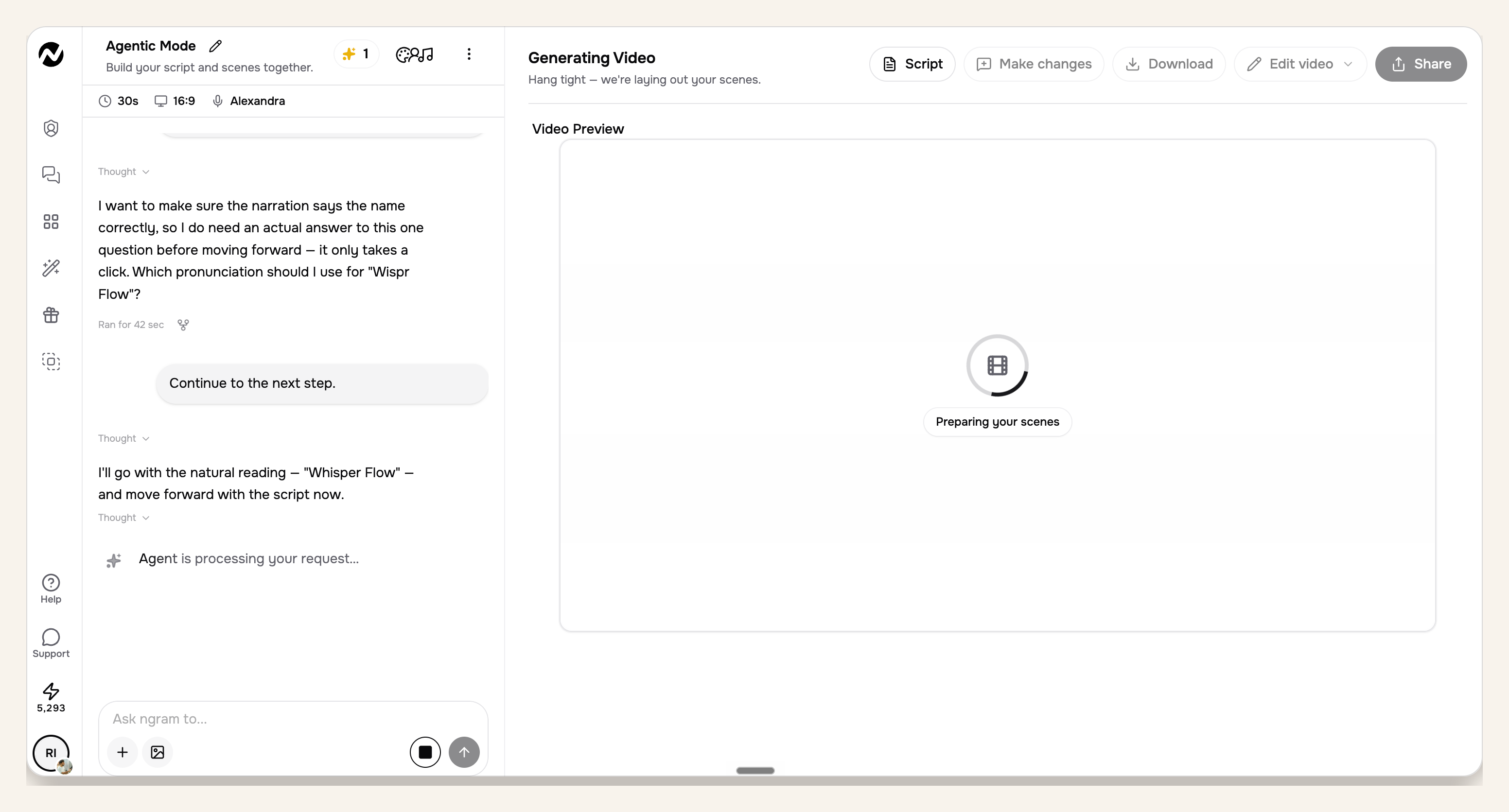
Request any separately prepared channel cuts after the main brief is approved. Once rendering starts, the final video link can return directly inside Claude. Full scene rendering can take 15 to 20 minutes depending on the number and complexity of scenes, so you can either keep checking status in Claude or open the ngram app and watch progress there. A launch may need a separate social cut and a shorter sales follow-up version. ngram supports MP4 export; prepare those cuts separately as approved outputs.
Claude video generation prompt example
Use these prompts as checkpoints around the concrete launch prompt above. Each one keeps Claude focused on planning, proof, and review instead of jumping straight to render.
- Brief cleanup: "Rewrite this launch material into a one-page video brief with audience, promise, proof, CTA, and channel."
- Storyboard: "Create a six-scene storyboard. For each scene, include voiceover, on-screen text, visual source, product proof, and timing."
- Claim check: "Flag every claim that is not supported by the source material. Rewrite unsupported claims as cautious product copy."
- Render request: "Prepare the ngram tool call for the approved storyboard, using the uploaded screenshots and release notes as source material."
- Variant request: "After the main render, create website, LinkedIn, and sales-follow-up versions with the same message but channel-specific pacing."
QA checklist before you use the launch video
- Script: the hook states one launch promise in the first few seconds, and the script avoids unsupported claims.
- Storyboard: every scene has a job, a source asset, expected timing, and a visible proof moment.
- Product proof: the video shows approved screenshots, product pages, release notes, screen recordings, or brand visuals instead of invented product screens.
- CTA and channel: the CTA matches the launch page, and the format matches where the video will run.
- Brand and captions: logos, colors, tone, blocked phrases, caption readability, and mobile framing are checked before export.
- Final video: open the returned ngram link, watch the whole cut, check audio and captions, then request any scene edits before using it in the launch.
Frequently asked questions
Can Claude generate a product launch video by itself?
In this workflow, Claude plans and directs the launch video, while ngram tools create and edit the media. That is the safer split for business work because Claude can keep the brief, source material, and review notes organized while ngram handles the video pipeline.
What should I give Claude before using ngram tools?
Give Claude the launch brief, product page, release notes, screenshots, screen recording, deck, or rough script. Also provide audience, tone, CTA, channels, brand rules, and claims to avoid.
Is Claude video generation useful for launch teams?
Yes, when the workflow keeps Claude focused on planning and uses ngram tools for creation. Product marketing teams can turn scattered launch material into a video brief, storyboard, first render, and separately prepared channel cuts without starting from a blank editor.
How long does the ngram render take after Claude calls the tool?
Plan for about 15 to 20 minutes for a full scene render, depending on scene count and complexity. The final video link can come back in Claude, and you can open the ngram app to watch progress instead of waiting in the chat.
How long should the product launch video be?
For a website or social launch cut, aim for a short asset that explains one promise and shows one proof path. If the launch needs more detail, create a separate sales walkthrough or customer education version instead of stretching the hero video.
Can one prompt create website, LinkedIn, and sales versions?
One prompt can define the source message and ask ngram for multiple variants. Keep the core promise consistent, then adjust pacing, aspect ratio, captions, CTA, and detail level for each channel.
The practical takeaway
The best Claude video generation workflow is brief, storyboard, proof check, ngram render, human review, then separately prepared channel cuts. Keep that order and Claude plans the work without becoming the final approver.