
Choose Deepdub for managed media localization, live dubbing or expressive speech infrastructure. Choose Rask AI for self-service video translation, line-by-line review and plan-based team localization. Both have developer offerings, with different products and usage contracts.
Choose around the production task
Start with the production owner and delivery specification. Deepdub’s media service is useful to evaluate when a team needs coordinated voice production and quality control. Rask’s editor lets a team own transcript, voice and timing revisions, with Business adding shared review and batch workflows. A managed service quote and a minute allowance should be compared for the same scope.
Deepdub vs Rask AI at a glance
| Question | Deepdub | Rask AI |
|---|---|---|
| Useful fit | Evaluate media production services, live dubbing or the voice API according to the delivery and review process you need. | Review translated wording and voice timing, add lip sync where needed, and coordinate larger batches with the appropriate team plan. |
| Review process | Deepdub’s media workflow covers voice creation, dubbing and production quality control for content libraries. Its live-dubbing offer adds broadcast timing and voice continuity. Review the required delivery specification and licensing with the production service. | Rask’s line-by-line editor exposes source and translated text, timing, speaking speed and voice settings. Creator Pro adds features such as lip sync, voice control and a personal glossary. Business adds shared terminology, review roles and multi-video localization. |
| Paid reference | Request a Deepdub offer for the intended media or voice workload. Its public API documentation provides a trial path. | Monthly: Creator $39 for 25 minutes; Creator Pro $99 for 100 minutes; Business $249 for 250 minutes. Enterprise is custom. |
How Deepdub fits the workflow
Deepdub current product: Deepdub’s media workflow covers voice creation, dubbing and production quality control for content libraries. Its live-dubbing offer adds broadcast timing and voice continuity. Review the required delivery specification and licensing with the production service.
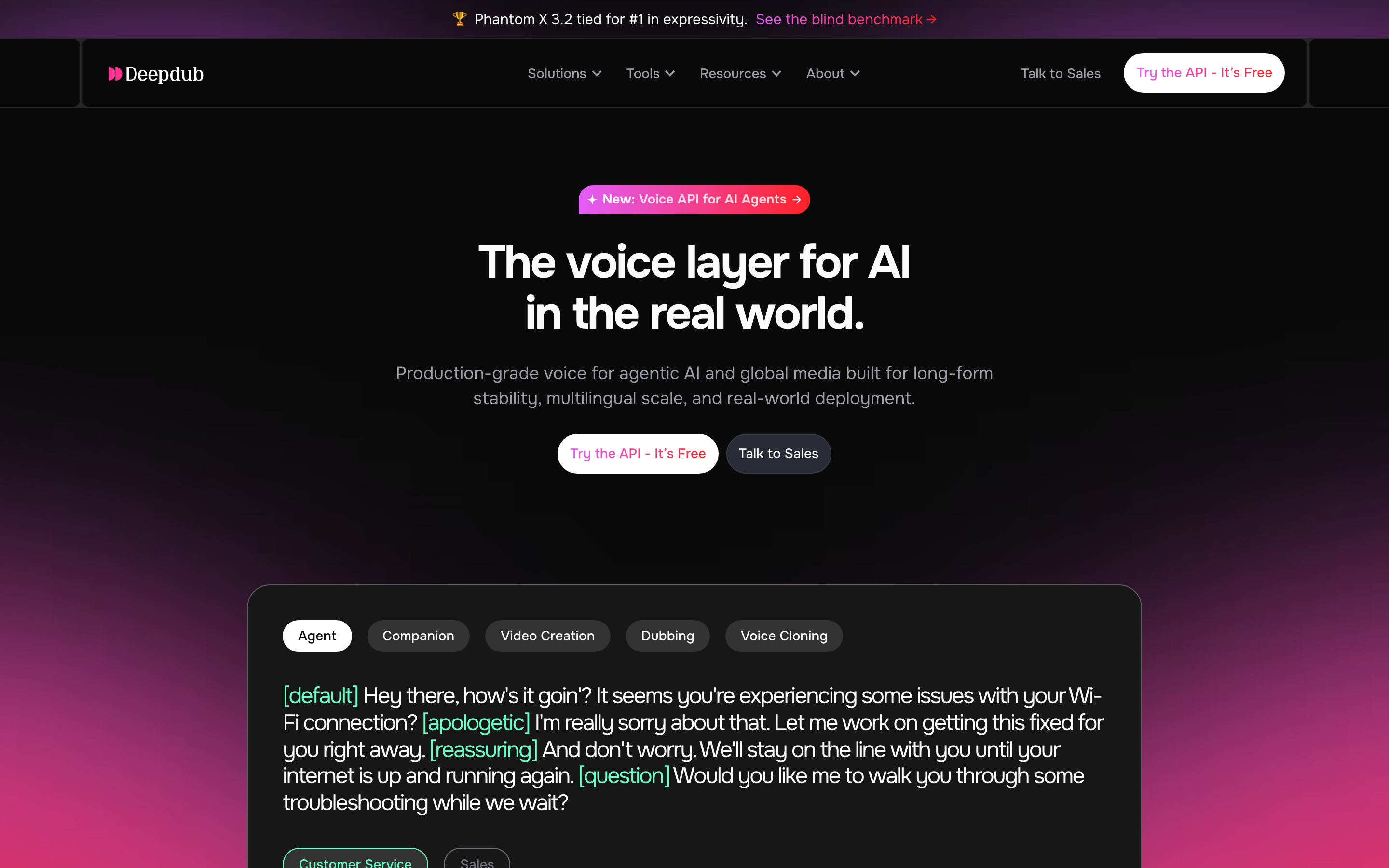
Its separate voice API generates expressive speech with voice cloning, accent and tempo controls. REST and WebSocket interfaces support streaming; the documentation offers a trial path and Python/JavaScript SDKs. A voice-enabled application is a different use case from a managed dubbed film.
Compare the target voices and expressive direction on an authorized sample. Deepdub’s customer productions demonstrate its media use, but a product description or testimonial does not establish a measured quality advantage over another tool.
How Rask AI fits the workflow
Rask AI current product: Rask’s line-by-line editor exposes source and translated text, timing, speaking speed and voice settings. Creator Pro adds features such as lip sync, voice control and a personal glossary. Business adds shared terminology, review roles and multi-video localization.
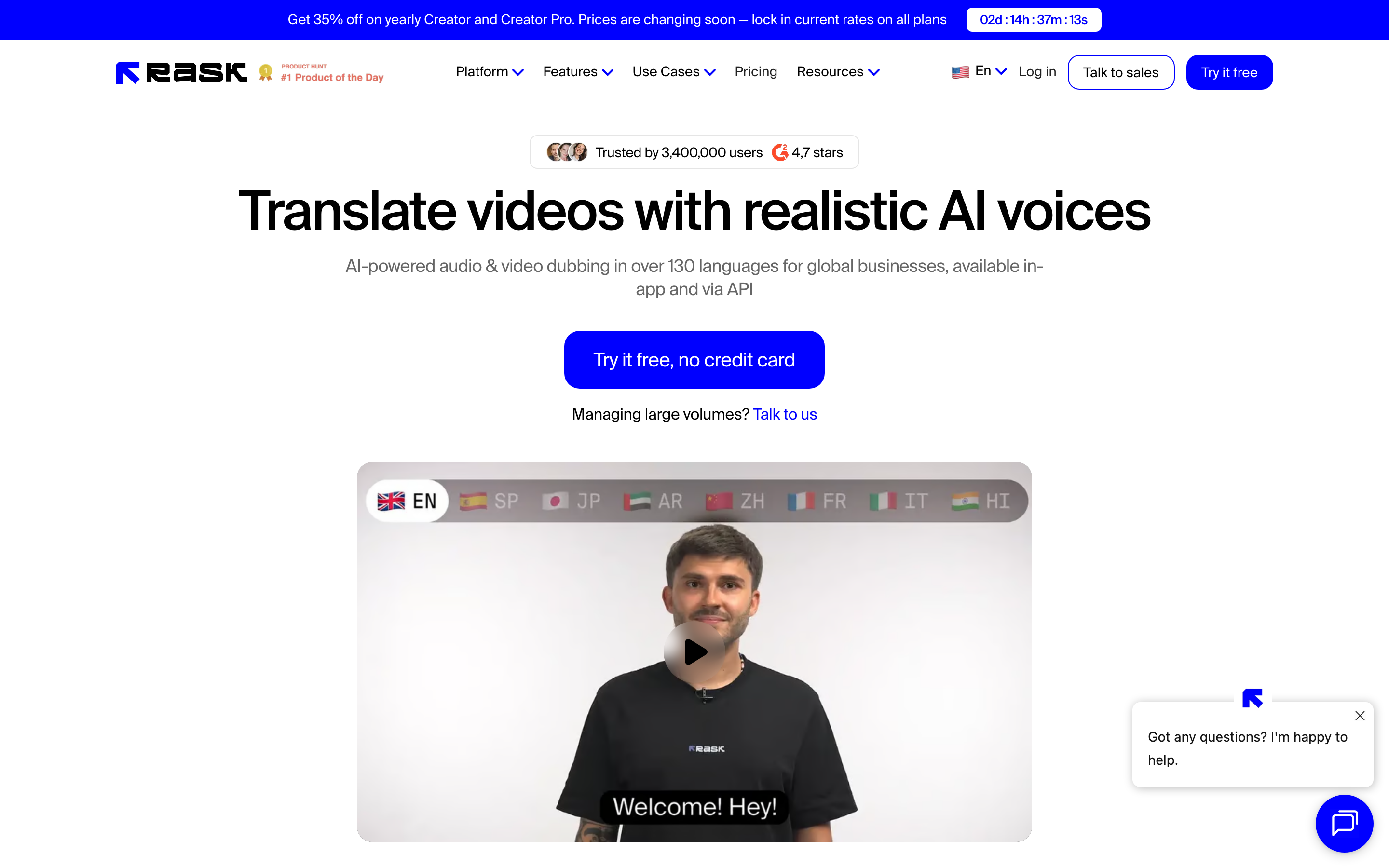
On-screen text translation is available on Business and Enterprise and draws three allowance minutes per video minute. Translation and optional lip sync draw separately: a one-minute translation with Enhanced lip sync uses four allowance minutes for one target language.
Creator Pro includes limited API access; Business adds production API and webhooks; Enterprise offers dedicated integration. The public FAQ says users can revise and re-dub segments without another charge for that revision. Match the plan, target-language count and selected operations to your expected production volume.
Review the language, timing and delivery
Use material you have permission to localize and voices you have permission to use. Compare proper names, terminology, speaker changes, pauses and visual timing in the languages you need. A language count does not tell you whether a particular accent, clone or lip-sync mode is available in your chosen plan.
For a team, define who checks the translation and who approves the final delivery. Confirm subtitle formats, on-screen text handling, clean audio or video files and the review handoff. Choose around that process and the repeat revision you expect to make.
Current pricing and usage
Official product pages and selected billing states were reviewed October 18, 2026. A speech API, managed production service, credit pool and localization-minute allowance are different purchases.
| Tool | Paid reference |
|---|---|
| Deepdub | Request a Deepdub offer for the intended media or voice workload. Its public API documentation provides a trial path. |
| Rask AI | Monthly: Creator $39 for 25 minutes; Creator Pro $99 for 100 minutes; Business $249 for 250 minutes. Enterprise is custom. |
| ngram | Basic $29/month or $278.40/year |
Deepdub: Budget managed localization, streaming voice infrastructure and self-service API use as different scopes. Confirm languages, audio minutes, concurrency, review services, licensing and delivery terms in the selected offer. A generic per-video subscription would not describe these services accurately.
Rask AI: The reviewed annual promotion listed $329/$799/$1,999 per year with 300/1,200/3,000 minutes respectively. Check the current offer before committing; the site labels these annual prices promotional. Translation uses one minute per final translated minute per language. Standard lip sync adds one minute per video minute; Enhanced adds three. On-screen text translation adds three and requires Business or Enterprise. Rask says segment re-editing/redubbing is not charged again; annual unused minutes remain within the yearly allowance. A three-minute trial is available.
ngram pricing includes 1,000 credits/month on Free. Basic costs $29/month with monthly billing and includes 3,000 credits per cycle; annual billing is $23.20/month equivalent with 36,000 credits supplied upfront. The base rate for premium AI video generation is 10 credits per second, with a cheaper model at 3. Share publicly or embed on Free; use a paid plan for MP4 downloads and Basic or above for unlisted links.
Create the lesson before preparing another language
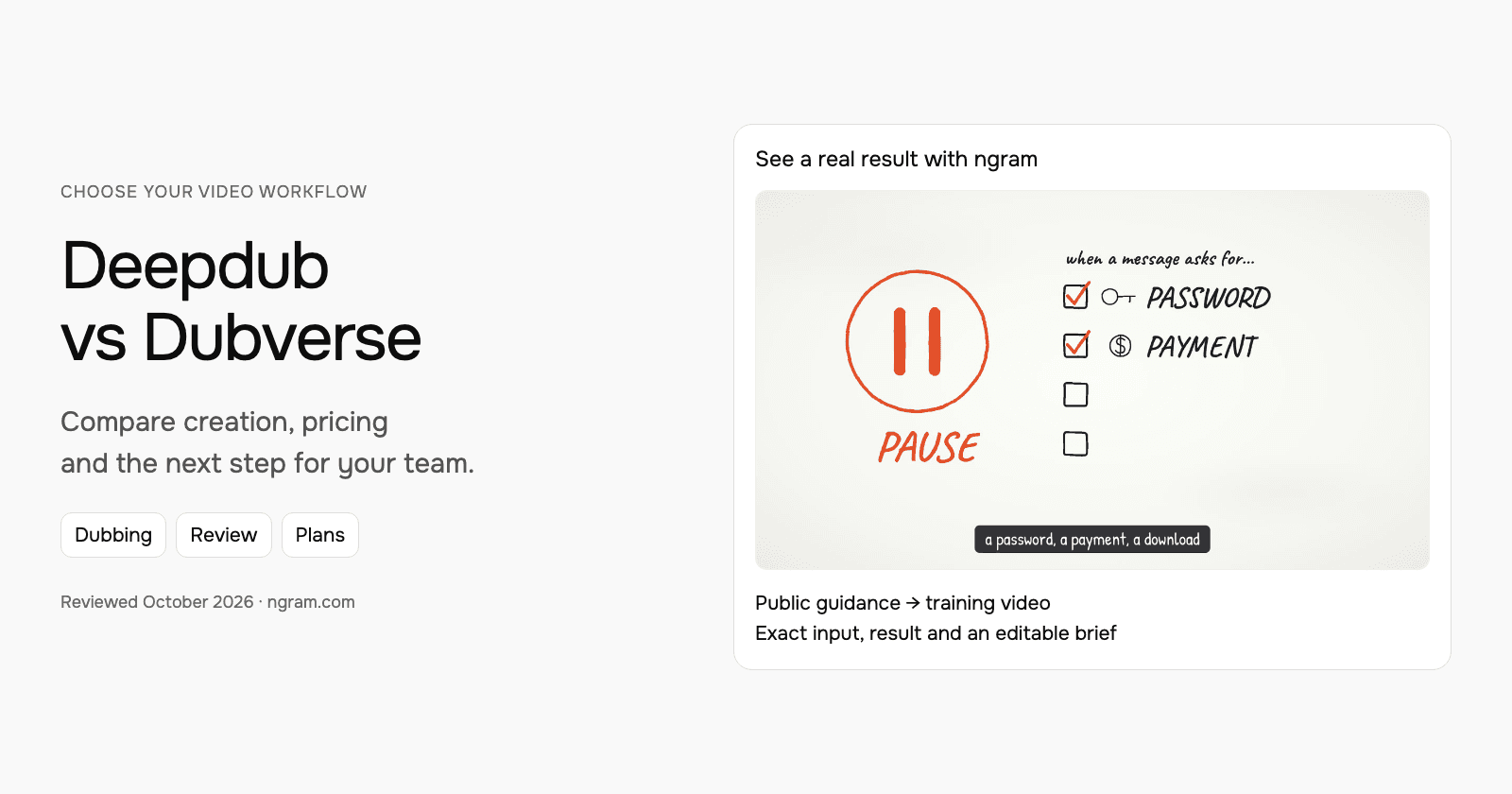
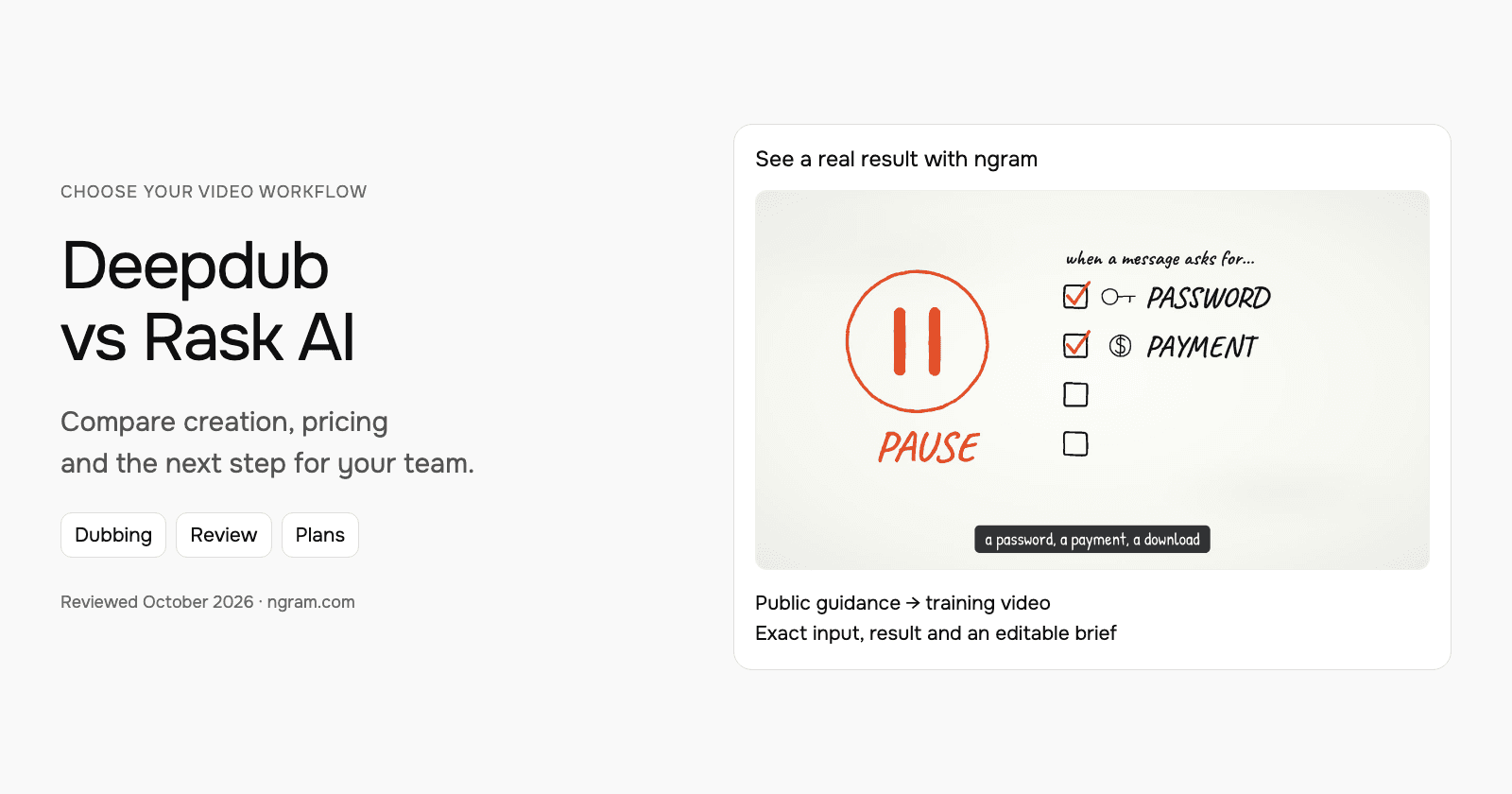
The ngram example below turns public NIST phishing guidance into a narrated lesson. Inspect its exact input, style, transcript and result, then adapt the brief for your own training audience. This example demonstrates the creation step.
From this input to this video
A script based on NIST’s published guidance becomes a whiteboard training video with captions.
Prompt
Create a 45-second animated cybersecurity training video that teaches recognizing and reporting phishing using NIST’s small-business guidance at https://www.nist.gov/itl/smallbusinesscyber/guidance-topic/phishing to small-business employees. Use my script verbatim for the voiceover — do not rewrite it: An urgent message can make a risky click feel necessary. Phishing impersonates a trusted sender to steal information or deliver harmful software. Pause when a message asks for a password, a payment, a download or immediate action. Check the sender, and verify the request through a contact method you already trust. Do not use the message’s own link or phone number to verify it. Report suspicious messages using your organization’s process. If you already clicked, tell your security contact promptly. Pause, verify and report. Read NIST’s phishing guidance and learn your team’s reporting process. Explain the idea with the warning signs and verification steps in the NIST guidance and reinforce each key term with clear on-screen labels. Visual style: whiteboard. Tone: calm and practical. Open with a short real-world hook, walk through the concept step by step, then close on a one-line recap and this call to action: Read NIST’s phishing guidance and learn your team’s reporting process. Add captions for muted playback.
Selected style
Whiteboard
Read the video transcript
An urgent message can make a risky click feel necessary. Phishing impersonates a trusted sender to steal information or deliver harmful software. Pause when a message asks for a password, a payment, a download or immediate action. Check the sender, and verify the request through a contact method you already trust. Do not use the message’s own link or phone number to verify it. Report suspicious messages using your organization’s process. If you already clicked, tell your security contact promptly. Pause, verify and report. Read NIST’s phishing guidance and learn your team’s reporting process.
Create a lesson from your approved script
The example uses a script based on public NIST guidance. Replace its subject and wording with the lesson your team needs, then choose how it should look.
Prepare the lesson
Use an approved script and source material. Export slides or documents you want to include as a supported upload, such as PowerPoint or PDF.
Set the direction
Fill in the audience, topic, script and call to action below. Select a style, then attach your materials and choose your Brand Kit in ngram.
Review and deliver
Approve the plan containing the script. After generation, review the result, request changes and share it. On a paid plan, download the MP4 for your learning platform.
Make it yours
Fill in your details here, or continue and finish your brief in ngram.
Video generation uses credits. Review your estimate in ngram. MP4 downloads require Basic or higher.
How credits workBuild and adapt the video with ngram
Start from an approved script, public source, PDF, PowerPoint or authorized footage. Choose the audience, style, duration and aspect ratio. Select your configured Brand Kit and enable captions when wanted, then approve the plan containing the script.
Review the generated video and request changes through chat or use timeline controls. When another audience needs the same lesson, ask ngram for a localized version and specify the narration, captions and on-screen text you want adapted. Review the wording and visual timing before sharing.
For an existing short video, the standalone video translator accepts clips up to one minute. For your ngram project, request the localized version in chat. For a learning platform, download the MP4 on a paid plan and add it to the course.
If you reuse footage from Deepdub or Rask AI, keep the editable original there. Upload the export as source material for the new video; original tool settings and review history remain with that project. When the source changes, tell ngram what changed and ask for a revision.
Continue with ngram vs Deepdub, ngram vs Rask AI, the security-training brief or training video workflows.
How this comparison was reviewed
This comparison uses official product, pricing and developer documentation. Recommendations describe workflow fit rather than a scored or timed competitor-output test. The ngram example is a real source-to-lesson result with its actual input.
Frequently asked questions
Which should I choose?
Choose Deepdub for managed media localization, live dubbing or expressive speech infrastructure. Choose Rask AI for self-service video translation, line-by-line review and plan-based team localization. Both have developer offerings, with different products and usage contracts.
How should I compare the real cost?
Use the same source length, target languages, speaker count and delivery requirements. Include lip sync, on-screen text, review services, API usage and the selected billing commitment. Compare managed quotes with the same production scope.
Can these tools review and revise translated text?
Deepdub’s media workflow covers voice creation, dubbing and production quality control for content libraries. Its live-dubbing offer adds broadcast timing and voice continuity. Review the required delivery specification and licensing with the production service. Rask’s line-by-line editor exposes source and translated text, timing, speaking speed and voice settings. Creator Pro adds features such as lip sync, voice control and a personal glossary. Business adds shared terminology, review roles and multi-video localization.
Can I create the source lesson in ngram first?
Yes. Give ngram your approved source and audience, choose the style and settings, then approve the plan containing the script. Review the generated lesson and request another language when needed.
Can I share the ngram result for free?
Free includes 1,000 credits/month, public sharing and embeds. Paid plans enable MP4 downloads; unlisted links start with Basic.
Create your first video with ngram, or talk to sales.