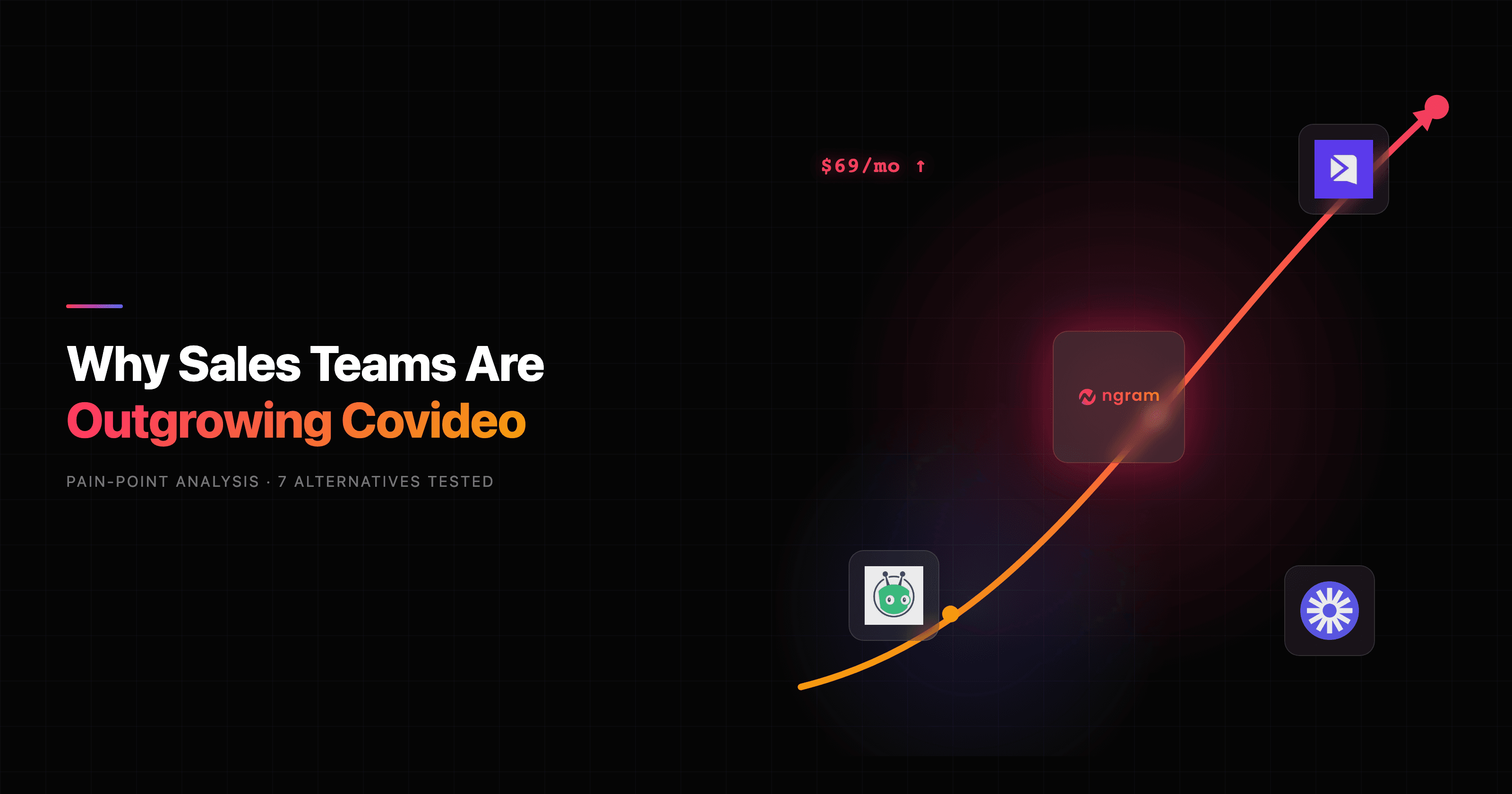

If you are shopping for Covideo alternatives, the usual trigger is the invoice. Covideo's individual plan runs about $69 per month month-to-month, or roughly $49 per month on an annual commitment ($588 a year), and team and enterprise pricing is hidden behind a sales call. For a tool you mostly use to record one-to-one videos and send them, several teams we spoke to started asking whether that math still works.
Covideo earns its reputation. It sits at 4.8 on G2 and 4.9 on Capterra across 100-plus reviews, and the praise is consistent: it is easy to record a personal video, drop it in an email or text, and see who watched. The company has also leaned hard into auto dealerships with VIN Reels, an AI Video Agent for lead follow-up, and technician-to-advisor service approvals. If you sell cars, that stack is genuinely hard to match.
The trouble starts when your needs drift past quick one-to-one messages. Reviewers flag the high cost, limited template customization, and the fact that Covideo is built for personal communication, not polished marketing video. So the right Covideo alternative depends entirely on the job: do you need the same personal-messaging workflow, or a finished, reusable video you can put in front of customers, prospects, or the public? This guide tests 7 alternatives across both, and it is honest about where ngram fits and where it does not.
Where Covideo falls short in 2026
Covideo is good at what it does. The friction shows up at the edges of that scope.
The price keeps climbing. Reviewers describe Covideo's cost as high, and team pricing is unpublished, so you negotiate per seat. Historically enterprise seats sat around $49 to $99 per user per month. For a relationship-driven team that lives in the tool, that is defensible. For occasional senders, it stings.
It is a messaging tool, not a video studio. Covideo records you talking to a webcam. It does not write a script, build a storyboard, generate motion graphics, or turn a doc or a screen recording into a narrated, on-brand explainer. When the deliverable is a real marketing or product video, you hit a wall.
Template customization is thin. Users specifically call out limited options to customize templates, which matters once you want videos that look like your brand rather than a webcam square.
The output is hard to reuse. A Covideo message is built for one recipient in one channel. Repurposing that into a launch video, a 9:16 social cut, or a localized variant means rebuilding it somewhere else.
It is narrow by design. Covideo's recent roadmap doubles down on dealerships. If you are not in automotive sales or service, a lot of the newest value does not apply to you.
None of this makes Covideo a bad tool. It makes it a specialist. The question is whether you need that specialist or something that produces finished video.
Quick comparison
| Tool | Best For | Starting Price | Key Differentiator |
|---|---|---|---|
| ngram | Finished, reusable business video | Free / $29/mo | Generates the video from a doc, URL, or recording |
| Hippo Video | Video at scale across sales and CS | Free / paid tiers | Hosting, interactivity, and engagement tracking |
| BombBomb | Relationship sellers who live in email | ~$33/mo | Native Gmail and Outlook video plugins |
| Dubb | Interactive CTAs and video landing pages | Free / ~$32/mo | Overlay CTAs plus landing-page builder |
| Sendspark | Personalized outbound at scale | Free / paid tiers | AI voice clone and dynamic prospect backgrounds |
| Vidyard | Outreach plus video hosting in one | Free / paid tiers | Deep analytics and broad CRM coverage |
| Loom | Fast internal screen-and-cam updates | Free / ~$15/mo | Quick async recording, huge install base |
1. ngram
Watch how ngram turns an idea into a finished video:
Here is the honest scope first: ngram is not a one-to-one video messaging tool. It does not sit in your inbox and let you fire off a quick webcam clip to a single prospect at dealership scale. If that is the entire job, a messaging specialist below will serve you better.
What ngram does instead is generate the finished video. You bring a prompt, a doc, a PDF, a URL, a deck, a screenshot, or a rough screen recording, and ngram writes the script, plans the storyboard, generates voiceover and captions, adds motion graphics, and returns a narrated, on-brand cut you can edit in plain language. For the slice of Covideo's world that is really about polished customer-facing sales videos, explainers, and follow-ups, that is a different league of output.
What makes ngram stand out
The core difference is that ngram starts a step earlier than a recorder. Covideo captures what you say on camera. ngram builds the video for you, then lets you steer it. You can review the script and storyboard before anything renders, so you fix direction up front instead of re-recording.
Key features:
- Start from what you already have - Text, docs, URLs, decks, screenshots, and screen recordings all become source material.
- Plan first, generate second - Approve the script and storyboard before the render, no reshoot loop.
- Context-aware adaptation - Tell ngram the audience, goal, and channel and it adapts tone, length, and pacing.
- Polished by default - AI voiceover, burned-in captions, motion graphics, smart zooms, and branded intros come standard.
- One source, many cuts - Ask for a 9:16 social version, a sales follow-up, and a localized dub of the same message.
- Brand kits - Logo, colors, and fonts applied automatically to every export.
Pros
- Generates a complete video from source material, not just a webcam recording
- Adapts one message into multiple formats, audiences, and languages
- Polishes raw screen recordings into demos with cursor smoothing, zooms, and callouts
Cons
- Not a drop-in for quick one-to-one video messaging through a CRM
- No per-prospect auto-personalization or native email-client plugin
- Web-based, with no native mobile app today
Who is ngram best for?
Product marketing, growth, sales enablement, and customer success teams that need finished videos out the door without a freelancer budget. If your follow-up should look like a real product video rather than a webcam square, ngram is the alternative to test first. For a direct head-to-head, see our ngram vs Covideo comparison. ngram has a generous free plan, with paid plans starting at $29 per month.
Ready to try ngram? Create your first video in under 5 minutes. Start free
2. Hippo Video

Hippo Video is the closest same-category competitor to Covideo, and it scales personalized video across sales, marketing, and customer success rather than sitting only in one-to-one messaging. It pairs recording with hosting, interactivity, and engagement tracking, and it is especially popular with customer-success teams that want video stats tied to accounts.
It is used by go-to-market teams worldwide and has a notable footprint outside North America. Where Covideo concentrates on the dealership niche, Hippo Video stays broad: prospecting, demos, outreach, onboarding, and L&D all run through the same platform, plus AI-avatar and text-to-video options for teams that do not want to film.
Key features
- Video at scale - Record, host, and distribute across the funnel from one workspace.
- Interactive video - Add CTAs, forms, and annotations inside the player.
- Engagement analytics - Tie views and watch time back to accounts and contacts.
- AI generation - Avatar and text-to-video output for teams that skip the camera.
- CRM integrations - Connect outreach data to your sales stack.
What users say
Reviewers like that Hippo Video does more than messaging, and customer-success teams in particular praise the account-level analytics. The flip side shows up in the usual scaling-tool complaints: the interface can feel busy when you only need a quick recording, and the breadth means a learning curve before the platform pays off. For teams that genuinely use video across multiple functions, that trade is worth it.
Best for
Go-to-market teams that want one platform for sales, marketing, and CS video, especially those that care about account-level engagement data. Pricing includes a free tier with paid plans scaling by usage.
3. BombBomb
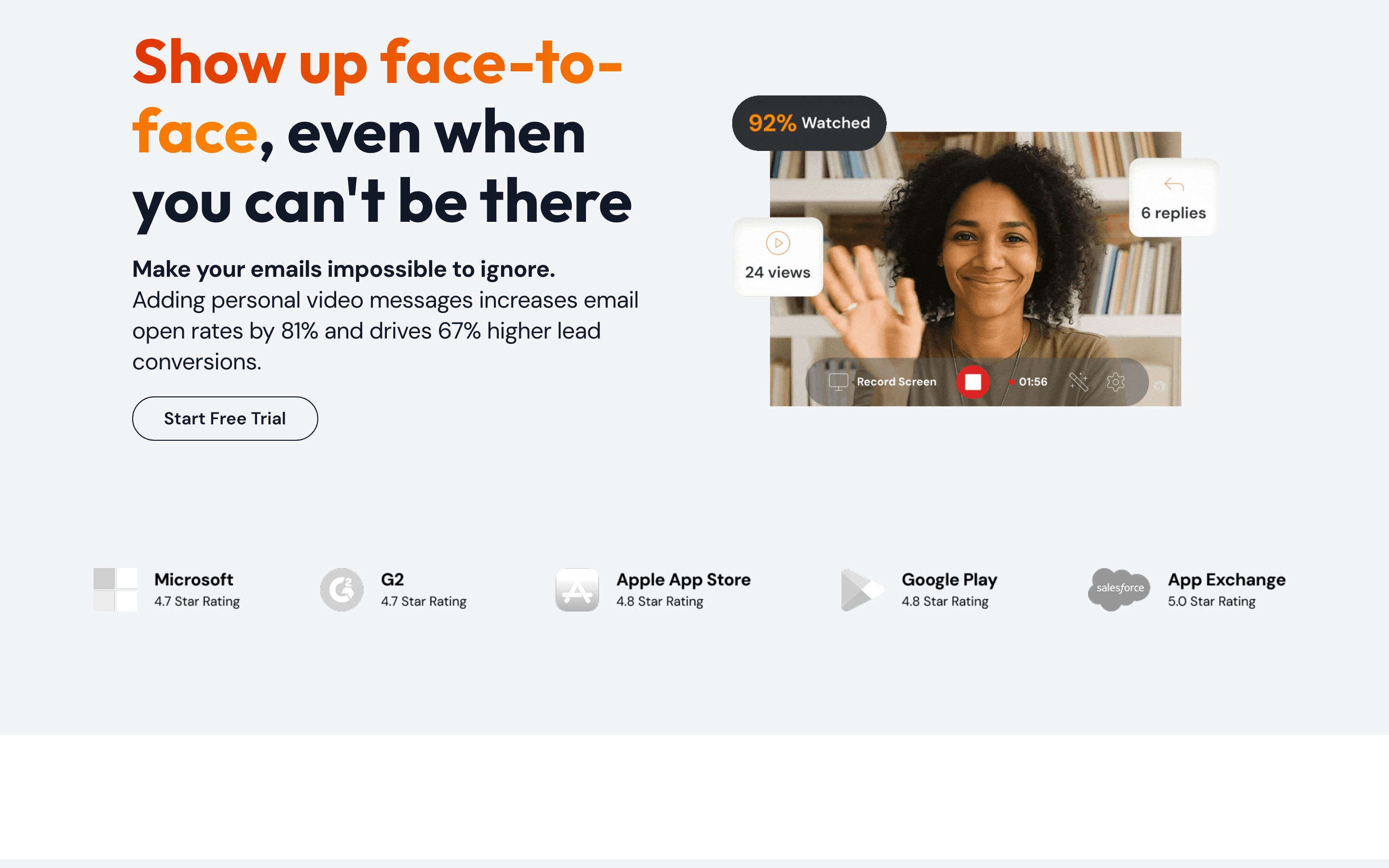
BombBomb built its name on getting video directly inside the inbox. Its native Gmail and Outlook plugins reduce the friction between recording and sending, which is why relationship sellers in real estate, mortgage, and advisory keep choosing it. Compared to Covideo, BombBomb leans even harder into email as the channel.
The pitch is simple: record a personal, trackable video message, embed it in an email, and watch hosted playback with viewer engagement analytics. For sellers whose entire workflow is email follow-up, that focus is a feature, not a limitation.
Key features
- Native email plugins - Record and send video without leaving Gmail or Outlook.
- Hosted playback - Videos play on a branded landing page, not as a clunky attachment.
- Engagement tracking - See opens, plays, and watch time per recipient.
- CRM connections - Sync activity to your sales system.
- Mobile recording - Capture and send from a phone between meetings.
What users say
Users consistently praise how BombBomb makes email feel personal and how easy it is to record on the fly. The honest knocks are familiar: it is built for one-to-one outreach, so it does not pretend to be a marketing-video studio, and like Covideo it skews toward relationship-driven industries. Reviewers who tried to use it for polished branded content found it out of its lane.
Pros
- Native Gmail and Outlook plugins make sending video nearly frictionless
- Strong fit for relationship sellers in real estate, mortgage, and advisory
- Reliable per-recipient engagement tracking
Cons
- Built for one-to-one email, not reusable marketing video
- Limited editing and template customization
- Best value only if email is genuinely your primary channel
Best for
Relationship-driven sellers whose channel is email and who want video to land inside the message. Paid plans start around $33 per month.
4. Dubb
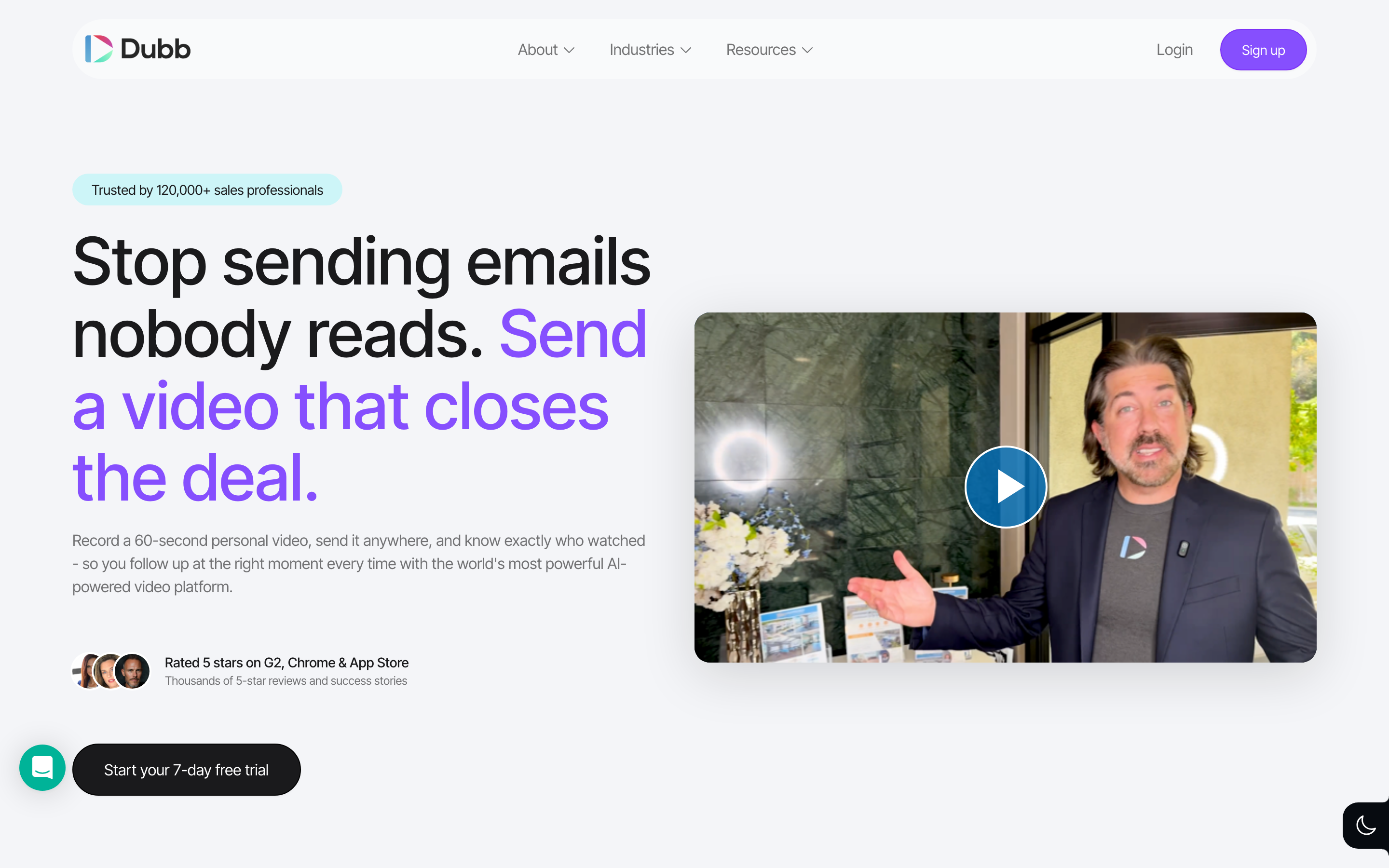
Dubb is the closest match for Covideo on interactivity. It produces a trackable personal sales video that you can record and send via email, text, or LinkedIn, then layers on overlay CTAs, lead forms, and a strong video landing-page builder. Reviewers describe a cleaner UX than several rivals.
It is built for sales professionals and revenue teams across SaaS, real estate, mortgage, agencies, and coaching who want personalized async video plus AI-driven outreach. Dubb holds a 4.7 on G2 across 100-plus reviews, so the satisfaction is real.
Key features
- Interactive CTAs - Overlay buttons and forms directly on the video.
- Video landing pages - A dedicated builder for branded watch pages.
- Multi-channel send - Email, text, and LinkedIn from one place.
- Engagement analytics - Track plays, clicks, and conversions.
- AI outreach tools - Assist with scripting and sequencing.
Pros
- Strong interactive CTA and landing-page tooling
- Cleaner interface than many video-messaging tools
- Flexible multi-channel sending
Cons
- Still centered on recorded personal video, not generated marketing video
- Feature depth means a learning curve for casual users
- Landing-page polish depends on your own design effort
What users say
Reviewers like Dubb's interactive features and the landing-page builder, and they call the experience cleaner than the alternatives they tried. The recurring caveat is scope: it is a video-prospecting and CTA tool, so teams expecting full video production looked elsewhere. For converting attention into clicks, though, Dubb is hard to beat in this category.
Best for
Sales teams that want interactive CTAs, lead capture, and branded video landing pages on top of personal outreach. A free tier exists, with paid plans starting around $32 per month.
5. Sendspark
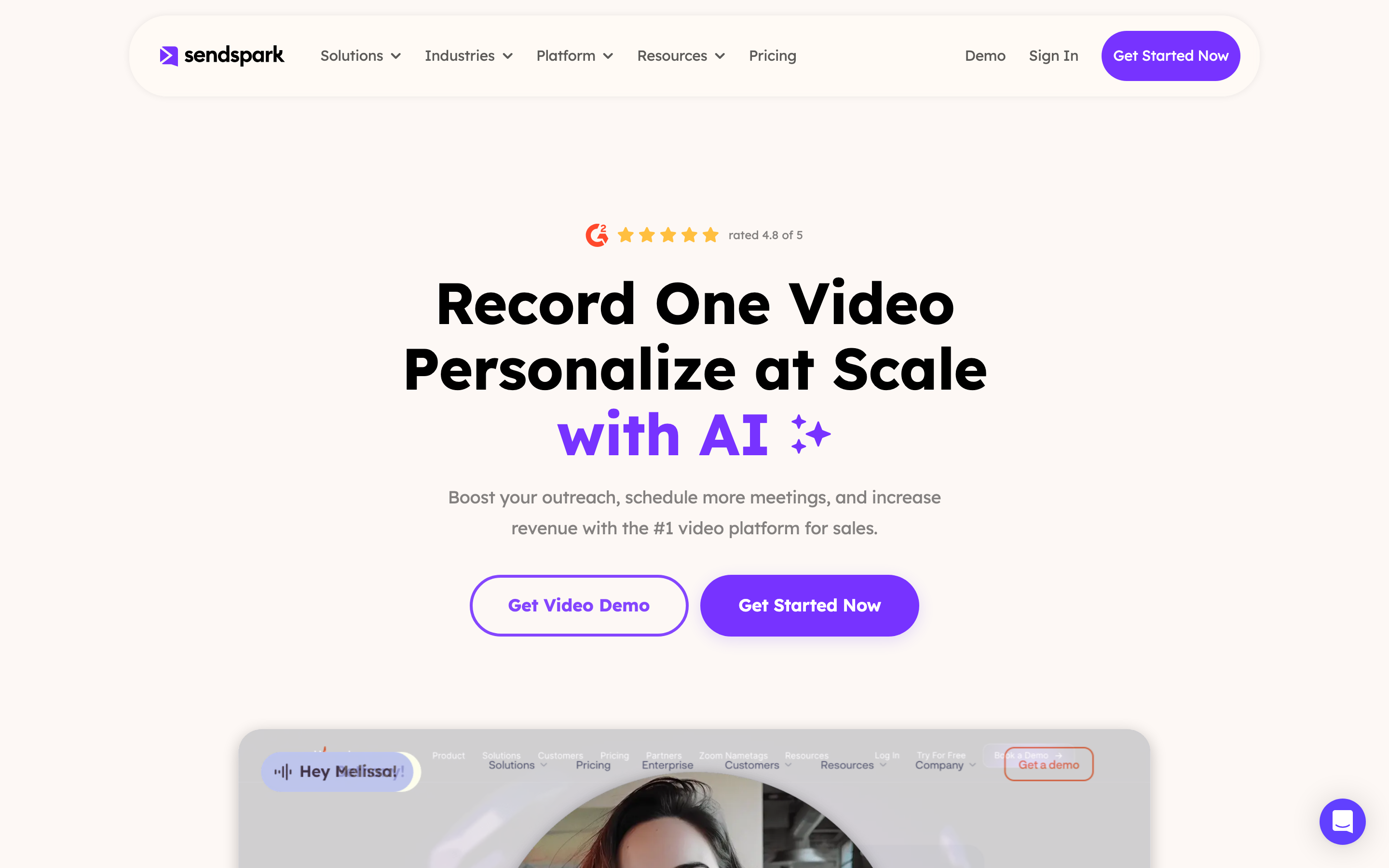
Sendspark is the scale play. It takes one recorded video and auto-personalizes it for thousands of prospects, swapping in each person's name, a custom website background, and optional AI voice cloning. That dynamic personalization is the thing Covideo's manual one-to-one model cannot match at volume.
It is aimed at B2B sales teams, SDRs, account executives, customer success, marketers, agencies, and recruiters who want personalized video without recording each one by hand. Sendspark rates 4.8 on G2 and has the strongest CRM integration in this set, with a 5/5-rated HubSpot connection and bi-directional Salesforce sync.
Key features
- Dynamic personalization - One recording becomes thousands of individualized videos.
- AI voice cloning - Generate personalized voiceover at scale.
- Custom backgrounds - Insert each prospect's website behind the video.
- CRM sync - Deep HubSpot and Salesforce integration.
- Branded watch pages - Hosted players that match your brand.
What users say
Reviewers love that Sendspark removes the grind of recording a separate video for every prospect, and the CRM integration earns repeated praise. The honest limitation is that the magic is personalization, not production value: the underlying video is still your webcam recording, just multiplied. For outbound at scale, that is exactly the point.
Best for
Outbound B2B teams that need personalized video across a large prospect list without manual recording. A free tier is available, with paid plans scaling by volume.
---
Looking for the fastest way to create a finished marketing video? ngram turns your screen recordings, docs, and images into polished, on-brand videos in minutes. Try ngram free
---
6. Vidyard
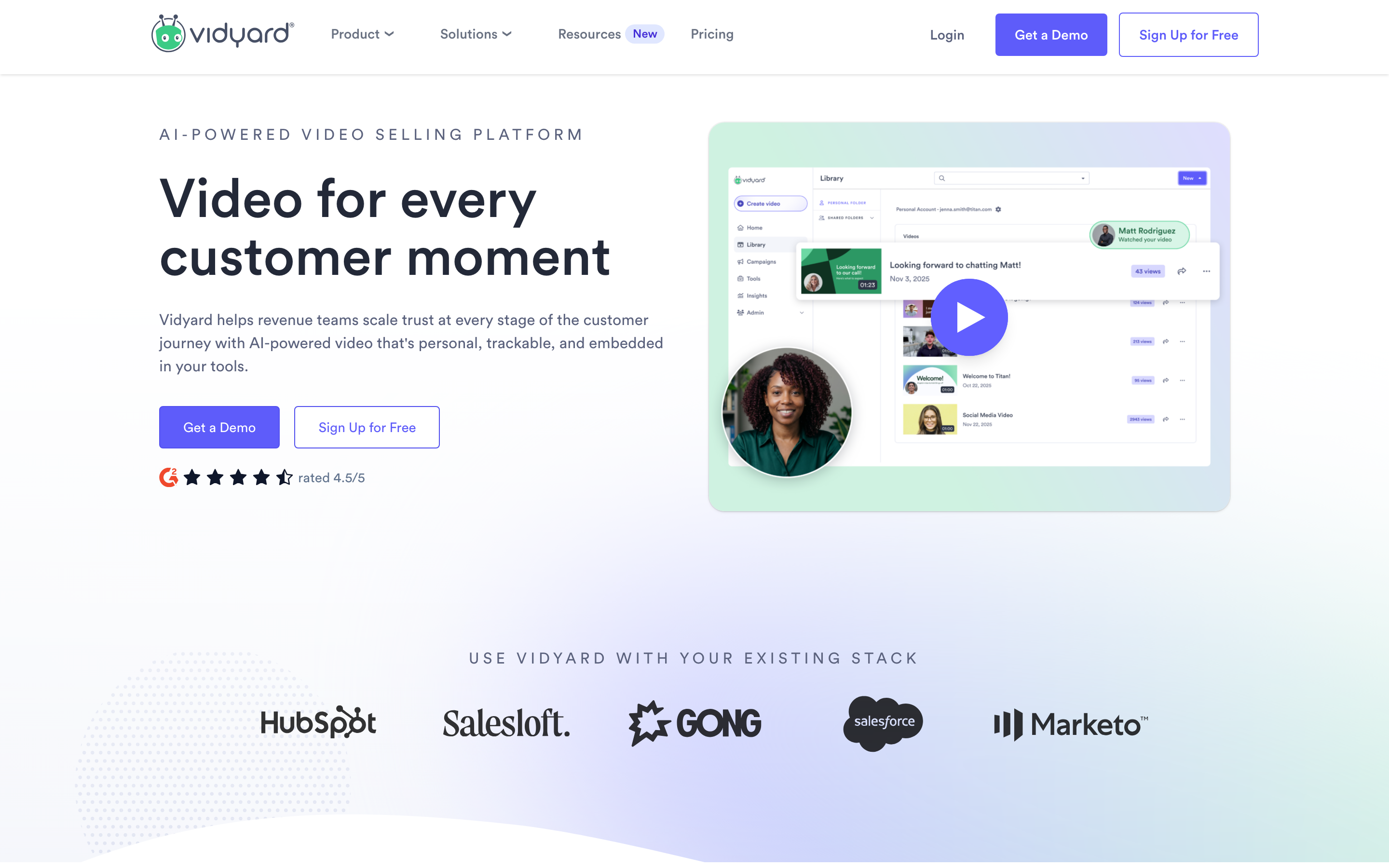
Vidyard is the pick when you need outreach and video hosting in one platform. It pairs sales video with a robust hosting layer, deeper analytics than most messaging tools, and broad CRM coverage across HubSpot and Salesforce. It holds a 4.5 on G2 across 800-plus reviews, the largest review base in this roundup.
For teams that already host marketing videos and want their sales outreach to live in the same system, Vidyard reduces the number of tools you maintain. It also offers a free tier, which makes it an easy first test against Covideo.
Key features
- Video hosting - A full library for marketing and sales video, not just messages.
- Deep analytics - Granular viewer data and reporting.
- CRM coverage - Strong HubSpot and Salesforce integrations.
- Screen and cam recording - Capture demos and personal messages.
- Free tier - Start without a sales call.
What users say
Reviewers value Vidyard's hosting and analytics depth, and the free tier lowers the barrier to trying it. The trade-off is breadth again: with hosting, recording, and analytics in one product, casual users sometimes find it heavier than a pure messaging tool. Teams that want one system for both jobs accept that gladly.
Best for
Teams that want video hosting and sales outreach under one roof with serious analytics. Free to start, with paid tiers scaling by features and seats.
7. Loom
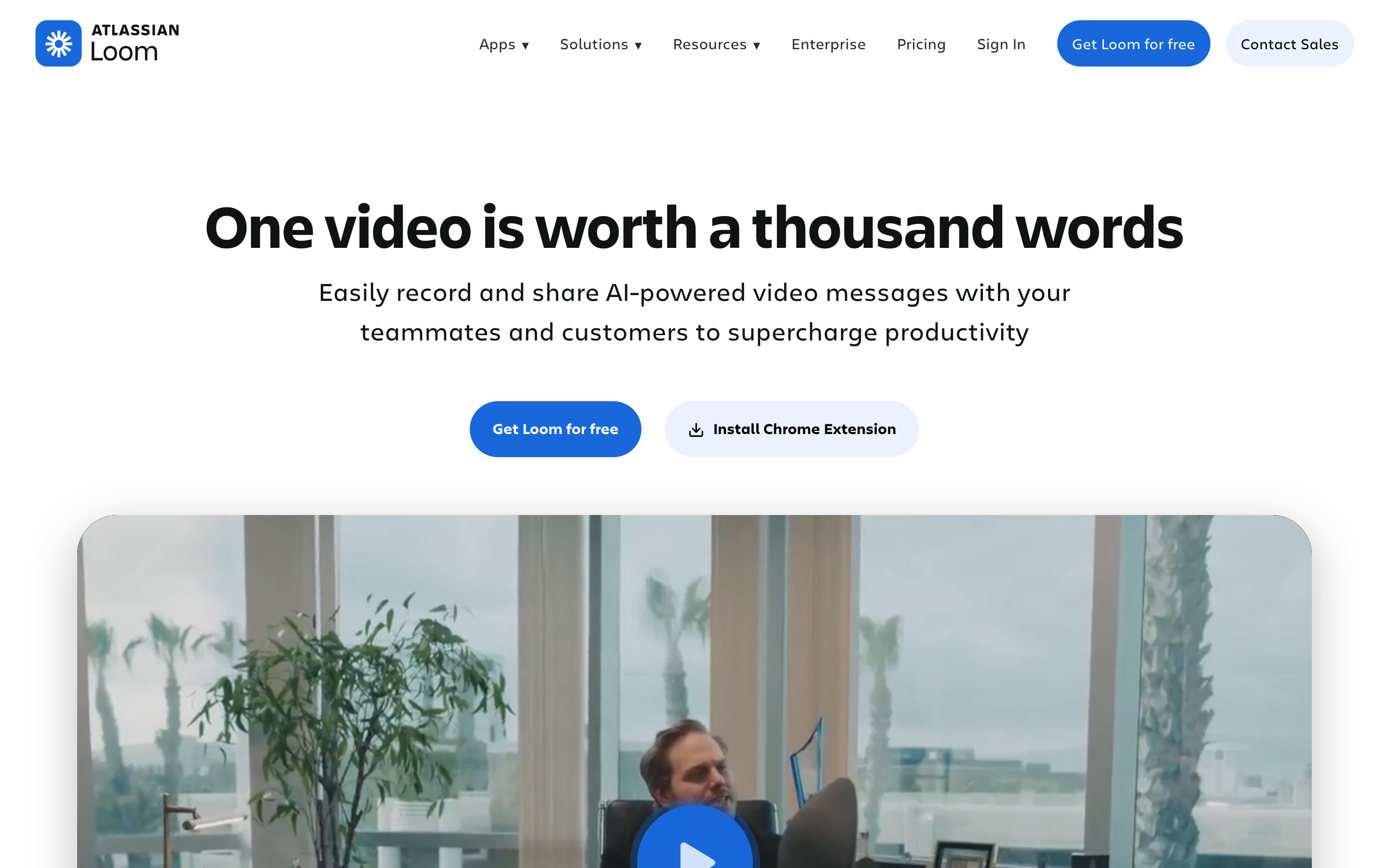
Loom is the fast, familiar option for screen-and-cam recording. It is not a sales-personalization platform like the others here, but it is the tool many teams already use for quick async updates, and its install base is enormous. As a Covideo alternative, it wins on speed and simplicity for internal and lightweight external messages.
Loom records your screen and webcam, generates a shareable link instantly, and keeps the workflow friction near zero. For a quick walkthrough or a one-off update, that immediacy is the whole appeal.
Key features
- Instant screen-and-cam capture - Record and share in one click.
- Auto transcripts - Searchable text for every recording.
- Viewer insights - See who watched and reacted.
- Lightweight editing - Trim and stitch without a timeline.
- Huge ecosystem - Integrations and a familiar interface across teams.
What users say
Loom users praise how fast it is and how little it asks of them. The consistent caveat, echoed across reviews, is that it is great for internal updates but not for polished customer-facing video. One common refrain: people would happily send a Loom to a teammate, less so to a prospect. For demos that need production polish, teams reach for something else.
Best for
Teams that want the fastest possible async screen recording for internal updates and light external sharing. Free to start, with paid plans around $15 per month.
Here is how the entry-level monthly price stacks up across these tools, which is the number that pushes many teams to look past Covideo in the first place:
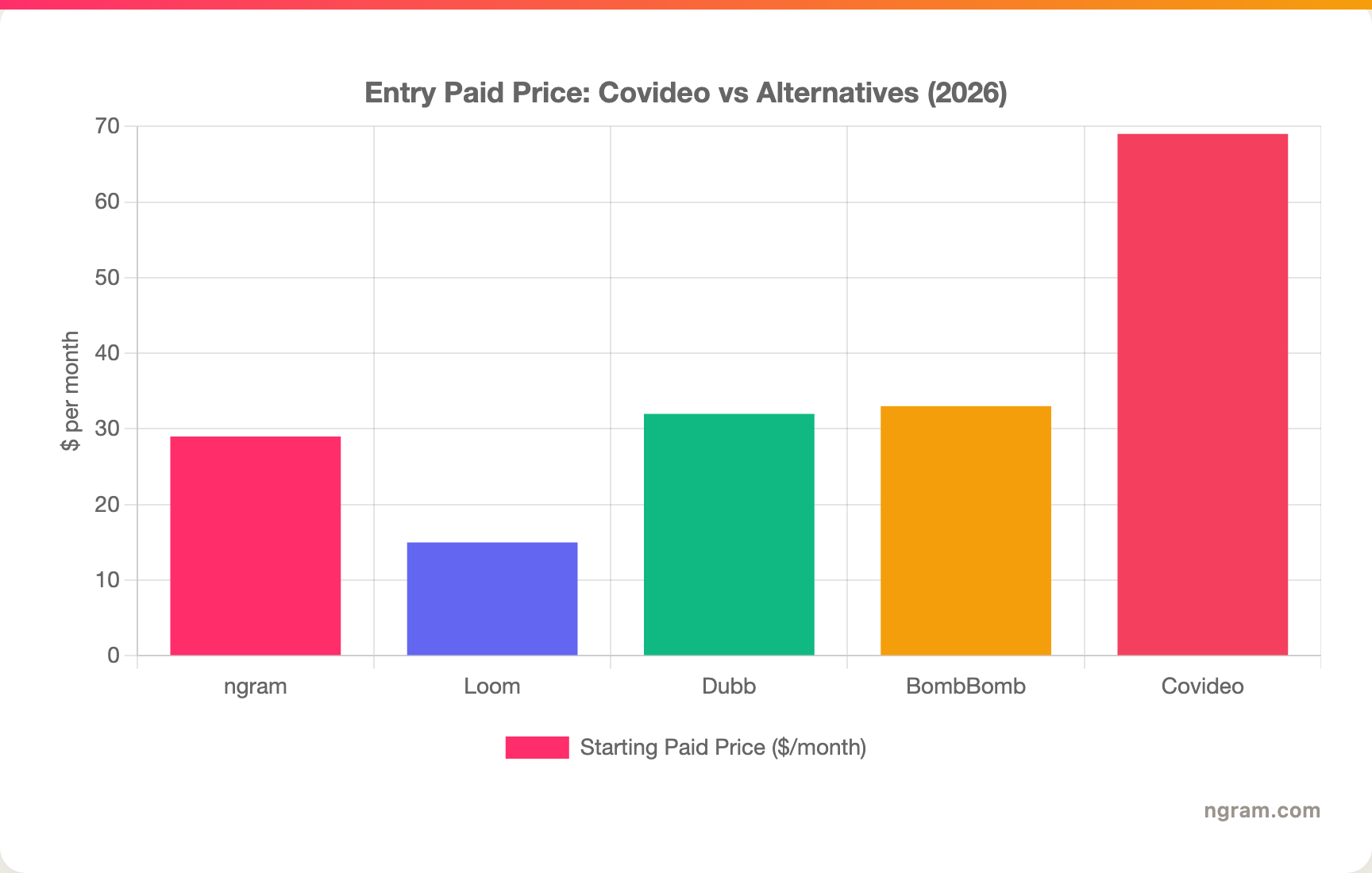
Covideo's individual plan sits at the top of this set, and that is before team pricing, which is unpublished.
How we evaluated these Covideo alternatives
We did not just list tools. We tested them, read through user reviews on G2, Capterra, and Reddit, and compared them across five weighted criteria tuned for the sales-video category:
| Criteria | Weight | What we looked at |
|---|---|---|
| Features | 25% | Recording, generation, interactivity, hosting, and CRM depth |
| Ease of Use | 25% | Time to first video, learning curve, day-to-day friction |
| AI Capabilities | 20% | Generation, personalization, voice, and automation |
| Value | 20% | Pricing transparency and cost relative to the job |
| Support & Community | 10% | Onboarding, docs, and review sentiment |
We also factored in:
- Real user reviews from G2, Capterra, TrustRadius, and Reddit (qualitative sentiment, not numerical scores)
- Market presence and company stability (review counts, years in market, customer base)
- Integration ecosystem with CRMs and email clients
- Where each tool actually fits in the sales-to-marketing video spectrum
The point of the weights is to stop treating adjacent tools as direct swaps. A messaging specialist and a video engine solve different problems, and the right Covideo alternative is the one whose primary output matches the asset you actually need.
Frequently Asked Questions
What is the best Covideo alternative?
It depends on the job. For personalized one-to-one outreach, Sendspark and Dubb scale it best, BombBomb wins inside email, and Hippo Video and Vidyard add hosting and analytics. If your real goal is a finished, reusable marketing or product video, ngram is the strongest alternative because it generates the video from a doc, URL, or recording instead of just capturing a webcam clip.
Is there a free Covideo alternative?
Yes. Hippo Video, Dubb, Sendspark, Vidyard, and Loom all offer free tiers, and ngram has a free plan as well. Covideo itself starts around $69 per month with no free tier, so a free trial of any of these is the fastest way to test before you commit.
Why is Covideo so expensive?
Covideo's individual plan runs about $69 per month month-to-month or roughly $49 per month annually, and team pricing is unpublished, so you negotiate per seat. Reviewers consistently flag the cost as high relative to a tool focused on one-to-one video messaging, which is a common reason teams look for alternatives.
How does ngram compare to Covideo?
They solve different problems. Covideo is a video messaging platform for quick, trackable one-to-one videos sent through email, text, or a CRM, with a deep auto-dealership stack. ngram generates polished, reusable videos from source material like docs, URLs, decks, and recordings. Pick Covideo for personal messaging at scale, pick ngram when the deliverable is a finished video.
Can I use ngram for sales follow-up videos?
Yes, for the polished kind. ngram is strong for customer-facing sales videos, explainers, and follow-ups where you want a script, voiceover, captions, and brand styling. It is not built for firing off a raw webcam message to a single prospect inside your inbox, so for that exact motion a messaging specialist fits better.
Which Covideo alternative is best for auto dealerships?
Covideo's own dealership stack (VIN Reels, AI Video Agent, technician-to-advisor approvals) is purpose-built and hard to replace if automotive is your whole business. Among alternatives, the messaging-first tools here can cover personal outreach, but none match Covideo's dealership-specific workflows. If you only need finished marketing or inventory videos, ngram can generate those from your source material.
The bottom line
The sales-video space splits cleanly into two jobs: send a personal message, or produce a finished video. Covideo owns the first job, especially for dealerships, and its price reflects that focus. If quick one-to-one messaging through your CRM is the whole task, a specialist like Sendspark, Dubb, BombBomb, Hippo Video, or Vidyard will likely serve you better and cheaper. But if the work keeps drifting toward real marketing and product video, where you need a script, voiceover, motion graphics, and multiple cuts of one message, ngram is the alternative to test first. The fastest way to know which side of the line you are on is to make one video in each and see which output you actually want to send.
---
Try ngram free, your first video in under 5 minutes. Turn screen recordings, docs, or images into polished, on-brand videos without touching a timeline. Start free