
You open Renderforest to make one quick promo, pick a template you like, and then the wall arrives: the polished clip you just built needs a premium animation pack, the stock shot you dropped in burns credits you did not know you had, and the price you remembered as "$19.99 a month" is actually $29.99 because you are paying monthly instead of annually. None of that means Renderforest is a bad product. It means the job you started ("turn my idea into a finished video") and the job Renderforest is built around ("assemble a branded asset from a template library") are not the same job, and the gap is where most Renderforest alternatives earn their place.
Renderforest is genuinely good at what it is. Since 2013 it has grown into an all-in-one studio used by more than 33 million creators and 500,000 companies across 190 countries, with over 120 million projects produced and 1,200+ templates spanning videos, logos, mockups, and websites. If your real deliverable is a bundle of branded collateral, a logo plus an intro plus a social cut, Renderforest packs a lot under one login.
But "is Renderforest still worth it in 2026?" is the question we kept seeing typed into Reddit and review sites, and the answer depends entirely on what you are trying to ship. We tested nine tools across the two jobs Renderforest users actually split into: people who want template-based brand and design assets, and people who want a finished, narrated video built from a doc, a URL, a recording, or a prompt. We pulled pricing from each vendor's own page, read hundreds of reviews on G2, Capterra, and Reddit, and matched every tool to the slice it does best. ngram is our top pick for one of those slices, and we will tell you exactly which one (and where Renderforest still wins outright).
Where Renderforest falls short in 2026
Renderforest's reviews are mostly warm, so this is not a teardown. It is a list of the specific walls that push people to look elsewhere.
The pricing is confusing on purpose. The headline numbers assume annual billing. Choose monthly and the same plan jumps 30 to 50 percent: the Pro tier advertised at $19.99 becomes $29.99 paid month to month, and the Lite tier moves from $9.99 to $14.99. Reviewers on autoposting and Software Advice repeatedly describe the tier structure as misleading once export limits and add-ons are factored in.
Credits are the hidden cost. Even on paid plans, premium templates, certain stock footage, and advanced AI features draw on a separate credit balance sold in bundles starting around $10 for 100 credits. A single premium animation sequence can cost 5 to 10 credits. The result is a "free until it isn't" feeling that long-time users call out often.
The free plan is a demo, not a deliverable. Free exports cap at 360p and carry a watermark, so nothing you make on the free tier is client-ready. That is fine as a trial, frustrating if you expected to actually ship from it.
Customization hits a ceiling. Templates look great in the gallery, but reviewers consistently note that once you want to move beyond the template's structure, the freedom runs out fast. A recurring complaint from long-term users: Renderforest removed the auto-generate function for slideshows, so you now hand-pick every scene and image, which adds real time to each project.
It is built around templates, not source material. This is the big one. Renderforest starts you at a gallery and asks you to fill it in. If your actual input is a product doc, a recorded walkthrough, or a blog post you want narrated on camera, you are doing the hardest part (deciding the script and structure) yourself before the tool helps. That is the exact gap the source-to-video tools below were built to close.
The pricing gap is easy to underestimate, so here is what Renderforest's own tiers actually cost when you pay monthly instead of annual:
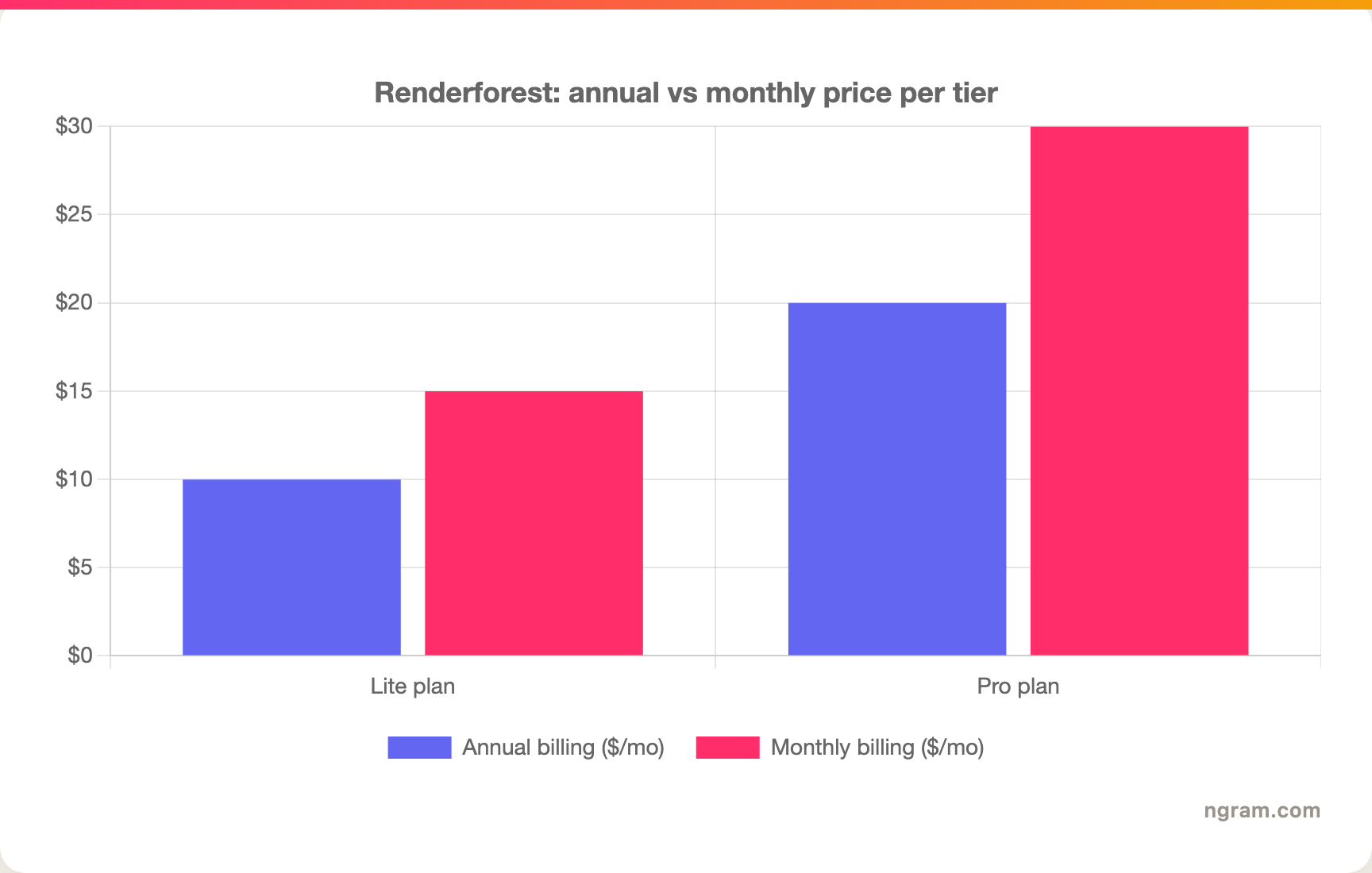
Paying monthly costs you 30 to 50 percent more for the same plan, which is the single most common Renderforest pricing complaint.
Quick comparison
| Tool | Best For | Starting Price | Key Differentiator |
|---|---|---|---|
| ngram | Finished narrated video from your source material | Free / $29/mo | Source-to-video: plans script and storyboard, you review before render |
| Vyond | Character-driven animated training videos | ~$25/mo (annual) | Deep custom characters and scenes for L&D teams |
| Powtoon | Animated explainers and presentations | Free / ~$20/mo | Presentation-style animation with a friendly editor |
| Animaker | High-volume varied social and animated content | Free / ~$15/mo | Big asset library plus character builder |
| InVideo AI | Prompt-to-video for faceless YouTube and social | Free / ~$25/mo | One prompt to script, voiceover, and stock footage |
| Canva | Generalist brand assets and quick social video | Free / ~$15/mo | One design suite for video, social, and docs |
| Visla | End-to-end business video from docs and footage | Free / ~$9/mo | AI agent that ingests PDF, PPT, and recordings |
| Synthesia | Avatar-led training and explainer videos | ~$18/mo | Studio-quality avatars in 140+ languages |
| Pictory | Turning long text and articles into video | ~$19/mo | Blog and script to highlight-reel automation |
1. ngram
Watch how ngram turns an idea into a finished video:
Here is the honest framing, because it matters for whether ngram is right for you. Renderforest is a template-and-asset studio: videos, logos, mockups, websites, all from a gallery. ngram does not try to be that. ngram does one job and goes deep: it turns the source material you already have into a finished, narrated video. If your Renderforest frustration is "I keep doing the scriptwriting and scene-picking myself," ngram is the strongest fix in this list. If you need a logo maker or a website builder, stay on Renderforest, ngram does not do those.
What makes ngram stand out
Renderforest hands you a blank template and asks what to put in it. ngram works the other way around. You bring a product doc, a URL, a deck, a screen recording, or just a prompt, and ngram reads it, writes the script, maps it to a storyboard, and produces the video. You are not assembling scenes by hand, you are reviewing a plan and steering it.
That "plan first, render second" loop is the core difference. Before anything renders, you see the full script and a scene-by-scene storyboard, so you fix direction early instead of discovering a problem after a 5-minute export. You edit in plain language through agentic chat ("make this shorter," "create a training version," "translate to German") and the changes ripple across script, visuals, and voiceover. There is also a full timeline editor when you want frame-level control.
The production layer is built for finished work, not demos. Every video gets auto-generated captions burned in on brand, AI voiceover via ElevenLabs and MiniMax with multilingual coverage, branded intros and outros, motion graphics, and smart zooms. Screen recordings get cursor smoothing, click emphasis, and dead-air trimming automatically. When you are done, ngram exports the same video in channel-specific cuts prepared separately, plus a hosted, shareable watch page and an embed code.
Brand control is automatic rather than manual. A brand kit (logo, colors, fonts, voice, approved and blocked phrases) applies to every generation, and ngram can even build that kit from your website URL. For a head-to-head on this specific tradeoff, see our ngram vs Renderforest comparison.
Key features:
- Source-to-video - Text, PDF, URL, deck, screenshot, or screen recording becomes a finished video.
- Plan first, generate second - Review the script and storyboard before anything renders.
- Agentic editing - Describe changes in plain language and they apply across the whole video.
- AI voiceover and captions - ElevenLabs and MiniMax voices, multilingual, captions burned in on brand.
- MP4 export - Finished videos export as MP4; prepare channel-specific cuts separately, plus hosted and embeddable pages.
- Automatic brand kits - Logo, colors, fonts, and tone applied to every video.
Pros
- ✅ Starts from what you already have instead of a blank template gallery
- ✅ Script and storyboard review catches direction problems before you spend a render
- ✅ Plain-language editing means no timeline skills required to ship
Cons
- ❌ No logo maker, mockup tool, or website builder (Renderforest wins there)
- ❌ Not built around a browsable template gallery, so template-first creators may miss it
- ❌ Web-based only, with no native desktop app yet
Who is ngram best for?
Product marketing, growth, sales, and customer success teams who keep turning docs, recordings, and product pages into videos, and who are tired of doing the scripting and scene assembly themselves. ngram has a generous free plan (no credit card, 600 starter credits) with paid plans starting at $29 per month, and unlike Renderforest's free tier there is a clear path from trial to a finished, client-ready export.
Ready to try ngram? Create your first video in under 5 minutes. Start free
2. Vyond
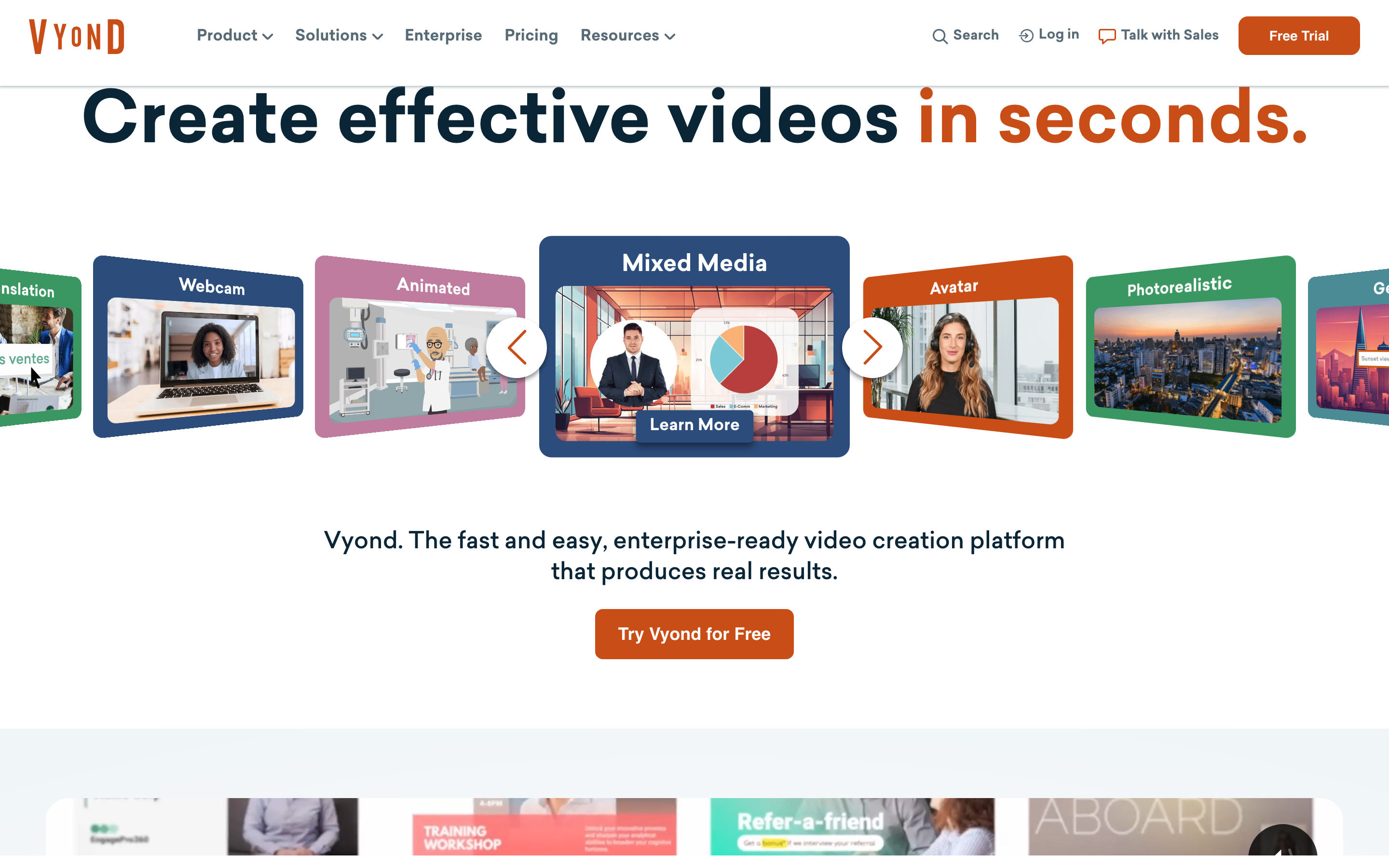
Vyond is the most business-focused name on this list, built for teams that need polished animated videos with custom characters, scenes, and narration. It is a fixture in corporate learning and development.
Vyond is consistently praised by enterprise users, who lean on its text-to-speech, lip-sync, and deep character customization to build training stories. Compared to Renderforest, Vyond trades breadth (no logo maker or website builder) for depth in one thing: animated, character-driven storytelling that looks intentional.
Key features
- Custom character builder - Diverse characters with adjustable poses, expressions, and actions.
- Scene and prop library - Large library tuned for business and training scenarios.
- Text-to-speech and lip-sync - Generate narration that syncs to your characters.
- Brand controls - Lock colors, logos, and fonts for team consistency.
- AI assist - Newer AI tools to speed up scripting and scene setup.
What users say
Reviewers describe Vyond as the tool that finally made animated training feel professional without an agency. They highlight the character system as the standout, the kind of control over expressions and motion that template tools cannot match, and the responsiveness of the platform for larger teams. The recurring caution is price: Vyond is meaningfully more expensive than Renderforest, Powtoon, or Animaker, and reviewers say the value only lands if animation is a core, ongoing part of your work rather than an occasional promo.
Pros
- ✅ Best-in-class character customization for L&D and training
- ✅ Strong text-to-speech and lip-sync for narrated stories
Cons
- ❌ Entry price is the highest in this roundup
- ❌ Overkill if you only need occasional short promos
Best for
Learning and development and internal-comms teams that produce animated, character-driven videos regularly. Pricing starts around $25 per month on annual billing and climbs for team features.
3. Powtoon
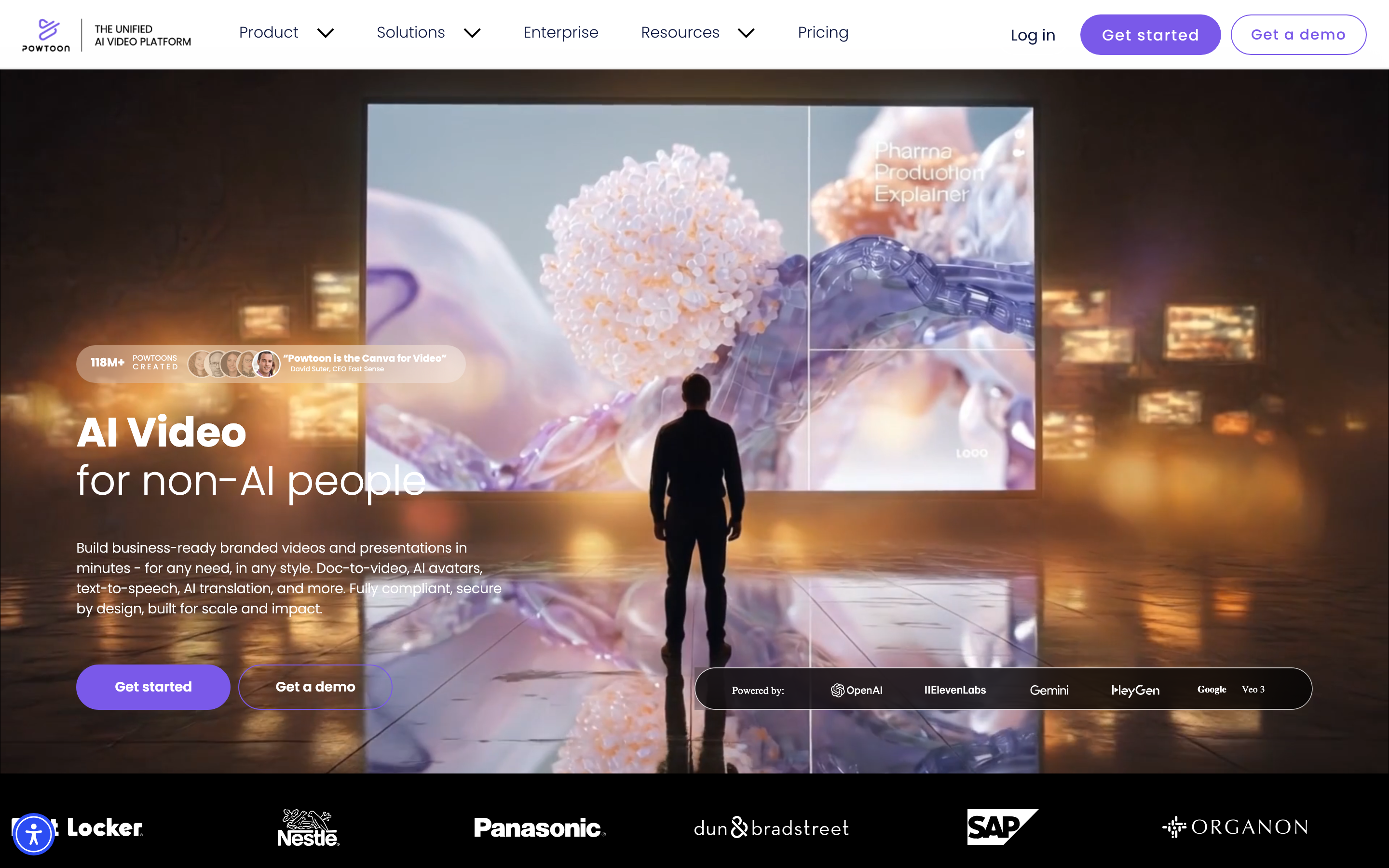
Powtoon is the friendly middle ground between Renderforest's template breadth and Vyond's animation depth: animated explainers and presentation-style videos with an editor most people pick up in an afternoon.
Powtoon's reviewers consistently mention two things: the template variety that gets a quick video out the door, and an interface that does not intimidate non-designers. It is a common pick for educators, HR teams, and marketers who want something more animated than Canva but less involved than Vyond.
Key features
- Animated templates - Large library aimed at explainers, ads, and presentations.
- Presentation mode - Build animated decks, not just videos.
- Character and prop animation - Drag-and-drop animation without keyframing.
- Branding tools - Apply your colors and logo across projects.
- Stock library - Built-in footage, images, and music.
What users say
People describe Powtoon as the tool they reach for when they need an animated explainer fast and do not want to learn real animation software. The templates get praise for saving time without looking cheap. The honest limitation, echoed across reviews, is the same one Renderforest users hit: once you push past the template's built-in structure, customization gets fiddly, and exporting longer or higher-quality videos pushes you up the pricing tiers quickly.
Pros
- ✅ Genuinely beginner-friendly animated editor
- ✅ Strong for animated presentations, not just clips
Cons
- ❌ Customization hits a ceiling past the template structure
- ❌ Higher-quality exports gated behind pricier tiers
Best for
Educators, HR, and marketers who want animated explainers and presentations without a learning curve. Powtoon has a free tier, with paid plans starting around $20 per month.
---
Looking for the fastest way to create professional videos? ngram turns your screen recordings, docs, and product pages into polished videos in minutes. Try ngram free
---
4. Animaker
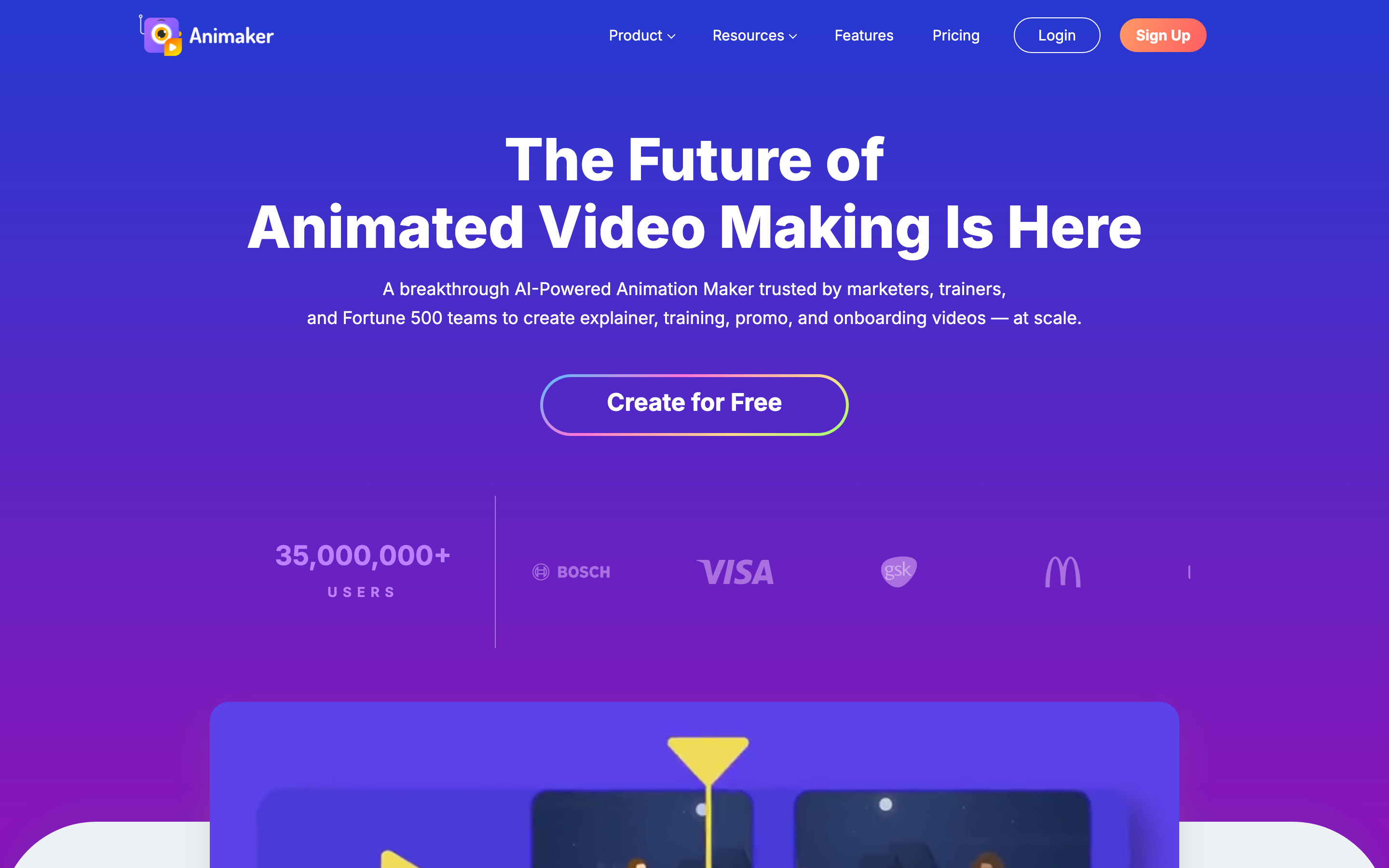
Animaker is the high-volume option: a big asset library, a character builder, and enough range to crank out varied social and animated content without buying a separate tool for each format.
With a broad template and asset library plus a deep character system, Animaker is favored by creators who need lots of different videos rather than one polished masterpiece. Reviewers single out its customization range, including unusually inclusive character options across ethnicities, and a support team people describe as quick and genuinely helpful.
Key features
- Large character builder - Diverse, customizable characters across many styles.
- Multi-format templates - Social posts, explainers, and animated clips in one place.
- Built-in stock library - Millions of assets, images, and sound effects.
- Subtitle and voiceover tools - Auto-subtitles and text-to-speech.
- Live-action plus animation - Mix real footage with animated elements.
What users say
Animaker gets credit for breadth: people who need to produce a steady stream of varied videos say it covers more ground than most single-purpose tools, and the character customization is a frequent favorite. The flip side that shows up in reviews is that the sheer number of options can feel cluttered, and rendering longer projects can be slow. For occasional one-off videos it can feel like more tool than you need.
Best for
Social media managers and creators producing high volumes of varied animated content. Animaker offers a free plan, with paid tiers starting around $15 per month.
5. InVideo AI
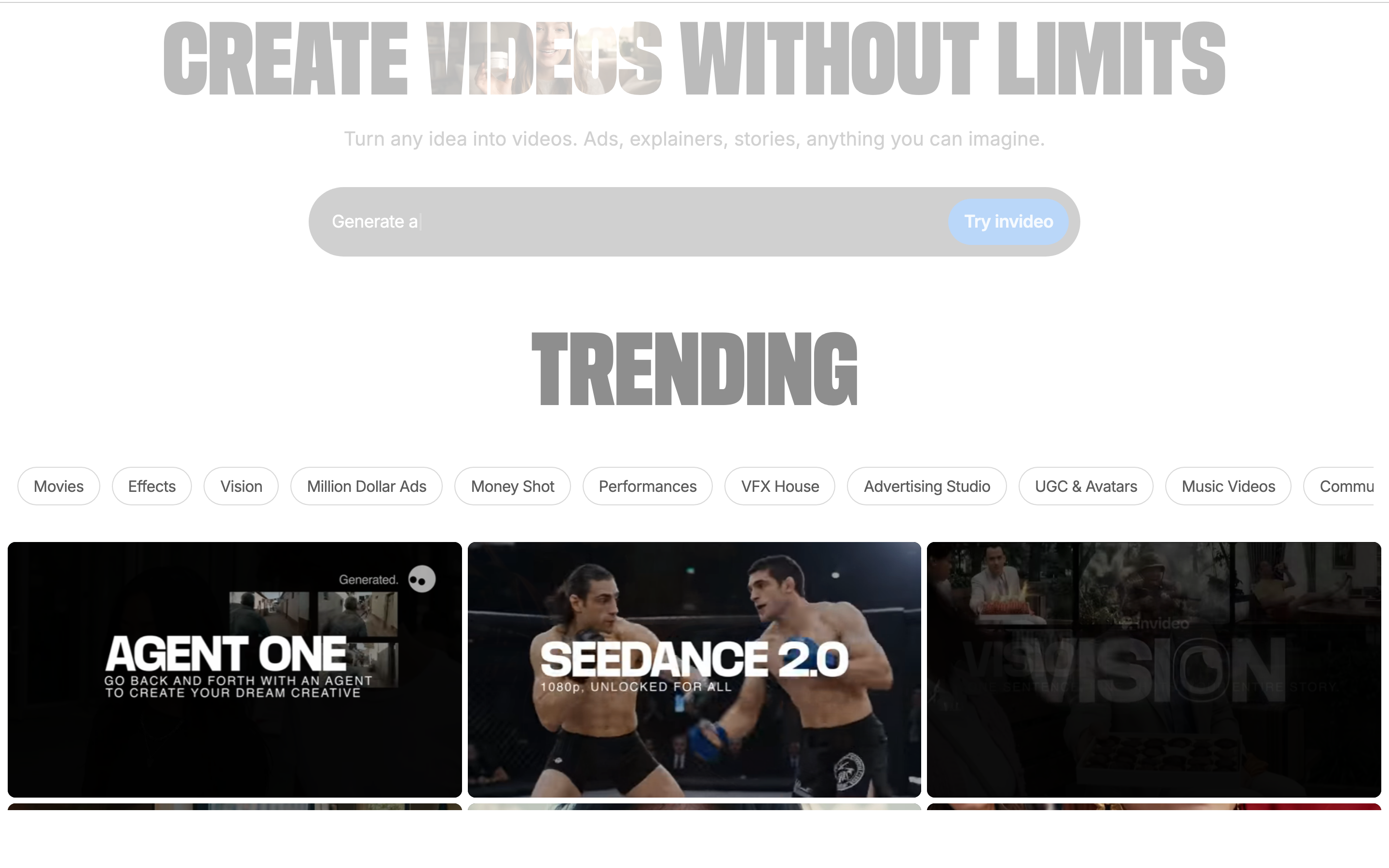
InVideo AI is the prompt-to-video specialist. Type a single instruction and it generates a script, picks stock footage, adds an AI voiceover, and assembles a full video, a workflow that has made it a go-to for faceless YouTube channels.
InVideo lists roughly 5,000 video templates, but the AI mode is the real draw: reviewers report it can turn one prompt into a full 5-minute video with script, voiceover, and footage in under ten minutes. Compared to Renderforest's manual template assembly, that is a fundamentally different speed of getting to a first cut.
Key features
- Prompt-to-video - One text instruction generates script, scenes, and voiceover.
- Large stock library - Millions of stock clips and images built in.
- AI voice options - Multiple voices and languages for narration.
- Text-based editing - Edit the video by editing the script.
- Template library - Thousands of starting points for manual builds.
What users say
InVideo AI's fans call it the specialist's choice for faceless and high-output content: the prompt-to-video flow removes the blank-page problem entirely. The honest knock, repeated across reviews, is precision: when you want to fine-tune individual scenes, adjust pacing frame by frame, or lean heavily on your own assets, the workflow starts to feel limiting. It is built for speed to a good-enough cut, not surgical control.
Best for
Creators making faceless YouTube videos, social shorts, and high-volume content who value speed over frame-level control. InVideo has a free tier, with paid plans starting around $25 per month.
6. Canva
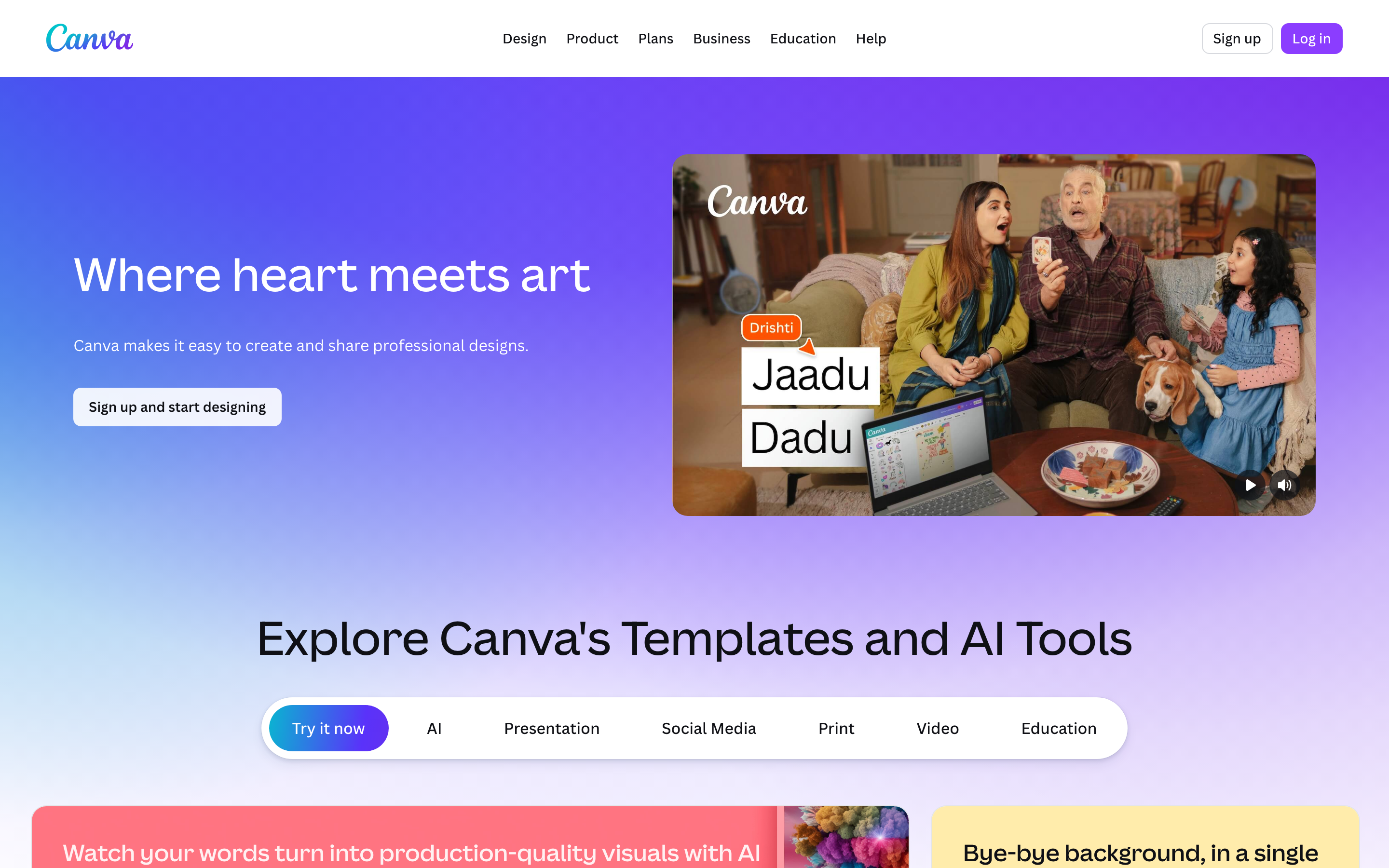
Canva is the generalist. It is not a dedicated video tool, but its Video Magic features sit inside the same design suite people already use for social posts, decks, and brand assets, which makes it the lowest-friction option for teams that live in Canva.
With 610,000+ templates across every format, Canva's value proposition is hard to beat for generalist creators who want video to be one more thing they make in a tool they already know. Reviewers rank it the top pick for small-business marketing precisely because it does a bit of everything well.
Key features
- Massive template library - Hundreds of thousands of templates across formats.
- Video Magic AI - Basic AI clip generation and editing inside Canva.
- Brand Kit - Shared colors, fonts, and logos across a team.
- All-in-one suite - Video, social, presentations, and docs together.
- Real-time collaboration - Multiple editors in one project.
What users say
Canva users love that video does not require leaving the tool they already trust for everything else. For quick social cuts and branded clips, it is fast and familiar. The limitations show up when you ask it to do real video work: reviewers note the AI features are basic, there is no script generation, voiceover options are limited, and the template-driven approach can make it hard to produce something that does not look like everyone else's Canva video. It is a generalist, and it shows.
Best for
Small businesses and generalist creators who already use Canva and want quick branded video without a second subscription. Canva has a free plan, with Canva Pro starting around $15 per month.
7. Visla
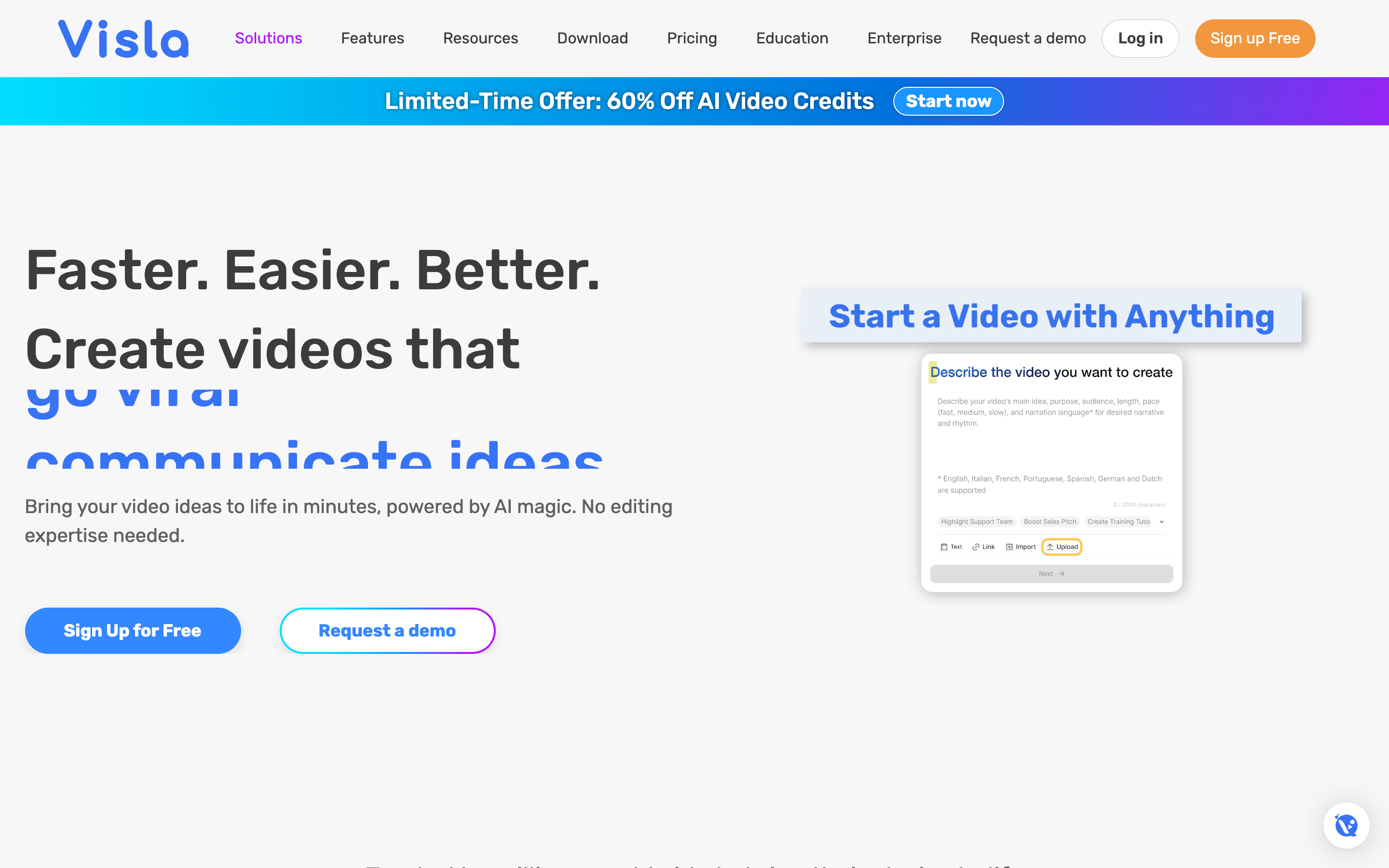
Visla is the closest tool here to ngram's source-to-video approach: an AI video agent that ingests an idea, a script, a PDF, a PPT, footage, or audio, and works toward a polished, branded video in one place.
Visla is recommended for teams that want an end-to-end business video environment rather than a template gallery. At $9 per month on its Pro plan, the entry price is among the lowest in this roundup, which makes it an easy tool to test.
Key features
- AI video agent - Goes from idea, script, or document toward a finished video.
- Document ingestion - Pulls from PDF, PPT, footage, and audio.
- Screen and webcam recording - Capture built into the platform.
- Auto subtitles and translation - Caption and localize output.
- Brand controls - Apply brand assets to the final video.
What users say
Reviewers like that Visla covers the whole arc from source material to a branded final video without making you assemble scenes by hand. The repeated caution is maturity: Visla is a newer platform, its search interest spiked then dropped sharply in 2024, and reviewers note there is not yet an established track record or large community to lean on when something breaks. The upside is a low entry price and a workflow pointed at exactly the job Renderforest's template model does not serve.
Best for
Small teams that want an affordable, end-to-end business video tool built around source material rather than templates. Pricing starts around $9 per month on the Pro plan.
8. Synthesia
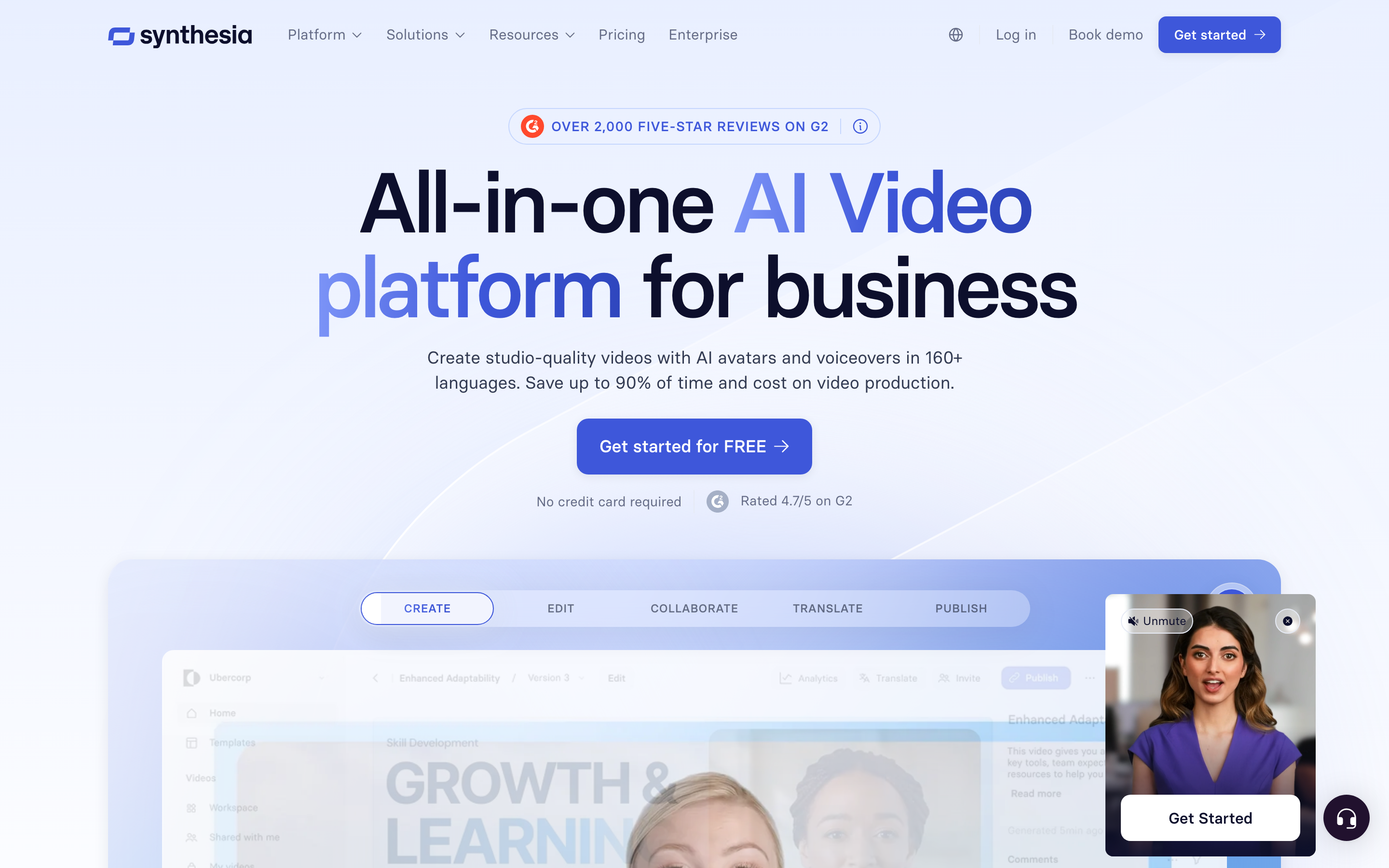
Synthesia is the avatar specialist. You type a script, pick a presenter, choose a language, and it renders a studio-quality talking-head video, no camera, studio, or editing required.
Synthesia is used and trusted by a large share of the Fortune 100 and renders avatars speaking in 140+ languages with natural lip-sync. For training and explainer content where you want a consistent on-screen presenter without filming anyone, it is the category leader.
Key features
- AI avatars - A large library of stock presenters, plus custom avatars.
- 140+ languages - Script in one language, render in many.
- Template library - Business-oriented video templates.
- Brand controls - Apply colors, logos, and fonts.
- Collaboration - Shared workspaces for teams.
What users say
Synthesia gets strong marks for turning a script into a professional, presenter-led video in minutes, and the multilingual avatar coverage is genuinely useful for global teams. The honest tradeoffs reviewers raise: avatar-led video is the right format for some content and the wrong one for others, and the polished look can feel impersonal for brand or marketing pieces. It is the best tool in the world for the specific job of avatar narration, and not designed for everything else.
Best for
L&D and enablement teams that need consistent, multilingual, presenter-led training and explainer videos. Pricing starts around $18 per month.
9. Pictory
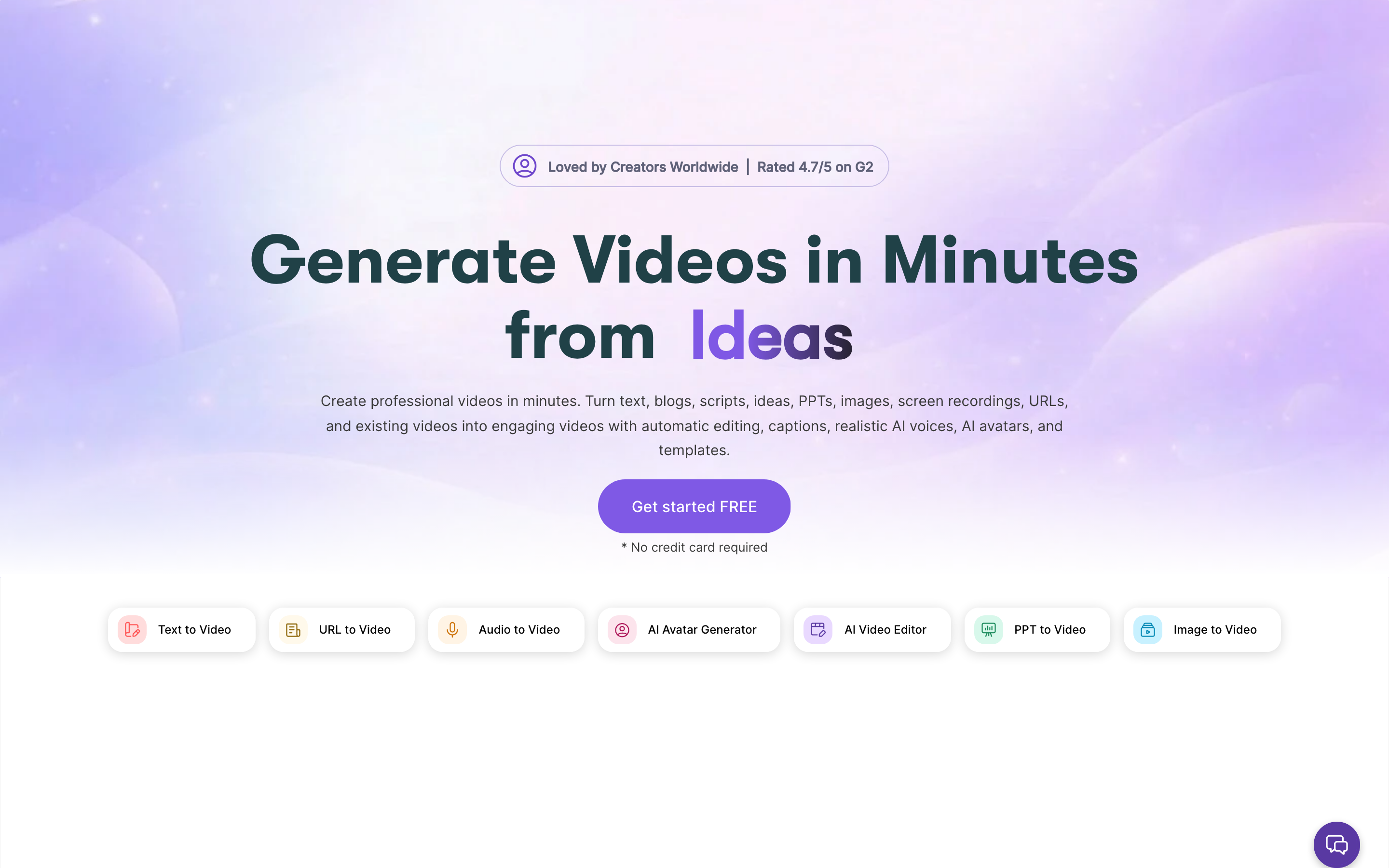
Pictory is the text-to-video automation tool. Its niche is taking long-form text, a blog post, an article, a script, and turning it into a highlight-reel video with stock footage and captions.
Pictory is built for repurposing written content at scale: paste a URL or a script and it pulls key points, matches stock footage, and assembles a captioned video. For content teams sitting on a library of articles, that is a fast path to video without starting from scratch.
Key features
- Article-to-video - Turn blog posts and scripts into videos automatically.
- Auto-captioning - Captions generated and styled automatically.
- Stock footage matching - AI matches visuals to your text.
- Voiceover options - AI voices or your own narration.
- Highlight extraction - Pull short clips from long videos.
What users say
Pictory's appeal is repurposing speed: content marketers say it is the fastest way to turn an existing article into a watchable video without a real editor. The limitation reviewers note is creative range, output leans on stock footage and a fairly fixed structure, so it is great for volume and weaker when a video needs a distinct look. It is a workhorse for content repurposing, not a tool for bespoke brand pieces.
Best for
Content marketers repurposing blogs, articles, and scripts into social and YouTube videos. Pricing starts around $19 per month.
How we compared these tools
We did not just list tools, we tested them, read hundreds of user reviews, and compared them across five weighted criteria tuned to this category:
| Criteria | Weight | What we looked at |
|---|---|---|
| Features | 25% | Depth of the core workflow, from template assembly to source-to-video |
| Ease of Use | 25% | How fast a non-designer gets to a first usable cut |
| AI Capabilities | 20% | Script generation, voiceover, and how much the AI actually decides |
| Value | 20% | Real cost after credits, export limits, and monthly-vs-annual gaps |
| Template Library | 10% | Breadth and quality of starting templates and assets |
We also factored in:
- Real user reviews from G2, Capterra, Reddit, and Product Hunt (qualitative sentiment, not numerical scores)
- Market presence and company stability (funding, user base, years in market)
- Pricing transparency, including how annual-vs-monthly and credit systems affect real cost
- Industry trends and where AI video is heading
We weighted Value and pricing transparency heavily here on purpose: the single most common Renderforest complaint is cost that surprises you after you have committed, so a fair comparison has to price the alternatives the way you will actually pay.
The reason this category is crowded is simple: AI video is one of the fastest-growing software markets, which is why a tool that was the default in 2019 now has nine credible challengers. Here is the trajectory:
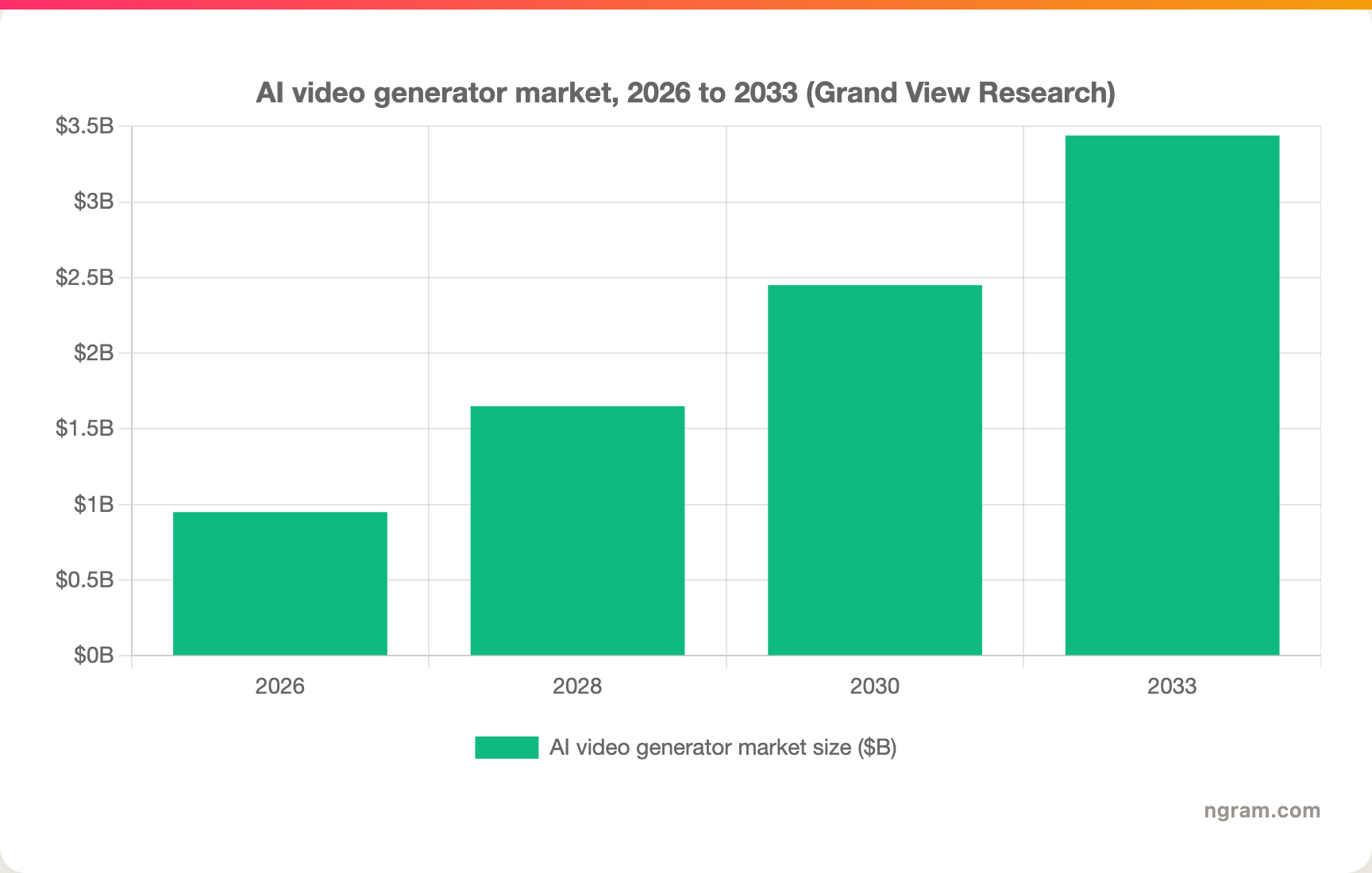
The AI video generator market is projected to grow from $946M in 2026 to $3.44B by 2033 at a 20.3 percent CAGR, per Grand View Research, and 51 percent of marketers already report using AI tools for video, per Wyzowl.
Frequently Asked Questions
What is the best Renderforest alternative?
It depends on the job. For turning source material (docs, URLs, recordings, prompts) into a finished narrated video, ngram is the strongest pick in 2026. For character-driven animated training, Vyond leads. For animated explainers, Powtoon. If you specifically need Renderforest's logo maker, mockups, or website builder, no tool here replaces all of that in one place.
Is there a free Renderforest alternative?
Yes. Powtoon, Animaker, InVideo, Canva, and Visla all offer free tiers, and ngram has a free plan with 600 starter credits and no credit card required. Just check the catch on each free tier: like Renderforest's 360p watermarked free exports, most free plans cap resolution, length, or watermark removal until you upgrade.
Why is Renderforest more expensive than it looks?
Renderforest's advertised prices assume annual billing. Paying monthly raises the same plan by 30 to 50 percent, and premium templates, stock footage, and advanced AI features draw on a separate credit balance sold in bundles. Budget for the credits and the billing cadence, not just the headline tier price.
How does ngram compare to Renderforest?
Renderforest is a template-and-asset studio: videos, logos, mockups, and websites from a gallery. ngram is a source-to-video engine: it reads your doc, URL, deck, or recording, writes the script, builds the storyboard, and produces a finished video you review before rendering. Pick Renderforest for breadth of branded assets, pick ngram when the deliverable is a finished, narrated video and you are tired of scripting and assembling it yourself. See the full ngram vs Renderforest comparison.
Can Renderforest make videos from a script or document automatically?
Not really, that is its core gap. Renderforest starts you at a template you fill in by hand. If you want a tool that ingests a script, document, or URL and builds the video for you, look at ngram, Visla, InVideo AI, or Pictory, all of which are designed around source material rather than a template gallery.
Which one should you pick?
The Renderforest question in 2026 is not "is it good," it is "is it built for your job." If your deliverable is a bundle of branded assets, logos, mockups, a website, plus the occasional template video, Renderforest still earns its login and most of this list will not replace it. But if you keep opening Renderforest to turn a doc, a recording, or a product page into a finished video and keep doing the scripting and scene assembly yourself, ngram is the strongest fit: it starts from what you already have, plans the script and storyboard for your review, and produces a finished, on-brand video without a timeline. If you mainly need character-driven animation, Vyond is the better call, and ngram would be the wrong tool. The fastest way to know which camp you are in is to run one real project through ngram's free plan and see how far it gets before you touch anything.
---
Try ngram free, your first video in under 5 minutes. Turn a doc, a URL, or a screen recording into a polished, on-brand video without picking templates or touching a timeline. Start free