YouTube AI Shorts Maker by ngram
YouTube AI Shorts Maker for short product stories with context

Name the topic, audience, hook, CTA, and YouTube channel goal for the vertical video
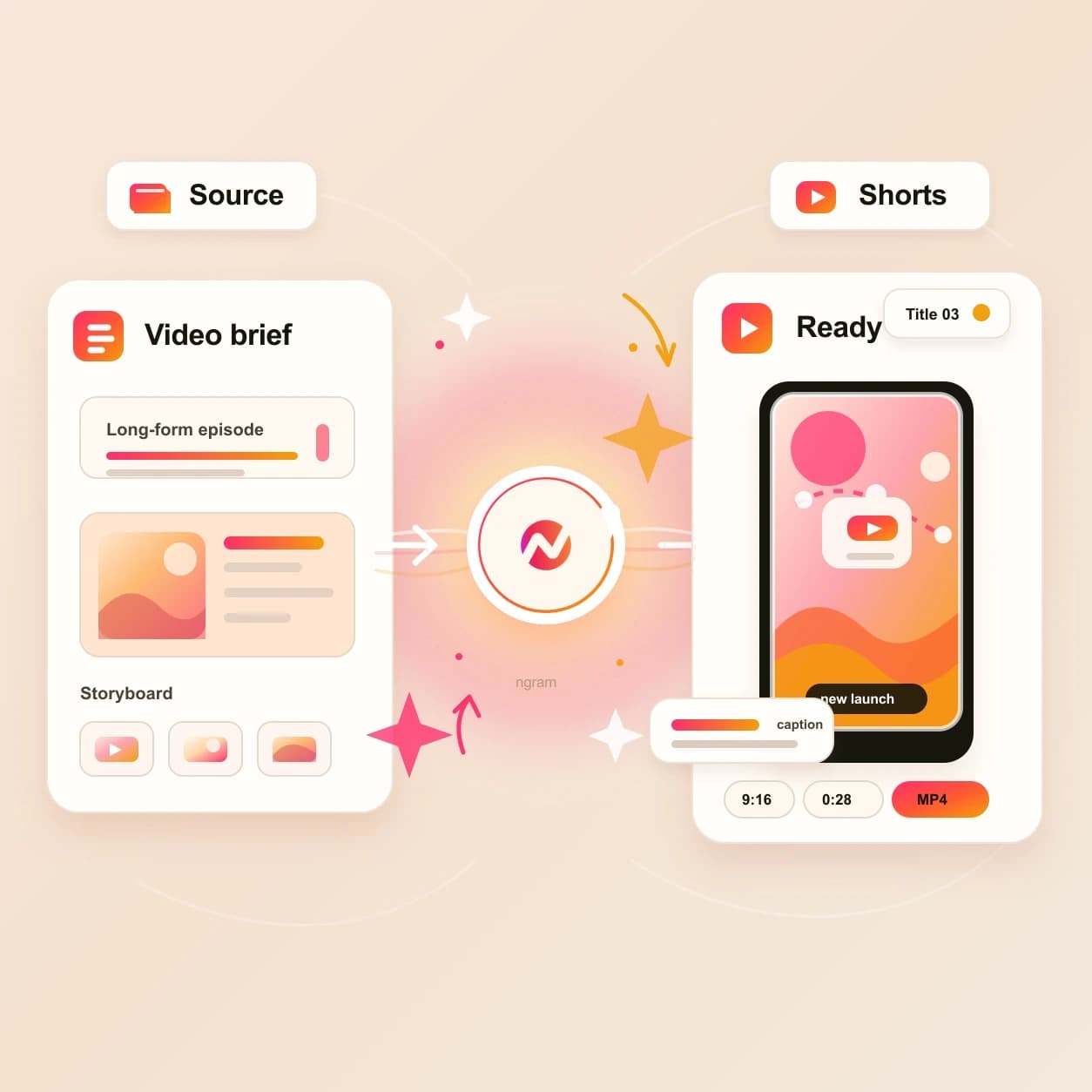
What it does
Build a Short around one useful product insight, customer lesson, or launch moment. Keep the hook, captions, pacing, and brand editable, then publish or export the approved cut.
Trusted by teams at












How it works
From YouTube Shorts idea to vertical draft.
Start with the source, review the story plan, then export a 9:16 cut that is ready for the YouTube upload workflow.
Add the YouTube Shorts source
Start with a prompt, JPEG, PNG, WebP, PDF, or URL. The agent reads the source for the hook, audience, topic, CTA, and YouTube context.
Source ready
Review the script and storyboard
ngram turns the source into a short script, scene plan, visual direction, caption approach, and YouTube metadata notes before the render starts.
Plan reviewed
Generate the 9:16 video
The Short is drafted with vertical framing, scene visuals, motion graphics, AI voiceover where needed, branded captions, and a YouTube-aware opening hook.
Short drafted
Edit, export, and publish
Refine the cut in chat or the editor, export the vertical file, and use the YouTube integration when the title, description, thumbnail, and channel handoff are ready.
Ready for YouTube
What it can do
What the YouTube AI Shorts maker handles.
This tool is tuned for Shorts as a YouTube output, not a generic short-form feed. The workflow keeps vertical video, metadata, captions, and channel handoff connected.
Prompt to YouTube Short
Turn a short brief into a 9:16 storyboard with hook, pacing, voiceover direction, captions, and a YouTube-specific CTA.
Open AI video generatorReference file context
Use a JPEG, PNG, WebP, or PDF to steer the script, scenes, product visuals, and opening frame without uploading a finished video file.
URL to Shorts draft
Paste a product page, release note, article, or help page and let ngram turn the useful parts into a short vertical video plan.
Open URL to VideoCaptions shaped for vertical viewing
Burn in captions that fit the 9:16 frame, follow the narration, and keep the main point readable on a phone.
Learn more about captionsYouTube metadata nearby
Move from the finished Short into title, description, thumbnail, and YouTube publishing context without separating the upload copy from the video.
Connect YouTubeBuilt for YouTube Shorts-ready vertical videos
When it matters
Where a YouTube Short earns its place.
These use cases match teams turning source material into Shorts that support a YouTube channel, launch, tutorial, webinar, or campaign.
Creator YouTube Content Video
Use the YouTube AI Shorts maker when a creator channel needs a vertical hook, teaser, or recurring Shorts asset tied to a longer YouTube plan.
Open AI video use caseCreator Social Clips Video
Turn a creator recording, script, or reference into a Shorts draft with captions and YouTube framing instead of a generic clip.
Open AI video use caseMarketing Social Clips
Make campaign Shorts from launches, articles, product pages, or webinar snippets while keeping the YouTube upload metadata in the project.
Open AI video use caseProduct Demo Video
Convert a product demo idea into a fast 9:16 YouTube Short that highlights one workflow, one screen, or one product proof point.
Open AI video use caseTutorial Video
Use Shorts to introduce a tutorial step, answer a common question, or point viewers to the full how-to video on YouTube.
Open AI video use caseFeature Announcement Video
Turn release notes or a feature page into a vertical Short that names what shipped and points viewers toward the full launch video.
Open AI video use caseProduct Launch Video Maker
Create a YouTube Shorts cut for launch day from the same brief, page, or PDF that shapes the longer launch video.
Open AI video use caseWebinar Clips
Turn one webinar takeaway into a Shorts-ready vertical explainer with captions, title context, and a path back to the full session.
Open AI video use caseAd Creative Video
Draft YouTube Shorts creative from a product page, offer, or visual reference when a campaign needs a fast vertical concept.
Open AI video use caseProduct stack
The product stack behind YouTube Shorts creation.
These feature pages explain the pieces ngram uses when a prompt, file, or URL becomes a YouTube Shorts-ready vertical video.
Script Generation
Draft the hook, body, scene plan, and CTA that make a YouTube Short feel intentional before vertical video generation starts.
Learn more about script generationAI Visuals
Generate scene imagery from the Short's source material so the vertical cut has visuals tied to the prompt, file, or URL.
Learn more about AI visualsCaptions & Subtitles
Burn readable captions into the YouTube Short and style them with the brand kit so the video works on mobile playback.
Learn more about captionsBrand Kit
Carry logo, colors, fonts, tone, approved phrases, and blocked phrases into every Short the workspace creates.
Learn more about brand kitMotion Graphics
Add animated text, lower thirds, callouts, and transitions that help a YouTube Short explain the point quickly.
Learn more about motion graphicsVideo Editing
Tighten the Short after generation with chat edits, visual chat, script edits, scene regeneration, and timeline controls.
Learn more about video editingImage Lab
Create thumbnail concepts and supporting visuals from the same YouTube Shorts topic, prompt, or reference material.
Learn more about Image LabMore tools
More tools for the YouTube Shorts workflow.
Use these live tools when a YouTube Short needs a script, source conversion, metadata, captions, or final editing pass.
Plan the Short
Write the idea and YouTube metadata before the vertical cut ships.
Video Script Generator
Draft the hook, beat structure, and CTA before the YouTube AI Shorts maker turns the source into a 9:16 storyboard.
Open toolYouTube Title Generator
Generate Shorts title options from the same topic or transcript so the upload title matches the first seconds of the video.
Open toolYouTube Description Generator
Write the Short description, links, hashtags, and CTA from the same source that drives the vertical video draft.
Open toolGenerate from source material
Start from a narrower input when the source type is already clear.
AI Video Generator
Use the approved source as context, then prepare the long-form video, square cut, and YouTube Short as separate edits.
Open toolText to Video
Turn a script, outline, or launch note into a video draft before asking for a YouTube Shorts-specific vertical cut.
Open toolImage to Video
Animate a product still, launch graphic, or screenshot when the YouTube Short starts from one strong reference image.
Open toolFinish the vertical cut
Polish the Short before the YouTube handoff.
Auto Subtitle Generator
Generate timed subtitles for a Short and review line breaks before the final 9:16 export.
Open toolAdd Text to Video
Add a title card, product callout, or lower third that reinforces the YouTube Shorts hook.
Open toolVideo Editor
Trim, reorder, recaption, and adjust the generated Short in the editor before upload.
Open toolRelated social video makers
Use these channel-specific tools when the same source should become another social cut.
YouTube AI Video Maker
Create a full YouTube upload when the same campaign needs a longer channel video.
Open toolShorts AI Video Maker
Create generic short-form vertical videos before choosing the final social channel.
Open toolTikTok AI Video Maker
Create TikTok-style vertical videos for manual upload with fast pacing and captions.
Open toolInstagram AI Reels Maker
Create an Instagram-specific Reel draft with captions, hooks, and export-ready framing.
Open toolConvert
Converters that feed YouTube Shorts.
Start from the source type you already have, then turn the converted project into a Shorts-ready vertical cut with YouTube metadata context.
Prompt to Video
Type the YouTube Short idea in plain language and let ngram expand it into a script, scenes, and vertical draft.
Open converterURL to Video
Convert a product page, release note, article, or help page into a video project that can become a YouTube Short.
Open converterPDF to Video
Upload a PDF brief, one-pager, or training doc and turn the strongest point into a Shorts-ready video draft.
Open converterWho it is for
Teams that make YouTube Shorts from real source material.
These teams already have the prompt, page, file, or campaign context. The YouTube AI Shorts maker turns that material into a vertical video asset.
Content Creators
Create YouTube Shorts from scripts, channel ideas, reference images, or PDFs while keeping the upload title and description tied to the video.
See creator workflowsProduct Marketing
Turn release notes, product pages, and launch briefs into Shorts that point viewers toward a launch video, demo, or announcement.
See product marketing workflowsGrowth & Marketing
Produce YouTube Shorts from campaign pages and article URLs when the content calendar needs fast vertical assets.
See growth workflowsAgencies & Consultants
Package client prompts, files, and approved URLs into Shorts drafts without moving the video and metadata work into separate tools.
See agency workflowsFounders
Turn founder updates, product screenshots, and launch notes into YouTube Shorts that explain one point clearly.
See founder workflowsDeveloper Relations
Create Shorts for docs updates, API examples, and tutorial teasers from pages, PDFs, or screenshots.
See DevRel workflowsEducators & Trainers
Turn a lesson PDF, course note, or training URL into a short vertical explanation with captions and a clear next step.
See educator workflowsCustomer Success
Make YouTube Shorts from onboarding notes or help pages when customers need a fast answer before the full walkthrough.
See customer success workflowsIntegrations
Connect YouTube Shorts creation to live workflows.
Use live integrations to bring source context into ngram, automate drafts from approved work, and publish the finished Short through the YouTube path.
YouTube
BetaWhenThe YouTube short-form video is approved and ready to share.
ThenPrepare the YouTube post; schedule the YouTube short-form video for one release.
Brief to YouTube Short draft
ZapierWhenA campaign request, intake form, or content brief is approved for a YouTube Shorts slot.
ThenSend the prompt, URL, and audience context into ngram so the agent drafts the vertical video.
Approved doc to Shorts queue
n8nWhenA release note, lesson, or support doc moves to approved in a self-hosted workflow.
ThenTrigger a YouTube Shorts draft and return the project link to the workflow record for review.
Agent-created Shorts
MCPWhenAn AI agent has a YouTube Shorts brief and needs ngram to create the video project.
ThenInvoke ngram through MCP with the prompt, file context, URL, audience, and channel notes.
Page capture to Shorts idea
ChromeWhenA product page, doc, release note, or article should become a YouTube Short.
ThenSend the page context into ngram from the browser and ask for a vertical Shorts draft.
Use integrations when Shorts creation should start from a content calendar, approved doc, browser capture, or agent workflow.
Why ngram
How YouTube Shorts makers differ.
Some tools clip existing footage. Others assemble template videos. ngram is built for teams starting from prompts, files, and URLs that need a YouTube-ready vertical video project.
| Compare | ngram | Clip repurposing tools | Template editors | YouTube Studio |
|---|---|---|---|---|
| Workflow fit | Turns prompts, supported reference files, and source URLs into script, storyboard, scenes, captions, and a 9:16 draft. | Usually start from an existing long recording and pick highlight moments for vertical clips. | Give users layouts, stock footage, and manual controls for building vertical videos piece by piece. | Handles the final upload, title, description, thumbnail, and channel settings for Shorts. |
| How ngram fits | Keeps YouTube title, description, thumbnail, export, and publishing context connected to the same project. | Useful when the finished source video already exists and the main job is cutting it down. | Useful when a designer wants full control over each screen and asset choice. | Works best after the vertical video file and metadata are already decided. |
| Best use | Fits product, marketing, creator, tutorial, and webinar Shorts that need brand control and reviewable edits. | Less direct when the Short needs to be generated from a prompt, image, PDF, or page before footage exists. | Less connected when the team also needs script planning, source reading, voiceover, captions, and YouTube metadata. | ngram sits before that step by creating the Short, shaping the metadata, and keeping the project editable. |
FAQ
Common questions about the YouTube AI Shorts maker
Still curious?
Turn the source into a YouTube Short
Start with a prompt, supported reference file, or URL. ngram plans the script, creates the 9:16 draft, adds captions and brand treatment, and keeps the YouTube upload context close.
Make the Short first, then finish the title, description, export, and YouTube handoff in ngram.
Prompt, file, URL, 9:16 export