
"Great captions, but I still need three other tools to actually ship a video." That line, from a creator on a short-form editing thread, sums up what dozens of Submagic users say in longer form. If you are hunting for Submagic alternatives in 2026, you are probably not unhappy with the captions. You are tired of the rest of the workflow living somewhere else.
Submagic earned its reputation honestly. It adds animated, on-trend captions faster than almost anything, supports 100+ languages, and its caption styles are the ones you see all over TikTok and Reels. For caption-first polish on a clip you already cut, it is genuinely good.
Here is where users hit walls. The Free plan gives you 3 videos a month, capped at 90 seconds, with a watermark. Starter ($19/mo) bumps you to 15 videos at 2 minutes each. Even Pro ($39/mo) caps each video at 5 minutes and 40 exports. People also flag credit overages, slow rendering during peak hours, and a strict refund policy. The bigger complaint is structural: Submagic captions a clip, but it does not find the clip for you, generate the video from a doc, or distribute it. So you end up paying for a clipper, a captioner, and a scheduler.
We tested 7 Submagic alternatives across caption quality, clip-finding, full-video generation, pricing, and real user sentiment. Some are caption tools like Submagic. Some find the viral moment for you. One generates the whole branded video from a script, doc, or URL. Here is who should pick what.
Where Submagic falls short in 2026
Submagic is a sharp tool for one job. The friction shows up when your job is bigger than that one job.
The plan caps bite fast. The Free tier is 3 videos a month at 90 seconds with a watermark. Starter at $19/mo is 15 videos capped at 2 minutes. If you post daily or repurpose anything longer than a short clip, you outgrow the lower tiers quickly, and the jump to Pro ($39/mo) and Business ($69/mo) is where the real limits lift.
It captions, it does not clip. Submagic expects you to upload a clip you already cut. It will not scan a 40-minute podcast or webinar and surface the three moments worth posting. Users repurposing long-form constantly mention bolting on a separate clip-finder to do that part.
Credit usage and overages surprise people. Reviewers report budgets creeping 15 to 20 percent when they do not track AI credit usage, plus overage charges when they blow past a plan's allocation. The pricing reads simple until the credits run out mid-month.
No distribution on the cheaper plans. Social publishing only shows up from Pro upward. On Starter you caption in one tab and schedule in another, which is the exact tool-sprawl most people are trying to escape.
It edits existing footage, it does not generate video. Submagic polishes what you record. If your real goal is turning a doc, a product URL, or a script into a finished, on-brand video, Submagic is the wrong starting point. That is the gap our top pick fills.
Quick comparison
| Tool | Best For | Starting Price | Key Differentiator |
|---|---|---|---|
| ngram | A finished branded video from a doc, URL, or recording | Free / $29/mo | Generates the whole video, not just captions |
| Opus Clip | Finding viral moments in long videos | Free / $15/mo | ClipAnything AI + virality score |
| Captions | Mobile-first filming and captions | Free / $12.99/mo | Phone capture + AI eye contact |
| Vizard | Repurposing webinars and podcasts | Free / $19.50/mo | 45-min video into 20+ clips |
| VEED | Team video editing in the browser | Free / $9/mo | Full editor with caption styles |
| Klap | Multilingual short-form clips | $29/mo | AI dubbing in 29 languages |
| Descript | Transcript-based long-form editing | Free / $24/mo | Edit video by editing text |
| CapCut | Free manual short-form editing | Free / $9.99/mo | Deep manual editor, large template library |
1. ngram
Watch how ngram turns an idea into a finished video:
Let me be precise about why ngram leads this list, because it is a different kind of tool than Submagic. Submagic captions a clip you already made. ngram makes the video. You bring a script, a doc, a product URL, a screen recording, or raw footage, and ngram plans the script and storyboard, generates the scenes, adds a voiceover, burns in captions, and applies your brand kit, then exports it in channel-specific cuts prepared separately. For the Submagic user whose real job is "I need a finished, on-brand short from this source," that is the slice ngram owns.
What makes ngram stand out
ngram works backward from intent, not from a clip. You tell it the audience, the goal, and the channel, and the agent adapts the script length, tone, and call to action automatically. A LinkedIn launch and a TikTok teaser come out shaped differently because you asked for different things, not because you re-edited the same file twice.
It starts from what you already have. Drop in a PDF, a URL, a deck, a screen recording, or raw video, and ngram extracts the story instead of asking you to write one from a blank page. If you have a long recording, it can transcribe it, find the key moments, repurpose them for short-form, and layer captions and voiceover on top, which is the clip-and-caption job Submagic users currently split across two tools.
You plan before you render. ngram shows you the script and storyboard first, so you fix direction early instead of re-cutting at the end. Captions are auto-generated and burned in on every video, styled to your brand kit, so the on-screen text matches your fonts and colors without a manual caption pass.
It is more than captions, by design. Brand kits apply your logo, colors, and fonts to the finished video. Download the reviewed edit as MP4, then prepare each channel cut separately with its own framing and caption check. For a full breakdown of how the two stack up, see our ngram vs Submagic comparison.
Key features:
- Context-aware generation - Tell ngram your audience, goal, and channel, and it adapts script, length, and CTA automatically.
- Start from what you have - Docs, URLs, decks, screen recordings, and raw footage become the source, no blank page.
- Plan first, generate second - Review the script and storyboard before rendering, so direction stays human.
- Captions on every video - Auto-generated, burned in, styled to your brand kit.
- Repurpose long recordings - Transcribe, find key moments, cut to short-form, and add voiceover and captions.
- MP4 export - Finished videos export as MP4; channel-specific cuts need separate preparation.
Pros
- ✅ Generates a complete branded video from a doc, URL, or recording, not just a caption layer
- ✅ Brand kit applies your logo, colors, and fonts to every export automatically
- ✅ One source produces a finished video; separately reviewed channel cuts can be prepared when needed
Cons
- ❌ Web-based agentic workflow, so it is not a clip-by-clip mobile caption app like Submagic
- ❌ Overkill if all you need is to drop trendy captions on a clip you already cut
Who is ngram best for?
Product marketing, growth, sales, and content teams who need a finished, on-brand video out the door from a doc, URL, or recording, without hiring an editor. ngram has a generous free plan, and paid plans start at $29 per month.
Ready to try ngram? Create your first video in under 5 minutes. Start free
2. Opus Clip
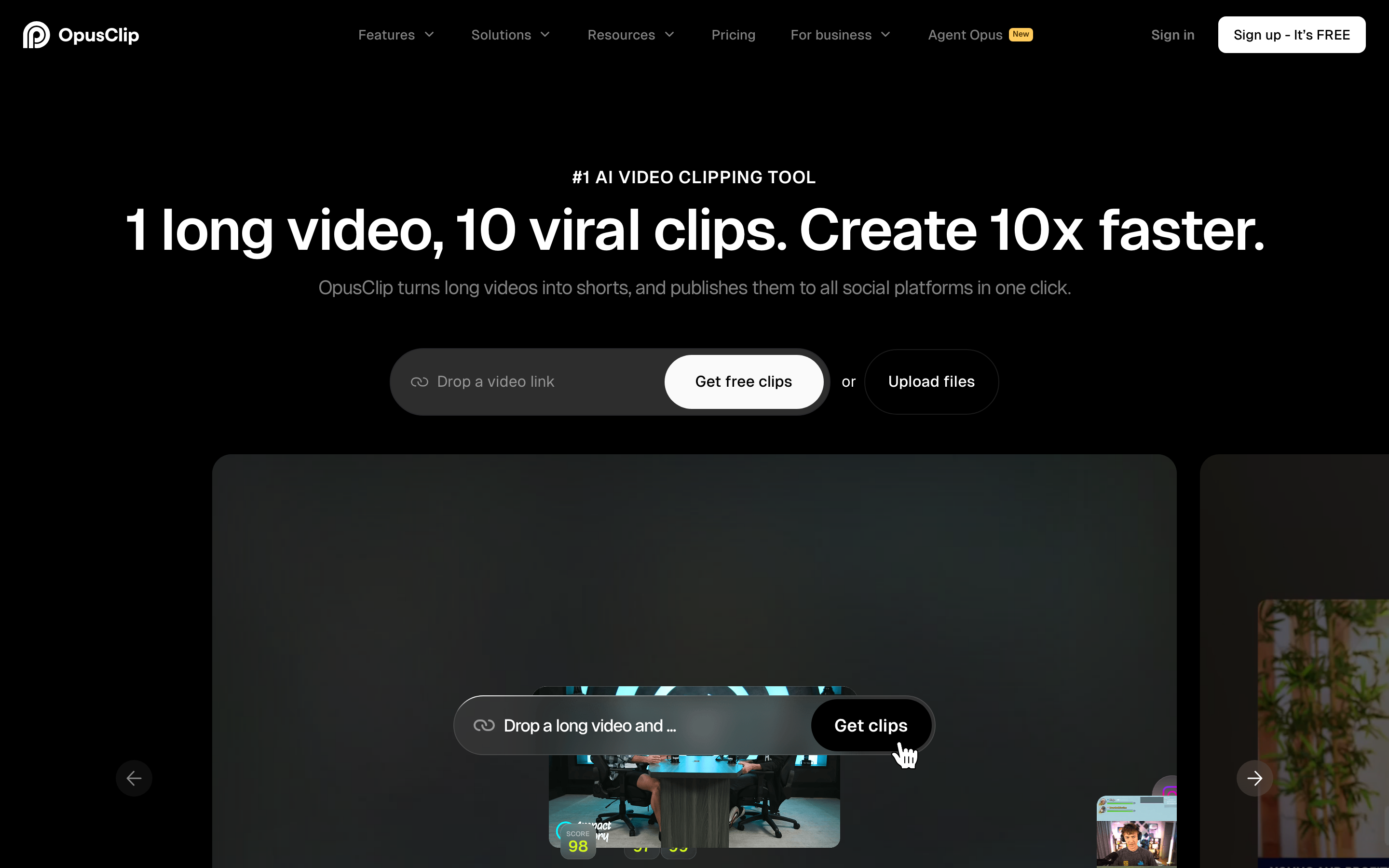
Opus Clip solves the one thing Submagic does not: it finds the clip for you. You hand it a long video and it surfaces the segments worth posting, then captions and reframes them.
With more than 10 million users, Opus Clip is the default name when people on Reddit ask how to turn a podcast or stream into shorts. Its ClipAnything AI model reads visual, audio, and sentiment cues to pick moments across any genre, and every clip gets a virality score from 0 to 99 predicting its reach.
Key features
- ClipAnything AI - Finds engaging segments in interviews, streams, vlogs, and tutorials.
- Virality score - Rates each clip 0 to 99 so you post the strongest first.
- Auto reframe and captions - Reframes to 9:16 and adds animated captions.
- Clip from a one-hour video - Expect 10 to 25 clips, most usable with minor edits.
- Brand templates - Apply consistent fonts and colors across clips.
What users say
Creators repurposing long-form love that Opus Clip does the hunting. The common praise is time saved: drop in an hour of footage, get a stack of ready candidates back. The virality score draws mixed reactions, with users describing it as a rough guide rather than a guarantee. The main gripe is that processing minutes count toward how much source video you can upload per month, not how many clips you get, which trips up heavy users. Compared to Submagic, Opus Clip wins on finding the moment, while Submagic wins on caption polish.
Pros
- ✅ Finds postable moments in long videos automatically, the exact job Submagic skips
- ✅ Generous monthly upload allowance and a usable free tier
Cons
- ❌ Virality score accuracy is inconsistent across content types
- ❌ Caption styling is less rich than Submagic's signature looks
Best for
Podcasters, streamers, and YouTubers turning long recordings into a steady feed of shorts. Free tier with watermark, paid plans start at $15/month.
3. Captions
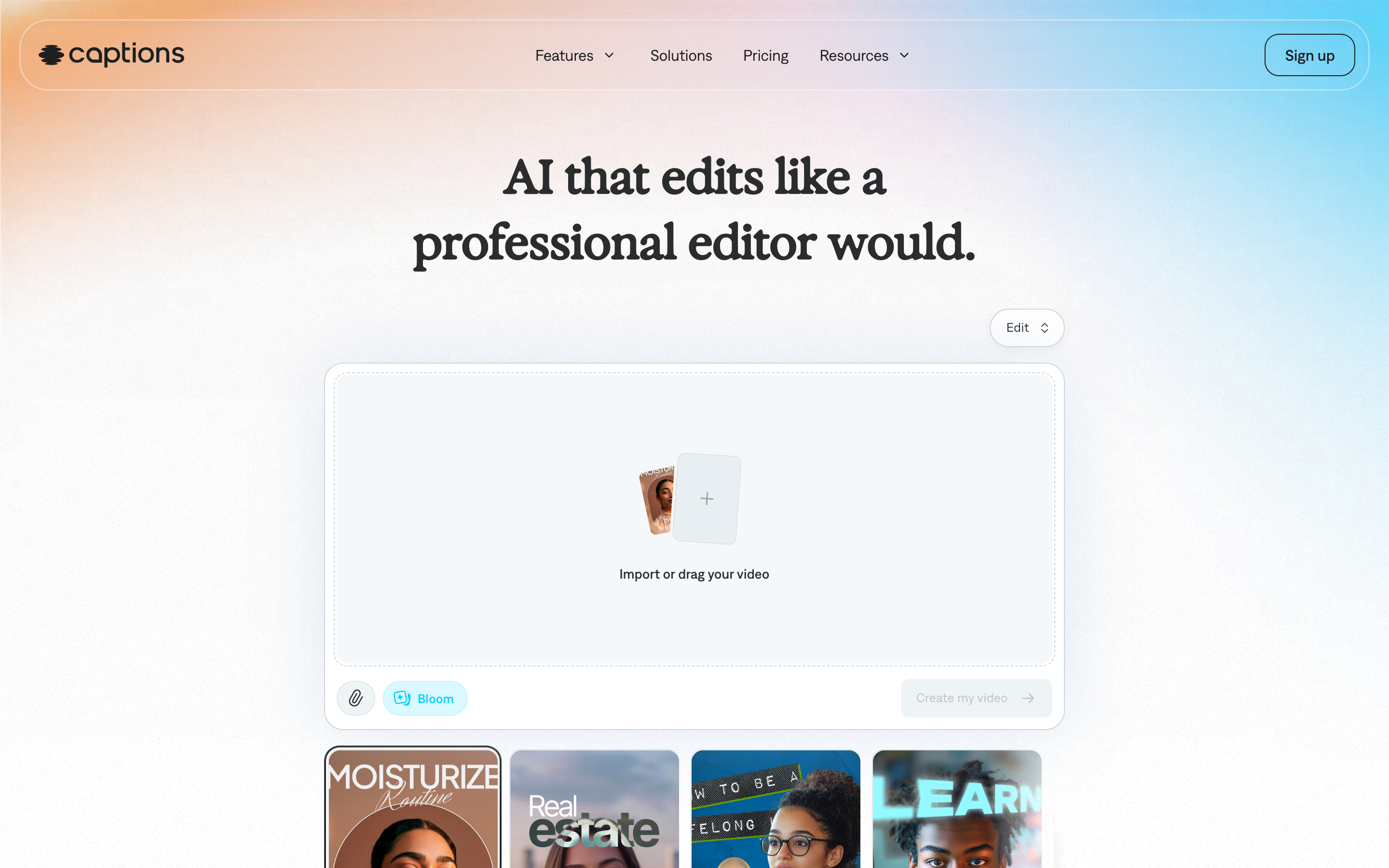
Captions is the mobile-first answer to Submagic. Where Submagic lives in the browser, Captions is built as an iOS and Android app for filming and editing on your phone.
The app pairs an in-phone capture flow with strong animated captions, including karaoke-style highlighting. Its standout is AI eye contact correction, which fixes your gaze when you were reading from a script, plus AI Creator stock personas for faceless content.
Key features
- In-app capture - Film and edit in one mobile flow.
- AI eye contact - Corrects your gaze frame by frame so you look at the lens.
- Karaoke captions - Animated, word-by-word highlighting.
- AI Creator personas - Stock presenters for faceless videos.
- Trend-ready styles - On-trend caption templates for Reels and TikTok.
What users say
Phone-first creators rate Captions highly for shooting and editing without ever touching a desktop. The eye-contact fix gets specific praise from talking-head creators who read off-screen. The honest knock is that, like Submagic, it shines on clips you film or upload rather than finding moments in long content, and serious editors still bounce to a desktop tool for fine control. Many creators actually run both: capture in Captions, polish captions in Submagic.
Best for
Solo creators and talking-head posters who shoot and edit entirely on a phone. Free tier available, paid plans start around $12.99/month.
4. Vizard

Vizard is built for the repurposing job: take a long webinar, podcast, or interview and get social-ready clips out fast. It is web-based and aimed at creators, marketers, and teams.
Its AI clipper detects the engaging segments and generates clips with captions automatically. Reviewers report turning a single 45-minute video into 20+ ready-to-post clips in under 10 minutes, which is the kind of throughput Submagic's clip-by-clip flow cannot match.
Key features
- AI clipper - Detects highlights in long footage and cuts them automatically.
- 45 minutes to 20+ clips - High throughput for long-form repurposing.
- Auto captions - Burned-in captions on every clip.
- Reframe to 9:16, 1:1, 16:9 - MP4 export.
- Team workspace - Shared projects for marketing teams.
What users say
Marketers running webinars and podcasts call Vizard a real time-saver for the repurposing step. The praise centers on speed and how usable the auto-generated clips are out of the box. The pricing model, a credit-plus-upload-minute hybrid, draws some confusion, and a few users want richer caption styling closer to Submagic's. For repurposing long content, though, it covers the gap Submagic leaves open.
Best for
Marketing teams and creators repurposing webinars, podcasts, and interviews into clips. Free tier available, paid plans start around $19.50/month.
---
Looking for the fastest way to ship a finished video? ngram turns a doc, URL, or screen recording into a polished, on-brand video with captions in minutes, not just a caption layer. Try ngram free
---
5. VEED
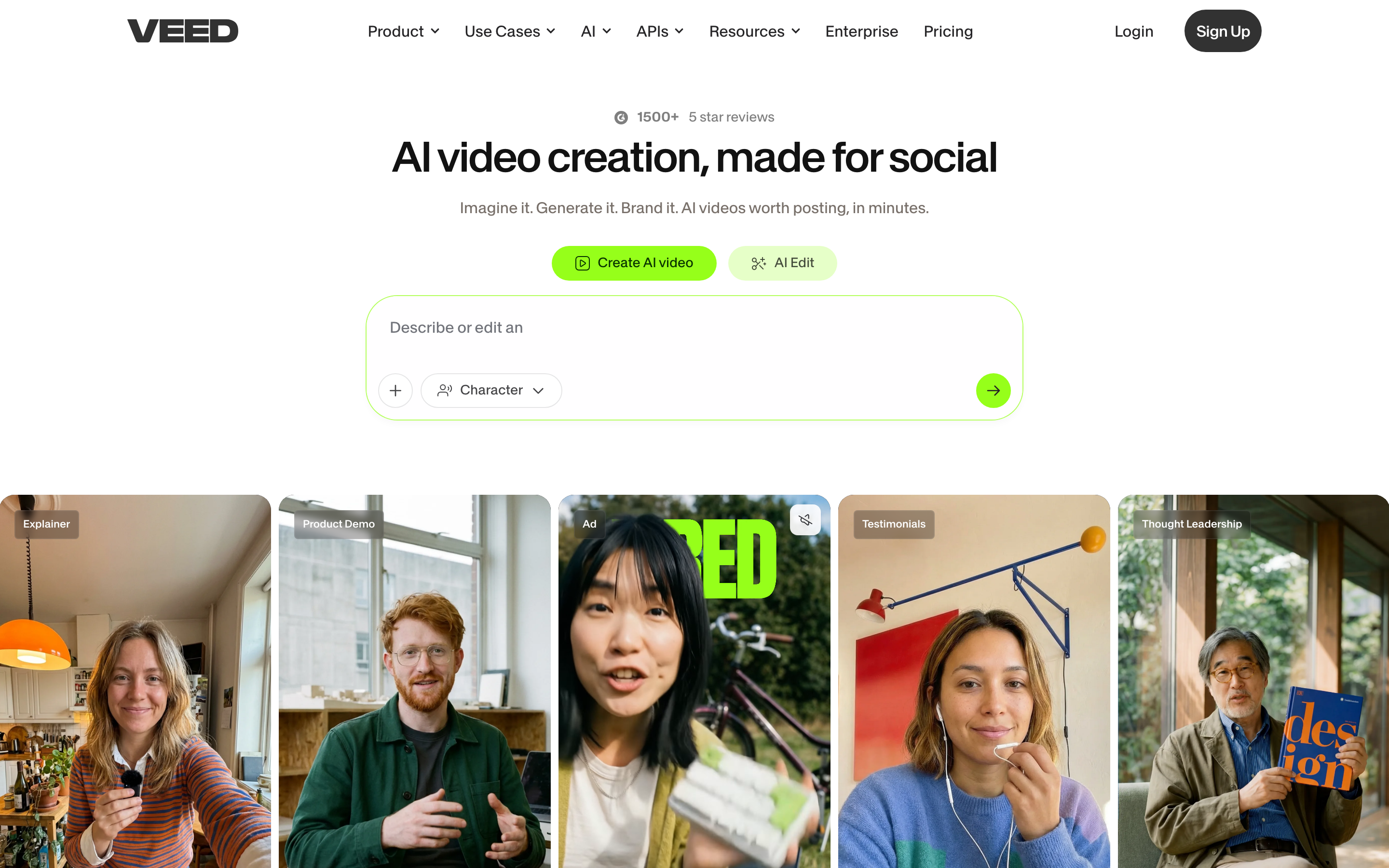
VEED is a full browser-based video editor, broader than Submagic's caption focus. It does captions well but also handles trimming, transitions, stock media, and team review in one place.
Used by creators and marketing teams alike, VEED leans into being an all-rounder. You get auto subtitles in many languages, a timeline editor, and a large library of templates and stock assets, so a clip can go from raw to finished without leaving the tab.
Key features
- Full timeline editor - Trim, layer, and transition, not just caption.
- Auto subtitles - Many languages with editable styling.
- Stock library - Footage, music, and templates built in.
- Team collaboration - Shared workspaces and review links.
- Brand kit - Apply consistent fonts and colors.
What users say
VEED gets credit for being a capable editor that beginners can still navigate, with polished output for product promos and training videos. Caption styling is solid, if not quite as distinctive as Submagic's signature animated looks. Heavier users note that rendering can slow on long projects and that the most useful features sit behind higher tiers. As a one-tab replacement for caption-plus-edit, it consolidates more of the workflow than Submagic alone.
Best for
Creators and teams who want one browser editor for trimming, captions, and stock media. Free tier available, paid plans start around $9/month.
6. Klap
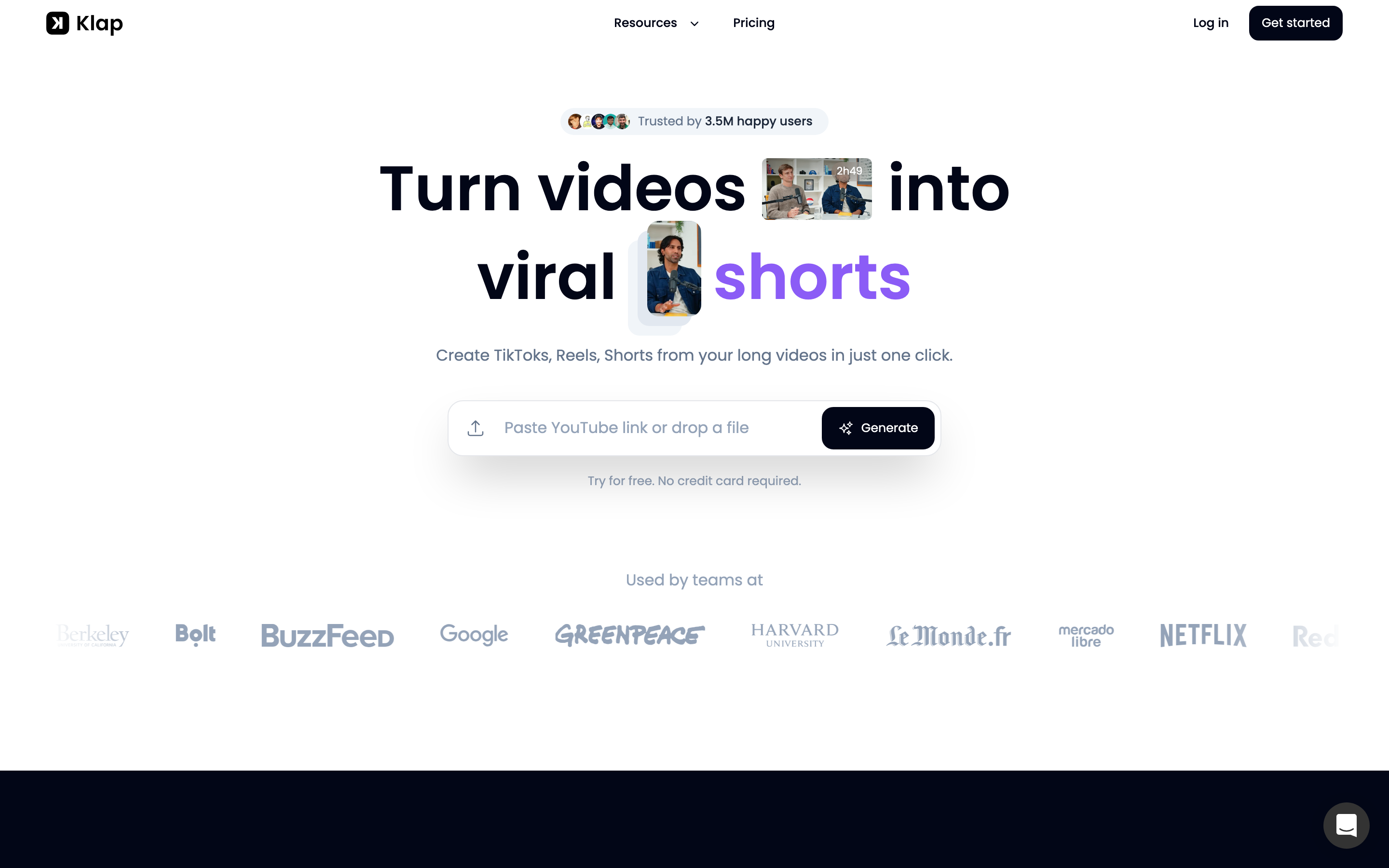
Klap focuses on turning long videos into short clips with a strong multilingual angle. It sits next to Opus Clip and Vizard as a clip-finder, but its differentiator is reach across languages.
Klap's headline feature is AI dubbing in 29 languages, which puts it ahead for creators chasing non-English audiences. It clips long footage, adds captions, and reframes for vertical, with users reporting meaningful time savings on repurposing.
Key features
- AI dubbing in 29 languages - Localize clips for global audiences.
- Auto clipping - Surfaces short moments from long videos.
- Animated captions - Styled, burned-in text.
- Vertical reframe - Output sized for Reels, TikTok, and Shorts.
- Brand styling - Consistent fonts and colors across clips.
What users say
Creators building multilingual audiences single out the dubbing as the reason they keep Klap around. The clip-finding is rated as solid if not best-in-class, and the time savings on repurposing get steady praise. Some users want more granular control over caption animation. If your audience spans languages, Klap covers a slice neither Submagic nor most clip-finders do.
Best for
Creators and brands localizing short-form content for international audiences. Paid plans start around $29/month.
7. Descript

Descript is the odd one out here, and that is the point. Instead of captioning or clipping, it lets you edit video by editing a transcript, which is a fundamentally different workflow for long-form.
You record or upload, Descript transcribes it, and you cut the video by deleting words from the text. It also removes filler words, fixes audio, and offers studio-grade features that go well beyond Submagic's caption layer. It is a favorite for podcasts and detailed talking-head content.
Key features
- Transcript-based editing - Edit the video by editing the text.
- Filler word removal - Strip the ums and uhs in one click.
- Studio sound - AI audio cleanup for clearer voiceovers.
- Overdub and captions - Voice cloning and burned-in subtitles.
- Screen recording - Capture and edit screen content.
What users say
Podcasters and long-form creators describe transcript editing as the thing they cannot give up once they learn it. The praise is about control and speed on talking-heavy content. The honest limitation is a steeper learning curve than a tap-to-caption tool, and it is heavier than most short-form creators need for a quick clip. For long-form polish, though, Descript reaches places Submagic does not. Compared to Submagic, Descript wins on deep editing, while Submagic wins on speed for a single short.
Best for
Podcasters and creators editing long-form, talking-heavy content. Free tier available, paid plans start around $24/month.
8. CapCut

CapCut is the free, manual default that constantly comes up when people search for a Submagic alternative on Reddit. It is a full editor with a massive template library, available on mobile and desktop.
Owned by ByteDance, CapCut is deeply integrated with TikTok-style editing and gives you hands-on control over every cut, effect, and caption. It is free to start, which is the main draw, though the trade-off is that you do the editing work yourself instead of an AI doing it for you.
Key features
- Deep manual editor - Frame-level control over cuts and effects.
- Huge template library - Trend-ready templates updated constantly.
- Auto captions - Generate and style subtitles.
- Mobile and desktop - Edit anywhere.
- Effects and filters - Large built-in library.
What users say
Creators on a budget love that CapCut is genuinely free and powerful. The templates make it fast to match a trend, and the editing depth is real. The flip side is that it is manual: there is no AI finding your viral moment, and serious users note the ByteDance ownership and U.S. regulatory uncertainty as a reason to keep an alternative ready. For hands-on creators who want control over automation, it is hard to beat on price.
Best for
Hands-on creators who want deep manual control for free. Free tier is robust, paid Pro starts around $9.99/month.
How we compared these tools
We did not just list tools. We tested them, read hundreds of user reviews across G2, Capterra, Reddit, and Product Hunt, and weighed them against five criteria tuned for short-form video tools:
| Criteria | Weight | What we looked at |
|---|---|---|
| Features | 25% | Captioning, clip-finding, editing depth, and how much of the workflow lives in one tool |
| Ease of Use | 25% | How fast a non-editor gets from raw input to a finished short |
| AI Capabilities | 20% | Auto-clipping, caption accuracy, language coverage, and generation |
| Value | 20% | Plan caps, credit usage, watermark policy, and real cost as volume grows |
| Support & Community | 10% | Docs, responsiveness, and the size of the user community |
We also factored in real user reviews from G2, Capterra, TrustRadius, Reddit, and Product Hunt (qualitative sentiment, never numerical scores), market presence and company stability, integration ecosystems, and where short-form tooling is heading. Short-form video moves fast, so we weighted how each tool consolidates the caption, clip, and distribution steps that Submagic users currently split across multiple subscriptions.
Here is how the plans stack up once you look past the headline price:
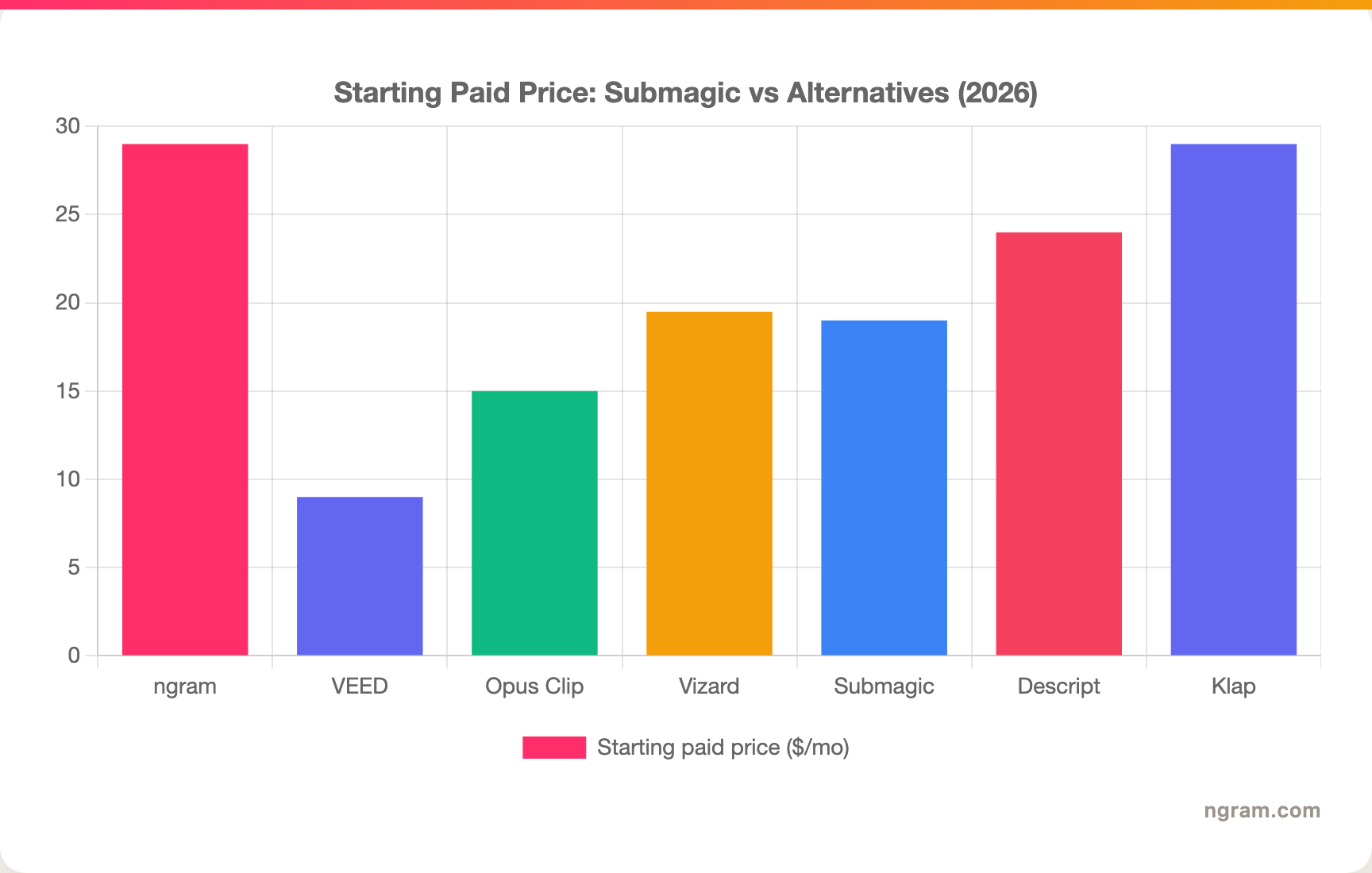
The short-form clipping space is not slowing down. The AI video generator market is projected to reach about $946M in 2026 and roughly $3.44B by 2033, a 20.3% CAGR, per Grand View Research, and short clips under 60 seconds now make up 67% of AI-generated video. With 61% of freelance creators using AI video tools at least weekly, the tools that win are the ones that collapse the most steps into one place.
Frequently asked questions
Is there a free alternative to Submagic?
Yes, several. Opus Clip, Vizard, VEED, Captions, and Descript all have free tiers, and CapCut is free to start with a deep editor. ngram also has a generous free plan. Most free tiers add a watermark or cap your output, so check the limits against how often you post before committing.
What is the best Submagic alternative for finding viral moments?
Opus Clip is the strongest pick for finding the clip itself. Its ClipAnything AI scans long videos and surfaces postable segments with a virality score, which is the exact step Submagic skips. Vizard and Klap also do auto-clipping, with Klap adding dubbing in 29 languages.
How does ngram compare to Submagic?
They solve different problems. Submagic captions a short clip you already cut, and does that fast. ngram generates the whole video from a doc, URL, or recording, plans the script and storyboard, adds voiceover and captions, and applies your brand kit. Pick Submagic for caption-first polish on an existing clip; pick ngram when you need a finished, on-brand video from a source. See the ngram vs Submagic comparison for the full breakdown.
Who should still pick Submagic?
If your job is dropping fast, on-trend animated captions onto clips you have already filmed or cut, Submagic is still excellent at exactly that, and its caption styles are best in class. Short-form creators who film and edit elsewhere and just want the signature Submagic caption look should stick with it.
Is CapCut a good free Submagic alternative?
CapCut is the most powerful free option and a favorite on Reddit, with a deep manual editor and a huge template library. The trade-off is that you do the editing yourself, with no AI finding your viral moment. Some teams also keep a backup ready given the ByteDance ownership and U.S. regulatory uncertainty.
What is the cheapest Submagic alternative?
VEED and CapCut start lowest, around $9 to $9.99 per month, and both have free tiers. Opus Clip starts at $15/month with strong clip-finding. The cheapest sticker price is not always the cheapest in practice, though, so factor in plan caps and credit overages, which is where Submagic budgets tend to creep.
Which one should you pick?
Short-form tooling in 2026 splits into three camps: caption polishers, clip-finders, and full video generators, and most teams quietly pay for one of each. If your real job is shipping a finished, on-brand video from a doc, URL, or recording, ngram collapses that into one tool, which is why it tops this list. If you are repurposing long podcasts and webinars, Opus Clip or Vizard find the moment Submagic cannot. And if you genuinely just want the best animated captions on a clip you already cut, Submagic is still the right answer, no alternative required. The fastest way to know which camp you are in is to run a real clip through two of them and see which one gets you to "done."
---
Try ngram free, your first video in under 5 minutes. Turn a doc, URL, or screen recording into a polished, on-brand video with captions, no clip-by-clip editing required. Start free