
Quick comparison
| Tool | Best For | Starting Price | Key Differentiator |
|---|---|---|---|
| ngram | Source material into a finished, branded video | Free / $29/mo | Generates the whole video, not just clips of one |
| Opus Clip | Fast first-pass viral clips from long video | Free / $15/mo | ClipAnything and the virality score |
| Submagic | Caption-heavy short-form polish | Free / $20/mo | Trend-styled captions and B-roll |
| Klap | Hands-off batch clipping | Free / paid tiers | Simple one-upload, many-clips flow |
| Captions | Talking-head clips with AI dubbing | Free / paid tiers | Eye contact correction and lip-synced dubs |
| Descript | Transcript-first editing of recordings | Free / $16/mo | Edit video by editing the words |
| Riverside | Recording plus clipping in one place | Free / $15/mo | Studio-grade local recording first |
| Kapwing | Manual control with AI helpers | Free / $16/mo | Full browser editor plus repurposing |
Vizard is the default name people reach for when they want to turn a 60-minute podcast into thirty TikToks by tomorrow. It is genuinely good at that one job. But \"good at one job\" is exactly why so many teams end up searching for Vizard alternatives, usually right after their credits run out mid-month.
Here is the thing nobody warns you about: Vizard charges one credit per minute of the video you upload, billed on the source length before any clipping happens. Upload a two-hour webinar and you have spent 120 credits to find three good clips. The free plan gives you 60 credits a month, a watermark, 720p exports, and three days of storage. Reviewers on Capterra and Trustpilot keep flagging the same things: credits drain fast, unused credits vanish when you cancel, and viral hook detection is weaker than the competition, so clips often need a manual trim anyway.
None of that makes Vizard bad. It makes it a tool you should compare honestly against the rest of the field before you commit a yearly plan. We tested eight Vizard alternatives across clip quality, caption styling, pricing transparency, and what real users say on G2, Capterra, Reddit, and Product Hunt. One of them, ngram, is not a clip-extractor at all, and we will be upfront about exactly when that matters and when it does not.
According to the data, this category is not slowing down. Videos under 60 seconds drive 2.5x more engagement per impression than any other content type, and short-form now makes up 67% of all AI-generated video. The teams winning in 2026 are not filming more, they are repurposing what they already recorded.
Where Vizard falls short in 2026
Vizard does the core job well: accurate portrait reframing, clean captions, one-click social exports, and a simple interface most people learn in an afternoon. Credit where it is due. But four recurring complaints push people to look elsewhere.
The credit math punishes long source files. One credit equals one minute of uploaded video, charged before clipping. A handful of long webinars wipes out a monthly allowance, and several reviewers describe rationing uploads to make credits last. If your raw recordings are long, the effective cost per finished clip climbs fast.
Credits do not roll over, and you lose them on cancel. Multiple reviewers report feeling locked into a subscription just so unused credits do not evaporate. For seasonal or project-based creators, that is a real friction point.
Hook detection is hit or miss. Vizard finds candidate moments, but reviewers consistently say the \"viral\" picks need precision trimming before they actually land. The promise of hands-off clipping does not fully hold up on longer or less structured recordings.
Free is a trial, not a tier. 60 credits, a watermark, 720p, and three-day storage mean the free plan is really a demo. To ship anything client-facing you are on a paid plan, and Vizard pricing starts around $14.50 per month on annual billing for the Creator plan, more if you pay monthly.
If those line up with your frustrations, the good news is the AI clipping space got crowded and cheap. Here are the eight tools worth your shortlist.
1. ngram
Watch how ngram turns an idea into a finished video:
Let us be clear about what ngram is and is not, because it is the one tool here that does not auto-shred a long recording into thirty clips. ngram is a source-to-video engine. You bring a doc, a URL, a deck, a screen recording, or raw footage, and it writes the script, plans the storyboard, generates voiceover and captions, applies your brand, and exports the finished video in channel-specific cuts prepared separately. If your real goal was never \"chop this podcast into clips\" but \"turn this material into a polished, on-brand video I can reuse,\" that is exactly ngram's lane.
What makes ngram stand out
The difference is direction. Vizard starts from a recording you already have and extracts moments. ngram starts from your message and builds the video around it, so you are not limited to footage that already exists. Upload a rough screen capture and it smooths the cursor, trims dead air, adds smart zooms and callouts, and turns it into a product demo. Paste release notes or a URL and it generates a launch clip from scratch.
You also review the plan before anything renders. ngram shows you the script and storyboard up front, and you steer it in plain language: \"make this shorter,\" \"create a sales version,\" \"translate to German.\" That up-front control is the opposite of generating thirty clips and hoping a few are usable.
For the overlap that actually matters here, ngram does produce short-form variants. Ask for a channel-specific cut, a channel-specific cut, and a localized variant of the same message, and it adapts structure, pacing, and voiceover per format. It also has a webinar to clips converter for turning a recording into shorter pieces. The honest line: ngram is not built to auto-detect and batch-export thirty clips from one upload the way Vizard is. It is built to make one message into several polished, on-brand videos.
Key features:
- Source-to-video generation - Docs, URLs, decks, screenshots, screen recordings, and raw video become a finished video.
- Plan-first workflow - Review and approve the script and storyboard before rendering.
- Plain-language editing - Change direction by describing it, no timeline skills required.
- Brand kit - Logo, colors, fonts, intros, and captions applied automatically to every export.
- MP4 export - Finished videos export as MP4; channel-specific cuts need separate preparation.
- Translation - Localize script, captions, on-screen text, and voiceover for other markets.
Pros
- ✅ Generates a full video from material you already have, no recording required first
- ✅ One message becomes a launch cut, a social clip, and a localized variant
- ✅ Brand kit keeps every export visually and verbally on-brand
- ✅ Turns rough screen recordings into polished demos automatically
Cons
- ❌ Not a bulk clip-extractor, it will not shred one upload into thirty auto-clips like Vizard
- ❌ Web-based only, no native mobile app today
Who is ngram best for?
Product marketing, growth, sales enablement, and customer success teams who want finished, on-brand videos from the assets they already have, plus separately prepared channel cuts. If your job is genuinely \"find the best 30 seconds in this 60-minute stream and post it,\" keep a dedicated clipper on your shortlist too. ngram has a generous free plan, with paid plans starting at $29 per month. For a deeper head-to-head, see our ngram vs Opus Clip comparison.
Ready to try ngram? Create your first video in under 5 minutes. Start free
2. Opus Clip
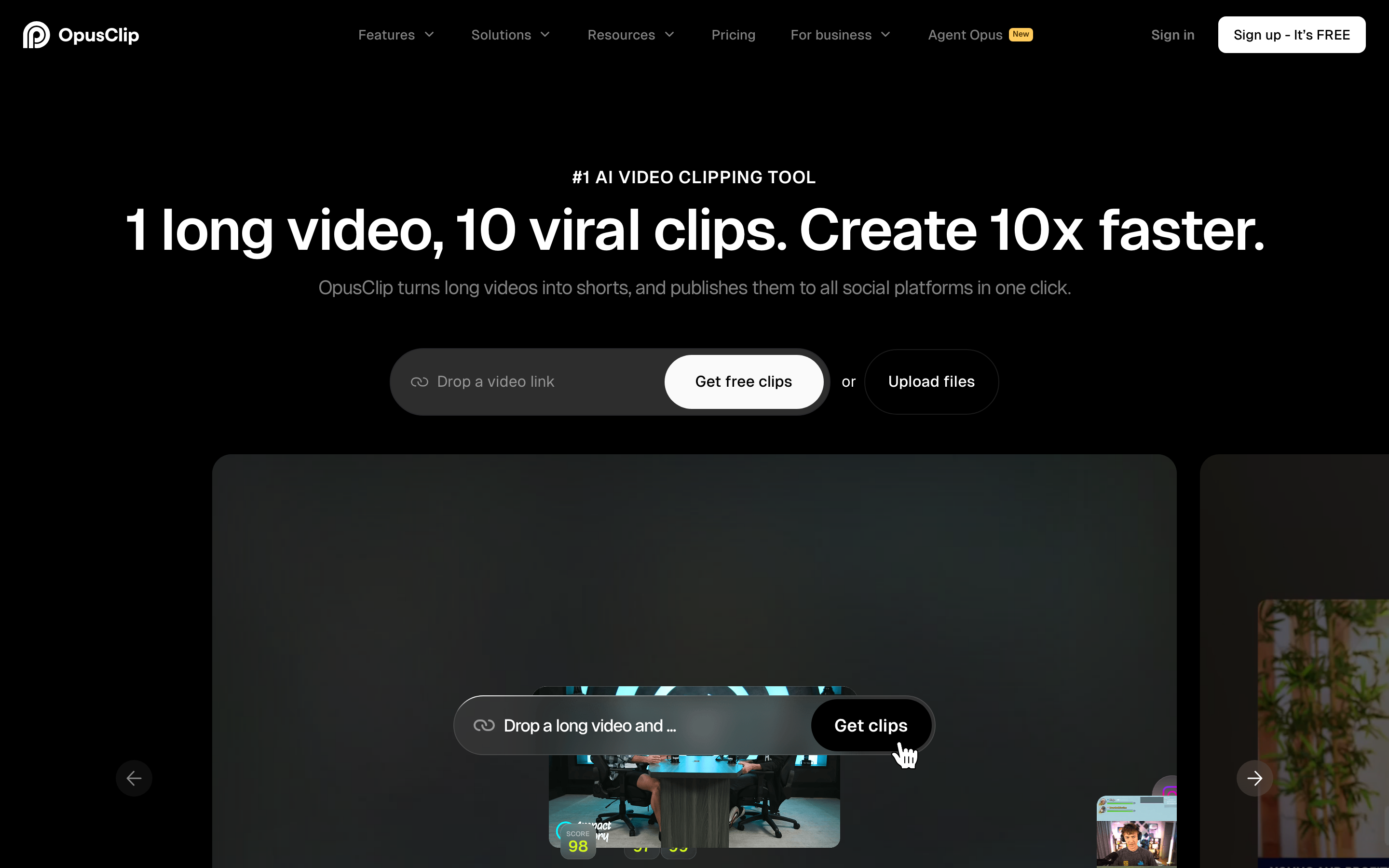
Opus Clip is the tool most often named in the same breath as Vizard, and for good reason: it is the default first-pass clipper for podcasters, creators, and marketers turning long video into TikTok, Reels, and Shorts. It claims more than 10 million users and built its reputation on speed and a virality score that ranks clips by predicted performance.
Its standout feature is ClipAnything, which lets you describe the moments you want in natural language instead of relying purely on auto-detection. Combined with auto-reframing, animated captions, and AI B-roll, it gets you to a draft clip faster than almost anything else. Compared to Vizard, Opus Clip's hook detection is the feature people praise most, though it still benefits from a manual review pass.
Key features
- ClipAnything - Prompt-based clip selection beyond plain auto-detection
- Virality score - Ranks clips by predicted social performance
- Auto-reframe and captions - Vertical reframing with animated, word-level captions
- AI B-roll and brand templates - Supplementary footage and reusable styling
- Auto-posting - Schedule clips straight to social channels on higher tiers
What users say
Reviewers on G2 and Reddit consistently rank Opus Clip at or near the top for raw clip quality and hook detection. The recurring gripe mirrors Vizard's: the free plan's 60 minutes vanish quickly, and processing minutes are the real currency, so long uploads still cost you. A few users find the virality score more vibes than science, but most agree the first-pass clips need less cleanup than Vizard's.
Pros
- ✅ ClipAnything makes finding specific moments far less hit-or-miss
- ✅ Strong hook detection means less manual trimming after export
- ✅ Auto-posting and scheduling on paid plans
Cons
- ❌ Free plan's 60 minutes run out fast for heavy users
- ❌ Virality score is a rough guide, not a guarantee
Best for
Creators and social teams who want the fastest path from a long recording to a stack of ranked, ready-to-post clips. Opus Clip pricing starts at $15 per month for Starter, with Pro at $29 per month. Compared to Vizard, Opus Clip generally edges ahead on hook detection while landing in a similar price band.
3. Submagic
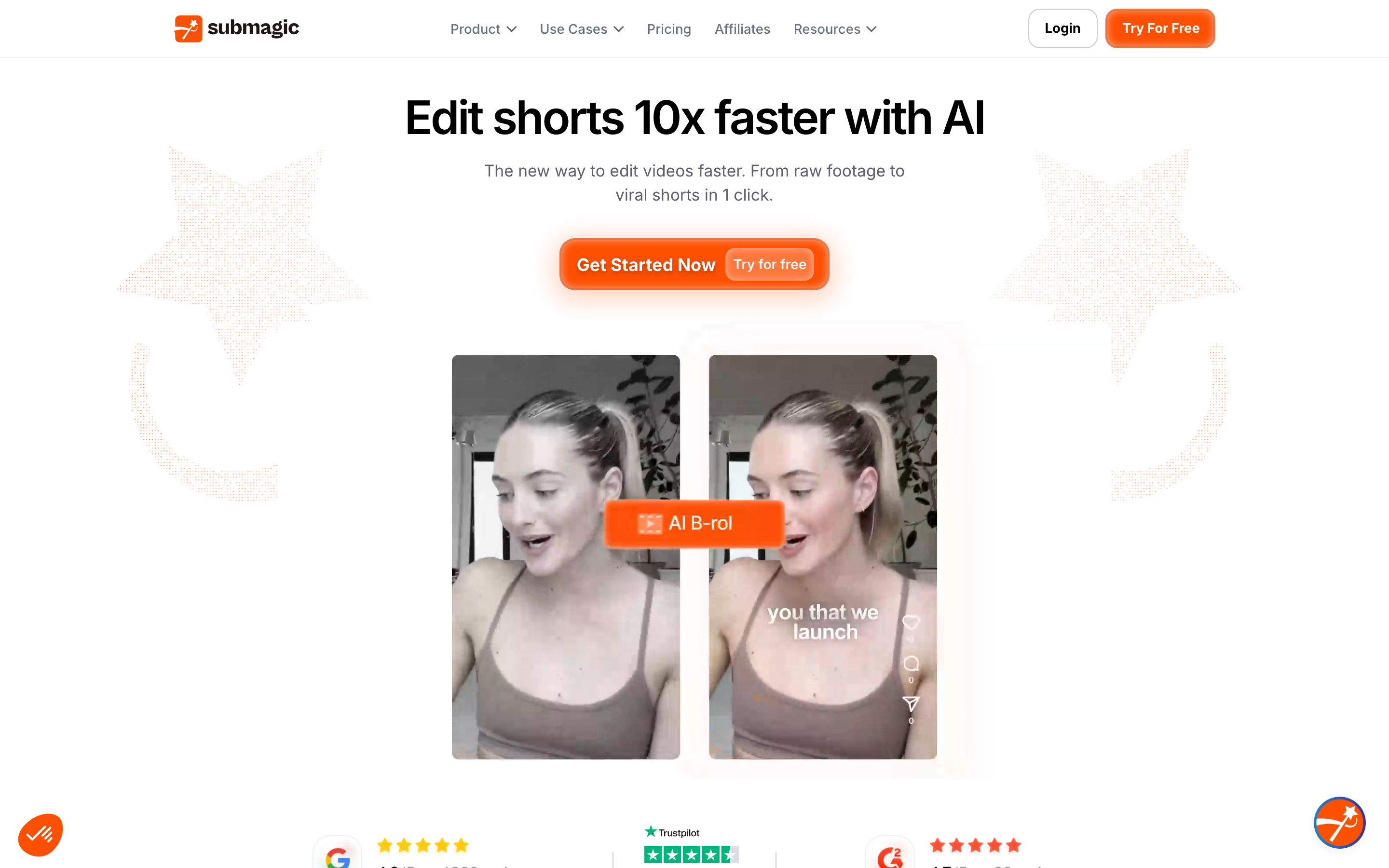
Submagic took a different bet than Vizard: instead of competing on AI moment detection, it doubled down on making short clips look incredible. It is the caption and polish layer, beloved by creators who already know which clip they want and need it to pop in a crowded feed.
The catch worth knowing up front: Submagic does not find viral moments for you. You upload a clip you have already cut. If you want AI to detect the best 30 seconds of a 60-minute podcast, you still need a clipper like Opus Clip, Vizard, or ngram's converter first, then Submagic for the caption styling. Within that lane, its trend-aware caption templates, B-roll, sound effects, and zoom emphasis are genuinely strong.
Key features
- Trend-styled captions - Animated, word-level captions matched to current formats
- Auto B-roll and sound effects - Context-aware overlays and audio punch-ins
- Zoom and emphasis - Automatic punch-ins on key phrases
- Magic clips - Lighter clipping for short uploads
- Multi-language captions - Broad language coverage for subtitles
What users say
Product Hunt and G2 reviewers love Submagic for caption quality and speed, calling it the fastest way to make a clip feel native to TikTok. The honest limitation reviewers raise is scope: it polishes, it does not discover. Teams using it as their only tool end up doing the clipping elsewhere, which is fine if you plan for it.
Pros
- ✅ Best-in-class caption styling and trend templates
- ✅ Fast, native-feeling output for short-form feeds
Cons
- ❌ No AI moment detection, you bring the clip already cut
- ❌ Needs a separate clipper for long-source workflows
Best for
Creators and agencies who already have the clip and want it to look polished and platform-native fast. Submagic pricing starts around $20 per month with a free plan available.
4. Klap
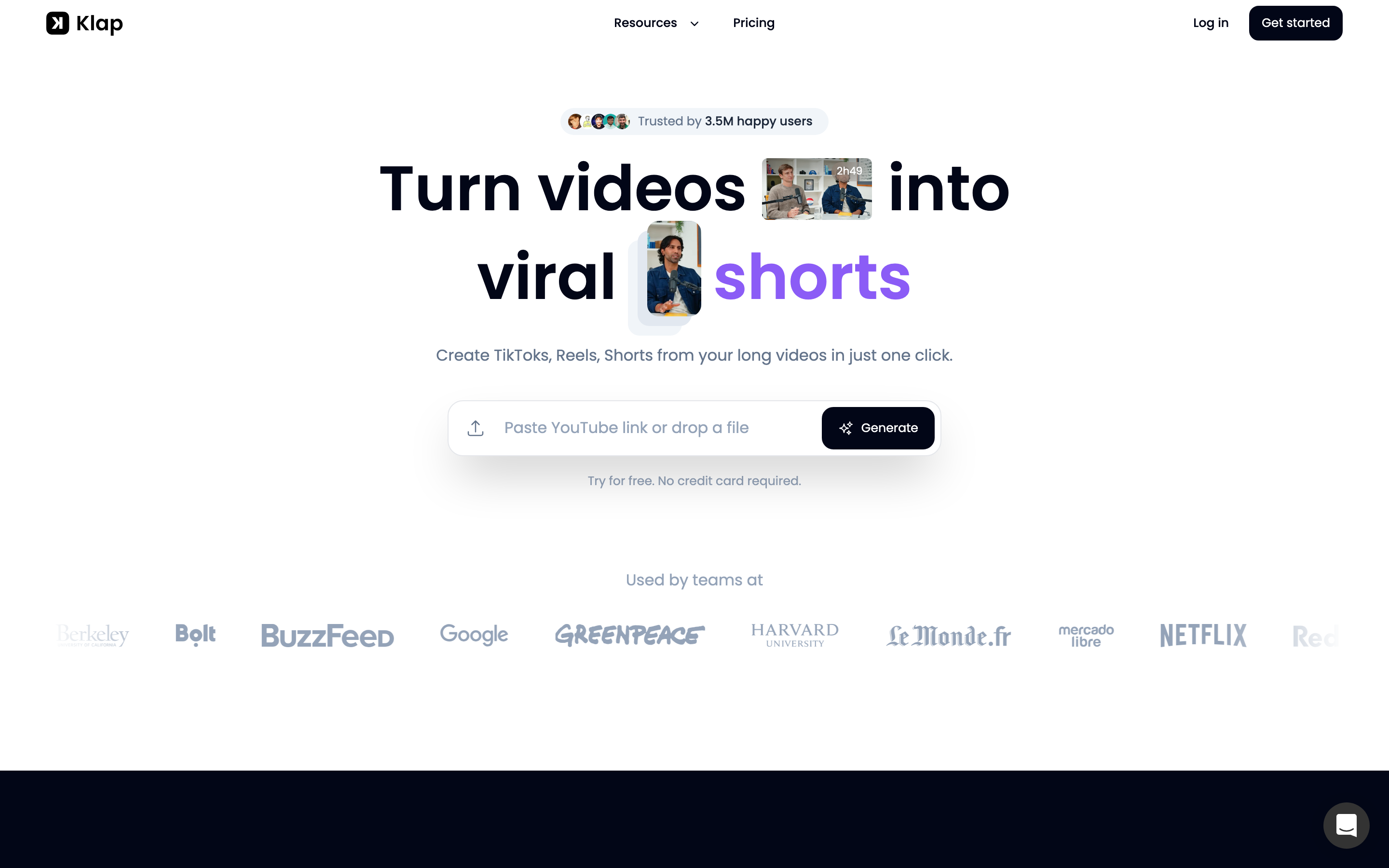
Klap keeps things deliberately simple: upload a long video, get a set of clips back with captions and reframing, minimal fiddling. It is the most hands-off option in this roundup, which is both its appeal and its ceiling. If you want to drop a YouTube link and walk away, Klap is built for exactly that.
Compared to Vizard, Klap trades configuration depth for speed and simplicity. You get fewer knobs, but you also spend less time learning the tool. Its free tier is limited to one video, which is enough to judge clip quality before paying.
Key features
- One-upload, many-clips - Drop a video or link and get a batch of clips
- Auto-captions and reframe - Vertical formatting with subtitles built in
- B-roll and emoji - Light automatic enhancement
- Templates - Reusable caption and layout styling
- Simple export - Straightforward download and share
What users say
Users like Klap for its low learning curve and quick results, especially solo creators who do not want a complex editor. The trade-off, noted in several reviews, is less control over clip selection and styling than Vizard or Opus Clip, so power users sometimes outgrow it.
Best for
Solo creators and busy founders who want a clip batch with the least possible effort. Klap offers a free tier limited to one video, with paid plans for regular use.
5. Captions
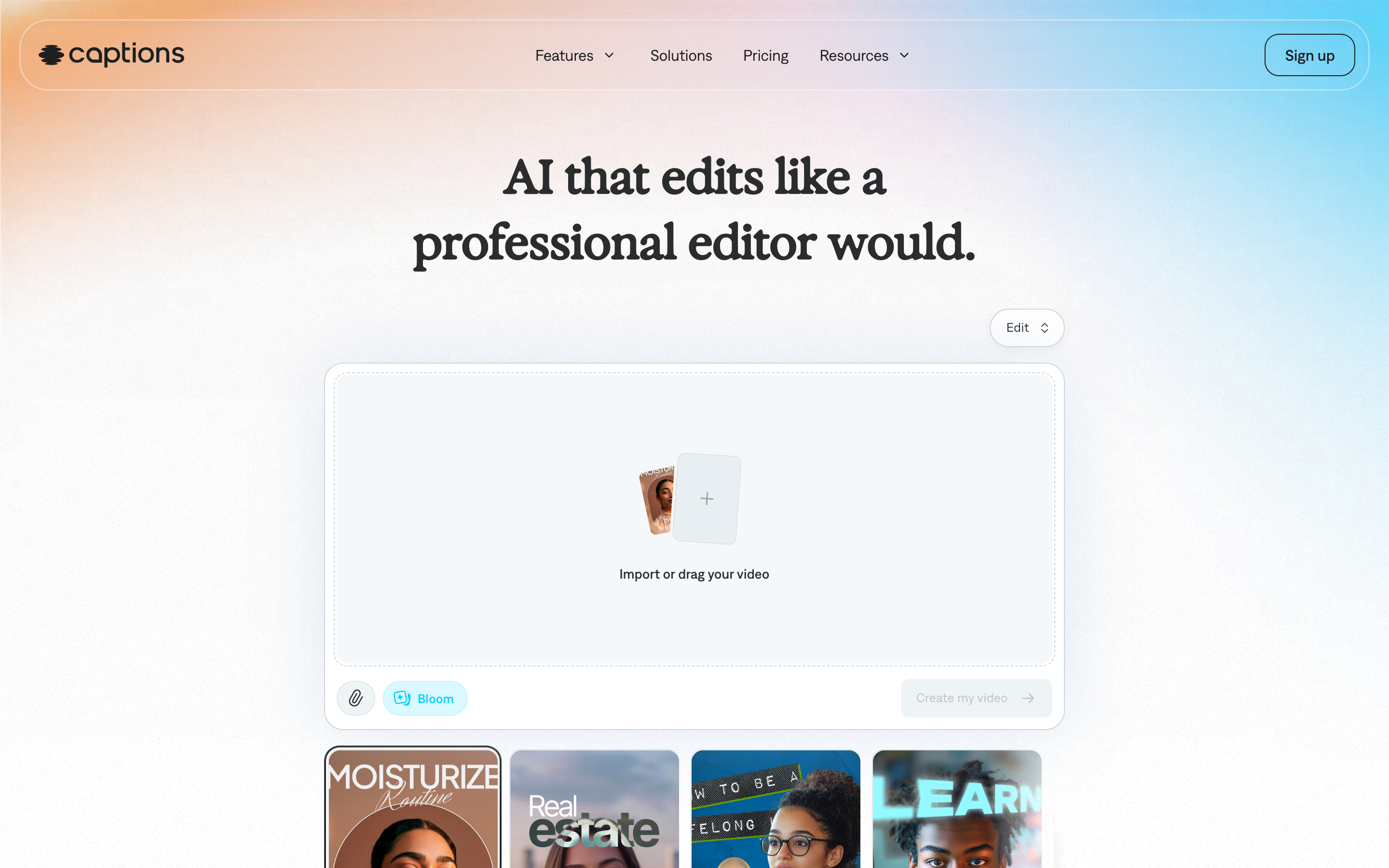
Captions (the app, at captions.ai) is the talking-head specialist. Where Vizard reframes and clips, Captions is built around the person on camera: AI dubbing, eye-contact correction, lip-synced translations, and AI avatars. If your short-form is mostly you or a presenter talking, this is a different and powerful angle.
It overlaps with Vizard on captions and short-form export, but its real edge is making a single talking-head recording work across languages and feel camera-perfect. That makes it less of a podcast-clipper and more of a creator-studio for face-to-camera content.
Key features
- AI dubbing and lip sync - Translate a talking-head clip with matched lip movement
- Eye contact correction - Fix off-camera gaze when reading a script
- AI avatars - Generate a presenter from a script
- Auto-captions - Animated subtitle styles for social
- Mobile-first - Strong native app workflow
What users say
Reviewers praise Captions for talking-head polish and the dubbing quality, calling the eye-contact and lip-sync features genuinely useful for creators who film themselves. The flip side: it is not a long-form clipper, so podcast and webinar repurposing is not its strength.
Best for
Creators and marketers whose short-form is face-to-camera and who need multilingual, camera-perfect talking-head clips. Captions has a free plan with paid tiers for advanced features.
---
Looking for the fastest way to turn one recording into many on-brand videos? ngram generates finished, branded videos from your docs, recordings, and URLs, then adapts each one to every channel. Try ngram free
---
6. Descript

Descript is the editor for people who would rather edit words than a timeline. It transcribes your recording and lets you cut, rearrange, and clean up the video by deleting text. For repurposing long podcasts and interviews into clips, that transcript-first model is a different and precise way to work than Vizard's auto-detection.
Descript has since layered on Underlord (an AI co-editor that can find clips and remove filler), Studio Sound for audio cleanup, Overdub voice cloning, and dubbing in 30-plus languages. So while it is not a one-click clip factory, it can find and cut clips while giving you far more editorial control than Vizard.
Key features
- Transcript-based editing - Delete words to cut the footage
- Underlord AI co-editor - Clip finding, filler removal, and edits
- Studio Sound - Voice isolation and audio rebuild
- Overdub - Clone a voice for narration fixes
- Multilingual dubbing - Translate and dub in 30-plus languages
What users say
Descript is a favorite among podcasters and long-form creators for the control its transcript model gives. The common note is a steeper learning curve than a pure clipper, plus a 2025 pricing change to media minutes and AI credits that some reviewers find hard to predict. But for editorial precision, few tools here compete. Compared to Vizard, Descript is slower to a first clip but gives you a real editor underneath.
Best for
Podcasters and creators who want transcript-level control over their clips, not just auto-detection. Descript starts at $16 per month for Hobbyist, billed per seat. For more, read our ngram vs Descript comparison.
7. Riverside
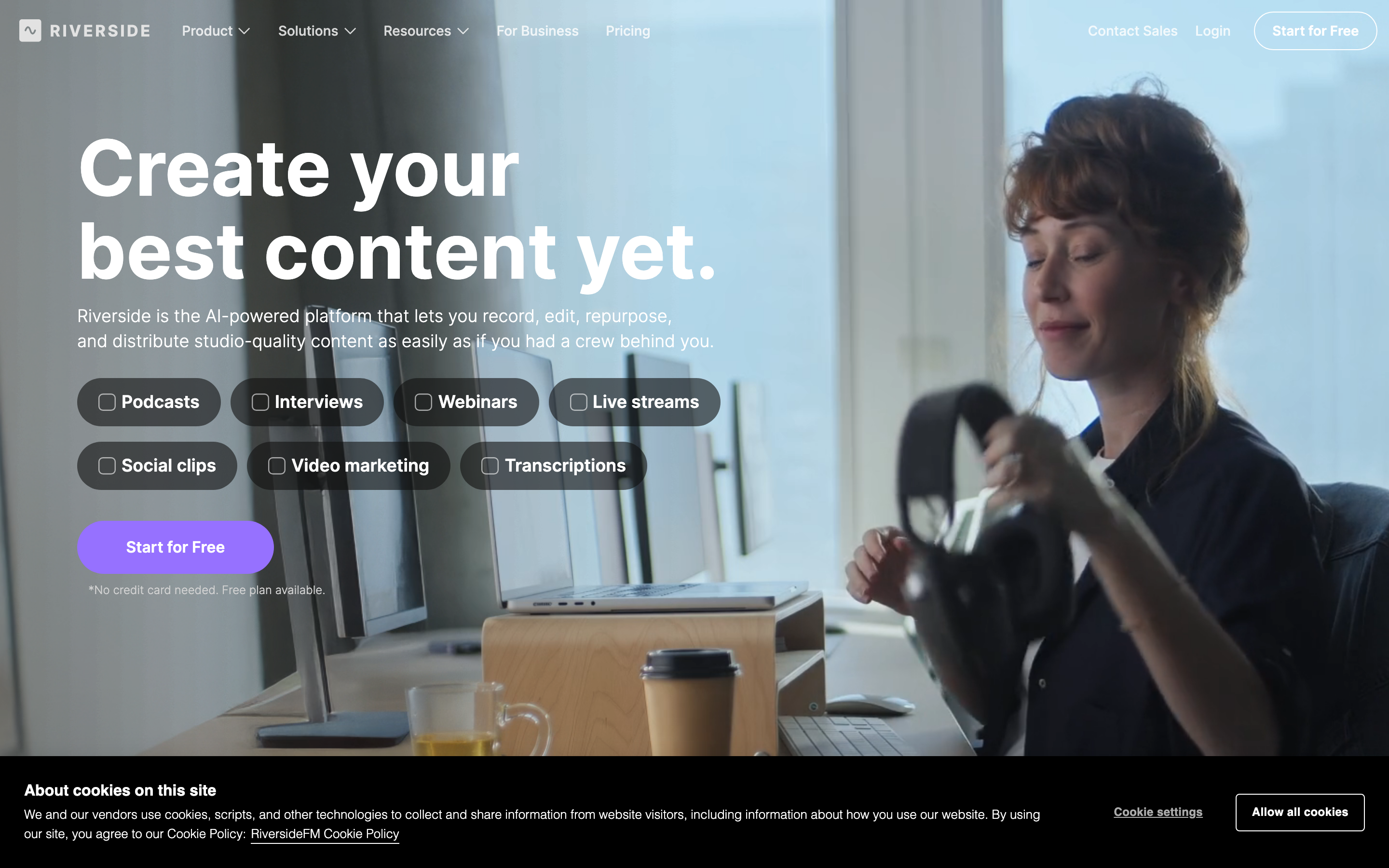
Riverside solves a different half of the problem: it records first, then clips. It is a studio-grade remote recording platform that captures local, high-resolution audio and video for each participant, then offers AI clip generation, captions, and a text-based editor on top. If your clips come from interviews and remote conversations, recording and repurposing in one place is a real advantage.
Against Vizard, Riverside's pitch is quality at the source. You are not clipping a compressed Zoom export, you are clipping pristine local recordings, which makes the finished clips look and sound better.
Key features
- Local high-res recording - Up to 4K video and separate tracks per guest
- AI clip generation - Auto-detect highlights from a recording
- Text-based editing - Cut by editing the transcript
- Captions and reframe - Vertical formatting for social
- Live streaming - Broadcast while you record
What users say
Riverside earns strong marks for recording quality and the convenience of recording and clipping in one tool. Reviewers note the clipping is solid but not as aggressive or tuned as Opus Clip or Vizard, so it is best when recording quality is the priority. Compared to Vizard, you give up some clipping depth for a much better source recording.
Best for
Podcasters and teams who record remote interviews and want pristine source recordings plus built-in clipping. Riverside starts around $15 per month with a free plan.
8. Kapwing
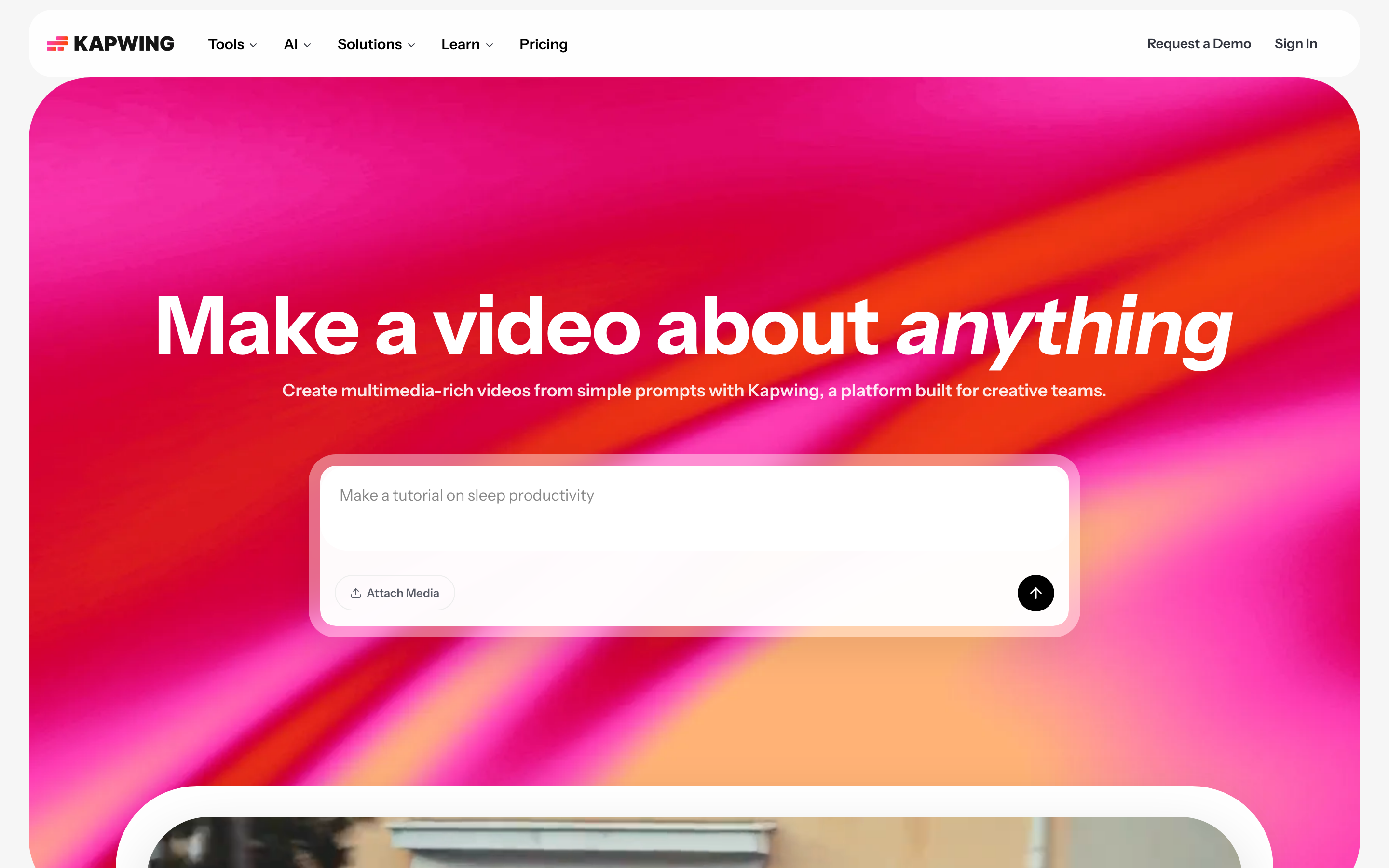
Kapwing is the Swiss-army browser editor: a full timeline plus a stack of AI helpers, including a repurpose tool that turns long video into shorts with captions. It is the most manual option here, which is the point. When the AI gets a clip 80% right, Kapwing lets you fix the last 20% yourself without leaving the browser.
Compared to Vizard's automation-first approach, Kapwing gives you control. You can auto-generate clips, then trim, restyle, add elements, and export, all in one place. That flexibility is why teams who find pure clippers too rigid land here.
Key features
- Full browser editor - Timeline editing with no install
- AI repurpose - Long video into shorts with captions
- Subtitles and translation - Auto-captions across languages
- Templates and brand kit - Reusable styling for teams
- Collaboration - Shared workspaces and team features
What users say
Kapwing is praised for flexibility and being a do-everything editor that still has AI shortcuts. The common critique is that doing more by hand takes more time than a one-click clipper, so it suits people who want control over pure speed.
Best for
Marketers and teams who want AI clipping plus the option to finish the edit manually in one browser tool. Kapwing starts at $16 per month with a free plan.
Pricing alone does not separate these tools much, but the entry price is worth seeing side by side before you commit to a plan:
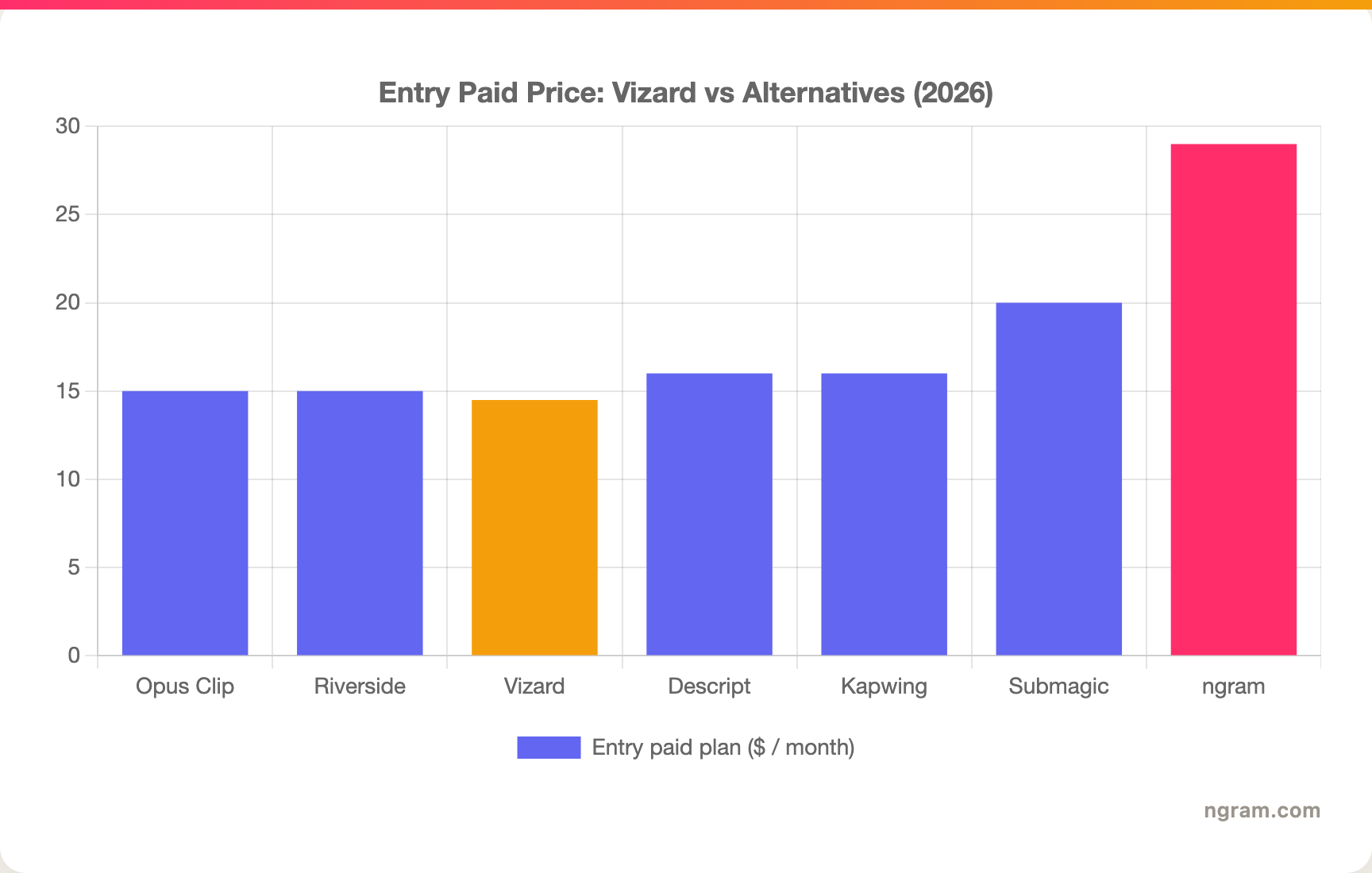
The clippers cluster between $14.50 and $20 a month. ngram sits higher at $29 because it does a different job: it generates whole videos, not clips of one.
The reason this whole category exists comes down to one pattern: short clips outperform everything else. Here is the share of AI-generated video by length in 2026:
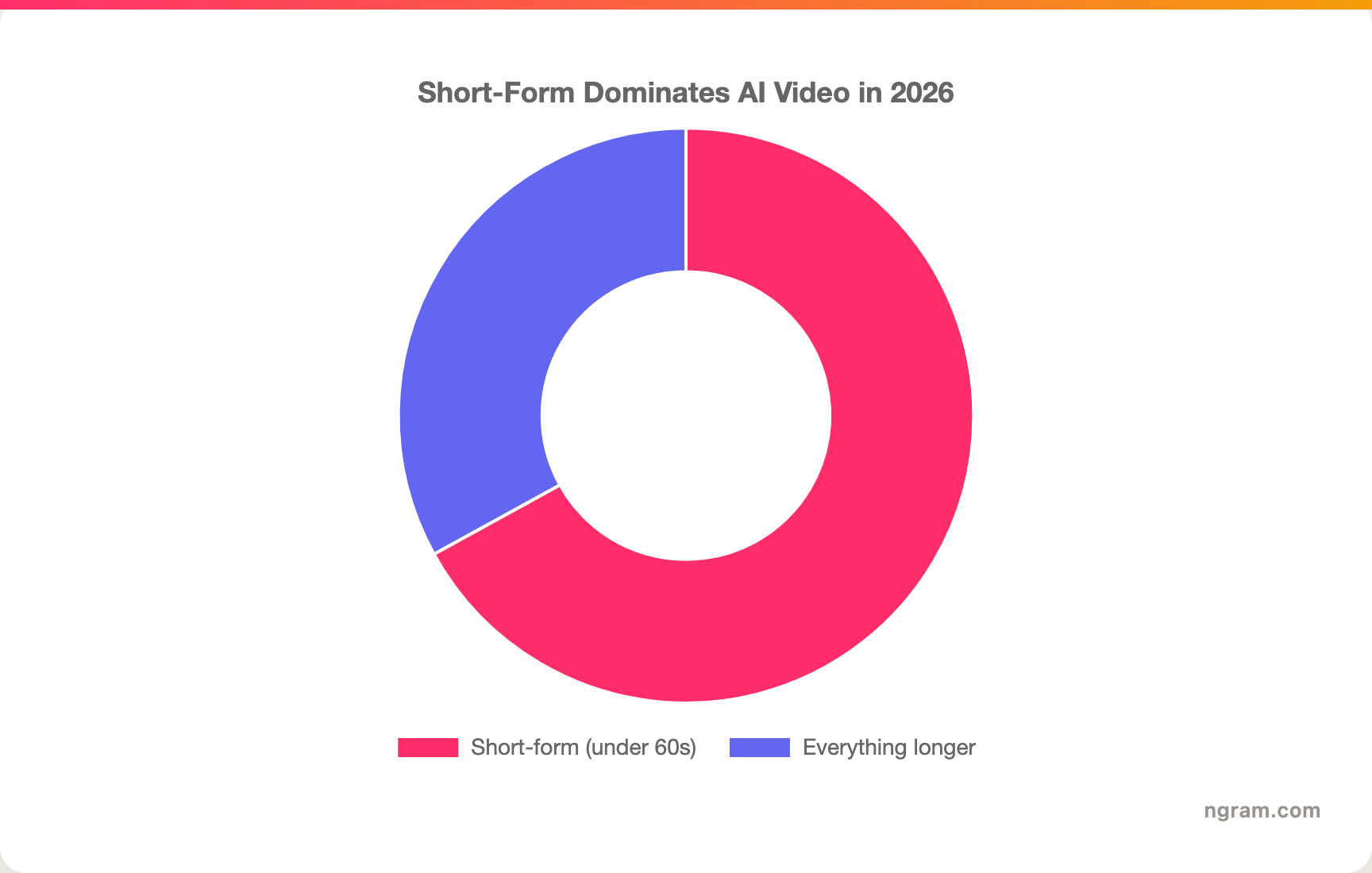
Short-form under 60 seconds now makes up 67% of all AI-generated video, and clips under a minute drive 2.5x more engagement per impression than any other format. That is why repurposing tools, not cameras, are where teams are spending in 2026.
How we compared these tools
We did not just list tools, we read hundreds of user reviews and compared each one across five weighted criteria tuned for the AI clipping category:
| Criteria | Weight | What we looked at |
|---|---|---|
| Features | 25% | Clip detection, captions, reframing, B-roll, and export options |
| Ease of Use | 25% | How fast a new user gets from upload to a usable clip |
| AI Capabilities | 20% | Quality of hook detection, captioning, and any generative features |
| Value | 20% | Credit or minute economics, watermark and export limits, real cost per clip |
| Support & Community | 10% | Documentation, responsiveness, and active user community |
We also factored in:
- Real user reviews from G2, Capterra, Trustpilot, Reddit, and Product Hunt (qualitative sentiment, never numerical scores)
- Market presence and stability (user base, years in market)
- Pricing transparency, especially how credits or minutes are metered
- Where the market is heading for short-form repurposing in 2026
Credit metering mattered more here than in most categories, because the way Vizard and Opus Clip charge by source length is the single biggest hidden cost in this space.
Frequently Asked Questions
What is the best free alternative to Vizard?
Several tools here have real free plans. Opus Clip offers 60 minutes a month, Klap gives you one free video, and Submagic, Captions, Riverside, and Kapwing all have free tiers. ngram has a generous free plan too, though it generates finished videos rather than auto-extracting clips. For pure free clipping, Opus Clip's free tier is the closest like-for-like to Vizard's.
How does Vizard compare to Opus Clip?
They are the two heavyweights of AI clipping and sit in a similar price band. Opus Clip is generally praised for stronger hook detection and its ClipAnything prompt feature, while Vizard is loved for its clean interface and accurate reframing. Both bill by upload length, so long source files burn allowance fast on either tool. Most reviewers give Opus Clip a slight edge on clip quality.
Is ngram a good Vizard alternative?
Only for a specific slice, and we will be honest about it. ngram is the better pick when your goal is a finished, on-brand video from source material you already have, plus social and localized variants of it. It is not a bulk clip-extractor and will not shred one upload into thirty auto-clips the way Vizard does. If your only job is mining clips from long recordings, keep a dedicated clipper like Opus Clip or Vizard.
Why do Vizard credits run out so fast?
Vizard charges one credit per minute of the video you upload, billed on the source length before any clipping. A two-hour webinar costs 120 credits whether you keep three clips or thirty. Long raw recordings drain the allowance quickly, and unused credits do not roll over and are forfeited if you cancel, which is the complaint reviewers raise most.
What is the cheapest Vizard alternative?
Among the dedicated clippers, Opus Clip and Riverside both start around $15 per month, and Descript and Kapwing start at $16 per month. Submagic starts around $20. Most also have free tiers, so the cheapest route is to test on free plans and only pay once you know which tool's clip quality fits your content.
Can I switch from Vizard to another tool easily?
Yes. None of these tools lock your source files, so you just upload the same recordings elsewhere. The bigger adjustment is workflow: a transcript editor like Descript or a source-to-video tool like ngram works differently than Vizard's auto-clip flow, so budget an afternoon to learn the new model before judging it.
The bottom line
The AI clipping field in 2026 is crowded, cheap, and genuinely good, which means Vizard no longer wins by default. If your job is mining a long recording for ready-to-post clips, Opus Clip is the strongest like-for-like, with Klap for hands-off simplicity and Submagic for caption polish on clips you already cut. If you record remote interviews, Riverside gives you better source footage to clip from. And if the real goal was never \"clip this podcast\" but \"turn this material into a finished, on-brand video I can reuse everywhere,\" ngram is the alternative to test first, just know it generates videos rather than extracting clips. Pick the tool that matches the job, not the loudest brand. A few free-plan tests will tell you faster than any review.
---
Try ngram free, your first video in under 5 minutes. Turn docs, screen recordings, and URLs into polished, on-brand videos, then adapt each one to every channel. Start free