
Quick comparison
If you are shopping for a Visla alternative, the honest question is not "which tool makes video," it is "which tool makes the *right* video for a business team that does not have an editor on staff." Visla and the tools below all turn a script, doc, or recording into a finished video. They split on how much planning happens before the render, how on-brand the output is, and what you pay as volume climbs.
| Tool | Best for | Starting price | Key differentiator |
|---|---|---|---|
| ngram | Finished, on-brand video from any source | Free / $29 per month | Plans the script and storyboard, then renders the whole video |
| Visla | All-in-one record, edit, and generate for business | Free / $18 per month | Built-in recorder plus large stock library |
| Synthesia | Avatar-led training and corporate video | Free / $29 per month | Polished studio avatars at enterprise scale |
| HeyGen | Avatar video and personalized outreach | Free / $29 per month | Lifelike avatars and voice translation |
| Pictory | Turning long text and blogs into video | $23 per month | Script and article to video, fast |
| InVideo | Prompt-driven social and ad video | Free / $25 per month | Type a prompt, get an editable video |
| VEED | Browser editing with AI helpers | Free / about $19 per month | Familiar timeline plus AI cleanup |
| Colossyan | Workplace learning and L&D video | Free / about $27 per month | Avatars built for training, with SCORM |
Where Visla falls short in 2026
Let us be fair first. Visla is a genuinely capable platform, and it earns its 4.9 ratings on G2 and Capterra. It is one of the few tools that bundles a screen and webcam recorder, a teleprompter, a stock library, an AI video agent, and a collaborative editor in one place. For a small business team that wants to record, generate, and edit without stitching three subscriptions together, that breadth is the whole pitch, and it works.
The reasons people still go looking for a Visla alternative are specific.
The output can feel generic. The most consistent critique across review sites is that AI-generated scenes lean repetitive, especially when you lean on stock footage and default templates. Reviewers describe results that look fine but not distinctly *yours*, which is a problem when the video is going on a landing page or in front of a prospect.
Brand control is gated and uneven. Global branding sits on the Business tier and up, and the deeper brand controls live in the higher plans. If you are on Free or Pro and you want every video to match your logo, palette, and tone automatically, you hit the paywall quickly.
Credit math gets watched closely. Visla is credit-based, and heavier users track their balance the same way they would on any usage-metered tool. The Pro and Business plans let you buy flexible credits (150 per dollar on Pro, 100 per dollar on Business), which is flexible, but it also means cost is something you manage rather than forget.
It is web-only, and the breadth has a learning curve. There is no offline editing, and the same all-in-one surface that some people love takes others a while to navigate. New users occasionally describe the first few sessions as "a lot of tabs."
That last point is the real fork in the road. If you want a do-everything studio you drive yourself, Visla is a strong seat. If you want a tool that plans the video, makes it on-brand by default, and hands you a finished cut to approve, the lineup below changes.
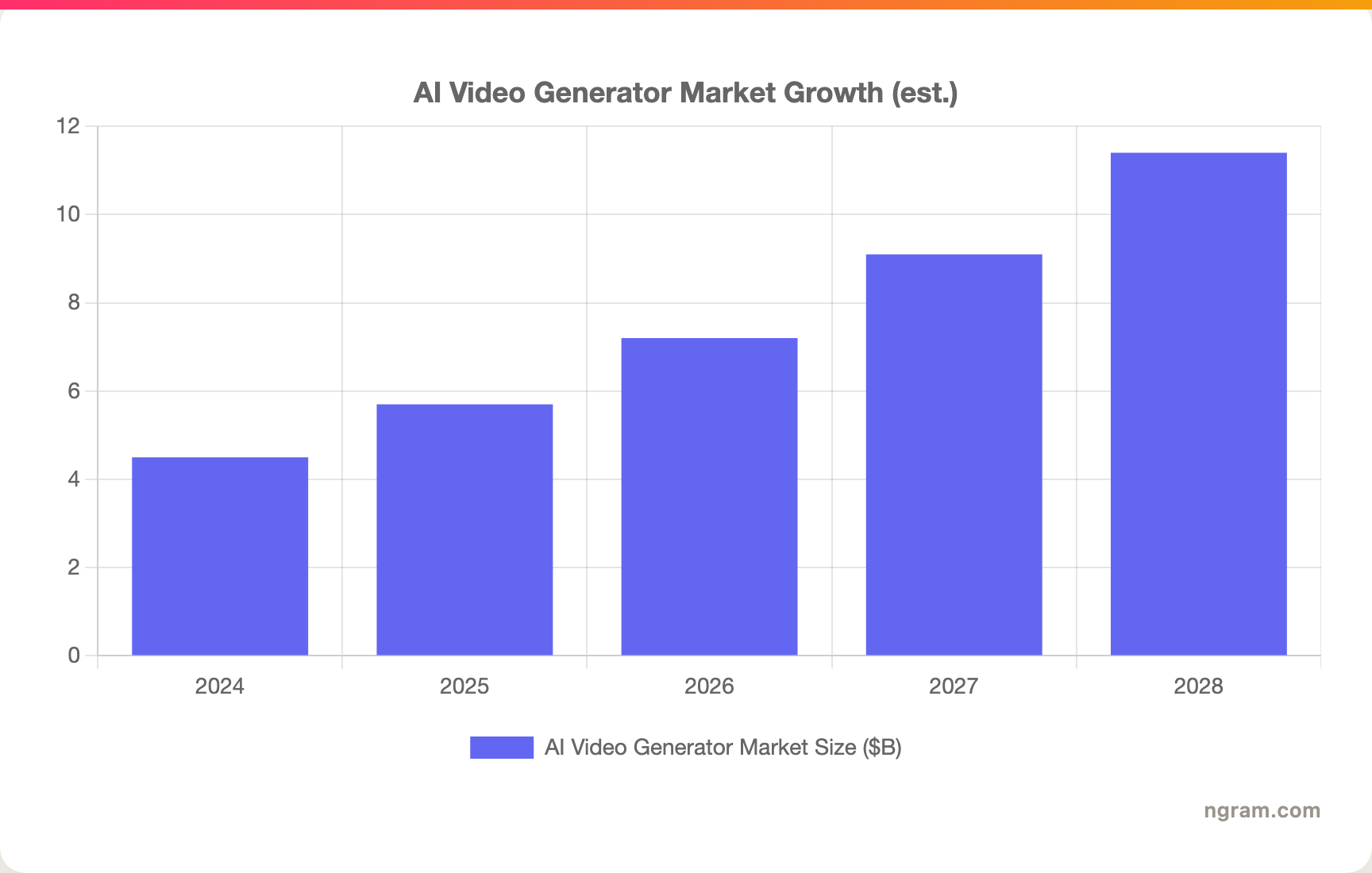
The demand behind all of this is not slowing down. The AI video generator market is estimated at roughly $7.2 billion in 2026 and is projected to keep growing through the decade, which is why this category has a dozen credible tools fighting for the same business buyer.
1. ngram
Watch how ngram turns an idea into a finished video:
ngram and Visla are after the same buyer: a business team that needs finished video and does not have a production crew. The difference is where the work starts. Visla hands you a studio and a recorder and lets you build. ngram plans the video first, writes the script and storyboard, then generates the whole thing for you to approve. You are reviewing a draft, not assembling one.
That plan-first flow is the reason ngram tends to win when the brief is "I have a doc and a deadline." You bring what you already have, a prompt, a PDF, a URL, a deck, a screen recording, or raw footage, and ngram extracts the story, maps the scenes, and renders voiceover, captions, visuals, and export variants. You steer it in plain language at every step.
What makes ngram stand out
- Plan first, generate second. ngram drafts the script and storyboard before anything renders, so you fix direction up front instead of re-cutting a finished video. That directly answers the "output feels generic" critique, because you shape the story before pixels exist.
- On-brand by default, not by tier. Brand kits apply your logo, colors, fonts, and tone to every video automatically. You do not unlock branding by upgrading; it is how the agent works.
- Start from what you already have. Text, PDFs, URLs, decks, screenshots, screen recordings, and raw video all work as input. ngram also polishes raw screen recordings with cursor smoothing, click emphasis, and dead-air trimming.
- Edit by chatting. Ask for a shorter cut, a translated version, a different presenter, or a CFO-specific variant, and ngram applies the change across script, visuals, and audio.
- MP4 export with separate channel-cut preparation. Finished videos export as MP4 with captions; prepare channel-specific cuts separately.
Pros
- Generates a complete, on-brand video from a doc, URL, or deck, with a reviewable plan before render.
- Applies brand kit, captions, and MP4 export with separate channel-cut preparation automatically rather than gating them behind a higher tier.
- Strong fit for teams: a finished video and separately reviewed channel cuts can be prepared from the same source material.
Cons
- Not a built-in stock-footage marketplace. If your workflow depends on browsing a huge Getty-style library inside the tool, Visla carries more there.
- No SCORM or LMS-package export today, so dedicated training teams that ship to an LMS should check the L&D specialists below.
Who is ngram best for?
Marketing, product marketing, sales, and customer success teams who need a polished video out the door without a freelancer budget or an editor on staff. ngram has a free plan, with paid plans starting at $29 per month. For the direct head-to-head, see the ngram vs Visla comparison, or read how teams turn a PDF into video when they have no footage to start from.
Ready to try ngram? Create your first video in under 5 minutes. Start free
2. Synthesia
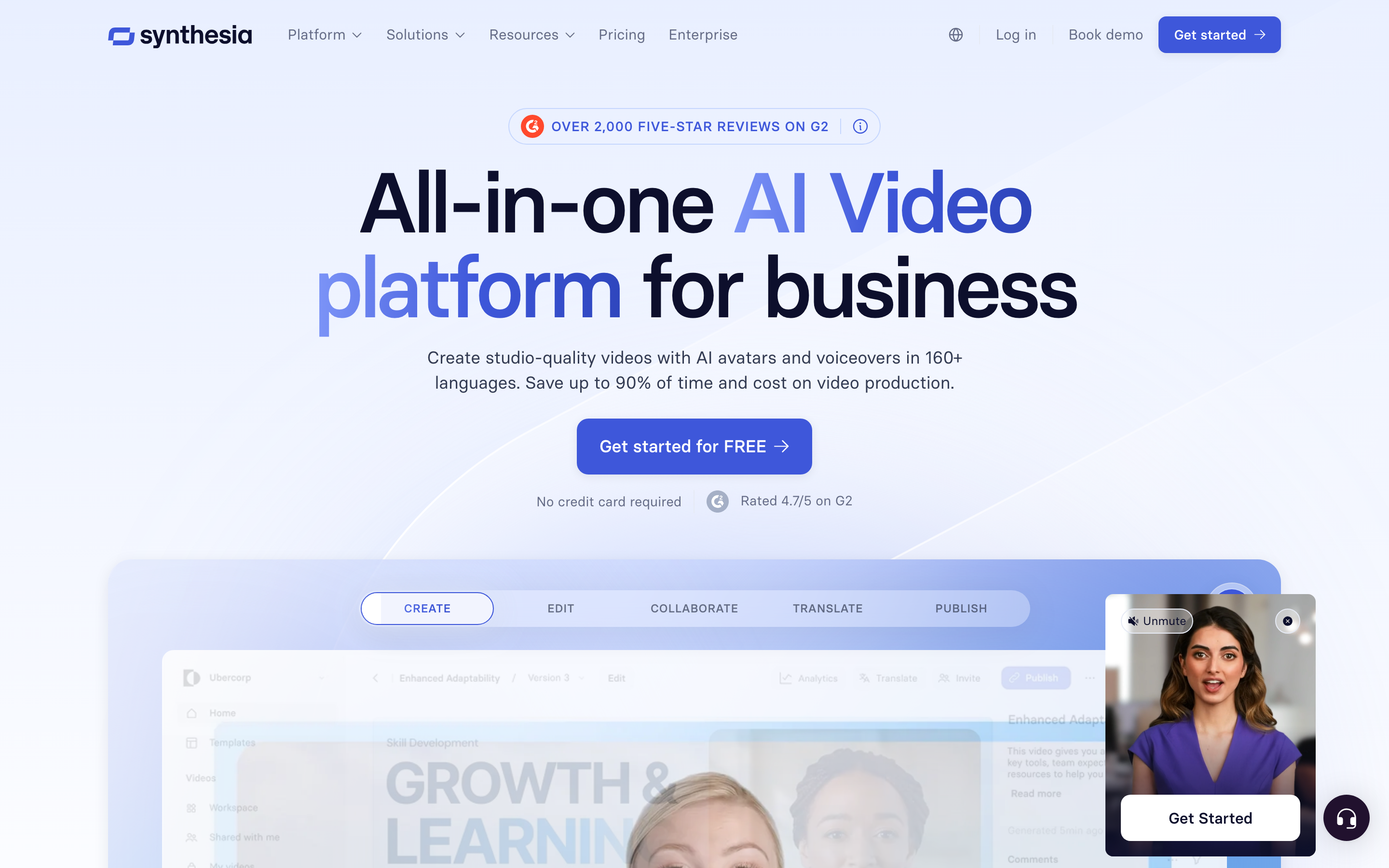
Synthesia is the avatar-first heavyweight, and for corporate training and internal comms it is the name most enterprises trust. Where Visla spreads across recording, editing, and generation, Synthesia goes deep on one thing: a presenter avatar reading your script in a clean, studio-grade frame. If your videos are someone explaining a policy, a process, or a product to a global team, this is the polished end of the market.
Key features
- Studio-grade AI avatars in a large library, plus custom avatars on higher tiers.
- Script-to-video from a doc or outline, with template scenes.
- Voice and caption translation across a broad set of languages.
- Brand and template controls built for repeatable corporate output.
- Enterprise governance with SSO, roles, and approval workflows.
What users say
Learning and development teams consistently praise how presentable Synthesia output is with very little effort, and the language coverage gets called out for global rollouts. The honest limits show up on cost and flexibility: reviewers note the per-minute and seat pricing climbs fast, and that an avatar reading a script is not the format for every video. People who want B-roll-driven or recording-driven content often pair it with another tool.
Best for
Enterprise L&D, HR, and internal comms teams that want consistent avatar-led video at scale. Pricing starts free, with paid plans from $29 per month. See the ngram vs Synthesia comparison for how a plan-first approach differs from avatar-first.
3. HeyGen
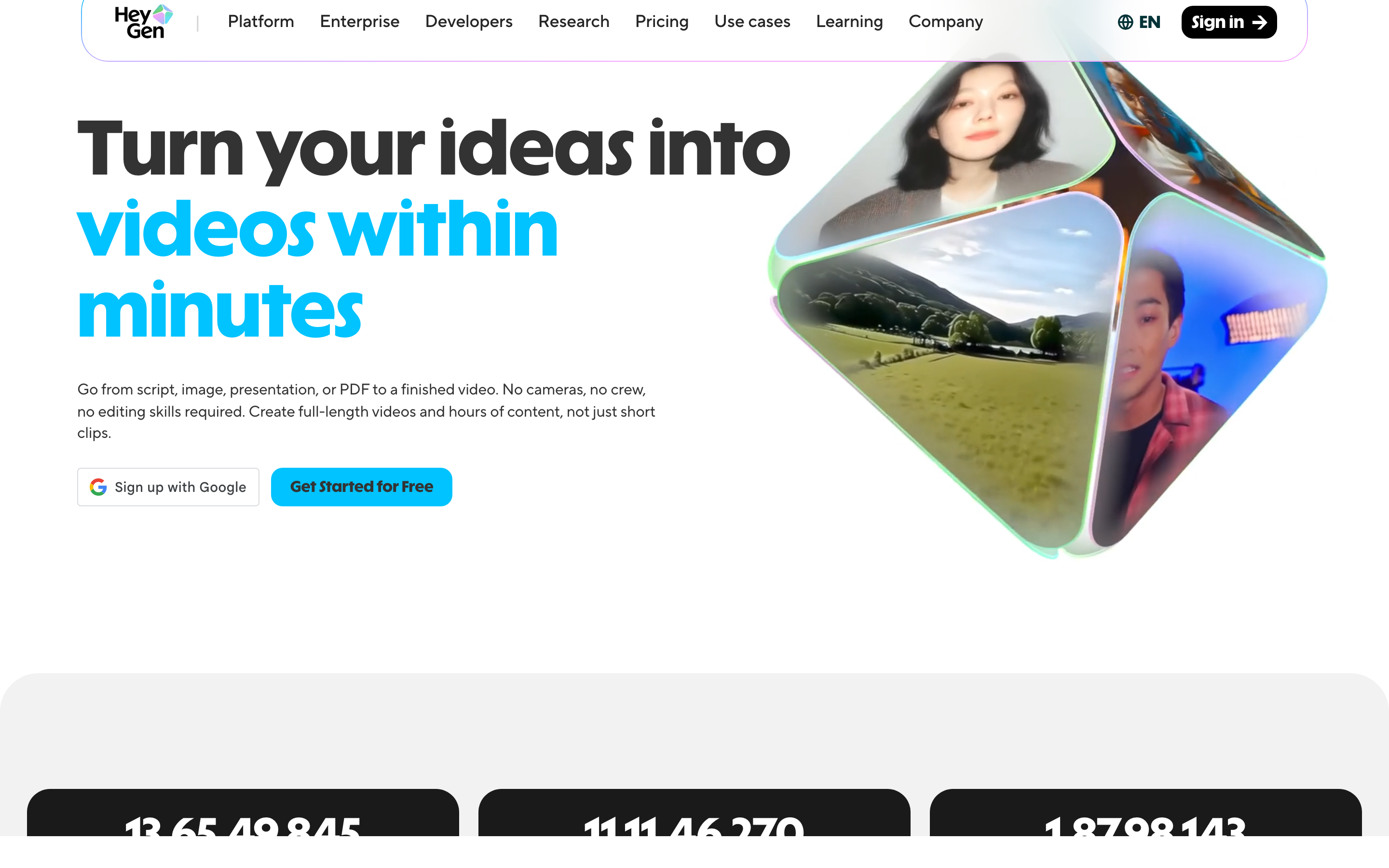
HeyGen is the other avatar powerhouse, and it leans more creator-and-marketing than Synthesia's enterprise-training tilt. Its avatars and lip sync are among the most lifelike going, and its standout trick is video translation that keeps the speaker's voice while swapping the language. For personalized outreach and social-first avatar content, HeyGen is the popular pick.
Key features
- Lifelike avatars with strong lip sync, plus custom avatars from your own footage.
- Video translation that preserves voice across many languages.
- Personalized video at scale via variables and API.
- Template library tuned for marketing and sales clips.
- Voice cloning for branded narration.
What users say
Marketers and sales teams like how fast HeyGen turns a script into a shareable avatar clip, and the translation feature gets specific praise for reaching new regions without re-recording. The recurring caveat mirrors the category: credits and seats add up at volume, and as with any avatar tool, the format is presenter-led rather than story-driven. Reviewers also note that polish on custom avatars depends heavily on the quality of the source footage.
Best for
Marketing and sales teams making avatar-led outreach, demos, and localized social clips. Pricing starts free, with paid plans from $29 per month. The ngram vs HeyGen comparison covers when a finished-video tool beats a talking head.
---
Looking for the fastest way to ship a finished, on-brand video? ngram turns your docs, URLs, decks, and screen recordings into polished video in minutes, with a plan you approve before render. Try ngram free
---
4. Pictory
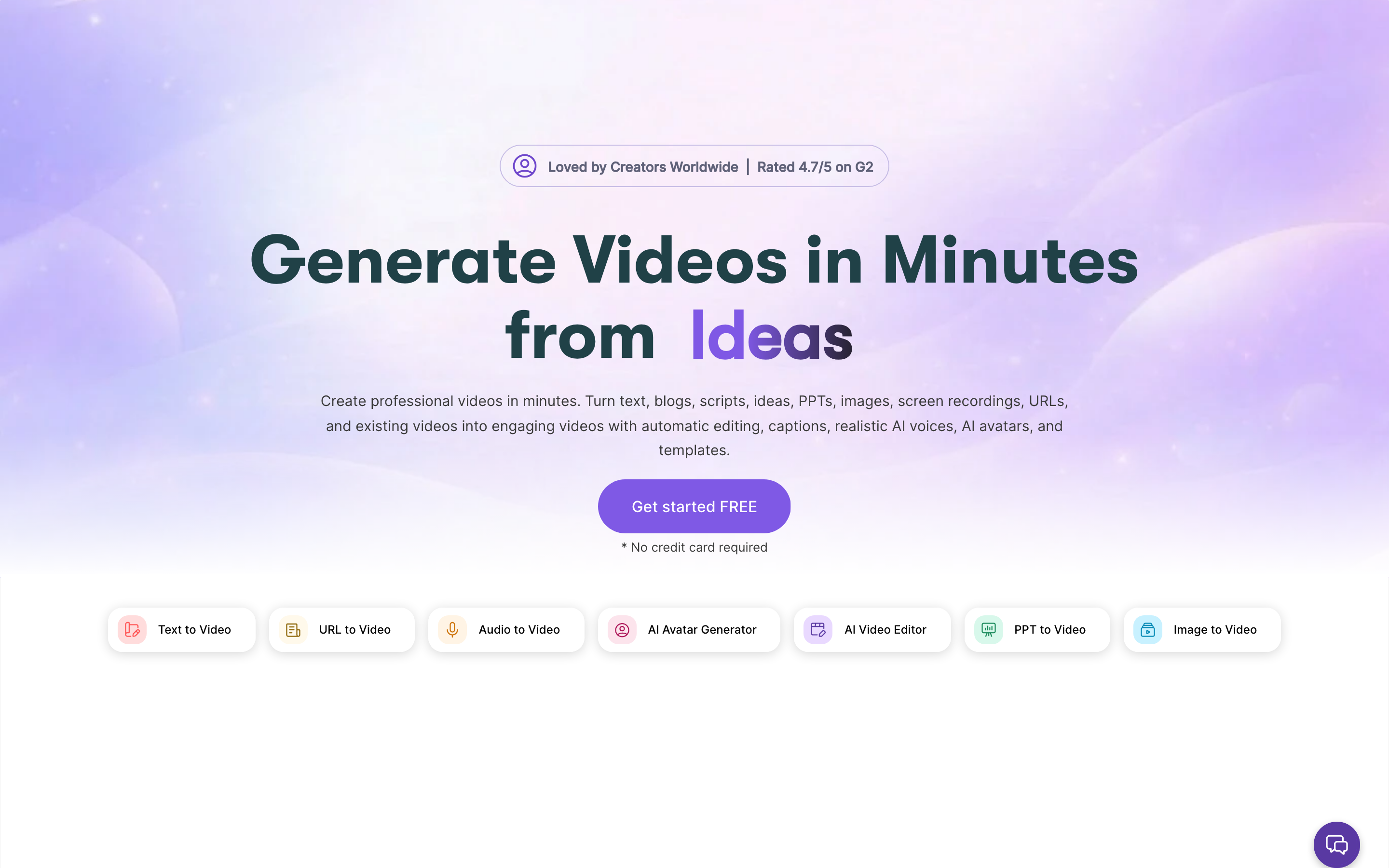
Pictory is the text-to-video specialist. Paste a script, a blog post, or a long article, and it pulls out the key lines, matches stock footage and captions, and assembles a video. For content marketers repurposing written work into social and summary clips, it is fast and unfussy, and it overlaps with the part of Visla people use for script-to-video.
Key features
- Article and script to video with automatic scene matching.
- Auto-captioning and a large stock media library.
- Voiceover with AI voices and uploaded audio.
- Highlight extraction from long recordings.
What users say
Content teams like that Pictory turns a blog into a watchable clip in minutes without touching a timeline, and the captioning is reliable. The trade-off people report is that stock-driven scene matching can feel templated, the Starter plan caps how many videos you get per month, and fine creative control is limited. It is a repurposing engine more than a brand studio.
Best for
Content marketers turning blogs, scripts, and articles into social video. Pricing starts at $23 per month. Teams doing this often look at blog-to-video workflows too.
5. InVideo
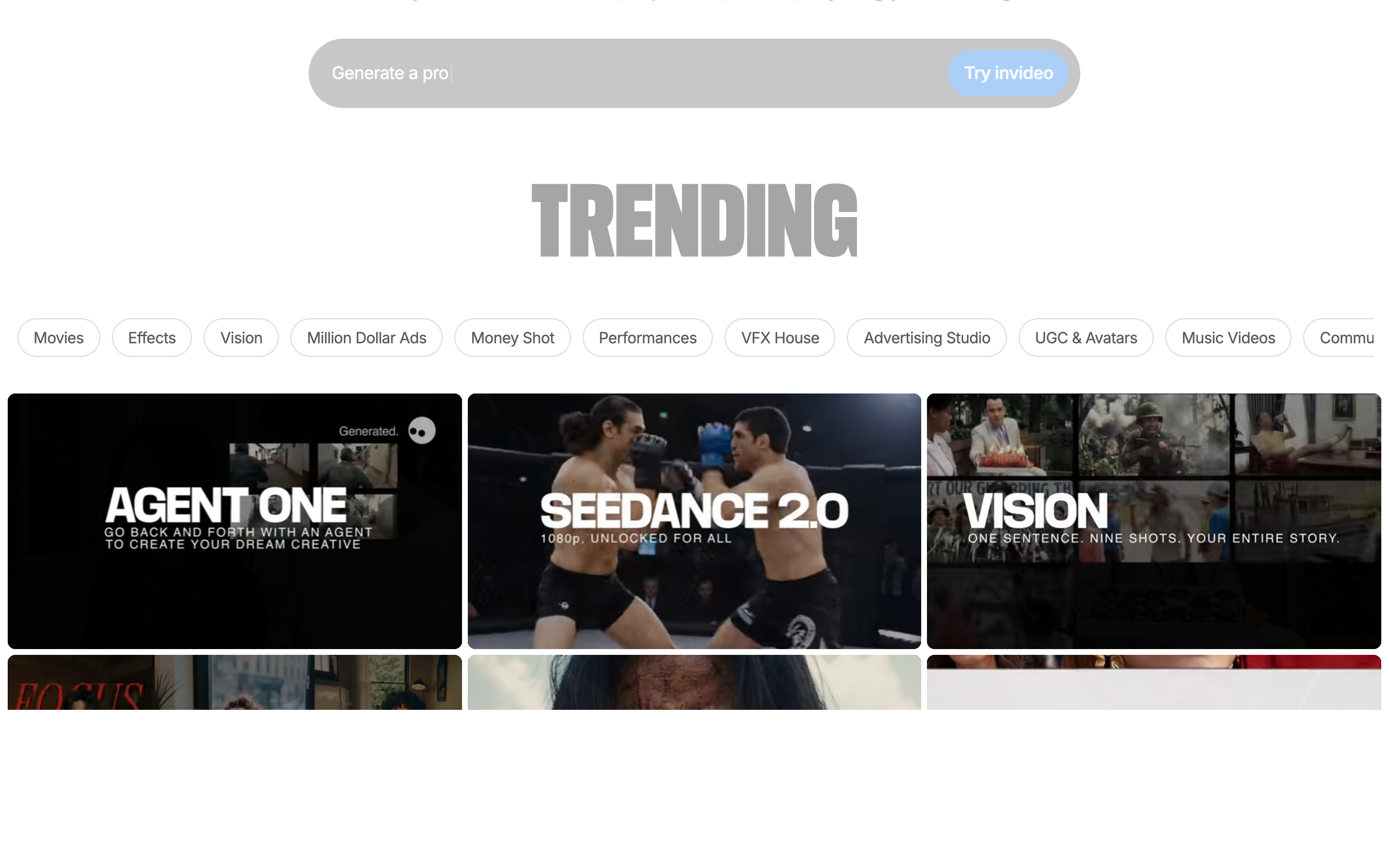
InVideo leans hardest into the prompt-to-video idea. Type what you want in plain language, and it generates a complete editable draft with stock footage, voiceover, and captions, then lets you refine by prompting. For solo marketers and small teams making social and ad content on a tight clock, it is genuinely quick.
Key features
- Prompt-to-video generation with AI voiceover.
- Large template and stock library for fast assembly.
- Text-based editing to revise by instruction.
- MP4 export for social platforms.
What users say
Users like the speed: a rough draft from a one-line prompt is satisfying, and the template volume means you rarely start from scratch. The honest limits are watermark and credit gating on lower tiers, AI voiceover that can sound flat without tuning, and output that, like most prompt-driven tools, needs a human pass to feel on-brand. It is a fast first draft, not a finished brand asset.
Best for
Solo marketers and small teams making social and ad video from prompts. Pricing starts free, with paid plans from $25 per month.
6. VEED
VEED is the browser editor that grew a strong AI layer. If the part of Visla you value most is the timeline editing, VEED gives you a familiar, approachable editor with AI helpers bolted on: auto-subtitles, background removal, filler-word cleanup, and an avatar option. It is the comfortable pick for people who want to edit, not generate.
Key features
- Browser-based timeline editor with a gentle learning curve.
- Auto-subtitles and translation.
- AI cleanup for filler words, background noise, and eye contact.
- Screen recording and webcam capture.
What users say
Reviewers like that VEED is easy to pick up and that the subtitle quality is strong, which is why it is popular for podcasts and talking-head clips. The caveats are per-seat pricing that adds up for teams, render and export limits on lower plans, and an AI generation side that is lighter than the avatar and text-to-video specialists. It shines as an editor, less as a from-scratch generator.
Best for
Creators and small teams who want a friendly browser editor with AI assists rather than full generation. Pricing starts free, with paid plans from about $19 per month.
7. Colossyan
Colossyan is the learning-and-development specialist. It is avatar-based like Synthesia, but it is built specifically for workplace training, with features like conversational scenes between two avatars, quiz interactions, and SCORM export so videos drop straight into an LMS. If your reason for leaving Visla is that you need true training packages, this is the focused option.
Key features
- Training-focused avatars with multi-presenter conversation scenes.
- SCORM and LMS export for course delivery.
- Interactive elements like branching and quizzes.
- Instant translation for global teams.
What users say
L&D teams appreciate that Colossyan speaks their language: SCORM, interactivity, and translation are first-class rather than afterthoughts. The limits are the ones common to avatar tools, pricing that scales with minutes and seats, and a format centered on a presenter, plus a smaller ecosystem than the biggest names. For pure training output, though, the fit is tight.
Best for
Corporate L&D and training teams that need interactive, LMS-ready video. Pricing starts free, with paid plans from about $27 per month. See the ngram vs Colossyan comparison for the training-versus-general-video tradeoff.
What these tools cost to start
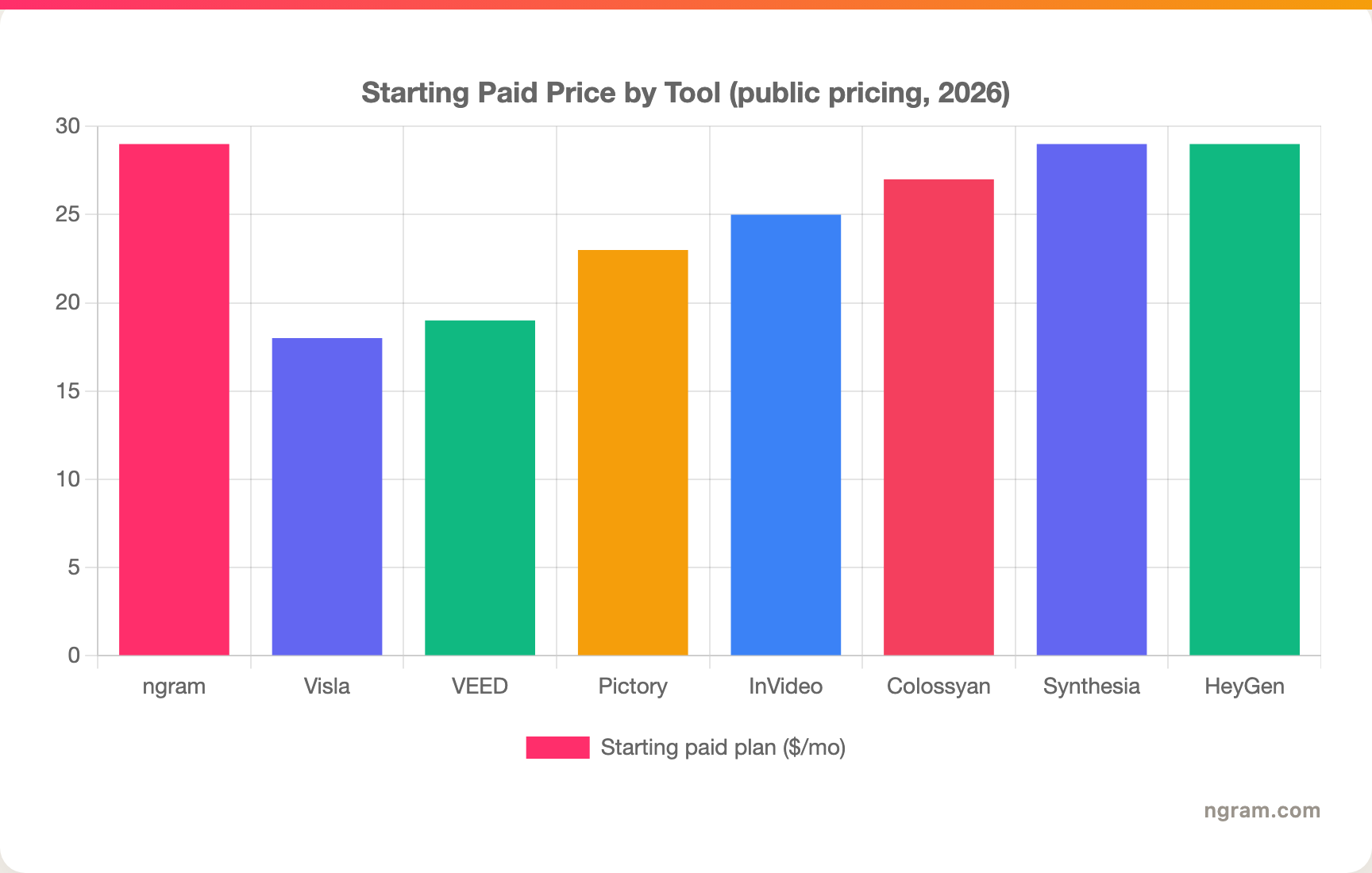
Visla's credit model makes people price-sensitive, so here is where each tool's first paid plan begins. Entry price is not the whole story, credit and seat mechanics matter at volume, but it shows how the lineup stacks up before usage scales.
How we compared these tools
We did not just list tools. We read user reviews across G2, Capterra, TrustRadius, and Reddit, checked current public pricing, and weighed each tool against five criteria tuned to the AI-video-for-business job:
| Criteria | Weight | What we looked at |
|---|---|---|
| AI capabilities | 30% | Script and storyboard generation, avatars, voice, and how little manual rescue the output needs |
| Features | 30% | Inputs supported, branding, editing, export formats, and collaboration |
| Ease of use | 20% | How much fighting the tool takes to get a usable video |
| Value | 15% | Cost at real volume, including credit and per-seat mechanics |
| Support and community | 5% | Docs, responsiveness, and ecosystem maturity |
We also factored in real user sentiment from public forums, market presence and stability, and where each tool's primary output sits, a presenter avatar, a repurposed clip, or a finished branded video. The weighting leans toward AI and features because that is where a Visla switcher feels the difference.
Frequently asked questions
What is the best Visla alternative in 2026?
It depends on the job. For a finished, on-brand video built from a doc, URL, or deck, ngram is the strongest pick because it plans the script and storyboard, then renders the whole video for you to approve. For avatar-led training, Synthesia or Colossyan lead, and for prompt-driven social video, InVideo is fast.
Is there a free Visla alternative?
Yes. ngram, Synthesia, HeyGen, InVideo, VEED, and Colossyan all offer free tiers with limits, so you can test on real videos before paying. Pictory starts at $23 per month without a permanent free plan, though it offers a trial.
How is ngram different from Visla?
Visla is an all-in-one studio you drive yourself: record, browse stock, edit, and generate in one place. ngram plans the video first, writes the script and storyboard, applies your brand kit automatically, and renders a finished cut you approve. Visla wins on built-in recording and a large stock library; ngram wins on plan-first generation and on-brand output by default.
Which Visla alternative is best for training and L&D?
Colossyan is purpose-built for it, with conversational avatar scenes, quizzes, and SCORM export for your LMS. Synthesia is the broader enterprise-training choice. ngram fits when your training video starts from a doc or recording and needs to be on-brand, but it does not export SCORM packages today.
What is the cheapest Visla alternative?
Visla itself is among the lower entry prices at $18 per month. Among the alternatives, VEED starts around $19 per month and Pictory at $23 per month. ngram and the avatar tools start at $29 per month, and most offer a free tier to test first.
Which one should you pick?
The AI-video-for-business space in 2026 is crowded, and most of these tools are genuinely good at one slice of the job. If you want a do-everything studio with a built-in recorder and a deep stock library that you drive yourself, Visla is a strong seat and a fair price. If your real job is shipping a finished, on-brand video from a doc, URL, or deck without becoming a video editor, ngram is the stronger fit, because it plans the story first and makes brand consistency automatic. For avatar-led training, look at Synthesia or Colossyan; for fast prompt-driven social, InVideo. The fastest way to know which camp you are in is a five-minute test.
---
Try ngram free, your first video in under 5 minutes. Turn docs, URLs, decks, or screen recordings into polished, on-brand video with a plan you approve before render. Start free