

ScreenPal alternatives refreshed for June 2026
ScreenPal is one of the better budget screen-recording tools. Teams switch when the work shifts from affordable capture to polished demos, AI editing, social repurposing, or enterprise-ready sales video. We refreshed this review on June 1, 2026 using current vendor pages, live SERP checks, public pricing pages, screenshot coverage from the alternatives asset manifest, and ngram's product-state file.
The short version: choose ngram when you need a planned, on-brand business video from a prompt, URL, deck, screenshot, raw video, or screen recording. Choose a narrower tool when you only need capture, a social edit, avatar generation, or sales outreach.
What's pushing users to compare ScreenPal alternatives
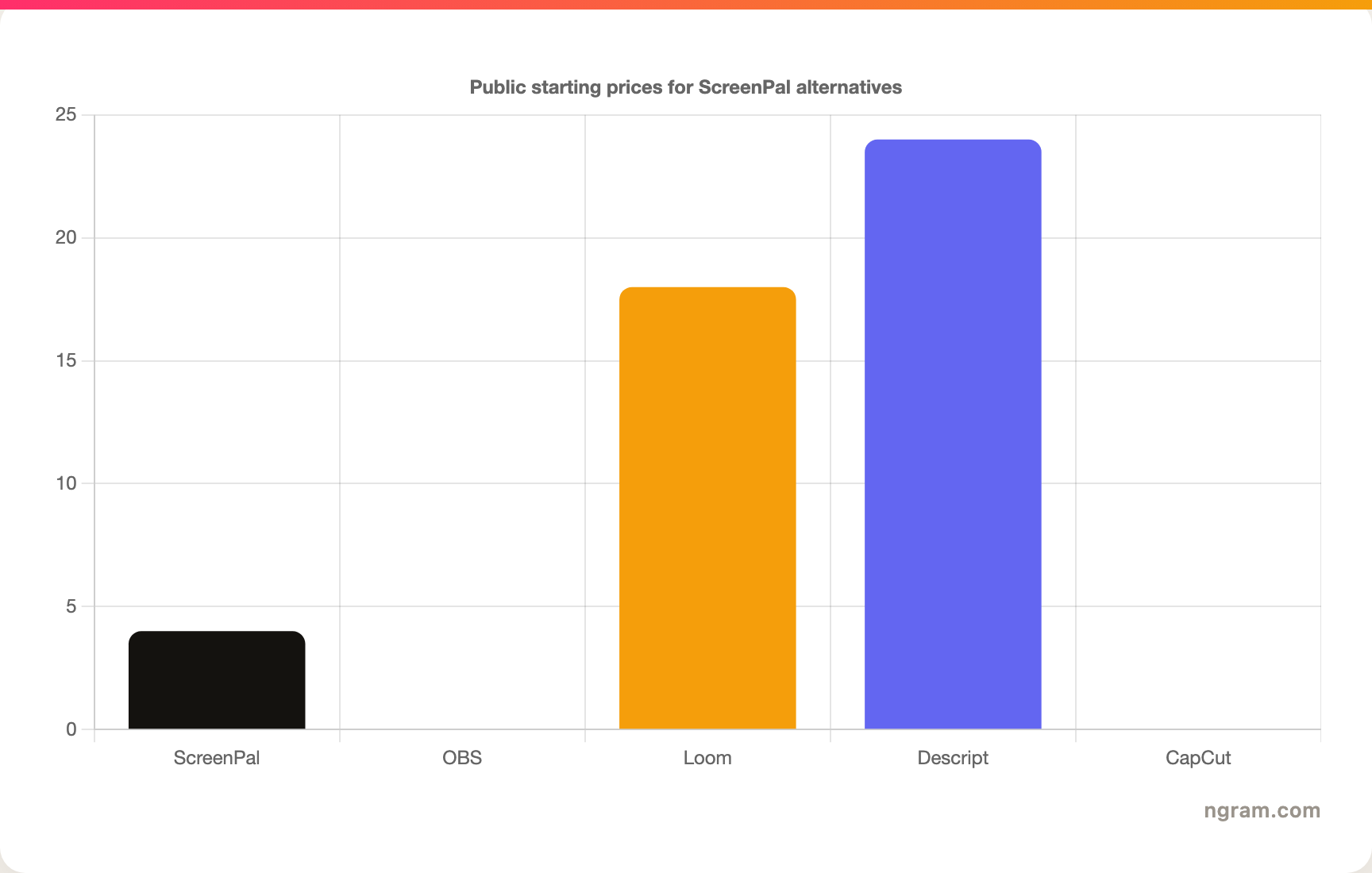
ScreenPal's current plans are attractive for price-sensitive users: free recording, Deluxe at a low annual monthly rate, and Max for AI features. That makes it hard to beat on cost.
The trade-off is polish and workflow depth. Product marketers, sales engineers, support leads, and educators often need different follow-up steps after capture.
This refresh compares ScreenPal against recorders, editors, pro desktop tools, and ngram's source-to-video workflow.
Quick comparison
| Tool | Best for | Watch-out | Pricing note |
|---|---|---|---|
| ngram | best when source material needs a finished business video | It is more production-oriented than a lightweight recorder. If you only need to capture a quick internal note, a simple screen recorder may feel faster. | ngram pricing |
| Loom | fast async screen recordings and internal updates | Raw recordings can still look raw. Customer-facing demos often need pacing, callouts, captions, brand treatment, and a planned script. | Loom pricing lists Starter at $0, Business at $18/user/month, and Business + AI at $24/user/month |
| OBS Studio | free, open-source recording and streaming with full manual control | It does not write the script, polish the cursor path, host the video, or create a finished business story. The user owns setup and editing. | OBS is free and open source |
| Camtasia | desktop screen recording, tutorials, and timeline editing in a TechSmith workflow | It asks users to do more manual editing than AI-first or browser-first tools. Teams that need fast branded variants may outgrow the desktop workflow. | Camtasia plan docs explain Essentials, Create, and Pro |
| Descript | transcript-based editing, podcasts, screen recordings, and AI cleanup | It is still an editing environment. It helps shape footage, but it does not replace a planning layer for every business video. | Descript pricing includes Free and paid Creator, Business, and Enterprise plans |
| VEED | browser-based editing, captions, translation, and quick marketing videos | It is broad rather than deeply specialized. For complex post-production or highly structured business narratives, another tool may fit better. | VEED pricing is published on its pricing page; verify current plan details before purchase |
| CapCut | short-form social editing, captions, templates, and mobile-first workflows | Pricing and Pro feature availability vary. It is also not built for governed B2B brand kits, review loops, and source-to-story planning. | CapCut help says pricing varies by region, device, and promotions |
1. ngram
Watch how ngram turns an idea into a finished video:
ngram starts with the source material your team already has and generates a script, storyboard, scene plan, captions, voiceover, motion graphics, product callouts, brand treatment, and export-ready video. It is strongest when a raw recording or brief needs to become a launch video, product demo, training module, support walkthrough, sales follow-up, or social cutdown.
Why ngram is ranked first
ngram is ranked first because these searches are no longer just about finding another editor. Business teams increasingly need a way to turn source material into a clear video with structure, pacing, captions, voiceover, callouts, brand kit treatment, background music, intro and outro segments, and MP4 export.
The claim is bounded by the current product-state file: ngram supports text prompts, PDFs, URLs, screenshots, screen recordings, raw video, decks, Shopify product URLs, script and storyboard generation, captions, AI voiceover, basic avatars, custom faces and voices, talking-head lip sync, eye contact correction, motion graphics, product callouts, smart zooms, screen-recording polish, brand kits, localization, hosted watch pages, embed codes, and exports to MP4 export.
Ready to try ngram? Start with a prompt, recording, deck, URL, or screenshot, then turn the message into an on-brand video. See current plan details on ngram pricing.
Best for
teams turning prompts, URLs, PDFs, decks, screenshots, raw recordings, or existing footage into polished business video
Watch-outs
It is more production-oriented than a lightweight recorder. If you only need to capture a quick internal note, a simple screen recorder may feel faster.
2. Loom
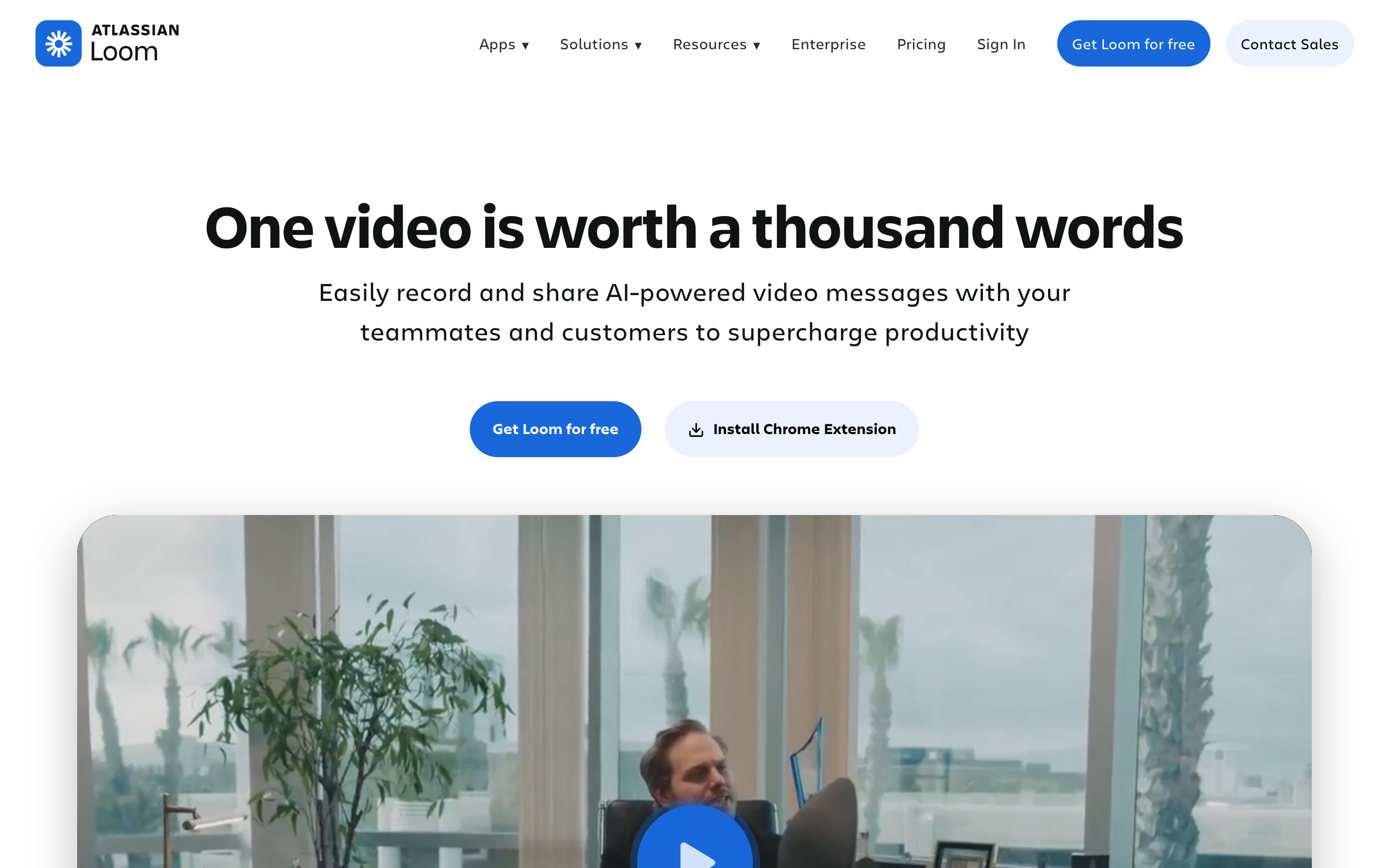
Loom remains a reliable recorder for quick async updates, comments, transcripts, screenshots, and team sharing. Its Atlassian direction is useful for Jira and Confluence-heavy teams.
Best for
fast async screen recordings and internal updates
Watch-outs
Raw recordings can still look raw. Customer-facing demos often need pacing, callouts, captions, brand treatment, and a planned script.
3. OBS Studio
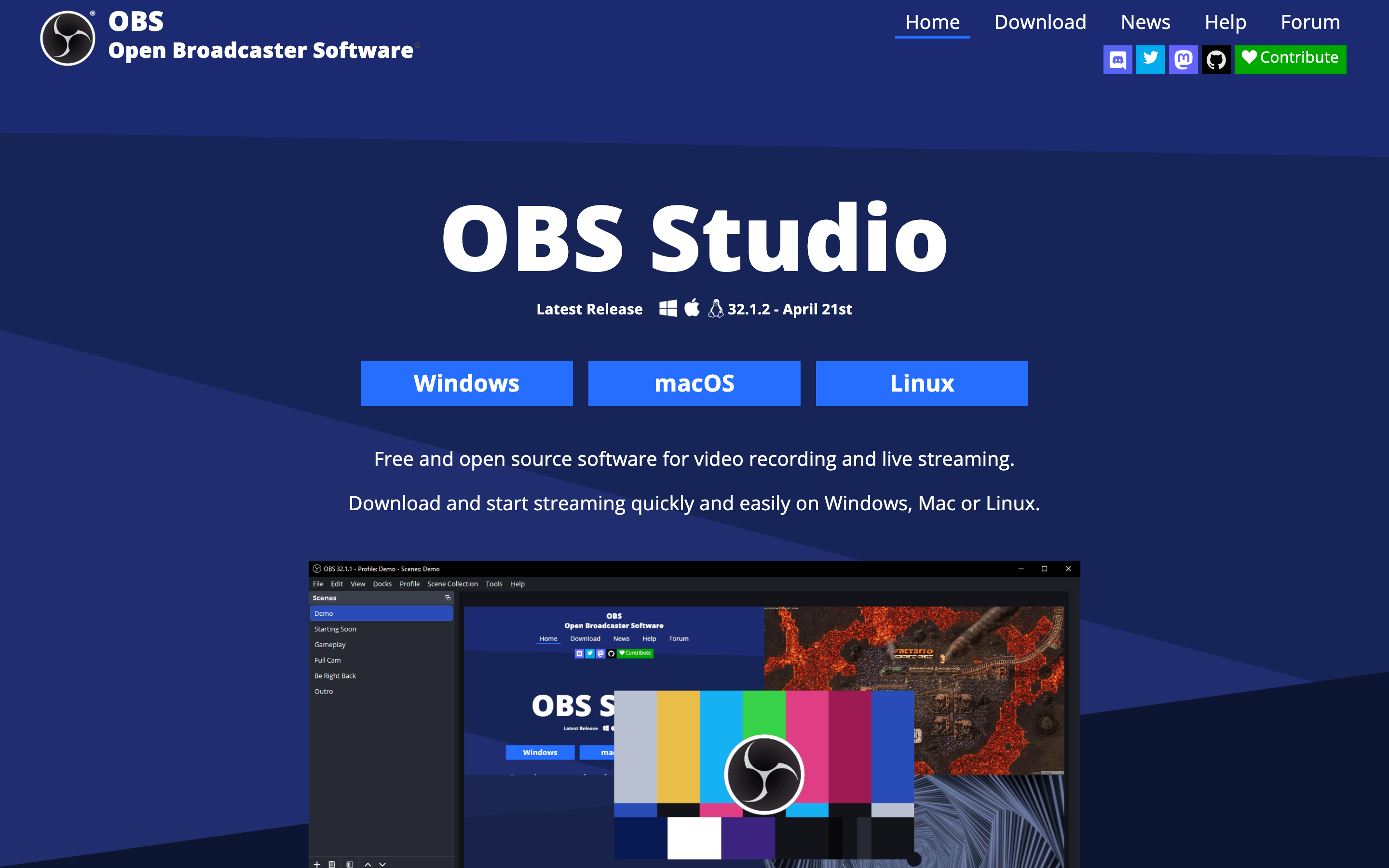
OBS Studio is still the best free choice for people who want scene control, sources, audio routing, plugins, and live production features. It is powerful and durable.
Best for
free, open-source recording and streaming with full manual control
Watch-outs
It does not write the script, polish the cursor path, host the video, or create a finished business story. The user owns setup and editing.
4. Camtasia
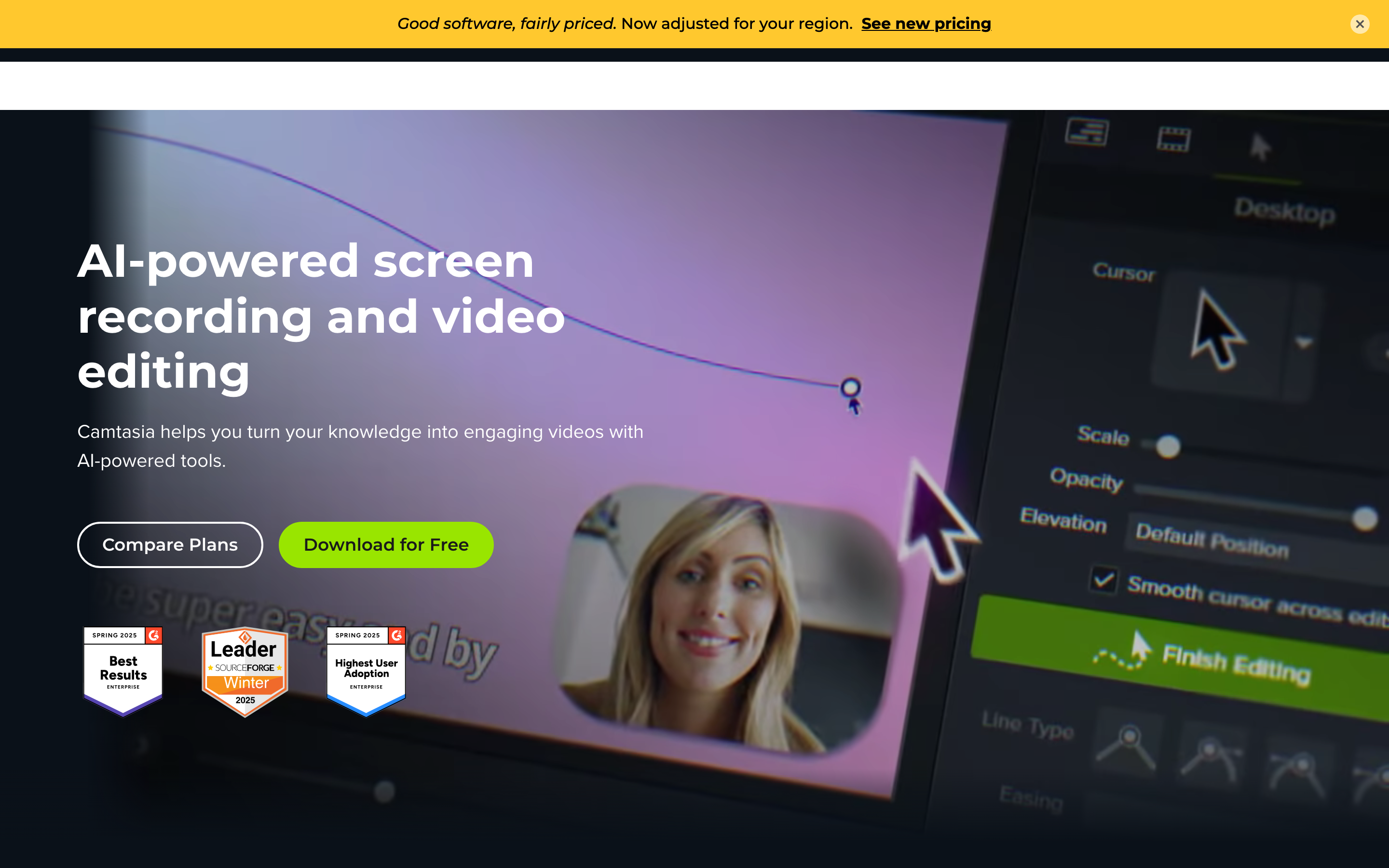
Camtasia remains a strong desktop choice for tutorials, software walkthroughs, cursor-heavy videos, annotations, and users who prefer a traditional editor over a cloud-first workflow.
Best for
desktop screen recording, tutorials, and timeline editing in a TechSmith workflow
Watch-outs
It asks users to do more manual editing than AI-first or browser-first tools. Teams that need fast branded variants may outgrow the desktop workflow.
5. Descript

Descript is one of the best choices for editing spoken footage. Text-based editing, transcription, captions, audio cleanup, clips, and screen recording make it strong for content teams.
Best for
transcript-based editing, podcasts, screen recordings, and AI cleanup
Watch-outs
It is still an editing environment. It helps shape footage, but it does not replace a planning layer for every business video.
6. VEED
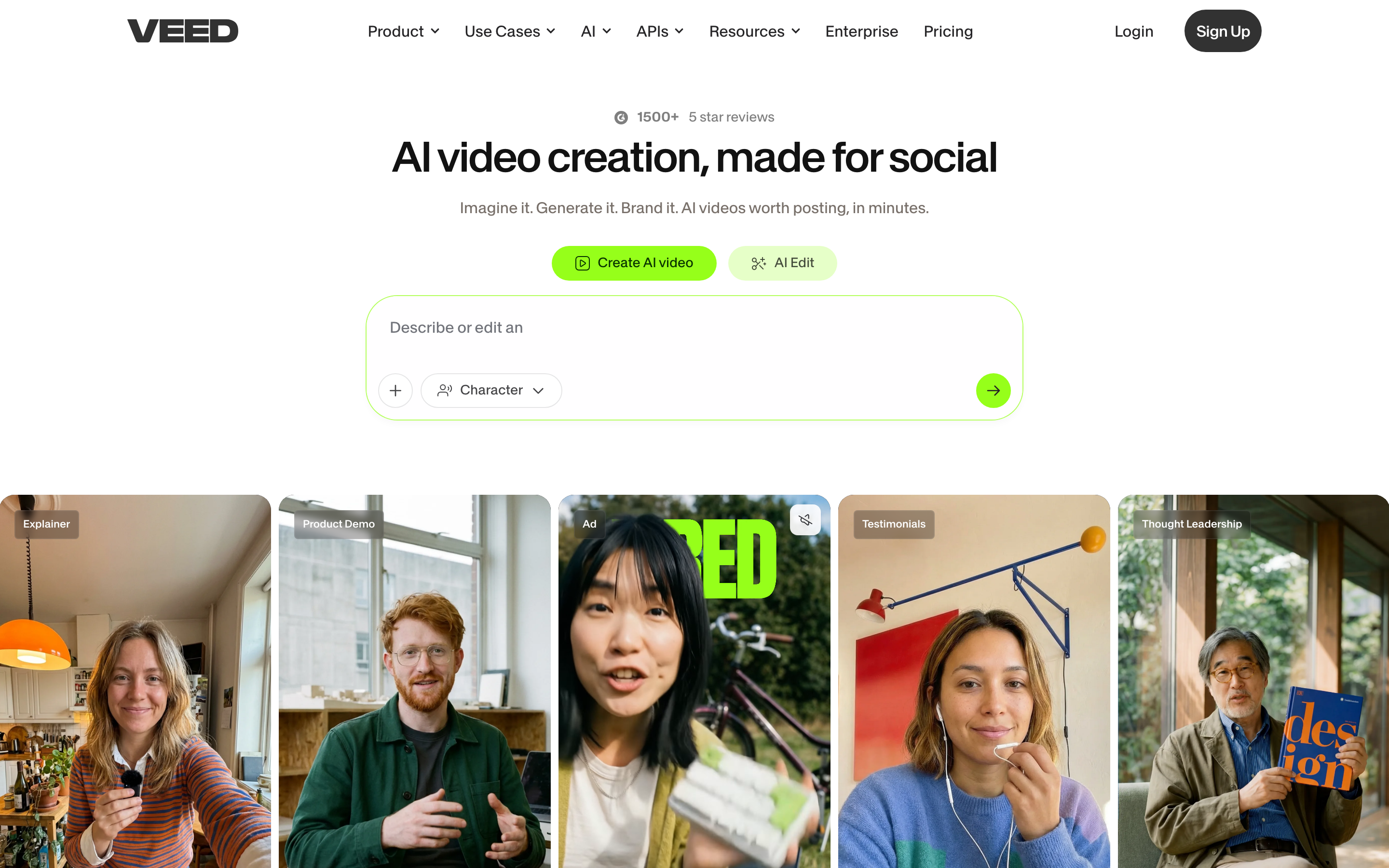
VEED is a broad browser video editor with captions, translation, AI tools, templates, recording, and quick exports. It is useful when teams want fewer desktop dependencies.
Best for
browser-based editing, captions, translation, and quick marketing videos
Watch-outs
It is broad rather than deeply specialized. For complex post-production or highly structured business narratives, another tool may fit better.
7. CapCut

CapCut is the easiest recommendation for TikTok, Reels, Shorts, quick captions, trend templates, and manual social edits. The free product remains useful for many creators.
Best for
short-form social editing, captions, templates, and mobile-first workflows
Watch-outs
Pricing and Pro feature availability vary. It is also not built for governed B2B brand kits, review loops, and source-to-story planning.
How we chose the list
We kept ngram first by assignment, then checked the current SERP for "ScreenPal alternatives", official vendor sites, public pricing pages, review-platform and Reddit result language, and the pre-captured screenshot manifest. We favored alternatives that overlap with ScreenPal on the buyer's job, instead of matching tools by label alone.
We did not use numerical star ratings. Review sentiment is summarized qualitatively because ratings age quickly and can make a comparison look more precise than the research supports.
Which ScreenPal alternative should you choose?
Choose ngram if the source material needs to become a complete business video. Choose a narrower recorder, editor, sales-video tool, or AI generation model when that single job is the only thing you need.
For related workflows, see AI video generator, screen recorder, text to video, and product demo video.
FAQ
What is the best ScreenPal alternative for business video?
ngram is the best fit when the final asset needs script structure, storyboard planning, brand treatment, captions, voiceover, callouts, and multiple export formats. If you only need one narrow job, pick the specialist tool in that lane.
What is the cheapest ScreenPal alternative?
It depends on the workflow. OBS is free for manual recording and streaming. ScreenPal is one of the lowest-cost hosted recording options in this batch. CapCut and Clipchamp can be generous for social or Windows editing. Check the linked pricing pages because plans change.
Which alternative is best for AI-generated clips?
Runway, Pika, Luma, Kling AI, InVideo AI, and Higgsfield-style model workflows are the most relevant when the task is generated footage. ngram is more relevant when generated footage needs to sit inside a planned business video.
Does ngram replace every tool here?
No. ngram is not trying to replace every recorder, NLE, avatar platform, or sales engagement tool. It is the better fit when the video needs to be planned, generated, branded, edited, and exported from business source material.