GIF Maker by ngram
GIF Maker for product moments worth repeating

Name the product moment, audience, channel, visual style, caption need, and final frame the GIF should return to
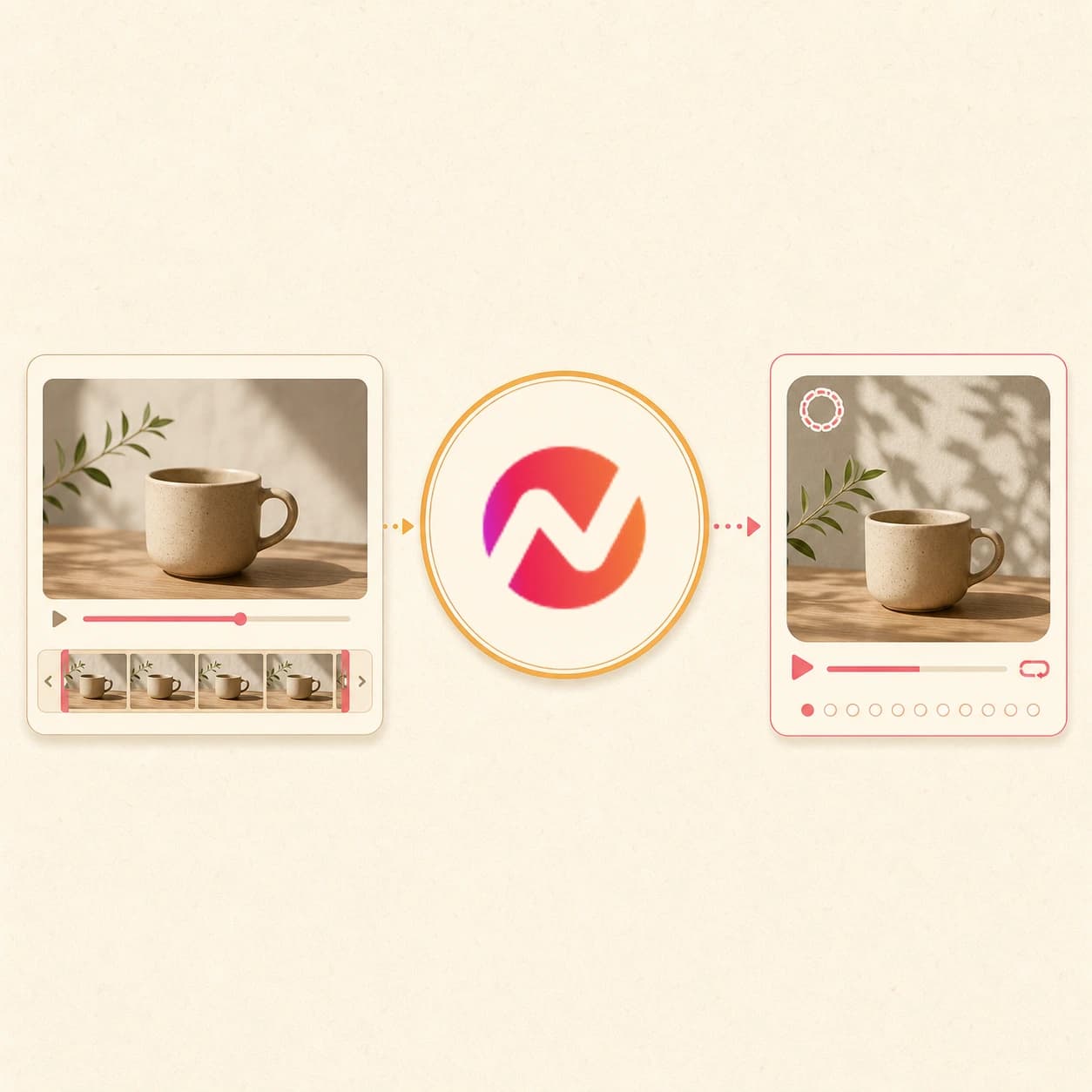
What it does
Turn a product moment into a compact branded loop for docs, changelogs, or campaign pages. Keep the source project available when you need a new crop, caption, or format.
Trusted by teams at












How it works
How the GIF Maker creates a branded loop.
Start with a brief or source, let ngram plan the short motion, review the loop draft, then export the result as GIF, WebM, or MP4.
Describe the loop or add a source
Write the product moment you want to show, upload a screenshot or short reference clip, or paste a source page with the context.
Brief ready
Plan the repeat
ngram turns the source into a tight loop plan with the key action, caption need, start frame, end frame, brand treatment, and channel fit.
Loop planned
Generate the editable draft
Create a compact video loop with motion graphics, product callouts, captions when useful, and brand-kit styling inside the same project.
Draft created
Export the right format
Finish the loop as a GIF, WebM, or MP4, or send an existing clip to Video to GIF when the task is only deterministic conversion.
Ready to share
What it can do
What the GIF Maker creates.
Use the GIF Maker when the job starts with an idea, screenshot, product page, or source material and needs a branded loop draft instead of only a file conversion.
Prompt-to-loop planning
Describe a product moment, support step, launch teaser, or social hook and get a short loop plan that can become a GIF-ready draft.
Start from promptSource material context
Use screenshots, product images, PDFs, or short video references so the GIF draft starts from real product context instead of a blank canvas.
Add sourceMotion graphics and callouts
Add animated labels, arrows, lower thirds, and product callouts so the loop makes sense even when it plays silently.
See motion graphicsCaption-ready loops
Burn short labels or captions into the loop when the GIF needs to explain the action without audio.
Explore captionsBrand kit styling
Apply logos, colors, fonts, motion style, tone rules, and approved phrases so repeated loops still look like the same brand.
See Brand KitBuilt for short branded loops inside editable video projects
When it matters
Where a branded GIF loop earns its place.
Nine workflows where a short loop can explain the product moment faster than a static screenshot or long video.
Changelog Video
Render a 3-second GIF for each shipped feature so the changelog post autoplays inline in docs and email instead of waiting for a video player to load.
Open AI video use caseFeature Announcement Video
Pull the hero moment out of a launch video and ship the GIF in release-note hero cards, launch emails, and in-app what's-new pop-ups.
Open AI video use caseProduct Demo Video
Slice a 5-second product moment off a demo recording and convert it to a GIF for the prospect email, the deal-room follow-up, and the public docs.
Open AI video use caseProduct Walkthrough Video Creator
Lift the key UI interaction from a walkthrough and convert it to a GIF for inline tutorials, where a 2-second loop reads faster than a numbered list.
Open AI video use caseBug Report Video
Turn a screen recording of the broken state into a tight GIF that loops in the ticket, the Slack thread, and the engineering issue without anyone hitting play.
Open AI video use caseHelp Center Video
Replace 200-word help articles with a 3-second GIF that shows the click sequence inline, so the customer sees the fix instead of reading two paragraphs about it.
Open AI video use caseAPI Documentation Video
Drop a tiny GIF into API docs and GitHub READMEs that shows the SDK or CLI in motion - GitHub renders GIFs inline at full quality, no codec required.
Open AI video use caseMarketing Social Clips
Convert a campaign clip into a 9:16 or 1:1 GIF for landing-page hero modules, social previews, and newsletter blocks without needing the video player to fire.
Open AI video use caseNewsletter Video
Use the GIF as the lightweight visual hook in the newsletter, then link to the full ngram video page when the reader wants the rest of the story.
Open AI video use caseProduct stack
The product stack behind GIF-ready loops.
A useful GIF loop needs planning, brand treatment, captions, motion graphics, editing, and export controls in one project.
Video Editing
Open the source clip on the timeline before the GIF export to trim by transcript, crop the frame, or burn a caption in - then convert the polished cut to GIF.
Learn more about Video EditingMotion Graphics
Stamp a feature name, a label, an arrow, or a CTA onto the source before export, so the GIF carries context for muted feeds instead of relying on audio.
Learn more about Motion GraphicsBrand Kit
Apply logo, colors, fonts, and intro frames to the source before the GIF export so the changelog GIF, the prospect email GIF, and the launch GIF all look like one product.
Learn more about Brand KitScreencast Understanding and Editing
Run cursor smoothing, click emphasis, dead-air trimming, and smart zooms on the source recording first, so the resulting GIF reads as a clean UI demo instead of raw capture.
Learn more about Screencast Understanding and EditingCaptions
Generate captions on the trimmed source before the GIF export, so the burned-in text reads inside the loop where audio cannot - critical for muted feeds and email inlines.
Learn more about CaptionsMore tools
More tools around GIF creation.
Use these when the loop needs a deterministic conversion, source recording, caption layer, video polish, or alternate format.
Prep the source for the GIF
Get the right window of the source clip ready to convert
Video Cutter
Trim the source by transcript or timeline so the GIF window covers the exact 3 to 6 seconds worth looping, with no padding on either side.
Open toolScreen Recorder
Capture the click sequence in-browser with cursor smoothing and dead-air trim, then send the polished recording straight into the GIF tool.
Open toolVideo Compressor
Shrink the source file before the GIF export when the upload is over the 500 MB cap or the team needs a smaller download alongside the loop.
Open toolAnnotate before export
Add the on-screen context the muted loop needs to land
Add Text to Video
Burn a one-line caption, a feature name, or a stat onto the source before the GIF export so the loop carries the why, not just the motion.
Open toolVideo Caption Generator
Generate captions on the trimmed source first, so the GIF burns them inside the loop - the only way captions survive in muted social and inline email previews.
Open toolAdd Subtitles to Video
Burn formatted subtitles into the cut before conversion, useful for talking-head GIFs that need the speech to read inside the loop.
Open toolEye Contact AI
Redirect gaze on a talking-head source before the GIF export so a 4-second loop does not show eyes drifting off-camera mid-cycle.
Open toolConvert from or to other formats
Pivot the source into another container or output once the GIF ships
Video Converter
Swap the source between MP4, MOV, WebM, and MKV before or after the GIF export when web embeds and ad uploads need a different container.
Open toolImage to Video
If the GIF idea is built from stills first, animate them into a short video and then run that clip through the GIF tool for the looping export.
Open toolVideo to Audio
Pull the audio out of the same source when the GIF is the silent loop and a separate MP3 or WAV is needed for a podcast snippet or transcript pass.
Open toolConvert
Converters that can feed a GIF-ready loop.
Start from the source that already contains the moment, then create a short branded loop or use Video to GIF for direct conversion.
GIF to Video
Going the other way? Turn an existing GIF or a set of loops into a captioned, branded video with audio and the export formats each channel needs.
Open converterScreen Recording to Video
Polish a raw Loom, QuickTime, or OBS capture into a clean branded video first, then run the keepable section through the GIF tool for the inline loop.
Open converterWebinar to Clips
Turn an hour-long webinar into short clips, then convert the strongest 3-second moment into a GIF for social posts, recap emails, and follow-up threads.
Open converterWho it is for
Teams that create branded GIF loops.
These teams use short loops in launches, help content, docs, sales follow-ups, social posts, and internal updates.
Product Marketing Managers
Render hero GIFs for landing pages, launch announcements, release notes, and changelog cards - same trim, resized per surface, brand kit applied.
See product marketing workflowsDeveloper Relations
Drop tiny GIFs into API docs, GitHub READMEs, and dev newsletters that show the SDK in motion - inline, no player needed, GitHub-safe sizing baked in.
See DevRel workflowsProduct Managers
Convert internal demo recordings into changelog GIFs that ship with every release, so PMs can drop them in posts without filing a design ticket.
See product workflowsSupport Teams
Replace 200-word help articles with a 2-second loop that embeds inline in Zendesk, Intercom, and Help Scout - the customer sees the click, not a paragraph.
See support workflowsGrowth & Marketing
Turn campaign cuts into GIFs for cold email, ad creative previews, and landing-page hero modules where the autoplay video keeps getting flagged.
See growth workflowsSales Enablement Teams
Turn demos, proposals, and follow-up recordings into polished assets sales can reuse with prospects.
See sales enablement workflowsIntegrations
Route GIF loop requests through live integrations.
Use live ngram integrations when product updates, support articles, launch notes, or agentic requests should become short branded loops.
Zapier to GIF loop brief
AutomationWhenA launch note, support update, or product task is ready for a short visual loop.
ThenCreate a GIF-ready ngram project from the brief and route the draft back for review.
n8n for internal loop requests
Self-hostedWhenA self-hosted workflow creates a product update or support article that needs a compact visual.
ThenSend the source context to ngram and generate a branded loop draft for the team to finish.
MCP agent loop creation
AgenticWhenAn AI agent has the source context and needs a short loop for a doc, email, or launch page.
ThenAsk ngram to create the GIF-ready project with prompt, source material, and target surface attached.
Chrome extension capture
CaptureWhenA product page or help article needs a quick visual loop to explain the moment.
ThenCapture page context into ngram and turn it into a compact branded loop draft.
YouTube
BetaWhenThe MP4 product loop is ready for its YouTube post.
ThenWrite the YouTube post and choose a one-off time for the MP4 product loop.
Use integrations when GIF loop requests need to start from campaign systems, product docs, AI agents, or browser context.
Why ngram
How GIF maker workflows differ.
GIF tools vary by whether they only convert a finished clip or help create the short branded loop from the idea and source material.
| Compare | ngram | Video to GIF converters | Template GIF tools | Manual editors |
|---|---|---|---|---|
| Workflow fit | Starts from a prompt, screenshot, source file, or URL context. | Useful when the source video is already finished. | Fast when the layout is already chosen. | Useful for specialists who want to build every motion layer by hand. |
| How ngram fits | Creates an editable short loop with brand kit, captions, motion graphics, and export options. | Usually focus on trimming, size, and output format. | Can feel generic for product, support, or launch moments. | Slower for routine product loops and support visuals. |
| Best use | Pairs with Video to GIF when the only task is converting an existing clip. | Less helpful when the loop still needs script, callouts, brand context, or alternate versions. | Often separate the GIF from the broader video project. | Requires separate export and reuse steps for each channel. |
FAQ
Common questions about the GIF Maker
Still curious?
Turn the moment into a branded loop
Start from a prompt, screenshot, source file, or product page and create a short editable loop for GIF, WebM, and MP4 export.
Create the loop in ngram, then keep refining the same project.