

A sales video tool can be excellent and still be the wrong answer once your team needs finished video assets, not only tracked outreach. That is the tension behind most Vidyard alternatives searches in 2026.
Vidyard deserves credit for sales video messaging, hosting, viewer analytics, CTAs, CRM and marketing automation fit, and its newer Video Agent direction. But the Vidyard alternatives search in 2026 is not only about replacing one feature. Buyers are comparing credit systems, rendering limits, avatar realism, collaboration, localization, sales workflows, brand control, and whether the tool can turn messy business source material into a finished video.
That shift matters because video is no longer a side asset. Wyzowl's 2026 video marketing report says 91% of businesses use video as a marketing tool, and Grand View Research projects the AI video generator market to reach $3.44 billion by 2033. More teams are making video, and the tolerance for generic output is getting lower.
We refreshed this review on June 1, 2026 using official vendor pages, current SERP structure, Reddit and review-site language, and ngram's live product-state file. The short version: keep Vidyard if its core workflow is exactly what you need. Move to ngram or one of the specialist alternatives below if your actual job is broader.
Where Vidyard falls short in 2026
Vidyard still has a clear place in the market. The switch usually starts when teams ask it to cover a workflow it was not designed to own end to end.
Revenue focus narrows the fit - Vidyard is strongest when video lives inside sales and marketing systems. Product, support, training, and internal comms teams often need a broader creation workflow.
AI video is packaged around sales automation - Vidyard lists AI videos and Video Agent options, but buyers still need to check plan boundaries, add-ons, and whether the AI workflow fits non-sales content.
Finished production takes extra work - A sales recording can be useful without being polished. Launch videos, product explainers, onboarding clips, and social cuts need script, storyboard, callouts, captions, brand, and exports.
Legacy plan changes add research work - Vidyard support notes that a new pricing model replaced legacy plan names after February 20, 2025, so buyers comparing renewals need to read current plan details carefully.
The right alternative depends on whether your bottleneck is speed, avatar realism, training governance, sales workflow, source ingestion, or final polish.
Quick comparison
| Tool | Best for | Current pricing note | Main distinction |
|---|---|---|---|
| ngram | Business teams turning prompts, PDFs, URLs, screenshots, decks, screen recordings, and raw footage into polished branded videos | See ngram pricing | Plan-first video generation |
| Loom | Quick async screen recordings and internal updates | Free and paid Atlassian plans | Fast recording workflow |
| Wistia | Marketing video hosting, embeds, channels, and analytics | Public tiered plans | Marketing video infrastructure |
| Sendspark | Personalized sales prospecting videos | Free and paid sales plans | Personalized outreach |
| Dubb | Sales video messaging with landing pages and CRM workflow | Public paid plans | Sales workflow depth |
| Hippo Video | Sales, support, and multilingual video outreach | Public paid plans | Revenue video suite |
| Zight | Screenshots, GIFs, quick screen capture, and team annotations | Free and paid plans | Capture plus annotation |
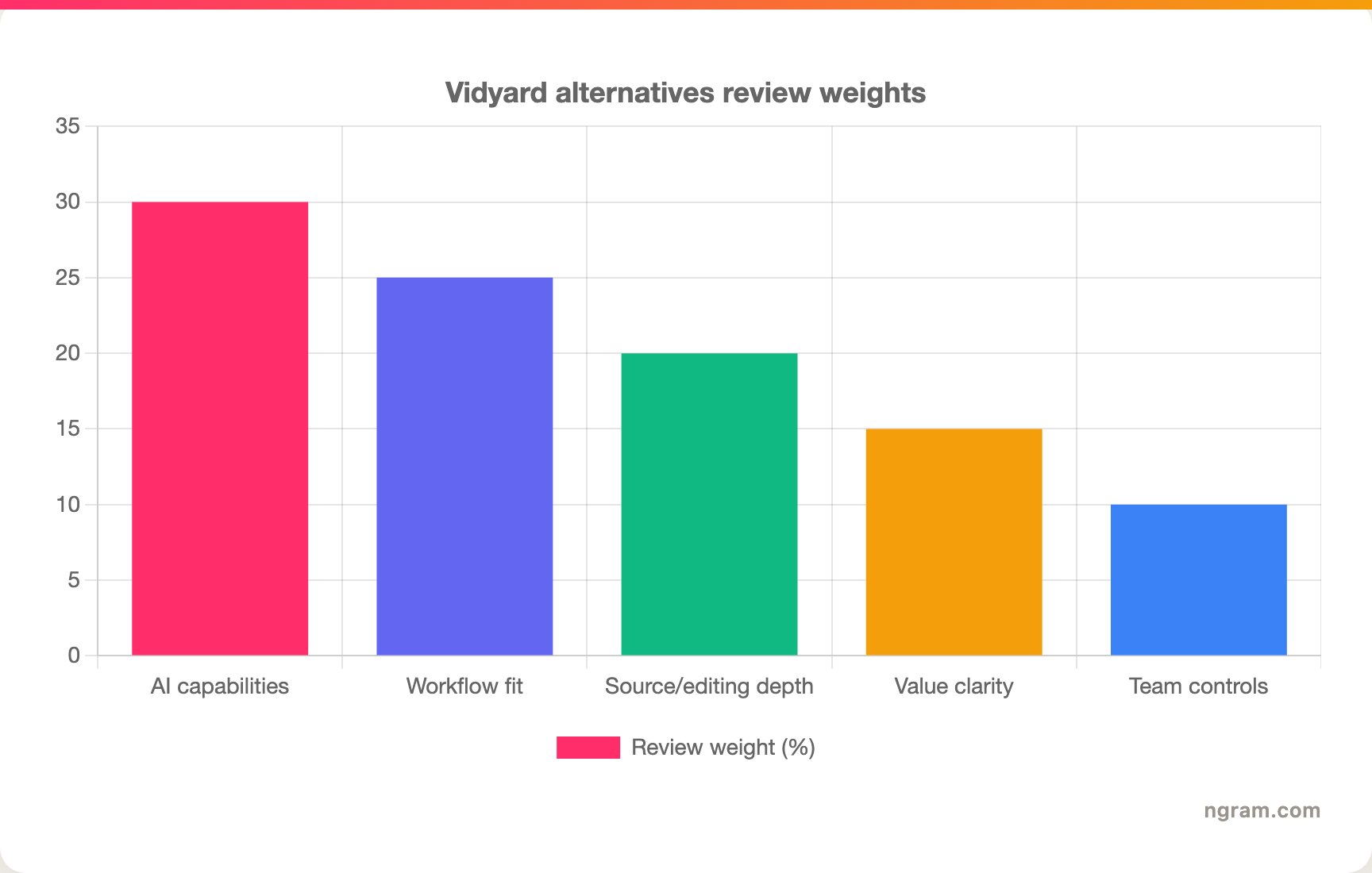
The chart below shows the weighting we used for this Vidyard refresh. These are review criteria, not product ratings.
1. ngram
Watch how ngram turns an idea into a finished video:
ngram is the strongest alternative to Vidyard when your team needs more than a generated talking head or a quick recorder. It is built around an agentic chat workflow: give ngram a prompt, PDF, URL, deck, screenshot, screen recording, raw video, or Shopify product URL, then review the script and storyboard before the video renders.
That plan-first workflow matters for sales, product marketing, and customer-facing video teams that need more than a recorded outreach clip. Vidyard can be useful for its core job, but many teams searching for alternatives are really asking for a broader production system. They need captions, voiceover, product callouts, branded intros and outros, screen-recording polish, multi-format export, and plain-language edits without rebuilding the project from scratch.
What makes ngram stand out
- Agentic video creation - Describe the audience, channel, source material, and goal in chat. ngram plans the script, storyboard, scene direction, CTA, voiceover, captions, and visuals before rendering.
- Source-aware inputs - Use text prompts, PDFs, URLs, screenshots, screen recordings, raw video, decks, or Shopify product URLs as source material.
- Screen recording polish - Turn rough product recordings into cleaner walkthroughs with trimming, smart zooms, cursor emphasis, callouts, captions, and background styling.
- Brand kits - Apply logos, colors, fonts, screenshot style, tone controls, approved phrases, and blocked phrases across generated videos.
- Editing by chat and timeline - Change the script, regenerate scenes, edit visually, or use the timeline editor when frame-level control matters.
- Multi-format export - Export MP4, GIF, WebM, PNG, JPG, and PPTX in 16:9, 9:16, and 1:1 formats.
Pros
- Strong fit when the output must be customer-ready, not only recorded
- Starts from existing business material instead of a blank editor
- Keeps storyboard review before render so teams can fix direction early
Cons
- Heavier than a quick one-click recorder for casual internal notes
- Detailed performance analytics beyond view counts are still roadmap, so analytics-heavy buyers should verify needs before switching
Who is ngram best for?
ngram is best for product marketing, growth, sales, customer success, support, HR, and training teams that turn business material into polished video repeatedly. If your team only needs a fast internal recording, a narrower recorder may be lighter. If you need the same source material to become a launch video, demo, social cut, training clip, and localized version, ngram is the better fit.
For current commercial terms, check ngram pricing rather than relying on stale plan screenshots.
Ready to try ngram? Create your first video from a prompt, doc, URL, deck, screenshot, or screen recording. Start free
2. Loom
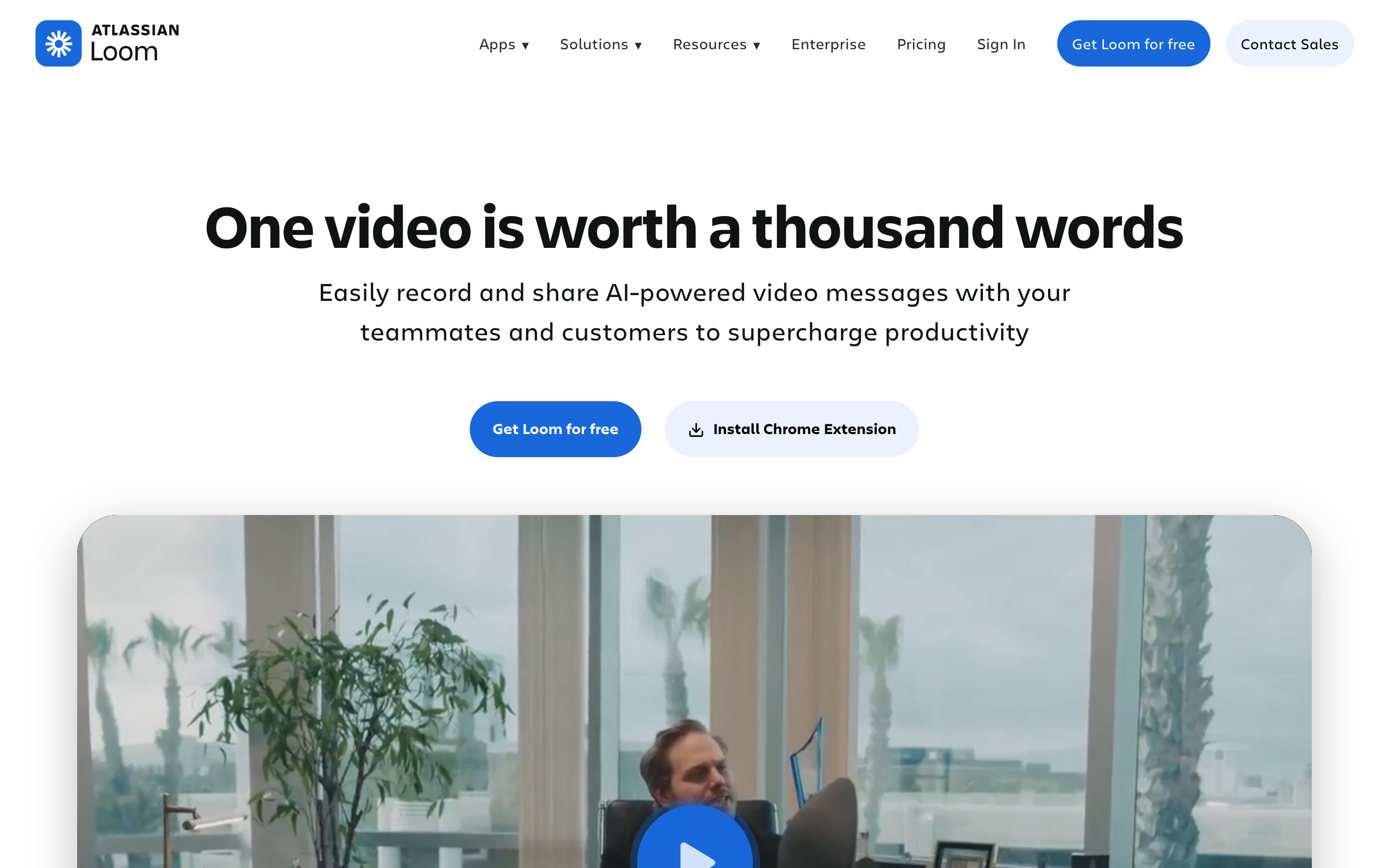
Loom is best for quick async screen recordings and internal updates. Compared with Vidyard, Loom is strongest when internal communication is the main job and the video does not need to become a produced asset.
Key features
- Screen and webcam capture - Record screen, camera, or both with fast sharing links.
- Transcripts and summaries - Paid plans add more AI-assisted summaries and chapters.
- Comments and reactions - Good for async internal review loops.
- Atlassian fit - Useful when Jira and Confluence already drive team workflow.
- Cross-platform apps - Browser and desktop recording options make adoption easy.
What users say
Users praise Loom when speed matters: record, trim lightly, share a link. The complaints show up when the clip needs customer polish, deeper editing, or a pricing model that fits every occasional recorder on a team.
The positive pattern is clear: buyers like Loom when the workflow lines up with the product's center of gravity. The caution is also clear: teams replacing Vidyard should check whether Loom handles planning, source ingestion, editing depth, brand controls, collaboration, and export needs before migrating a whole team.
Pros
- Strong fit for quick async screen recordings and internal updates.
- Clearer workflow than broad video suites when the use case matches.
- Mature enough to appear repeatedly across review-site and SERP research.
Cons
- Less complete than ngram when the job starts from mixed business source material.
- Pricing, credits, or workflow limits need careful review before a team rollout.
Best for
Choose Loom when your primary job is internal communication and the video does not need to become a produced asset.
3. Wistia
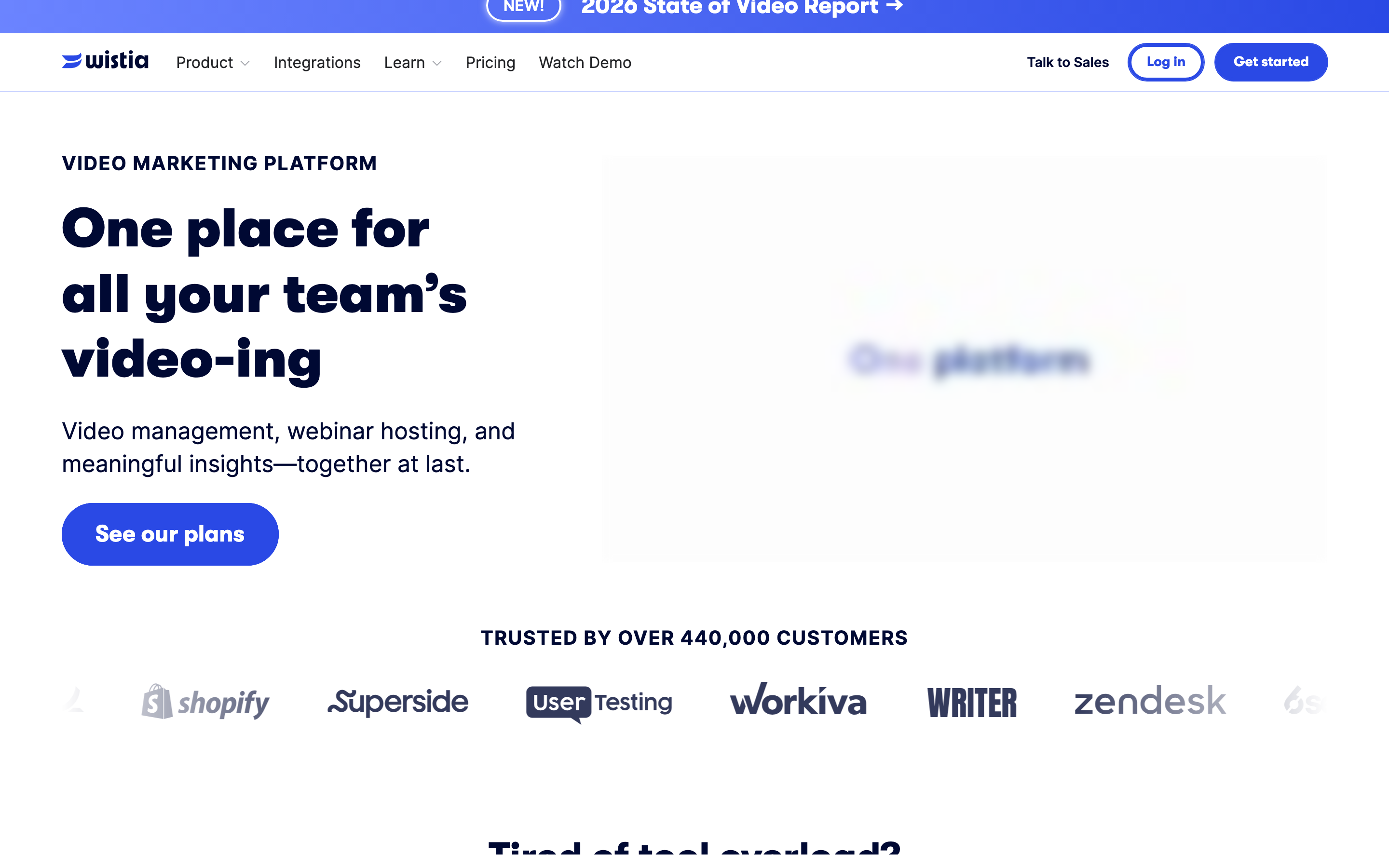
Wistia is best for marketing video hosting, embeds, channels, and analytics. Compared with Vidyard, Wistia is strongest when the main problem is owned video distribution, not AI video production.
Key features
- Embeddable player - A polished player for website and campaign pages.
- Video hosting - Strong organization, channels, privacy, and publishing controls.
- Viewer analytics - Useful for marketing teams measuring engagement.
- Lead capture - Forms and CTAs connect video to demand generation.
- Brand control - Player styling and channel options support a company-owned experience.
What users say
Wistia gets credit from marketing teams for professional hosting and analytics. It is less often picked as the fastest way for a rep to record one-to-one outreach or for a PMM to generate a new video from source assets.
The positive pattern is clear: buyers like Wistia when the workflow lines up with the product's center of gravity. The caution is also clear: teams replacing Vidyard should check whether Wistia handles planning, source ingestion, editing depth, brand controls, collaboration, and export needs before migrating a whole team.
Pros
- Strong fit for marketing video hosting, embeds, channels, and analytics.
- Clearer workflow than broad video suites when the use case matches.
- Mature enough to appear repeatedly across review-site and SERP research.
Cons
- Less complete than ngram when the job starts from mixed business source material.
- Pricing, credits, or workflow limits need careful review before a team rollout.
Best for
Choose Wistia when the main problem is owned video distribution, not AI video production.
---
Need a video tool that starts from your actual material? ngram turns prompts, docs, URLs, decks, screenshots, and recordings into branded videos. Try ngram free
---
4. Sendspark
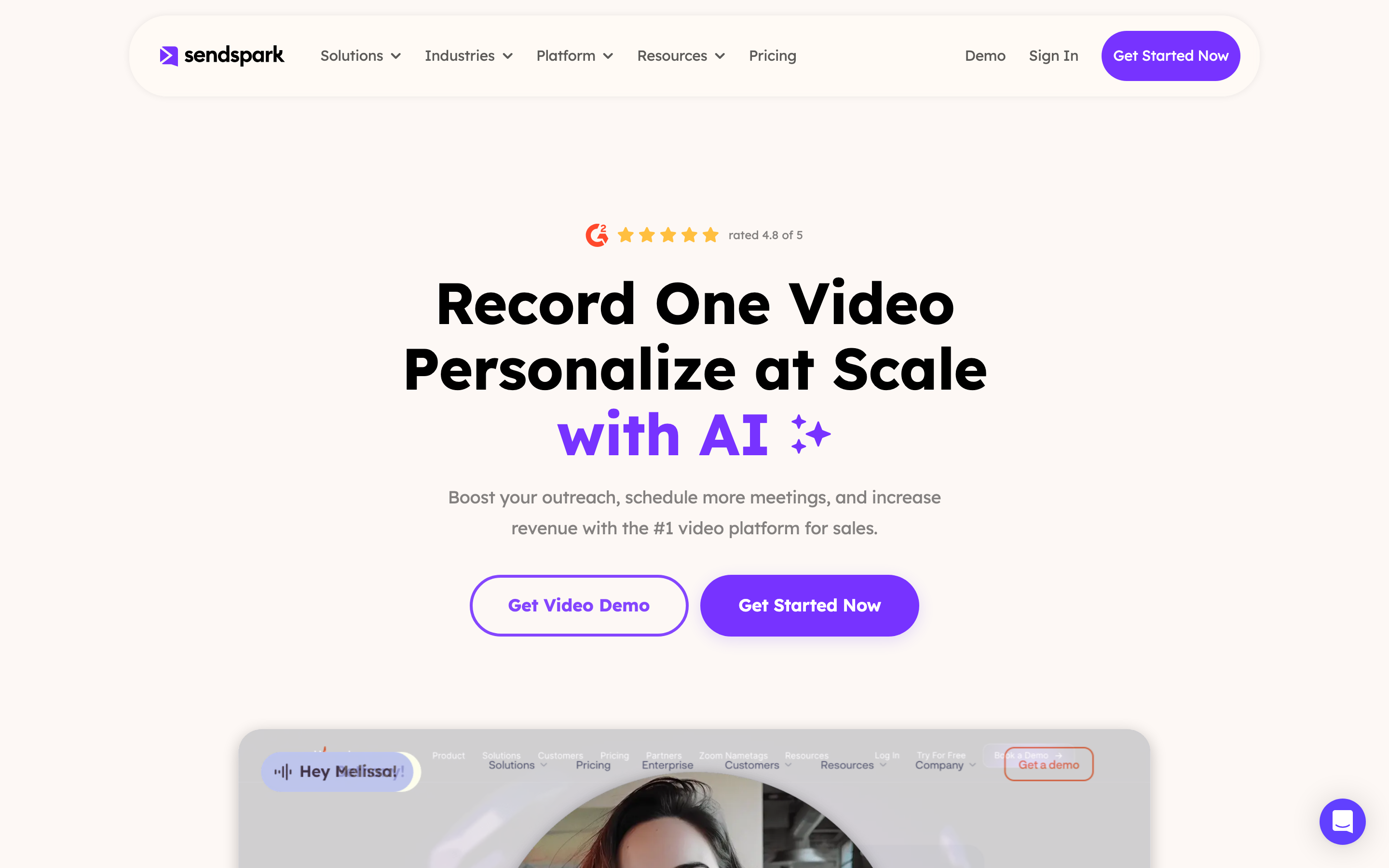
Sendspark is best for personalized sales prospecting videos. Compared with Vidyard, Sendspark is strongest when outbound personalization is the whole job.
Key features
- Personalized video pages - Create prospect-specific landing pages around a video.
- Sales integrations - Built around outbound and follow-up workflows.
- AI personalization - Generate variants for target accounts.
- Templates - Keep common sales motions repeatable.
- Analytics - Track engagement on sent videos.
What users say
Sales users like Sendspark because the product is narrow in a useful way. The tradeoff is that it is less of a general video platform for launch assets, training, and full production work.
The positive pattern is clear: buyers like Sendspark when the workflow lines up with the product's center of gravity. The caution is also clear: teams replacing Vidyard should check whether Sendspark handles planning, source ingestion, editing depth, brand controls, collaboration, and export needs before migrating a whole team.
Best for
Choose Sendspark when outbound personalization is the whole job.
5. Dubb
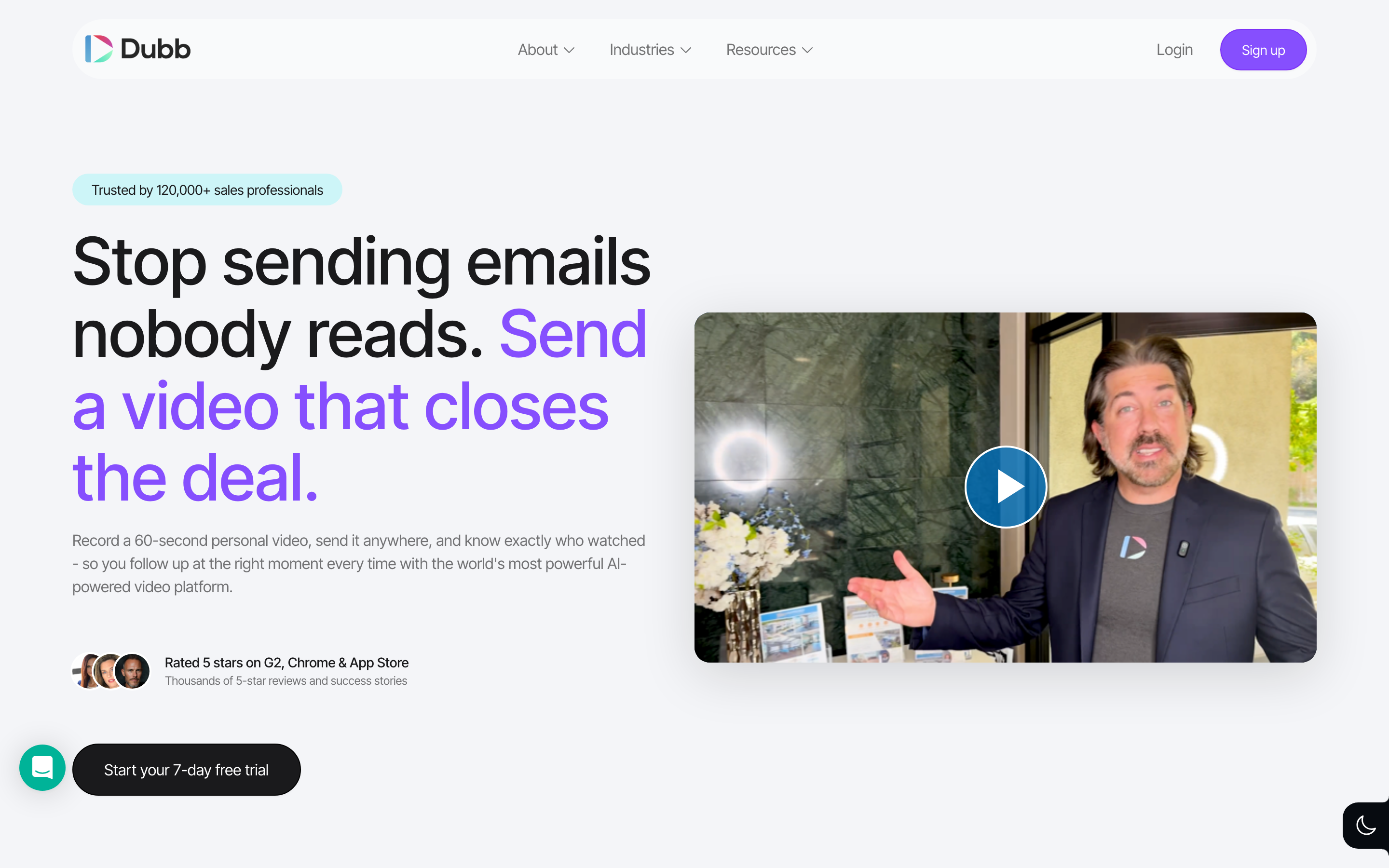
Dubb is best for sales video messaging with landing pages and crm workflow. Compared with Vidyard, Dubb is strongest when sales process support matters more than AI scene generation.
Key features
- Video email - Record and send sales videos through outreach flows.
- Landing pages - Pair video with CTA pages and booking actions.
- CRM features - Fit for revenue teams that track outreach.
- Automation - Use video inside broader sales sequences.
- Mobile capture - Useful for reps recording quickly from the field.
What users say
Dubb earns praise from teams that want more sales workflow around video than a basic recorder provides. Some buyers find it broader than they need when all they want is clean capture and sharing.
The positive pattern is clear: buyers like Dubb when the workflow lines up with the product's center of gravity. The caution is also clear: teams replacing Vidyard should check whether Dubb handles planning, source ingestion, editing depth, brand controls, collaboration, and export needs before migrating a whole team.
Best for
Choose Dubb when sales process support matters more than AI scene generation.
6. Hippo Video
Hippo Video is best for sales, support, and multilingual video outreach. Compared with Vidyard, Hippo Video is strongest when video is part of a sales or support motion.
Key features
- Video campaigns - Create and send outreach videos at scale.
- Personalization - Add prospect-specific details to sales messages.
- Analytics - Track engagement and follow-up signals.
- Support video - Use recordings for customer education and issue explanation.
- Integrations - Connect with sales and marketing systems.
What users say
Hippo Video is liked by teams that want outreach, support, and sales video in one place. The interface can feel heavier than simpler recorders, and its center of gravity is still revenue workflow.
The positive pattern is clear: buyers like Hippo Video when the workflow lines up with the product's center of gravity. The caution is also clear: teams replacing Vidyard should check whether Hippo Video handles planning, source ingestion, editing depth, brand controls, collaboration, and export needs before migrating a whole team.
Best for
Choose Hippo Video when video is part of a sales or support motion.
7. Zight
Zight is best for screenshots, gifs, quick screen capture, and team annotations. Compared with Vidyard, Zight is strongest for capture-heavy support, product, and QA communication.
Key features
- Screen recording - Capture quick videos for teammates or customers.
- Screenshots and GIFs - Good for lightweight visual explanations.
- Annotations - Mark up images and clips for clearer handoff.
- Cloud sharing - Send links instead of files.
- Team libraries - Keep shared visual assets organized.
What users say
Zight users usually value speed and lightweight visual communication. It is not trying to be an AI video studio, so teams needing voiceover, storyboard planning, or branded scene generation will hit a ceiling.
The positive pattern is clear: buyers like Zight when the workflow lines up with the product's center of gravity. The caution is also clear: teams replacing Vidyard should check whether Zight handles planning, source ingestion, editing depth, brand controls, collaboration, and export needs before migrating a whole team.
Best for
Choose Zight for capture-heavy support, product, and QA communication.
How we compared these tools
We refreshed this Vidyard alternatives review on June 1, 2026. The scoring framework is not a star rating. It is a decision-weighting model for buyers comparing AI video tools.
| Criteria | Weight | What we looked at |
|---|---|---|
| AI capabilities | 30% | Avatar quality, prompt-to-video depth, voiceover, translation, scene generation, and edit automation. |
| Workflow fit | 25% | Whether the product solves the actual switching job: sales video, demos, marketing hosting, and broader business-video production. |
| Source and editing depth | 20% | Support for docs, URLs, decks, screen recordings, raw video, transcript editing, callouts, and regeneration. |
| Value clarity | 15% | Public pricing, credit/minute rules, rollovers, watermark limits, and plan boundaries. |
| Team controls | 10% | Collaboration, brand controls, SSO, workspaces, review, publishing, and export options. |
We also reviewed official vendor pages, current SERP patterns, Reddit language, review-site themes, and the live ngram product state. We did not use numerical star ratings because they flatten the real decision: the best tool depends on whether you need a generated avatar, a social-video editor, a sales-video system, or a business-video production workflow.
Common questions
What is the best Vidyard alternative in 2026?
The best Vidyard alternative for most business teams is ngram because it turns prompts, docs, URLs, decks, screenshots, screen recordings, and raw video into planned, branded videos. Loom is stronger when you specifically need quick async screen recordings and internal updates.
Is there a free Vidyard alternative?
Several tools in this list offer a free plan or trial, including ngram, Loom, and Wistia. Free plans are useful for testing workflow fit, but production teams should check watermark, minute, credit, export, and collaboration limits before standardizing.
How does Vidyard compare to Loom?
Vidyard is strongest for sales video messaging, hosting, analytics, CTAs, and CRM-connected revenue workflows. Loom is better when internal communication is the main job and the video does not need to become a produced asset. ngram is different from both because it plans and creates business videos from mixed source material, not only from a narrow editor or avatar workflow.
Which Vidyard alternative is best for training videos?
Synthesia, Colossyan, Elai, and DeepBrain AI are strong training-video options when avatar presenters and localization are central. ngram is the better fit when training content starts from SOPs, PDFs, decks, URLs, or screen recordings and needs storyboard planning plus branded export.
Which Vidyard alternative is best for sales or product demos?
ngram is strongest for polished product demos because it can use screen recordings, screenshots, URLs, and docs, then add script, storyboard, captions, callouts, voiceover, and brand treatment. Vidyard, Sendspark, Dubb, and Hippo Video are better when the main job is sales outreach and CRM-connected sending.
Can I migrate old Vidyard projects into another tool?
Usually you can export finished videos and reuse scripts, screenshots, recordings, and decks, but project-level migration is rarely clean across AI video tools. The practical path is to move reusable source assets into the new workflow and recreate priority videos first.
Final verdict
If Vidyard still solves the exact job you bought it for, there is no reason to switch just to chase a longer feature list. But if your team now needs videos that start from business context, reuse source assets, stay on brand, and ship in multiple formats, ngram is the most complete alternative in this set.
For sales-specific sending, pick a revenue-video platform. For governed training, shortlist the L&D avatar tools. For social-first editing, choose a browser editor or prompt-to-video product. The mistake is treating every AI video tool as interchangeable. In 2026, the workflow fit matters more than the category label.
Ready to create a polished business video from the material you already have? Start with ngram.