
Storylane alternatives are a serious buying conversation in 2026 because demo software is no longer one category. Storylane is strong for guided product tours and clickable demo assets, but teams compare when they need personalized outbound videos, social clips, tighter pricing, or a workflow that turns launch material into more than a demo embed.
The pricing jump is visible in current SERPs. Storylane's public plans show Growth at $500 per month with additional seats, while third-party spend data reports average annual spend in the thousands for SMB and enterprise customers.
This refresh compares ngram, Arcade, Supademo, Navattic, Walnut, Guidde, and Canva Video by output type, migration effort, pricing shape, and team use case.
Where Storylane falls short in 2026
Storylane still deserves credit for the workflow it made familiar. The issue is that teams now expect video tools to travel further: from source material to script, from recording to polish, from one export to many audience-specific variants.
The output is still a demo first - Storylane is built around guided product experiences. If GTM also needs launch videos, sales follow-up clips, onboarding explainers, and social snippets, another workflow is required.
Pricing can grow quickly - Storylane publishes a $500 per month Growth plan with additional seat pricing. Buyers should map seats, demos, analytics, and branding needs before assuming the starter path covers the team.
Migration cost is real - Switching demo platforms can mean rerecording flows, updating embeds, retraining reps, and rebuilding analytics history.
That is why this refresh compares workflow fit, output quality, pricing shape, user sentiment, and team readiness instead of treating every alternative as a simple feature checklist.
Quick comparison
| Tool | Best For | Starting Price | Key Differentiator |
|---|---|---|---|
| ngram | Product stories and demo videos from assets | ngram pricing | Video-first GTM output |
| Arcade | Interactive product demos with strong storytelling | Free, paid from $32/mo annual | Polished interactive demos |
| Supademo | Fast screenshot-based walkthroughs | Free, paid plans vary | Quick guided demos |
| Navattic | Enterprise interactive demos | Sales-led pricing | Complex demo governance |
| Walnut | Sales demo environments | Custom pricing | Enterprise demo control |
| Guidde | How-to videos and documentation | Free, paid plans vary | AI video docs |
| Canva Video | Simple marketing videos and assets | Free, paid plans vary | Design suite breadth |
1. ngram
Watch how ngram turns an idea into a finished video:
ngram is the strongest Storylane alternative when the job is not only making a clip, but turning source material into a finished business video. Storylane turns product flows into interactive demos; ngram turns the same source material into product videos for launches, outbound, onboarding, and support.
The product starts from business context. You can provide a prompt, PDF, URL, deck, screenshot, screen recording, or raw video. ngram extracts the message, writes a script, builds a storyboard, and lets the team review the plan before rendering. That planning step is the difference between a quick asset and a video that can carry a launch, training module, support answer, or sales follow-up.
ngram also covers the production pieces teams usually stack across several tools: captions, AI voiceover, basic avatars, custom faces, custom voices, product callouts, smart zooms, screen-recording polish, branded intros and outros, background music, multi-format export, hosted watch pages, and an embeddable player. It is not a traditional desktop editor, and it is not only a template library. It is built for teams that bring messy source material and need a clear video fast.
Key features:
- Source-to-video workflow - Start from docs, URLs, decks, screenshots, recordings, raw video, or prompts.
- Script and storyboard first - Review the message and scene plan before rendering.
- Screen-recording polish - Add cursor smoothing, click emphasis, smart zooms, step labels, and transitions.
- Brand controls - Apply logos, colors, fonts, approved phrases, intros, outros, and tone.
- Localized variants - Translate scripts, captions, on-screen text, and voiceovers.
- Publishing paths - Export MP4, GIF, WebM, PNG, JPG, PPTX, or host on a shareable watch page.
Pros
- Built for business context - ngram asks what the video is for, who will watch it, and where it will ship.
- Works from existing assets - Source material can be a doc, URL, deck, screenshot, or rough recording.
- One message can become many outputs - Launch clips, training versions, social cutdowns, decks, thumbnails, and carousels can come from the same source.
Cons
- Not a pure template editor - If you only want to drop photos into a preset slideshow, a template tool may feel faster.
- Not a pro NLE replacement - Editors who need deep color grading or compositing should keep Premiere, Resolve, or Final Cut.
Who is ngram best for?
ngram is best for product marketing, growth, sales, customer success, L&D, and founder-led teams creating videos from business material every week. Check ngram pricing for current commercial terms instead of relying on a stale pricing snapshot.
Ready to try ngram? Create your first business video from a doc, recording, URL, or prompt. Start free
2. Arcade
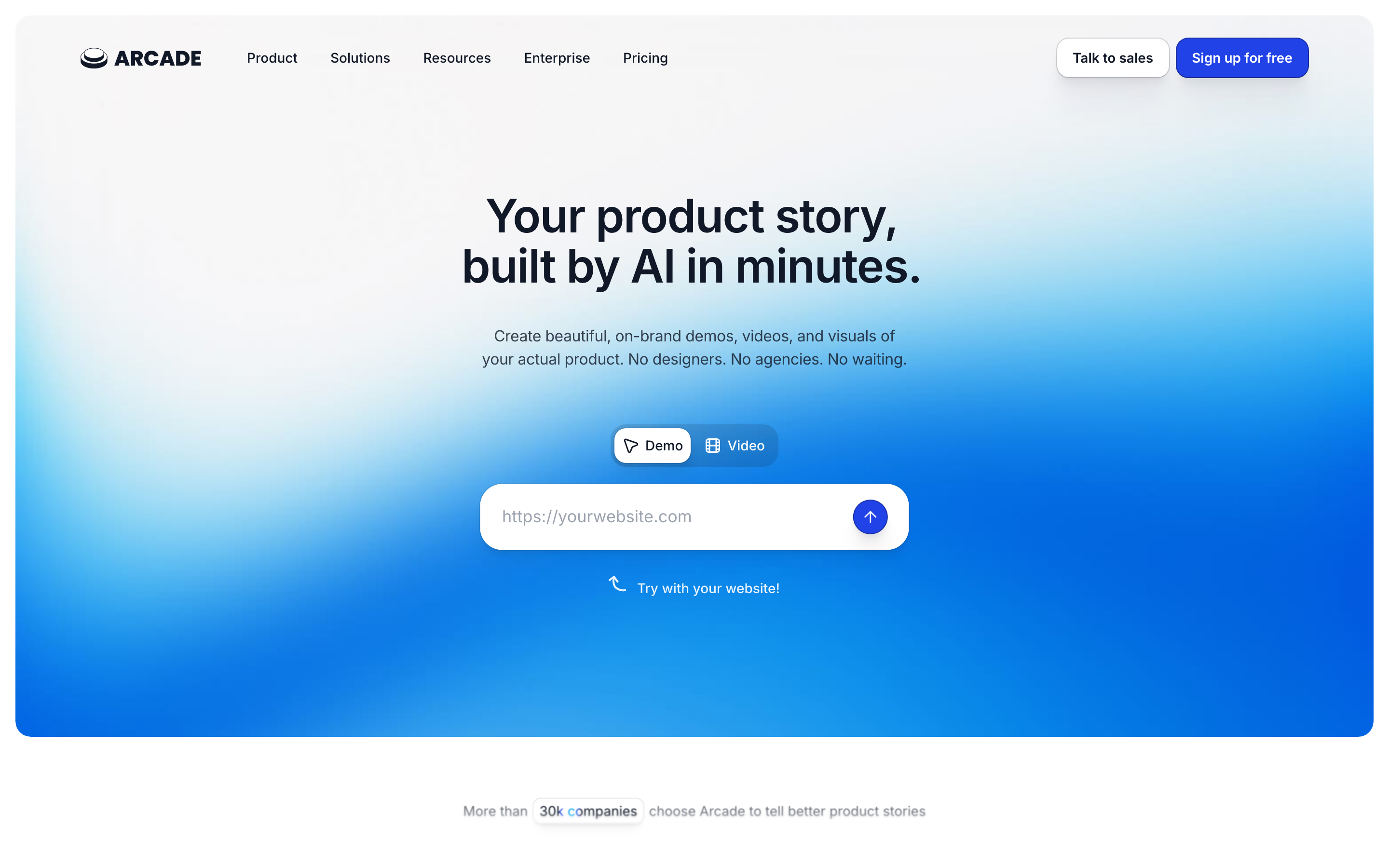
Arcade is the cleanest Storylane alternative when the team still wants interactive product storytelling. Current SERPs repeatedly place Arcade in Storylane replacement shortlists.
Key features
- Interactive demos - Create guided product experiences.
- Branching paths - Let viewers choose flows.
- Analytics - Track engagement on demo assets.
- AI assistance - Improve narration and structure.
- Embeds - Place demos on pages and docs.
What users say
Users praise Arcade for design quality and buyer-friendly demo experiences. The limitation is that Arcade remains centered on demos, not broader video creation.
Pros
- Clear fit for its core workflow - Buyers who match the native use case ramp quickly.
- Faster than a blank editor - Templates, AI, capture, or stock assets reduce setup time.
- Useful ecosystem - Sharing, exports, libraries, or integrations support repeat work.
Cons
- Workflow boundaries show up at scale - Teams hit friction when they need a different output shape.
- Pricing or credits need checking - Current plan limits matter more than the headline price.
Best for
Product marketing teams that want a prettier interactive demo experience.
Pricing note: Arcade publishes a free path and paid plans. Verify current details before migration.
3. Supademo
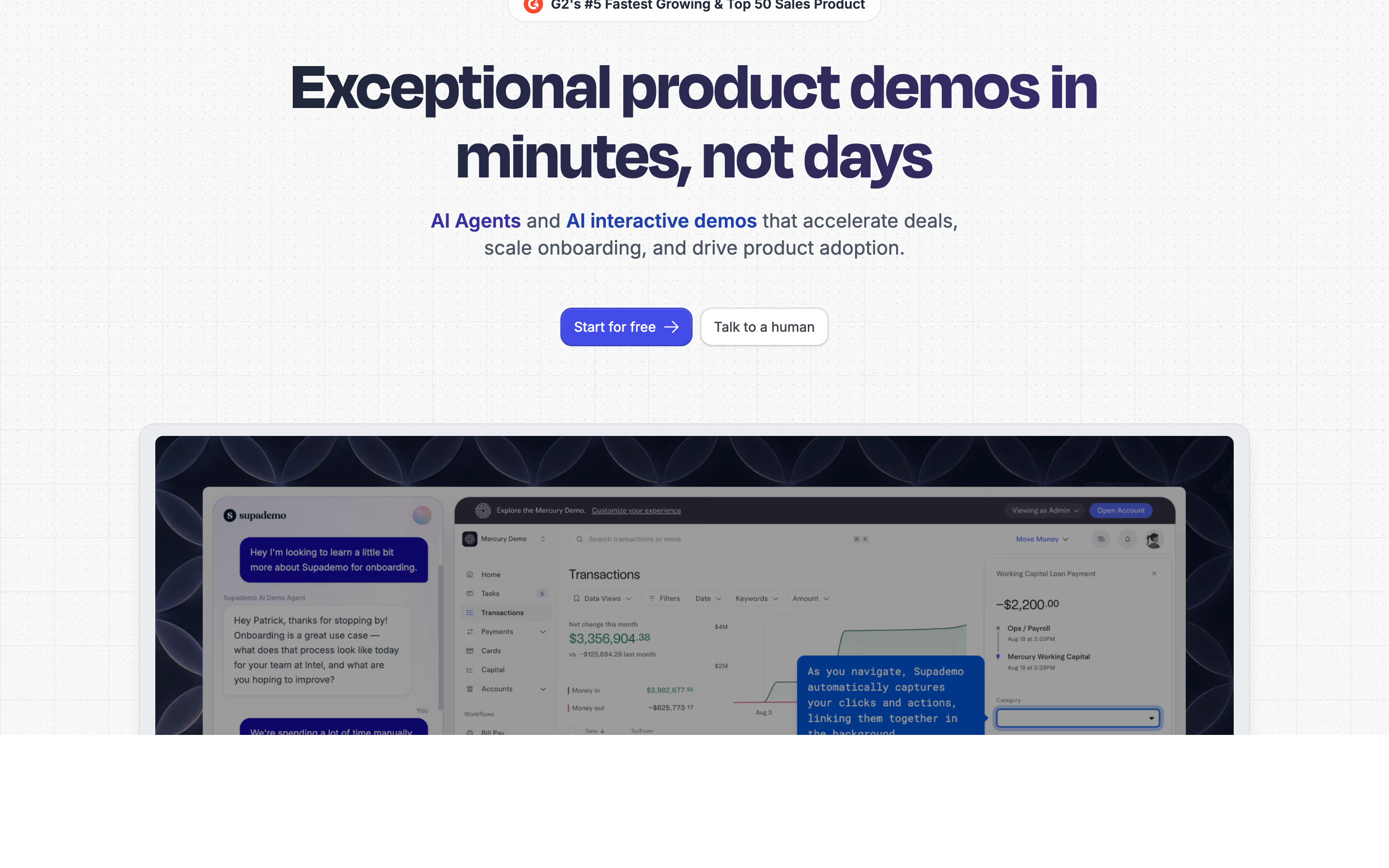
Supademo is practical when the Storylane use case is closer to screenshot walkthroughs than full sandbox demos.
Key features
- Screenshot demos - Capture flows quickly.
- AI captions - Generate step descriptions.
- Team libraries - Organize repeatable guides.
- Embeds - Share walkthroughs in docs.
- Branding - Apply custom styles on paid plans.
What users say
Review themes are consistent: Supademo is fast, approachable, and good for lightweight documentation. High-fidelity sandbox teams may outgrow it.
Pros
- Clear fit for its core workflow - Buyers who match the native use case ramp quickly.
- Faster than a blank editor - Templates, AI, capture, or stock assets reduce setup time.
- Useful ecosystem - Sharing, exports, libraries, or integrations support repeat work.
Cons
- Workflow boundaries show up at scale - Teams hit friction when they need a different output shape.
- Pricing or credits need checking - Current plan limits matter more than the headline price.
Best for
Support, success, and product teams that need clear walkthroughs without demo infrastructure.
Pricing note: Supademo offers free access and paid tiers for team usage.
4. Navattic
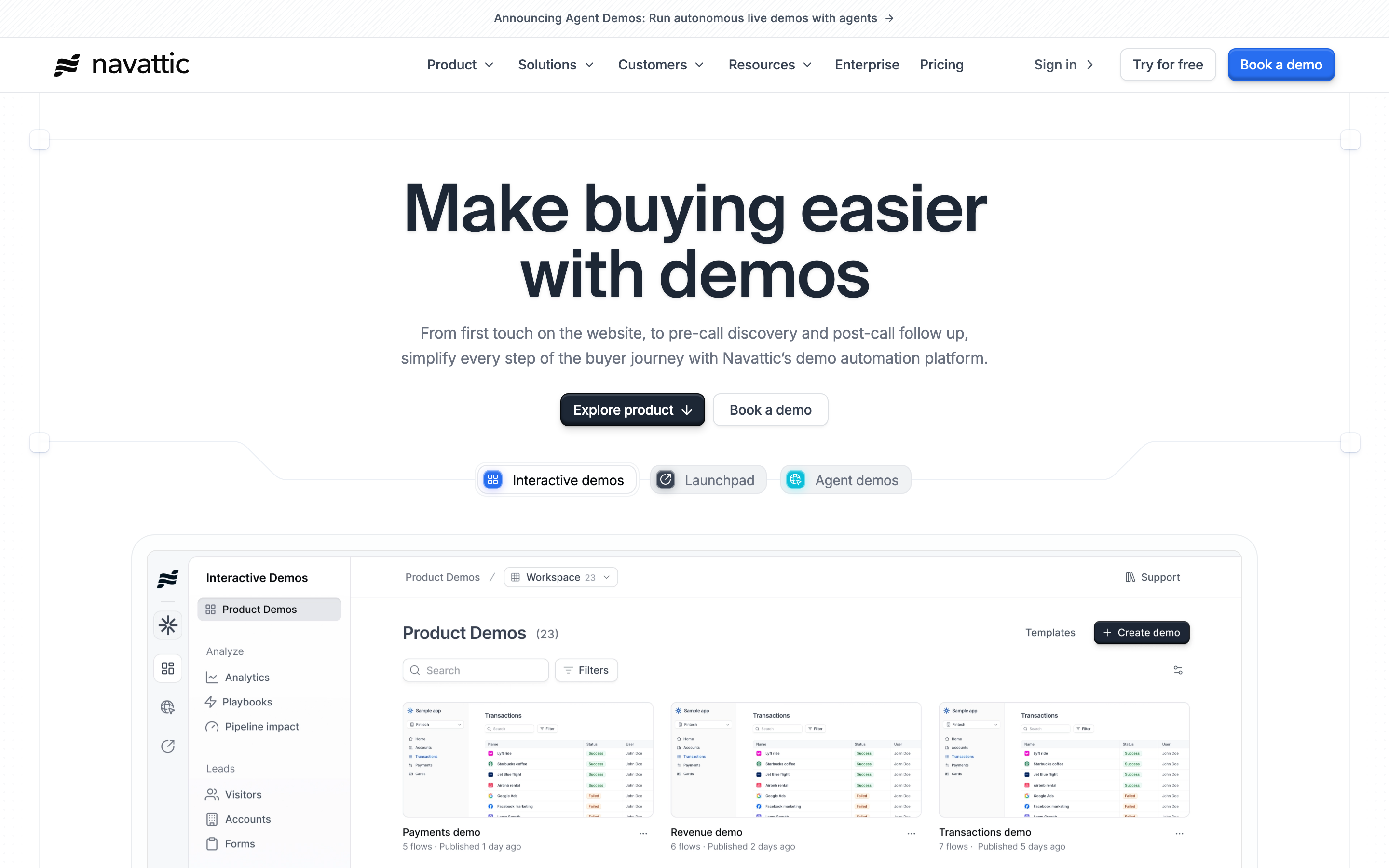
Navattic is the enterprise-grade option for interactive demos with tighter governance, analytics, and sales motion support.
Key features
- No-code demos - Build guided product tours.
- Demo centers - Organize multiple demo experiences.
- Analytics - Connect engagement to intent.
- CRM workflows - Support sales follow-up.
- Enterprise controls - Manage teams and permissions.
What users say
Users like Navattic for serious B2B demo programs. The tradeoff is setup time and sales-led buying complexity.
Best for
B2B SaaS teams running a mature demo program.
Pricing note: Navattic pricing is typically sales-led.
5. Walnut
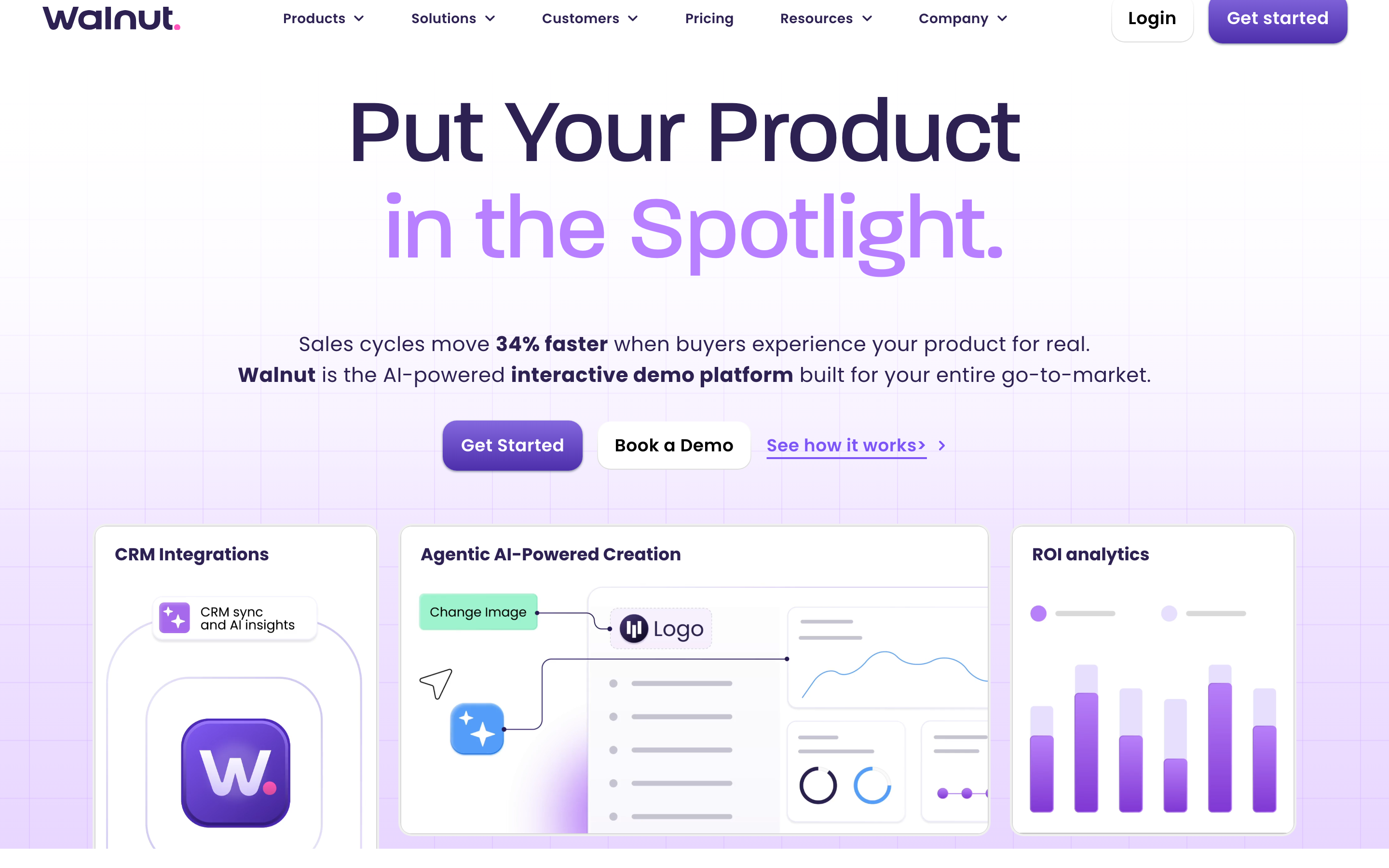
Walnut is best when the problem is sales demo control, not lightweight marketing content.
Key features
- Sales demos - Create controlled demo experiences.
- Personalization - Tailor flows by buyer.
- Analytics - See prospect engagement.
- Governance - Standardize demo delivery.
- Enterprise support - Fit larger sales teams.
What users say
Sales teams value Walnut when live demos are risky or inconsistent. Smaller teams often find the workflow heavier than needed.
Best for
Enterprise sales teams that want controlled demos for account-based selling.
Pricing note: Walnut generally uses custom pricing.
6. Guidde
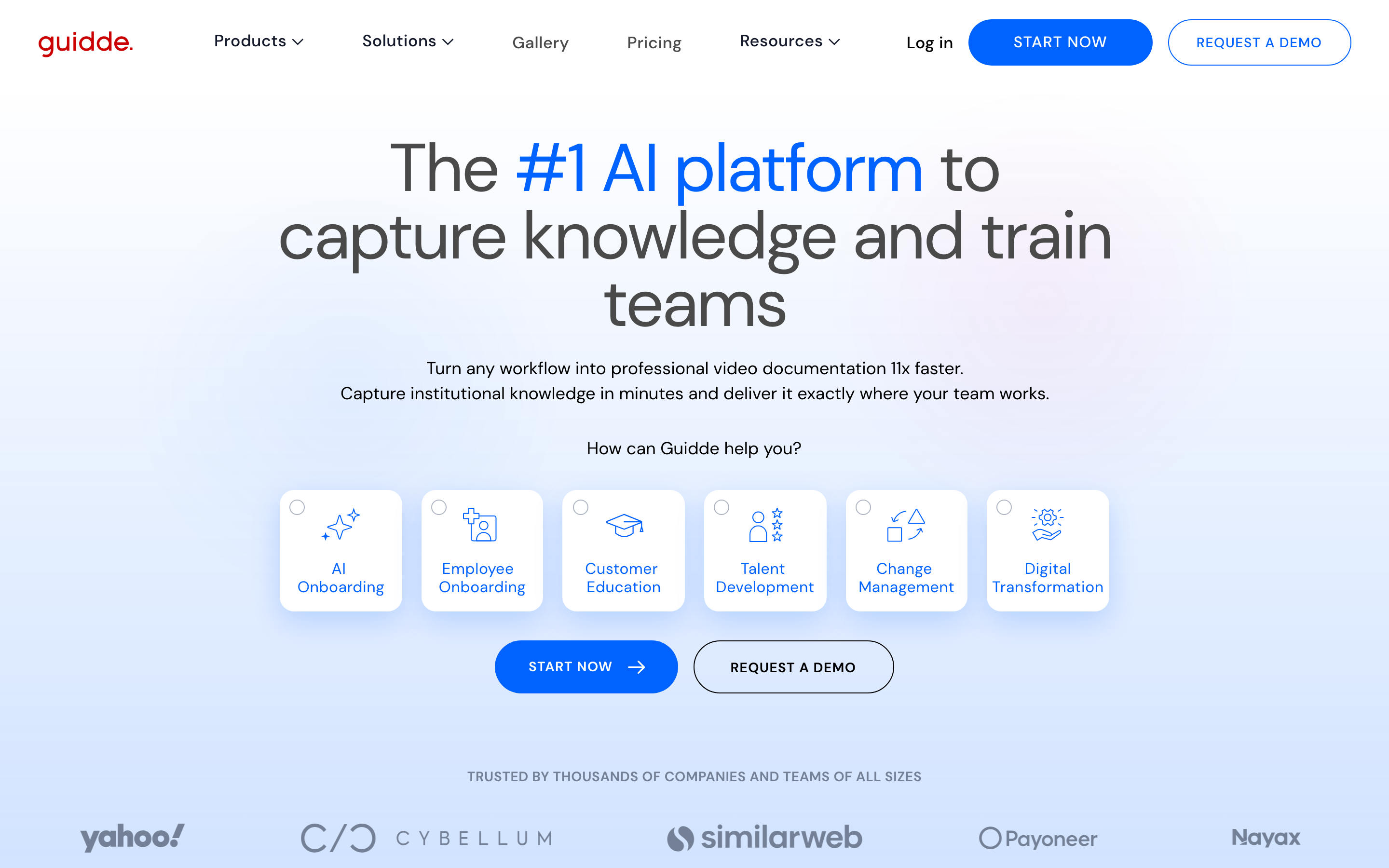
Guidde is the Storylane alternative for teams that need how-to video and documentation around product flows.
Key features
- Workflow capture - Record a product process.
- AI voiceover - Generate narration.
- Video documentation - Publish guides as videos.
- Sharing - Embed guides across docs.
- Branding - Style guides for customers.
What users say
Users like Guidde for quick documentation and explainers. It does not replace a high-fidelity interactive demo platform.
Best for
Support, customer education, and product teams that want video documentation.
Pricing note: Guidde publishes free and paid plans.
7. Canva Video
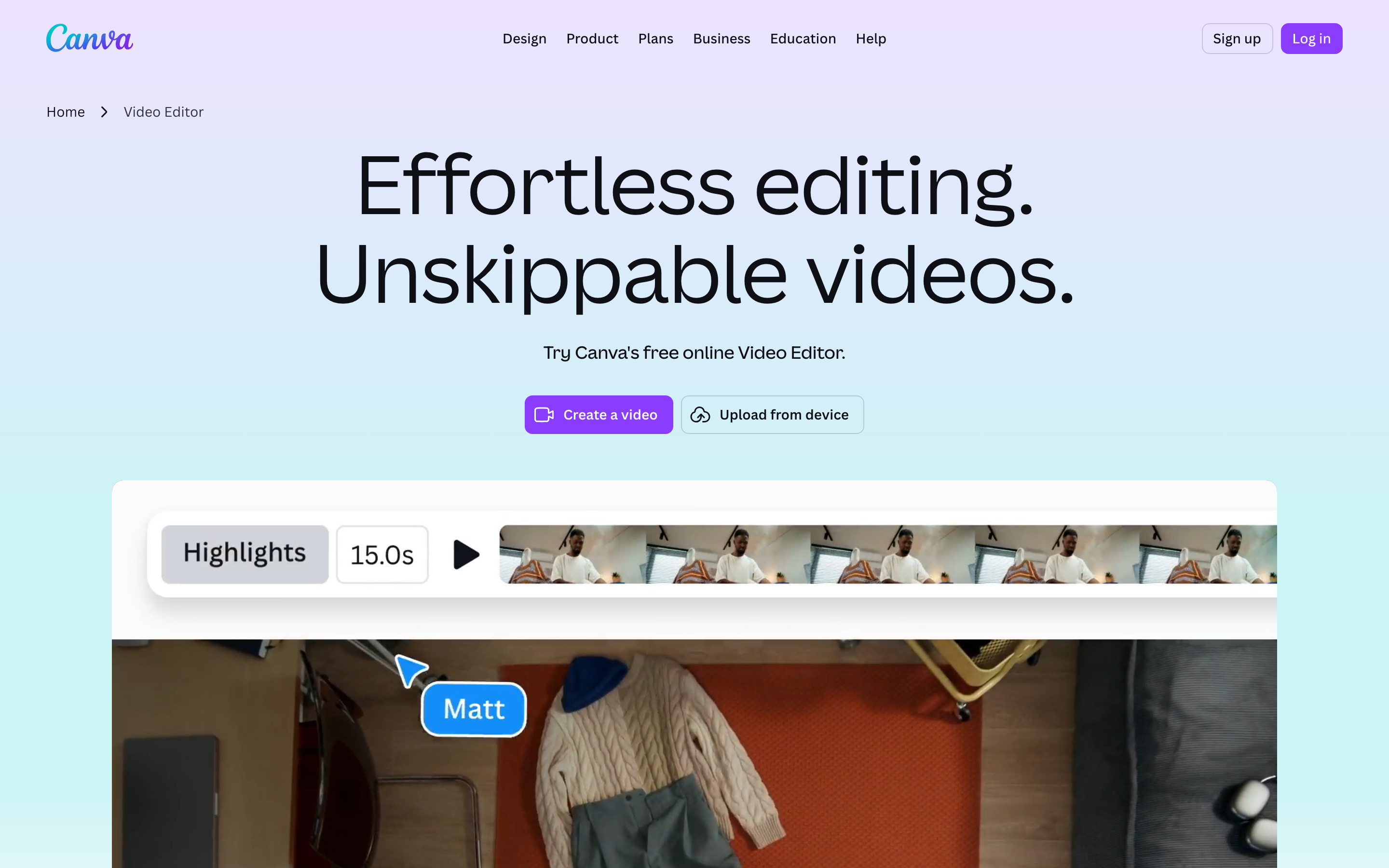
Canva Video is not a demo platform, but it is realistic when the need is marketing assets around a product story.
Key features
- Templates - Start from marketing layouts.
- Brand kit - Apply team identity.
- Stock assets - Use Canva media and design elements.
- Collaboration - Edit with teammates.
- Exports - Create video and graphics.
What users say
Users praise Canva for speed and design accessibility. Product accuracy depends on screenshots or manual assembly.
Best for
Marketing teams that need launch videos, social snippets, and supporting graphics.
Pricing note: Canva has free and paid plans that vary by region and team package.
---
Need a video that feels finished, not assembled? ngram turns source material into a planned, branded video workflow. Try ngram
---
How we compared these Storylane alternatives
We refreshed this post in June 2026 with live SERP checks, vendor pricing pages, public review language, Reddit threads, and the current ngram product-state file. Google Ads Keyword Planner was unavailable because credentials were missing, so keyword volume and CPC claims were not used.
| Criteria | Weight | What we looked at |
|---|---|---|
| Workflow fit | 30% | Whether the product matches the job behind the query, not only the category label. |
| Output quality | 20% | Render polish, editing control, captions, brand fit, and customer-ready presentation. |
| AI depth | 15% | How much scripting, storyboarding, editing, voice, avatar, localization, and repurposing is handled by AI. |
| Value clarity | 20% | Public pricing, credit limits, seat rules, output caps, and cost predictability. |
| Team readiness | 15% | Collaboration, brand controls, permissions, hosting, exports, and governance. |
We used qualitative sentiment only. Numerical star ratings were intentionally excluded because scores age quickly and hide the reason behind user praise or complaints.
Frequently Asked Questions
What is the best Storylane alternative in 2026?
ngram is the best Storylane alternative for teams that need finished business video from docs, recordings, screenshots, URLs, or prompts. Pick a specialist if your workflow is limited to static product tours or clickable landing-page demos.
Is there a free alternative to Storylane?
Several tools in this list offer limited free plans or trials, but free tiers usually add watermarks, export caps, low resolution, or tight credit limits. Use a free plan to test workflow fit, then verify the current pricing page before migrating a team.
How should I compare Storylane competitors?
Start with the source material you already have. A template editor, screen recorder, avatar studio, and product demo platform solve different jobs, even when every pricing page says AI video.
When should I keep Storylane?
Keep Storylane if Storylane is already your central demo hub and the contract fits. Switching only makes sense when the missing workflow costs more time than the migration.
Which Storylane alternative is best for teams?
For team workflows, prioritize brand controls, review loops, permissions, hosting, export formats, and clear pricing. ngram fits teams that need demo material to become launch videos, follow-up clips, and onboarding explainers
Our verdict
The best Storylane alternative depends on the job behind the search. If you need one narrow tool for one repeatable task, one of the specialists above may be the cleanest choice.
If your team starts with messy source material and needs a polished customer-facing or employee-facing video, ngram is the strongest overall fit. It handles planning, scripting, storyboarding, brand treatment, editing, variants, and publishing in one workflow.
Stay with Storylane if your website conversion depends on interactive demo embeds and the current Storylane contract fits. Switch when your team needs the message, format, and audience to change without rebuilding every video from scratch.
---
Try ngram free. Turn raw recordings, docs, URLs, or screenshots into polished business videos with script, storyboard, captions, and brand controls. Start free