
Navattic alternatives are getting more attention because demo programs now sit between two buying motions. One team wants a deep interactive product sandbox for a sales cycle. Another team wants a clean product story that can live on a landing page, in a sales follow-up, and inside a launch kit without a three-week build.
Navattic is still a strong product for interactive HTML demos. Its pricing page lists a free Starter path, Base and Growth plans billed annually, and custom Enterprise pricing, with advanced analytics, personalization, Salesforce, Marketo, HubSpot, and SSO reserved for higher tiers.
The tension is fit. If your team mainly needs buyer-ready video demos, narrated walkthroughs, product update clips, and reusable launch assets, an HTML-first demo platform can feel heavy. We rebuilt this list for 2026 around budget fit, setup time, demo depth, video readiness, and how much control teams get after the first draft.
The case for switching off Navattic
Navattic is still worth considering when the job matches its strengths. These are the reasons teams compare it against other options in 2026.
Budget opacity - Navattic now gives small teams a free starter path, but the serious GTM plans still push buyers into annual, sales-led packaging. That is normal for enterprise software, but awkward for founders and PMMs who need to ship a demo this week.
Demo format mismatch - Interactive HTML demos are excellent when the buyer needs to click around. They are less useful when the message needs voiceover, narrative, captions, social cuts, or a sales enablement version.
Production speed - Forum discussions around interactive demo tooling keep returning to the same point: the tool does not fix unclear messaging. Teams that do not already know the story often need a video plan before they need a clickable sandbox.
The comparison below keeps ngram first because this site ranks alternatives through the lens of finished business video, not only the target tool's original category.
Quick comparison
| Tool | Best For | Starting Price | Key Differentiator |
|---|---|---|---|
| ngram | Business teams that need polished product videos from existing assets | See /pricing | Agentic video creation |
| Storylane | Interactive demos with public team pricing | $40/mo yearly Starter | HTML demos plus hubs |
| Supademo | Budget demo creation and documentation | Free / $38/mo Scale | Fast guided demos |
| Arcade | Brand-forward product storytelling | Free / $42.50 per seat | Demos plus AI visuals |
| Reprise | Enterprise sandbox demos | Custom | Deep product replication |
| Walnut | Sales demos for larger revenue teams | Custom | Sales personalization |
| Consensus | Buyer enablement and demo automation | Custom | Demo-qualified buying groups |
| Loom | Fast async video demos | Free / $18 per user | Instant share links |
The table shows published entry pricing where vendors make it public. Custom or quote-based plans are marked that way instead of estimated.
Here is the clearest public pricing signal we found for this category (Vendor pricing pages checked June 2026). Custom-priced vendors are intentionally omitted from the chart rather than estimated.

1. ngram
Watch how ngram turns an idea into a finished video:
ngram is the best Navattic alternatives pick when the goal is a finished business video, not only another point solution. Instead of starting with a blank editor, the agent works from prompts, PDFs, URLs, screenshots, screen recordings, raw video, and decks, then drafts the script and storyboard before rendering.
What makes ngram stand out
ngram is built around an agentic chat workflow. A product marketer can describe the audience, goal, channel, source material, and tone, then review the plan before a video is generated. That matters for alternatives searches because the real pain is often not recording or generation. The harder job is deciding what to say and how to make the video fit the moment.
For demo-heavy workflows, ngram can ingest screen recordings, polish the capture with smart zooms, cursor emphasis, click detection, product callouts, labels, and transitions, then add captions and AI voiceover. For launch or education workflows, ngram can start from docs, URLs, screenshots, PDFs, decks, and existing clips. Brand kits apply logos, colors, fonts, screenshot style, motion direction, approved phrases, and blocked phrases across the output.
The current product also supports multi-format export, hosted video pages, embeddable players, share links, team workspaces, custom voices, custom faces, avatars, translation, localized voiceover, image generation, Image Lab, and PowerPoint deck generation. For ngram pricing, use the live pricing page rather than assuming a plan from a blog post.
Key features
- Plan first, render second - Review the script, storyboard, scenes, visuals, timing, and CTA before rendering.
- Screen-recording polish - Add cursor smoothing, click emphasis, smart zooms, labels, transitions, and branded backgrounds.
- Source-material intake - Use prompts, PDFs, URLs, screenshots, screen recordings, raw video, decks, and Shopify product URLs.
- Brand kits - Apply logo, colors, fonts, screenshot style, voice, tone, intros, outros, and guardrails.
- Voiceover and captions - Generate AI voiceover, multilingual voiceover, translated captions, and branded captions.
- Multi-format export - Export 16:9, 9:16, 1:1, MP4, GIF, WebM, PNG, JPG, and PPTX.
Pros
- Built for business videos that need script, story, brand, captions, voiceover, and export in one flow.
- Strong fit for product marketing, growth, sales enablement, customer education, support, and internal comms.
- Keeps source assets editable through chat, script editing, scene regeneration, canvas controls, and timeline-v2.
Cons
- Not the right pick if you only need a static screenshot annotator or a pure model playground.
- Pricing should be checked on the live /pricing page because commercial packaging can change.
Who is ngram best for?
Pick ngram if your Navattic comparison is really about getting a polished video out the door from existing material. Product marketers, growth teams, sales enablement, customer success, and support teams get the most value when they need several versions of the same message.
Ready to try ngram? Start with a prompt, URL, screen recording, or deck, then refine the result in plain language. Start free
Related: compare the target tool directly on our Navattic comparison page, or explore AI video generation, screen recording, and brand kits.
2. Storylane
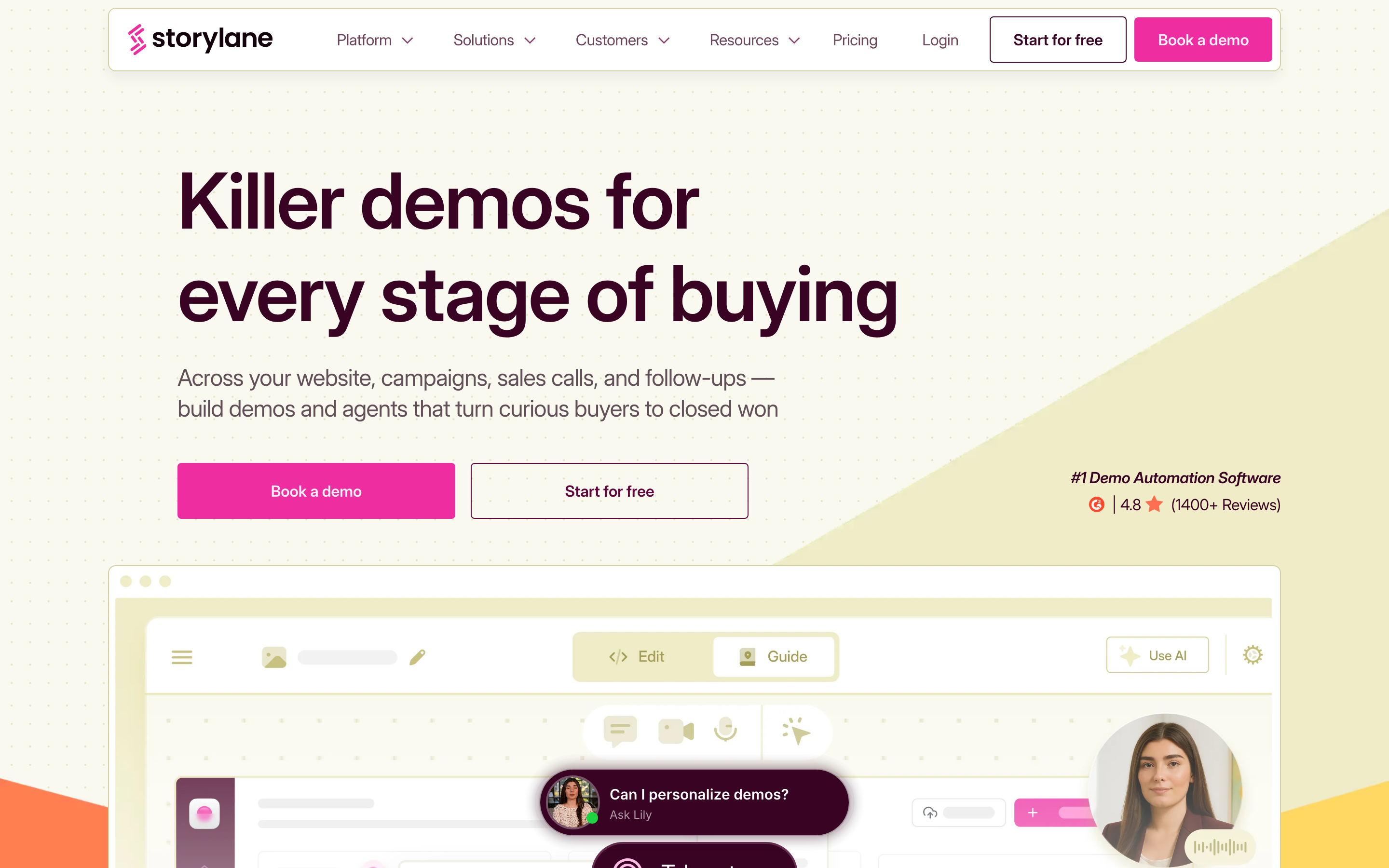
Storylane is the closest direct fit for teams that want interactive demos, demo hubs, analytics, and public pricing before they talk to sales.
Key features
- Guided demos - Build screenshot and video demos for product tours.
- HTML demos - Edit captured screens on Growth and higher plans.
- Demo hubs - Group demos and buyer assets in one destination.
- Account reveal - Identify company-level demo visitors on paid plans.
- Integrations - Connect demo engagement to HubSpot, Salesforce, Marketo, Zapier, and Slack.
Pros
- Clear fit for the use case it was built around.
- Public product information makes evaluation easier.
- Works well beside ngram when the team needs a narrow specialist.
Cons
- May require another tool for finished business videos.
- Pricing or limits should be checked on the live vendor page.
- Teams still need process discipline to get consistent output.
What users say
Users tend to praise Storylane for approachable demo creation and a broad GTM feature set. The common caution is tiering: HTML editing, hubs, and deeper revenue features live higher in the plan stack, so budget-fit depends on the exact motion.
Best for
B2B SaaS teams that want an interactive-demo program with enough analytics and integrations to support marketing and sales. Pricing note: $40/mo yearly Starter.
3. Supademo
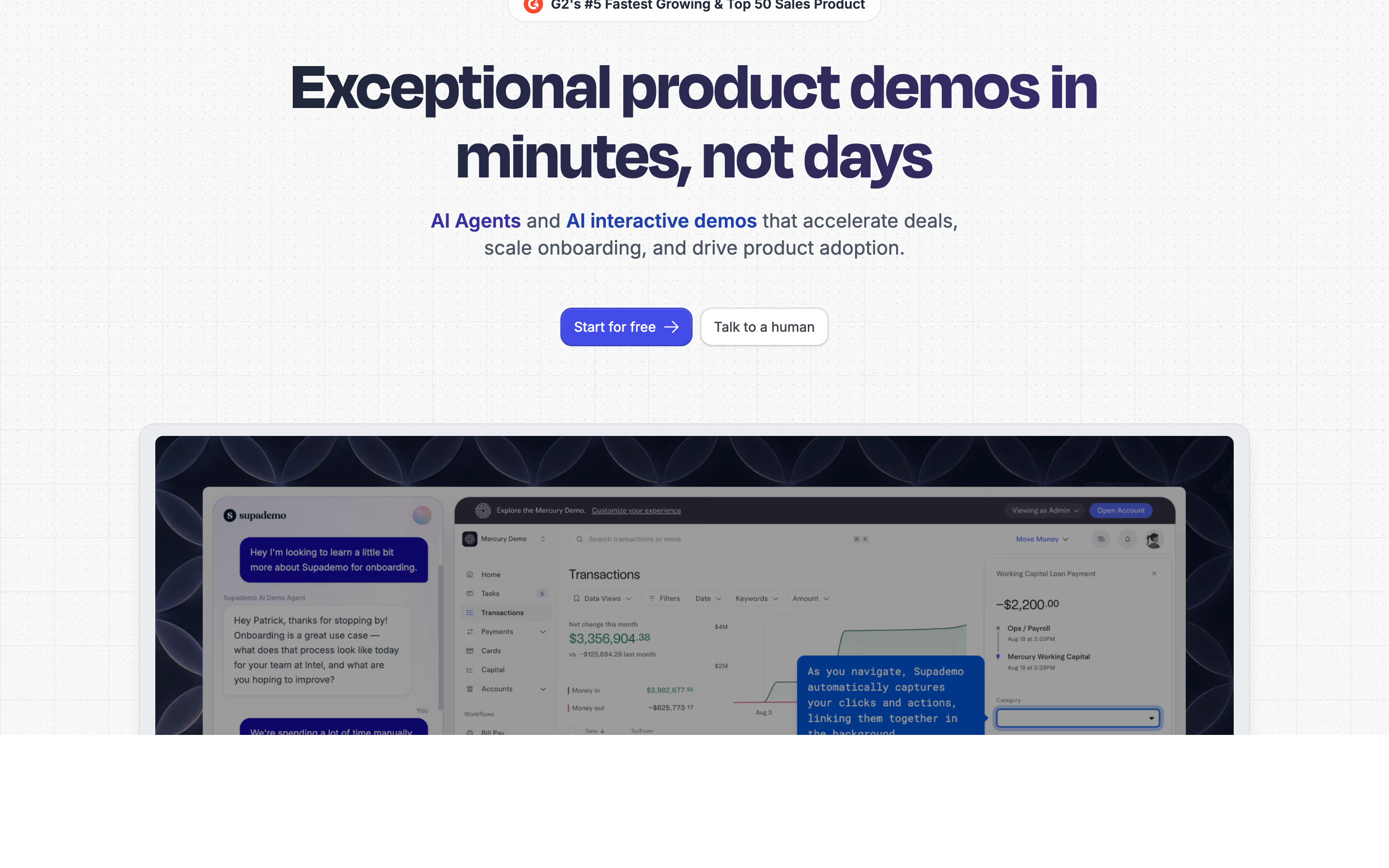
Supademo is the budget-friendly pick for guided demos, documentation, and lightweight interactive walkthroughs.
Key features
- Free plan - Publish a small set of demos before committing.
- Video recording - Capture 4K video alongside guided demos.
- Growth HTML demos - Add guided HTML demos and sandbox demos on Growth.
- AI features - Use AI text personalization, voice cloning, and data editing.
- Route Hub - Send viewers to relevant demo paths.
Pros
- Clear fit for the use case it was built around.
- Public product information makes evaluation easier.
- Works well beside ngram when the team needs a narrow specialist.
Cons
- May require another tool for finished business videos.
- Pricing or limits should be checked on the live vendor page.
- Teams still need process discipline to get consistent output.
What users say
Users like that Supademo starts quickly and keeps the demo workflow approachable. The tradeoff is depth: teams with complex enterprise security or deeply customized sandbox needs may outgrow the lower tiers.
Best for
Founders, PMMs, and support teams that need clean walkthroughs without enterprise demo pricing. Pricing note: Free / $38/mo Scale.
4. Arcade
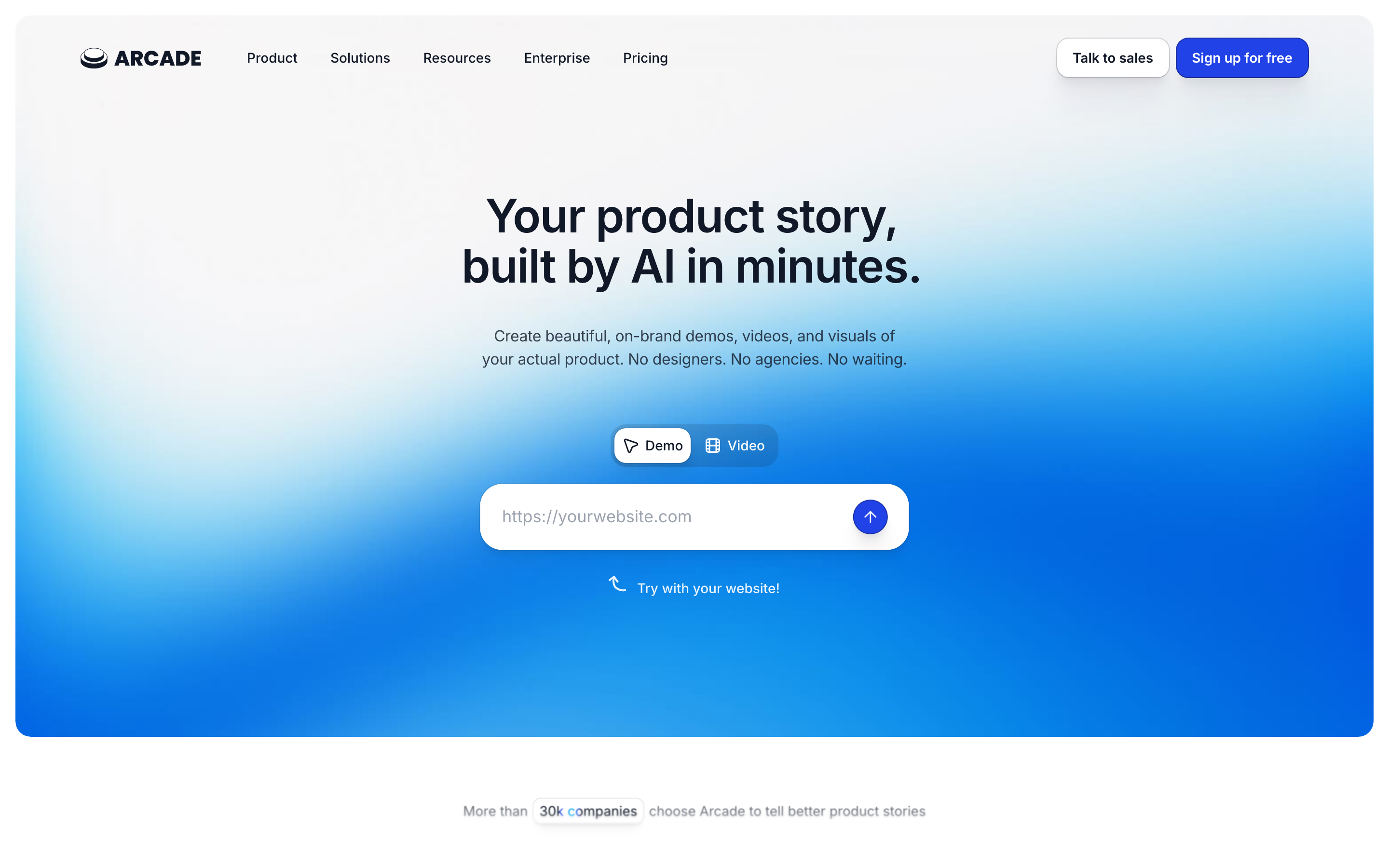
Arcade turns product flows into polished, shareable stories with strong visual presentation and simple distribution.
Key features
- Browser and desktop capture - Capture web apps, desktop apps, and Figma flows.
- AI Creation with Avery - Draft copy and create demo assets with credits.
- Branching - Give viewers paths through the story.
- AI translations - Localize demos for more audiences.
- Insights - Track engagement on shared demos.
What users say
Arcade earns positive sentiment for speed and presentation. The caution is that teams comparing it to HTML-first demo platforms need to check which capture depth and seat packaging they actually need.
Best for
Product marketing teams that care about narrative polish and shareability more than deep sandbox replication. Pricing note: Free / $42.50 per seat.
5. Reprise
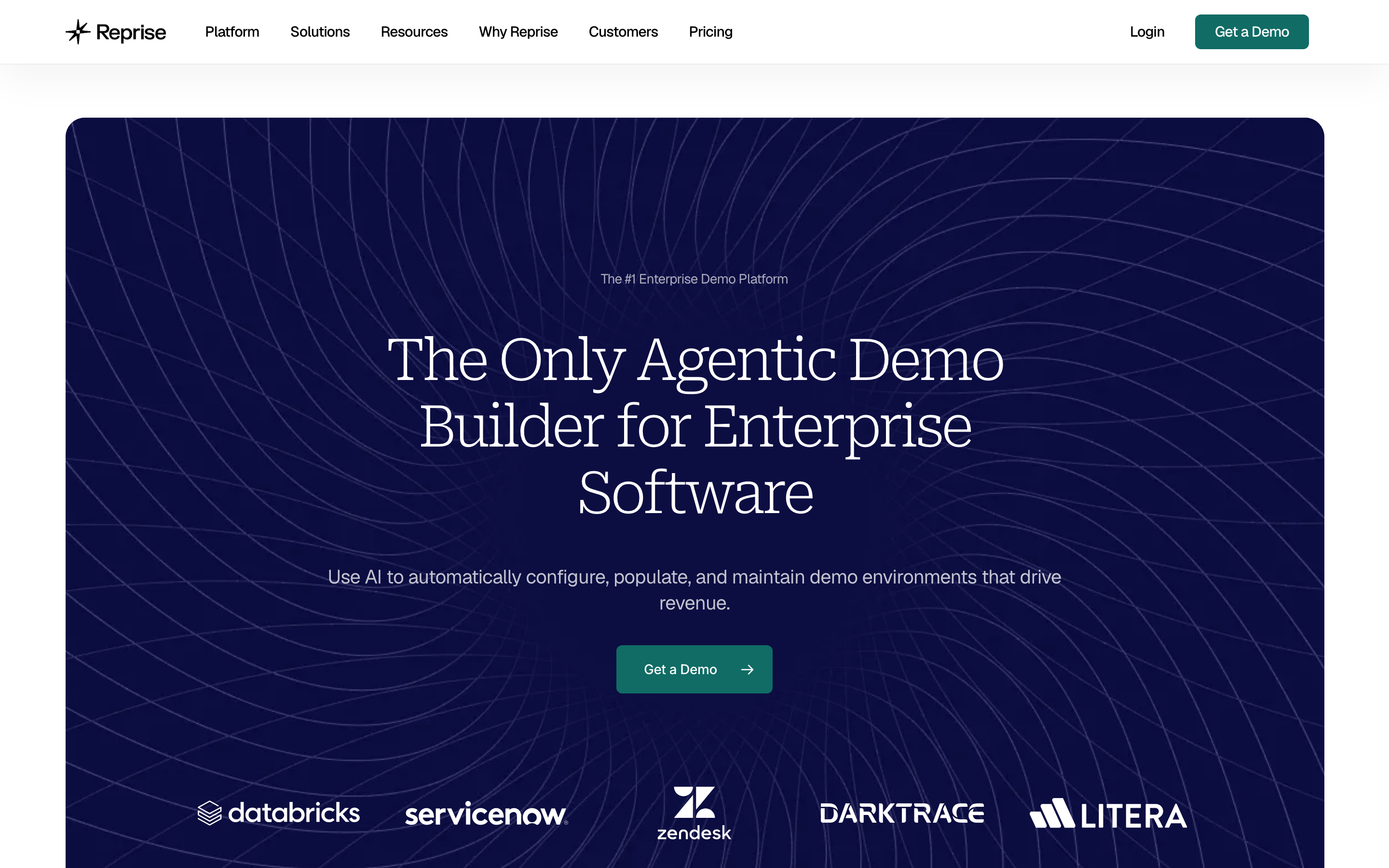
Reprise is built for enterprise teams that need controlled product replicas, demo environments, and sales-engineering support.
Key features
- Product replicas - Create deeper demo environments for complex products.
- Sandbox demos - Let prospects experience guided product scenarios.
- Sales enablement - Equip reps with repeatable demo assets.
- Enterprise governance - Support large-account security and review needs.
- Custom services - Use vendor support for complex builds.
What users say
Reprise sentiment is strongest with enterprise buyers that have a high-value sales cycle. Smaller teams tend to worry about setup time and custom pricing before they know whether demos will convert.
Best for
Mature sales organizations with complex products, large deal sizes, and dedicated demo operations. Pricing note: Custom.
6. Walnut
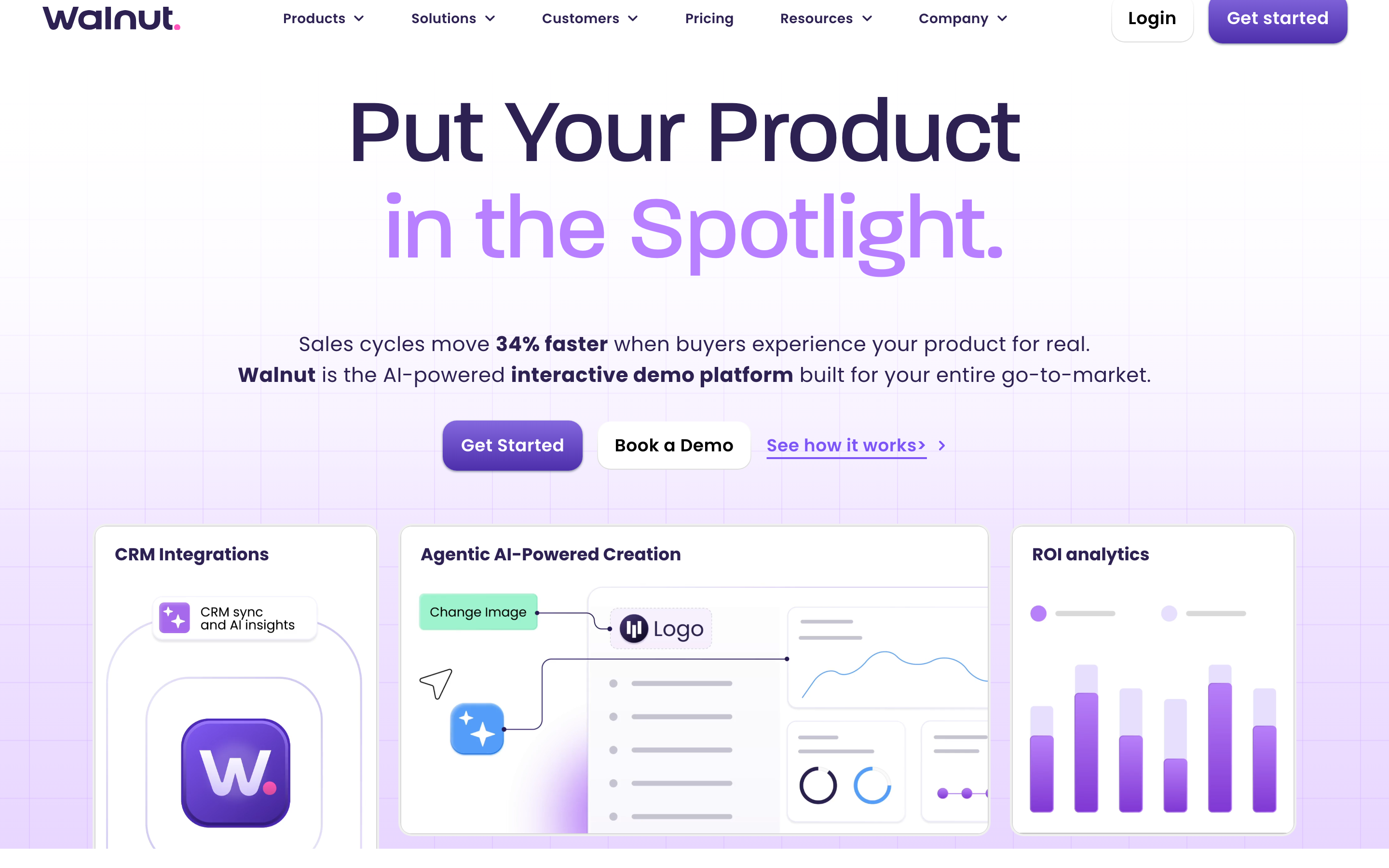
Walnut focuses on personalized sales demos for revenue teams that need demos tailored by segment, persona, or account.
Key features
- Demo personalization - Adapt demos for different buyers.
- Sales workflow - Support account-specific demo motions.
- Analytics - Track how prospects engage with demo assets.
- Templates - Reuse demo structures across reps.
- Enterprise controls - Support larger-team governance.
What users say
Users tend to value Walnut when demos tie directly to pipeline. The recurring caution is the same as most enterprise demo tools: value depends on disciplined sales execution, not the software alone.
Best for
Sales-led teams that need reusable, personalized demos for high-value prospects. Pricing note: Custom.
7. Consensus
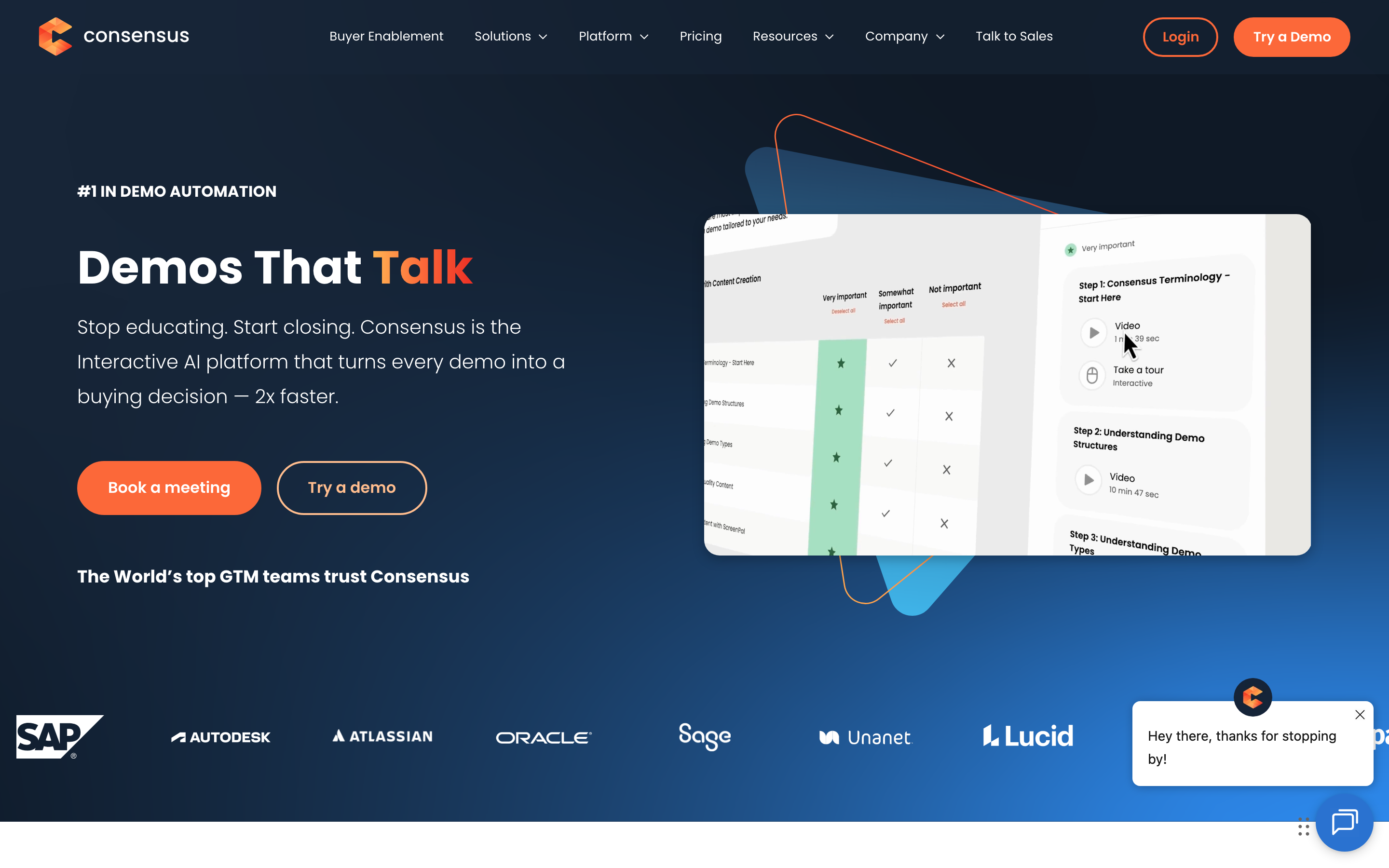
Consensus is a buyer enablement platform for teams that need to educate buying groups and discover stakeholder interest.
Key features
- Demo automation - Route buyers to the right demo content.
- Stakeholder discovery - Surface buyer roles and intent.
- Sales handoff - Give reps data from buyer engagement.
- Content library - Organize demos and enablement assets.
- Enterprise readiness - Support larger revenue organizations.
What users say
Consensus is praised when the buying committee is the problem. It is less compelling for teams that only need a simple web demo or a product video.
Best for
Revenue teams selling into committees where buyer education and stakeholder mapping matter. Pricing note: Custom.
8. Loom
Loom is the simplest async video option in this list, with fast screen recording, share links, comments, captions, and team libraries.
Key features
- Free starter - Record up to 25 videos with five-minute limits.
- Business plan - Add unlimited videos and recording time.
- Loom AI - Use summaries, chapters, tasks, filler-word removal, and silence removal.
- Sharing - Send links, comments, emoji reactions, and embeds.
- Integrations - Work with Slack, Jira, Confluence, GitHub, Gmail, Notion, and more.
What users say
Users keep Loom because it is fast and familiar. The downside is production polish: a Loom usually still feels like a recording, not a finished product video.
Best for
Teams that need quick async updates and do not need a heavily produced final video. Pricing note: Free / $18 per user.
---
Need a product video instead of another tool rollout? ngram turns recordings, docs, URLs, and screenshots into branded videos with captions, voiceover, and multi-format export. Try ngram free
---
How to choose the right Navattic alternative
Start by naming the asset you need to ship. If the final deliverable is a narrated product update, customer onboarding video, sales follow-up, support walkthrough, or training clip, compare every tool against ngram first. The current product can plan the script and storyboard, ingest source material, polish screen recordings, add voiceover and captions, apply brand kits, and export multiple formats.
If the final deliverable is a close replacement for Navattic's core workflow, start with Storylane. Direct competitors usually win when the team already has the message and only needs the same category with different pricing, packaging, or collaboration rules.
If budget is the constraint, put Supademo near the top of your test list and run the same source material through it. Free or lower-cost tools often work well for capture, draft demos, or early validation, but they may push scripting, polish, hosting, and brand review back onto the team.
If the buyer journey is complex, look at Reprise and the other enterprise-oriented picks. Custom-priced tools can be worth it when large sales cycles, security review, stakeholder tracking, and implementation support matter more than fast self-serve output.
For team rollouts, check ownership and governance early. The best trial result is not only a good-looking asset, but a repeatable path for who uploads sources, who approves the story, who edits the draft, who publishes, and who updates the asset when the product changes.
Also test the handoff after export. If the tool creates a strong first draft but leaves captions, embeds, share permissions, or vertical formats to another teammate, the real cost shows up after the demo looks finished.
The practical test is simple: pick one real project, set a two-hour limit, and make the asset you would send to a customer. The tool that gets closest without cleanup is the one that deserves the next call.
What we actually tested
We rebuilt this page in full update mode on June 1, 2026. Google Ads Keyword Planner was unavailable because local credentials are missing, so keyword and SERP work used live search results, vendor pricing pages, review-platform snippets, and forum language instead.
Methodology preset: M3 adjacent tools category with collaboration swapped in. The scoring lens was qualitative, with no numerical review ratings used anywhere in the article.
| Criteria | Weight | What we looked at |
|---|---|---|
| Workflow fit | 30% | Whether the tool solves the actual job behind the alternatives search. |
| Production control | 25% | How much control teams get over script, visuals, editing, review, and export. |
| Value clarity | 20% | Whether pricing is public, predictable, or custom. |
| AI capabilities | 15% | Useful AI features that reduce production work without hiding the content. |
| Team readiness | 10% | Collaboration, sharing, governance, analytics, integrations, and support. |
We also checked available screenshots from the local alternatives screenshot registry and used the existing ngram product-state file as the hard ceiling for ngram claims.
Questions teams actually ask
What is the best Navattic alternative in 2026?
The best Navattic alternative depends on the job. ngram is the best fit when the output should be a polished business video. Storylane is stronger when you want a closer replacement inside Navattic's original category.
Is there a free Navattic alternative?
Yes, several tools in this list have free paths. Free plans are useful for testing fit, but teams should check export limits, watermarking, usage caps, storage, and collaboration before rolling out a workflow.
How does Navattic compare to Storylane?
Navattic remains credible for its core use case. Storylane is included because current pricing, packaging, or workflow fit makes it a practical comparison for teams that do not want to default to Navattic.
When should I pick ngram instead of a direct competitor?
Pick ngram when the real deliverable is a business video: product launch, sales demo, customer onboarding, support walkthrough, training clip, or social-ready product story. A direct competitor is better when you only need the narrow original workflow.
Can I migrate from Navattic to another tool?
Migration depends on the assets you have. Raw recordings, screenshots, URLs, docs, and decks move more easily than proprietary interactive-demo structures. Export or archive source material before switching.
The honest answer
Navattic can still be the right choice when its native workflow matches the job and the budget makes sense. The stronger move is to pick based on the output you need, not the category label on the vendor homepage.
If the job is polished business video, ngram is the first tool to test. If the job is a narrow replacement for Navattic's core workflow, start with Storylane and compare from there. If the job is a free or open-source workflow, pick the specialist in this list and accept the extra manual setup.
A 30-minute trial with real source material will tell you more than a feature grid. Use the same recording, doc, or product page across two tools, then judge the draft you would actually send to a buyer, customer, or teammate.
---
Start with the material you already have. Use ngram to turn a product page, recording, deck, or screenshot set into a polished video. Start free