
Lumen5 made blog-to-video feel possible before most marketing teams had touched AI video. In 2026, that is no longer enough by itself.
The product still works for turning articles and scripts into simple social videos with stock media and text overlays. But the blog-to-video and marketing video category has moved fast. Search results for Lumen5 alternatives are now crowded with listicles, review sites, and vendor pages because buyers are not asking whether Lumen5 works. They are asking whether it is still the best fit for the next video they need to ship.
The issue is range. Marketing teams now need launch videos, explainers, screen-recording walkthroughs, avatar narration, localization, and brand-safe variants from more than pasted text.
We refreshed this guide on June 1, 2026. We checked current SERPs, vendor pricing pages, review-platform summaries, and recent forum language. We kept ngram first because this is ngram's editorial site, but the notes below are honest about who should pick each tool.
TL;DR
ngram leads for turning docs, URLs, decks, recordings, and screenshots into branded video. Pictory, InVideo AI, VEED, Canva, Synthesia, and Kapwing cover narrower needs.
If you only need Lumen5's original core job, one of the narrower tools below may be enough. If you need a finished business video with script, storyboard, captions, brand, and export variants, start with ngram and use point tools only where they are clearly better.
Where Lumen5 feels narrow in 2026
- Blog-to-video is useful, but modern teams need video from PDFs, decks, URLs, product recordings, screenshots, raw footage, and launch notes.
- Template-led videos can look similar if the team does not have time to refine story, pacing, and visuals.
- Many alternatives now include stronger AI voiceover, avatar, caption, editing, or social-format workflows.
- Pricing is hard to judge from one number because export quality, branding, media library, AI credits, and team features matter more than the headline plan.
Quick comparison
| Tool | Best for | Pricing note | Key differentiator |
|---|---|---|---|
| ngram | Teams that need a planned, branded business video instead of another raw recording or single-purpose clip | See current ngram pricing | Agentic video creation from prompts, PDFs, URLs, screenshots, screen recordings, raw video, and decks |
| Pictory | Article-to-video and webinar repurposing | Free trial options; paid tiers commonly start around creator pricing | Script-to-video, article-to-video, captions, and highlight extraction |
| InVideo AI | Prompt-led social and YouTube videos | Free plan; paid AI plans vary by tier | Prompt-to-video with stock media, voiceover, captions, and templates |
| VEED | Editing, subtitles, and social resizing | Free plan; paid tiers vary by billing term | Browser editor with subtitles, translation, recording, and social export tools |
| Canva | Design-led marketing clips | Free plan; Pro pricing varies by region | Templates, brand kits, presentation recording, and simple video editing |
| Synthesia | Avatar-led training and enablement | Free trial options; paid tiers vary | Avatar presenters, localization, templates, and enterprise governance |
| Kapwing | Quick browser editing and captions | Free plan; Pro pricing varies by billing term | Subtitles, resizing, templates, and collaborative browser editing |
1. ngram
Watch how ngram turns an idea into a finished video:
Best when a blog post is just one source among many and the team needs a complete branded video.
Best for: Teams that need a planned, branded business video instead of another raw recording or single-purpose clip
Pricing note: See current ngram pricing
Why it stands out: Agentic video creation from prompts, PDFs, URLs, screenshots, screen recordings, raw video, and decks
Key features
- Agentic chat that turns a plain-language brief into a script, storyboard, scene plan, and CTA
- Screen-recording polish with transcript, cursor smoothing, click emphasis, smart zooms, labels, and section transitions
- Brand kits for logos, colors, fonts, motion style, tone, approved phrases, and blocked phrases
- AI voiceover, captions, motion graphics, product callouts, background music, and branded intros/outros
- Multi-format export for 16:9, 9:16, and 1:1, plus MP4, GIF, WebM, PNG, JPG, and PPTX outputs
- Hosted watch pages and embeddable player for sharing finished videos
Pros
- Builds script and storyboard from docs, URLs, PDFs, screenshots, recordings, decks, and raw video
- Generates captions, voiceover, motion graphics, callouts, music, and branded intros/outros
- Creates channel and persona variants from the same message
Cons
- More workflow than needed for a one-off text-overlay social post
- Check /pricing for current plan details
What users say
Lumen5 users start from text. ngram users start from the business message and the assets they already have.
Ready to try ngram? Bring a screen recording, deck, URL, PDF, or rough prompt and turn it into a polished, branded video. Start from ngram pricing or explore the AI video generator.
2. Pictory
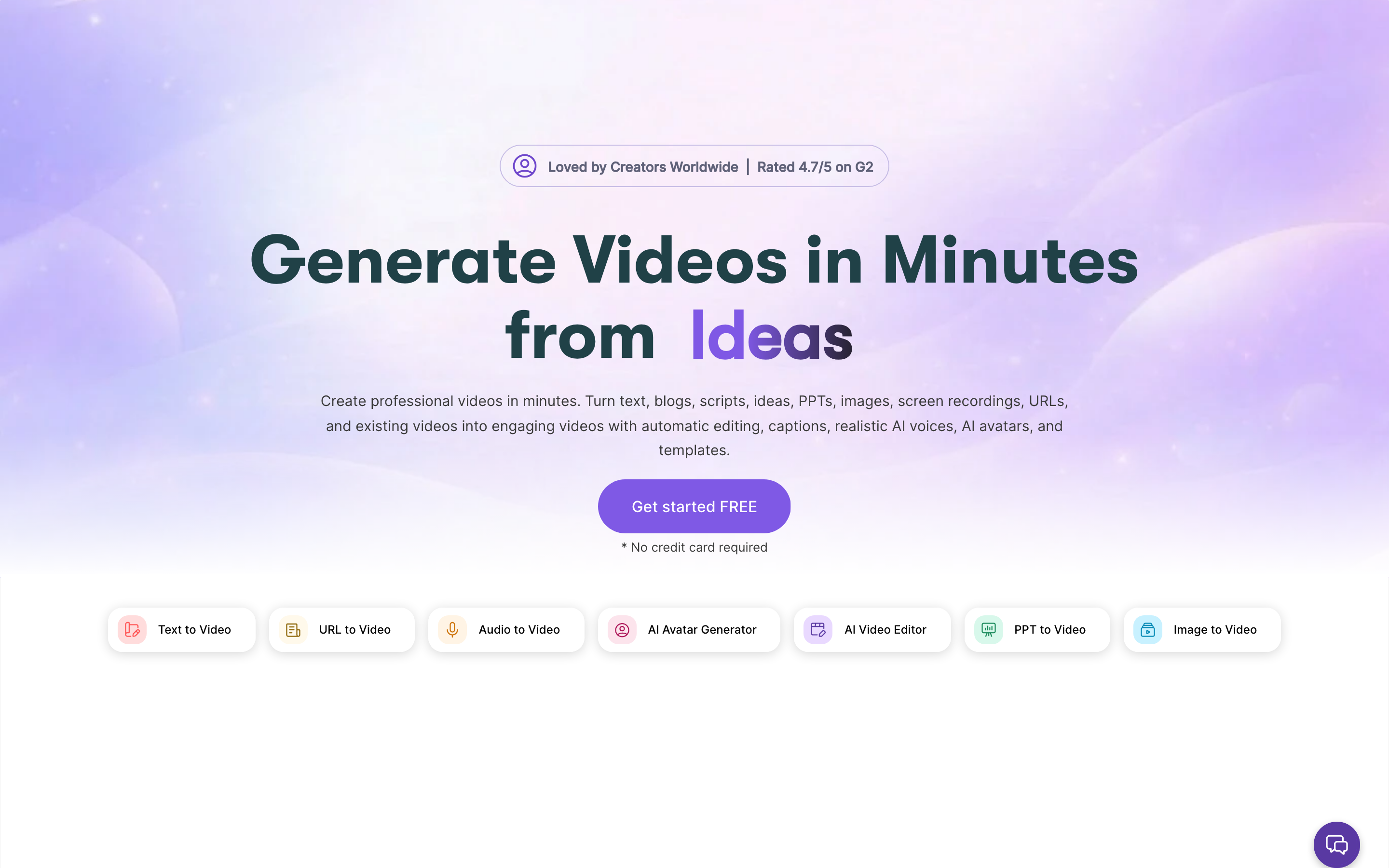
Pictory is the closest Lumen5-style alternative if the job is still mostly text or long-form content repurposing.
Best for: Article-to-video and webinar repurposing
Pricing note: Free trial options; paid tiers commonly start around creator pricing
Why it stands out: Script-to-video, article-to-video, captions, and highlight extraction
Pros
- Good blog-to-video and script-to-video workflow
- Useful for extracting highlights from webinars or long recordings
- Simple enough for marketers
Cons
- Less flexible for complex product demos or brand-specific motion
- Output can still feel template-led
What users say
Users pick Pictory when they want Lumen5’s job done with a newer workflow and clearer repurposing tools.
3. InVideo AI
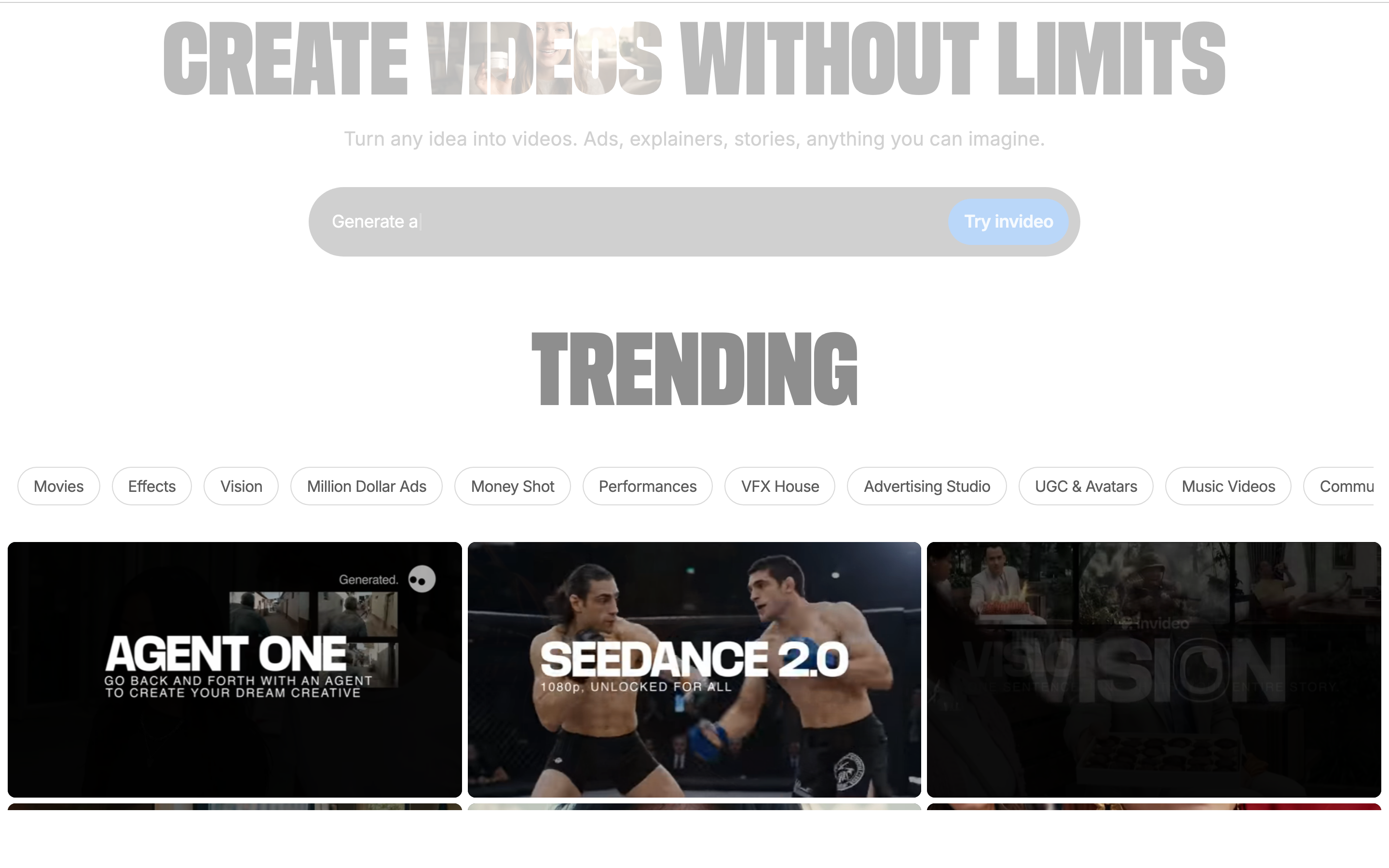
InVideo AI is the stronger pick for faceless videos, listicles, and social output at volume.
Best for: Prompt-led social and YouTube videos
Pricing note: Free plan; paid AI plans vary by tier
Why it stands out: Prompt-to-video with stock media, voiceover, captions, and templates
Pros
- Combines script, stock media, voice, captions, and edits quickly
- Good for YouTube and social formats
- Broad template and media workflow
Cons
- Regeneration and credit use can be frustrating
- Stock-heavy output can feel generic
What users say
Creators like the speed. Forum complaints tend to focus on credits, regeneration, and generic stock choices.
4. VEED
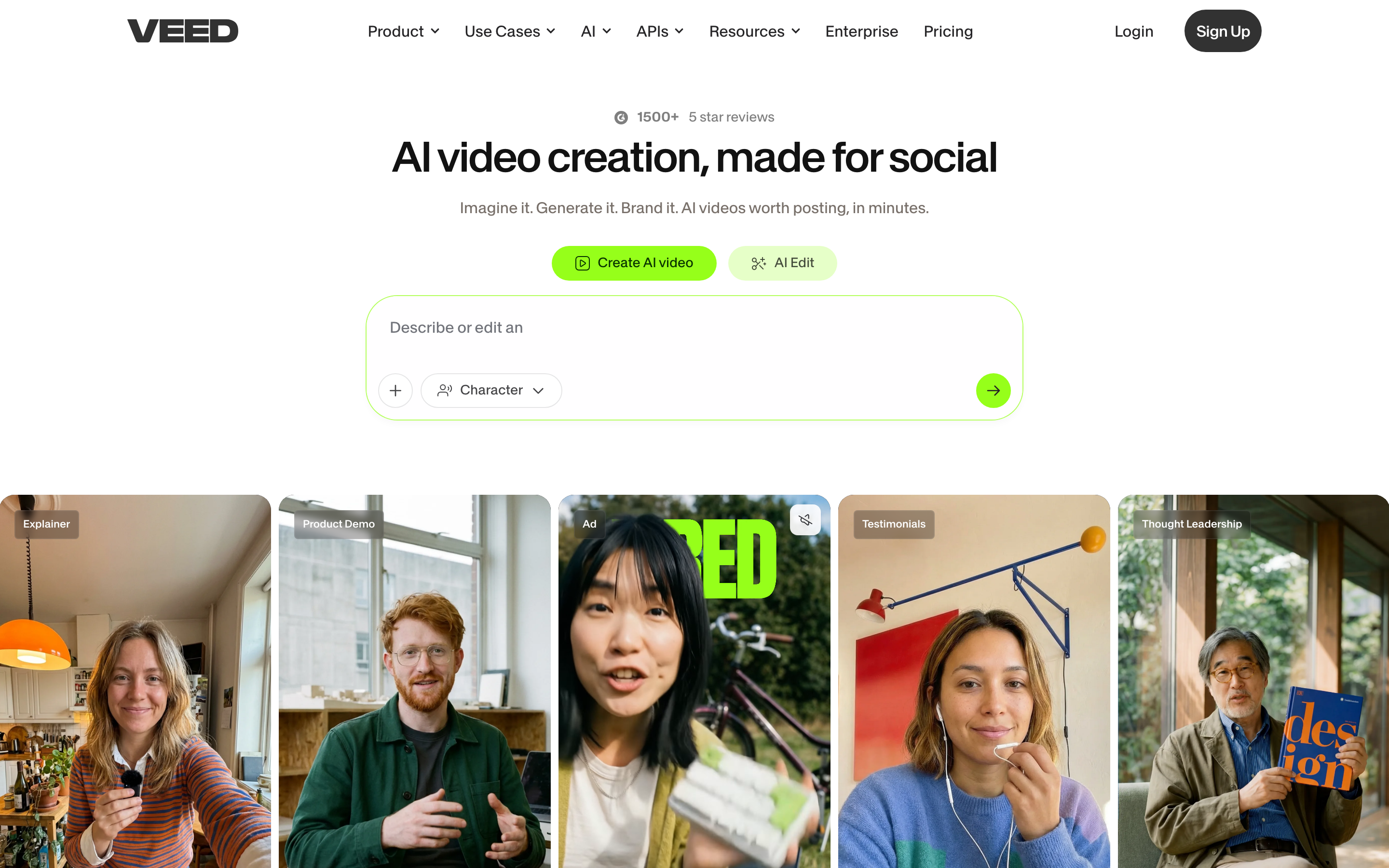
VEED is better than Lumen5 when you already have footage and need to edit, caption, translate, and resize it.
Best for: Editing, subtitles, and social resizing
Pricing note: Free plan; paid tiers vary by billing term
Why it stands out: Browser editor with subtitles, translation, recording, and social export tools
Pros
- Strong subtitles and browser editing
- Good social export workflow
- Team collaboration on paid plans
Cons
- Does not plan the story for you like ngram
- AI-heavy work can push teams into higher tiers
What users say
VEED wins when the source video already exists. Lumen5 wins when the source is mostly text.
5. Canva
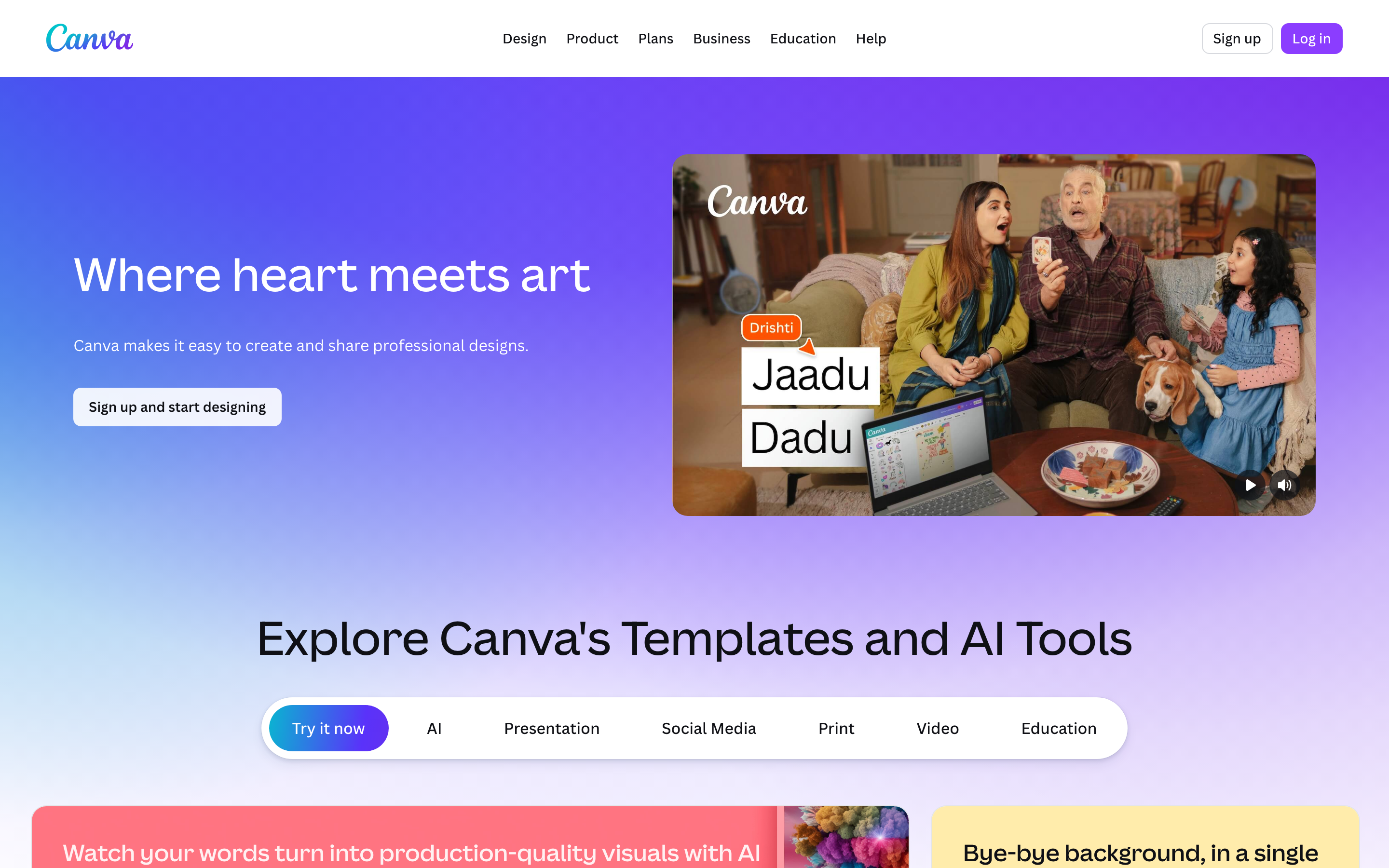
Canva is the practical pick for teams that already build campaigns, decks, and social assets there.
Best for: Design-led marketing clips
Pricing note: Free plan; Pro pricing varies by region
Why it stands out: Templates, brand kits, presentation recording, and simple video editing
Pros
- Huge template and asset library
- Good for quick branded social clips
- Easy collaboration for non-editors
Cons
- Video editing depth is lighter than dedicated editors
- AI video planning is not the core product
What users say
Canva users value consistency and speed. Video specialists often need more timeline control.
6. Synthesia

Synthesia beats Lumen5 when the video needs a presenter, especially for training or internal communication.
Best for: Avatar-led training and enablement
Pricing note: Free trial options; paid tiers vary
Why it stands out: Avatar presenters, localization, templates, and enterprise governance
Pros
- Repeatable avatar workflow
- Strong for multilingual enablement and L&D
- Enterprise-friendly controls
Cons
- Less useful for blog-to-video social clips
- Avatar format is not right for every message
What users say
Teams use Synthesia to replace camera shoots, not to make stock-footage social posts.
7. Kapwing
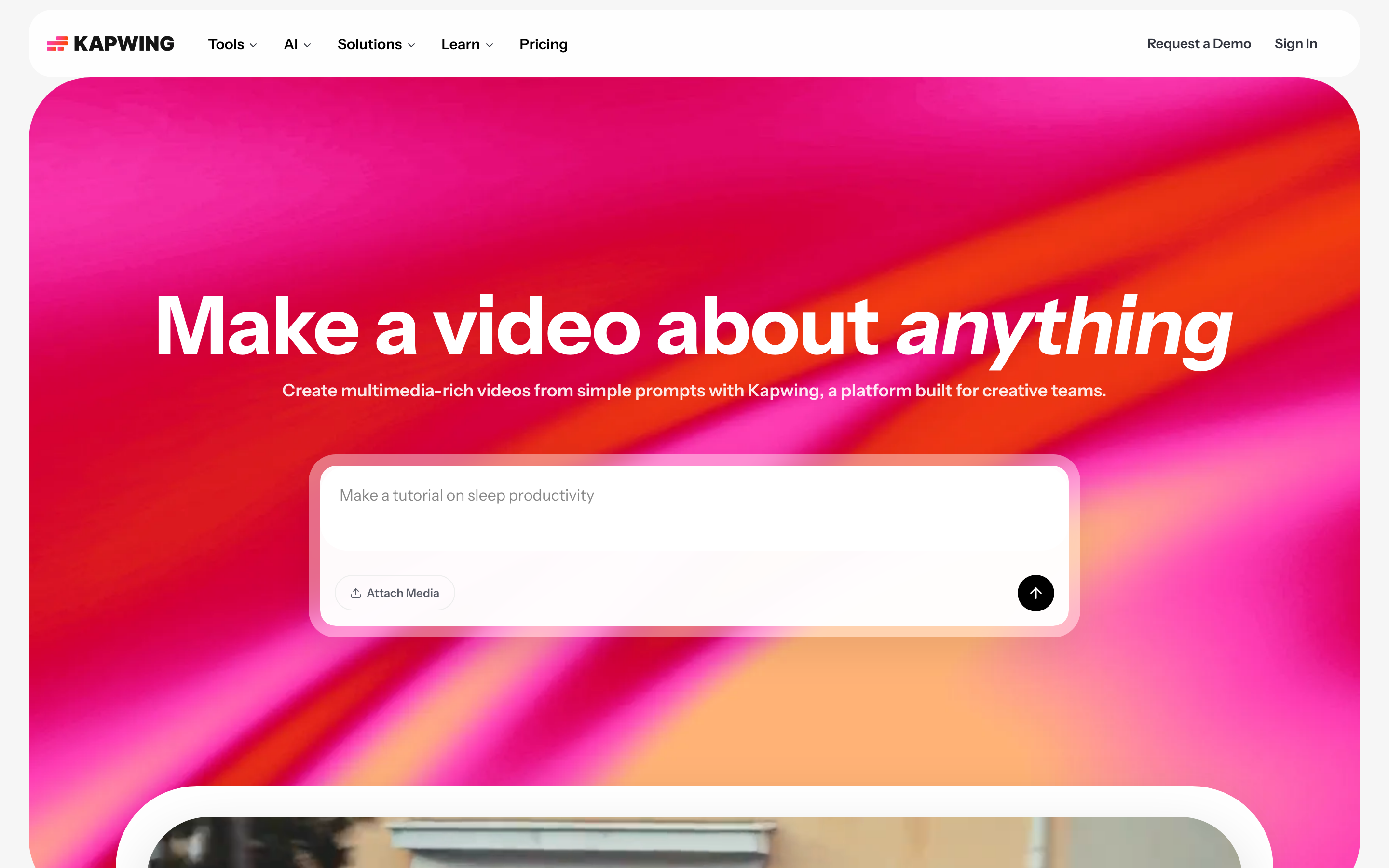
Kapwing is a good Lumen5 alternative when you want hands-on editing rather than automated blog-to-video.
Best for: Quick browser editing and captions
Pricing note: Free plan; Pro pricing varies by billing term
Why it stands out: Subtitles, resizing, templates, and collaborative browser editing
Pros
- Approachable browser editor
- Useful subtitles and resize tools
- Good for quick social content
Cons
- Export, storage, and AI limits require plan checks
- Less end-to-end than ngram
What users say
Kapwing is flexible for quick edits, but teams still need a plan when the content has a business goal.
Pricing snapshot
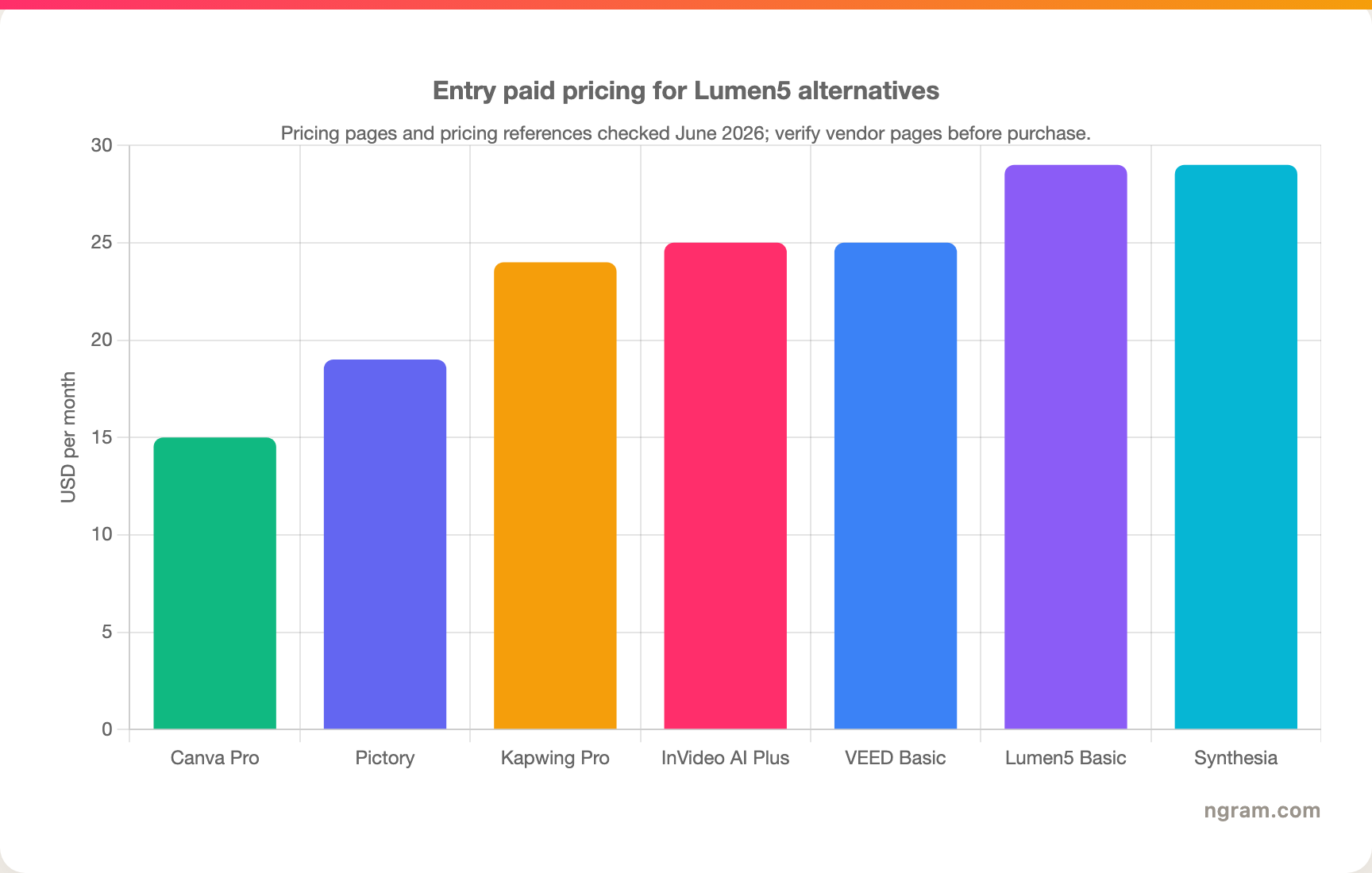
The chart is a snapshot, not a buying promise. AI-video and editor pricing changes often, especially where credits, minutes, exports, storage, and commercial rights are separate limits. For ngram, check the live pricing page instead of relying on a static blog sentence.
How we evaluated these Lumen5 alternatives
We used five checks. First, the alternative had to solve a real job that overlaps with Lumen5. Second, it needed a credible current product and pricing page or widely used free/open-source distribution. Third, it needed a clear reason to exist beside the other tools, such as async recording, transcript editing, avatar video, prompt generation, or professional editing. Fourth, we looked for recent user sentiment from review pages, Reddit, and search results without copying numerical star ratings. Fifth, we checked whether the tool could support a business workflow rather than only a one-off creative test.
The weighting favored fit over hype: workflow coverage, source-material flexibility, pricing clarity, output polish, team readiness, and how much manual cleanup remains after the first export.
Which alternative should you choose?
Pick ngram if the final asset needs to explain, launch, train, sell, or support something with brand control. It is the broadest fit for business videos built from existing material.
Pick the narrow tool if the job is narrow: Loom for quick async updates, ShareX or OBS Studio for free power-user capture, CapCut for social edits, Descript for spoken-word cleanup, Runway or Kling AI for raw generative video tests, Synthesia or HeyGen for avatar-led training, and Canva when the video is really part of a design workflow.
FAQ
What is the best Lumen5 alternative overall?
For business teams, ngram is the best overall alternative because it covers planning, production, editing, brand, and export from many input types. For a narrower job, choose the tool that matches that job instead of buying the broadest platform.
Is there a free Lumen5 alternative?
Yes, depending on the category. ShareX and OBS Studio are free open-source options for capture and scene control. CapCut has a useful free editor. Many AI and browser tools also have free plans, but exports, watermarks, storage, credits, and commercial rights often change the real cost.
Why is ngram listed first?
This is ngram's editorial site, so ngram is always listed first. The comparison still calls out cases where another tool is simpler or better for a narrow workflow.
Should I switch from Lumen5?
Switch if the work after the first export is the part slowing you down. If Lumen5 still handles the job and your team does not need stronger planning, editing, brand, or output controls, staying put may be the practical move.
Final verdict
Lumen5 is still worth considering for its core use case. The reason to look elsewhere in 2026 is not that it stopped working. It is that the category around it has split into sharper workflows.
ngram is the strongest pick when the output needs to become a polished business video. The other alternatives are better when the task is narrower, cheaper, or more technical.