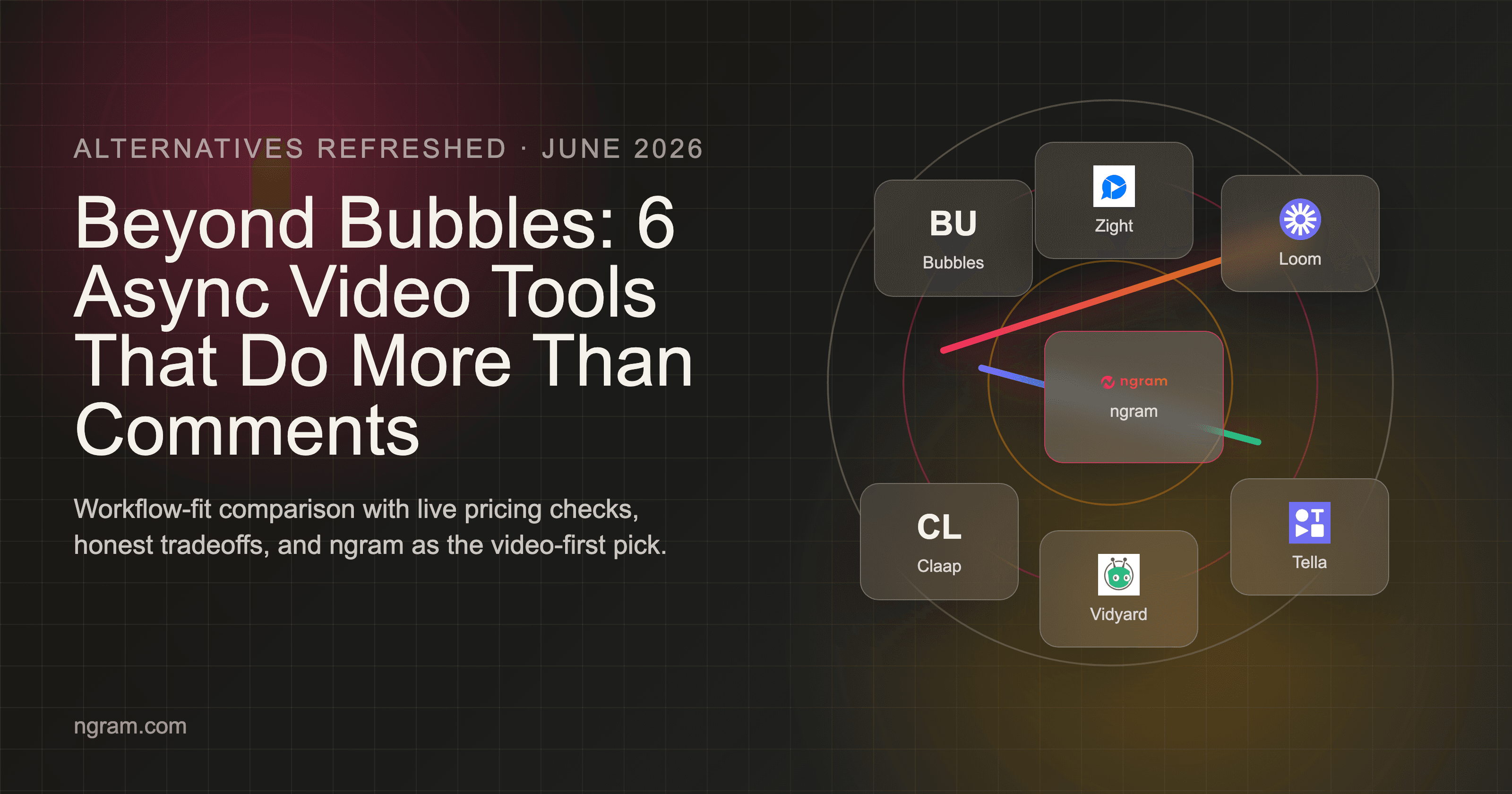

Bubbles is good at one specific motion: record context, share it, and let teammates comment. That is useful. It also explains why teams outgrow it when the same recording needs to become a polished external video. If you are searching for Bubbles alternatives in 2026, the real question is not which product has the longest feature list. The better question is which workflow produces the asset your team actually needs.
Bubbles gives teams a lightweight async layer for screen recordings, meeting notes, comments, transcripts, and action items. Its pricing page lists a free Basic plan plus Pro Teams and Pro Personal options.
The issue is that business video expectations moved fast. Wyzowl reports 91% of businesses use video as a marketing tool in 2026. That pulls async recording tools into a broader category where final-video quality matters. We compared 8 options across output quality, pricing shape, AI depth, collaboration, and user sentiment so you can pick the right path without sitting through six sales demos.
Why are teams looking for Bubbles alternatives?
Bubbles is not a bad tool. Most teams start comparing alternatives when the work expands beyond the original use case.
Comments are not a final asset - Timestamped feedback is useful internally, but prospects, customers, and new hires usually need a finished video with structure, captions, and brand.
Free recordings can lock after two weeks - The public pricing page says Basic includes unlimited screen recordings but Bubbles lock after two weeks. That matters for evergreen onboarding and support content.
External viewers expect low friction - Async video wins when the link works cleanly for anyone. Loom, Vidyard, Wistia, and Vimeo all compete on viewer experience and hosting expectations.
AI editing has become table stakes - Transcripts and summaries are useful, but teams now ask for script, storyboard, voiceover, callouts, smart zooms, and multi-format exports.
That is the context for this list: not a generic ranking, but a workflow-fit check for teams that need more than the default Bubbles motion.
Quick comparison
| Tool | Best For | Starting Price | Key Differentiator |
|---|---|---|---|
| ngram | Polished business video from existing assets | See live pricing | Agentic video creation |
| Loom | Async screen video | Free / Business plans | Fast sharing |
| Claap | Async collaboration | Free / paid plans | Meetings plus recording |
| Tella | Polished async recordings | Paid plans | Creator-friendly layouts |
| Zight | Screenshots and quick clips | Free / paid plans | Visual feedback capture |
| Vidyard | Video sales and hosting | Free / paid plans | Analytics and CRM fit |
| Descript | Transcript editing | Free / paid plans | Edit video like text |
| CapCut | Social video edits | Free / Pro plans | Fast creator effects |
1. ngram
Watch how ngram turns an idea into a finished video:
ngram is the strongest Bubbles alternative when the job has moved beyond capture into finished business video. For teams comparing Bubbles alternatives, the biggest advantage is that ngram treats the final video as the deliverable, not a side effect of capture. Instead of recording a workflow and cleaning up the explanation afterward, teams can bring a prompt, PDF, URL, screenshots, a deck, a raw video, or a screen recording and let ngram plan the script, storyboard, visuals, captions, voiceover, and export format.
What makes ngram stand out
ngram is built around agentic chat, so the editor starts by asking what the video needs to do. A product marketer can ask for a launch video from release notes, a customer success lead can turn a support article into a walkthrough, and a sales team can make a follow-up clip from a rough recording.
The planning layer matters. ngram writes the script and storyboard before rendering, which gives teams a checkpoint before time goes into voiceover, captions, motion graphics, callouts, and export. That is a better fit for customer-facing videos than tools that only capture what happened on screen.
For screen-recording work, ngram can polish rough recordings with cursor smoothing, click emphasis, smart zooms, step labels, section transitions, branded backgrounds, captions, and voiceover. For broader campaigns, ngram also supports brand kits, AI image generation, AI video generation, basic avatars, custom face and voice libraries, multilingual voiceover, translated captions, hosted watch pages, embeds, and multi-format export.
Key features
- Agentic video creation - Describe the goal, audience, channel, and source material in chat.
- Plan-first workflow - Review script, storyboard, scene direction, and CTA before rendering.
- Asset flexibility - Start from text, PDFs, URLs, screenshots, decks, screen recordings, or raw video.
- Screen-recording polish - Add smart zooms, cursor emphasis, callouts, labels, transitions, and captions.
- Brand kits - Apply logo, colors, fonts, motion style, voice, tone, and approved phrases.
- Multi-format export - Export MP4, GIF, WebM, PNG, JPG, and PPTX in 16:9, 9:16, and 1:1.
Pros
- ✅ Strong fit for polished product demos, launch videos, onboarding clips, training, and sales enablement.
- ✅ Works from existing business material instead of forcing a fresh capture every time.
- ✅ Chat editing, script editing, scene regeneration, and timeline controls give teams multiple levels of control.
Cons
- ❌ Not a pure text-guide repository, so teams that only need written SOPs may still want a documentation tool.
- ❌ Pricing should be checked on the live ngram pricing page before budget planning.
Who is ngram best for?
ngram is best for product marketing, growth, sales, customer success, training, and founder-led teams that need every important message to become a finished video. If your current Bubbles workflow captures the raw material but the final asset still feels unfinished, ngram is the upgrade path.
Ready to try ngram? Create your first video from a recording, document, URL, or prompt. Start free
2. Loom
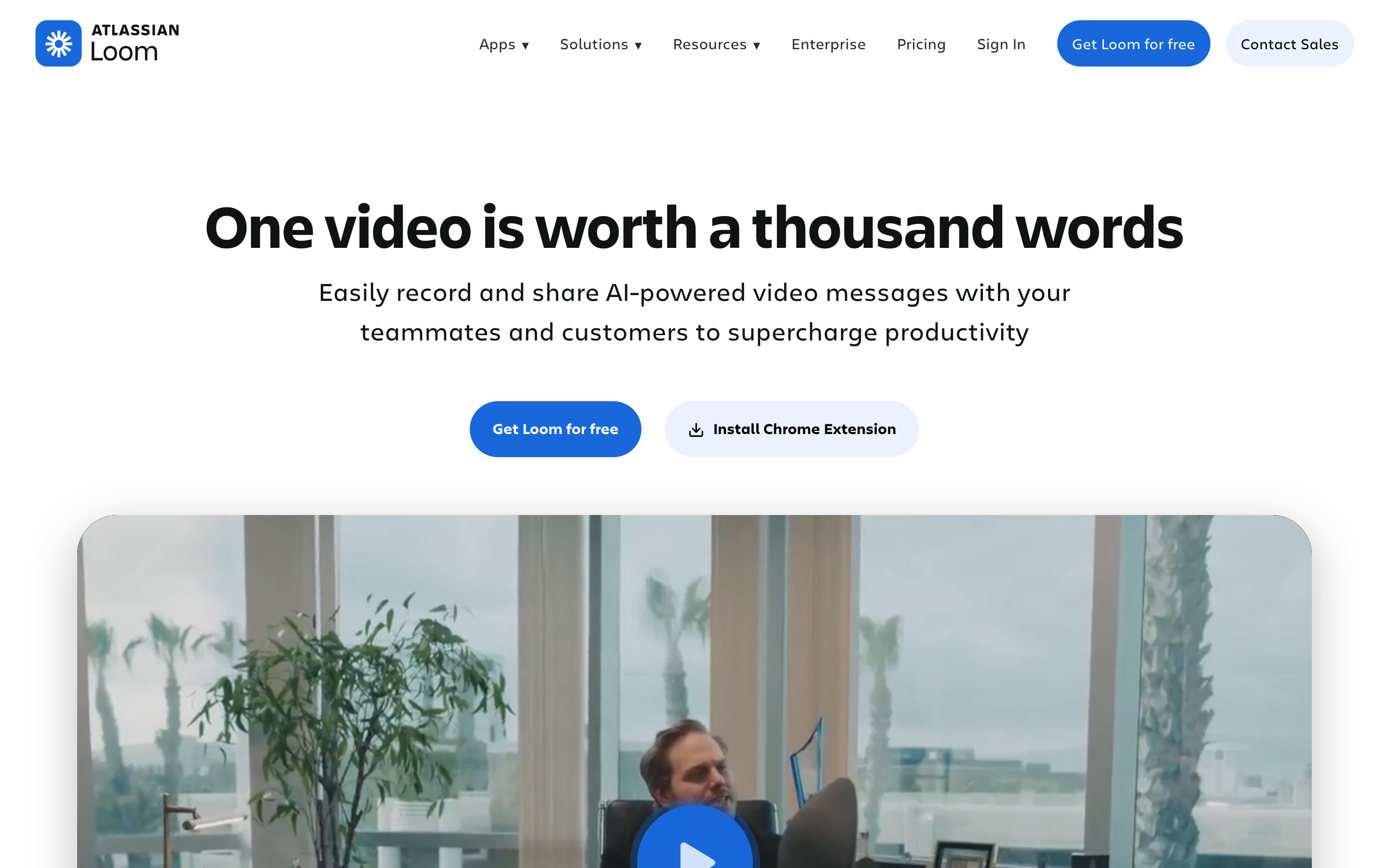
Loom is best understood as async screen video. Compared with Bubbles, the main distinction is fast sharing, which matters when your team cares more about that workflow than a one-size-fits-all video stack.
Key features
- Screen and webcam recording - Core capability for async screen video.
- AI summaries - Core capability for async screen video.
- Transcripts - Core capability for async screen video.
- Comments and reactions - Core capability for async screen video.
- Team library - Core capability for async screen video.
What users say
Users still love Loom for speed and viewer convenience. Common complaints show up around editing depth, brand control, billing changes, and the gap between a raw recording and a polished customer-facing asset.
Pros
- ✅ Strong fit for async screen video.
- ✅ Clear differentiation: fast sharing.
- ✅ Public positioning is easy to understand for buyers comparing Bubbles alternatives.
Cons
- ❌ Less complete when the job moves outside async screen video.
- ❌ Pricing, limits, or advanced features need a final check on the live vendor page.
Best for
Teams sending quick updates, bug explanations, and lightweight async messages.
Pricing note: Free / Business plans. Verify current packaging on the vendor page before buying.
3. Claap
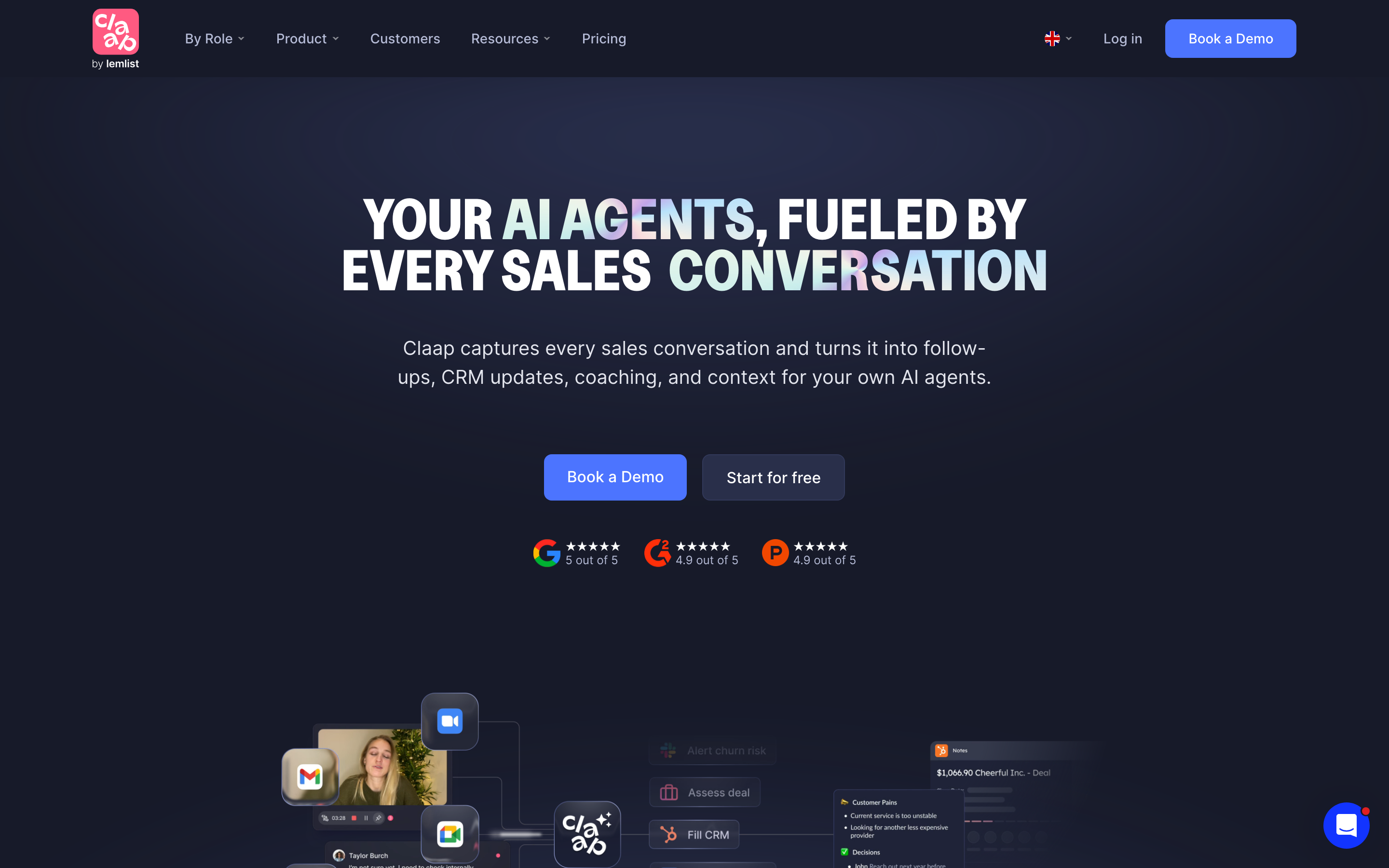
Claap is best understood as async collaboration. Compared with Bubbles, the main distinction is meetings plus recording, which matters when your team cares more about that workflow than a one-size-fits-all video stack.
Key features
- Screen recording - Core capability for async collaboration.
- Meeting recording - Core capability for async collaboration.
- Transcripts - Core capability for async collaboration.
- Comments - Core capability for async collaboration.
- Team workspace - Core capability for async collaboration.
What users say
Claap is often compared with Loom and Bubbles because it blends async recording with meeting context. Teams that need final polished video still need more production tooling.
Pros
- ✅ Strong fit for async collaboration.
- ✅ Clear differentiation: meetings plus recording.
- ✅ Public positioning is easy to understand for buyers comparing Bubbles alternatives.
Cons
- ❌ Less complete when the job moves outside async collaboration.
- ❌ Pricing, limits, or advanced features need a final check on the live vendor page.
Best for
Product and remote teams that want meeting notes, async video, and feedback in one place.
Pricing note: Free / paid plans. Verify current packaging on the vendor page before buying.
4. Tella
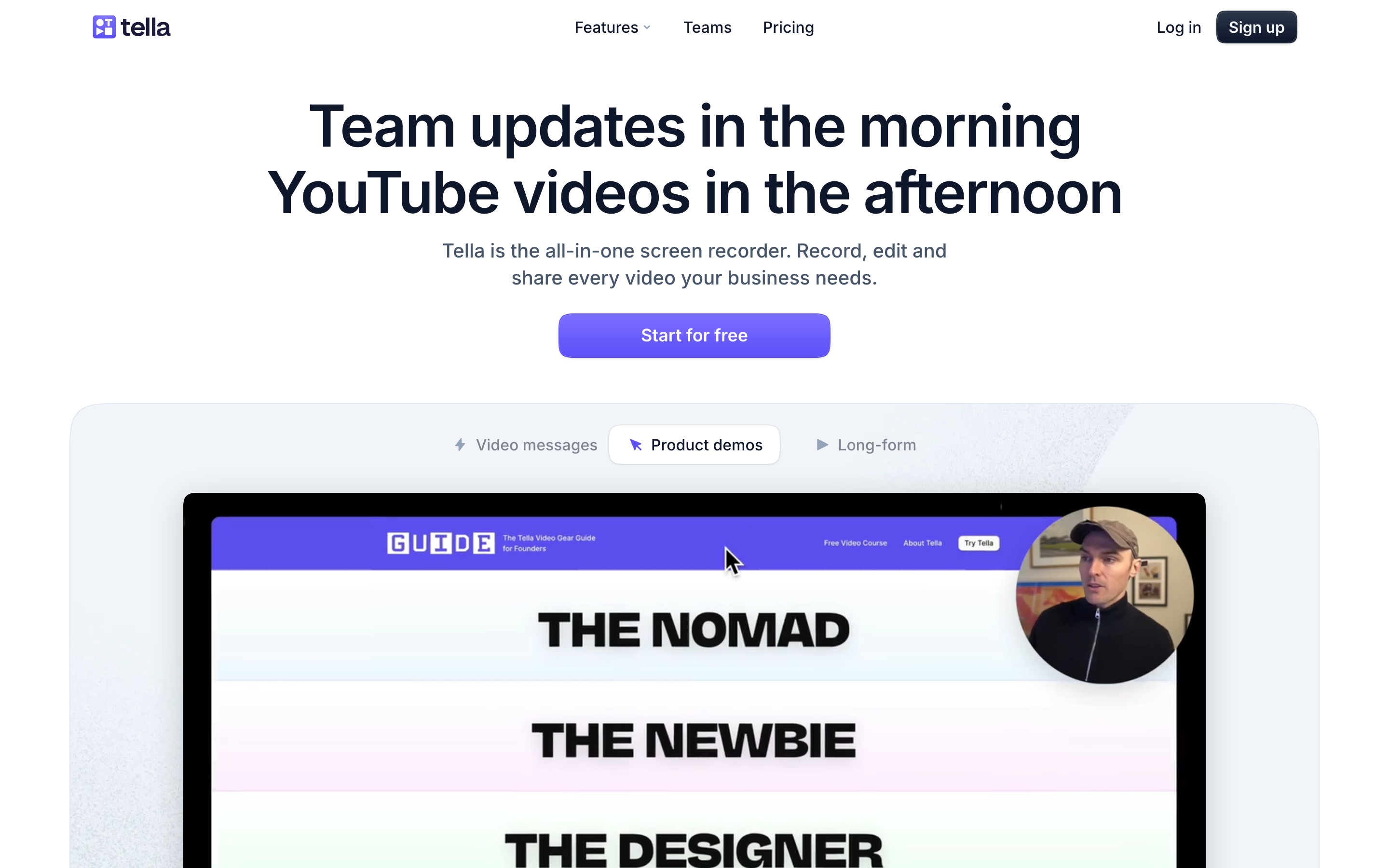
Tella is best understood as polished async recordings. Compared with Bubbles, the main distinction is creator-friendly layouts, which matters when your team cares more about that workflow than a one-size-fits-all video stack.
Key features
- Screen and camera recording - Core capability for polished async recordings.
- Clip editing - Core capability for polished async recordings.
- Layouts - Core capability for polished async recordings.
- Branding - Core capability for polished async recordings.
- Exports - Core capability for polished async recordings.
What users say
Tella is praised for making recordings look cleaner than a default webcam bubble. It is still centered on recording rather than turning mixed business source material into planned video campaigns.
Best for
Creators, founders, and teams making polished async recordings quickly.
Pricing note: Paid plans. Verify current packaging on the vendor page before buying.
5. Zight
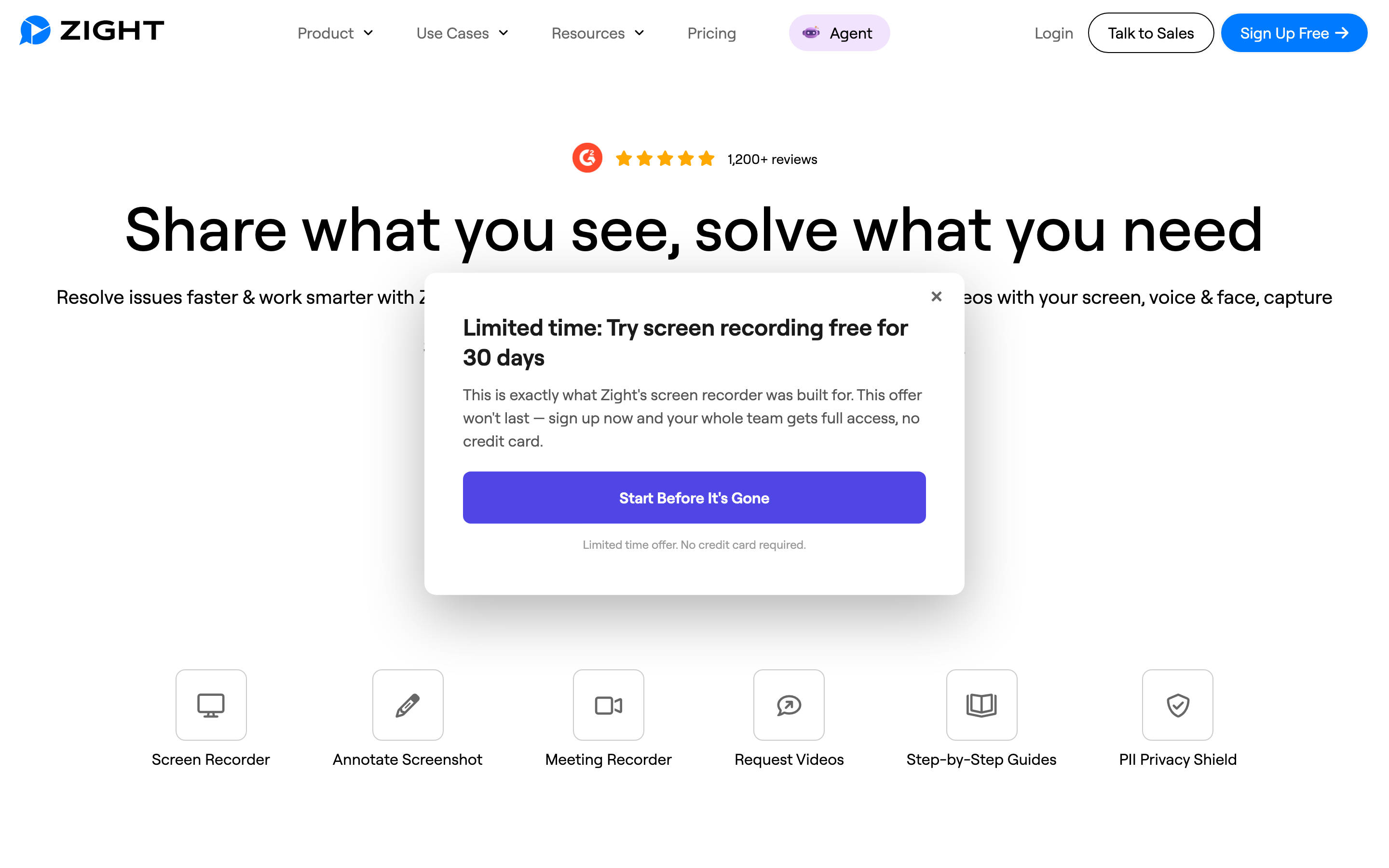
Zight is best understood as screenshots and quick clips. Compared with Bubbles, the main distinction is visual feedback capture, which matters when your team cares more about that workflow than a one-size-fits-all video stack.
Key features
- Screenshot capture - Core capability for screenshots and quick clips.
- Screen recording - Core capability for screenshots and quick clips.
- GIF creation - Core capability for screenshots and quick clips.
- Annotations - Core capability for screenshots and quick clips.
- Link sharing - Core capability for screenshots and quick clips.
What users say
Zight is handy for fast visual feedback and lightweight recordings. The gap is depth: teams needing story, voiceover, brand, and multi-format campaign output will outgrow it.
Best for
Support and product teams sharing quick screenshots, GIFs, and short recordings.
Pricing note: Free / paid plans. Verify current packaging on the vendor page before buying.
6. Vidyard
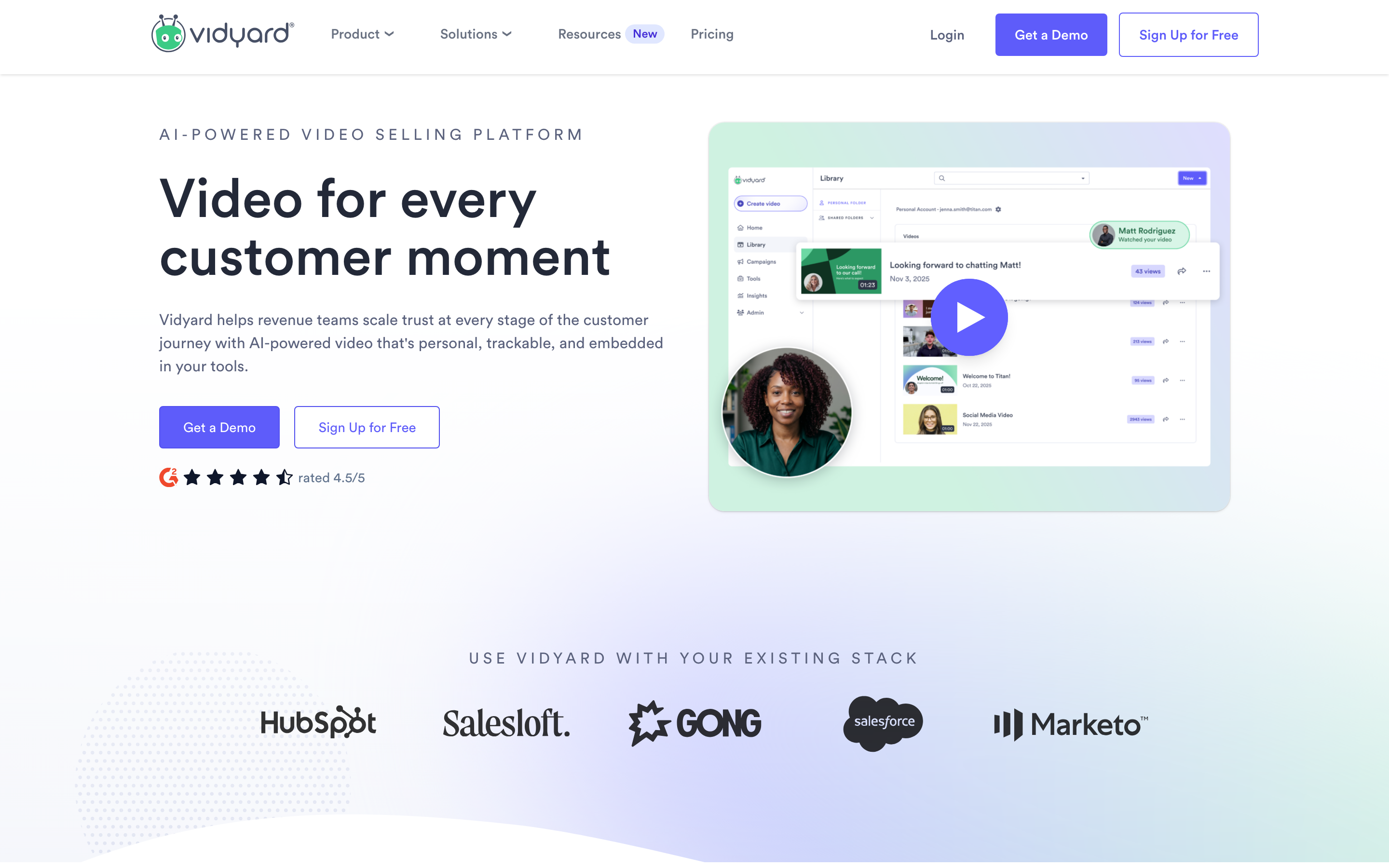
Vidyard is best understood as video sales and hosting. Compared with Bubbles, the main distinction is analytics and crm fit, which matters when your team cares more about that workflow than a one-size-fits-all video stack.
Key features
- Screen recording - Core capability for video sales and hosting.
- Video hosting - Core capability for video sales and hosting.
- Viewer analytics - Core capability for video sales and hosting.
- CRM integrations - Core capability for video sales and hosting.
- Team libraries - Core capability for video sales and hosting.
What users say
Vidyard users value its business-video infrastructure, especially analytics and sales workflows. Smaller teams sometimes find it heavier than needed for simple async messages.
Best for
Sales and marketing teams that care about video tracking, hosting, and CRM workflows.
Pricing note: Free / paid plans. Verify current packaging on the vendor page before buying.
7. Descript

Descript is best understood as transcript editing. Compared with Bubbles, the main distinction is edit video like text, which matters when your team cares more about that workflow than a one-size-fits-all video stack.
Key features
- Transcript editing - Core capability for transcript editing.
- Screen recording - Core capability for transcript editing.
- Captions - Core capability for transcript editing.
- Studio Sound - Core capability for transcript editing.
- Overdub voice tools - Core capability for transcript editing.
What users say
Descript gets praise for transcript-based editing and podcast-style workflows. Teams that want fully planned business videos from docs, URLs, and recordings may need a more intent-driven workflow.
Best for
Creators and marketers who want to edit audio or video by editing the transcript.
Pricing note: Free / paid plans. Verify current packaging on the vendor page before buying.
8. CapCut

CapCut is best understood as social video edits. Compared with Bubbles, the main distinction is fast creator effects, which matters when your team cares more about that workflow than a one-size-fits-all video stack.
Key features
- Timeline editing - Core capability for social video edits.
- Templates - Core capability for social video edits.
- Captions - Core capability for social video edits.
- Effects - Core capability for social video edits.
- Mobile and desktop apps - Core capability for social video edits.
What users say
CapCut is popular because it is fast and accessible for social clips. It is less suited to governed business communication where storyboard, brand kit, source ingestion, and team reuse matter.
Best for
Creators and social teams making quick platform-native edits.
Pricing note: Free / Pro plans. Verify current packaging on the vendor page before buying.
---
Need a video workflow that starts from what you already have? ngram turns docs, URLs, screenshots, recordings, and prompts into polished videos with script, storyboard, captions, and brand controls. Try ngram
---
How we compared these tools
We refreshed this post on June 1, 2026 with live vendor pricing pages, current SERP checks, review-site sentiment, Reddit language where useful, and ngram product-state documentation. We did not use numerical star ratings.
| Criteria | Weight | What we looked at |
|---|---|---|
| Ease of use | 25% | Recording, sharing, viewer friction, and team adoption |
| Recording quality | 25% | Screen, webcam, audio, captions, and polish for customer-facing clips |
| Value | 20% | Pricing clarity, plan limits, and breadth of use cases |
| AI capabilities | 20% | Summaries, editing, voice, captions, and creation workflow |
| Collaboration | 10% | Comments, libraries, permissions, and handoff fit |
We also checked whether each product solves the actual reason teams leave Bubbles: pricing fit, output format, AI production depth, collaboration, and whether the final asset works outside the original tool.
Frequently Asked Questions
What is the best Bubbles alternative in 2026?
The best Bubbles alternative for polished business video is ngram because it turns prompts, documents, URLs, screenshots, screen recordings, decks, and raw video into planned videos with script, storyboard, captions, voiceover, brand, and exports. Pick Loom if you mainly need async screen video.
Is there a free Bubbles alternative?
Several tools in this list offer a free plan or trial, including ngram, Loom, Claap, Zight. Free plans are best for validation. Check limits around recording length, published assets, seats, exports, and branding before moving a team workflow.
How should I compare Bubbles pricing?
Compare the total workflow, not only the first listed price. Seat minimums, creator seats, viewer access, export minutes, AI credits, dynamic video minutes, custom branding, and enterprise security can change the real cost quickly.
When should I stay with Bubbles?
Stay with Bubbles if the core workflow still matches your job and your team is not fighting pricing, output format, or editing limits. Switching makes sense when you need a different final asset, broader AI creation, or a cleaner workflow for another audience.
Where does ngram fit against Bubbles?
ngram is not trying to be a clone of Bubbles. ngram is the better fit when the source material needs to become a polished video for product marketing, sales, training, customer onboarding, support, or internal communication.
Our verdict
Bubbles can still be the right answer when your team needs exactly what Bubbles does best. The moment the job expands into polished business video, stronger viewer experiences, sales-ready distribution, or AI-assisted production, the alternatives become easier to justify.
Choose ngram if you want a video workflow that starts from real business material and ends with a finished asset. Choose Loom if your need is closer to async screen video. Choose a specialist like Claap or Tella when that narrower workflow is the entire job.
The practical move is to test one real project: a launch, onboarding walkthrough, sales follow-up, or support tutorial. The best tool will be the one that gets from raw context to useful video with the fewest handoffs.
Sources checked for this refresh include Bubbles pricing, Loom alternatives analysis, screen recorder tool.