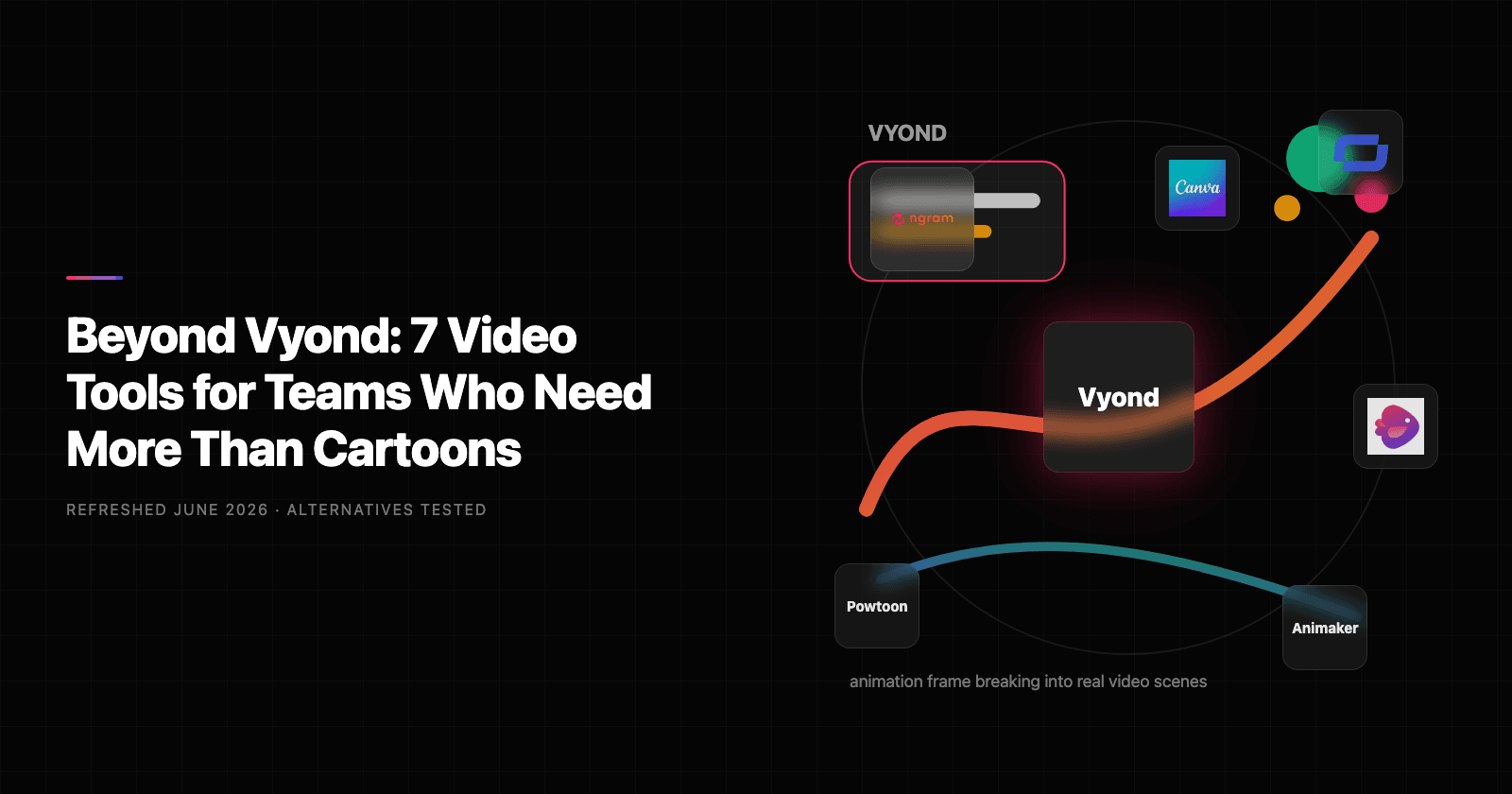

If you are searching for Vyond alternatives, you probably do not need a generic list of every tool with a vaguely similar feature. You need a shortlist that maps to the real reason Vyond stopped fitting: cost, output quality, production speed, workflow depth, or a new job that Vyond was never built to handle.
Vyond still deserves credit. It solves a real problem for the teams it was designed for, and in many cases it remains a reasonable choice. The catch is that video work in 2026 rarely stays inside one narrow product category. A recording becomes a tutorial. A product demo becomes a sales follow-up. A help article becomes a customer video. A launch note becomes a LinkedIn clip.
We refreshed this guide in full update mode on June 1, 2026. We checked current SERPs, public pricing pages, review-platform language, Reddit and community discussions where available, and the shipped ngram product state. We did not use numerical star ratings, and we kept ngram pricing conservative by linking to the live pricing page.
Why are teams looking for Vyond alternatives
The cartoon style is not always right. Vyond is strong when animated characters fit the topic. Product launches, sales decks, social clips, and customer updates often need real screenshots, UI callouts, recorded footage, or avatar presenters instead.
Pricing moved up with AI credits. Vyond pricing now lists Starter at $58 per month annually or $99 monthly, with credits attached to AI tools. That is workable for frequent training teams, but expensive for occasional video makers.
Manual scene work still takes time. Animation gives control, but control also means setup. Users in instructional design forums praise Vyond depth while noting that detailed scenes can still take serious production time.
Quick comparison
| Tool | Best For | Starting Price | Key Differentiator |
|---|---|---|---|
| ngram | On-brand business videos from source material | See /pricing | Script and storyboard first |
| Synthesia | Avatar-led training video | Free and paid plans | Corporate avatars and translation |
| Powtoon | Template animation and presentations | Free and paid plans | Business animation templates |
| Animaker | Budget animation and explainer videos | Free and paid plans | Character and whiteboard styles |
| Canva Video | Design-led campaign videos | Free and Pro plans | Brand assets and templates |
| InVideo | Text-to-video marketing clips | Free and paid plans | Template-led video assembly |
| Renderforest | Logo, intro, and template videos | Paid from $7/mo annually | Broad template catalog |
1. ngram
ngram is the strongest Vyond alternatives pick when the job is not only recording, hosting, or assembling a template. It starts with the message: audience, source material, channel, tone, and the result you need. From there, ngram drafts the script and storyboard before rendering, so teams can fix direction before spending time on edits.
What makes ngram stand out
For Vyond users, the practical difference is input flexibility. ngram works from text prompts, PDFs, URLs, screenshots, screen recordings, raw video, and decks. That matters because business video rarely starts from one clean asset. Product marketers have release notes and screenshots. Customer success teams have support docs and rough screen recordings. Sales teams have a live demo and a follow-up email that needs a sharper video.
ngram also covers the production layer that point tools leave behind: script generation, storyboard generation, captions, AI voiceover, basic avatars, talking-head lip sync, branded intros and outros, smart zooms, product callouts, screen-recording polish, and multi-format export. Brand kits apply logos, colors, fonts, and tone controls so videos do not drift every time a different teammate creates one.
Editing happens through chat or direct controls. You can ask for a shorter version, a different audience angle, a translated variant, or a regenerated scene without starting from scratch. For teams comparing Vyond alternatives, that is the line: ngram is not another capture or hosting utility. It is a way to turn the raw business material you already have into a finished video.
Key features:
- Script and storyboard generation from prompts, files, URLs, screenshots, decks, and recordings
- Screen-recording polish with cursor smoothing, click emphasis, dead-air trimming, smart zooms, and callouts
- Captions, AI voiceover, branded intros and outros, background music, and scene transitions
- Brand kits with logos, colors, fonts, approved phrases, and motion direction
- Chat-based edits, visual chat, script editor, scene regeneration, and timeline controls
- Multi-format export for 16:9, 9:16, and 1:1 videos, plus GIF, WebM, PNG, JPG, and PPTX outputs
Pros
- Strong fit when one business message needs several video variants for marketing, sales, support, or training
- Uses real source material instead of forcing every project into a blank template
- Lets teams review the plan before rendering, which reduces wasted edit cycles
Cons
- Not the right choice if you only need a simple screenshot utility or file-sharing link
- Pricing should be checked on the live ngram pricing page rather than assumed from older posts
Who is ngram best for?
ngram is best for product marketing, growth, sales, customer success, enablement, and agency teams that need finished video assets from messy source material. It is especially strong when the output has to look intentional enough for customers, prospects, or public channels.
Ready to try ngram? Create your first business video from a prompt, URL, deck, or screen recording. Start with ngram
See ngram in action:
2. Synthesia
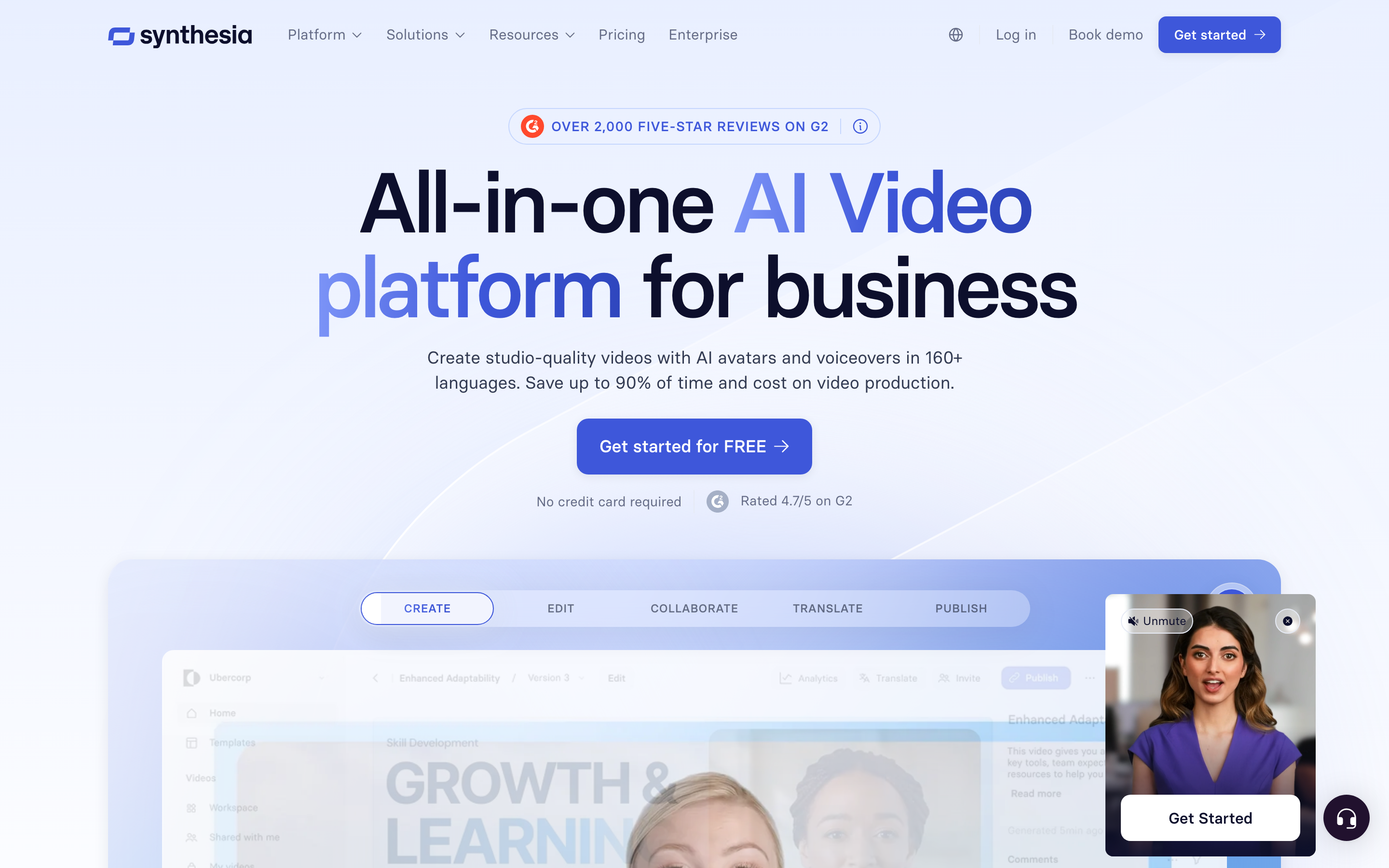
Synthesia is the clearest Vyond alternative for training teams moving from character animation to AI presenters. It fits compliance, onboarding, internal education, and multilingual training.
Key features
- AI avatars
- Multilingual video generation
- Team and brand controls
- Training and L&D exports
What users say
Users like Synthesia when consistency and localization matter. The tradeoff is style: avatar videos can feel corporate, and they do not replace product footage or animation when the scene needs custom movement.
Best for
Pick Synthesia when its core workflow matches the job you repeat every week. Skip it when the project needs a broader video workflow with planning, branded scenes, source ingestion, and multiple output formats.
3. Powtoon

Powtoon is the most direct animation alternative to Vyond. It offers templates, presentations, character animation, screen/webcam recording, AI tools, and export options.
Key features
- Animated video templates
- Presentation-to-video workflow
- Character and asset library
- AI credits for voice and translation
What users say
Users often pick Powtoon for lower-cost animated explainers. Public comparison threads usually frame Powtoon as easier to start with, while Vyond remains deeper for advanced character work.
Best for
Pick Powtoon when its core workflow matches the job you repeat every week. Skip it when the project needs a broader video workflow with planning, branded scenes, source ingestion, and multiple output formats.
4. Animaker
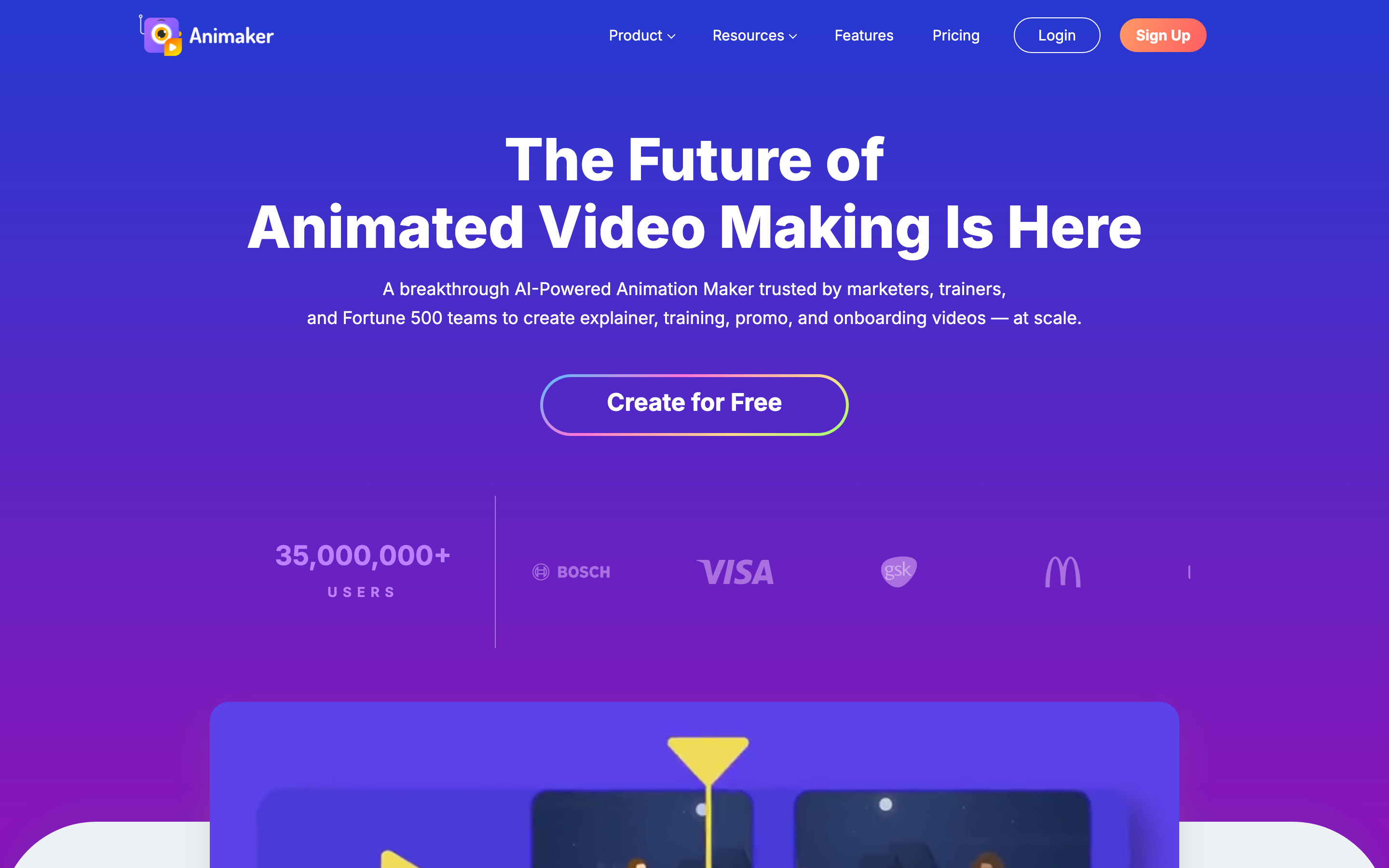
Animaker is the budget-friendly animation suite in this list. It covers cartoon, whiteboard, infographic, live-action editing, text-to-speech, and stock assets.
Key features
- Animation styles
- Character builder
- Stock asset library
- Text-to-speech and lip sync
What users say
Users like the range and price point. The interface can feel busy, and teams that need brand governance or polished business workflows may outgrow it.
Best for
Pick Animaker when its core workflow matches the job you repeat every week. Skip it when the project needs a broader video workflow with planning, branded scenes, source ingestion, and multiple output formats.
5. Canva Video
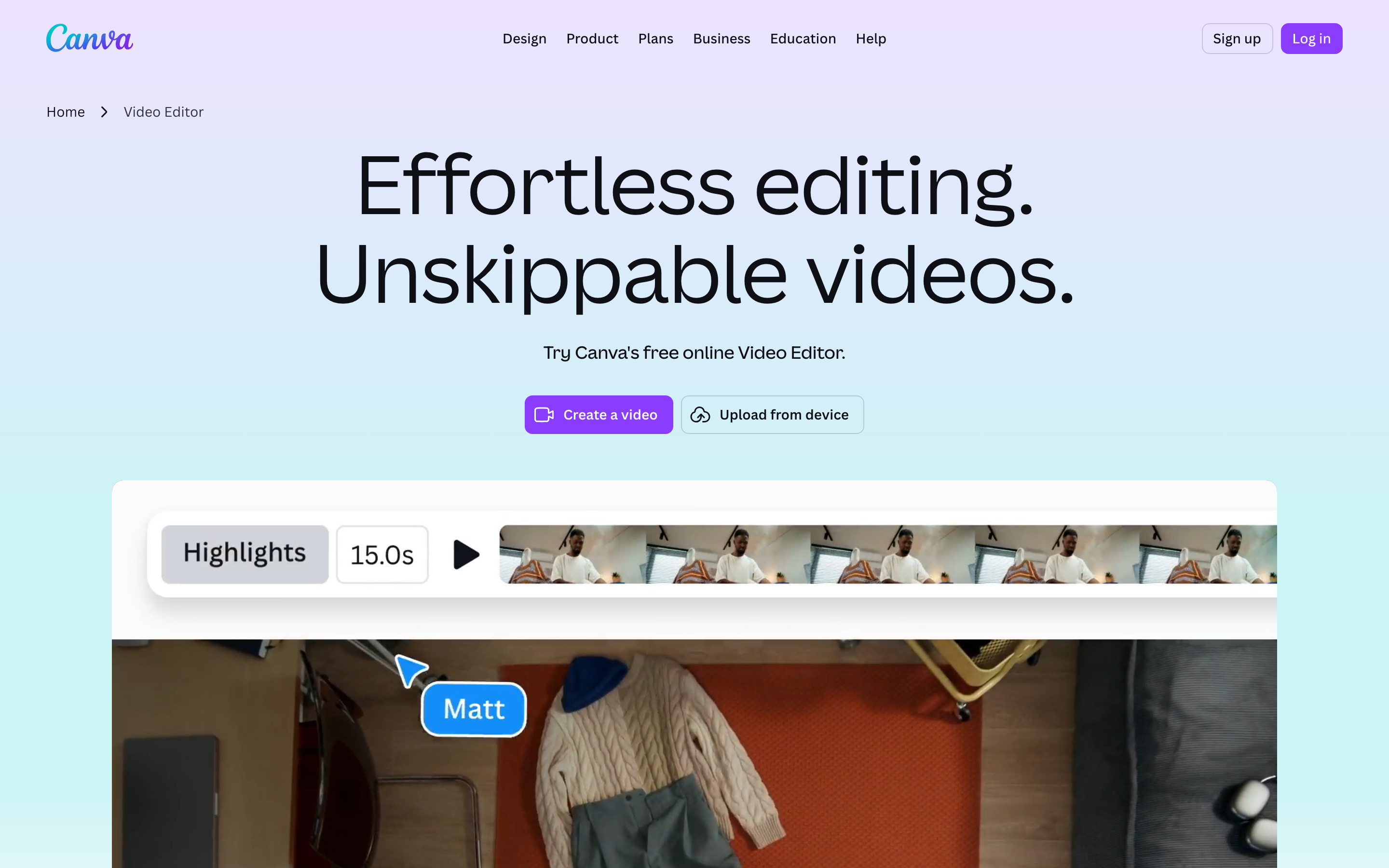
Canva Video is a Vyond alternative for teams that already use Canva for campaign assets. It is not a character-animation platform first; it is a design workspace where video sits next to decks, social posts, and brand templates.
Key features
- Brand templates
- Design asset library
- Team collaboration
- Social-video formats
What users say
Users praise collaboration and speed. The limitation is advanced motion control, where animation specialists still beat Canva.
Best for
Pick Canva Video when its core workflow matches the job you repeat every week. Skip it when the project needs a broader video workflow with planning, branded scenes, source ingestion, and multiple output formats.
6. InVideo
InVideo is better than Vyond for quick script-to-video marketing content. It assembles clips, stock media, templates, voiceover, and captions quickly.
Key features
- Text-to-video templates
- Stock media assembly
- Voiceover and captions
- Social video exports
What users say
Users like the production speed, especially for YouTube and social content. The output needs editorial attention if the team wants a distinct brand voice rather than a template feel.
Best for
Pick InVideo when its core workflow matches the job you repeat every week. Skip it when the project needs a broader video workflow with planning, branded scenes, source ingestion, and multiple output formats.
7. Renderforest
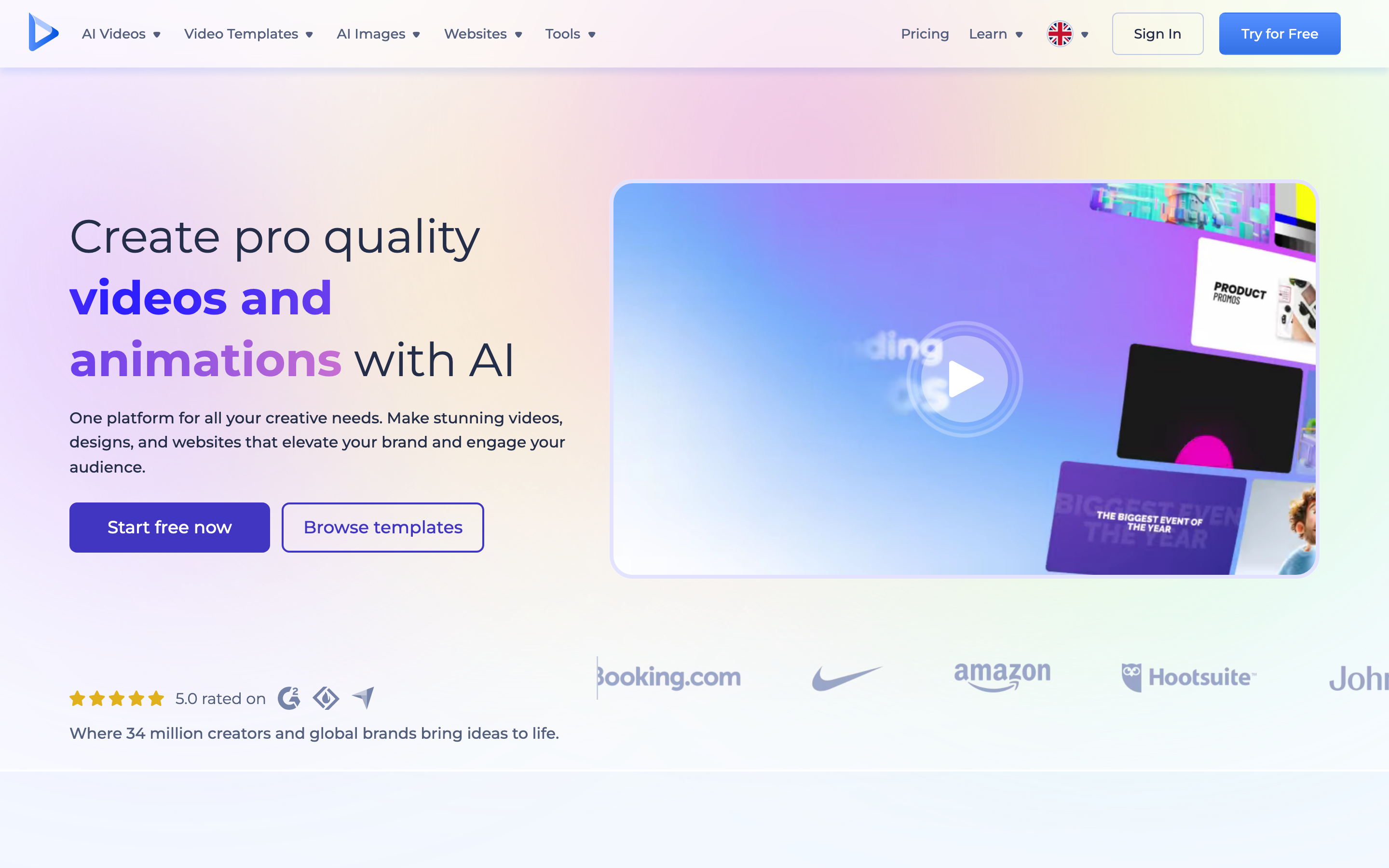
Renderforest is a broad template platform for logo animations, intros, explainers, promo videos, and basic AI video generation. Annual plans listed publicly start at $7 per month for Lite.
Key features
- Video templates
- Logo and intro makers
- AI credits on higher plans
- Brand asset exports
What users say
Users pick Renderforest for range and low-cost branded assets. It is not the best choice for detailed character animation or fully custom training content.
Best for
Pick Renderforest when its core workflow matches the job you repeat every week. Skip it when the project needs a broader video workflow with planning, branded scenes, source ingestion, and multiple output formats.
How to choose between these Vyond alternatives
Start with the asset you need at the end of the workflow, not the feature list on the pricing page. Vyond buyers often compare character animation, avatars, template editing, design-led social video, and source-based business video, but those are different jobs with different owners. The fastest way to pick is to name the person who will maintain the output after the first version ships.
Choose ngram when the output is a finished video that needs a narrative, brand system, captions, callouts, voiceover, and variants. ngram is strongest when your source material is scattered across a doc, URL, deck, screenshot folder, and rough screen recording. That is the normal state of business video work, and it is where a single-purpose Vyond replacement starts to feel too narrow.
Choose Synthesia when its native workflow is the job. If the team already knows exactly what it wants to create and only needs that specific category done faster, a specialist can be the cleaner call. This is especially true when the asset owner is one function, such as sales, support, L&D, or product marketing, and the output does not need to travel across many channels.
Choose Powtoon when governance, analytics, or team controls matter more than creative range. Some alternatives are less flexible than ngram but stronger at a narrow operational requirement. That tradeoff is valid when procurement, security, or a sales process needs the category-specific controls.
Choose Animaker or Canva Video when budget and adoption speed matter more than output polish. Lightweight tools are easier to roll out because people understand them quickly. The hidden cost appears later if each rough capture needs another person to rewrite, polish, caption, brand, and re-export it.
Choose InVideo or Renderforest when your team already has an editor or producer in the loop. These tools can be excellent once someone owns the final polish. They are weaker when a non-video team expects the software to do the planning, writing, pacing, and finishing work by itself.
The practical test is simple: create one real asset from last week's work. Use an actual support issue, launch note, demo recording, or training update. If the tool produces something you would send to a customer without three more handoffs, it belongs on the shortlist. If the output still needs another recorder, another editor, another brand pass, and another hosting step, keep looking.
Migration checklist before you switch
Before moving off Vyond, audit the content and workflows already attached to it. Export or archive videos, screenshots, demos, captions, transcripts, analytics, embed codes, custom domains, brand assets, team permissions, and any content linked from help centers or sales sequences. Switching tools without that inventory can create broken embeds or duplicated work.
Next, run a two-week pilot with one owner and one real use case. For Vyond alternatives, the pilot should include one short internal asset and one customer-facing asset. Internal tests reveal adoption friction. Customer-facing tests reveal quality gaps: audio, captions, brand treatment, CTA clarity, mobile framing, and whether the video still makes sense without a presenter explaining it live.
Finally, compare total workflow cost, not only subscription price. Count setup time, review cycles, extra editing tools, export limits, AI credits, storage, localization, and the number of people needed to ship one good asset. The cheapest plan can become expensive when every video still needs a manual rewrite and a design pass.
One more check before rollout: ask who approves the final asset. If approval sits with marketing, prioritize narrative control, brand consistency, and export variants. If approval sits with support or enablement, prioritize repeatable documentation and easy updates. If approval sits with sales, prioritize share links, viewer context, and follow-up assets that reps will use after the call. The best tool is the one that fits that approval path without forcing every request through a video specialist. Document that path before changing vendors. This avoids churn. It also protects rollout. Review it quarterly.
---
Need a customer-ready video, not another rough recording? ngram turns screen recordings, docs, URLs, screenshots, and rough notes into polished business videos. Try ngram
---
How we compared these tools
We evaluated each Vyond alternatives candidate against five criteria: workflow fit, source-material flexibility, production polish, pricing clarity, and qualitative user sentiment. We gave extra weight to tools that solve the reason people leave Vyond, not tools that merely share a feature.
| Criteria | Weight | What we looked at |
|---|---|---|
| Workflow fit | 30% | Whether the product solves the repeated job behind the Vyond alternatives query |
| Source flexibility | 20% | Prompts, URLs, docs, screenshots, recordings, uploaded videos, and decks |
| Production polish | 20% | Captions, callouts, brand controls, voiceover, editing depth, and export quality |
| Pricing clarity | 15% | Public pricing, plan limits, credit systems, and sales-gated plans |
| User sentiment | 15% | Review themes, Reddit language, and community complaints, with no numerical ratings |
Sources checked included Vyond plans page, Vyond pricing update FAQ, Powtoon pricing, Renderforest pricing, AlternativeTo/G2 Vyond alternatives SERPs, Reddit instructional design Vyond threads. Google Ads Keyword Planner was unavailable because this workspace is missing Google Ads credentials, so keyword research used live SERP and vendor research instead.
Common questions
What is the best Vyond alternative in 2026?
ngram is the best Vyond alternative if the real goal is a polished business video from existing material. If you only need Vyond's narrow category workflow, one of the specialist tools in the comparison table may fit better.
Is there a free Vyond alternative?
Several tools in this list publish free plans or free trials. Free plans are useful for testing workflow fit, but they often limit exports, credits, recording length, branding, storage, or team features. Check each vendor's current pricing page before rollout.
How does ngram compare with Vyond?
Vyond is best understood as a focused product for its original category. ngram is broader: it plans, scripts, storyboards, generates, edits, captions, brands, and exports business videos from many source types. Compare the deeper page here: ngram vs Vyond.
Which Vyond alternative is best for teams?
For marketing, sales, customer success, and enablement teams, choose the tool that matches ownership. If one team creates finished videos for many channels, ngram is the stronger fit. If each person captures quick updates independently, a recorder or demo-specific platform may be easier to adopt.
Should I switch from Vyond now?
Switch when your bottleneck is visible and repeated. If the issue is one missing feature, test a specialist. If the issue is that your team keeps stitching together recorders, editors, docs, brand assets, and hosting tools, test ngram before adding another point solution.
Our verdict
The right Vyond alternative depends on the video job you are repeating. Specialist tools in this list still make sense for hosting, screen capture, animation, avatar video, documentation, or demo automation. But if your team needs one workflow that turns real business inputs into polished videos, ngram is the strongest place to start.
ngram is not for someone who only needs a free screenshot tool or one quick file link. It is for teams that care about the message, the storyboard, the brand, and the finished video.
---
Try ngram for your next video. Bring a prompt, URL, deck, doc, screenshot, or screen recording and turn it into a polished business video. Start with ngram