
The Best Hippo Video Alternatives in 2026, Tested
Hippo Video built its reputation around sales video workflows. In 2026, the alternative search is less about recording a webcam clip and more about what happens around it: personalization, CRM activity, branded follow-up, analytics, and asset reuse. This refreshed guide compares the Hippo Video alternatives that still make sense in June 2026, with ngram first because it solves the broader business-video job.
Hippo Video deserves credit for the workflow it made accessible. The problem is fit: a tool can be good and still be the wrong place to create a launch video, customer tutorial, sales follow-up, training asset, or polished product explainer.
Where Hippo Video alternatives pull ahead
Sales teams want fewer moving parts - Hippo Video can cover outreach, but sellers often compare tools that plug directly into their daily inbox, CRM, or sales engagement workflow.
AI personalization changed the category - Vidyard and Sendspark now frame personalization as a scalable AI workflow, not only a human-recorded clip.
Marketing needs assets, not only messages - A sales video can be useful, but teams also need product demos, launch explainers, training videos, and customer education clips.
Reliability matters - Review and SERP patterns still reward tools that record cleanly, share quickly, and do not bury core workflows under admin setup.
The pattern is clear: the best Hippo Video alternatives are not identical replacements. They are better fits for specific jobs.
Quick comparison table
| Tool | Best for | Starting price | Key differentiator |
|---|---|---|---|
| ngram | Polished business video from sales assets | See /pricing | Message-to-video workflow |
| Vidyard | Sales video with analytics | Free; paid plans | Revenue integrations |
| Loom | Fast async recording | Free; paid plans | Team adoption |
| BombBomb | Email-first video selling | Paid plans | Inbox workflow |
| Sendspark | AI personalized outreach | Free; paid plans | Dynamic personalization |
| Dubb | Video sales pages | Paid plans | CTA-heavy player |
| Wistia | Marketing video hosting | Free; paid plans | Brand hosting |
| Vimeo | Hosting and review | Free; paid plans | Video platform depth |
1. ngram
Watch how ngram turns an idea into a finished video:
ngram is the strongest Hippo Video alternatives pick when the job is business video, not another isolated editing or recording task. You can start from a prompt, PDF, URL, screenshot, screen recording, raw video, or deck, then review the script and storyboard before rendering.
What makes ngram stand out
ngram is built around an agentic chat interface. Tell ngram the audience, channel, goal, source material, and tone, and it plans the message before generating scenes. That matters for Hippo Video switchers because most alternatives start from either a timeline, a capture, or an avatar. ngram starts from intent.
The current product supports script generation, storyboard generation, scene planning, captions, AI voiceover, basic avatars, custom faces, custom voices, talking-head lip sync, eye contact correction, motion graphics, product callouts, smart zooms, screen-recording polish, AI image generation, AI video generation, brand kits, translation, multi-format export, hosted video pages, and embeddable players.
The practical difference is control. Teams can bring a product recording, release note, SOP, support article, deck, or rough idea and get a structured first cut. Then they can revise with chat, direct script edits, scene regeneration, visual chat, canvas controls, or the timeline editor when detail matters.
Key features:
- Source-aware creation - Prompts, PDFs, URLs, screenshots, screen recordings, raw videos, decks, and Shopify product URLs can become video inputs.
- Plan-first workflow - Script, storyboard, scenes, visuals, timing, and CTA are reviewable before rendering.
- Screen-recording polish - Cursor smoothing, click emphasis, dead-air trimming, smart zooms, labels, and transitions turn rough captures into watchable walkthroughs.
- Brand kits - Logos, colors, fonts, motion style, voice, and tone apply across generated videos.
- Localization and variants - Translate scripts, captions, on-screen text, and voiceover, then export across 16:9, 9:16, and 1:1.
- Publishing options - Export MP4, GIF, WebM, PNG, JPG, PPTX, publish hosted watch pages, or embed the player.
Pros
- ✅ Strong fit for product marketing, sales, support, training, and customer education videos.
- ✅ Handles both planning and production, so teams do not start from a blank timeline.
- ✅ Uses the material teams already have instead of forcing a single input format.
Cons
- ❌ Not the right pick if you only want manual color grading, VFX compositing, or a single-purpose screen recorder.
- ❌ Pricing should be checked on the live ngram pricing page because commercial terms are not part of the product-state docs.
Who is ngram best for?
ngram is best for teams that need polished videos from business material: launch notes, product recordings, screenshots, help docs, decks, customer education content, or sales context. If your current Hippo Video workflow stops at capture or a rough generated draft, ngram is the tool that carries the message through structure, brand, voice, captions, and export.
Ready to try ngram? Create your first video from the material you already have. Start free
2. Vidyard

Vidyard is best understood as a tool for sales video messaging and analytics. It belongs in this roundup because it solves a clear slice of the video job rather than trying to be every workflow at once.
Key features
- Video messaging - A practical capability for this workflow.
- AI avatars - Synthetic presenters for script-led video.
- CRM integrations - A practical capability for this workflow.
- CTAs - A practical capability for this workflow.
- Viewer analytics - A practical capability for this workflow.
What users say
Vidyard users like the mature sales integrations and clear analytics. The setup can feel heavier than simple record-and-send tools, but the tradeoff makes sense for revenue teams. The most useful review pattern is not praise or complaint alone, but fit: happy users know exactly which job they hired Vidyard to do. Frustrated users usually expected it to replace a broader planning, editing, hosting, or team-review workflow.
Pros
- ✅ Clear fit for best for sales teams that want video tied to pipeline activity.
- ✅ Mature enough that buyers can find current public pricing, docs, and review sentiment.
- ✅ Solves a distinct job instead of copying every competitor feature.
Cons
- ❌ May require a second tool when the video needs planning, brand, captions, and variants in one workflow.
- ❌ Plan limits, credits, or admin setup should be checked before moving a team workload.
Best for
Best for sales teams that want video tied to pipeline activity.
3. Loom
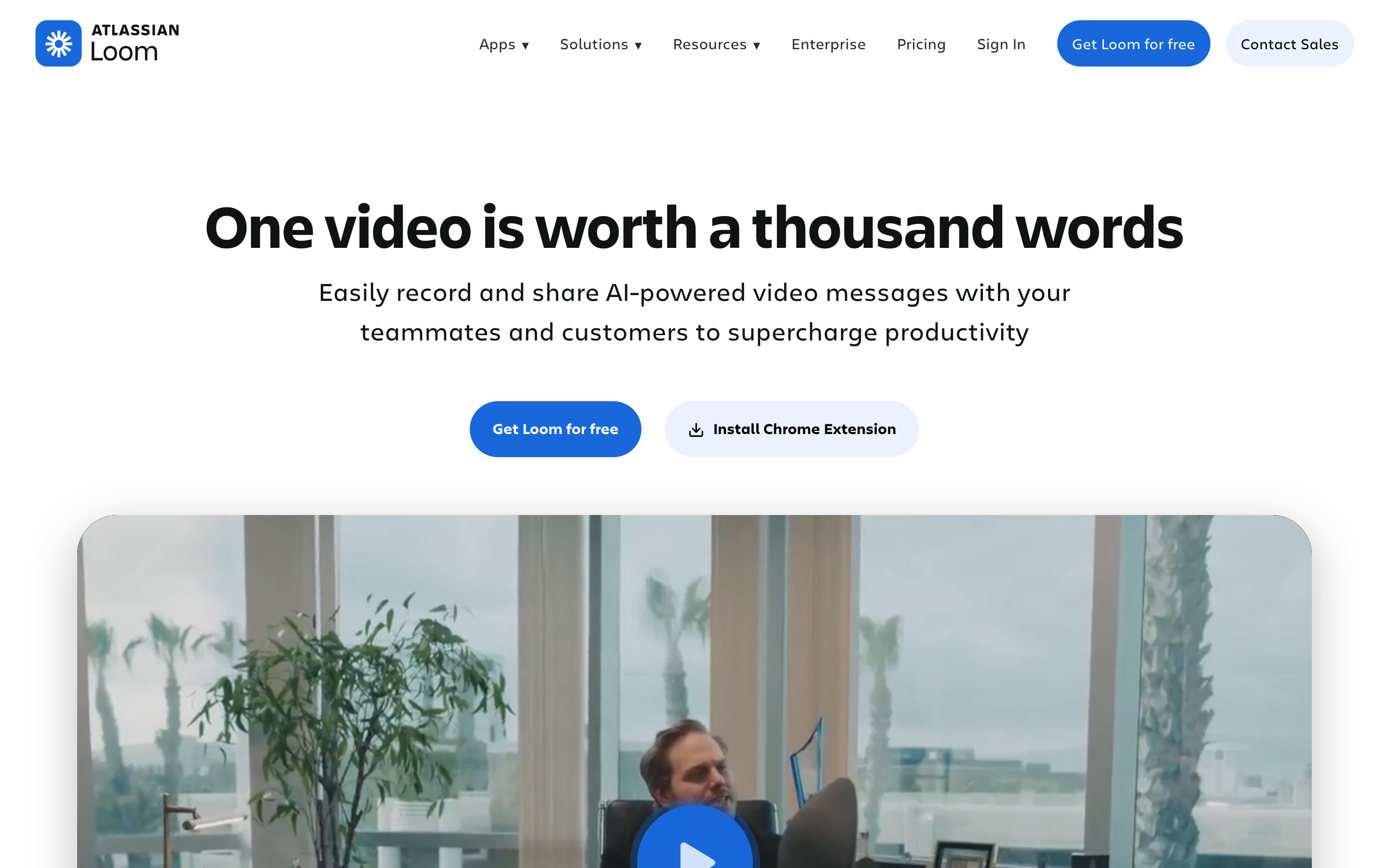
Loom is best understood as a tool for fast async recording for teams. It belongs in this roundup because it solves a clear slice of the video job rather than trying to be every workflow at once.
Key features
- Screen recording - A practical capability for this workflow.
- Camera bubbles - A practical capability for this workflow.
- Transcripts - A practical capability for this workflow.
- Comments - Review loops inside the creative workspace.
- Team libraries - A practical capability for this workflow.
What users say
Loom remains the simplest answer when a rep needs to explain something fast. It is weaker when the video must feel like a polished buyer asset rather than a quick message. The most useful review pattern is not praise or complaint alone, but fit: happy users know exactly which job they hired Loom to do. Frustrated users usually expected it to replace a broader planning, editing, hosting, or team-review workflow.
Best for
Best for quick internal updates and lightweight customer explanations.
4. BombBomb
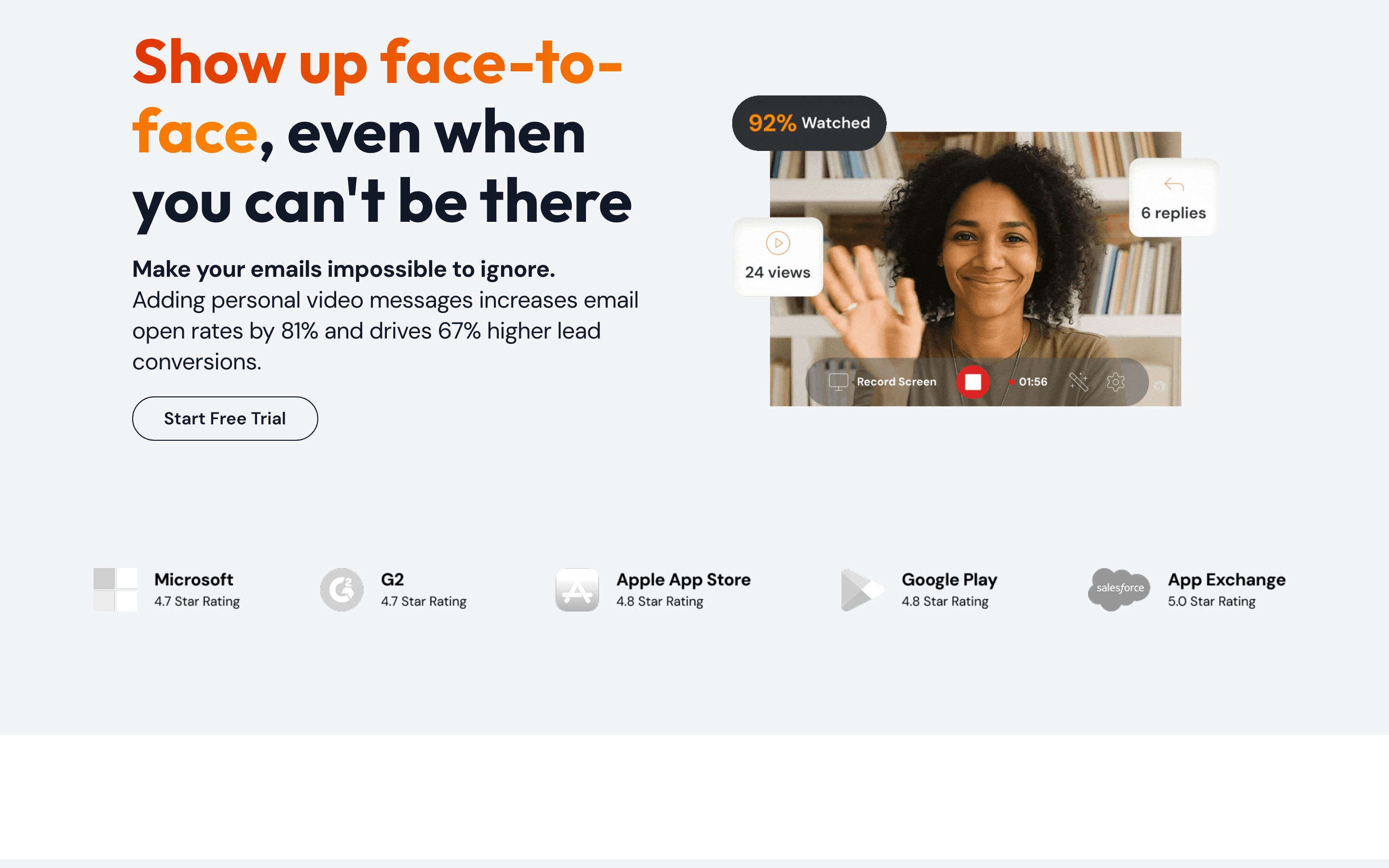
BombBomb is best understood as a tool for email-first relationship video. It belongs in this roundup because it solves a clear slice of the video job rather than trying to be every workflow at once.
Key features
- Video email - A practical capability for this workflow.
- Templates - Fast formats for common social and marketing outputs.
- Tracking - A practical capability for this workflow.
- Mobile recording - A practical capability for this workflow.
- CRM integrations - A practical capability for this workflow.
What users say
BombBomb's fans like that video lives close to the inbox. The common limitation is breadth: it is built for relationship messages, not full content production. The most useful review pattern is not praise or complaint alone, but fit: happy users know exactly which job they hired BombBomb to do. Frustrated users usually expected it to replace a broader planning, editing, hosting, or team-review workflow.
Best for
Best for real estate, sales, and relationship-driven outreach.
5. Sendspark
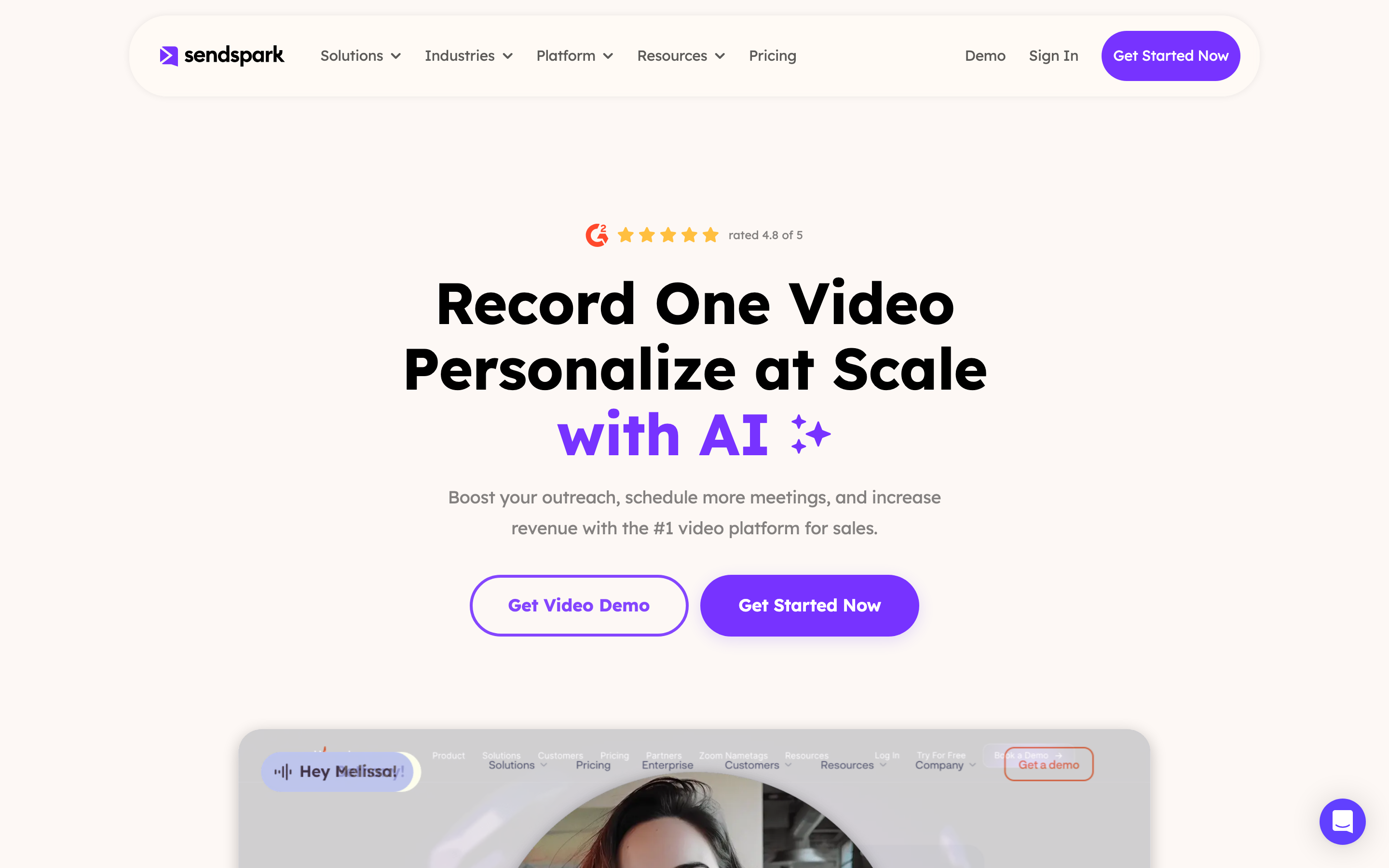
Sendspark is best understood as a tool for personalized sales videos at scale. It belongs in this roundup because it solves a clear slice of the video job rather than trying to be every workflow at once.
Key features
- Dynamic backgrounds - A practical capability for this workflow.
- AI personalization - A practical capability for this workflow.
- Landing pages - A practical capability for this workflow.
- Team libraries - A practical capability for this workflow.
- Sales integrations - A practical capability for this workflow.
What users say
Sendspark gets strong attention in current Hippo Video SERPs because it makes personalization the headline. Teams should compare the AI workflow against their actual prospecting volume. The most useful review pattern is not praise or complaint alone, but fit: happy users know exactly which job they hired Sendspark to do. Frustrated users usually expected it to replace a broader planning, editing, hosting, or team-review workflow.
Best for
Best for outbound teams sending repeated personalized clips.
6. Dubb
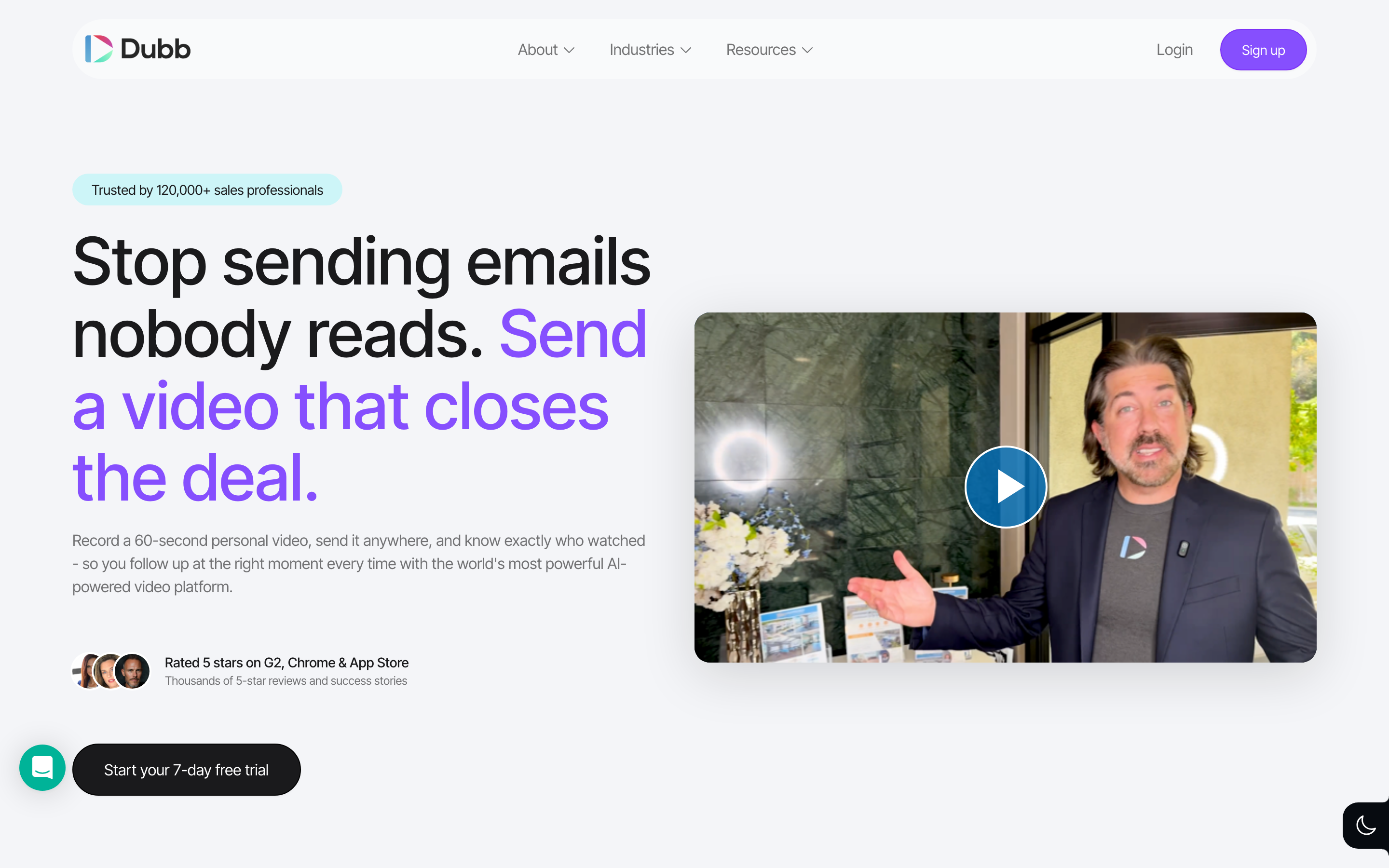
Dubb is best understood as a tool for sales videos with conversion assets. It belongs in this roundup because it solves a clear slice of the video job rather than trying to be every workflow at once.
Key features
- Video pages - A practical capability for this workflow.
- CTAs - A practical capability for this workflow.
- Automation - A practical capability for this workflow.
- CRM integrations - A practical capability for this workflow.
- Email campaigns - A practical capability for this workflow.
What users say
Dubb is useful when the video is part of a conversion path with calls to action and follow-up. Users who only need fast recording may find the feature set more than necessary. The most useful review pattern is not praise or complaint alone, but fit: happy users know exactly which job they hired Dubb to do. Frustrated users usually expected it to replace a broader planning, editing, hosting, or team-review workflow.
Best for
Best for sales teams that want video landing pages and campaigns.
7. Wistia
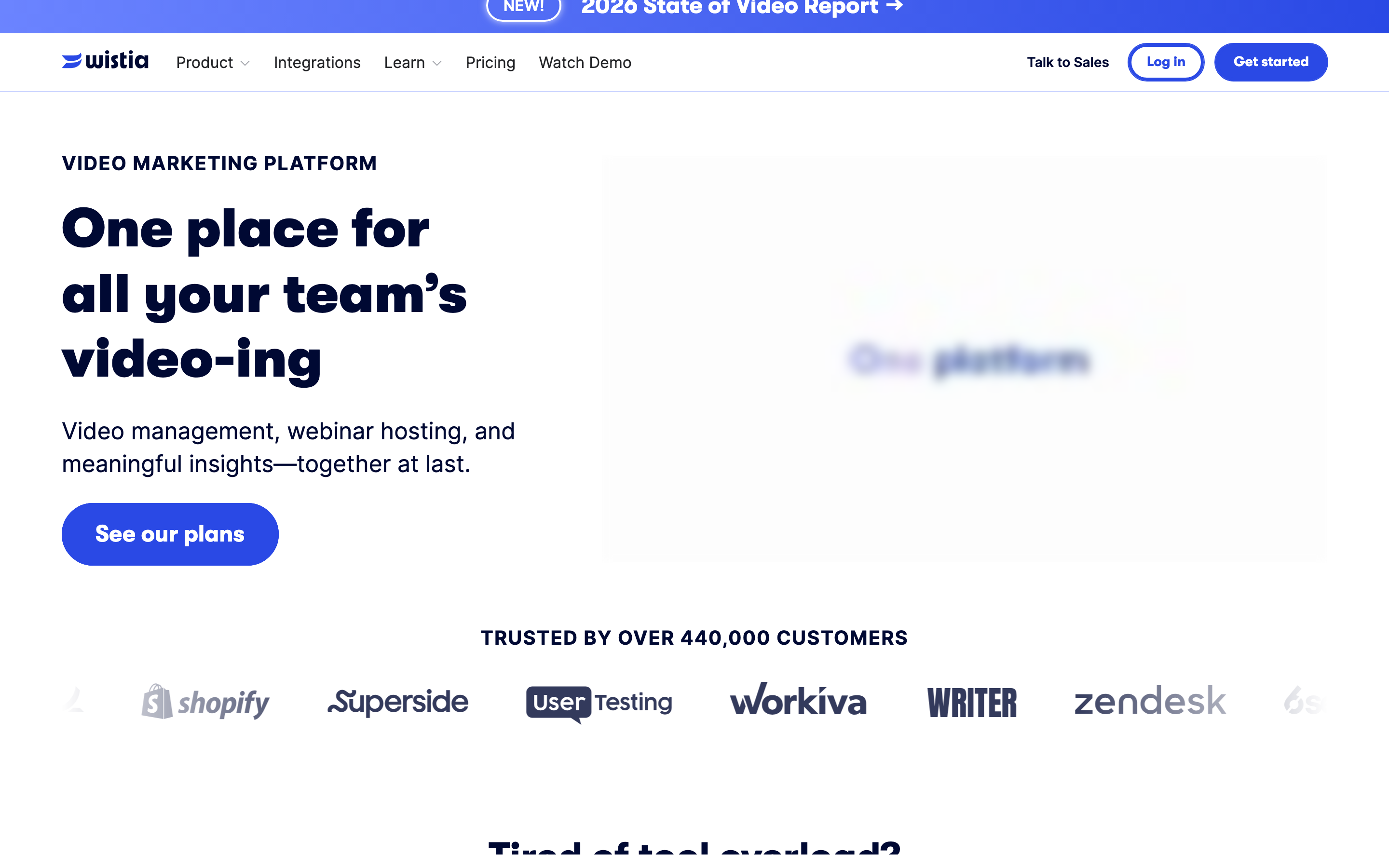
Wistia is best understood as a tool for marketing video hosting and analytics. It belongs in this roundup because it solves a clear slice of the video job rather than trying to be every workflow at once.
Key features
- Video hosting - A practical capability for this workflow.
- Branded players - A practical capability for this workflow.
- Channels - A practical capability for this workflow.
- Analytics - A practical capability for this workflow.
- Lead capture - A practical capability for this workflow.
What users say
Wistia is not a Hippo Video clone. It belongs here because marketing teams often need a stable home for videos after sales and product teams create them. The most useful review pattern is not praise or complaint alone, but fit: happy users know exactly which job they hired Wistia to do. Frustrated users usually expected it to replace a broader planning, editing, hosting, or team-review workflow.
Best for
Best for marketing teams that care about hosting, brand, and analytics.
8. Vimeo
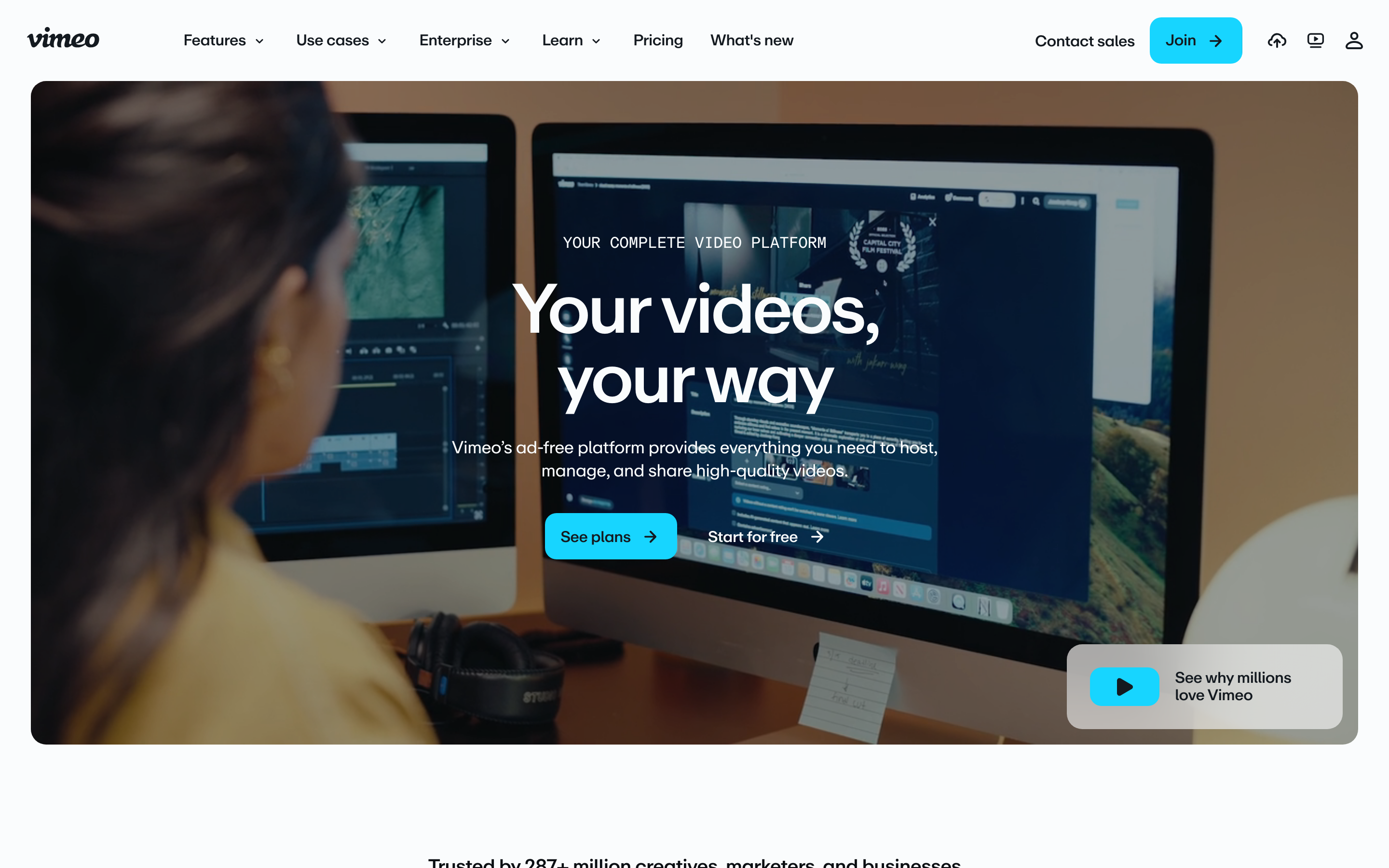
Vimeo is best understood as a tool for broad video hosting, review, and events. It belongs in this roundup because it solves a clear slice of the video job rather than trying to be every workflow at once.
Key features
- Hosting - A practical capability for this workflow.
- Review tools - A practical capability for this workflow.
- Live events - A practical capability for this workflow.
- Privacy controls - A practical capability for this workflow.
- Player customization - A practical capability for this workflow.
What users say
Vimeo is broader than sales outreach. Users like the professional hosting layer, but it will not write or polish the sales message for you. The most useful review pattern is not praise or complaint alone, but fit: happy users know exactly which job they hired Vimeo to do. Frustrated users usually expected it to replace a broader planning, editing, hosting, or team-review workflow.
Best for
Best for teams that need a general video platform with review and publishing.
---
Looking for the fastest route from source material to finished video? ngram turns recordings, docs, URLs, screenshots, and prompts into planned, branded videos. Try ngram free
---
How we compared these tools
We weighted sales workflow fit, recording reliability, CRM and email integrations, AI personalization, video polish, and post-send analytics. The SERP is vendor-heavy, so this refresh separates outreach tools from full business-video production.
We reviewed current SERP results, official product pages, public pricing pages, screenshots available in the local alternatives asset library, and qualitative review/forum patterns. We did not use numerical star ratings because ratings hide the workflow details buyers care about.
| Criteria | Weight | What we looked at |
|---|---|---|
| Workflow fit | 30% | Whether the tool solves the real job behind the Hippo Video search. |
| Output quality | 25% | How polished the resulting video, guide, recording, or asset can be. |
| Source support | 20% | Whether the tool accepts the material teams already have. |
| Pricing clarity | 15% | Whether the public pricing and limits are easy to understand. |
| Team readiness | 10% | Collaboration, brand control, integrations, and governance. |
Frequently asked questions
What is the best Hippo Video alternative in 2026?
ngram is the best Hippo Video alternative for teams that need polished sales, product, or customer videos from scripts, docs, URLs, and recordings. Vidyard is the strongest direct sales-video platform for CRM-heavy teams.
Is Vidyard better than Hippo Video?
Vidyard is usually better for mature sales teams that need analytics, CRM workflows, and AI video messaging. Hippo Video can still fit teams that already like its outreach workflow.
Which Hippo Video alternative is best for email video?
BombBomb is the clearest email-first alternative. Sendspark is stronger when the goal is personalized outbound at scale, and Loom is stronger for quick one-off explanations.
Can ngram create sales follow-up videos?
Yes. ngram can create sales demo follow-ups from screen recordings, prompts, docs, screenshots, and raw video, then add captions, voiceover, brand treatment, and multi-format exports.
Which Hippo Video alternative is best for video hosting?
Wistia and Vimeo are better hosting platforms than direct sales recorders. Pick Wistia for marketing analytics and branded players, or Vimeo for a broader publishing and review platform.
Our verdict
Hippo Video is still a credible sales-video tool, but the better fit depends on where the video lives. Choose Vidyard for revenue analytics, BombBomb for inbox-first video, Sendspark for scaled personalization, Wistia for hosting, and ngram when a sales asset needs to become a polished video instead of another recorded message.
---
Try ngram free. Bring the raw material, describe the outcome, and let ngram draft the script, storyboard, scenes, captions, voiceover, and export-ready video. Start free