Animation that explains the point
Motion Graphics adds branded text overlays, lower-thirds, callout boxes, product callouts, smart zooms, scene transitions, and React-based motion scenes to business videos in ngram.
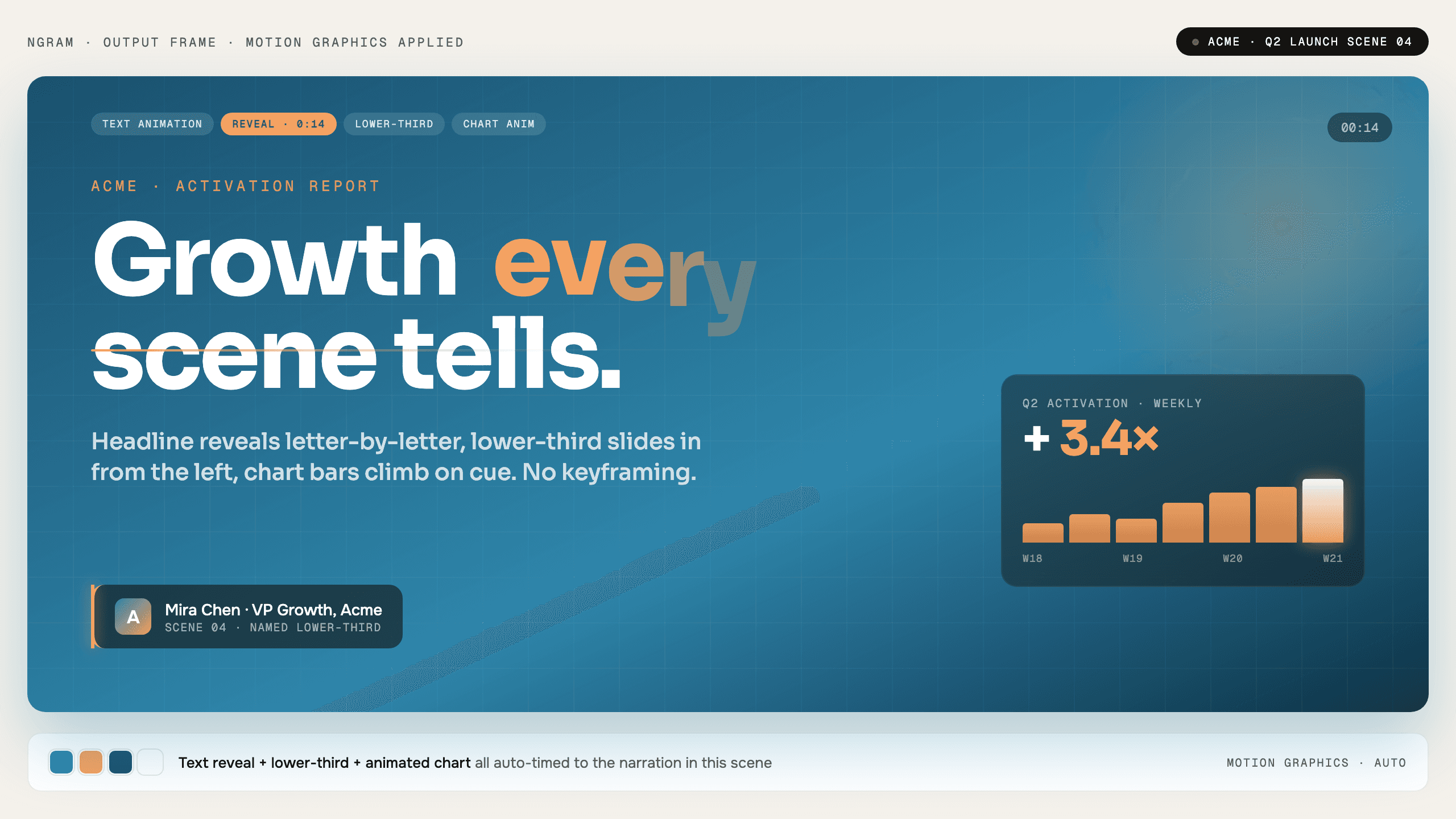
- Add branded overlays and lower-thirds to scenes
- Use product callouts to point at the right UI details
- Use React-based scenes when a video needs code-level control
Trusted by teams at












Static scenes make viewers work too hard
Business videos need to guide attention. Without text motion, callouts, zooms, and transitions, viewers have to guess what matters on each screen.
Product details get missed
A viewer may not notice the button, setting, or metric the narration is describing.
Charts need timing
Numbers and comparisons land better when the visual change happens with the line.
Manual animation needs specialist time
After Effects work is hard to justify for every support clip, launch update, or demo.
Motion Graphics makes emphasis part of the render.
Motion that guides attention
Motion Graphics turns scene plans, text, charts, product details, brand rules, and code-driven scenes into animated video output.
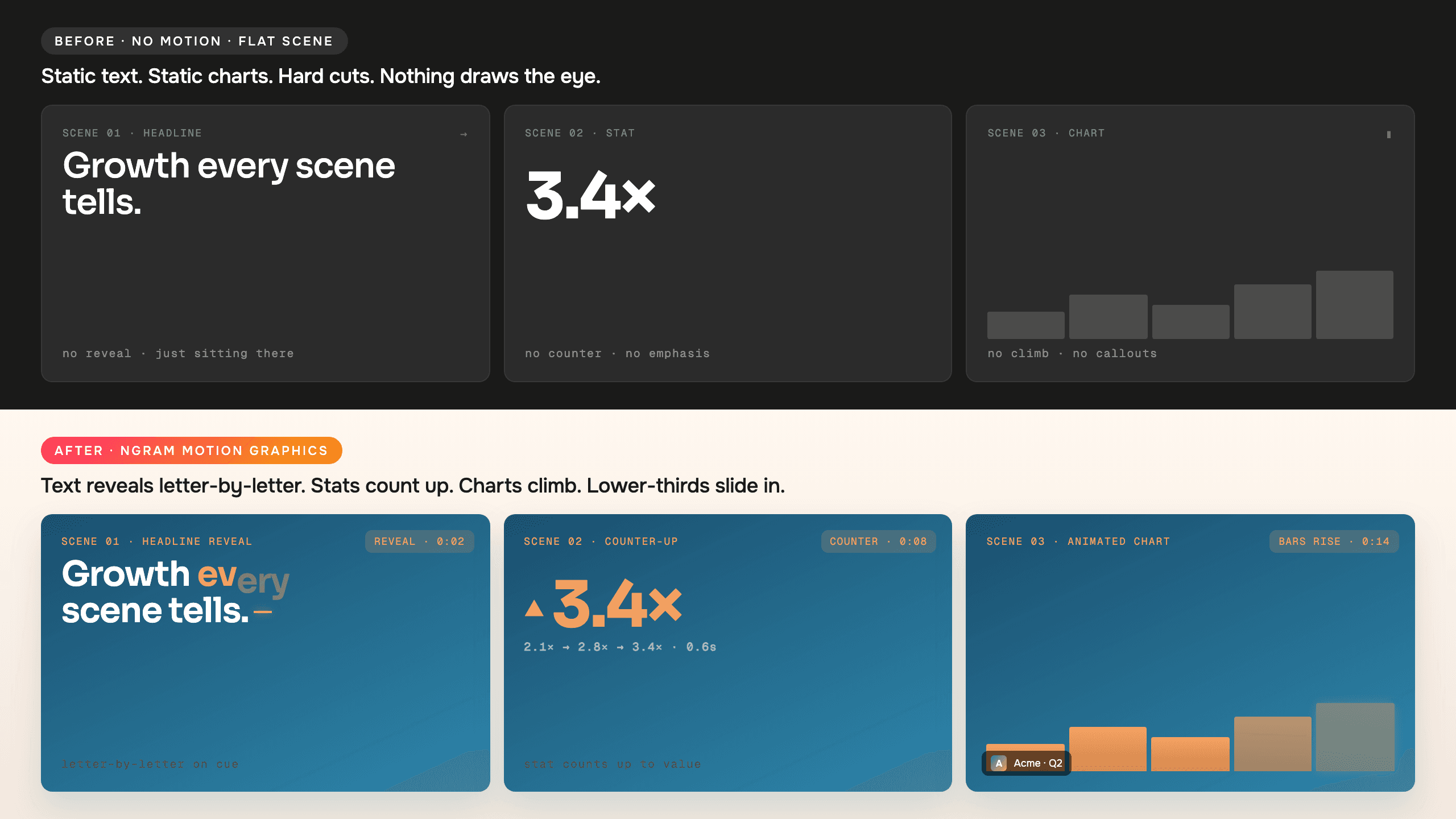
Each scene can use motion to clarify what the viewer should notice.
Branded overlays
Use text overlays, lower-thirds, and animated graphics that follow brand kit direction.
Product callouts
Add arrows, highlights, labels, and zooms that point to the relevant UI element on screen.
Code-driven scenes
Use React-based motion scenes when charts, product states, or layouts need component-level control.
Motion is generated from the scene job
Motion choices are tied to the script, scene plan, product visuals, brand kit, and renderer instead of being added as a separate design pass.
Point at product details
Animated arrows, labels, and highlights help viewers see the exact UI element being discussed.
Animate key lines
Scene titles, lower-thirds, and captions can carry motion that matches the brand.
Use smart zooms
Push-ins, pans, and zooms keep still scenes and long takes easier to follow.
Add React-based scenes
Use code-level control for scenes that need precise layouts, charts, or data-driven animation.
How Motion Graphics works
ngram plans the scene, identifies what needs emphasis, then renders motion into the final video.
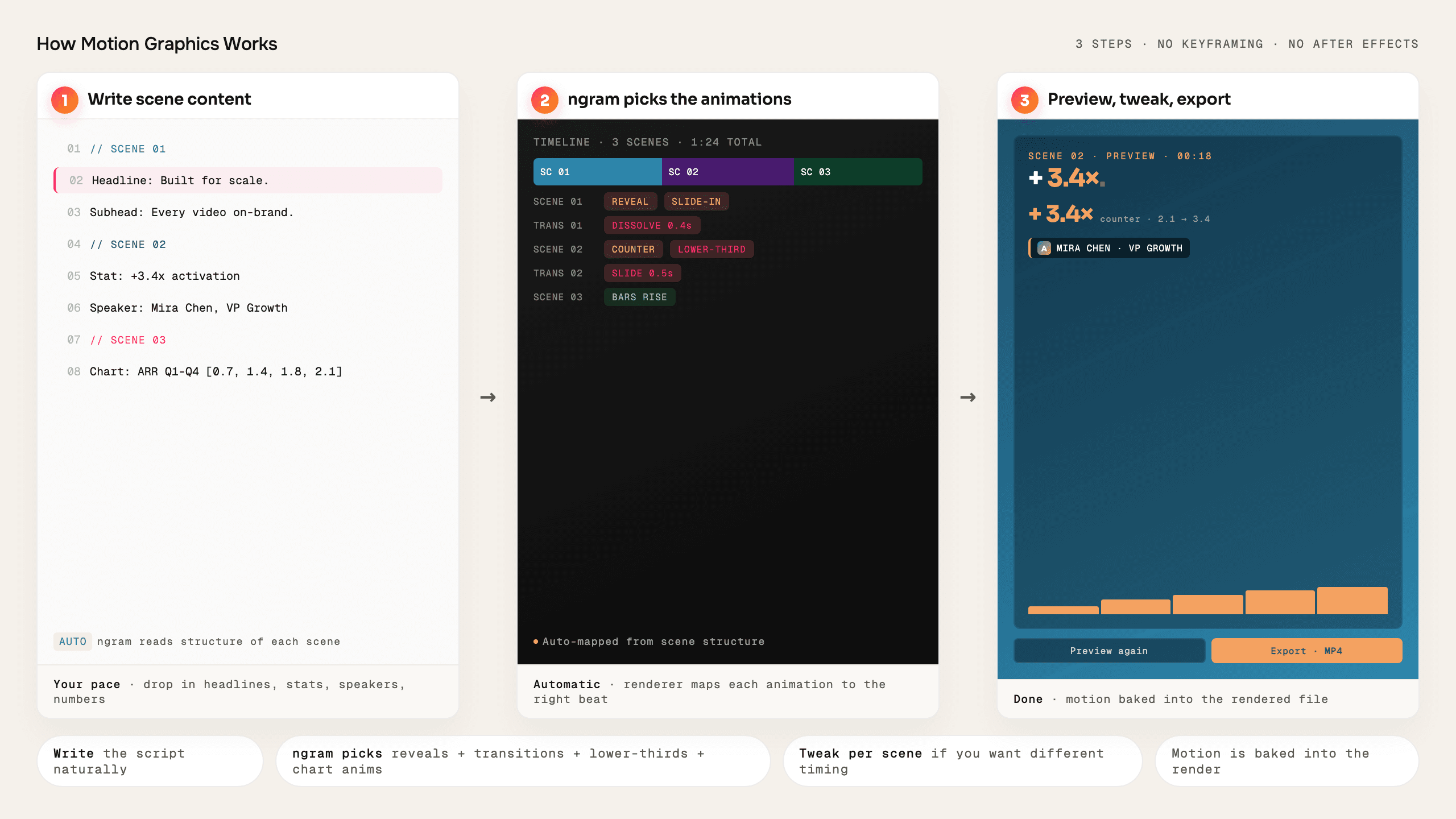
Plan the scene
The storyboard defines what the viewer should see, read, and understand in each scene.
Add motion cues
ngram applies overlays, callouts, zooms, and transitions based on scene context.
Render the result
Motion graphics are composed into the video output with the rest of the edit.
Who uses Motion Graphics
Motion Graphics helps business teams turn existing material into clearer videos without separating the feature from the main ngram workflow.
Product marketing
Use overlays, callouts, and transitions to make launch videos easier to follow.
Agencies
Add branded motion and product callouts without a separate motion-design pass.
Customer success
Use labels, highlights, and zooms to show customers exactly where to look.
Founders
Animate stats, charts, and key lines so the business story is easier to understand.
Where Motion Graphics fits in the real work.
Use Motion Graphics in the moments where a business message needs to become a clear, polished video for a specific audience, channel, or workflow.
Product Launch Video Maker
Turn the feature PRD, the screenshots, or a rough screen recording into a launch-ready video. A product launch video maker built for SaaS hands you back motion graphics, captions, brand polish, and every channel ratio — without an agency invoice or a missed release window.
Feature Announcement Video
Paste your release notes, the PRD, or the product URL. Get back a polished feature announcement video with motion graphics, captions, and your brand kit — ready to ship the same sprint the feature does.
Explainer Video
Paste your landing page URL, a product doc, or a rough script and get a polished explainer video back inside 30 minutes. An explainer video maker built for SaaS — no animation skills, no agency brief, no six-week production cycle.
Marketing Ad Creative
A marketing ad creative pipeline built for brand and demand-gen teams who need every campaign launched with a full library of variants, not a single hero cut. Drop in a product clip or a campaign brief. Get back twenty captioned, on-brand video ads ready for every paid placement.
Startup Explainer Video
Drop in your pitch deck, product URL, or a rough screen recording. A startup explainer video maker built for pre-seed and Series A teams hands you back a 60-second story with the right narrative arc, brand polish, and motion graphics — without the agency invoice.
Marketing Social Clips
Drop in a raw recording, a blog post URL, or last week's webinar. A social media video maker built for marketing teams turns one source into platform-ready clips for LinkedIn, Reels, Shorts, and TikTok — without an in-house editor.
Motion Graphics compared with the usual alternatives
Motion Graphics is built into the ngram video workflow. The comparison below uses conservative workflow categories instead of unsupported competitor claims.
| Capability | ngram | Manual workflow | Template editor | Point tool |
|---|---|---|---|---|
| Motion source | ● Generated from scene context | × Built by a motion designer | ~ Template animation presets | ~ Single-purpose effect |
| Product emphasis | ● Callouts, labels, highlights, smart zooms | × Manual keyframes | ~ Manual layout edits | ~ Limited to tool scope |
| Brand fit | ● Uses brand kit direction | × Requires style handoff | ~ Template-dependent | ~ Manual setup |
| Revision path | ● Ask for scene changes in ngram | × Reopen animation files | ~ Edit template elements | ~ Export and re-import |
Motion Graphics is stronger as part of a full video workflow
Use Motion Graphics with the adjacent ngram features that handle script, visuals, voice, brand, motion, collaboration, and export.
Brand Kit
Brand colors and typography flow into every motion-graphics layer
AI Visuals
Generated scene visuals pair with animated text and chart overlays
AI Voiceover
AI Voiceover generates natural-sounding narration directly from your script. Pick a voice from 40+ options across 20 languages, hit generate, and the audio appears in your timeline already synced to your sce...
Collaboration
Collaboration in ngram gives every video a comment thread anchored to specific frames. Reviewers click a moment to leave feedback, mentions notify teammates, and version history snapshots every change. Works...
Enterprise Integrations
Enterprise Integrations is the bundle of 8 ngram connectors that turn ngram into a one-pipe video distribution platform. Trigger renders from Chrome, Zapier, n8n, Make, or an MCP-connected AI agent, then pub...
Start Motion Graphics from the source you already have
Already have a doc, recording, page, or deck? Use a converter to create the first draft, then refine the result with this feature in the editor.
Text to Video
Start with a written message and generate scenes with animated emphasis.
Slides to Video
Turn static slides into a paced video with motion, voiceover, and captions.
Screenshots to Video
Add movement, callouts, and captions around product screenshots.
Blog post to Video
Transform written sections into animated beats for social or landing pages.
PDF to Video
Convert dense documents into clearer narrated motion sequences.
Image to Video
Animate still images into clips with motion and scene transitions.
Small utilities that help finish Motion Graphics videos
Use these focused tools on their own or as part of a bigger ngram workflow when a video needs cleanup, captions, conversion, or packaging.
Add Text to Video
Video Editor
AI Video Generator
Image to Video
Video Caption Generator
Add Music to Video
Video Cutter
Video Compressor
Connect ngram to the tools your team already uses
Use the live integration routes for automation, browser capture, agent access, and publishing. Keep video creation close to the work that starts it.

Zapier
Trigger ngram workflows from Zapier when a source event or form submission is ready for video.

Make.com
Build Make scenarios that pass prompts, files, or source material into ngram workflows.

n8n
Connect self-hosted or managed n8n workflows to ngram for repeatable video jobs.

MCP Server
Let AI agents call ngram through the Model Context Protocol endpoint when a video needs to be created.

Chrome Extension
Capture web context from the browser and send it into ngram as source material for a new video.

YouTube
Prepare finished videos for YouTube workflows and keep the source project in ngram.

Create business videos for LinkedIn campaigns, updates, launch posts, and social clips.

X (Twitter)
Turn source material into short update videos for X while keeping the edit workflow in ngram.
Need a custom workflow? Use the API, webhook support, or MCP route when your team needs a governed video pipeline.
Explore integrationsQuestions about Motion Graphics
Still curious?
Create your next video with Motion Graphics
Motion Graphics works inside ngram, so the script, scenes, brand, assets, and export path stay connected from first draft to final video.
Built for business video teams. Connected to the ngram workflow.