
Search interest for "remotion" exploded 12x between August and November 2025. The React-based video framework's agent skill hit 150,000 installs on skills.sh. A demo video racked up 6 million views on X in days.
Developers loved it. The rest of us watched from the sidelines.
To actually use Remotion, you need Node.js, React, TypeScript, a code editor, and comfort with the terminal. Even with Claude Code handling the React generation, independent testing showed the first polished clip takes over two hours.
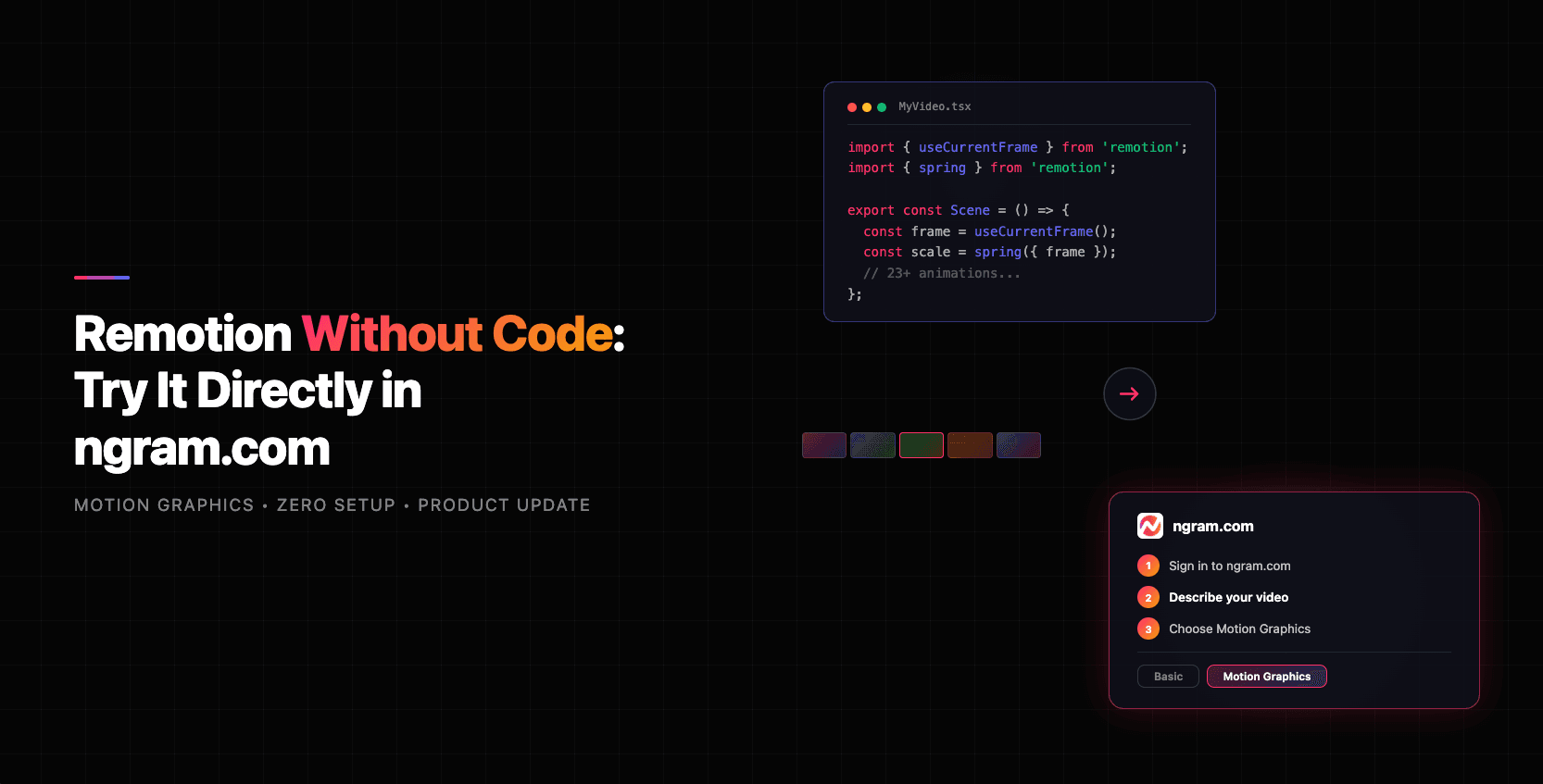
That changes now. ngram runs Remotion under the hood, and you can use it in three steps.
What Is Remotion?
Remotion is an open-source React framework for creating videos programmatically. Instead of dragging clips on a timeline, developers write JSX components that describe what appears on each frame. The framework renders those components into video files at 30 FPS.
With 25,300 GitHub stars and 170,000 weekly npm downloads, Remotion powers some of the most polished motion graphics on the web - animated text reveals, data visualizations with d3, product demos with pixel-perfect brand fidelity.
The catch? It's a developer tool. And most teams who need professional ai motion graphics - product marketers, founders, PMs - don't write React.
For a deeper look at Remotion's rise and what it signals for AI video, see our full analysis of Remotion's 150K installs on skills.sh.
Remotion Search Interest Has Exploded
The past twelve months tell a clear story. Search interest for "remotion" spiked from near-baseline to peak levels between August and November 2025, driven by the Agent Skills launch and viral Claude Code demos.
Source: Semrush keyword analytics, March 2026
Even as the initial hype has normalized, interest remains above pre-spike levels. The underlying demand for programmatic, code-driven motion graphics ai is real and growing.
The Setup Barrier Is Real
To use Remotion the traditional way, you need a full development environment:
- Node.js 16.8+ installed on your machine
- React 18 and TypeScript knowledge
- FFmpeg (baked into Remotion v4, but still part of the rendering stack)
- A code editor (VS Code, Cursor, etc.) and terminal comfort
- Remotion's composition API understanding - compositions, sequences, springs, interpolation
- Optional: AWS Lambda setup for cloud rendering at scale
That's a meaningful barrier for anyone who isn't a React developer.
Even the shortcut path - using an AI coding assistant with Remotion's agent skill - isn't instant. According to independent testing published in early 2026, the first polished clip using Remotion + Claude Code took 2 hours and 18 minutes on a MacBook Pro M3 Max. The same tester noted that Remotion becomes efficient at scale (120 videos rendered in 18 minutes via cloud rendering), but for the single video most teams need today, the setup cost is significant.
Here's how the number of steps compares across approaches:
Source: Based on Remotion setup documentation and ngram product workflow
Traditional Remotion requires installing Node.js, setting up a React project, installing Remotion packages, learning the composition API, writing video code, configuring rendering, and exporting. With Claude Code, you skip some coding but still need the dev environment. With ngram, you sign in, describe your video, and pick an animation style.
How to Use Remotion in ngram (3 Steps)
ngram runs Remotion under the hood. When you select the Motion Graphics animation style, our AI generates custom React compositions for every scene - the same code-driven approach developers use, without the developer part.
Step 1: Sign in to ngram.com
Create a free account or log in at ngram.com. No installations, no dependencies, no terminal.
Step 2: Tell ngram AI what to create
Describe your video in plain language. "Create a product launch video for our new analytics dashboard" or "Make a 60-second explainer about our pricing changes." Add any assets you have - docs, screenshots, URLs. ngram's script generation handles the narrative structure.
Step 3: Choose Motion Graphics
In the animation style settings, switch from Basic to Motion Graphics. This activates the Remotion engine for code-driven animations instead of AI-generated imagery.
Here's what the output looks like - this video was created using ngram's Motion Graphics style, powered by Remotion:
That's it. No Node.js. No React. No terminal. The Remotion engine handles the code generation, composition, and rendering behind the scenes. You approve the storyboard, refine in plain language, and export.
Want to try it yourself? Sign in at ngram.com, describe your video, and select Motion Graphics. Your first video takes under 10 minutes.
What Remotion Powers Inside ngram
When you choose Motion Graphics in ngram, the Remotion engine generates custom React components for every scene. Here's what that unlocks:
23+ text animations - Typewriter, split-words, floor-rise, elastic-grow, 3D flip, jelly-pop, slot-machine, block-reveal, tunnel-zoom, and more. Each operates at character, word, or container level with independent timing and easing curves.
Native data visualizations - Bar charts, line charts, area charts, donut charts, KPI counters, comparison bars, timeline graphs, and progress indicators. All rendered natively via d3 with animated transitions. Numbers count up. Bars grow. Data becomes a story, not a screenshot.
Word-level voiceover sync - The Remotion engine reads word-level timestamps from your AI voiceover and choreographs every element to match. The narration says "revenue grew 40%" and the chart animates at that exact moment.
Brand-exact rendering - Your brand kit colors and fonts are applied as CSS values in React components. Not approximated through image generation prompts. Every frame renders your exact visual identity - precise hex codes, exact font families. No variation between scenes.
This is what separates Motion Graphics from Basic mode. Basic mode animates between AI-generated images with pan and zoom effects - effective for certain content, but fundamentally a slideshow. Motion Graphics produces code-driven animations rendered at 30 FPS with deterministic, repeatable output. The difference is visible.
The Motion Graphics Market Is Booming
The timing is right. The global motion graphics market hit $85.5 billion in 2024 and is projected to reach $98.3 billion in 2025, growing at a 12.2% CAGR toward $280 billion by 2034, according to Custom Market Insights.
Source: Custom Market Insights and GlobeNewsWire
Meanwhile, AI video adoption is accelerating. According to recent industry data, 52% of B2B marketers now say AI video is their most-adopted new marketing technology. Enterprise spending on AI video platforms grew 127% year-over-year in 2025. And AI-powered production brings costs down significantly - from about $4,500 per finished minute with traditional production to roughly $400 per minute.
The demand for motion graphics is growing. The barrier to creating them is falling. ngram's Remotion integration sits at that intersection.
Who This Is For
ngram's Remotion-powered Motion Graphics is built for teams who need studio-quality output but don't write code:
- Product marketers shipping launch videos, feature announcements, and competitive content with animated text, data viz, and product screenshots choreographed to narration
- Founders building pitch videos with animated KPI counters, growth charts, and comparison bars that move on cue
- Product managers turning release notes into motion-designed update videos with animated timelines and progress indicators
- Sales teams creating data-driven comparison videos with animated metrics and benefit callouts for persona-specific outreach
If you've seen Remotion demos and thought "I want that, but I don't code" - this is how you get it.
Frequently Asked Questions
Do I need to know React to use Remotion in ngram?
No. ngram handles all the React code generation under the hood. You describe what you want in plain language, and the Remotion engine generates the custom components automatically. Zero coding required.
What's the difference between Basic and Motion Graphics in ngram?
Basic mode creates videos using AI-generated images with pan and zoom transitions. Motion Graphics activates the Remotion engine, which generates code-driven React animations - real motion design with text animations, data visualizations, and precise timing. Motion Graphics takes slightly longer to render but produces higher-fidelity output.
Can I still customize the output without coding?
Yes. After the Remotion engine generates your video, you can refine it using ngram's plain-language editing. Swap scenes, change text, adjust styling, regenerate sections - all without touching code. The storyboard is reviewable before rendering.
What kinds of videos work best with Motion Graphics?
Product explainers, feature announcements, data-driven presentations, investor pitch videos, competitive comparisons, and content where animated text, charts, and precise brand fidelity matter more than photorealistic footage.
Is Remotion free to use through ngram?
Remotion the framework is open source but requires a company license for commercial use. When you use it through ngram, the licensing is handled by us - you don't need a separate Remotion license.