
This week's update brings a major new way to give feedback on your videos, a fresh way to earn free credits, and a set of team collaboration upgrades that make working together in ngram significantly smoother.
What's New
Leave Feedback Directly on Your Videos
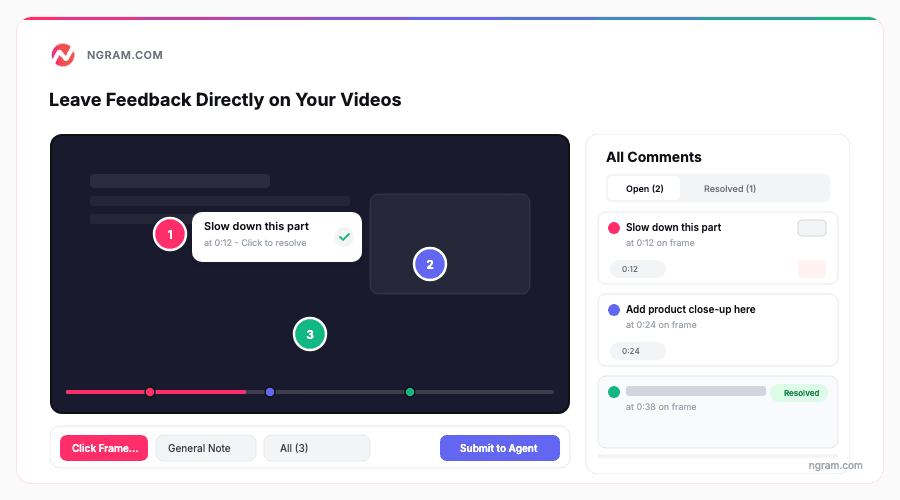
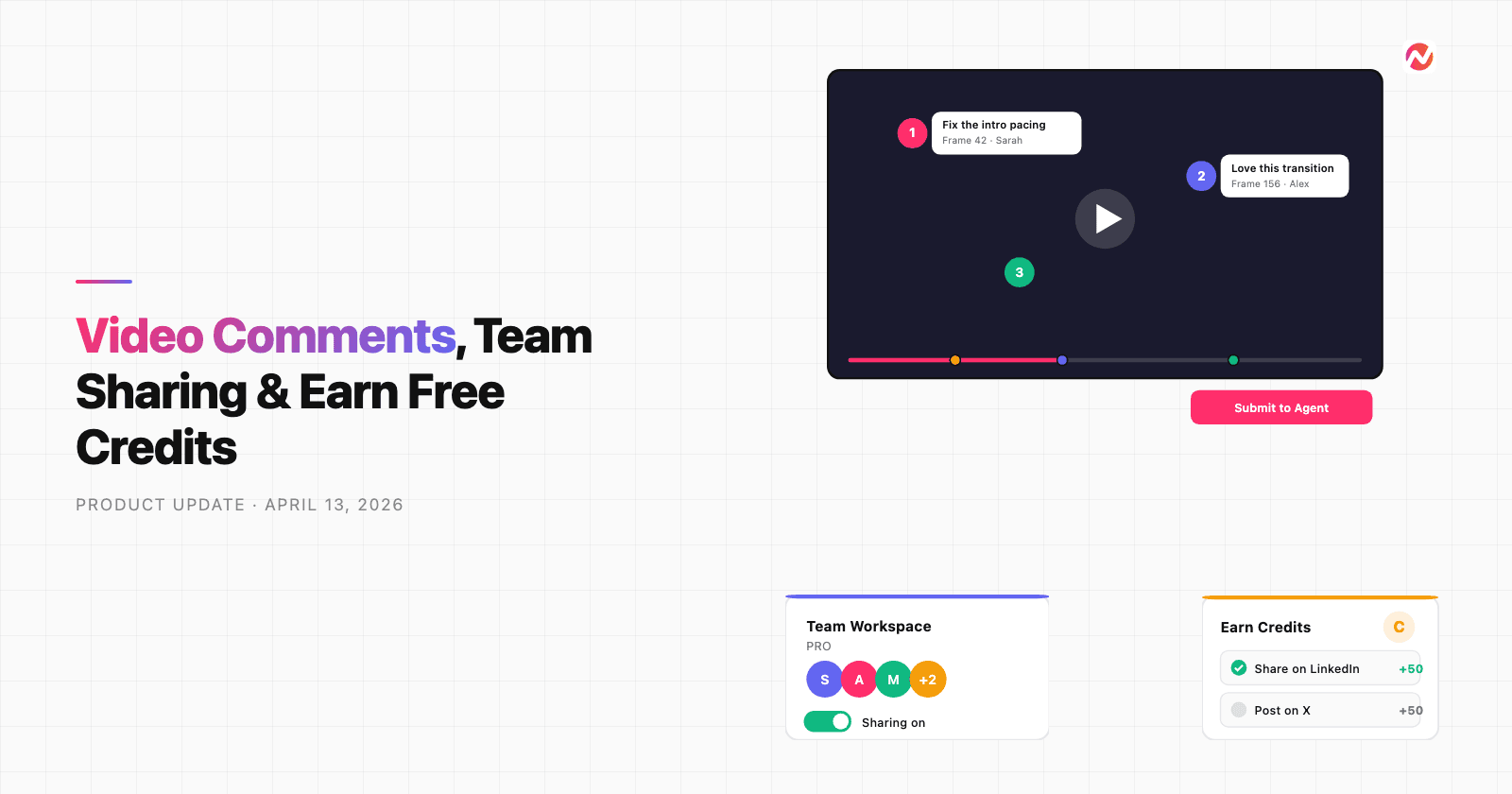
If you've ever wanted to point at a specific moment in your video and say "change this" - now you can. ngram's new video commenting system lets you click anywhere on a video frame to pin a comment right where you mean it. Each comment is tied to both a timestamp and a position on the canvas, so your feedback is never ambiguous.
Here's how it works: while reviewing a video in the agentic chat, click the comment icon in the toolbar, then click on the frame where you want to leave a note. Type your feedback, optionally attach a reference image, and submit. All your comments appear in a side panel organized by timestamp, so you can scan through them like a timeline. On mobile, the panel slides up as a bottom sheet with touch-friendly controls.
The best part - when you're done leaving notes, hit "Submit to Agent" and ngram's AI reads every comment, understands the visual context of each one, and starts making revisions automatically. No more typing out long descriptions of what to change where.
Earn Free Credits by Sharing on Social Media
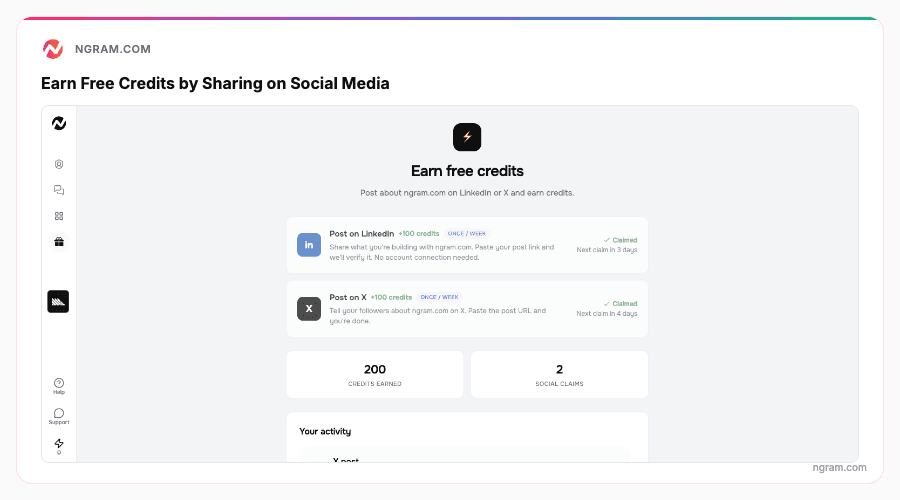
There's a new "Earn Credits" page in the sidebar where you can pick up free credits every week just by posting about ngram on social media. The page lists supported platforms - Twitter/X, LinkedIn, YouTube, and more - each with its own credit reward. Pick a platform, share a post about your experience with ngram, paste the link back in the app, and your credits get verified and added to your balance.
Each platform has a weekly cooldown, so you can earn from multiple platforms in the same week. The activity section at the top tracks your claim history and current status across all platforms.
Drag and Drop Files Into Your Upload Modal
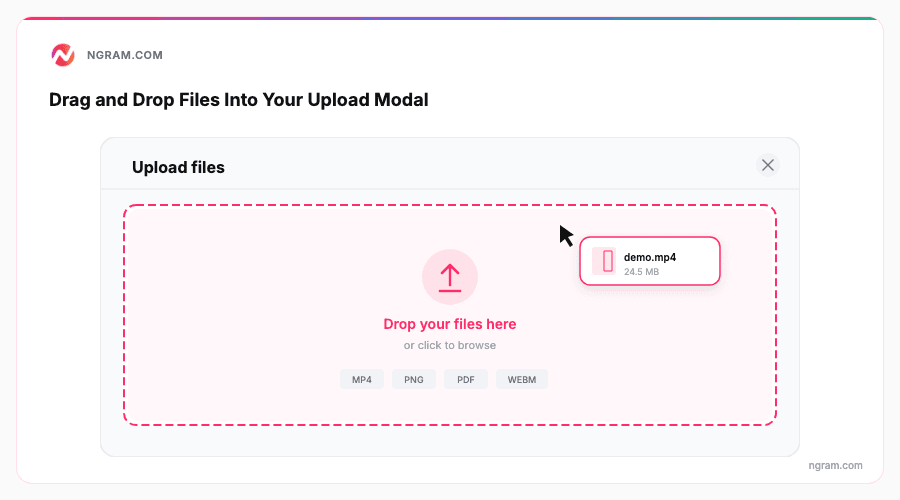
Uploading files to your projects just got faster. The file upload modal now supports drag-and-drop - grab a file from your desktop, drop it onto the modal, and it starts uploading immediately. No more clicking through the file picker every time. The modal highlights when you're dragging a file over it so you know exactly where to drop.
Improvements
Share Conversations and Media With Your Team
The teams experience got a significant overhaul this week. You can now share any conversation with your team using a toggle right in the chat panel header. Shared conversations appear in your team's conversation list, giving everyone visibility into ongoing projects.
The media library also got smarter - it now separates personal uploads from team uploads with clear filters, so you can browse shared assets without wading through everyone's files. Team settings pages for invites and member management have been cleaned up with better role handling and error messaging.
Team Owners Can Distribute Credits to Members
If you're a team owner, you can now transfer credits from your balance to any team member. Head to Team Members in settings, click the credit icon next to a member's name, enter an amount, and confirm. The transfer is instant and shows up in both accounts' usage history. This makes it easy to allocate credits across your team without everyone needing their own billing setup.
Multi-Team Membership
You're no longer limited to a single team. Accept invites from multiple teams and switch between them as needed. This is especially useful for freelancers and consultants who collaborate with several organizations, or for anyone involved in cross-functional projects.
Rename Conversations Inline
Click on any conversation title in the chat panel header to rename it on the spot. Edit the text, press Enter, and it saves. Much quicker than hunting through a list of auto-generated titles when you're juggling multiple projects.
Conversations Auto-Archive After 3 Days
Conversations older than 3 days are now auto-archived to keep your workspace clean. When you open an archived conversation, you'll see a banner with a "Continue" button that clones the conversation into a fresh one so you can pick up right where you left off. Your original conversation and its history stay intact.
Plan Change Clarity in Billing Settings
The billing settings page now shows a clear message explaining how plan changes work - upgrades take effect immediately with prorated charges, while downgrades apply at the end of your billing cycle. No more guessing when a change kicks in.
Chat Image Lightbox
Click on any image shared in an agentic chat conversation to open it in a full-screen lightbox. If there are multiple images, you can navigate between them using gallery controls. Makes it much easier to review visual assets shared during a conversation.
Bug Fixes
- Storyboard preview crash fix - Viewing projects with 8+ scenes no longer crashes your browser tab. Scene previews now load on-demand when you press play instead of mounting every video simultaneously.
- "No voiceover" option removed - We removed a broken "no voiceover" option from the voice selector that was causing incomplete video generation. If you ran into videos that seemed to skip steps, this was likely the culprit.