
What We Found (And Why It Matters)
Demo videos are no longer nice-to-have. According to Wyzowl's 2026 Video Marketing Report, 82% of video marketers report positive ROI from video content, with product demos ranking among the highest-converting formats. Shoppers who watch demo videos are 1.81x more likely to purchase than those who only see product photos or text.
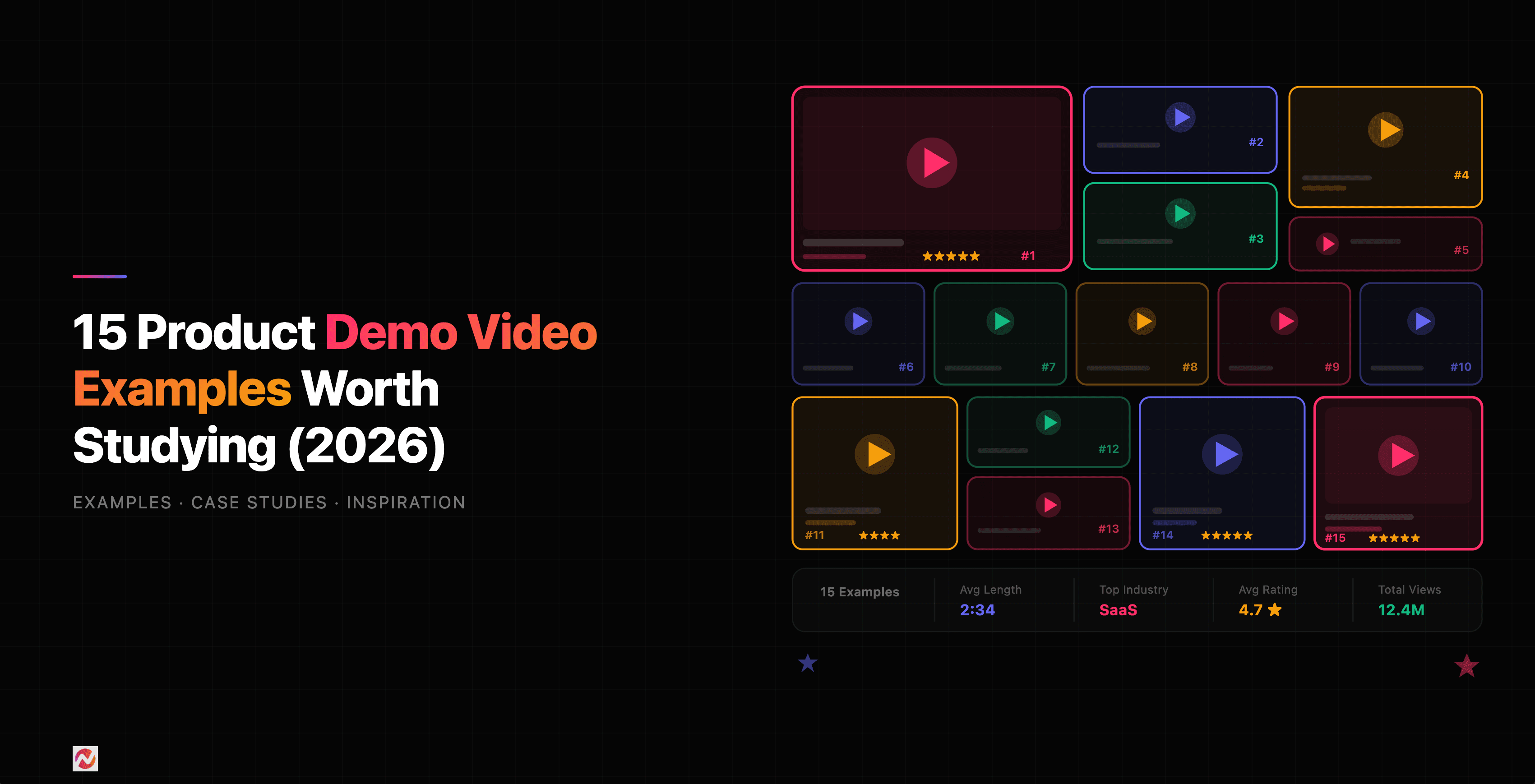
We've analyzed 15 real demo video examples across different industries and styles. Here's what separates the winners from the rest.
Best Overall Demo Videos
1. Notion
What they do: All-in-one workspace for notes, databases, and project management.
Why it works: Notion's demo videos don't list features. They show real teams solving real problems. You see someone organizing a project roadmap, another person building a content calendar. Each scenario is concrete and relatable. The narration is calm, the pacing is perfect, and by the end you can picture your own workflow inside Notion.
Key takeaway: Show your product solving actual workflows, not a feature list. Let viewers see themselves using it.
2. Canva
What they do: Drag-and-drop design platform.
Why it works: Canva's demo videos focus on speed and ease. In under 60 seconds, they show someone with zero design experience creating professional graphics. The visual transitions are smooth, the music is upbeat, and the result is proof of value. There's no jargon, no overwhelming options. Just transformation.
Key takeaway: Lead with simplicity. Show the before and after. Make it feel fast and achievable.
3. Duolingo
What they do: Language learning app.
Why it works: Duolingo balances entertainment with information. Their demo videos are fun to watch. The mascot Duo appears, makes you smile, and you learn the product without feeling sold to. It's entertainment first, feature explanation second.
Key takeaway: Entertainment and education aren't mutually exclusive. If people enjoy your demo, they remember it.
Best Demo Videos for SaaS
4. Slack
What they do: Workplace communication platform.
Why it works: Slack's demos focus on one pain point at a time. Instead of showing 20 features, they address specific problems: "Too many email threads? Try Slack channels." "Missing context in conversations? Thread replies have you covered." Each demo is 2-3 minutes max. The messaging is crystal clear.
Key takeaway: Break your value proposition into digestible chunks. One insight per video beats feature overload.
5. Zapier
What they do: Automation platform connecting apps.
Why it works: Zapier's demo videos show the dramatic time savings. They show a manual workflow taking 20 minutes, then the Zapier automation doing it in seconds. The comparison is visual and visceral. Viewers instantly understand ROI.
Key takeaway: When your product saves time or money, show the contrast. Make the value undeniable.
6. Monday.com
What they do: Work management and project tracking software.
Why it works: Monday.com's demos are highly visual. They use motion graphics and screen recordings together. The dashboard comes alive with animations showing how teams collaborate in real time. The color, movement, and energy make the platform feel modern and intuitive.
Key takeaway: Motion graphics and animations help convey complex workflows. Use visuals to simplify.
Best Short-Form Demo Videos
7. TikTok Shop
What they do: E-commerce integration on TikTok.
Why it works: TikTok's demos are 15-30 seconds. They open with a hook: "Sold out in under 5 minutes." Then they show the product in action. Fast cuts, trending audio, relatable creator reactions. By the time you've watched it, you know what it is and why it matters.
Key takeaway: For social platforms, brevity is respect. Hook viewers in the first 2 seconds or lose them.
8. Superhuman
What they do: AI-powered email client.
Why it works: Superhuman's short-form demos show speed. Inbox zero in seconds. Commands executed instantly. The demo itself is a performance, like watching someone play a video game on expert mode. It's impressive, it's fast, and it communicates mastery.
Key takeaway: If your product is fast, let speed be the story. Show it in action without commentary.
9. Loom
What they do: Instant video messaging for async communication.
Why it works: Loom's demos show the tool creating itself. A Loom video demonstrating Loom is meta and smart. It takes 30 seconds to show you can record, edit, and share. The simplicity is the strength. You immediately think, "I could do this."
Key takeaway: Show your tool doing what it's designed to do. Self-demonstration builds confidence.
Best Demo Videos for Sales
10. HubSpot
What they do: CRM and marketing automation platform.
Why it works: HubSpot creates role-specific demos. One for sales teams, one for marketing, one for customer success. Each addresses the exact pain points of that team. A sales rep watching the sales demo thinks, "This is made for me." Personalization increases relevance.
Key takeaway: When possible, create variations for different personas. Specific beats generic every time.
11. Salesforce
What they do: Enterprise CRM and business software.
Why it works: Salesforce demos tell a story. They show a sales team struggling with scattered information across tools, then show how Salesforce brings it together. The narrative arc is: problem, struggle, discovery, resolution. By the end, the viewer understands not just the features but the benefit.
Key takeaway: Sales demos work best when they follow a story structure. Setup the pain, show the solution.
12. Vidyard
What they do: Sales enablement and video messaging platform.
Why it works: Vidyard's demos show real sales conversations. You see a rep recording a personalized video demo for a prospect. The prospect responds. Real data shows the result: shorter sales cycles, higher win rates. It's not a feature walkthrough; it's a use case in action.
Key takeaway: Sales professionals trust demos that show real outcomes. Use case examples and data convince them.
Best Demo Videos for Onboarding
13. Figma
What they do: Collaborative design tool.
Why it works: Figma's onboarding videos are task-based. "How to create a new file." "How to invite collaborators." "How to prototype interactions." Each video is 2-4 minutes and solves one specific problem. Users watch exactly what they need when they need it.
Key takeaway: Onboarding videos should be task-focused and findable. Help users solve problems, not learn about the platform.
14. Asana
What they do: Project and portfolio management tool.
Why it works: Asana created video playlists organized by role and use case. New users find the exact videos they need. The videos show real workflows from companies like Airbnb and Twitter. Seeing how a team you respect uses Asana adds credibility.
Key takeaway: Organize demo videos into playlists. Include social proof from recognizable companies.
15. Intercom
What they do: Customer communication and support platform.
Why it works: Intercom's onboarding videos use a conversational tone. They sound like a friendly coworker explaining things, not a robotic voiceover. The pacing is relaxed, and the examples are practical. Users feel guided, not lectured.
Key takeaway: Tone matters. Conversational and human beats corporate and formal.
What Makes These Demo Videos Effective?
Here's what we found across all 15 examples.
They Answer One Question Clearly
Each demo has a single clear answer: "Does this solve my problem?" They don't try to explain everything. They show the thing that matters most and let the rest be discovered later.
They Show Real Workflows
None of these demos show an empty product or feature in isolation. They show the product doing its job for a real person with a real problem.
They Respect Your Time
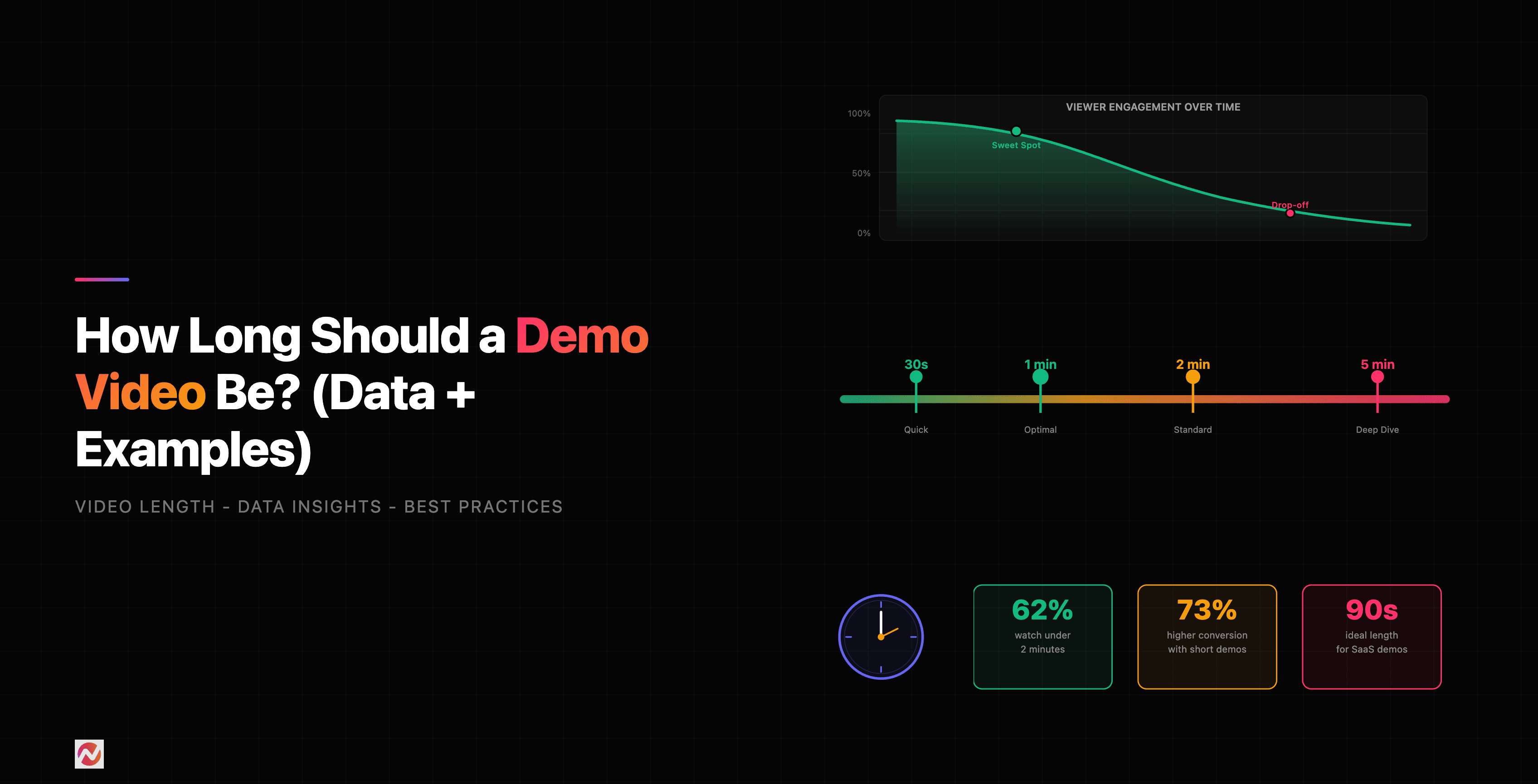
The best demo videos are short. Most of the examples above are under 3 minutes. Some are 30-60 seconds. This constraint forces clarity. You can't waste time with a 90-second video, so every frame counts.
They Use Motion Strategically
Animations and transitions are there for a reason in these demos, not just decoration. Motion draws the eye to what matters and keeps pace with the narration.
Here's how demo video length impacts engagement and effectiveness.
Source: Wyzowl Video Engagement Report
Viewers who start a demo under 1 minute have a 92% completion rate. Stretch it to 5 minutes and that drops to 68%. Push it over 5 minutes and you lose nearly 2 out of 3 viewers. Time is a constraint, and the best demos work within it.
Demo Video Styles by Industry
Different industries use different approaches. Here's what works in each.
Source: Video Marketing Institute 2026 Report
SaaS companies lean on screen recordings with voiceover. E-commerce brands use more animation and lifestyle footage. Healthcare and finance balance professionalism with clarity. Choose a style that matches your industry and audience expectations.
What You Can Learn From These Examples
If you're creating demo videos for your own product, here's what these 15 examples teach us.
1. Start With Your Hardest Question
What's the one thing prospects ask about? Make your demo answer that first. Everything else is detail.
2. Show, Don't Tell
Don't describe features. Show the product solving a real problem. Demonstrate the workflow, not the interface.
3. Use Real Scenarios
A sales rep using your CRM to close a deal beats a generic walkthrough. A marketer organizing a campaign beats "our platform is organized." Specificity is persuasive.
4. Script for Clarity, Not Completeness
Your script should highlight the core value. Skip the "here's the menu bar" stuff. Your viewer is smart enough to find that on their own.
5. Polish the Visuals
A blurry screen recording or bad lighting immediately signals amateurism. Invest in quality. Crisp screen recording, good audio, and professional editing go a long way.
6. Include a Clear Next Step
Don't end the demo without a call-to-action. "Try it free," "Book a demo," "Download the guide." Without it, viewers don't know what to do next.
If you're creating demo videos at scale and want to spend less time on editing and more time on impact, that's where ngram's demo video maker comes in. Turn raw screen recordings into polished demos in minutes. We handle the editing, the pacing, and the visual polish so you focus on the message.
Tools and Tactics Used by These Companies
Most of the companies we studied use one of these approaches:
Screen Recording + Voiceover Simplest and most common. Loom, Slack, and Monday.com all use this. It's cost-effective and fast.
Screen Recording + Motion Graphics Zapier and Figma combine screen recordings with animated callouts and transitions. This adds polish without the cost of full animation.
Animation with Real Footage Canva and Duolingo mix animation with real user interactions. The animation explains concepts, the real footage shows authenticity.
Case Study Format HubSpot and Salesforce show real customers and their results. This adds credibility but requires more planning.
Frequently Asked Questions
How long should a demo video be?
Aim for 2-3 minutes maximum. According to our research, demo videos under 2 minutes have a 88% completion rate. If you have more to cover, break it into multiple short videos instead of one long one.
Should I include my product's UI in the demo?
Yes, but as a means to an end. Show the interface only as much as needed to understand the workflow. Don't demo the entire UI. Focus on the path to value.
What should I say in the voiceover?
Voiceoversa should be natural and conversational. Avoid corporate jargon and marketing-speak. Imagine explaining your product to a friend, not pitching to a crowd. According to Bluecarrot's SaaS Demo Research, 87% of people said videos convinced them to buy, and conversational tone was a key factor.
Do I need animated graphics?
No. A clean screen recording with good audio beats a fancy animation with unclear messaging. Animations help when they simplify complexity. Otherwise, keep it simple.
Can I use a demo video in multiple channels?
Yes, but adapt it. A 3-minute demo works on your website. Cut it to 30 seconds for social. Create a variant focused on a different use case for your sales team. Same core message, different formats for different audiences.
How do I measure if my demo video works?
Track these metrics: Completion rate, click-through rate on your CTA, traffic to your sign-up page after the video view, and feedback from your sales team. If viewers finish the video and take action, it's working.
What's the difference between a demo video and an explainer video?
A demo video shows your product in use solving a specific problem. An explainer video teaches a concept or process. Demos are product-focused. Explainers are concept-focused. Both have their place, but if you're introducing a new product, you need a demo.
Should I show my competitors in a demo video?
Mention competitors only if you're directly addressing a comparison. Most of the time, focus on your product and its value. Viewers came to learn about you, not your competition.
What's Next?
You've seen what the best demo videos look like. Now it's time to create your own. Start by answering this: What's the one thing your product does better than anything else? Make that the hero of your first demo.
If you want to speed up the process, ngram's auto-editing features can help you turn raw recordings into polished demos. Focus on what you're great at. We'll handle the rest.
The companies we studied understand one core truth: a great demo video doesn't sell features. It shows how your product makes someone's life better. That's the formula. That's what converts.