

Why Creators Are Ditching Pictory (and 8 AI Video Tools Worth Trying)
Pictory still earns a place in the AI video category because script-to-video is fast and approachable. The tradeoff shows up when a team needs the video to feel intentional rather than assembled from near-match stock clips. Current SERPs for Pictory alternatives are crowded with broad listicles, so this refresh puts workflow fit, source-material handling, and post-generation control ahead of generic feature counts. If you searched for Pictory alternatives, the real question is not "which tool has the longest feature list?" It is "which tool fits the video you need to ship this week?"
This refresh keeps ngram at #1 because ngram covers the full business-video path: source material, script, storyboard, brand, captions, voiceover, editing, variants, hosting, and export. It still gives Pictory credit where Pictory deserves it.
Where Pictory falls short in 2026
Pictory has a clear place in the market, but current Pictory alternatives searches point to a few repeated friction points.
Stock-footage fit - Users looking beyond Pictory often cite mismatched B-roll and the time spent replacing suggested visuals. That matters when a product launch or customer update needs real screenshots, recordings, and brand assets.
Editing control - Pictory is quick for turning a script into a draft, but teams with review loops still need scene-level control, captions, voiceover, and brand treatment after the first pass.
Business workflow depth - Pictory is useful for content repurposing. It is less naturally built for prompt-to-storyboard planning from PDFs, URLs, decks, screen recordings, and product footage.
Quick comparison
| Tool | Best for | Starting price | Key differentiator |
|---|---|---|---|
| ngram | business teams turning rough source material into polished videos | See /pricing | Prompt-to-storyboard workflow |
| InVideo | template-led social and marketing videos | Paid plans listed on InVideo pricing | Large template library |
| Synthesia | AI avatar training and enablement videos | Paid plans listed on Synthesia pricing | Avatar library |
| HeyGen | avatar and localization workflows | Paid plans listed on HeyGen pricing | Avatar localization |
| VEED | browser editing with captions | Paid plans listed on VEED pricing | Fast subtitle editor |
| Descript | transcript-based editing and podcast clips | Paid plans listed on Descript pricing | Text-based editing |
| Fliki | voiceover-first social videos | Paid plans listed on Fliki pricing | Voice library |
| CapCut | creator-style social editing | Paid Pro plan available | Mobile editing speed |
1. ngram
Watch how ngram turns an idea into a finished video:
ngram is the best Pictory alternative for teams that need the video to carry a real business message. Instead of starting in a blank editor, ngram starts with the material your team already has: prompts, PDFs, URLs, screenshots, screen recordings, raw video, or decks.
What makes ngram stand out
ngram plans before it renders. The agent writes the script, maps the storyboard, chooses scene direction, and gives the team a review point before generation. That matters for Pictory users who are moving from quick drafts toward customer-facing output.
ngram also treats source material as first-class. A product marketer can start from release notes, a demo recording, and screenshots. A CS team can start from an SOP or support article. A sales team can turn the same source into a persona-specific version without rebuilding the video manually.
The live product also includes screen-recording polish, captions, AI voiceover, basic avatars, custom faces and voices, brand kits, product callouts, smart zooms, multilingual voiceover, localized captions, hosted watch pages, embeds, and multi-format export. For current pricing, use ngram pricing rather than relying on stale plan summaries.
Key features
- Agentic chat that turns prompts, PDFs, URLs, screenshots, decks, screen recordings, and raw video into a script and storyboard.
- Storyboards before rendering, so teams can approve the message before spending time on edits.
- Screen-recording polish with cursor smoothing, click emphasis, smart zooms, dead-air trimming, step labels, and transitions.
- Brand kits for logos, colors, fonts, motion style, screenshot style, tone, approved phrases, and blocked phrases.
- Voiceover, captions, basic avatars, custom face and voice libraries, multilingual variants, and multi-format export.
Pros
- Covers planning, generation, editing, brand, variants, hosting, and export in one workflow.
- Strong fit for product launches, demos, training, enablement, customer education, and internal updates.
- Works from business source material instead of asking non-editors to build a timeline from scratch.
Cons
- More workflow than a solo creator needs for casual social clips.
- Web-based team workflow, not a native desktop editor like DaVinci Resolve or Camtasia.
- Advanced users who want frame-by-frame manual control may still prefer a traditional timeline editor.
Who is ngram best for?
ngram is strongest when a product, marketing, sales, CS, or training team starts from business context instead of a blank timeline. If your video starts as a doc, deck, product page, raw recording, or support article, ngram is built for that path.
Ready to try ngram? Create your first video in under 5 minutes. Start free
2. InVideo
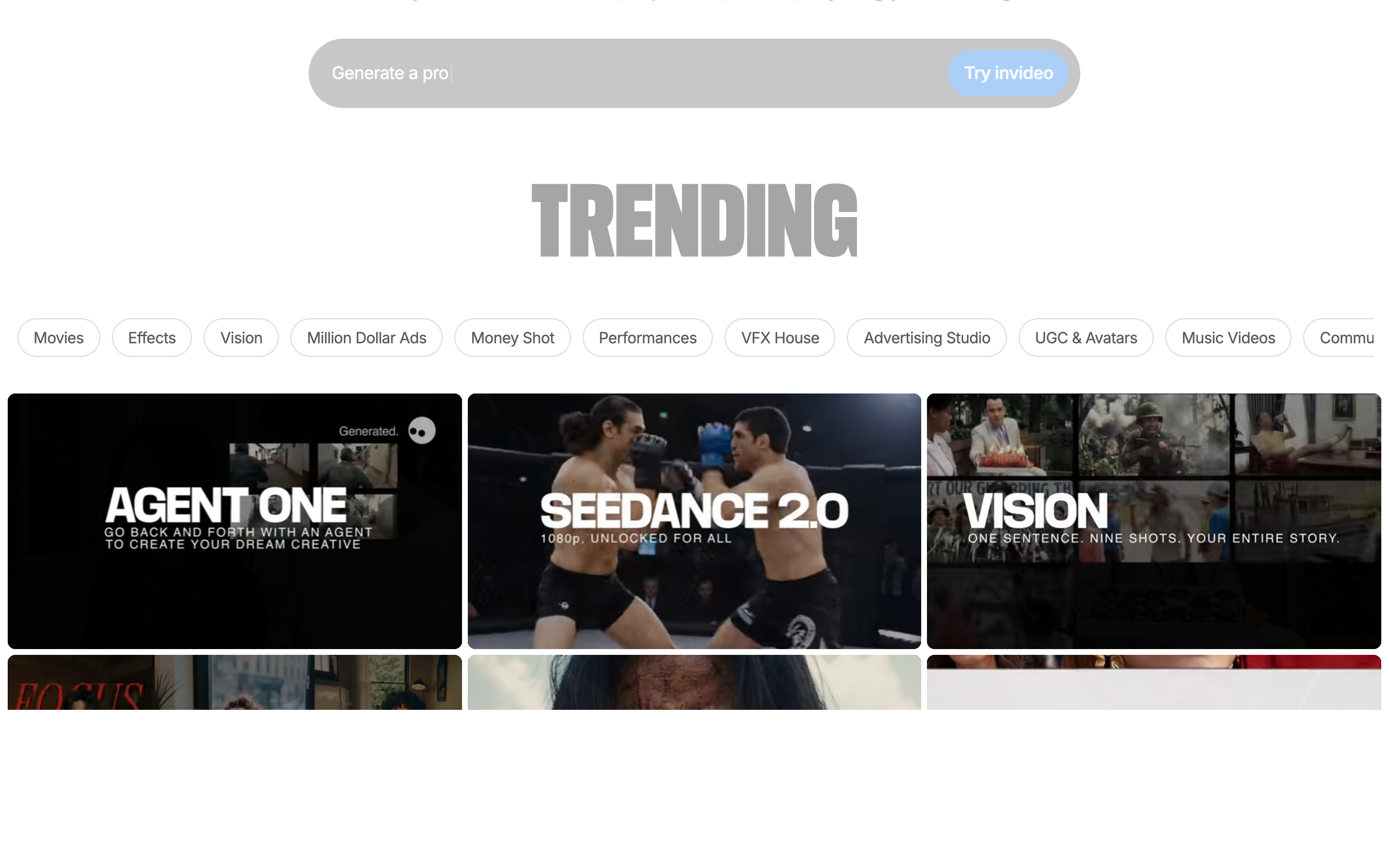
InVideo is best for template-led social and marketing videos. InVideo positions itself around AI video creation for creators, marketers, and businesses. Compared with Pictory, InVideo gives teams a different tradeoff: large template library over end-to-end business-video planning.
Key features
- Text prompt video creation
- Stock media library
- AI script support
- Templates for ads and social
- Browser editor
What users say
Users praise InVideo for moving fast from an idea to a presentable social draft. The common complaint is that template cleanup and stock matching still take judgment when brand fit matters. The pattern across current reviews and SERP comparisons is practical rather than dramatic: users usually like the core workflow, then compare alternatives when the workflow stretches into planning, team review, brand consistency, or multi-channel output.
Pros
- Strong fit for template-led social and marketing videos.
- Clear product focus instead of a vague all-in-one promise.
- Familiar workflow for teams already in this category.
Cons
- Less complete than ngram for prompt-to-storyboard business videos.
- May require another tool for brand governance, scene planning, or post-production polish.
Best for
Choose InVideo if template-led social and marketing videos is the main job and your team accepts the cleanup work around it. Choose ngram if the source material needs to become a polished, branded business video with storyboard review and source-aware generation.
3. Synthesia
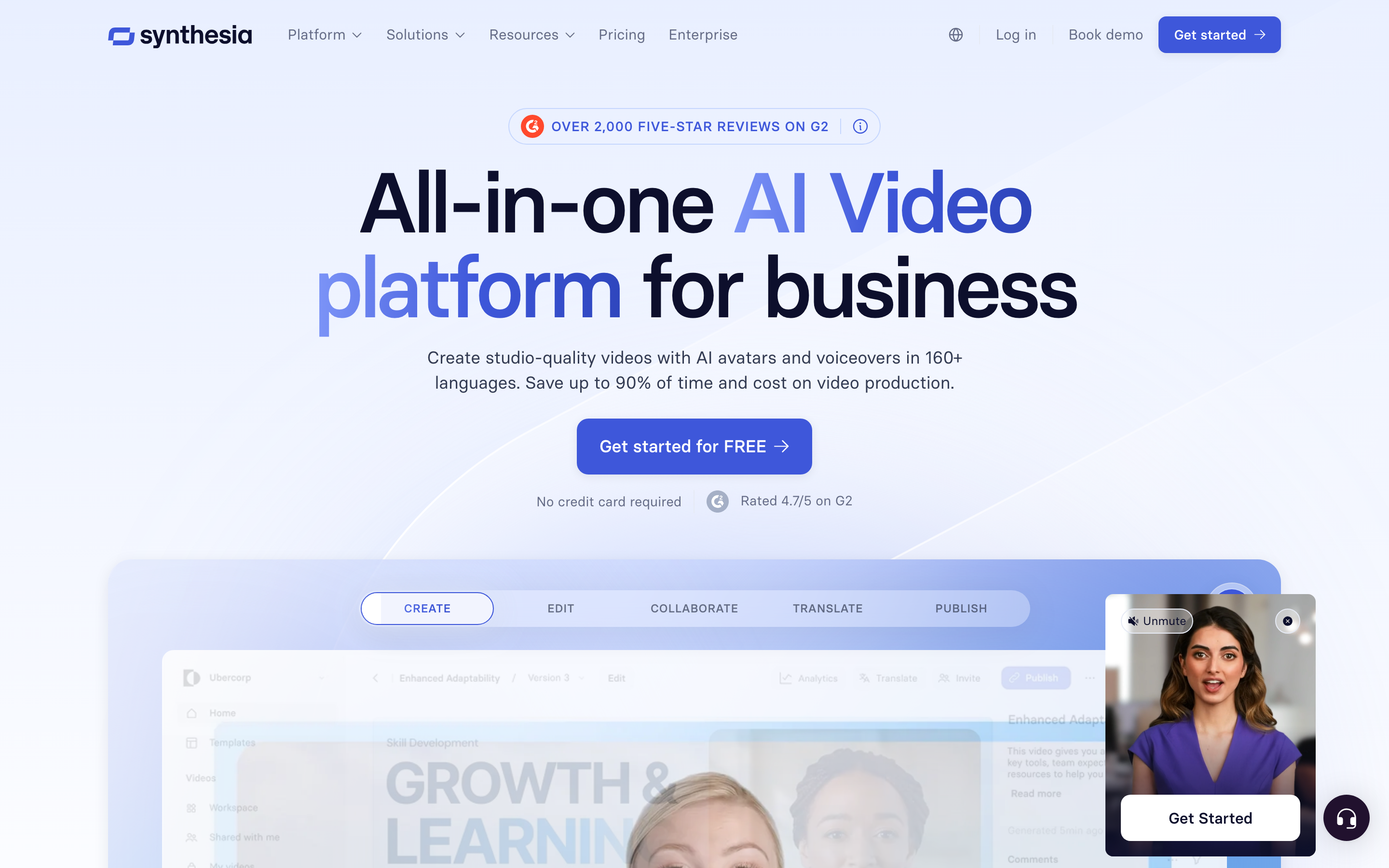
Synthesia is best for AI avatar training and enablement videos. Synthesia is one of the most visible enterprise AI avatar platforms. Compared with Pictory, Synthesia gives teams a different tradeoff: avatar library over end-to-end business-video planning.
Key features
- AI avatars
- Voiceover support
- Templates
- Localization workflows
- Team controls
What users say
Synthesia is praised for presenter-led training and internal communication. Teams that need product footage, screen recording polish, or less avatar-heavy videos often pair it with other tools. The pattern across current reviews and SERP comparisons is practical rather than dramatic: users usually like the core workflow, then compare alternatives when the workflow stretches into planning, team review, brand consistency, or multi-channel output.
Pros
- Strong fit for AI avatar training and enablement videos.
- Clear product focus instead of a vague all-in-one promise.
- Familiar workflow for teams already in this category.
Cons
- Less complete than ngram for prompt-to-storyboard business videos.
- May require another tool for brand governance, scene planning, or post-production polish.
Best for
Choose Synthesia if AI avatar training and enablement videos is the main job and your team accepts the cleanup work around it. Choose ngram if the source material needs to become a polished, branded business video with storyboard review and source-aware generation.
4. HeyGen
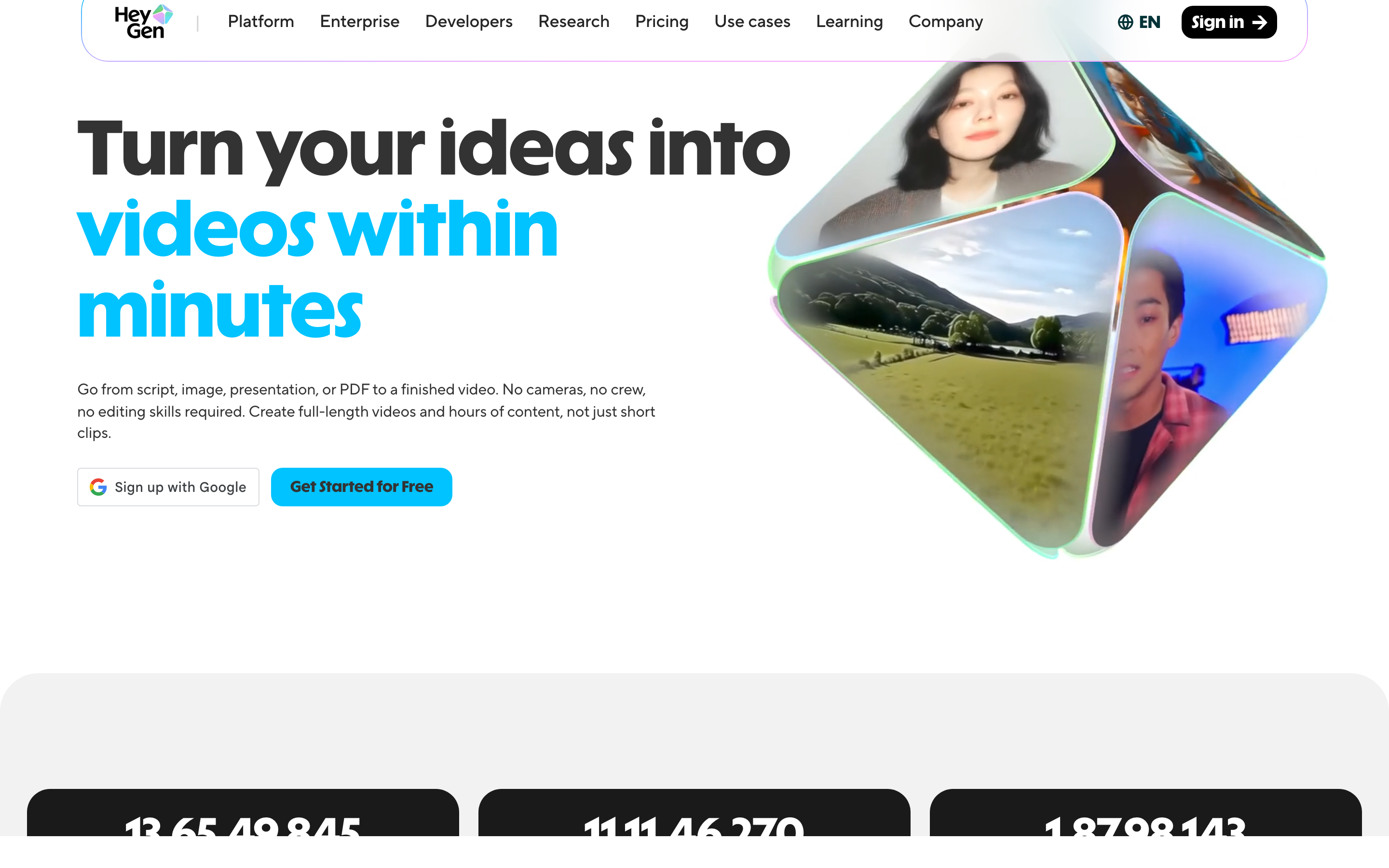
HeyGen is best for avatar and localization workflows. HeyGen is frequently cited in current AI avatar and translation SERPs. Compared with Pictory, HeyGen gives teams a different tradeoff: avatar localization over end-to-end business-video planning.
Key features
- Avatar video
- Video translation
- Voice options
- Templates
- Team workspace
What users say
Users like HeyGen's avatar quality and localization direction. Review sentiment gets more cautious around credit use and the need to tune outputs for business tone. The pattern across current reviews and SERP comparisons is practical rather than dramatic: users usually like the core workflow, then compare alternatives when the workflow stretches into planning, team review, brand consistency, or multi-channel output.
Best for
Choose HeyGen if avatar and localization workflows is the main job and your team accepts the cleanup work around it. Choose ngram if the source material needs to become a polished, branded business video with storyboard review and source-aware generation.
5. VEED
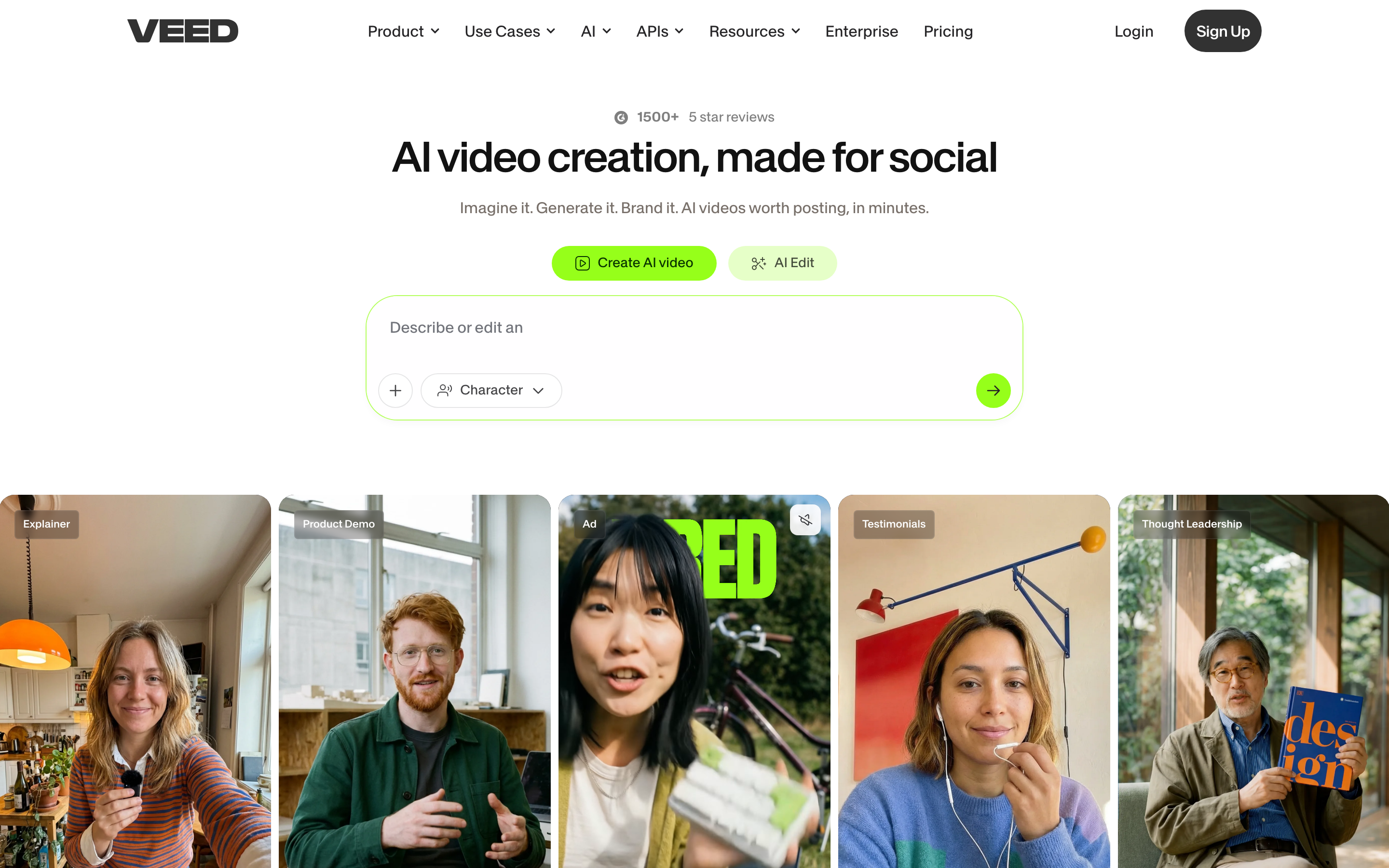
VEED is best for browser editing with captions. VEED appears across editor, subtitle, and AI video SERPs. Compared with Pictory, VEED gives teams a different tradeoff: fast subtitle editor over end-to-end business-video planning.
Key features
- Browser editor
- Subtitles
- Screen recorder
- AI tools
- Templates
What users say
VEED wins praise for speed and accessibility. Users looking for Pictory alternatives often choose VEED when editing control matters more than full prompt-to-video automation. The pattern across current reviews and SERP comparisons is practical rather than dramatic: users usually like the core workflow, then compare alternatives when the workflow stretches into planning, team review, brand consistency, or multi-channel output.
Best for
Choose VEED if browser editing with captions is the main job and your team accepts the cleanup work around it. Choose ngram if the source material needs to become a polished, branded business video with storyboard review and source-aware generation.
6. Descript

Descript is best for transcript-based editing and podcast clips. Descript is a standard reference point in text-based video editing. Compared with Pictory, Descript gives teams a different tradeoff: text-based editing over end-to-end business-video planning.
Key features
- Transcript editor
- Screen recording
- Studio Sound
- Clips
- Collaboration
What users say
Descript users value editing video like a document. The learning curve is lighter than a timeline editor, but output polish still depends on the user's structure and source footage. The pattern across current reviews and SERP comparisons is practical rather than dramatic: users usually like the core workflow, then compare alternatives when the workflow stretches into planning, team review, brand consistency, or multi-channel output.
Best for
Choose Descript if transcript-based editing and podcast clips is the main job and your team accepts the cleanup work around it. Choose ngram if the source material needs to become a polished, branded business video with storyboard review and source-aware generation.
7. Fliki
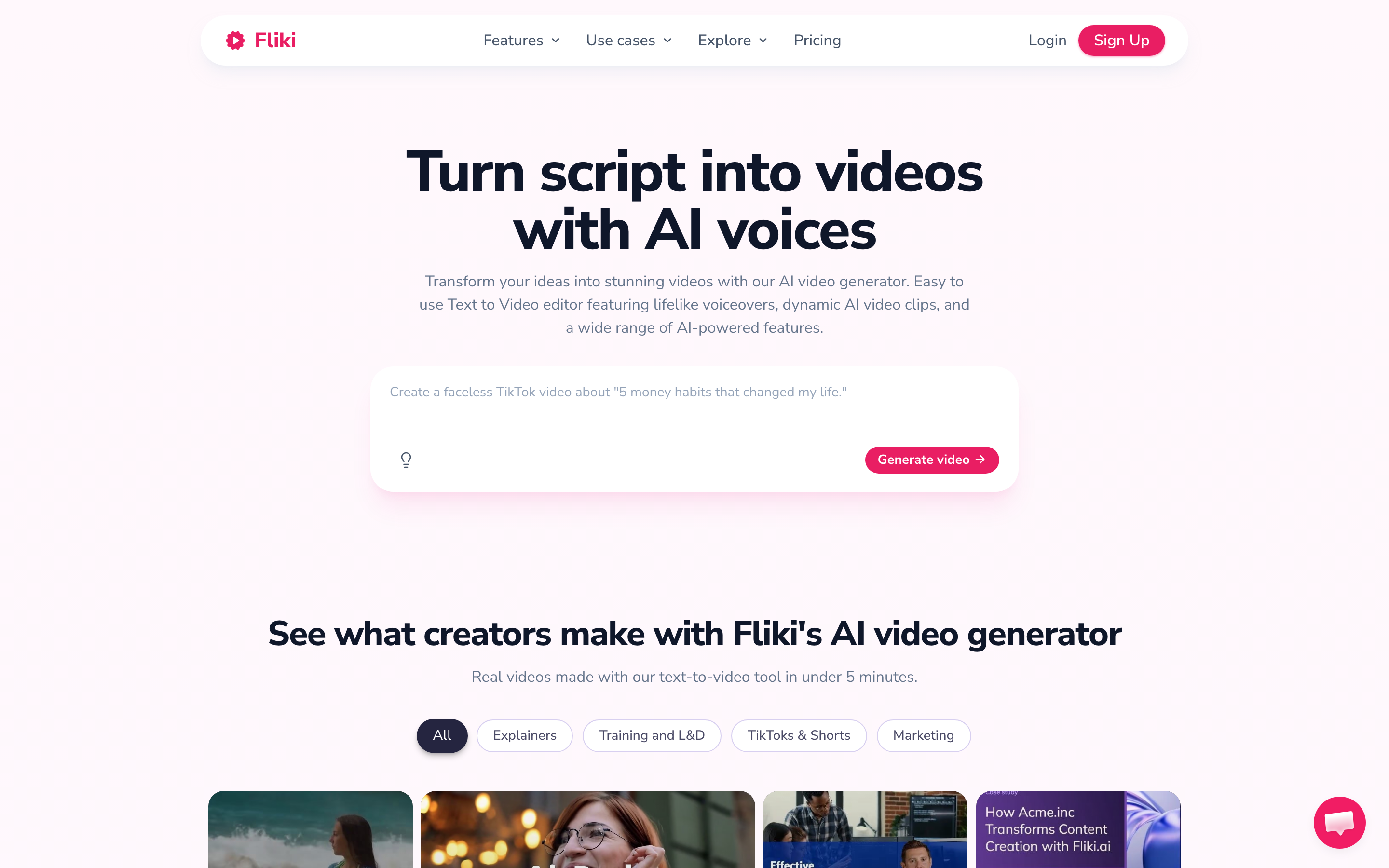
Fliki is best for voiceover-first social videos. Fliki is commonly mentioned in script-to-video alternative lists.
Key features
- Text to video
- AI voices
- Stock media
- Templates
- Localization
What users say
Fliki is often praised for voice quality and quick social videos. The limitation is similar to Pictory: stock visual fit can become the cleanup step. The pattern across current reviews and SERP comparisons is practical rather than dramatic: users usually like the core workflow, then compare alternatives when the workflow stretches into planning, team review, brand consistency, or multi-channel output.
Best for
Choose Fliki if voiceover-first social videos is the main job and your team accepts the cleanup work around it. Choose ngram if the source material needs to become a polished, branded business video with storyboard review and source-aware generation.
8. CapCut

CapCut is best for creator-style social editing. CapCut remains one of the highest-visibility consumer video editors. Compared with Pictory, CapCut gives teams a different tradeoff: mobile editing speed over end-to-end business-video planning.
Key features
- Mobile editor
- Desktop editor
- Templates
- Effects
- Captions
What users say
CapCut is popular because short-form editing feels fast. Business teams may outgrow the creator-first aesthetic when they need approvals, source docs, or brand governance. The pattern across current reviews and SERP comparisons is practical rather than dramatic: users usually like the core workflow, then compare alternatives when the workflow stretches into planning, team review, brand consistency, or multi-channel output.
Best for
Choose CapCut if creator-style social editing is the main job and your team accepts the cleanup work around it. Choose ngram if the source material needs to become a polished, branded business video with storyboard review and source-aware generation.
---
Need a business video, not another rough edit? ngram turns recordings, docs, decks, URLs, and screenshots into a branded video with script, storyboard, captions, and export-ready formats. Try ngram
---
The weighted fit chart below summarizes the review bias for this post. It is not a star rating. It is a content-planning score based on source-material support, editing depth, brand control, output polish, and team workflow.
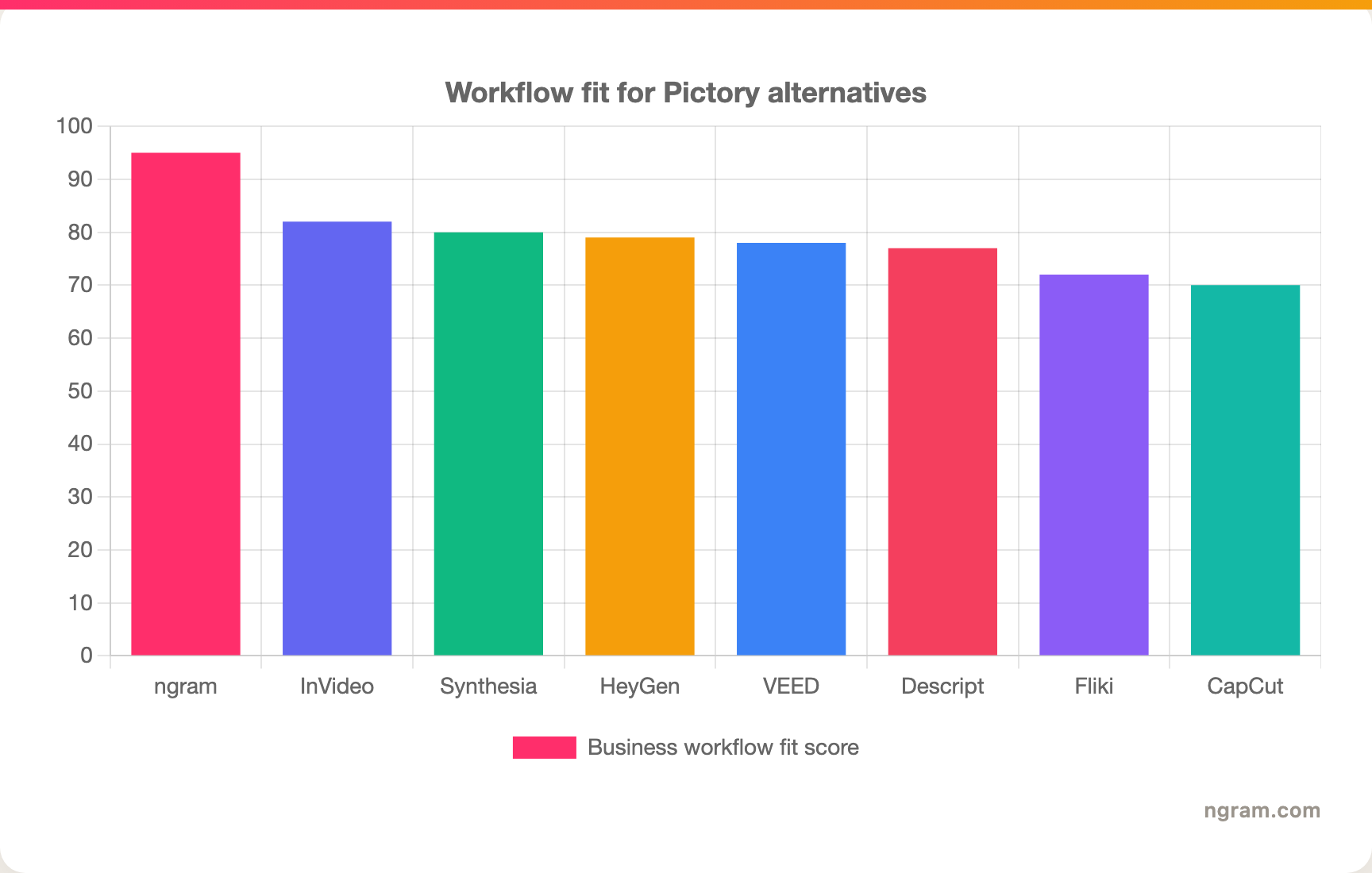
How we compared these tools
We evaluated the Pictory alternatives set using M2 AI video category with voice and language support swapped in. The criteria were weighted for this category rather than copied from a generic roundup.
| Criteria | Weight | What we looked at |
|---|---|---|
| Workflow fit | 25% | How well the tool supports the job Pictory users are trying to complete. |
| AI capabilities | 25% | Whether AI improves planning, source handling, captions, voiceover, editing, and variants. |
| Editing control | 20% | How much control the user keeps after the first draft or recording. |
| Brand and team use | 20% | Brand kits, collaboration, review loops, and repeatability for business teams. |
| Value clarity | 10% | Pricing clarity, plan fit, and whether the tool avoids forcing unnecessary add-ons. |
We used qualitative review sentiment from current SERPs, vendor pages, public pricing pages, existing screenshots from the skill CSV, and ngram product state. We did not use numerical review ratings.
Frequently Asked Questions
What is the best Pictory alternative in 2026?
The best Pictory alternative for business teams is ngram because ngram starts with source material, drafts a storyboard, and then renders a branded video. InVideo and Fliki are stronger picks when a creator only needs a fast stock-media social clip.
Is there a Pictory alternative for product videos?
Yes. ngram is a better fit for product videos because ngram can work from screenshots, URLs, PDFs, decks, raw recordings, and screen recordings. Pictory is faster for simple script-to-stock-video drafts.
How does Pictory compare to InVideo?
Pictory is strongest for script-to-video repurposing. InVideo gives creators a broader template editor and stock-media workflow. ngram fits teams that want a plan, storyboard, and brand-safe business video from existing assets.
How did you handle pricing in this refresh?
Pricing changes often, so this post uses conservative pricing notes and points readers to official pricing pages for exact plan details. For ngram, the safest source is the live pricing page.
Which one should you pick?
Pick ngram if your team needs to turn business source material into a polished, branded video without forcing every teammate into a manual editor. Pick Pictory if its original core workflow still matches your job and you do not need deeper planning or post-production. Pick one of the specialist alternatives when your need is narrower: livestreaming, transcript editing, mobile social edits, or professional desktop control.
---
Start with the source material you already have. ngram turns docs, recordings, URLs, screenshots, and decks into planned, branded videos your team can review and ship. Start free