

Table of Contents
Choose around the lesson you need to maintain
A policy changes, a product screen moves or a translated phrase needs correcting. The useful Elai alternative is the one that can carry the original lesson through those changes. ngram handles the source, script, presenter or animation, revisions and final delivery together, so your team can continue the work in the same project.
The category is growing: Wyzowl's 2026 survey found that 91% of responding businesses use video for marketing, while Grand View Research forecasts an AI video generator market of about $3.44 billion in 2033. For a training team, repeatable creation and revisions matter more than the first render alone.
Elai alternatives comparison
| Capability | ngram | Elai | Synthesia | HeyGen | Colossyan | D-ID | AI Studios | Pictory |
|---|---|---|---|---|---|---|---|---|
| Draft a script from a topic | ||||||||
| Revise narration wording | ||||||||
| Generate narration from text | ||||||||
| Add a stock avatar presenter | ||||||||
| Create a custom avatar | ||||||||
| Clone a voice for new narration | ||||||||
| Use your own narration recording | ||||||||
| Add your own images | ||||||||
| Use your own video footage | ||||||||
| Place your logo in a video | ||||||||
| Add text to a scene | ||||||||
| Combine multiple scenes | ||||||||
| Reorder scenes | ||||||||
| Create portrait or landscape video | ||||||||
| Download a finished MP4 |
1. ngram
Start ngram with the learner, the task and the facts the lesson must teach. Add a script, PDF, Markdown document, PowerPoint, public URL, screenshots or recordings. Your own images, video footage, narration and music can become part of the finished cut. For a product walkthrough, use real screens; Browser Handoff lets you complete a sign-in before ngram collects the interface material needed for the task.
With a compatible premium model, ngram prepares a plan containing the script for your review before production. Correct the lesson or visual direction there, then approve it. A cheaper model starts production directly. After generation, request a revision in the existing conversation or pin a change to a moment in the preview. Editing a finished premium-model video requires Basic or higher, including one created with the Free monthly premium allowance. Free can edit cheaper-model videos with available credits.
Create the explanation your learners need
Choose a stock avatar, a permitted custom face or an animated visual treatment. ngram supports AI narration, consented voice cloning and your own recorded narration. Avatar delivery can include expressions and gestures, depending on the model and direction. For a scripted employee-and-expert exchange, use Conversation with a compatible premium model and automatic cast and voice selection.
Combine the presenter with footage, diagrams, motion graphics or a Whiteboard sequence. Machine anatomy creates technical explanations of moving parts and assembly. Image Lab and Clip Studio create individual assets for the lesson. Add captions for the full spoken line; Depth Captions put selected emphasis words behind a presenter.
Keep the next version connected to the first
Use chat, timestamped feedback or eligible desktop inline editing for a focused correction. Open a full editor copy for timeline and layer changes, scene ordering, audio and text. Saved versions let you restore or fork a project checkpoint. You can also reuse footage and graphics from your own saved conversations rather than upload the same material for every lesson.
For an existing recording, ngram supports transcript edits and requested removal of filler words or pauses. You can ask it to reduce background noise, correct off-camera gaze or blur specified sensitive information while preserving the speech you want to keep. For generated narration, revise a sentence and re-voice its scene while retaining the visuals.
Set up and select your Brand Kit, then explicitly choose a saved intro or outro when the series needs one. Translate scripts, on-screen text and captions for another audience. ngram can generate the new voiceover and regenerate lip movements for dubbed presenter footage. Review the translated instruction, pronunciation and timing before sharing it.
Deliver the lesson and repeat the workflow
Every plan can share a public watch link or website embed. Paid plans add MP4 downloads: Basic supports 720p, Premium 1080p and Ultimate 4K. Basic also supports unlisted links. Hosted Videos is in Beta, with uploads and ordinary calls to action on Basic; Premium adds player customization, protected access and recipient retention, and Ultimate adds forms, email gates, quizzes, polls and deeper analytics. Eligible playback adapts to the viewer's connection.
Social Publishing, also in Beta, includes LinkedIn, X and YouTube with a calendar for immediate publishing or a one-off schedule. Supported connected apps and the API can start repeat creation workflows. API-key video creation needs Basic or higher and credits, while every signed-in user can manage keys. Supported connected apps can create on Free within its limits.
ngram pricing gives Free 1,000 credits per month and one premium video per calendar month in UTC, up to 60 seconds, using those credits. Basic costs $29 monthly for 3,000 credits per cycle, or $23.20 per month equivalent annually with 36,000 credits upfront. Premium AI video generation has a base rate of 10 credits per second; a cheaper model costs 3. Review creation and revision estimates. Paid MP4 downloads do not use extra download credits. Ultimate includes unlimited Brand Kits, custom voices, custom avatars and teammate invites. Generation uses the plan's credits.
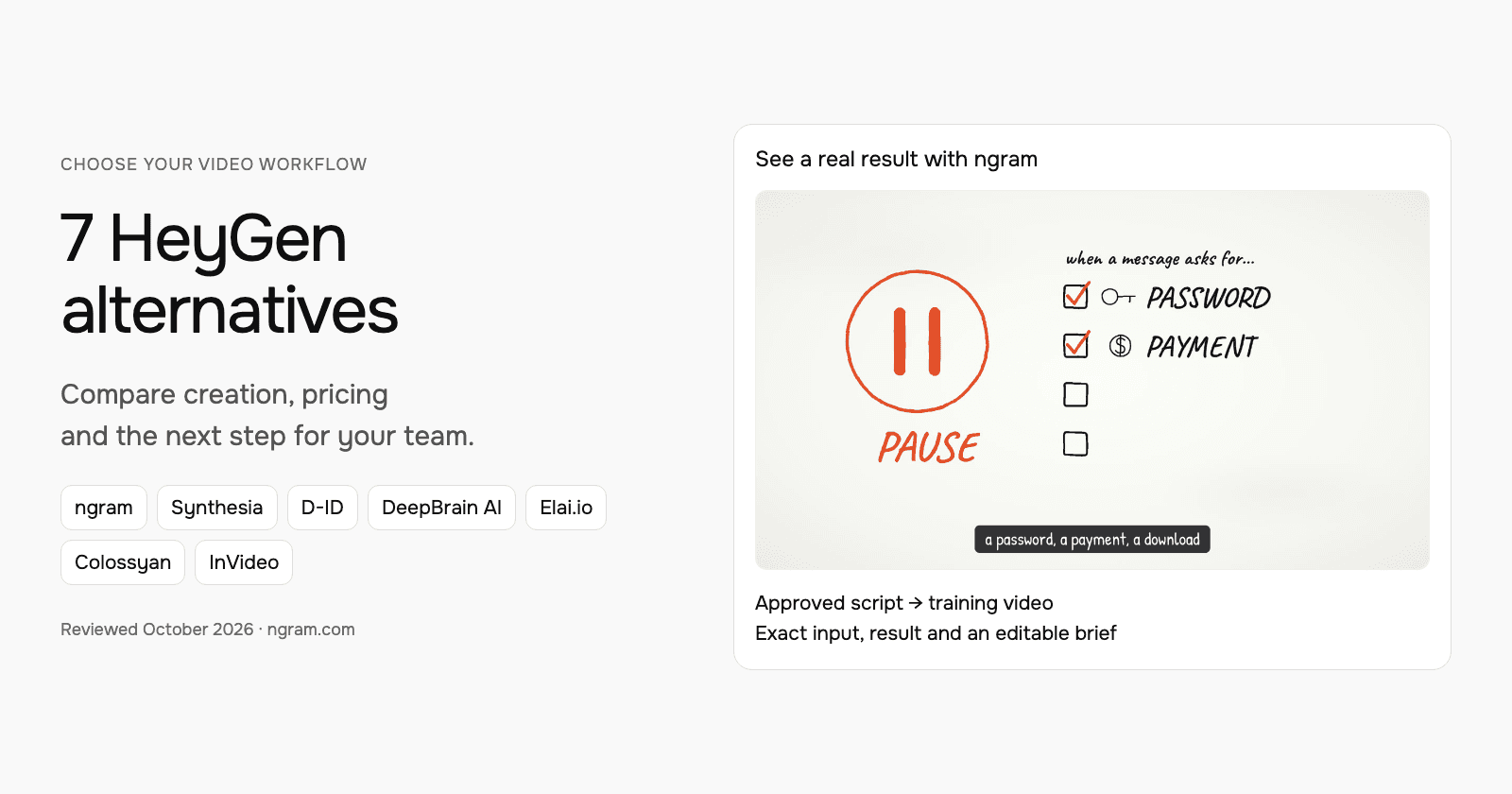
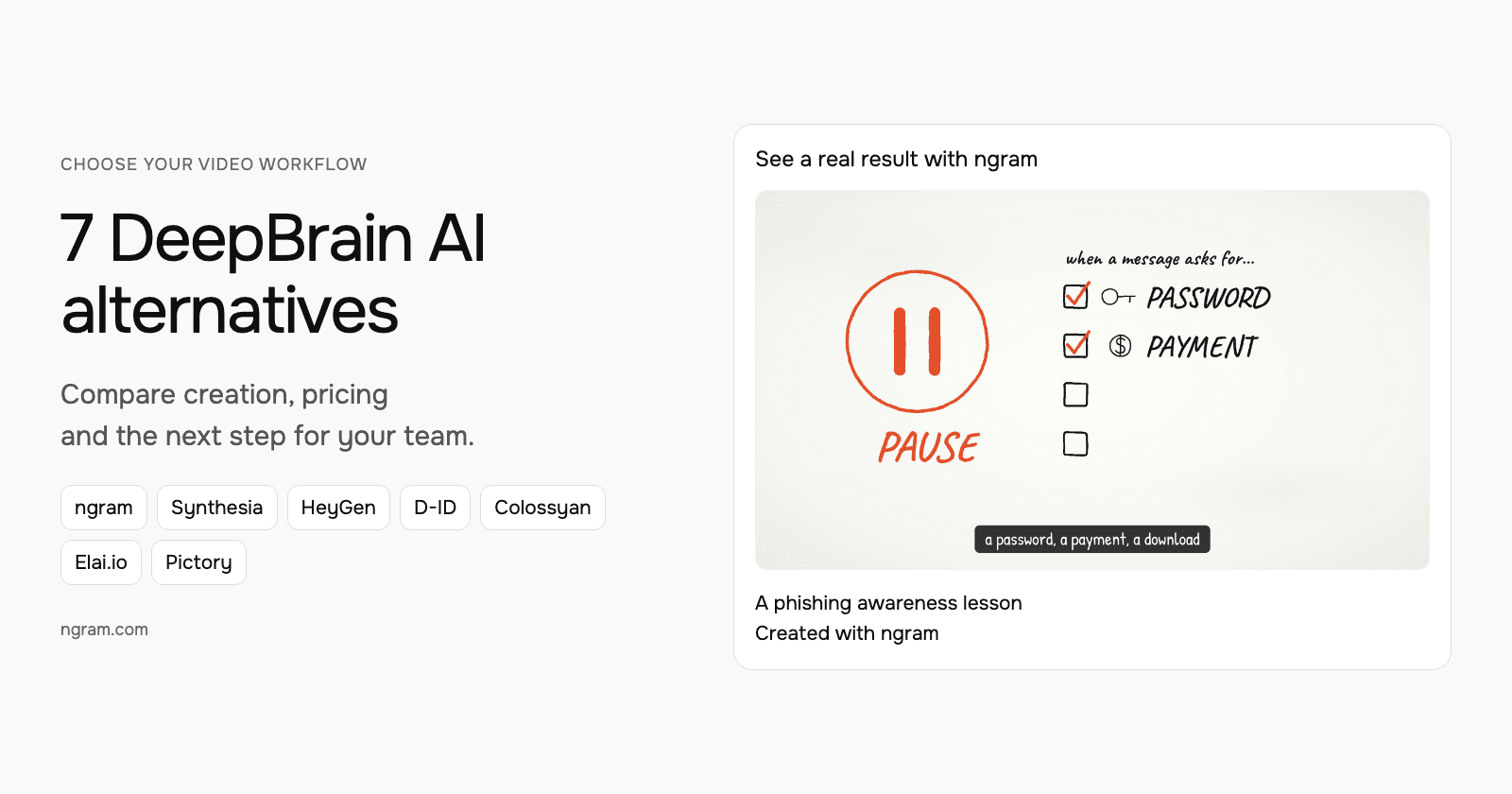
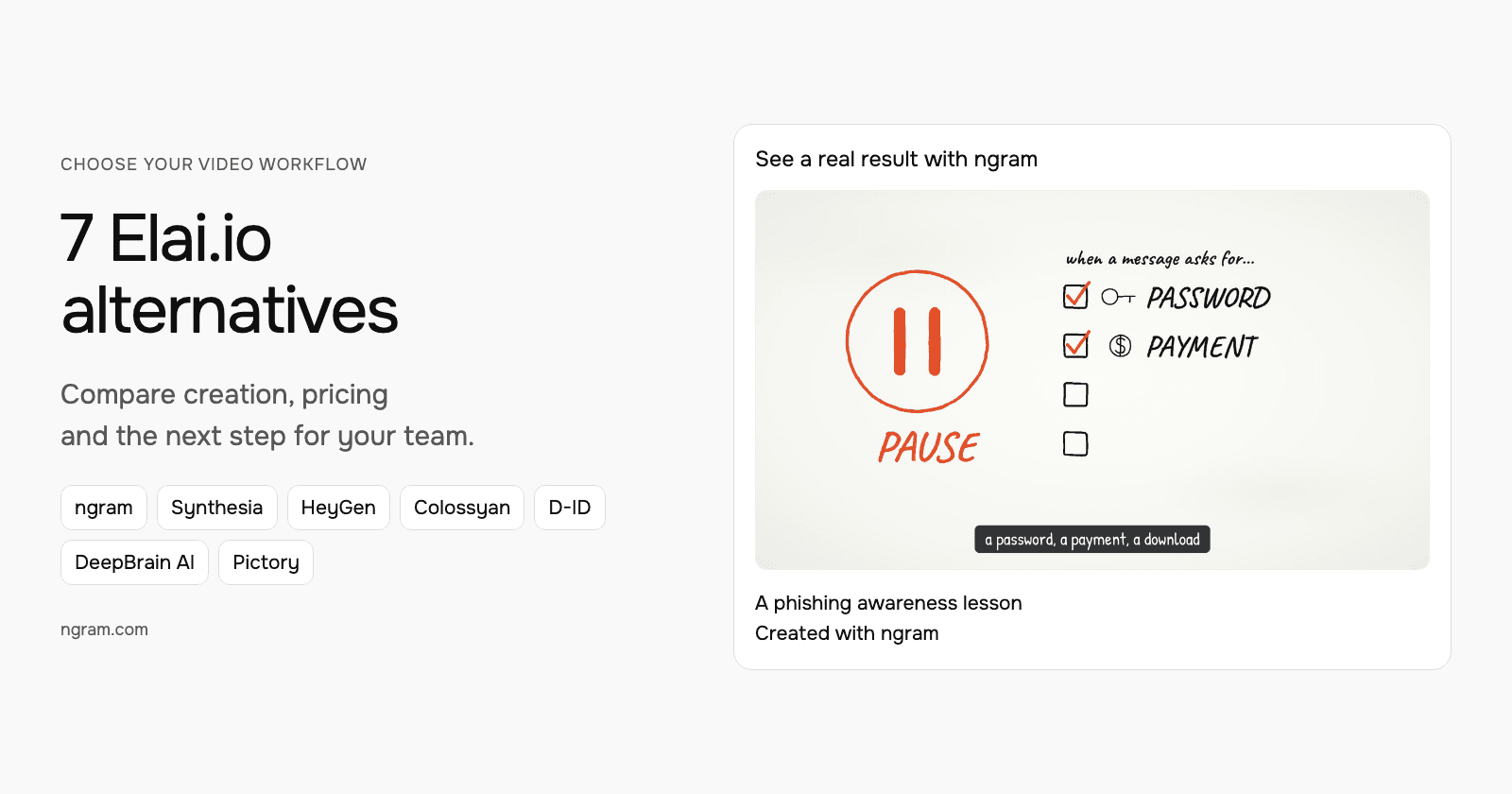
A lesson made with ngram
From this input to this video
A script based on NIST’s published guidance becomes a whiteboard training video with captions.
Prompt
Create a 45-second animated cybersecurity training video that teaches recognizing and reporting phishing using NIST’s small-business guidance at https://www.nist.gov/itl/smallbusinesscyber/guidance-topic/phishing to small-business employees. Use my script verbatim for the voiceover — do not rewrite it: An urgent message can make a risky click feel necessary. Phishing impersonates a trusted sender to steal information or deliver harmful software. Pause when a message asks for a password, a payment, a download or immediate action. Check the sender, and verify the request through a contact method you already trust. Do not use the message’s own link or phone number to verify it. Report suspicious messages using your organization’s process. If you already clicked, tell your security contact promptly. Pause, verify and report. Read NIST’s phishing guidance and learn your team’s reporting process. Explain the idea with the warning signs and verification steps in the NIST guidance and reinforce each key term with clear on-screen labels. Visual style: whiteboard. Tone: calm and practical. Open with a short real-world hook, walk through the concept step by step, then close on a one-line recap and this call to action: Read NIST’s phishing guidance and learn your team’s reporting process. Add captions for muted playback.
Selected style
Whiteboard
Read the video transcript
An urgent message can make a risky click feel necessary. Phishing impersonates a trusted sender to steal information or deliver harmful software. Pause when a message asks for a password, a payment, a download or immediate action. Check the sender, and verify the request through a contact method you already trust. Do not use the message’s own link or phone number to verify it. Report suspicious messages using your organization’s process. If you already clicked, tell your security contact promptly. Pause, verify and report. Read NIST’s phishing guidance and learn your team’s reporting process.
Create a lesson from your script
The example uses a script based on public NIST guidance. Replace its subject and wording with the lesson your team needs, then choose how it should look.
Prepare the lesson
Use an approved script and source material. Export slides or documents you want to include as a supported upload, such as PowerPoint or PDF.
Set the direction
Fill in the audience, topic, script and call to action below. Select a style, then attach your materials and choose your Brand Kit in ngram.
Review and deliver
With a compatible premium model, review and approve the plan containing the script. After production, request revisions and share the result. On a paid plan, download the MP4 for a platform that accepts video uploads.
Make it yours
Fill in your details here, or continue and finish your brief in ngram.
Video generation uses credits. Review your estimate in ngram. MP4 downloads require Basic or higher.
How credits workWhat Elai offers today
Elai's AI Storyboard can draft a script from a topic or work with text you supply. Its story view shows narration, text and media slide by slide. You can revise speech with AI, change layouts and reorder slides before converting the outline to a video. Enterprise early access also adds an AI Chat Assistant for text, images, speech, voices, animations and slide edits.
The PowerPoint and PDF workflow turns source slides into video slides you can review before rendering. The editor also accepts uploaded narration and supplied images or video, and includes avatars, voice controls, captions, animations and screen recording. Brand Kit is available on Team and Enterprise. ngram supports these core video jobs too, with its source-based agentic creation and recording-editing workflow.
Elai pricing lists Creator at $29 monthly for one user and 15 minutes. Team starts at $125 monthly for 50 minutes, three editors and three guests. Annual Creator costs $276, and annual Team starts at $1,200. One Selfie Avatar and one voice clone are included with annual Team. Rendering an edited version uses minutes again; deleting a video does not return them. Extra minutes cost $2 each on an active paid subscription.
2. Synthesia
Synthesia Assistant builds an editable outline from a prompt, document, slides or URL. Studio lets you work on the presenter, narration, footage, scene order and captions. The native AI screen recorder adds transcript-based recording edits. Syren creates and revises videos through chat, with supplied files, avatars, generated visuals and workspace branding where available.
ngram also covers presenters, source-based planning, recordings and language versions. For a lesson you will update regularly, compare how you correct one script line and its accompanying visual in each workflow.
The USD Synthesia plan cards list Starter at $9 for the first month, then $19 monthly with 1,250 credits. Pro starts at $49 for the first month, then $89 monthly with 6,000 credits. Annual Starter is $168 for 15,000 credits, while annual Pro starts at $708 for 72,000. Annual credits arrive upfront. Brand Kits require Enterprise; manual logo, font and color settings remain available outside that plan.
3. HeyGen
HeyGen Video Agent creates from a brief and source files. Choose Chat Mode for review or Autopilot to continue production. You can revise through chat, then edit a copy in AI Studio for the script, avatar, uploaded narration, media, timing, captions and soundtrack. HyperFrames adds motion graphics within Video Agent.
HeyGen supports custom avatars, voice cloning and translated video, which overlap with ngram's training-video workflow. Keep the same source facts and a representative revision in mind when comparing the two, such as replacing a screenshot while preserving the instructor's explanation.
HeyGen pricing lists Creator at $29 monthly with 600 credits and Pro starting at $49 for the selected 1,000-credit monthly tier. Business is $149 monthly with 1,500 credits; additional members cost $20 per seat monthly. Monthly credits roll over for one additional cycle. Higher Pro allowances and API usage have different prices.
4. Colossyan
Colossyan Cora creates a storyboard from documents, slides, URLs or a script. Revise the narration, rearrange scenes or target an object through chat. In its standard workflow, open the storyboard as a draft to choose the final avatar and voice. Enhanced storyboards stay in the generator.
The native editor also supports uploaded narration, images and footage, custom avatars, voice clones, branding and localization. ngram covers those training-video steps along with animated explanations, requested recording cleanup and delivery from the same project.
Colossyan Professional is $89 monthly or $59 per month equivalent annually for one editor. It includes 30 NEO and 10 NEO2 minutes per month; annual minutes arrive upfront. Additional editors cost $45 monthly or $30 per month equivalent annually, with a maximum of three editors on Professional. Generated videos use the applicable allowance, and deleting a render does not refund minutes.
5. D-ID
D-ID Video Studio creates videos with a stock or personal presenter, written script or uploaded narration. Its AI text generator drafts narration, while the canvas accepts text, images and footage. You can build multiple scenes and change their order on the timeline. Voice cloning and video translation are also available.
These are shared jobs with ngram, which can combine presenter delivery with animated explanations and edits to real recordings.
The entry D-ID allowances are $5.90 monthly for Lite with 10 minutes, $29 for Pro with 15 minutes and $196 for Advanced with 100 minutes. Annual totals are $56, $191 and $1,293 respectively. Lite permits personal use; Pro adds commercial use. Usage rounds up to 15-second increments, and unused monthly minutes do not roll over.
6. DeepBrain AI / AI Studios
AI Studios Video Agent works from prompts, files, documents, URLs and scripts. You can revise the outline, video options and individual scenes through chat, then create a preview. Results made without generative video clips can also be copied into the manual editor. It supports avatar and narration-only scenes, captions, branding, uploaded footage and clip trimming. Its native voice and custom-avatar tools add personal presenter options.
ngram supports those creation jobs too, with a compatible-premium plan review, multiple visual treatments and revisions by chat or timeline. In either tool, review the first version against the source instead of assuming a generated script has retained every instruction.
AI Studios pricing is $29 monthly for Personal with 700 credits. Team starts at two seats at $69 per seat monthly, with 1,000 credits per seat pooled across the team. Annual billing is $24 per month equivalent for Personal ($288 yearly) or $55 per seat per month equivalent for Team. Exports, dubbing and generated assets use the shared balance. Existing subscribers keep previous terms unless they choose to switch.
7. Pictory
Pictory's video agent creates a draft from a brief, document, URL, PowerPoint, audio or recording. Review its script and scenes, then revise through chat or use the editor. AI Studio generates images and clips for the video. Native tools also cover avatars, consented voice clones, uploaded narration, captions, transcript editing and translation.
ngram covers this complete video workflow too. Its presenter and animated styles, source-based planning, recording edits, saved versions and hosted delivery let you carry the lesson through later changes.
Pictory's monthly plans are $29 for Starter with 2,000 credits, $59 for Professional with 6,000 and $199 for Teams with 18,000. The credits form a shared pool across AI usage. Annual plans supply 24,000, 72,000 and 216,000 credits upfront. The selected annual Professional card currently advertises a Black Friday price of $29.50 per month equivalent; monthly Professional remains $59. Custom avatar and voice clones need Professional or above; API plans are separate.
Move a representative lesson first
Keep your editable Elai project. Bring reusable source material or exported footage into ngram with the learner role and the instruction to teach. Use the original script when the wording must stay exact. Select the Brand Kit and visual direction, review the plan with a compatible premium model, then play the result.
Make one revision before moving the rest of the library: replace an old product screen, correct an instruction or create another language version. On a paid plan, download the MP4 for a learning platform that accepts video uploads. Use a public watch link or embed when the lesson belongs on a shared page. Keep the source project available for work you continue there.
Frequently asked questions
Which Elai alternative covers the whole training-video workflow?
Start with ngram for source intake, compatible-premium planning, avatars or animated visuals, narration, recording edits, branding, language versions and delivery. A lesson can begin as an approved script, a document or an existing recording, then continue through revisions in chat or the full editor.
Does Elai need a completed script?
No. Elai AI Storyboard can generate a script from a topic, URL or source material and let you revise it before creating slides. ngram also develops the script from a brief and sources, with a compatible premium model offering plan review before production.
Can ngram use my instructor's face or voice?
Yes. Use a permitted custom face, a consented voice clone or uploaded narration. You can also choose a library avatar and AI voice. Describe the role and check the delivery in a representative scene. For a scripted exchange, Conversation supports two or more avatars with compatible premium settings.
Can I try ngram for free?
Free includes 1,000 credits each month and one premium video per calendar month in UTC, up to 60 seconds, using those credits. Further premium creation and edits to finished premium videos require Basic or above. Free can create and edit cheaper-model videos with credits. Public watch links and embeds are on Free; MP4 downloads require a paid plan.
How do I keep lessons on brand and in different languages?
Select the configured Brand Kit for each project and explicitly choose a saved intro or outro when needed. Use the same presenter and voice for the series. Translate the script, captions and on-screen text, then generate the new voiceover or request lip-synced dubbing and review the translated instruction.
Can I bring my original editable Elai project across?
Keep that project in Elai. Bring the script, documents, images, narration or exported footage you have rights to reuse into ngram for a new project. An exported video gives you footage to work with; keep the original editor project for its own future changes.
Use the security training brief, or talk to sales about your team's recurring video work.