
Best Loom alternatives in 2026: the quick answer
The best Loom alternative depends on the job: Tella is closest for polished async recording, Descript fits transcript-first editing, Vidyard fits sales video, Screen Studio fits Mac demos, and ngram fits teams turning recordings and other source material into finished business videos.
Loom remains a strong choice for fast internal recordings and share links. An alternative becomes useful when the real job is a polished customer demo, transcript-led edit, sales workflow, training library, or a finished video built from more than one source.
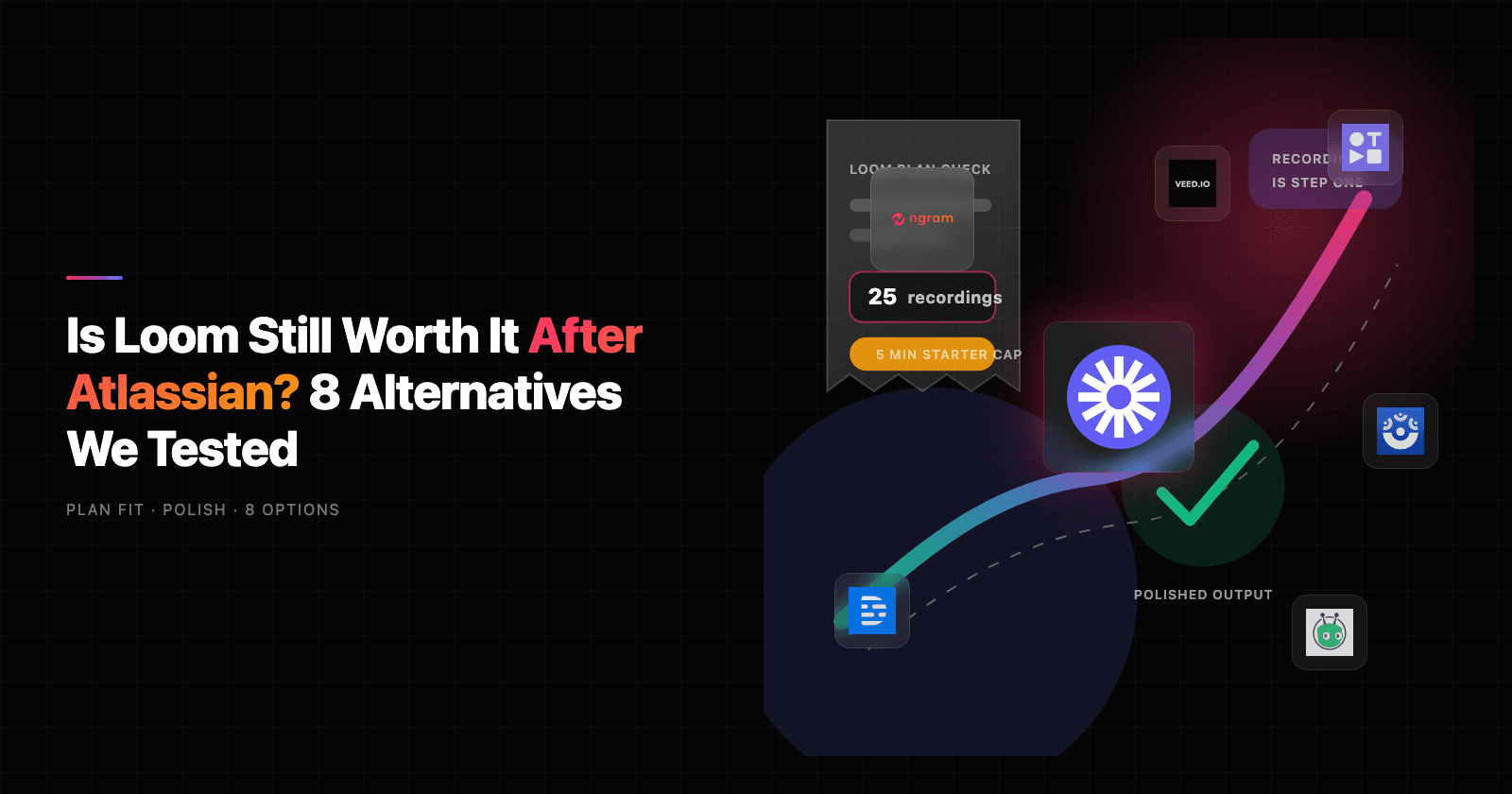
We checked Loom's official pricing on August 5, 2026. Starter was $0 with 25 videos and five-minute screen recordings; Business was $18 per user per month with unlimited videos and basic waveform editing; Business + AI was $24 per user per month with additional AI editing and video-to-text features.
The eight options below are organized by use case. The acquisition and Atlassian context matters, but it comes after the practical decision: what should replace Loom for the work your team actually does?
What's pushing users off Loom in 2026
Loom's strengths are still real: fast capture, shareable links, transcripts, comments, screenshots, and a familiar recorder. The switch usually starts when a team asks Loom to do work it was not originally built to do.
Free-plan limits create friction. Loom Starter currently lists 25 recordings and a 5-minute video recording limit. That is fine for occasional notes, but it gets tight for onboarding, customer education, and product demos.
The AI value sits higher in the plan stack. Loom AI features such as automatic titles, summaries, chapters, AI workflows, and auto call-to-action are included on Business + AI and Enterprise plans. Teams comparing Loom alternatives often want AI polish without making every recorder seat a heavier subscription decision.
Raw recordings still look like raw recordings. A product marketer can trim a Loom, but a customer-facing launch video needs pacing, captions, callouts, brand treatment, voiceover, and sometimes multiple aspect ratios. That is a production workflow, not only a recorder workflow.
Atlassian fit cuts both ways. Loom's Jira and Confluence direction is valuable for teams already deep in Atlassian. Teams outside that stack may prefer tools built around sales outreach, creator polish, training, or AI video generation.
Quick comparison
| Tool | Best for | Current pricing note | Main tradeoff |
|---|---|---|---|
| Loom baseline | Fast async recording and sharing | $0 Starter; $18 Business; $24 Business + AI on the checked monthly surface | Five-minute Starter recording limit; heavier production needs may require another workflow |
| ngram | Turning screen recordings, docs, URLs, decks, and prompts into polished business videos | See ngram pricing for current terms | Not a lightweight "record and send" utility |
| Tella | Clean async demos and creator-style screen recordings | Free plan, Pro, Premium, and Enterprise plans listed publicly | Better for polished capture than complex video production |
| Descript | Transcript-first editing, captions, podcasts, and repurposed clips | Free, Hobbyist, Creator, Business, and Enterprise plans listed publicly | Can feel heavy if all you need is a quick share link |
| Vidyard | Sales video messaging, viewer analytics, and CRM-connected revenue workflows | Free, Starter, Teams, and Enterprise options listed publicly | Revenue-team focus can be too specific for broad internal use |
| VEED.io | Browser-based video editing, subtitles, AI tools, and social repurposing | Public pricing page exists, but live plan details are rendered lightly in HTML | Online editor can feel broader than a Loom replacement |
| ScreenPal | Affordable screen recording, training videos, quizzes, and education workflows | Free, Deluxe, Max, and Business plans listed publicly | Less premium polish than newer demo-focused tools |
| Camtasia | Full desktop editing for tutorials, training, and long-form walkthroughs | TechSmith lists Starter, Essentials, Create, and Pro annual plan levels | More editor than async messenger |
| Screen Studio | Mac product demos with automatic zoom, smooth cursor movement, and 4K exports | Monthly and yearly pricing shown on the Screen Studio site | macOS-only, not a full team video platform |
1. ngram
Watch how ngram turns an idea into a finished video:
ngram is the best Loom alternative when the job is bigger than recording a screen. It starts from the material your team already has: a prompt, PDF, URL, screenshot, screen recording, raw video, deck, or Shopify product URL. The agent writes the script, builds the storyboard, plans scenes, adds captions and voiceover, applies brand kit settings, and gives you chat-based editing when the first cut needs changes.
That matters for teams leaving Loom because many Loom workflows hit a ceiling at "here is my recording." A product launch, sales demo, training video, customer update, or support walkthrough usually needs a tighter story and cleaner packaging. ngram handles those steps inside one video workflow.
Why ngram is ranked first
ngram is not trying to be the fastest way to send a raw webcam bubble. Loom is still good at that. ngram is stronger when the source is messy and the output needs to feel intentional.
For example, ngram can turn a screen recording into a polished explainer with captions, product callouts, smart zooms, cursor smoothing, click emphasis, dead-air trimming, step labels, and transitions. It can also combine a screen recording with docs, screenshots, URLs, or a deck, then adapt the script for a different audience or channel. That is the gap many Loom users feel when a quick internal update becomes external-facing collateral.
ngram also supports brand kits, AI voiceover, multilingual voiceover, basic avatars, custom faces, custom voices, talking-head lip sync, eye contact correction through `/start/eye-contact-ai`, motion graphics, background music, branded intros and outros, and MP4 export. Those claims are bounded by the current product-state file, not roadmap copy.
Ready to try ngram? Start from a prompt, recording, deck, URL, or screenshot, then turn the message into an on-brand video. See current plan details on ngram pricing.
Best for
Choose ngram if you want Loom-like source material to become a real business video: product demo, onboarding video, launch clip, training module, sales follow-up, help article video, internal update, or social cutdown.
Watch-outs
ngram is more production-oriented than Loom. If your only use case is "record 90 seconds and send a link," Tella, ScreenPal, or Loom itself may feel lighter.
2. Tella
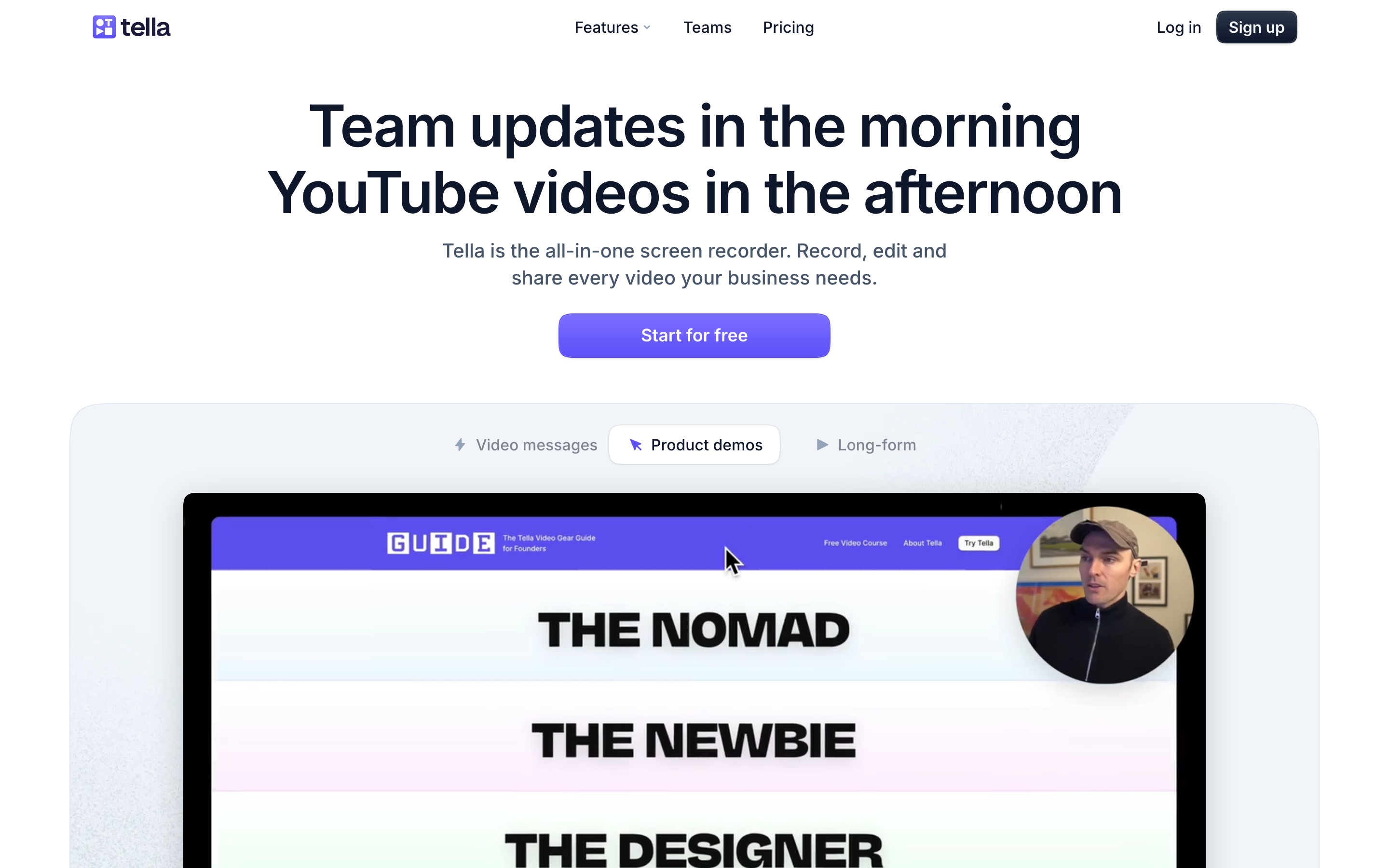
Tella is the cleanest direct replacement for people who like Loom's async recording idea but want a more polished end result. Its public pricing page lists Free, Pro, Premium, and Enterprise tiers, with Pro and Premium adding unlimited videos, 106-language transcription, 4K export, collaboration, analytics, custom domains, and advanced controls.
Tella's sweet spot is the creator-founder-product-marketer lane: record screen, camera, and mic, then use auto layouts, zoom effects, subtitle styling, and simple timeline edits to make the recording feel ready to publish. SERP competitors consistently rank Tella near the top because it stays close to Loom's simplicity while adding better visual polish.
Best for
Pick Tella when you want a cleaner Loom for demos, tutorials, founder updates, and lightweight marketing clips.
Watch-outs
Tella is still centered on recordings. If you need to turn docs, URLs, decks, and existing footage into a storyboarded video, ngram is the broader fit.
3. Descript

Descript is the Loom alternative for people who think in transcripts. Its pricing page lists a free plan plus Hobbyist, Creator, Business, and Enterprise plans, with media-hour limits, AI credits, watermark-free exports, Underlord AI editing, Studio Sound, captions, translation, dubbing, and custom avatars depending on tier.
The reason Descript keeps showing up in Loom alternatives SERPs is simple: many screen recordings are not finished after capture. A narrated demo may need filler words removed, bad sections cut, captions styled, clips created, and audio repaired. Descript is strong when editing the words is faster than editing the timeline.
Best for
Pick Descript if you record demos, explainers, podcasts, webinars, or customer interviews and want transcript-first editing.
Watch-outs
Descript can be more editor than messenger. For fast internal updates, Loom or Tella may feel lighter. For on-brand business-video generation from multiple inputs, ngram is more purpose-built.
4. Vidyard
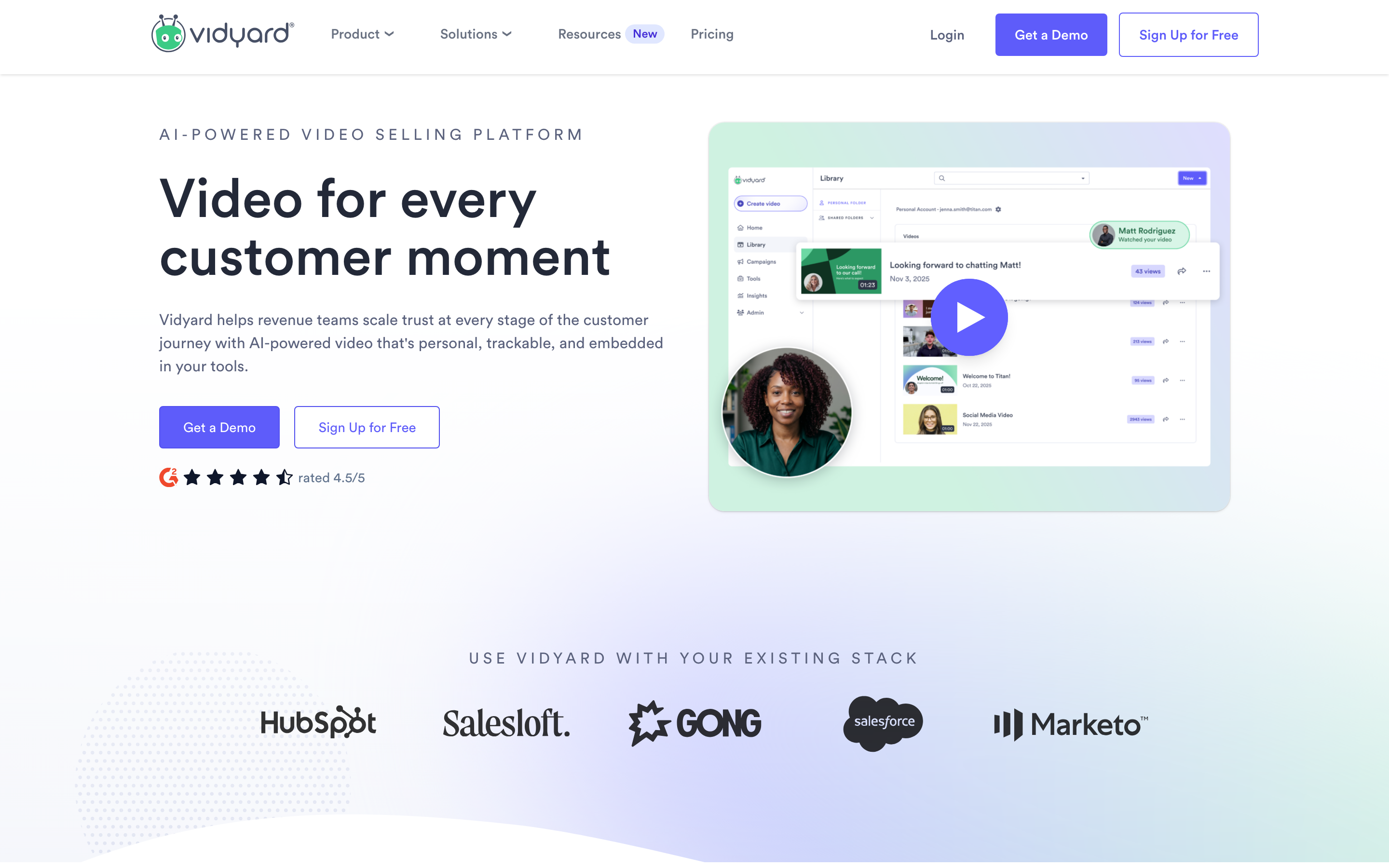
Vidyard is the sales-led Loom alternative. Its current pricing page frames the product around revenue teams, with Free, Starter, Teams, Enterprise, and a Video Agent add-on for AI-personalized workflows. The page calls out CRM and marketing-automation integrations, branded sharing pages, CTAs, password protection, captions, team analytics, and secure playback depending on plan.
That makes Vidyard a strong choice when the video is part of a deal motion. Sales teams care who watched, whether the buyer clicked, how the video maps to HubSpot or Salesforce, and whether reps can personalize outreach at scale. Loom can support sales messages, but Vidyard is built around that job.
Best for
Pick Vidyard when your Loom replacement needs sales analytics, CRM-connected video messaging, and team-level revenue reporting.
Watch-outs
Vidyard is less natural for product teams, support teams, or creators who only need clean demos. ngram is the better pick when the same message needs a launch video, sales version, help-center walkthrough, and social cut.
5. VEED.io
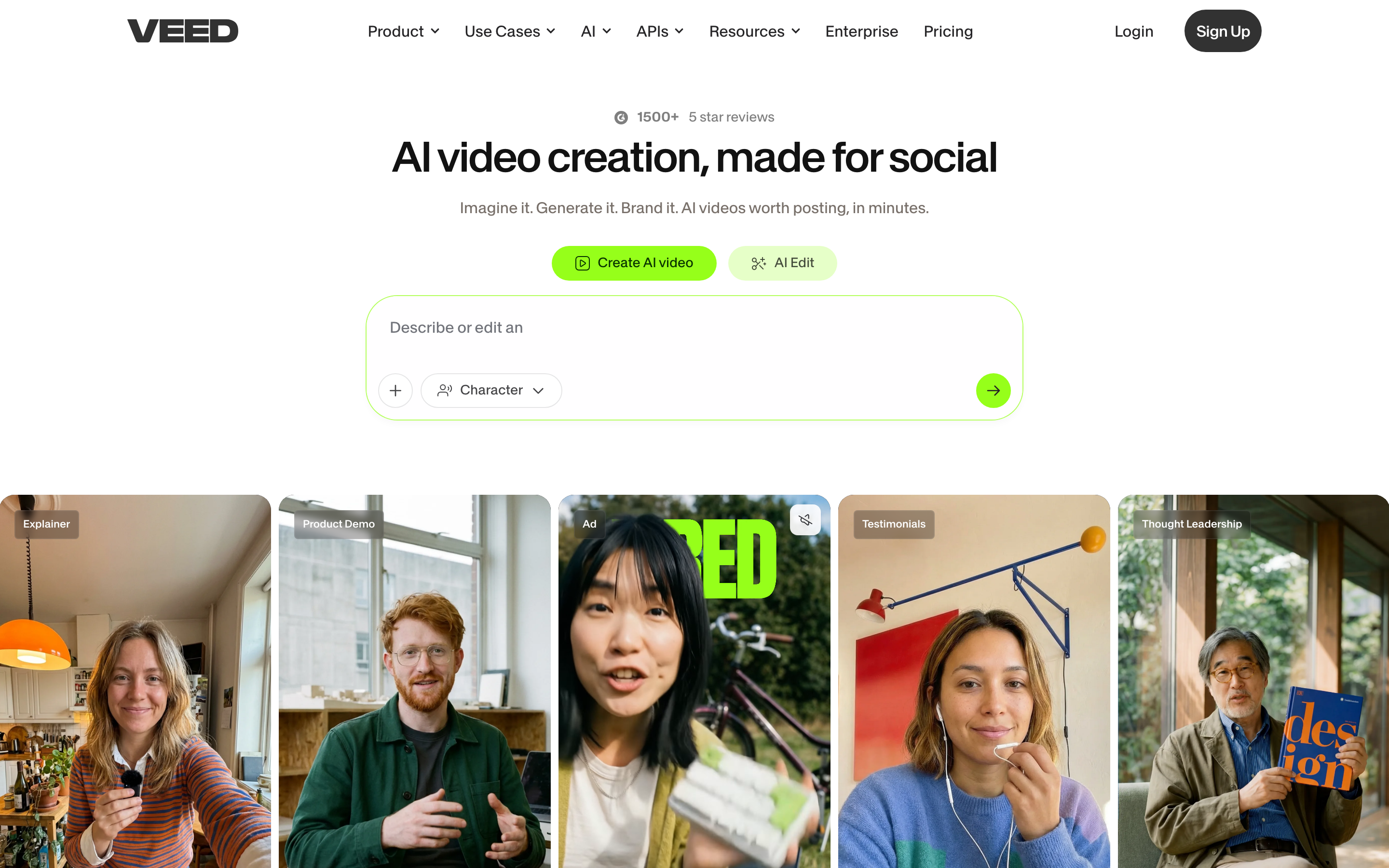
VEED.io is a browser-based video editor with a large tool surface: subtitles, text overlays, compressors, converters, background removal, voice tools, AI avatars, eye contact AI, translation, and an AI playground. The public pricing page is live, but many plan details are rendered client-side, so we treated third-party plan snapshots as directional and kept pricing claims conservative.
VEED is useful when the Loom replacement is really an online editor. If your team records a short clip and then needs captions, resizing, a social version, a background cleanup, or a quick repurpose, VEED has a broad set of utilities in one browser workspace.
Best for
Pick VEED when you want a web editor with many adjacent video tools, especially for social clips and subtitle-heavy content.
Watch-outs
VEED's breadth can feel less focused than a purpose-built screen recorder. For business videos that need script, storyboard, brand, voiceover, and scene planning, ngram is a cleaner production path.
6. ScreenPal

ScreenPal is the pragmatic budget pick. Its pricing page lists Free, Deluxe, Max, and Business plans, with the free plan capped by recording and hosted-video limits, and paid tiers adding unlimited recording, full video editing, captions, stock media, quizzes, polls, AI narration, AI background removal, and team features.
ScreenPal is especially relevant for educators, training teams, and support teams that need screen capture, editing, hosting, quizzes, and affordable team deployment. It is not trying to be flashy. It is trying to cover a lot of instructional video work without a premium creator-tool price.
Best for
Pick ScreenPal if you need low-cost recording and training-video features across desktop, mobile, education, or support workflows.
Watch-outs
ScreenPal does not have the same premium demo feel as Tella or Screen Studio, and it does not plan full business videos the way ngram does.
7. Camtasia
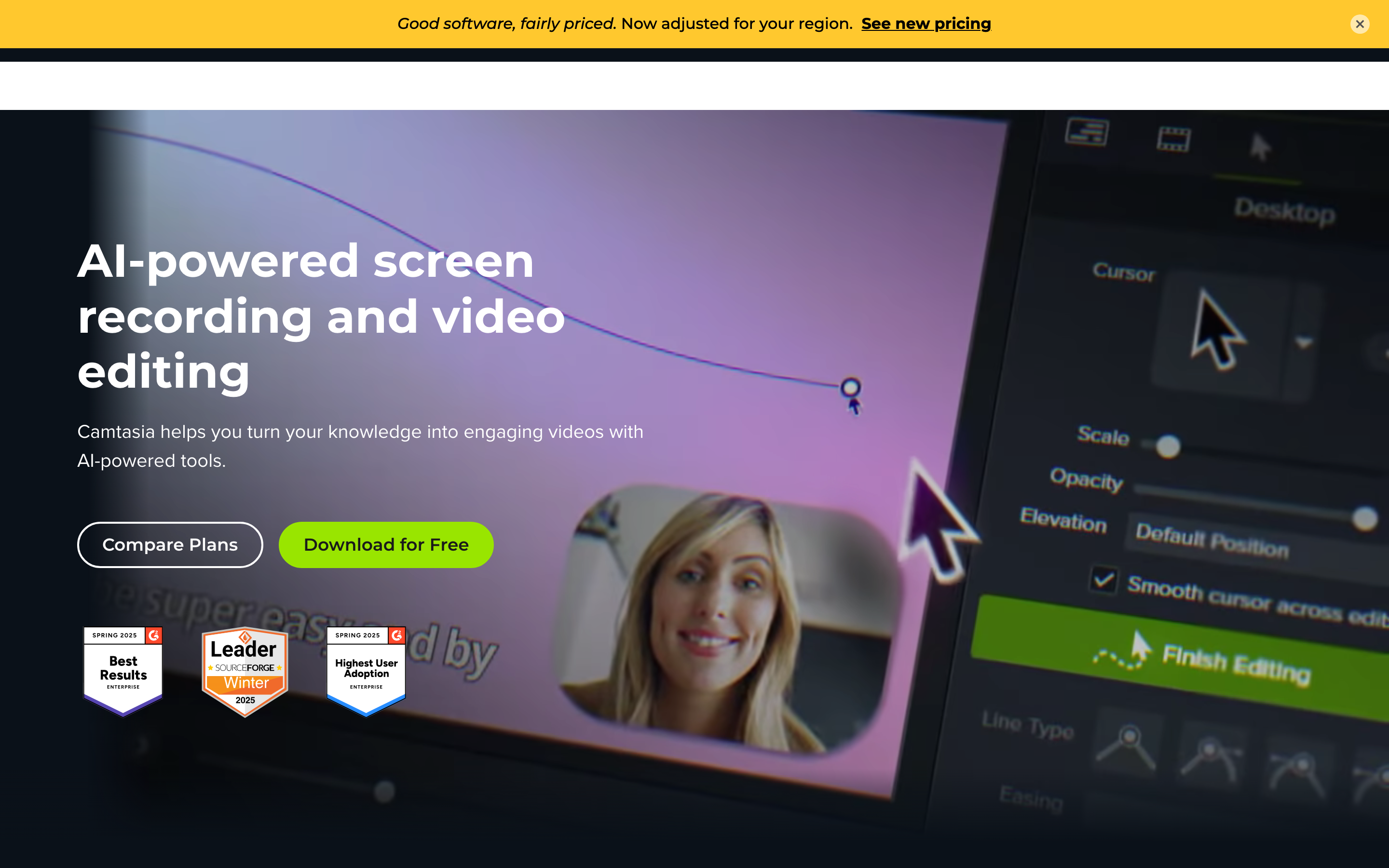
Camtasia is the heavyweight desktop editor in this list. TechSmith's current store page lists four annual plans: Starter for screen capture, Essentials for video editing, Create for AI-assisted video and audio work, and Pro for scaled production with avatars, translation, dubbing, premium assets, and unlimited Screencast sharing.
The fit is different from Loom. Camtasia is for people who expect to edit. Training teams, course creators, and documentation teams often need timeline control, captions, cursor effects, callouts, and repeatable tutorial production. Camtasia gives them that control, but it is not as frictionless as hitting record in Loom.
If a polished tutorial needs film-style color work after the edit, compare color grading software separately.
Best for
Pick Camtasia when your Loom alternative needs full desktop editing for tutorials, courses, internal training, and long-form walkthroughs.
Watch-outs
Camtasia is a serious editor. If your team wants AI to plan the story and create the first cut from source material, ngram removes more blank-page work.
8. Screen Studio
Screen Studio is the best Mac-native choice for beautiful product demos. Its site positions the app as a macOS screen recorder with automatic zoom, smooth cursor animation, webcam and microphone recording, system audio, iPhone and iPad recording, transcripts, subtitles, 4K 60fps export, GIF export, and shareable links.
The reason people mention Screen Studio in Loom threads is visual quality. Automatic zooms and cursor smoothing make rough captures easier to follow, especially on smaller screens. If you make product videos for websites, launches, and social posts from a Mac, Screen Studio can save a lot of manual keyframing.
Best for
Pick Screen Studio if you are on macOS and want polished screen demos without building a full editing workflow.
Watch-outs
Screen Studio is Mac-first and recording-first. It is not a collaborative AI video platform, and it does not replace ngram for multi-input business-video creation.
How we evaluated the Loom alternatives
We compared the tools against the jobs Loom users usually bring to an alternatives search. This is a current vendor-page and workflow comparison, not a claim that every product was hands-on tested under a single laboratory setup.
- Capture quality: screen, camera, microphone, system audio, recording limits, and export quality.
- Polish after capture: trimming, transcript editing, captions, zooms, cursor smoothing, callouts, audio cleanup, and brand treatment.
- Business workflow: share links, viewer analytics, workspace controls, collaboration, CRM or LMS fit, and security.
- AI usefulness: whether AI saves editing work or only adds summaries after the fact.
- Pricing clarity: public plan structure, free-plan limits, and whether teams can predict the cost before rollout.
- Fit by audience: product marketing, sales, support, education, creators, and internal teams do not need the same Loom replacement.
ngram was evaluated against the current product-state and GTM facts documents. Roadmap items were not counted as shipped capabilities.
Sources checked for this refresh
We checked current vendor pages for Loom pricing, Loom AI support, Tella pricing, Descript pricing, Vidyard pricing, ScreenPal plans, TechSmith Camtasia store, and Screen Studio. We also reviewed current SERP pages from G2, StackFYI, SumoSAAS, Claap, and ShareRec to understand which alternatives and section formats are ranking.
Which Loom alternative should you choose?
Choose ngram if you want to turn recordings, docs, decks, URLs, screenshots, prompts, or raw video into polished business videos.
Choose Tella if you want the closest cleaner-feeling Loom replacement for async demos and creator-style updates.
Choose Descript if transcripts, captions, audio cleanup, and clip repurposing matter more than instant sharing.
Choose Vidyard if sales outreach, viewer analytics, and CRM attribution are the center of the workflow.
Choose VEED.io if your recording usually becomes a web-edited social clip or subtitle-heavy asset.
Choose ScreenPal if price and training-video functionality matter more than premium polish.
Choose Camtasia if your team wants a full desktop editor for courses, tutorials, and long walkthroughs.
Choose Screen Studio if you are on Mac and need beautiful screen demos with automatic zooms.
FAQ
What is the best Loom alternative in 2026?
The best Loom alternative in 2026 depends on the job. ngram is best when a screen recording needs to become a polished business video. Tella is closest to Loom for clean async recording. Vidyard is strongest for sales video. ScreenPal is the budget-friendly training pick.
Is Loom still good for quick screen recordings?
Yes. Loom is still good for fast internal screen recordings, short async updates, comments, and share links. The case for switching gets stronger when the video needs brand polish, AI production, sales analytics, training features, or heavier editing.
What is the best free Loom alternative?
ScreenPal, Tella, Descript, Vidyard, and Loom all publish free entry points, but the limits vary. Check the current plan page before rolling a tool out to a team because recording length, storage, watermarking, AI access, and hosted-video limits change the real value.
Which Loom alternative is best for sales teams?
Vidyard is the strongest dedicated sales alternative because its product centers on personalized video messaging, branded sharing pages, CTAs, team analytics, and CRM or marketing-automation integrations. ngram is stronger when the sales asset needs to become a polished product demo or enablement video.
Which Loom alternative is best for product demos?
ngram is best for storyboarded product-demo videos made from recordings, screenshots, URLs, docs, and prompts. Screen Studio is best for Mac-native polished capture. Tella is a strong lightweight option for clean async demos.
Does ngram replace Loom?
ngram replaces Loom when the goal is a finished business video, not only a raw recording. Loom is faster for a simple "watch this" message. ngram is better when the video needs script, storyboard, captions, voiceover, brand kit, callouts, smart zooms, MP4 export, and chat-based iteration.
The bottom line
Loom still owns the quick async recording habit. If your team only needs short internal updates, you may not need to switch.
But the best Loom alternatives in 2026 are solving more specific jobs. Tella improves the recording experience. Descript edits the words. Vidyard sells with video. ScreenPal keeps training affordable. Camtasia gives editors control. Screen Studio makes Mac demos look polished.
ngram sits in a different lane: it turns the raw material behind a Loom, plus docs, decks, URLs, screenshots, and prompts, into a planned, branded, editable video. That makes ngram the strongest choice when your team needs the message to land outside the internal workspace.