The video editing software market is worth over $3 billion and growing at 5.8% annually. With 91% of businesses now using video as a marketing tool (according to Wyzowl), the demand for capable video creation software has never been higher.
Canva has earned its place as one of the most popular design tools on the planet - 220 million users and counting. For quick social graphics, presentations, and simple animations, it's hard to beat. The drag-and-drop interface practically taught an entire generation of marketers how to design.
But here's the thing: Canva's video editor was never the main attraction. It was a feature bolted onto a design-first platform. And since the controversial Video Editor 2.0 update in late 2025, the cracks have widened. Users across Reddit and Trustpilot report audio sync issues, ghost footage in exports, laggy timelines on longer projects, and a forced switch from the familiar storyboard editor to a complex multi-track timeline. One creator documented spending 30 hours on a brand deal video that previously took 3 - and nearly lost the contract.
Whether you've hit Canva's ceiling on export quality (MP4 only, no codec or bitrate control), run into the 1 GB upload limit, or simply need more than slideshow-style video capabilities, there are better options built specifically for video.
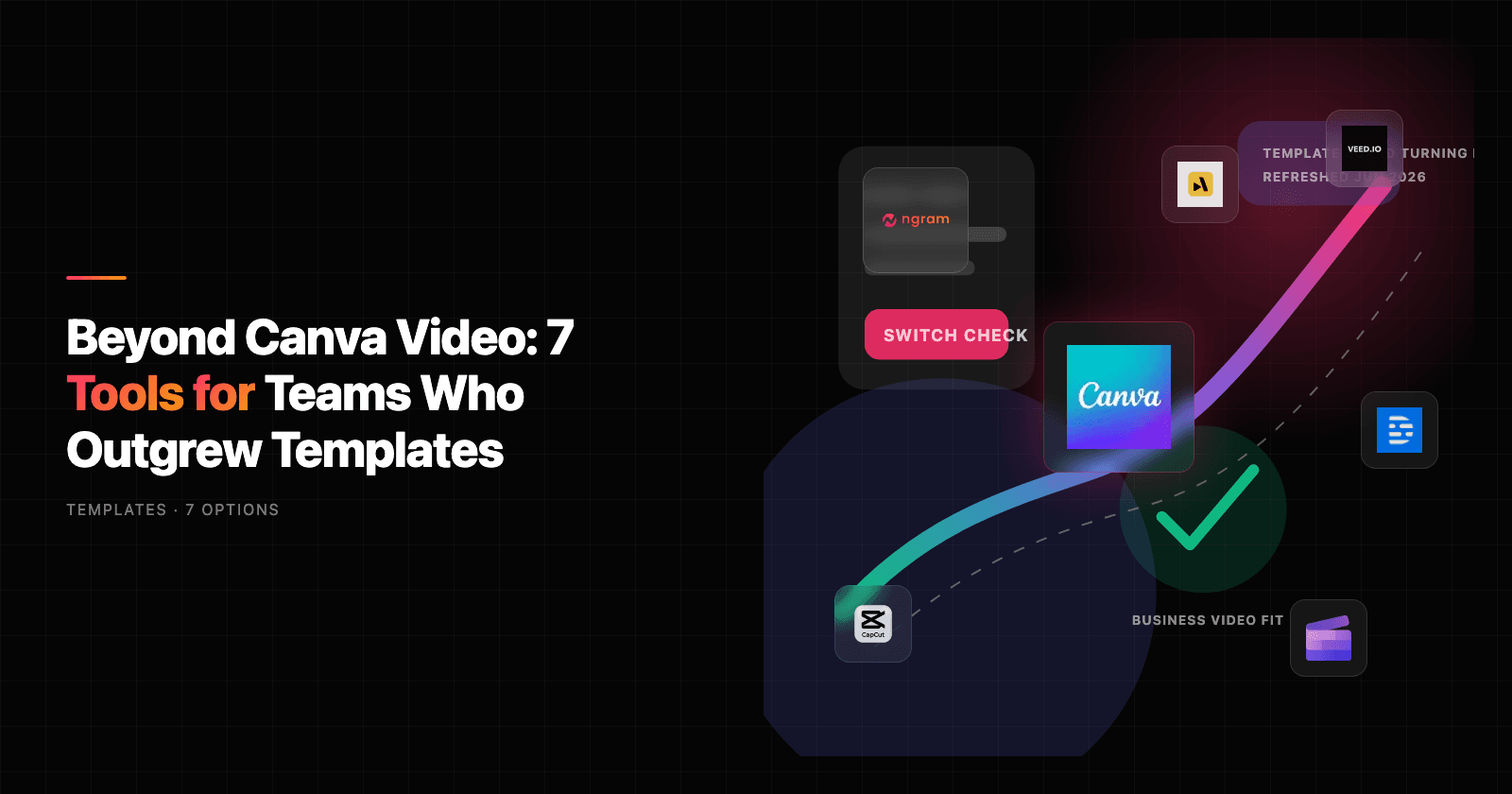
We tested 8 alternatives side by side, comparing features, AI capabilities, ease of use, and real user sentiment. Here's what we found.
Quick comparison
| Tool | Best For | Starting Price | Key Differentiator |
|---|---|---|---|
| ngram | Professional video from any asset | Free / $17.40/mo | AI-powered, context-aware generation |
| CapCut | Short-form social video | Free / $7.99/mo | Mobile-first with trending effects |
| Clipchamp | Accessible multi-track editing | Free / $11.99/mo | Microsoft 365 integration |
| InVideo | AI-driven video creation | Free / $25/mo | Text-to-video with stock library |
| VEED | Subtitle-heavy content | Free / $12/mo | AI subtitles and repurposing tools |
| Kapwing | Collaborative team editing | Free / $16/mo | Real-time cloud collaboration |
| Animoto | Quick marketing videos | $8/mo | 15+ years of template expertise |
| Adobe Express | Adobe ecosystem users | Free / $9.99/mo | Premiere Rush integration |
1. ngram
If Canva's video features feel like an afterthought to you, ngram was designed to solve the exact problem you're facing: turning raw assets into professional, intentional video without needing a production team.
Where Canva starts with templates and asks you to fill in the blanks, ngram starts with context. Tell it who your video is for, what it should accomplish, and where it's going. Drop in whatever you have - a screen recording, some screenshots, a document, a URL - and ngram builds a complete video with script, storyboard, visuals, pacing, captions, and brand styling.
What makes ngram stand out
Context-aware generation is the core difference. A LinkedIn announcement gets a fast hook and tight pacing. A product demo for enterprise buyers gets structured walkthroughs with data callouts. A training video for new hires gets step-by-step sequencing. You set the intent; ngram adapts the output.
Plan first, generate second means you review the script and scene-by-scene storyboard before anything renders. This is the cheapest place to iterate - fix direction before you commit to pixels. Most video tools (Canva included) make you generate first, then scramble to fix problems in a clunky editor.
AI-powered editing handles the tedious work that makes Canva's editor feel limited: automatic filler word removal, smart zoom on mouse interactions, cursor emphasis for tutorials, callouts driven by your prompts, and auto-cut of dead air. No timeline dragging required.
Key features
- Context-aware generation - Adapts structure, pacing, and tone to audience, goal, and channel
- Plan first, generate second - Script and storyboard review before rendering
- Any asset in - Text, images, docs, URLs, screen recordings as input
- AI editing suite - Auto-cut, filler removal, smart zoom, cursor emphasis
- Multi-format export - 16:9, 9:16, 1:1 with captions included
- Brand kits - Logo, colors, fonts applied automatically to every video
- Professional editing built in - Full timeline editor with keyframes for when you need precise control
Who is ngram best for?
Product Marketing, Growth, Sales Enablement, Customer Success, and Agencies who need professional videos regularly but can't afford production timelines for every update. If your videos go to customers, prospects, or public audiences - and "good enough" isn't cutting it - ngram is the pick.
ngram has a very generous free plan with paid plans starting at $17.40 per month.
Ready to try ngram? Create your first video in under 5 minutes. Start free
2. CapCut
CapCut has exploded to over 300 million active users, making it one of the most-used video editors globally. Built by ByteDance (the company behind TikTok), it's a mobile-first, video-first tool designed to create social content fast.
Where Canva tries to be everything for everyone, CapCut zeroes in on one job: making short-form video creation as frictionless as possible. The interface is clean, the effects library is massive, and the connection to TikTok's trending sounds and filters gives creators an edge that Canva simply can't match.
Key features
- Mobile-first editing - Optimized for phone-based workflows with intuitive touch controls
- Trending effects library - Direct access to TikTok-trending sounds, filters, and visual effects
- Auto captions - Built-in speech-to-text captioning across multiple languages
- Background removal - AI-powered green screen without needing actual green screen
- Keyframe animation - Frame-level control that Canva's editor still lacks
What users say
Creators praise CapCut's editing depth, especially on mobile where it runs circles around Canva's sluggish mobile video experience. The effects library stays culturally current, which matters for social-first teams. However, CapCut's recent 177% price hike (Pro jumped from $77.99/year to $179.99/year) has sparked serious backlash. Users on Reddit and Threads report that CapCut locked 1080p exports behind the paywall while hiking prices - and the terms of service allow the platform to "use your videos, and even your name or likeness, without permission or compensation." That content ownership clause is a dealbreaker for many business users.
Best for
Video-first social media creators and teams producing high-volume short-form content for TikTok, Instagram Reels, and YouTube Shorts. Less suited for business or brand marketing where content ownership and professional polish matter.
CapCut offers a free tier with paid plans starting at $7.99/month (Standard).
3. Clipchamp
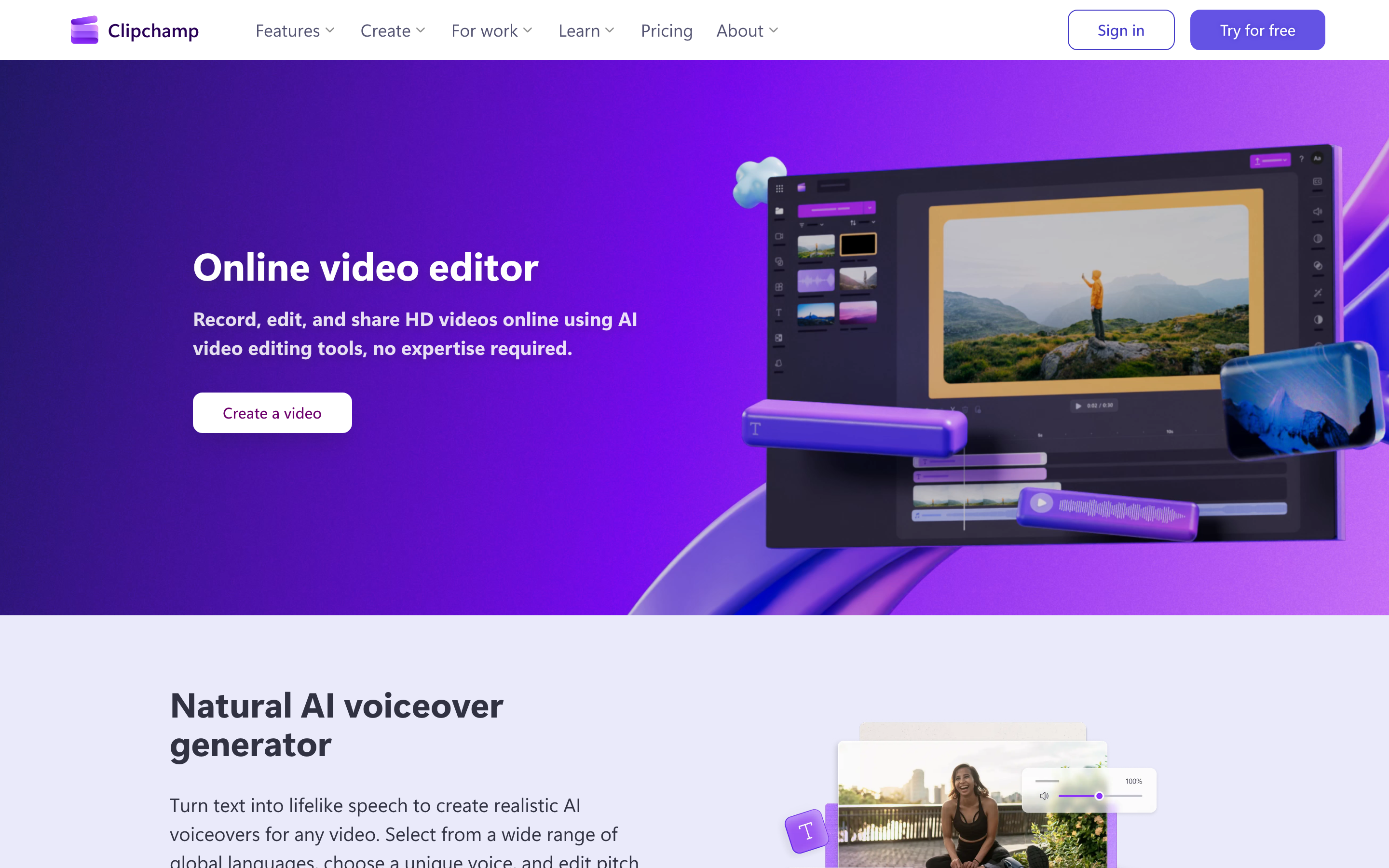
Now owned by Microsoft and bundled with Microsoft 365, Clipchamp sits in a sweet spot: it's simpler than Premiere Pro but significantly more capable than Canva for video. The multi-track timeline is the headline feature - it allows for precise cutting, layering, and synchronization of video, audio, and images that Canva's scene-based approach simply can't deliver.
Clipchamp has been gaining momentum since the Microsoft acquisition. The free plan offers watermark-free 1080p exports - something Canva charges for - making it one of the most generous free video editors available.
Key features
- Multi-track timeline - Layer video, audio, text, and graphics with frame-level precision
- 1080p free exports - No watermarks on the free plan (4K requires paid)
- AI subtitle generator - Automatic speech-to-text captioning
- Microsoft 365 integration - Native integration with OneDrive, Teams, and other Microsoft tools
- Stock library - Access to video, audio, and image assets within the editor
What users say
Reviewers consistently praise Clipchamp's clean interface and accessibility for beginners coming from Canva. The multi-track editor is described as "far better than Canva's" for anyone doing real video work. The main complaints center around a limited template library compared to Canva, slow loading times for stock files, and the $100-130/year premium pricing for 4K exports. Users also note it lacks advanced features like keyframe animation and multi-cam editing that power users expect.
Best for
Windows-centric teams and Microsoft 365 users who need a step up from Canva's video capabilities without the complexity of Premiere Pro. Great for internal communications, basic marketing videos, and YouTube content.
Free plan available with 1080p exports. Paid plans start at $11.99/month for premium features and 4K.
4. InVideo
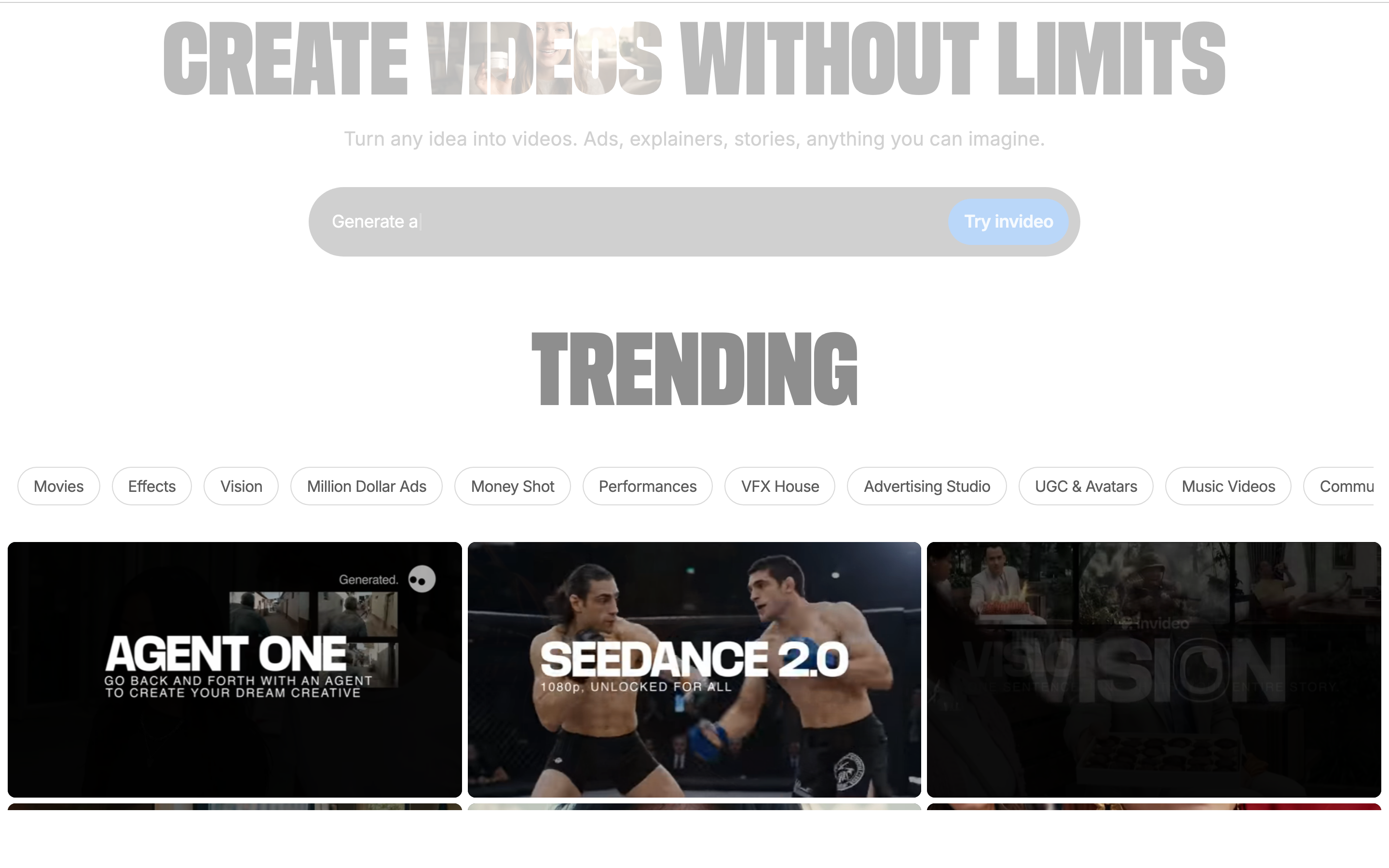
InVideo has been called "the Canva for making videos" on Product Hunt - and there's truth to that comparison. It combines an extensive stock library (over 16 million assets), a user-friendly editor, and increasingly powerful AI tools into a platform that makes video creation accessible to non-editors.
The AI video generator is InVideo's standout feature. Describe what you want in plain text, and InVideo produces a complete video with stock footage, transitions, music, and voiceover. It's not perfect, but for teams that need to produce video at scale without a dedicated editor, it's a massive time-saver.
Key features
- AI video generation - Text-to-video creation with stock footage and voiceover
- 16M+ stock assets - Extensive library of video clips, images, and music
- 5,000+ templates - Pre-built templates for social media, ads, and marketing
- Text-to-speech - AI voiceover generation in multiple languages
- Team collaboration - Shared workspaces and approval workflows
What users say
Users love InVideo's stock library - it eliminates the need to source footage externally, which is something Canva's video library can't match in depth. The AI video generator gets mixed reviews: it's praised for speed and convenience but criticized for sometimes producing generic output. Customer support gets positive marks across Reddit and G2 for being responsive and helpful. The main limitation cited is the learning curve - while simpler than Premiere Pro, InVideo has more depth than Canva, and some beginners find the interface overwhelming at first.
Best for
Marketing teams and content creators who need to produce video at volume and want AI assistance with the creative heavy lifting. Particularly strong for YouTube content, social media marketing, and ad creatives.
Free plan available with watermark. Paid plans start at $25/month.
Looking for the fastest way to create professional videos? ngram turns your screen recordings, docs, and images into polished videos in minutes. Try ngram free
5. VEED
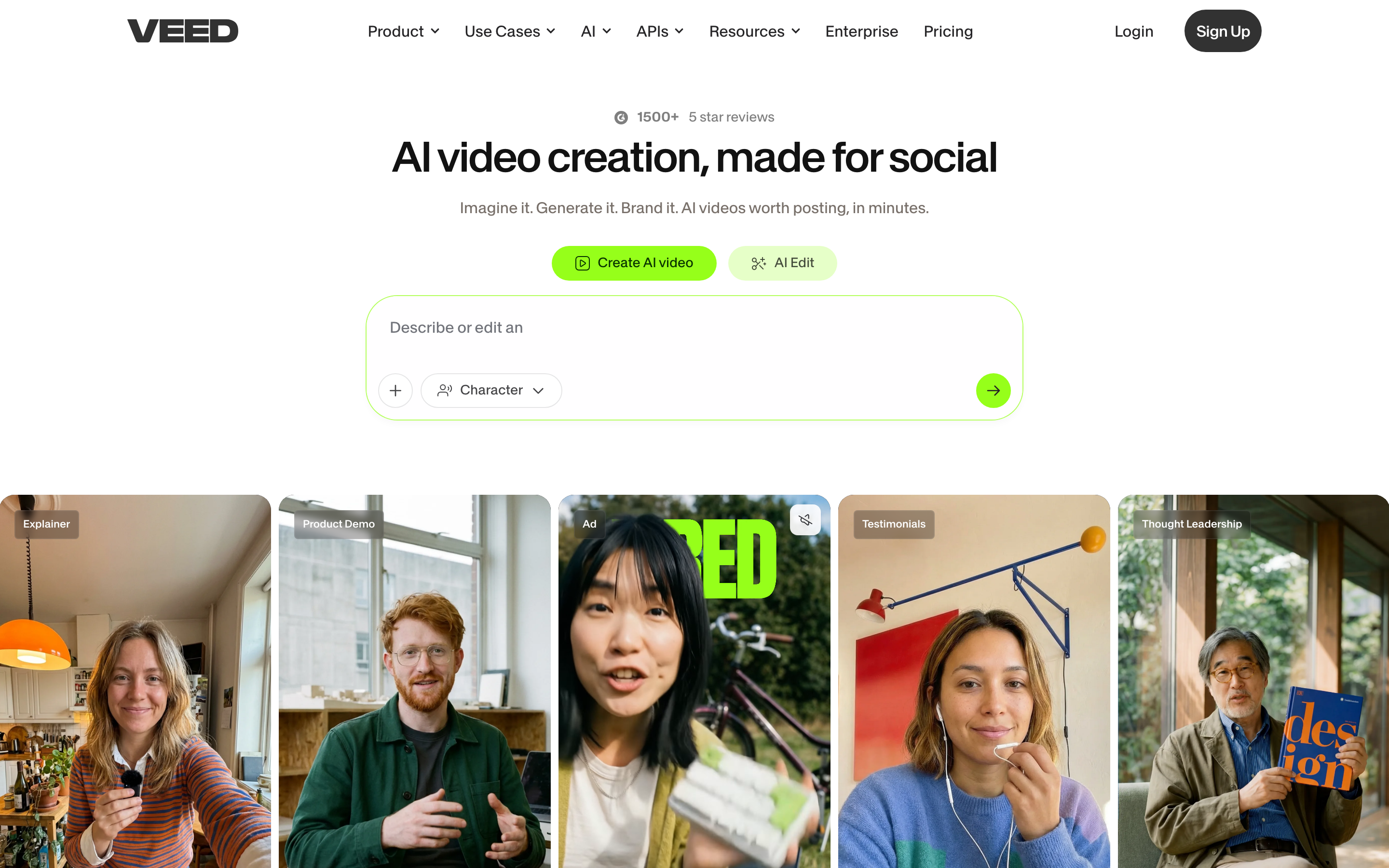
VEED is a browser-based video editor that's raised $40.7 million (including a $35M round from Sequoia Capital) betting on one thesis: AI-powered video editing should be fast, accessible, and focused on content repurposing.
Founded in 2017 in London, VEED has carved out a niche with its AI subtitle tools, auto-transcription, and content repurposing features. If your workflow involves turning long-form content into short clips, adding subtitles to everything, or generating voiceovers quickly, VEED is purpose-built for that.
Key features
- Auto subtitles - Industry-leading speech-to-text captioning with styling options
- Magic Cut - AI automatically removes filler words and awkward pauses
- AI voiceover - Generate narration from text in multiple languages
- Brand Kit - Maintain consistent branding across all videos
- AI Clips - Automatically extract the best moments from long-form content
What users say
Subtitles and transcription are where VEED genuinely excels - users across forums call it one of the best in the category. The Magic Cut feature (automatic filler word removal) gets enthusiastic reviews from talking-head creators. However, performance is the consistent complaint: users report "constant buffering and lag issues" that make editing frustrating, especially on longer projects. This mirrors Canva's own performance problems but at a tool that's supposed to be video-first. Pricing is also positioned higher than Canva, which some users find steep for what's primarily a subtitle and repurposing tool.
Best for
Content creators and marketers who produce subtitle-heavy content, need to repurpose long-form video into short clips, or want strong AI transcription and translation tools.
Free plan available. Paid plans start at $12/month.
6. Kapwing
Kapwing is a cloud-native video editor that's processed over 30 million videos since launching in 2017. With $12.7 million in funding from CRV and Kleiner Perkins and revenue hitting $10.4 million in 2024, it's carved a niche as the go-to collaborative video editor for social media teams.
The platform combines drag-and-drop simplicity with legitimate video editing depth - auto-subtitling, background noise removal, and a timeline-based editor that feels more professional than Canva's without the intimidation factor of Premiere Pro.
Key features
- Real-time collaboration - Multiple team members can edit simultaneously in the browser
- Auto subtitles - AI-powered captioning with customizable styling
- Clean Audio - Background noise removal in one click
- Smart Cut - AI-powered removal of silences and filler
- Social media presets - One-click resizing for all major platforms
What users say
Social media teams consistently recommend Kapwing for its collaboration features - being able to edit together in real-time without passing files back and forth is a genuine workflow improvement over Canva. The auto-subtitle feature is praised as accurate and fast. The main criticism is reliability: some users report sync issues, lost changes, and connectivity problems during collaborative editing sessions. Auto-subtitle accuracy also drops for non-English content, falling to around 50-70% accuracy for some languages.
Best for
Social media teams and agencies that need cloud-based collaborative editing with a gentle learning curve. Strong for teams transitioning from Canva who need more video capability but still want browser-based simplicity.
Free plan available. Paid plans start at $16/month.
7. Animoto
Animoto has been in the video creation game for over 15 years - longer than most tools on this list have existed. Acquired by Redbrick in 2023, it built its reputation on one promise: turn photos, video clips, and music into polished marketing videos fast.
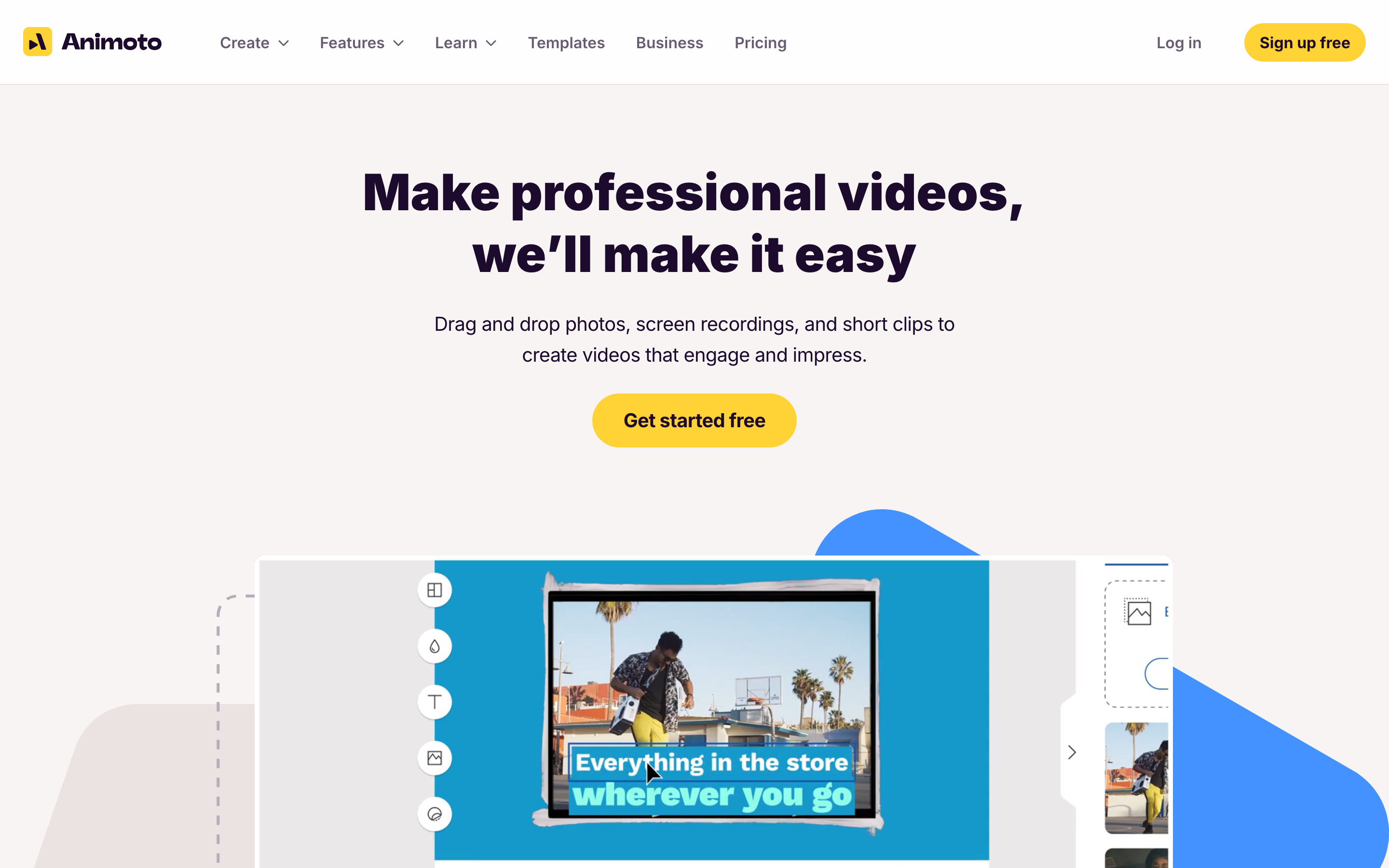
The storyboard-based editor is Animoto's signature. Instead of a complex timeline, you build videos in blocks - add a clip, add text, pick music, arrange the order. It's the simplicity that Canva's original video editor had before the Video 2.0 overhaul complicated things.
Key features
- Storyboard editor - Block-based creation that's faster than timeline editing for simple videos
- Curated templates - Professional templates designed specifically for marketing use cases
- Licensed music library - Copyright-safe music that won't trigger takedowns
- Stock media - Built-in photo and video library
- Brand customization - Colors, logos, and fonts applied across templates
What users say
Businesses praise Animoto for speed - you can go from zero to a finished marketing video in under 10 minutes. The licensed music library is a real advantage for social media marketers worried about copyright strikes. The flip side is flexibility: Animoto's storyboard approach means you can't do complex layering, advanced transitions, or precise timing adjustments. Users looking for creative control find it limiting. The mobile app also gets mixed reviews - it handles basic editing but pushes you to desktop for anything more involved.
Best for
Small businesses and marketing teams who need to produce clean, professional marketing videos quickly without learning complex editing tools. Ideal for social media content, email marketing, and product showcases.
Paid plans start at $8/month with a free trial available.
8. Adobe Express
Adobe Express is Adobe's answer to Canva - a simplified design tool that includes video capabilities. The key differentiator is the Adobe ecosystem integration. If your team already uses Photoshop, Illustrator, or Premiere Pro, assets sync seamlessly across tools.
The paid plan includes Premiere Rush (a lightweight but capable video editor), 250 AI credits for generative features powered by Firefly, and 100 GB of cloud storage. For teams already in the Adobe ecosystem, it's a natural complement rather than an entirely new platform to learn.
Key features
- Premiere Rush integration - Capable video editing included with paid plans
- Adobe Firefly AI - Background removal, generative fill, and AI-powered design
- Asset sync - Seamless sharing between Photoshop, Illustrator, and other Adobe tools
- Brand Kit - Templates and assets locked to brand guidelines
- Collaboration tools - Real-time team editing and feedback
What users say
Users who are already in the Adobe ecosystem find Adobe Express valuable as a quick-creation complement to their heavier tools. The Premiere Rush video editor is noticeably more capable than Canva's for actual editing work. The main complaint is that Adobe Express on its own feels like a lighter version of tools that are better at their specific jobs - it doesn't have Canva's template breadth or dedicated video editors' depth. Free plan users also note fewer templates and assets compared to Canva's generous free tier.
Best for
Teams already using Adobe Creative Cloud who need a quick-creation tool that integrates with their existing workflow. Also a strong option for teams that want Premiere Rush bundled into a simpler creative suite.
Free plan available. Paid plans start at $9.99/month.
The video creation landscape is shifting fast
The data tells an interesting story about where video creation is headed.
The AI video editing market alone is projected to grow from $0.9 billion in 2023 to $4.4 billion by 2033 - a 17.2% CAGR that reflects how quickly teams are adopting AI-powered creation tools. According to recent research, 63% of businesses report that AI video tools cut their production costs by 58% compared to traditional methods. And with 92% of marketers planning to maintain or increase video spend in 2026, the pressure to produce more video, faster, isn't going away.
Short-form video is driving much of this growth. YouTube Shorts commands a 5.91% average engagement rate - the highest among short-form platforms - and 82% of all internet traffic is expected to be video by the end of 2026. Teams that can produce professional video quickly and consistently have a real competitive advantage.
For context, Canva itself has grown to 220 million users and roughly $3 billion in annual revenue. But much of that growth comes from design, not video. The company's pivot toward becoming a "Creative Operating System" has left video users feeling like an afterthought - especially after the Video 2.0 update broke workflows that many creators relied on.
How we evaluated these Canva video alternatives
We didn't just list tools - we tested them, read hundreds of user reviews, and compared them across five weighted criteria:
| Criteria | Weight | What we looked at |
|---|---|---|
| Features | 30% | Core video capabilities, editing tools, export options, stock libraries |
| Ease of Use | 25% | Learning curve, interface quality, onboarding experience |
| AI Capabilities | 20% | AI editing, generation, auto-subtitles, smart features |
| Value | 15% | Pricing vs. features, free tier generosity, cost at scale |
| Support & Community | 10% | Documentation, community size, customer support quality |
We also factored in:
- Real user reviews from G2, Capterra, TrustRadius, Reddit, and Product Hunt (qualitative sentiment, not numerical scores)
- Market presence and company stability (funding, user base, years in market)
- Integration ecosystem with common business tools
- Industry trends and where the market is heading
For each tool, we focused on video-specific capabilities rather than general design features, since that's where Canva users hit their ceiling.
The bottom line
Canva is still excellent for what it was built for: quick graphics, social media designs, and simple presentations. But the moment your video needs go beyond slideshow-style content - which, given that 85% of consumers say they've been convinced to buy after watching a brand's video, they probably will - you need a dedicated video tool.
If you need professional video from any asset without production timelines, ngram is the AI video maker that gives you context-aware AI generation and editing that Canva's bolt-on video features simply can't match. For a detailed comparison, check out our ngram vs Canva Video breakdown.
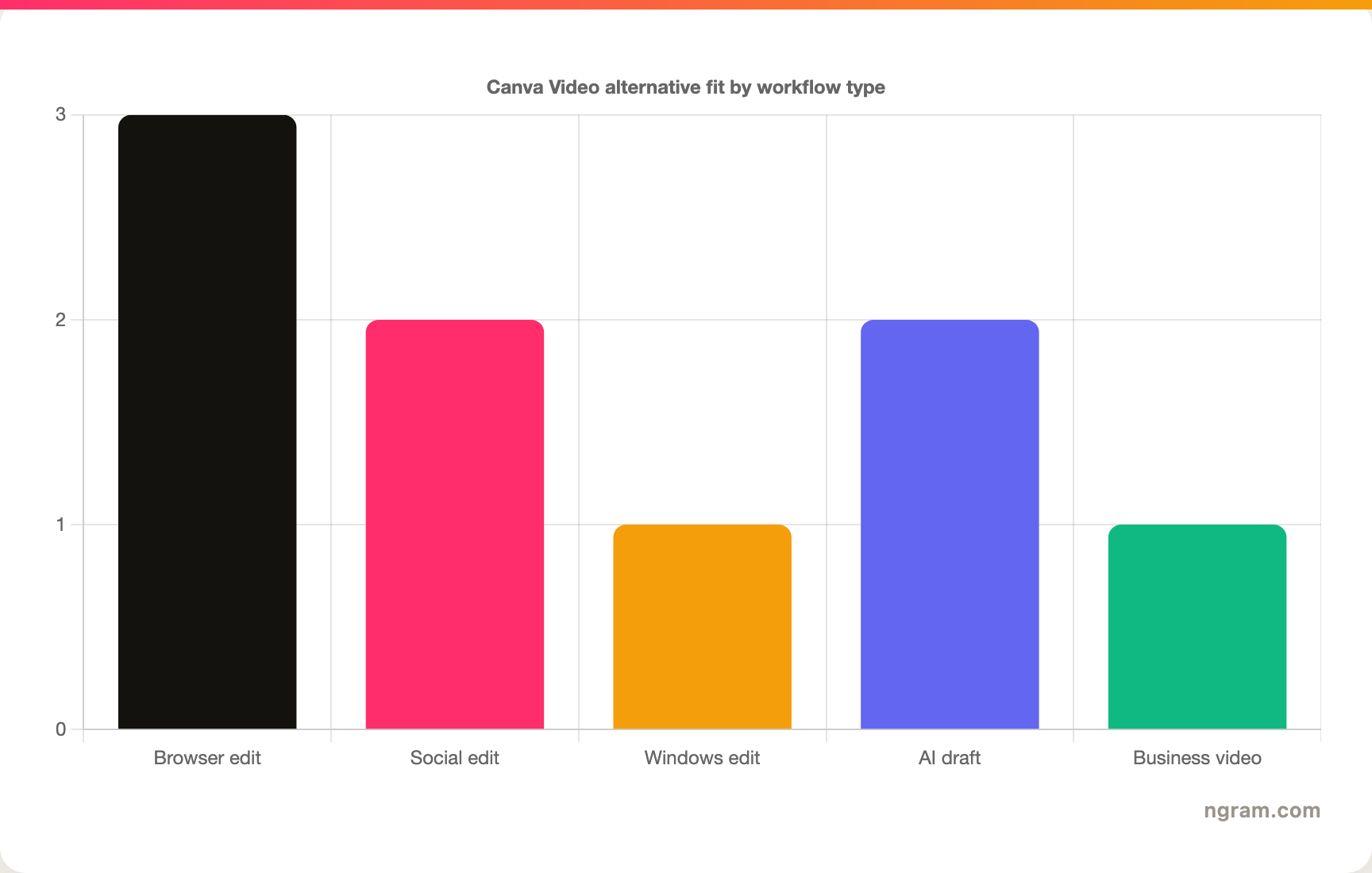
Every tool on this list solves a different piece of the video puzzle. CapCut owns mobile social. Clipchamp gives you proper multi-track editing for free. VEED leads in subtitles. The right choice depends on your workflow, your audience, and whether your videos need to look "fine" or genuinely professional.
Start creating professional videos today
ngram turns your raw content into polished, on-brand videos in minutes. No editing skills needed. No freelancer timelines.