

Compare Colossyan alternatives by the learning result you need: a tracked course, a presenter-led lesson, a narrated explanation or a reusable team video. Cora already plans videos from documents and other source material. The choice is how the new tool fits creation, review and delivery.
What Colossyan offers today
Colossyan’s Cora reads your source, proposes an approach and prepares an editable scene plan. You approve before rendering. Documents, slides, public URLs and scripts can start the process. Planning and source-based creation are central to its current product.
Video sits inside a larger training workflow, with course authoring, learning interactions, localization and SCORM delivery. Current Professional pricing includes five streaming SCORM exports/month; Enterprise also offers self-contained packages. Match that delivery type to the learning platform and course you need.
Brand Kits and course creation appear in current plans, with separate allowances for generation, translation and interactive videos. Cora does not automatically build the interactive elements described on its feature page; add those in the editor after preparing the plan.
Alternatives at a glance
| Tool | Useful starting point | Price reference |
|---|---|---|
| ngram | A planned video from approved material | Free; Basic $29/month or $278.40/year |
| HeyGen | Create, revise and translate with Video Agent | $29/month |
| Synthesia | Develop the outline, scenes and learning experience | $29/month; $18/month equivalent annually |
| Pictory | Written and recorded content in an editable storyboard | $29/month; $25/month equivalent annually |
| Fliki | Voice, scenes and recurring publishing | ₹2,499/user/month; ₹22,491/user/year |
| VEED | Browser editing and AI-assisted production | Check current regional offer |
| Canva Video | Video inside a shared design workflow | $15/user/month; $120/user/year |
Annual equivalents require an annual commitment. Region, seats, usage, commercial rights and delivery features differ; entry prices do not describe equal bundles.
ngram: create a lesson from approved material
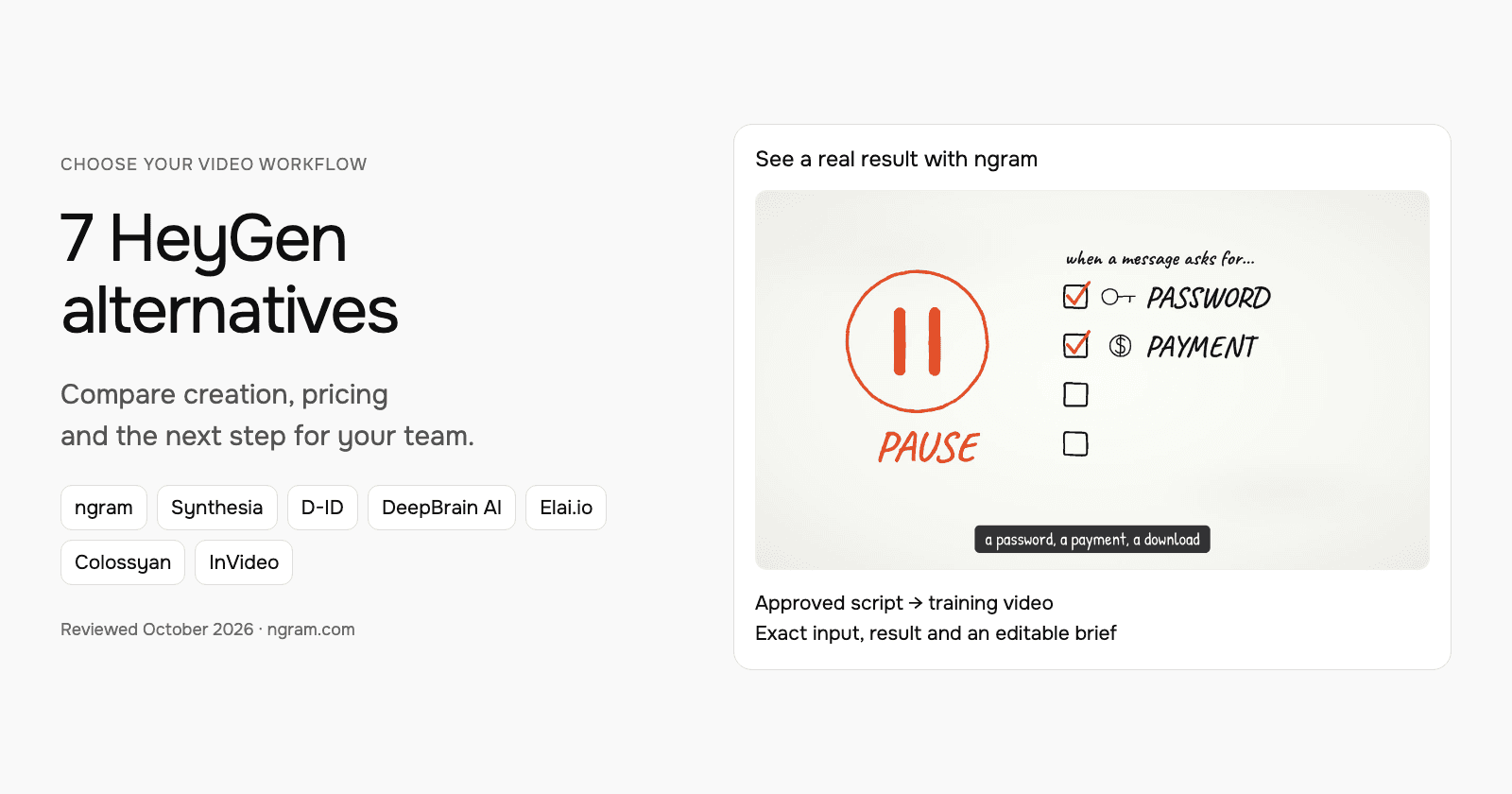
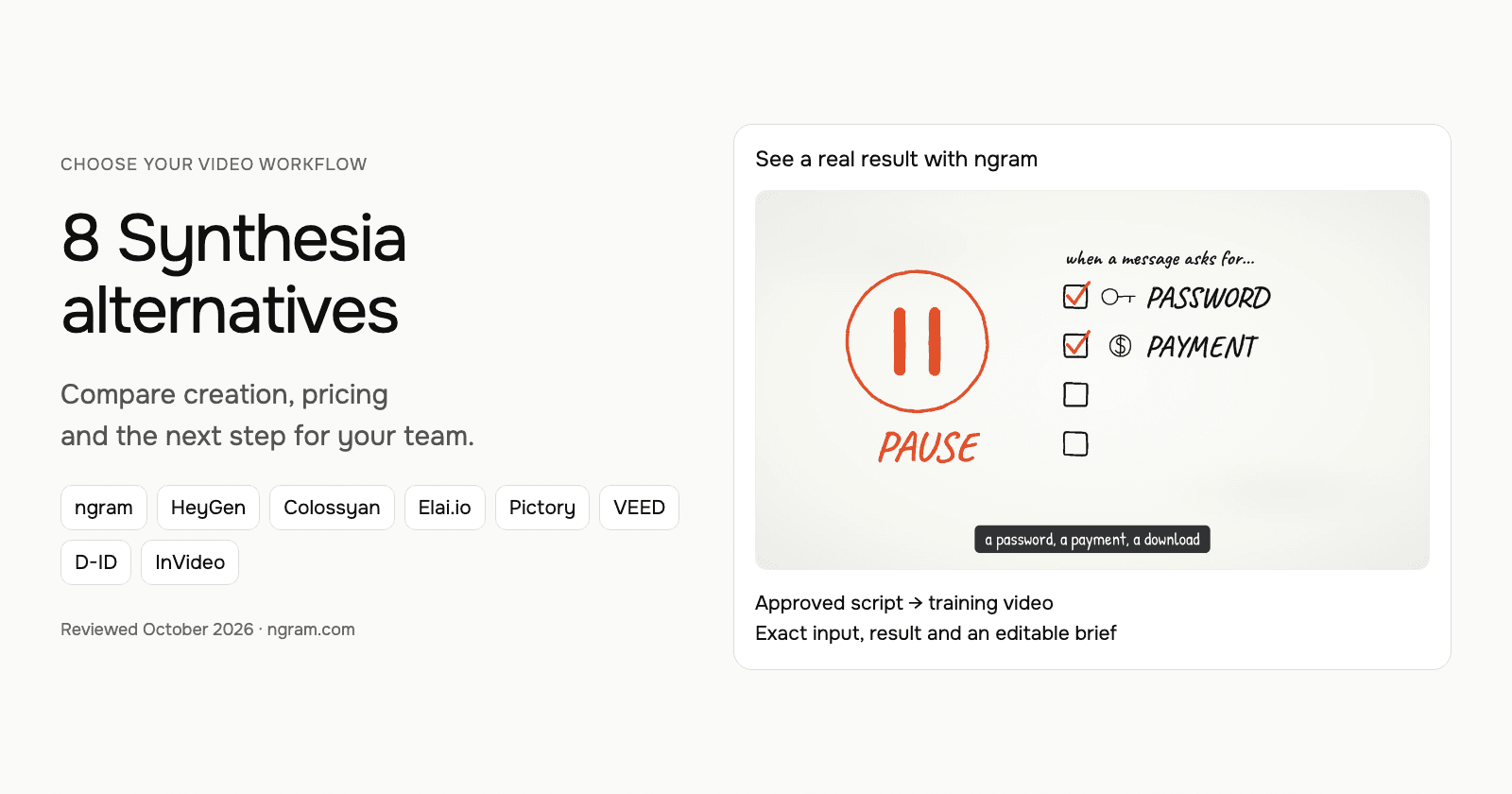
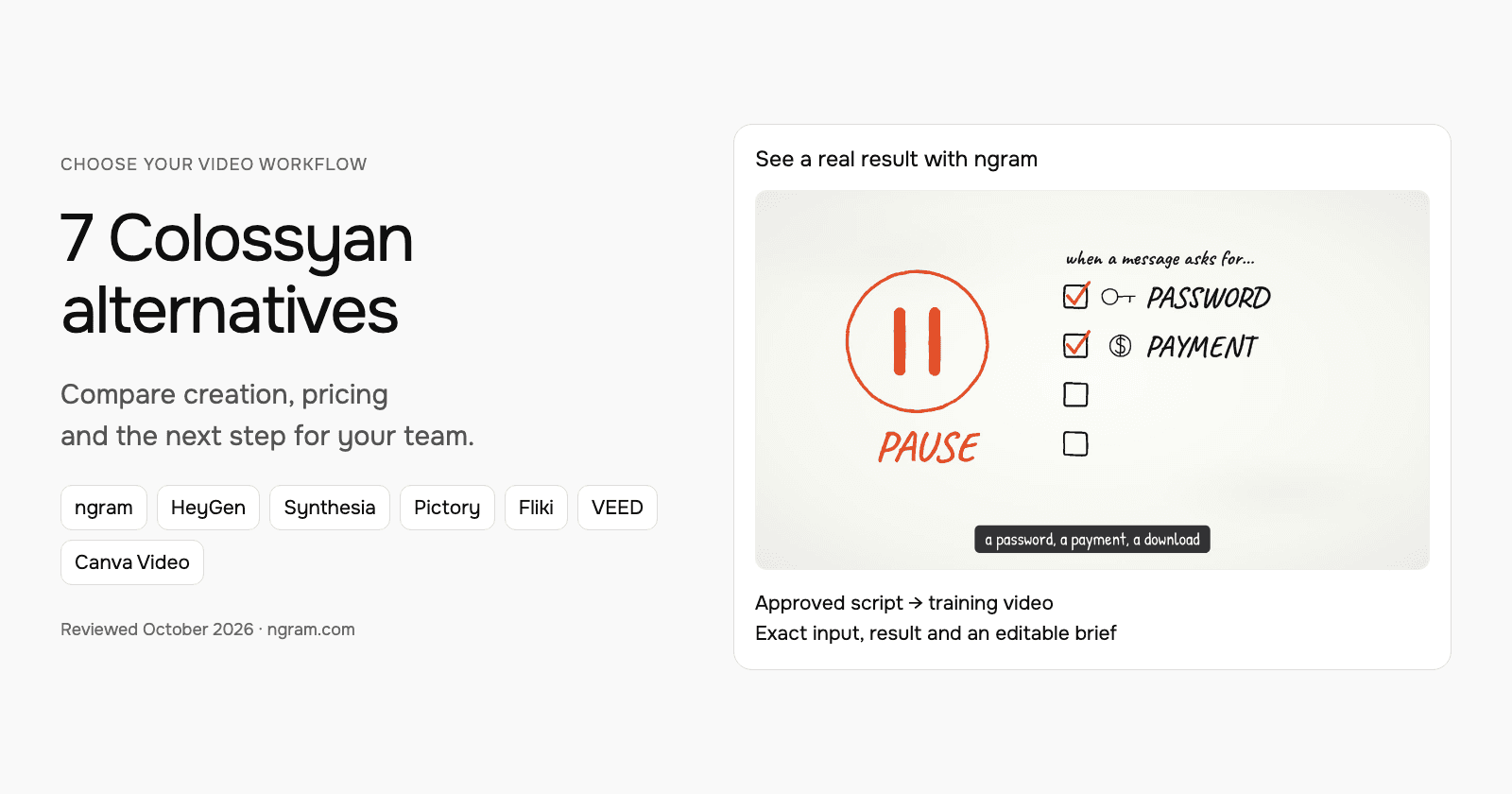
This real ngram example uses a script based on public NIST phishing guidance. Watch the lesson, read its exact input and transcript, and adapt the brief for your own training material. It demonstrates script-based creation, not an imported Colossyan project.
From this input to this video
A script based on NIST’s published guidance becomes a whiteboard training video with captions.
Prompt
Create a 45-second animated cybersecurity training video that teaches recognizing and reporting phishing using NIST’s small-business guidance at https://www.nist.gov/itl/smallbusinesscyber/guidance-topic/phishing to small-business employees. Use my script verbatim for the voiceover — do not rewrite it: An urgent message can make a risky click feel necessary. Phishing impersonates a trusted sender to steal information or deliver harmful software. Pause when a message asks for a password, a payment, a download or immediate action. Check the sender, and verify the request through a contact method you already trust. Do not use the message’s own link or phone number to verify it. Report suspicious messages using your organization’s process. If you already clicked, tell your security contact promptly. Pause, verify and report. Read NIST’s phishing guidance and learn your team’s reporting process. Explain the idea with the warning signs and verification steps in the NIST guidance and reinforce each key term with clear on-screen labels. Visual style: whiteboard. Tone: calm and practical. Open with a short real-world hook, walk through the concept step by step, then close on a one-line recap and this call to action: Read NIST’s phishing guidance and learn your team’s reporting process. Add captions for muted playback.
Selected style
Whiteboard
Read the video transcript
An urgent message can make a risky click feel necessary. Phishing impersonates a trusted sender to steal information or deliver harmful software. Pause when a message asks for a password, a payment, a download or immediate action. Check the sender, and verify the request through a contact method you already trust. Do not use the message’s own link or phone number to verify it. Report suspicious messages using your organization’s process. If you already clicked, tell your security contact promptly. Pause, verify and report. Read NIST’s phishing guidance and learn your team’s reporting process.
Create a lesson from your approved script
The example uses a script based on public NIST guidance. Replace its subject and wording with the lesson your team needs, then choose how it should look.
Prepare the lesson
Use an approved script and source material. Export slides or documents you want to include as a supported upload, such as PowerPoint or PDF.
Set the direction
Fill in the audience, topic, script and call to action below. Select a style, then attach your materials and choose your Brand Kit in ngram.
Review and deliver
Approve the plan containing the script. After generation, review the result, request changes and share it. On a paid plan, download the MP4 for your learning platform.
Make it yours
Fill in your details here, or continue and finish your brief in ngram.
Video generation uses credits. Review your estimate in ngram. MP4 downloads require Basic or higher.
How credits workChoose the style, aspect ratio and duration, then select your configured Brand Kit in the composer. Turn captions on when wanted and approve the plan containing the script. Review the result, request a change in chat or use the editing controls. For another format, change its settings and ask for another version.
ngram pricing includes 1,000 credits/month on Free. Basic costs $29/month with monthly billing and includes 3,000 credits per cycle; annual billing is $23.20/month equivalent with 36,000 credits supplied upfront. The base rate for premium AI video generation is 10 credits per second, with a cheaper model at 3. Share publicly or embed on Free; use a paid plan for MP4 downloads and Basic or above for unlisted links.
HeyGen: create, revise and translate with Video Agent
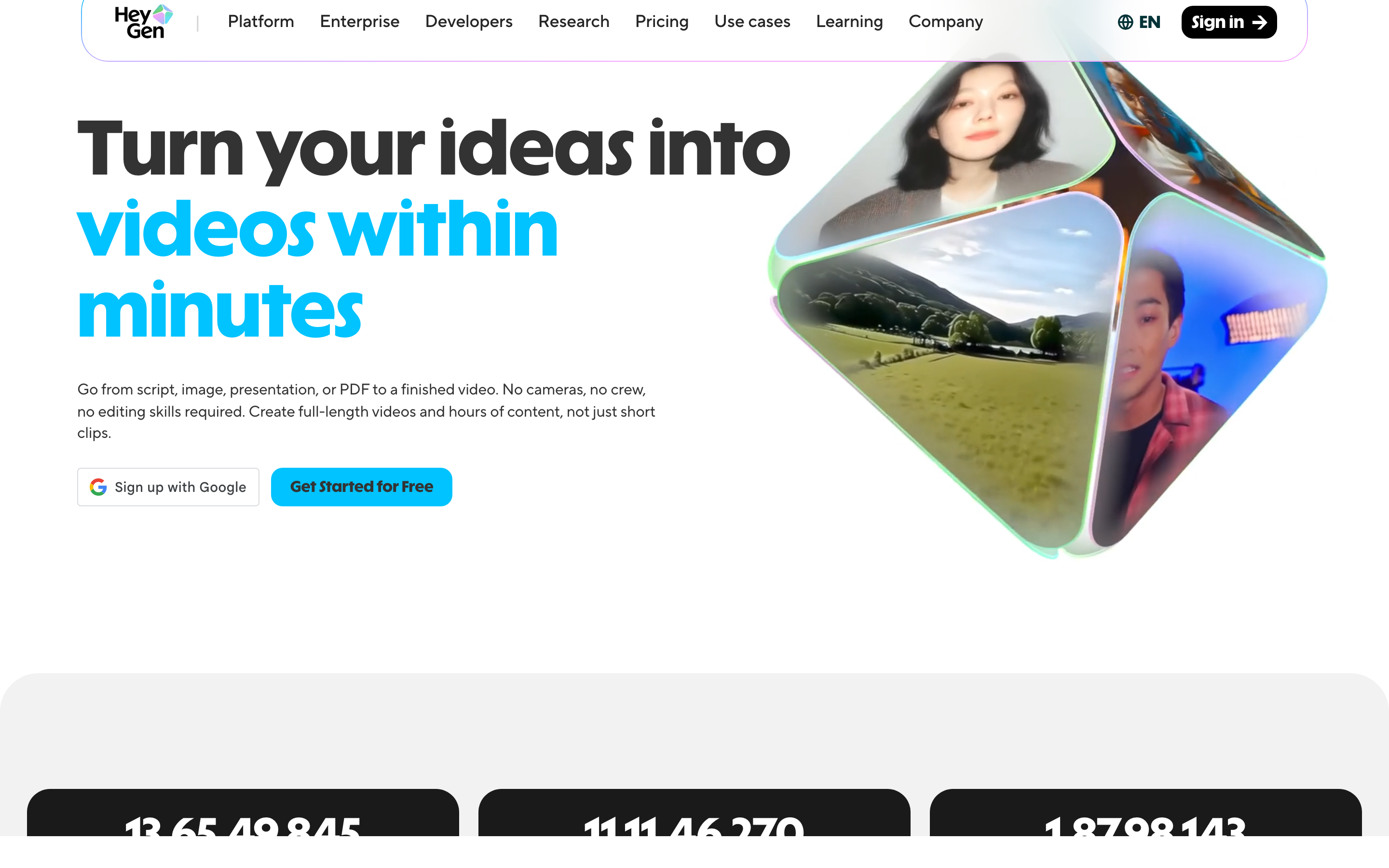
HeyGen Video Agent accepts uploaded documents, images and video. Chat Mode offers plan review; Autopilot is a different creation path. You can revise through chat or edit a copy in AI Studio. It is broader than a presenter reading text.
Its July release describes HyperFrames motion graphics and website/Figma-based workflows. Avatar and translation features remain useful reasons to evaluate HeyGen, but source-based creation and planning are no longer distinctions that belong only to another tool.
Current pricing includes Brand Kit on Creator and Pro, with SCORM/LMS and interactive features listed on Business. Its developer platform covers REST, CLI and MCP operations; API pricing is separate from the web subscription.
LiveAvatar is HeyGen’s separate platform for real-time interaction, with its own credits and models. A Creator video plan is not a LiveAvatar allowance, and the avatar assets are not automatically cross-compatible. The current setup guide says Starter stopped accepting new customers on September 25, 2026; use its current plans for a new deployment.
| Plan | Billing reference | Included scope |
|---|---|---|
| HeyGen Creator | $29/month | 600 monthly credits; videos up to 30 minutes; 1080p |
| HeyGen Pro, entry allowance | $49/month | 1,000 monthly credits; 4K |
| HeyGen Business | $149/month; additional seats $20/month | 1,500 shared credits; learning and collaboration features |
HeyGen Free allows three videos/month of up to one minute. Monthly unused web credits roll over one additional cycle; annual credits follow the annual renewal terms. Model and operation determine usage, so use the current generation estimate rather than a single per-minute conversion. API allowance and pricing are separate.
Synthesia: develop the outline, scenes and learning experience
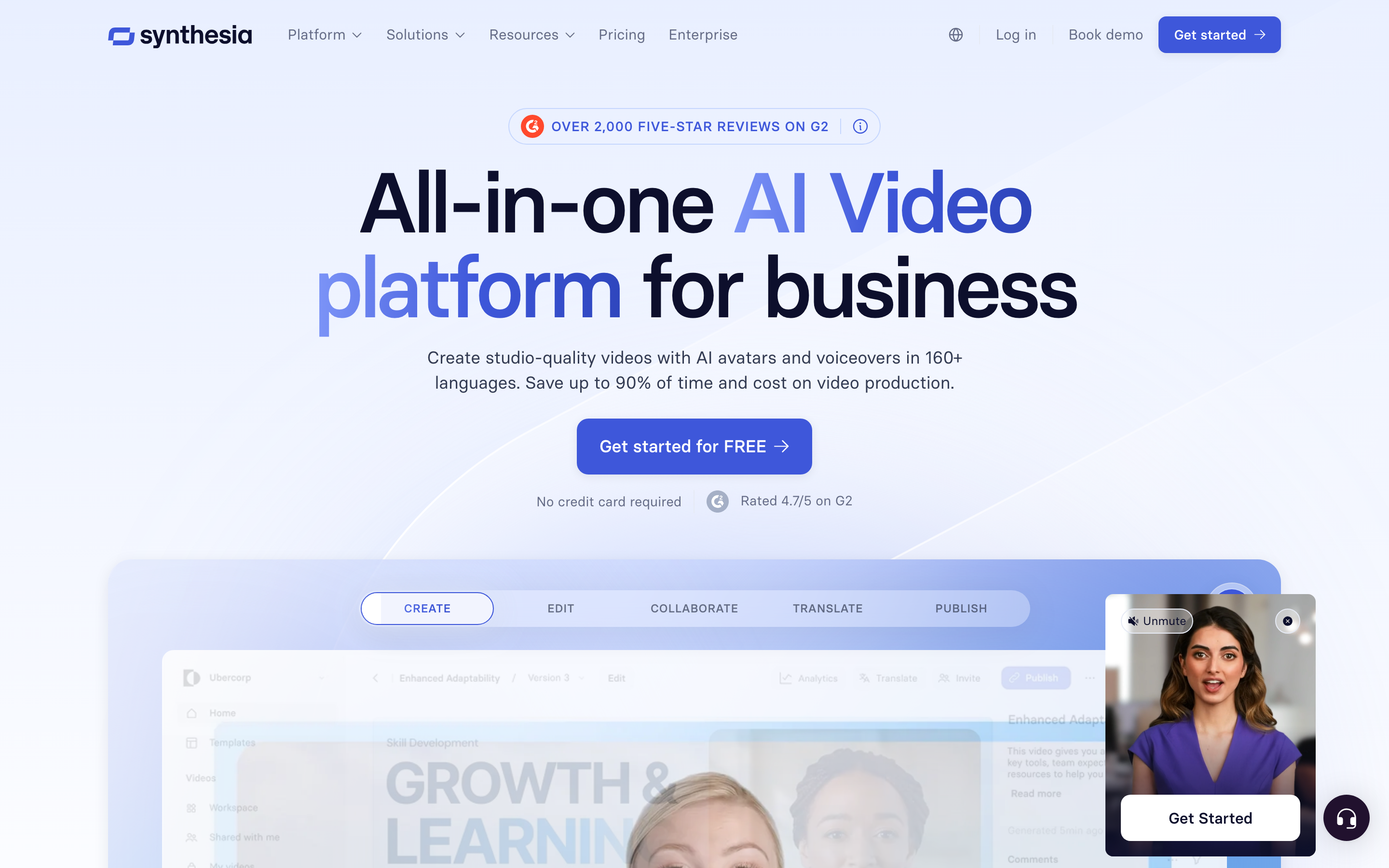
Synthesia Assistant accepts a prompt, files and URL context, then creates an editable outline. Storyboard and Canvas views support scene authoring, and chat can revise scripts and visuals. Its creation workflow includes generated assets and motion graphics.
The AI Screen Recorder provides recording, transcription and scene editing. Recorded product steps can accompany a presenter, so it should not be characterized as a script-only avatar tool.
Current plans meter generated assets with credits. Pro includes interactivity, while Enterprise lists SCORM and Brand Kits. Roleplay learner seats have separate pricing. For training, compare creation, practice and course delivery as distinct requirements.
Sessions includes live avatar roleplays and conversational surveys. The Interactive Avatars API supports real-time experiences in your own product: you bring the language model and speech-to-text, and Synthesia renders the avatar, with optional text-to-speech. Evaluate these separately from recorded-video generation.
| Plan | Billing reference | Included scope |
|---|---|---|
| Synthesia Starter, US list | $29/month; $18/month equivalent annually | 1,250 monthly paid credits, plus free allowance |
| Synthesia Pro, US entry tier | $89/month; $64/month equivalent annually | 6,000 monthly paid credits, plus free allowance |
Synthesia prices vary by region. Its current cards use Pro, even where legacy signup parameters still say Creator. Generated assets consume credits; a credit total does not guarantee a fixed finished-video duration. Annual allowances and paid roleplay seats are separate from the monthly figures shown here.
Pictory: written and recorded content in an editable storyboard
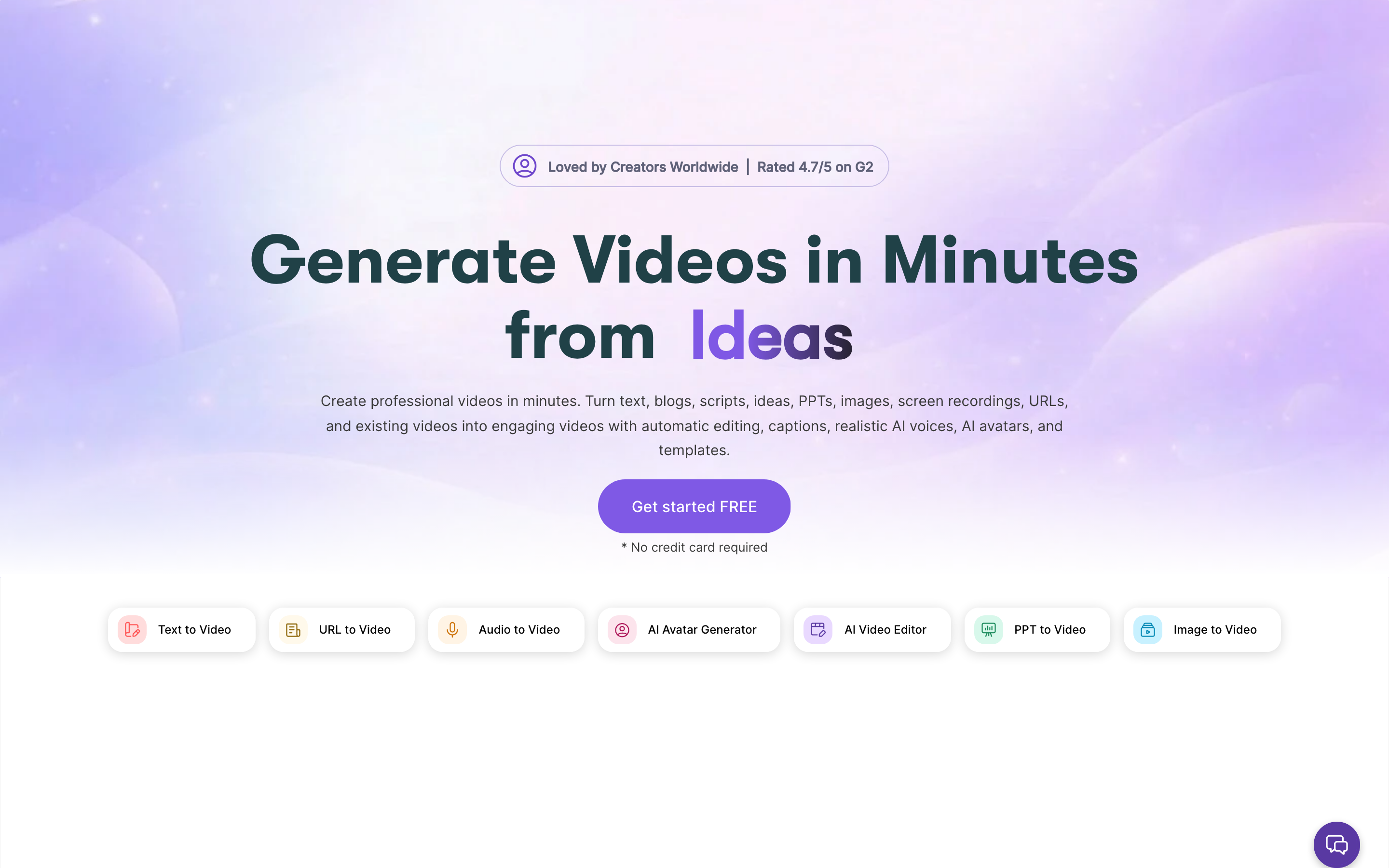
Pictory creates from ideas, scripts, webpages, documents, slides and recordings. Its storyboard combines narration, stock or generated visuals and your media. Highlights and text-based editing also support repurposing longer recordings.
Its current avatar workflow adds a stock or custom presenter to scenes with editable placement and appearance. Professional includes custom avatars and voice cloning. Enterprise Pictory Central adds hosting, chapters, quizzes, calls to action and SCORM; these are not ordinary Starter entitlements.
The API offering also describes an MCP Integrator. Evaluate its separate commercial terms when automating creation. A Studio subscription, premium voice allowance and generative-media balance cover different operations.
| Plan | Billing reference | Included scope |
|---|---|---|
| Pictory Starter | $29/month; $25/month equivalent annually | One user; monthly 200 video minutes and 100 AI credits |
| Pictory Professional | $59/month; $35/month equivalent annually | One user; monthly 600 video minutes and 500 AI credits |
| Pictory Team | $199/month; $119/month equivalent annually | 3+ users; monthly 1,800 video minutes and 2,400 AI credits |
Annual offers use annual allowances, including a current Professional credit promotion. Compare the selected card rather than multiplying monthly allowances mechanically. The 14-day trial is watermarked at 720p; paid plans support 1080p.
Fliki: voice, scenes and recurring publishing
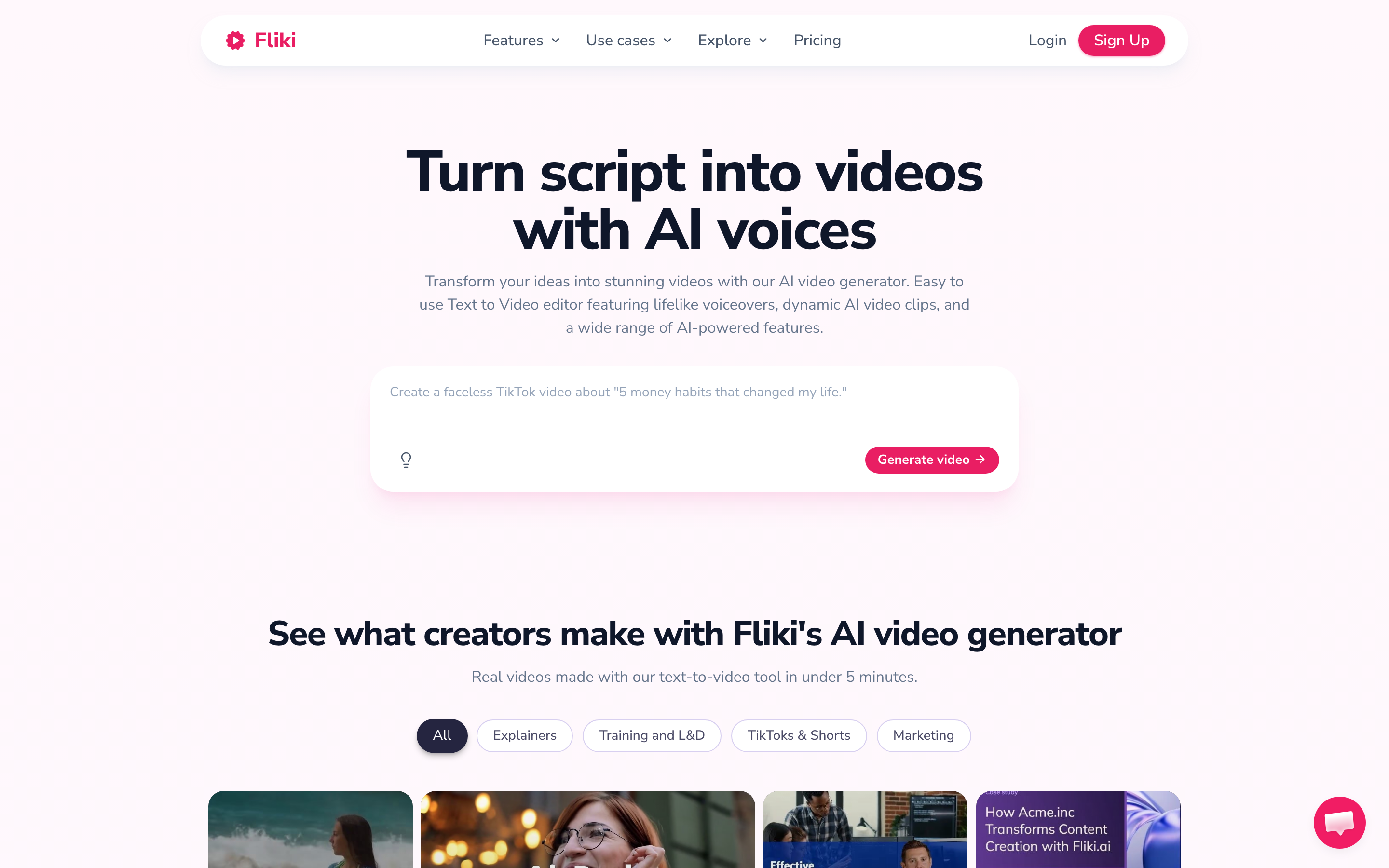
Fliki combines ideas, scripts, blog posts and PowerPoint inputs with voiceover, captions, stock or generated media and avatars. Its paid plans also list AI Copilot and web research. Compare the script review and scene edits with the lesson you actually need.
The pricing page serves regional offers. In the India view checked, Standard was ₹2,499/user/month or ₹22,491/year, with 180 monthly or 2,160 annual credits. Premium was ₹7,999/month or ₹71,991/year, with 600 monthly or 7,200 annual credits, more Brand Kits, API access and collaboration.
The detailed credit guide meters workflow creation, narration, AI visuals, avatar lip-sync, exports and publishing separately. Credits are not finished-video minutes. Review the script during setup and check the selected voice/model before estimating a recurring series.
| Plan | Billing reference | Included scope |
|---|---|---|
| Fliki Standard, India view | ₹2,499/user/month; ₹22,491/user/year | 180 monthly or 2,160 annual credits; one Brand Kit |
Regional offers and plan eligibility vary. Use the current local price and the operations your project needs rather than converting this India example into a global dollar entry price.
VEED: browser editing and AI-assisted production
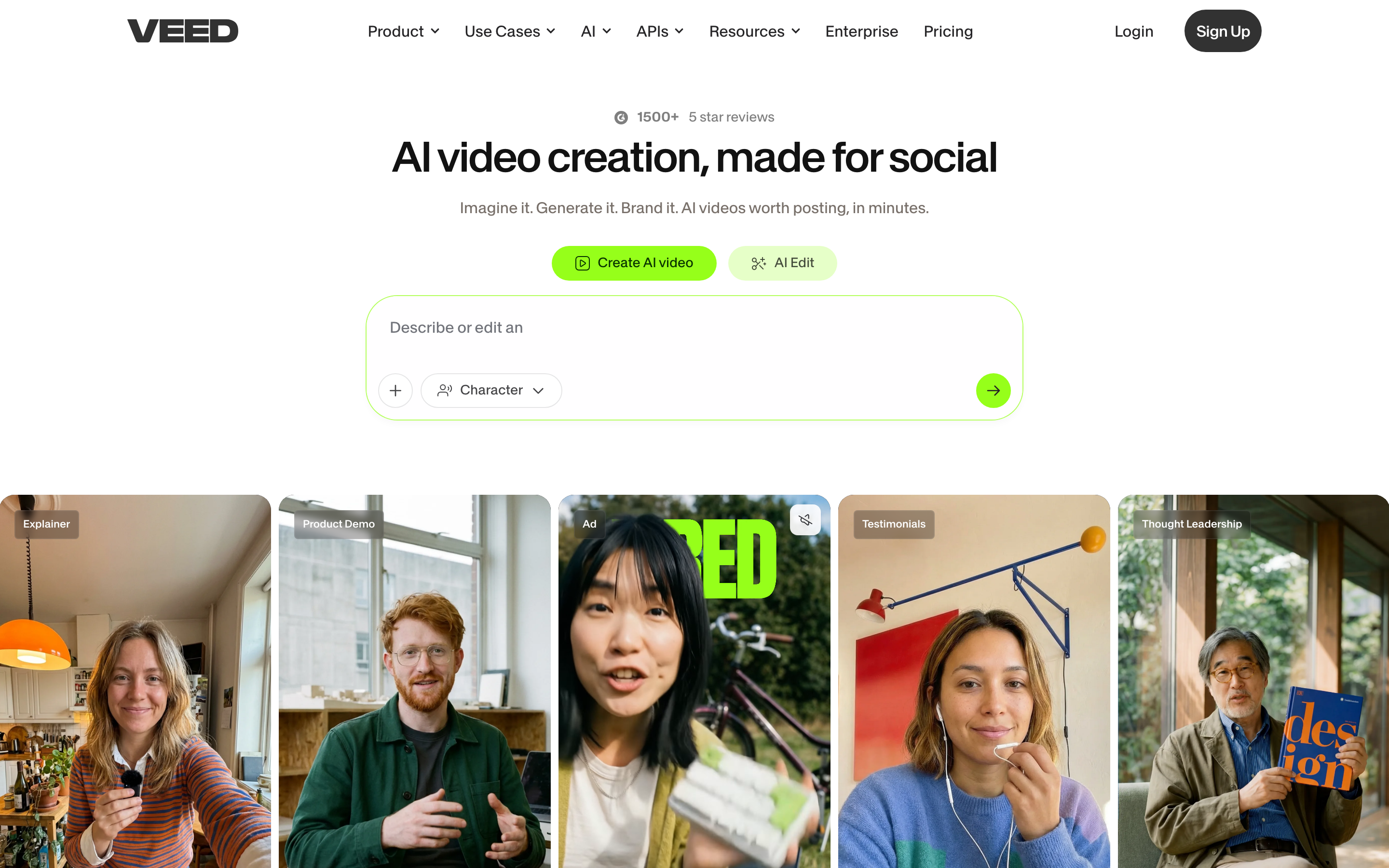
VEED combines browser editing, captions, recording and AI creation. AI Studio includes script review and generated scenes, so evaluate it for a new video as well as post-production on existing footage.
Use its current pricing for the required exports, brand controls, collaboration and AI allowance. The public page did not expose a reliable fixed price in this review, so this shortlist does not repeat an older entry price.
VEED also has developer API/MCP offerings, with Fabric as a separate generation product. A browser-editor subscription should not be assumed to include every developer operation. Keep the original editing project when exporting footage for another creation tool.
| Plan | Billing reference | Included scope |
|---|---|---|
| VEED editor | Check current regional offer | Plan-specific exports, collaboration and AI usage |
Compare the actual editor plan and separate developer product when relevant.
Canva Video: video inside a shared design workflow
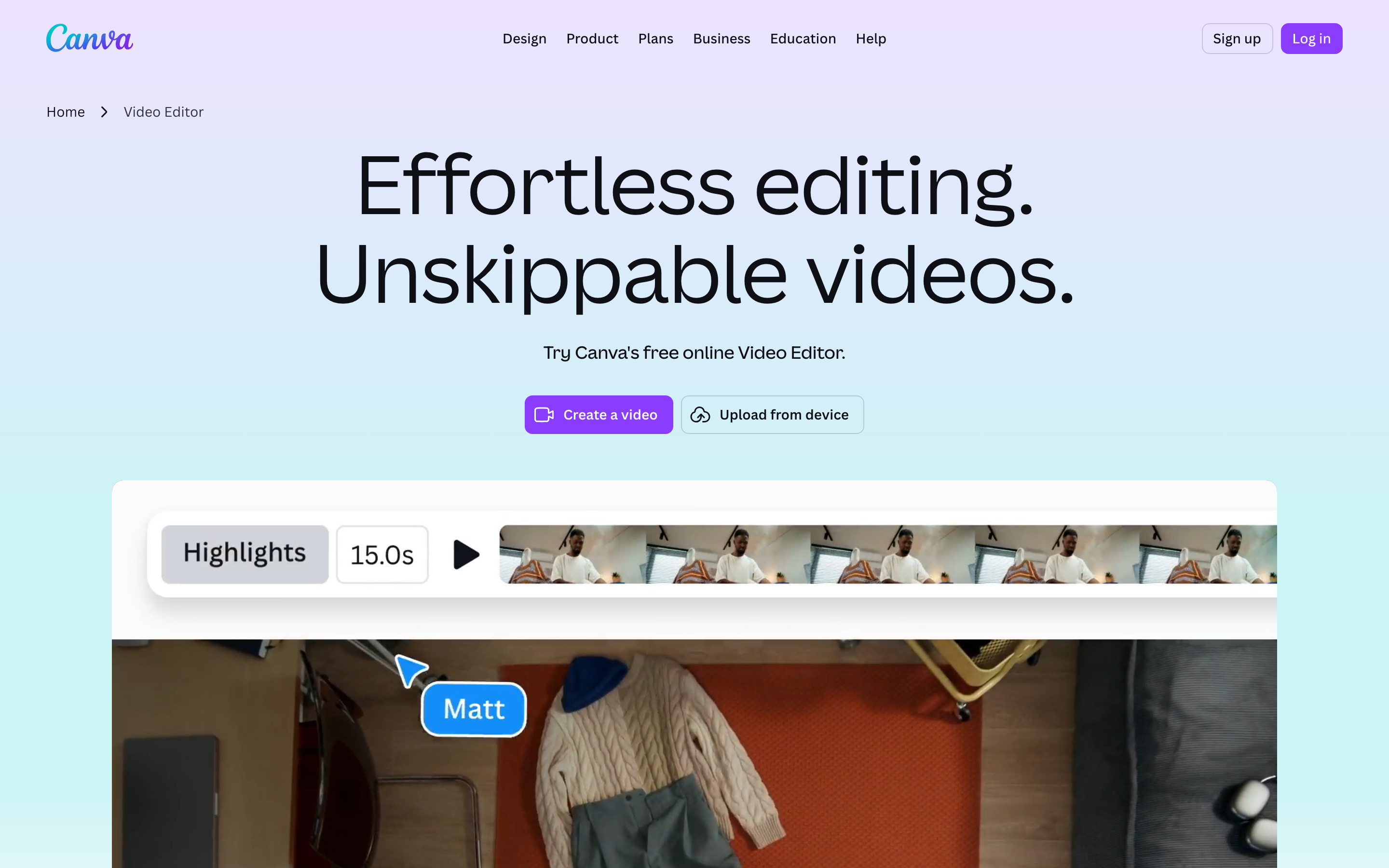
Canva Video combines video editing with design assets, layouts and collaboration. Its AI creation tools can help generate and revise material, so choose it for the design workflow and controls rather than an assumption that all assembly is manual.
Canva pricing showed US Pro at $15/user/month or $120/year and Business at $21 or $210/year. Pro includes five Brand Kits. Compare the current AI allowance and team controls in the plan you will use.
Canva offers developer integrations, including Connect APIs and MCP. Keep the design and its source assets in Canva when you export a video for reuse; the export gives ngram footage for a new explanation, not the original editable design.
| Plan | Billing reference | Included scope |
|---|---|---|
| Canva Pro, US | $15/user/month; $120/user/year | Design subscription; five Brand Kits |
The software bundle and AI allowance differ from dedicated video-generation credits.
Choose by the work you need to repeat
If the course needs completion reporting and interactive branches, keep Colossyan in the evaluation and compare the applicable Synthesia or HeyGen tier. A low-cost video subscription is not automatically a learning-system package.
For narration and recurring content, compare Pictory’s storyboard and Fliki’s voice-and-scene workflow. Account for premium voices, generated media and repeated exports, not only the number of minutes on a plan card.
For design-led collaboration, evaluate Canva; for browser post-production, evaluate VEED. Try ngram when an approved script, PDF or deck needs a video whose plan the content owner can review and revise.
Bring useful source material into ngram
Keep the editable original and download the relevant finished video using your existing plan’s export permissions. Upload that file to ngram with the audience, key message and next action. The export supplies footage; your original timeline, avatar identity, viewer history and course settings remain with the source product.
You can also start with the approved script, a public webpage, an uploaded PDF or PowerPoint. Review the proposed plan and check the result against the source. After changing your original material, tell ngram what changed and ask it to revise the video. Download the MP4 on a paid plan and add it to your learning platform, or share publicly and embed on Free.
Continue with ngram vs Colossyan and Colossyan vs Synthesia, the training-video template, PDF to video or training-video use cases.
How this comparison was reviewed
This update uses the official product, pricing, help and developer sources linked in the article. It compares workflows and plan eligibility without claiming a timed competitor-output test or assigning numerical quality scores. The ngram example is an actual generated video with its exact input shown.
Frequently asked questions
Does Colossyan require a finished script before starting?
No. Cora can use documents, slides, public URLs and scripts, proposes an approach and scene plan, and waits for approval. Add learning interactions in the editor and check the selected plan for the delivery type you need.
Which alternative should I choose for training?
Choose around the lesson and delivery requirements. Compare the applicable Synthesia, Colossyan, Elai or other learning-oriented plan when you need a tracked course. Try ngram to create a video from approved material, then add its MP4 to your learning platform and configure the learning activities there.
Can I try ngram for free?
Free includes 1,000 credits per month, public sharing and website embeds. Paid plans enable MP4 downloads; unlisted links start at Basic. Use the generation estimate for the model and video you choose.
Will my original editable project transfer?
Keep the original project in its source app. Uploading an exported video supplies footage for a new creation. Reuse approved scripts and source files as well, and set up publishing links or learning-system reporting in the destination where needed.
How do I apply branding and captions?
Set up your Brand Kit and select it in the composer for the video. Enable captions when you want them, approve the plan containing the script, and review the finished result before sharing.
Is an interactive video the same as a live avatar?
No. A recorded video can contain buttons or questions, while a live avatar responds during a session. Compare the specific product, knowledge connection, session allowance and deployment terms for a live experience.
Create your first video with ngram, or talk to sales.