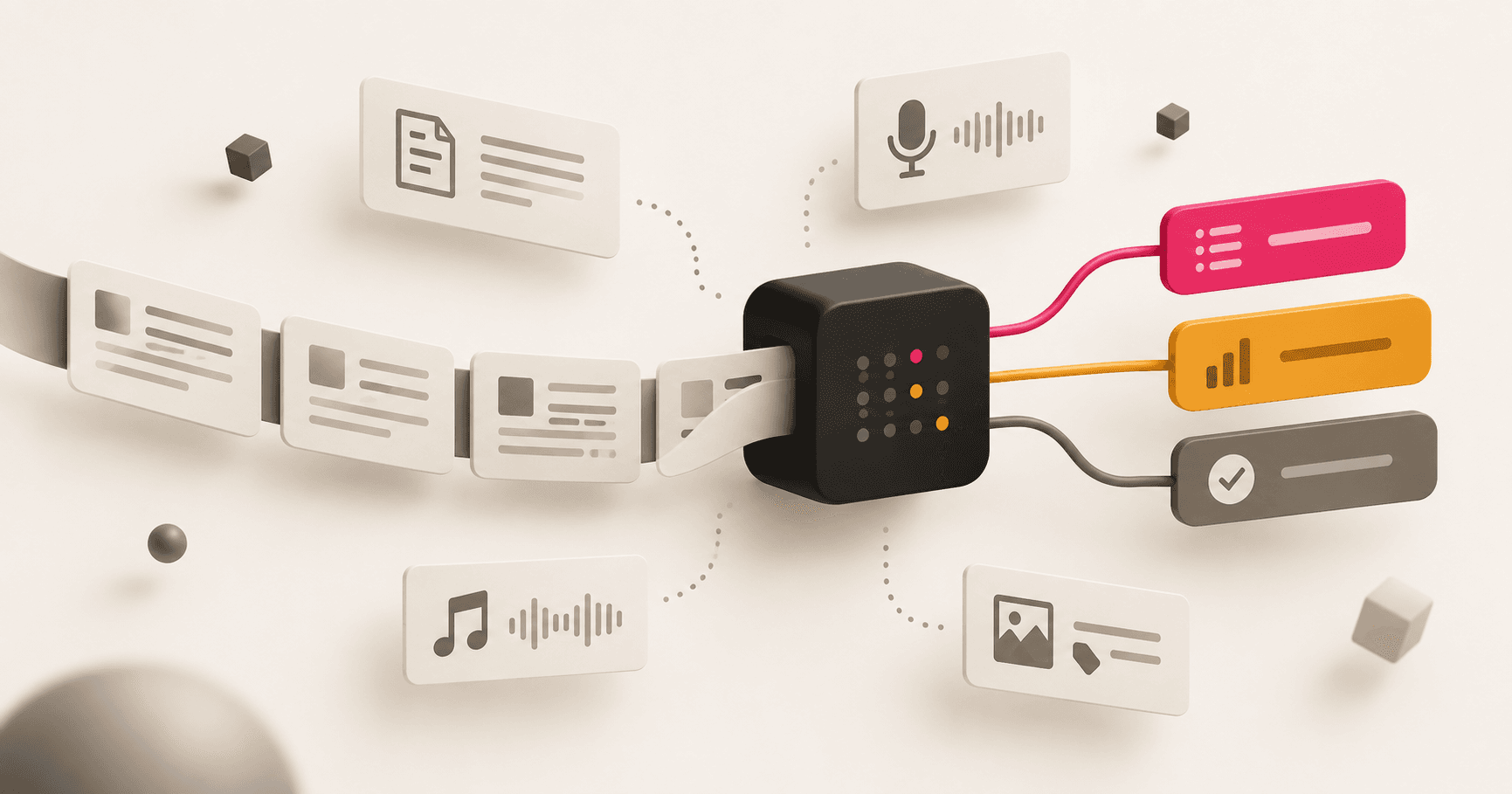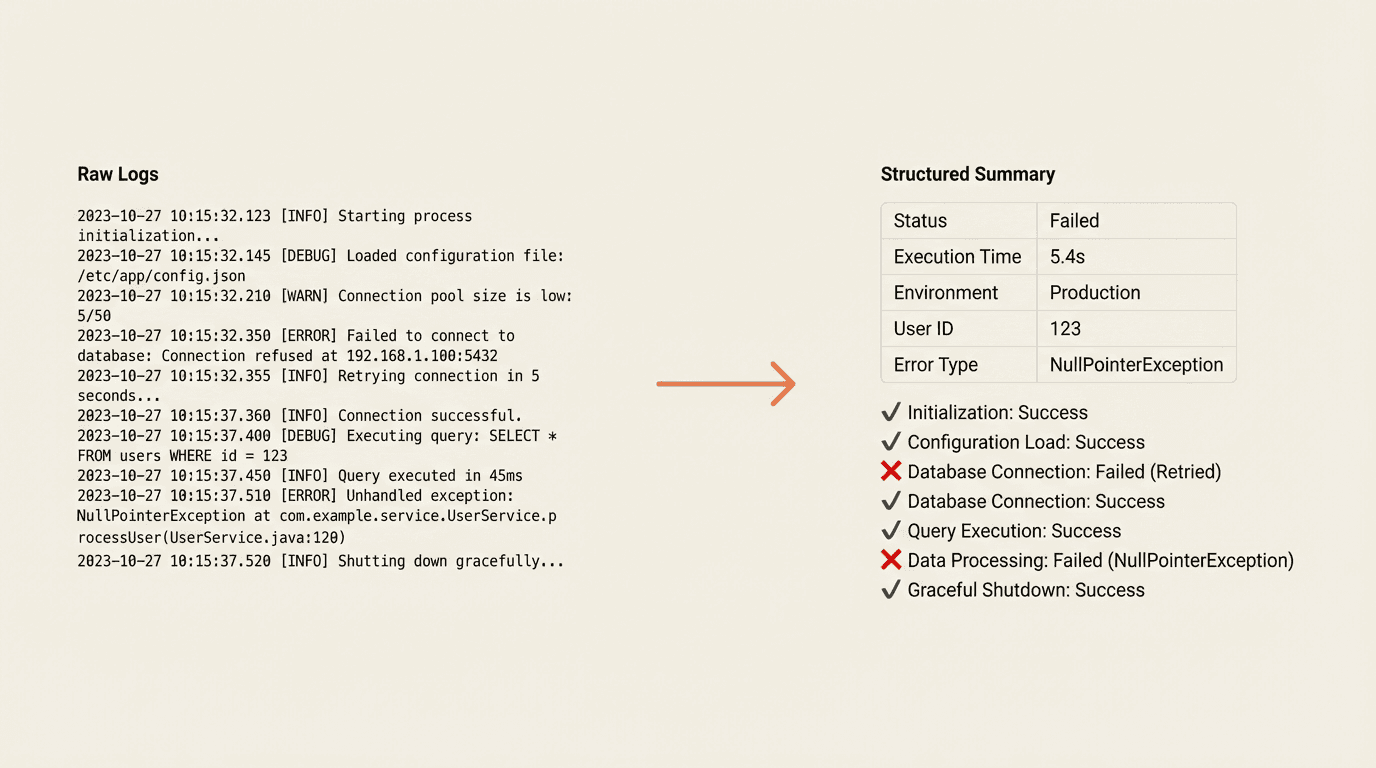

When something goes wrong in production, developers used to stare at thousands of log lines trying to piece together what happened. Now it takes 30 seconds.
The Problem: Logs Are a Haystack
Modern systems are complex. A single user request might touch multiple services, invoke various background jobs, and generate logs across different systems. When a user reports "something's not working," the debugging experience typically looks like this:
- Find the request ID or user identifier
- Open your logging dashboard
- Search and filter through entries
- Scroll through hundreds of log lines
- Manually piece together what happened, in what order
- Try to spot the error buried somewhere in the middle
This takes 15-30 minutes per issue. For a team shipping fast, that's unacceptable.
The Solution: A Slash Command That Does the Work
We built a debugging skill for our AI coding assistants (Claude Code and Cursor). One command, one identifier, instant clarity.
/debug-conversation 8b7d7d8d-81f0-43b2-8d19-358c298cbca4The output isn't raw logs. It's a structured narrative of what happened.
What you see at a glance:
- All request parameters and configuration used
- Execution timeline with durations and success/failure status
- Step-by-step breakdown of what each component did
- What worked vs. what failed
The difference is night and day. Instead of hunting through logs, you immediately understand the request's story.
How It Works
The skill is defined in a single markdown file that instructs the AI assistant on what to do. Here's the workflow:
1. Fetch Logs from Your Log Provider
We use Vercel's log API to pull all entries matching the request identifier. The time range is configurable (--since 1h, --since 7d, etc.). This works with any log provider that has an API-Datadog, CloudWatch, Papertrail, etc.
2. Parse and Extract Structure
The raw logs contain JSON messages with timestamps, operation names, parameters, and results. The skill instructs the AI to:
- Extract request metadata and configuration
- Build a chronological execution timeline
- Calculate durations between start/end events
- Identify errors and warnings
- Parse structured output data if present
3. Generate a Dynamic Summary
The output format adapts to what's in the logs. Different request types produce different summaries based on what's relevant.
Be descriptive and contextual. Don't just show raw data-explain what happened.
So instead of "processData: 75000ms", you get: "Data processing took 75 seconds and handled 3 input sources"
The Skill File
The entire debugging capability lives in one markdown file: .claude/commands/debug-conversation.md
It defines:
- Input arguments: request ID, time range, optional file path
- Setup instructions: one-time API token configuration
- Step-by-step workflow: fetch → parse → analyze → summarize
- Output format: tables for parameters, timeline for operations, narrative for context
- Error handling: what to show when logs are missing or empty
Why This Pattern Matters
This isn't just about debugging. It's about building skills for repetitive developer tasks.
Every engineering team has workflows that look like:
- Get some context (logs, metrics, code)
- Apply domain knowledge to interpret it
- Produce structured output
These workflows live in people's heads. When someone leaves, the knowledge goes with them. When a new person joins, they learn by watching.
By encoding workflows as AI skills, you get:
- Consistency: Every debug session follows the same thorough process
- Speed: 30 seconds instead of 30 minutes
- Onboarding: New engineers can debug from day one
- Evolution: Update the skill file, everyone gets the improvement
Building Your Own Debugging Skills
If you're running complex backend systems, consider building similar skills for your team.
Key Ingredients
- Structured logging: Your system needs to log operations, parameters, and results in a parseable format. We log JSON with consistent fields.
- Queryable log storage: You need API access to filter logs by identifiers. Vercel, Datadog, CloudWatch-whatever you use.
- A skill file: A markdown document that tells the AI assistant exactly how to fetch, parse, and present the data.
The Broader Vision: Developer Tooling as Skills
At ngram, we're building a library of these skills:
- Debug user sessions: The one described here
- Trace request flow: Follow a request from start to finish
- Analyze resource usage: Understand cost and performance breakdown
Each skill encodes expertise that would otherwise require senior engineers to investigate.
The pattern extends beyond debugging. Any repetitive task that requires fetching data and applying judgment can become a skill:
- Code review checklists that actually check the code
- Migration validators that verify data integrity
- Deployment analyzers that explain what changed
Try It Yourself
If you're using Claude Code or Cursor, you can create skills in your own repositories.
- Create a .claude/commands/ directory
- Add a markdown file describing the workflow
- Use /your-skill-name to invoke it
The AI assistant reads your instructions and executes them with the tools available (shell commands, file reading, API calls).
For debugging specifically, the investment is small: a few hours to write the skill, a one-time token setup. The return is every future debug session taking seconds instead of minutes.
Real Example: Debugging a Broken Chat Session
Here's what this looks like in practice.
Our product has an agentic chat interface where users interact with an AI assistant that orchestrates multiple services-web research, storyboard generation, image creation, voice synthesis. When a user reports that their session is stuck or produced unexpected results, we need to figure out which part of the pipeline broke.
Before this skill, that meant manually searching logs by conversation ID, scrolling through hundreds of entries, and mentally reconstructing the execution flow. Now:
/debug-conversation 8b7d7d8d-81f0-43b2-8d19-358c298cbca4The skill takes the conversation ID, fetches all matching logs from our logging service, automatically detects the time range from the first and last entries, and parses every tool invocation along the way. Thirty seconds later, you see something like:
- Researcher tool - scraped 3 URLs, extracted 12 key points (4.2s) ✓
- Storyboard generator - created 6 scenes with transitions (8.1s) ✓
- Image generation - timed out on scene 3 after 45s ✗
- Voice synthesis - never started (blocked by upstream failure) ✗
Immediately clear: the image generation service timed out, which cascaded and blocked everything downstream. No scrolling, no guesswork.
The skill also supports different input modes depending on where your logs live:
- /debug-conversation <id> - fetches from the remote logging service
- /debug-conversation <id> --since 7d - searches a wider time window
- /debug-conversation --file logs/session-dump.json - analyzes a local log file instead
This is just one skill. The same approach works for any repetitive investigation your team does. The point isn't the specific command-it's that encoding the workflow in a file means every engineer gets the same thorough analysis, every time.
What's Next
We're continuing to build skills that make our engineering team faster. The goal is simple: encode expertise, share it instantly, improve it continuously.
If your team is running complex production systems, consider this approach. The tooling that helps you debug today becomes the documentation that onboards tomorrow's engineers.
At ngram, we build tools that help teams move faster. If you're interested, check out ngram.com.